

















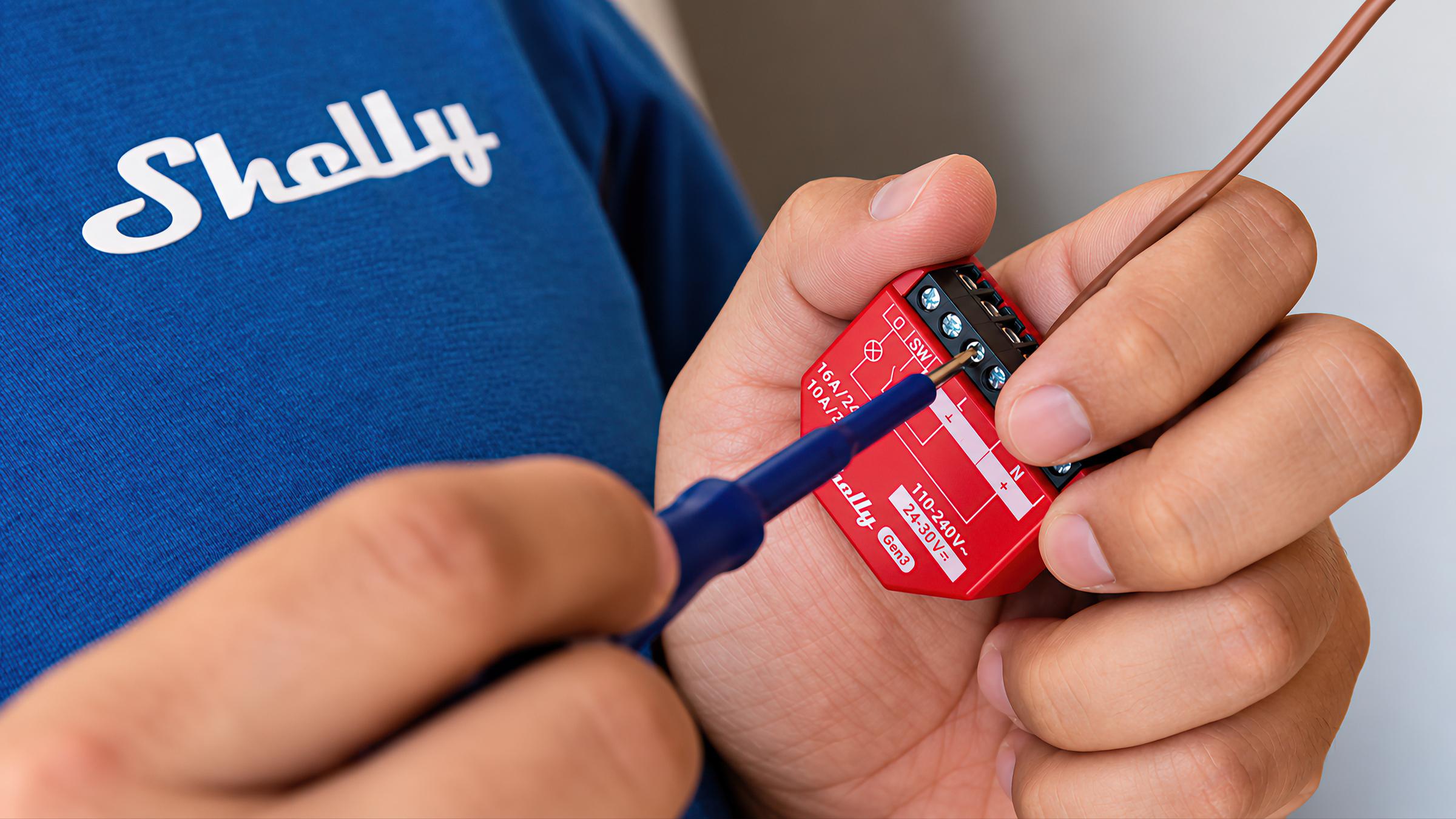

Shelly
Small modules that put the switches, lights and circuits you already have on your phone.
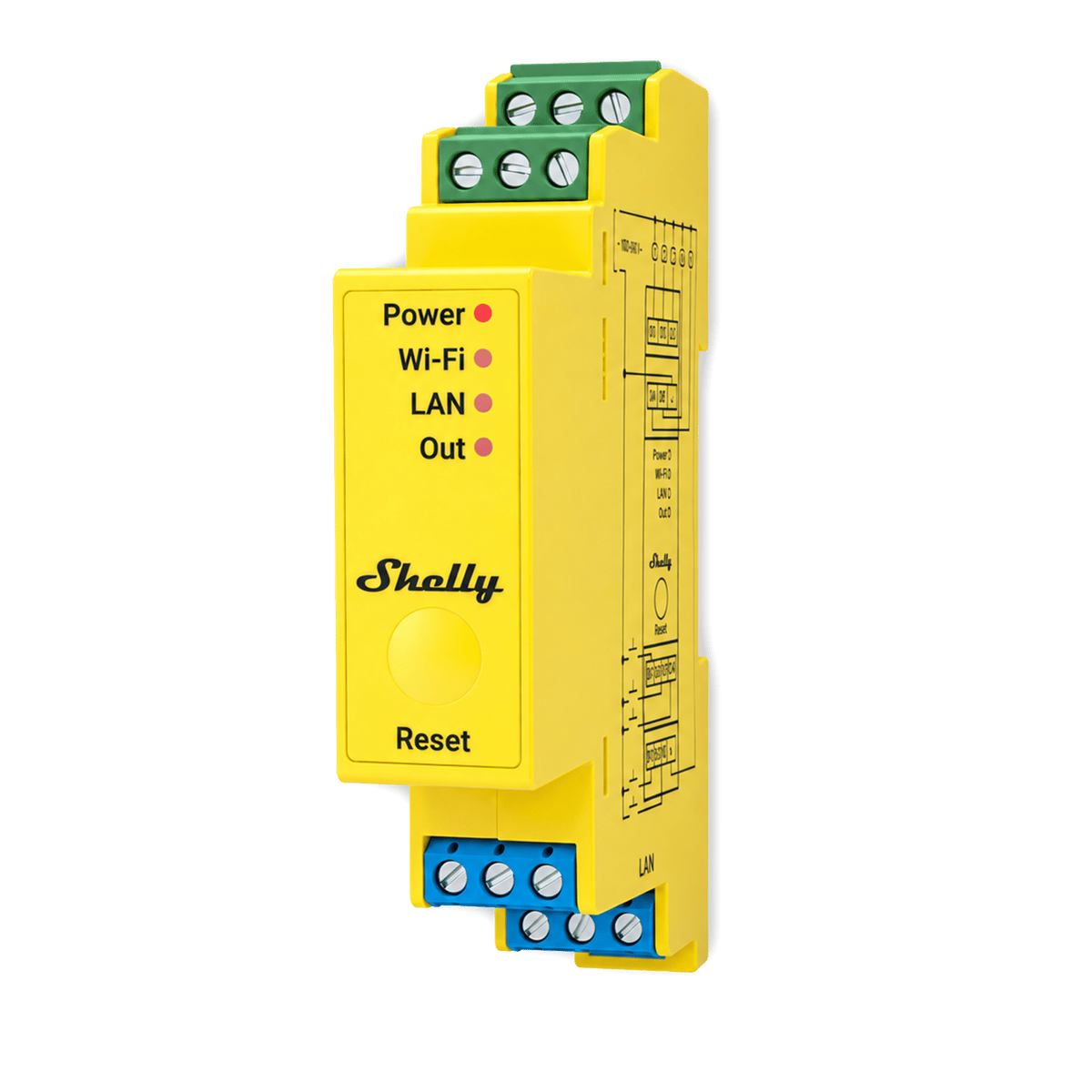
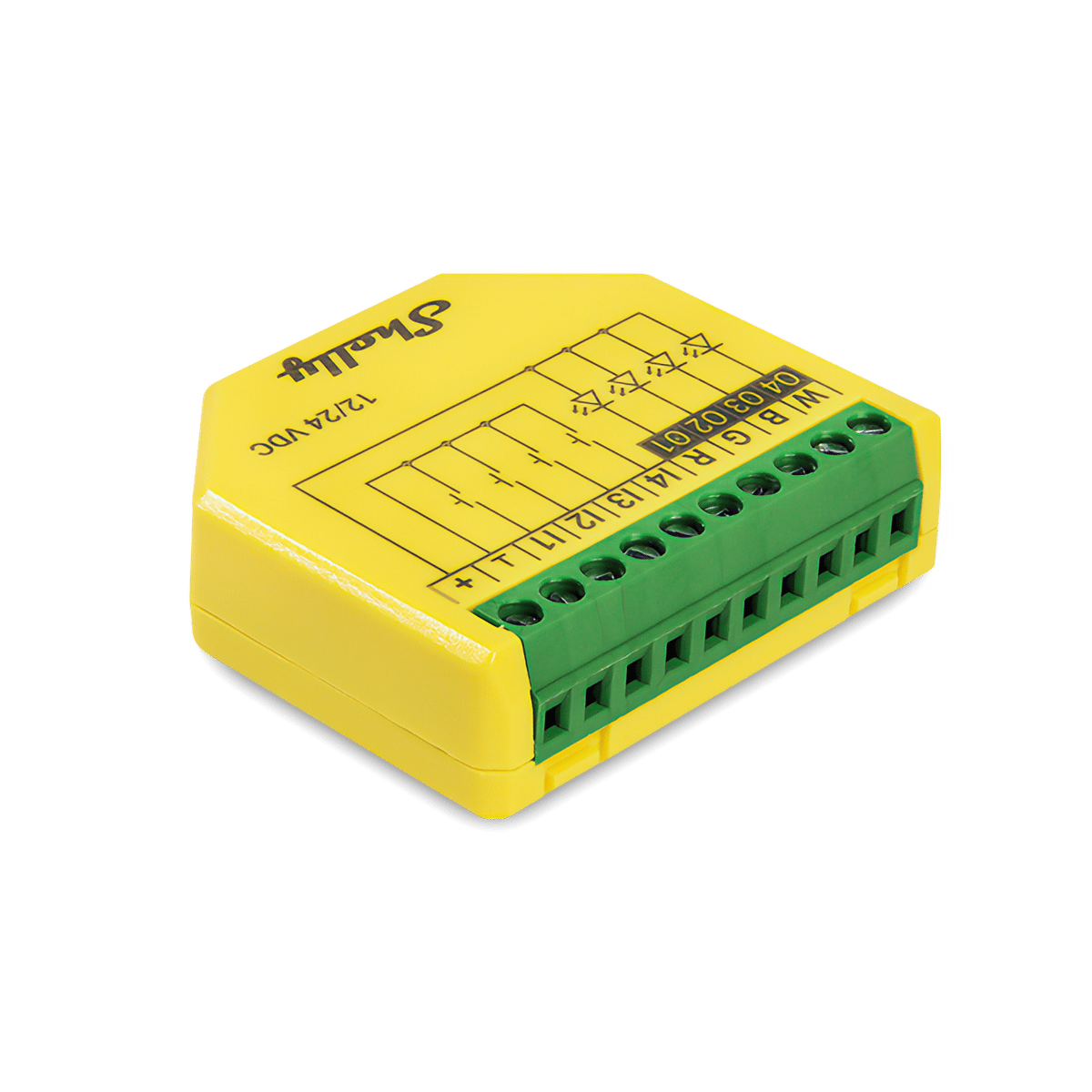
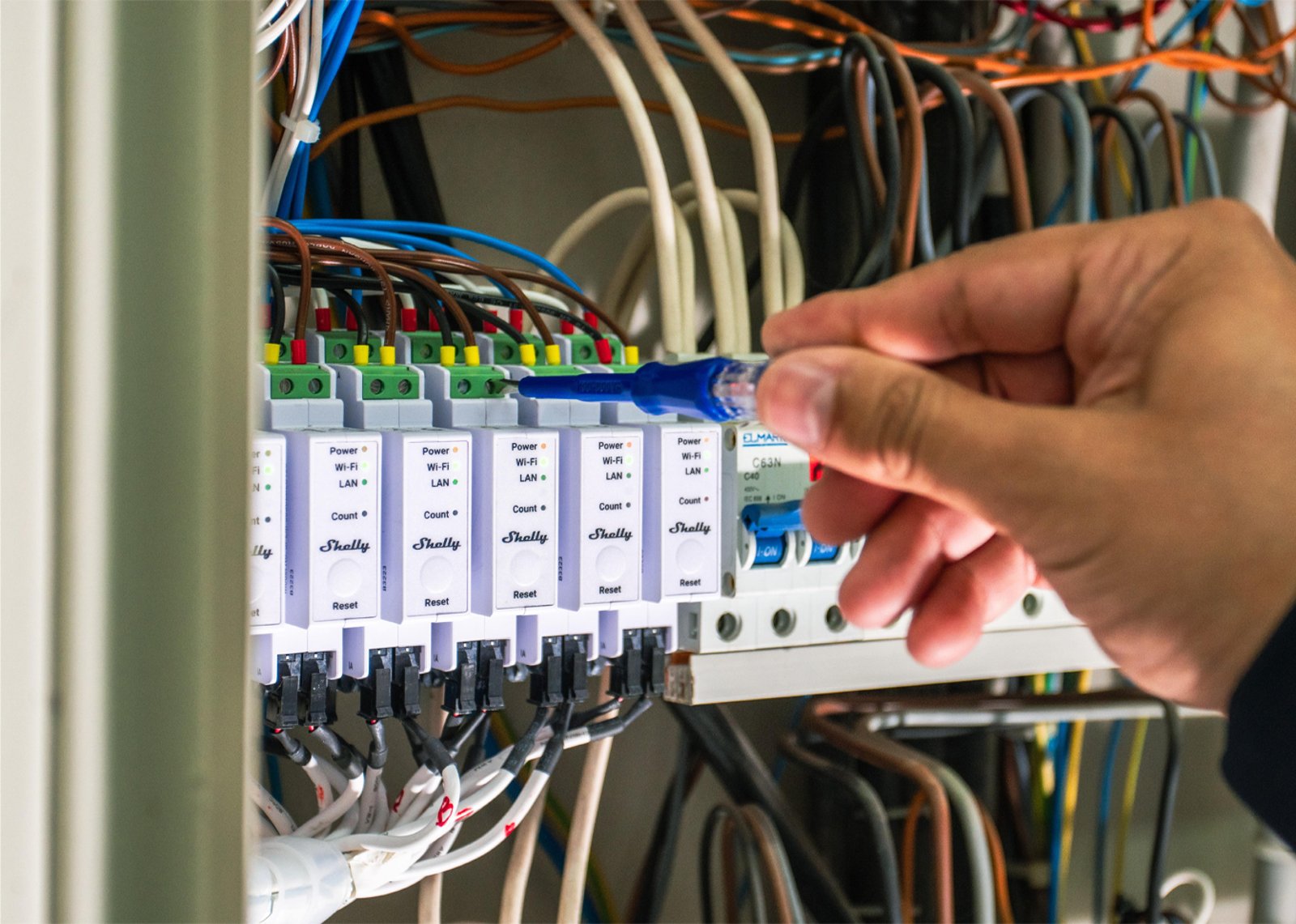
Shelly makes small switching modules, called relays, that wire into the circuits your home already has. They sit in the recess behind a wall switch, on the mounting rail inside your switchboard, or on a single circuit on its own, and they add app control, scheduling and power monitoring to whatever is on the other end of the wire.
The Wi-Fi products don't need a hub. Devices join your home network directly and are controlled from the app or a browser. Alongside Wi-Fi there is Wave, which is Z-Wave and needs a Z-Wave controller, and BLU, which is battery-powered Bluetooth and needs a gateway, a small plug-in bridge that connects it to your Wi-Fi. Gen3 added Matter and Gen4 added Zigbee, so a current device can join Apple Home, Google Home, Alexa or SmartThings.
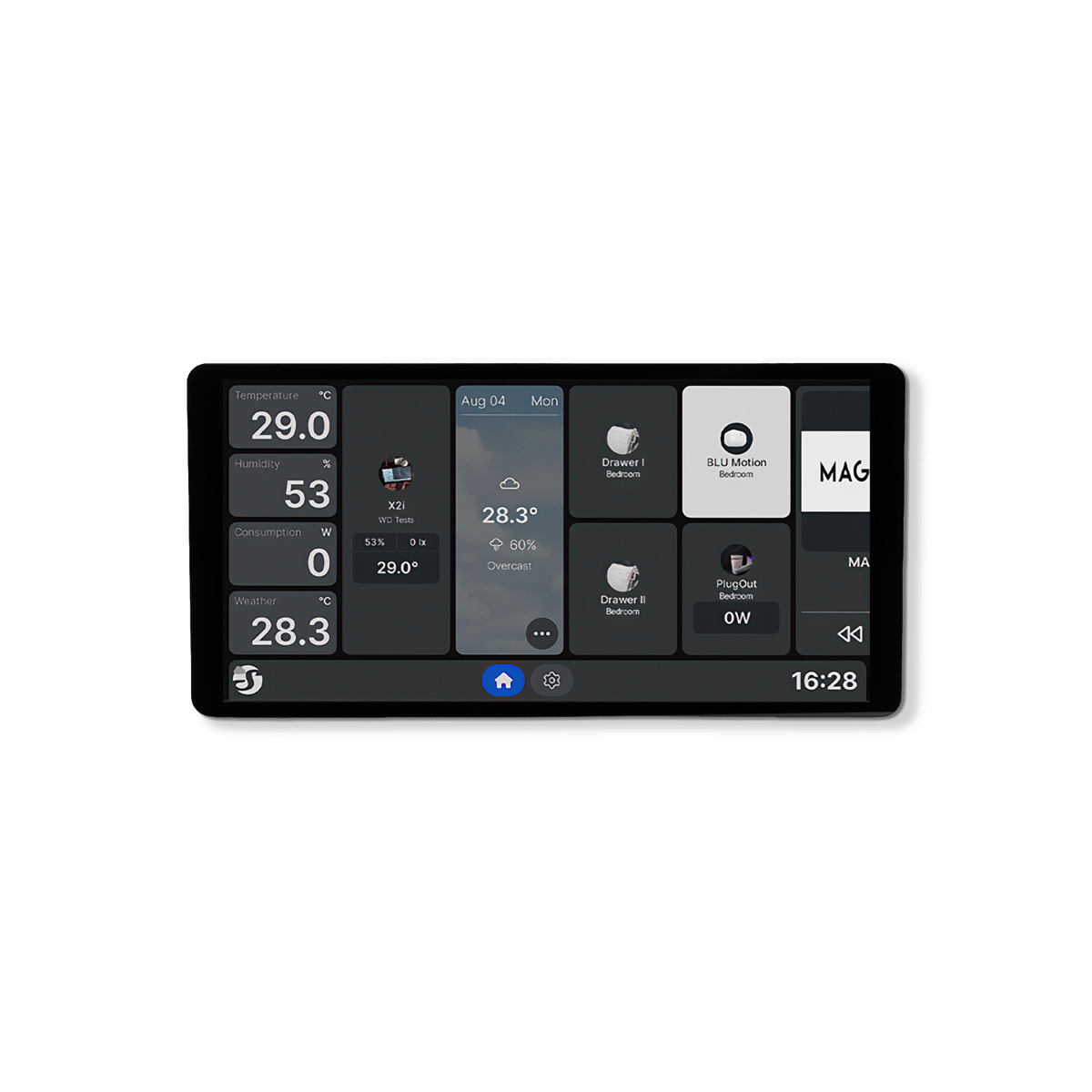
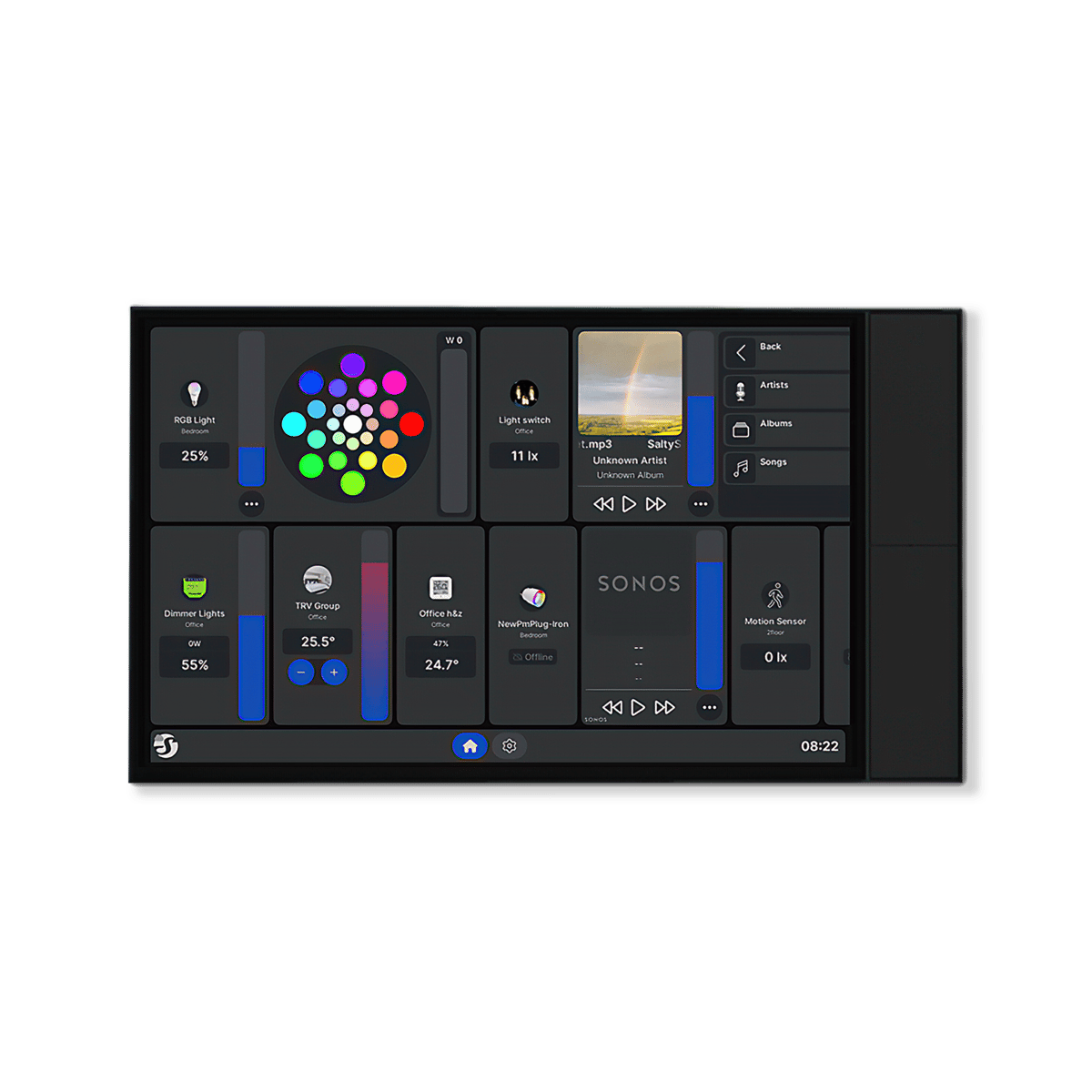
Shelly is a European company, and the range here covers relays, dimmers, energy monitors and wall displays that all run from the one app. You buy per circuit rather than per house, so you can start with one or two modules on the lights or the pool pump and add to it later. Because most of the range wires into mains circuits, installation is licensed electrician work in Australia.
Brand Shelly at Synced 14 categories · AU stock








Switch Accessories
Motion Sensors

Door & Window

Smart home hubs
Leak & Water
Wireless Controllers
Temperature & Humidity
Weather Stations
Controllers

Buying guide
Before you buy.
Why Shelly
Why you'd choose Shelly
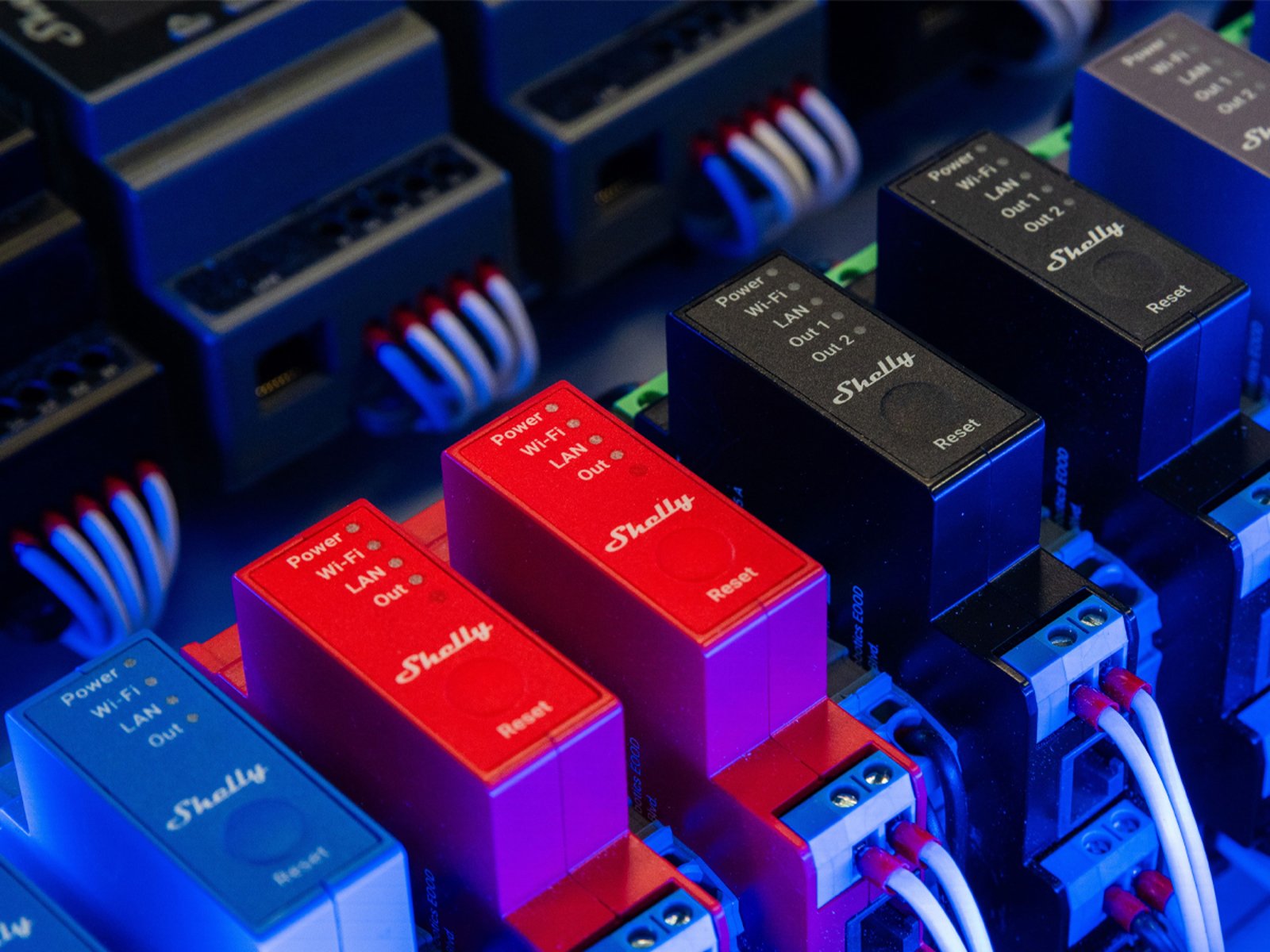
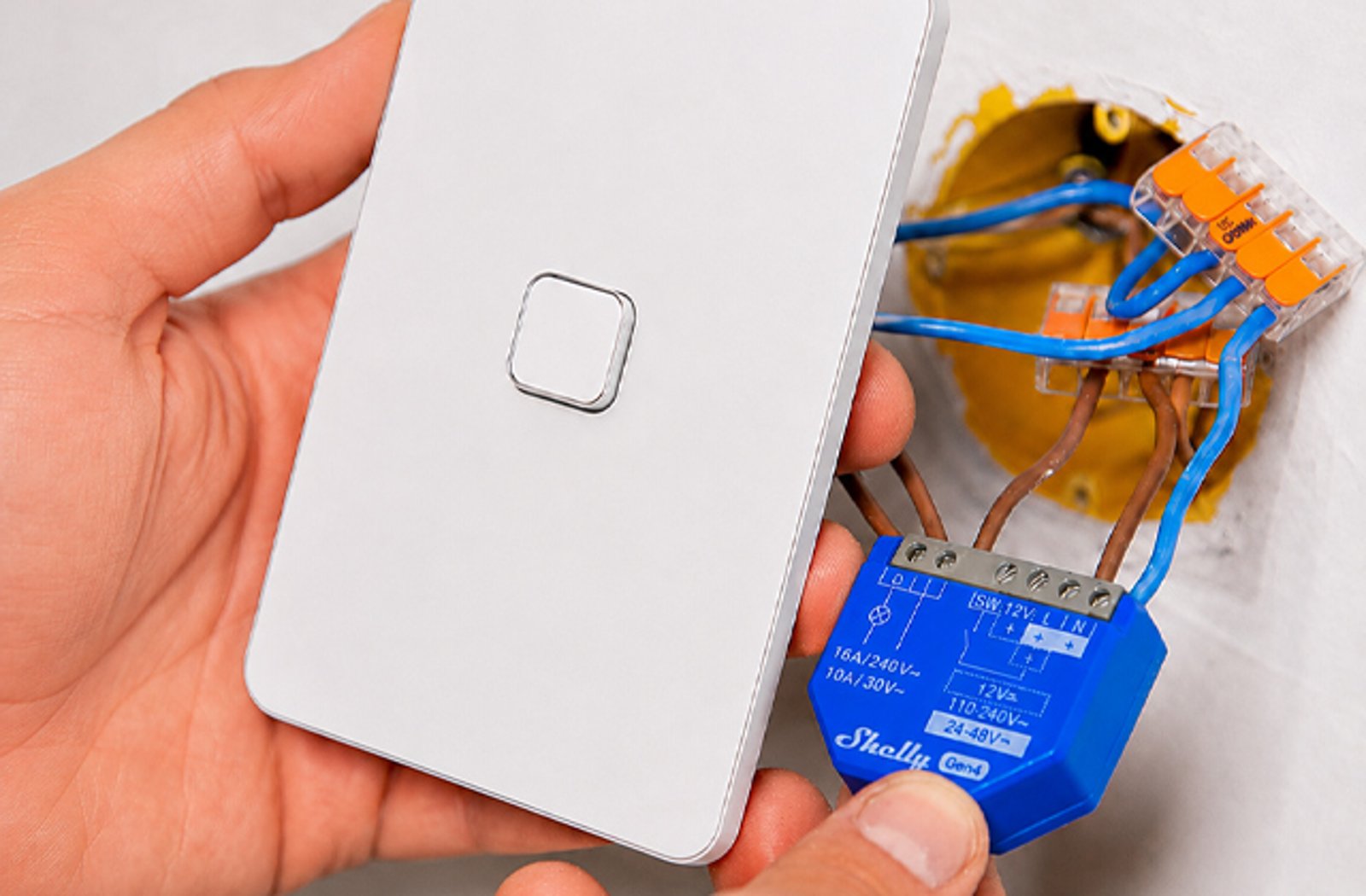
Most smart switching asks you to replace something. Shelly asks you to keep it. The switch, the plate and the wiring stay where they are, the module goes in behind them or on the DIN rail in the switchboard, and the circuit becomes something you can schedule and measure.
The reason people land on Shelly rather than something cheaper is local control. Every Gen2 and later device runs a web interface on your own network and a documented API over HTTP, WebSocket and MQTT, and Home Assistant ships an official Shelly integration. If your internet drops, or Shelly's cloud does, the switching and the schedules carry on. That's the thing Shelly does better than anyone.
Nothing gets replaced
Your switches, plates and wiring stay as they are. The module hides behind them.
It works offline
Local schedules and switching carry on when the internet or the cloud is down.
Open to build on
A documented local API on every Gen2 and later device, plus an official Home Assistant integration.
A listed company
A publicly listed European company, four hardware generations in.
The ranges
What each range does to the circuit.
Shelly's ranges are organised by what the module does to the circuit it sits on, not by the room it ends up in. Whatever you pick runs on the same firmware platform and the same local API.
Behind the switch
Relays
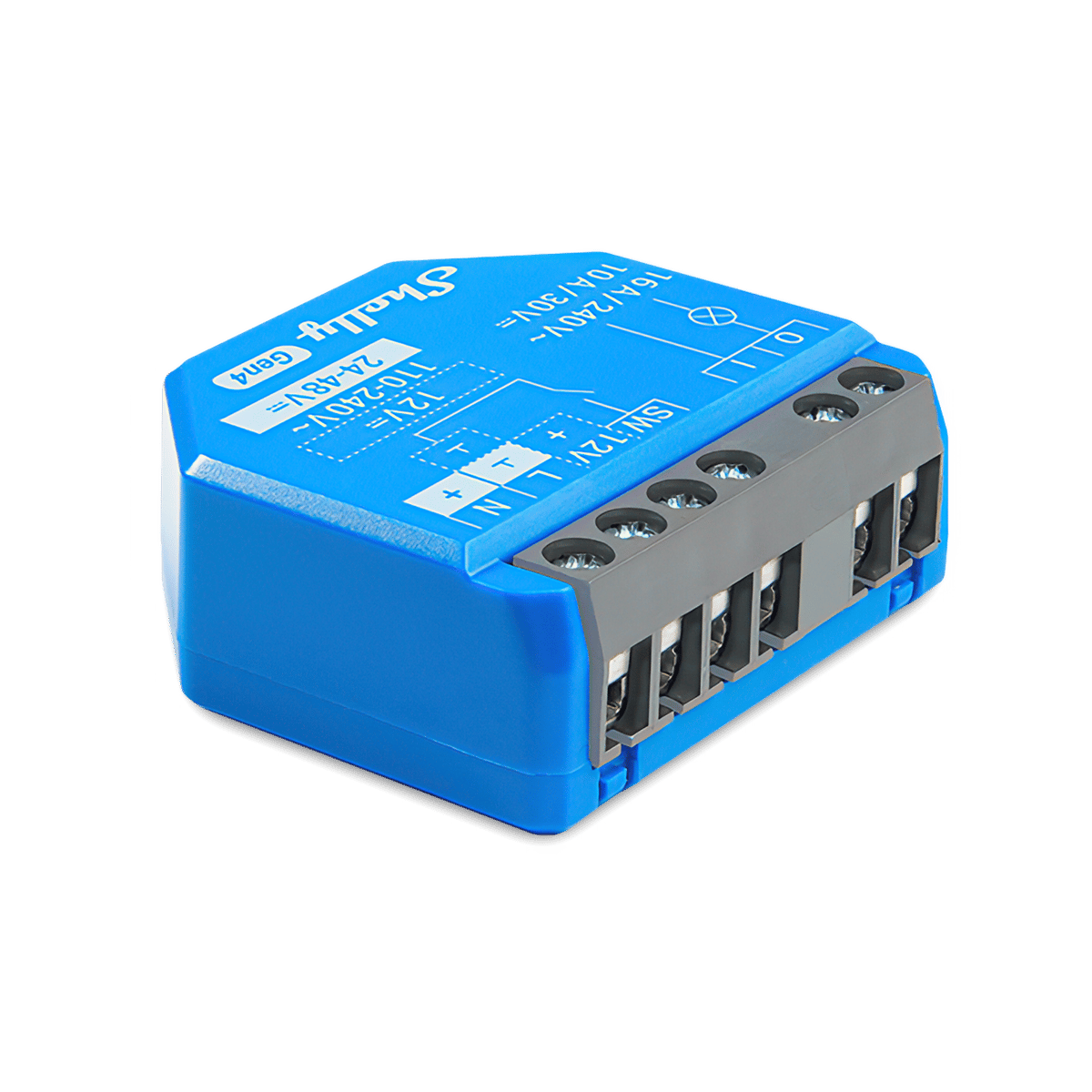
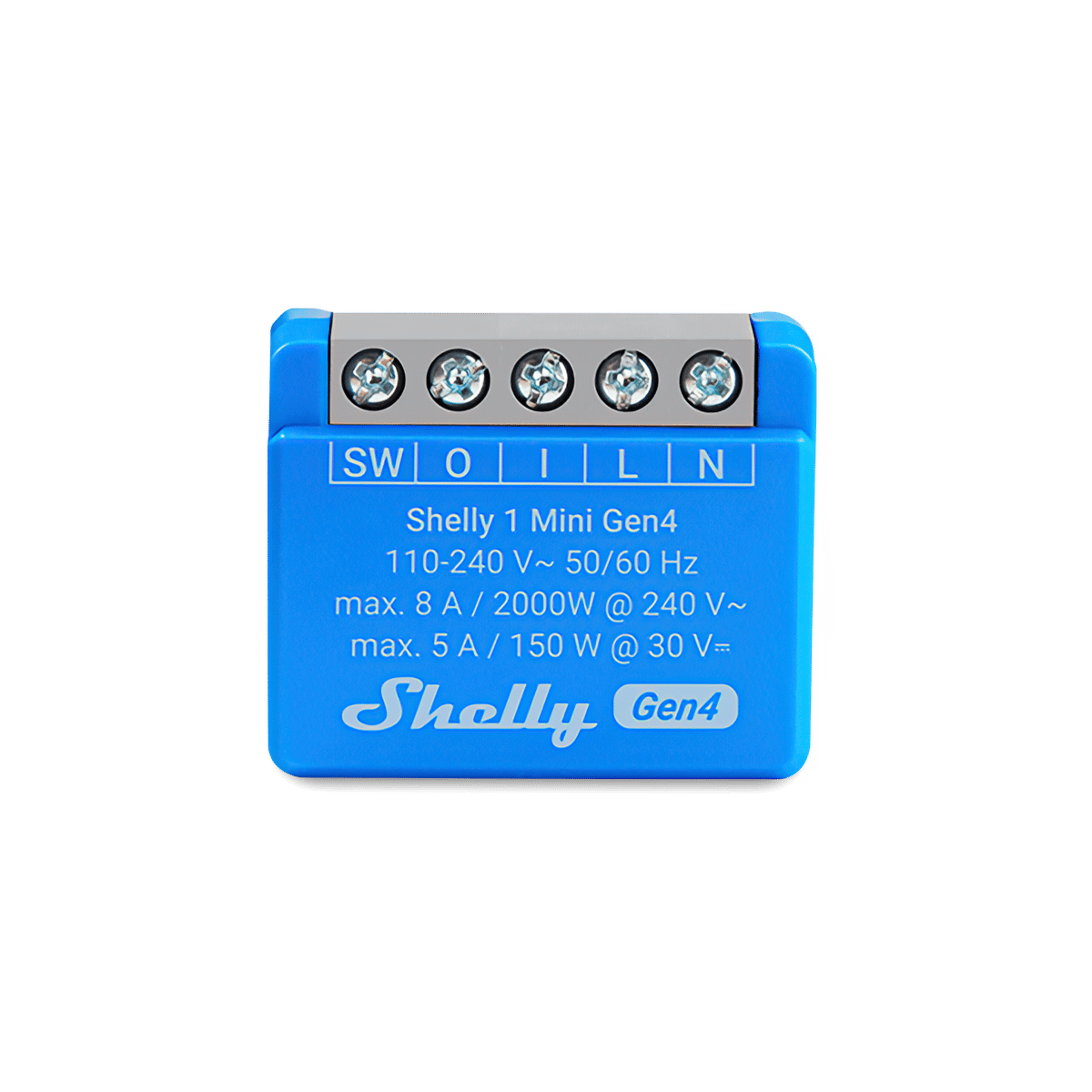
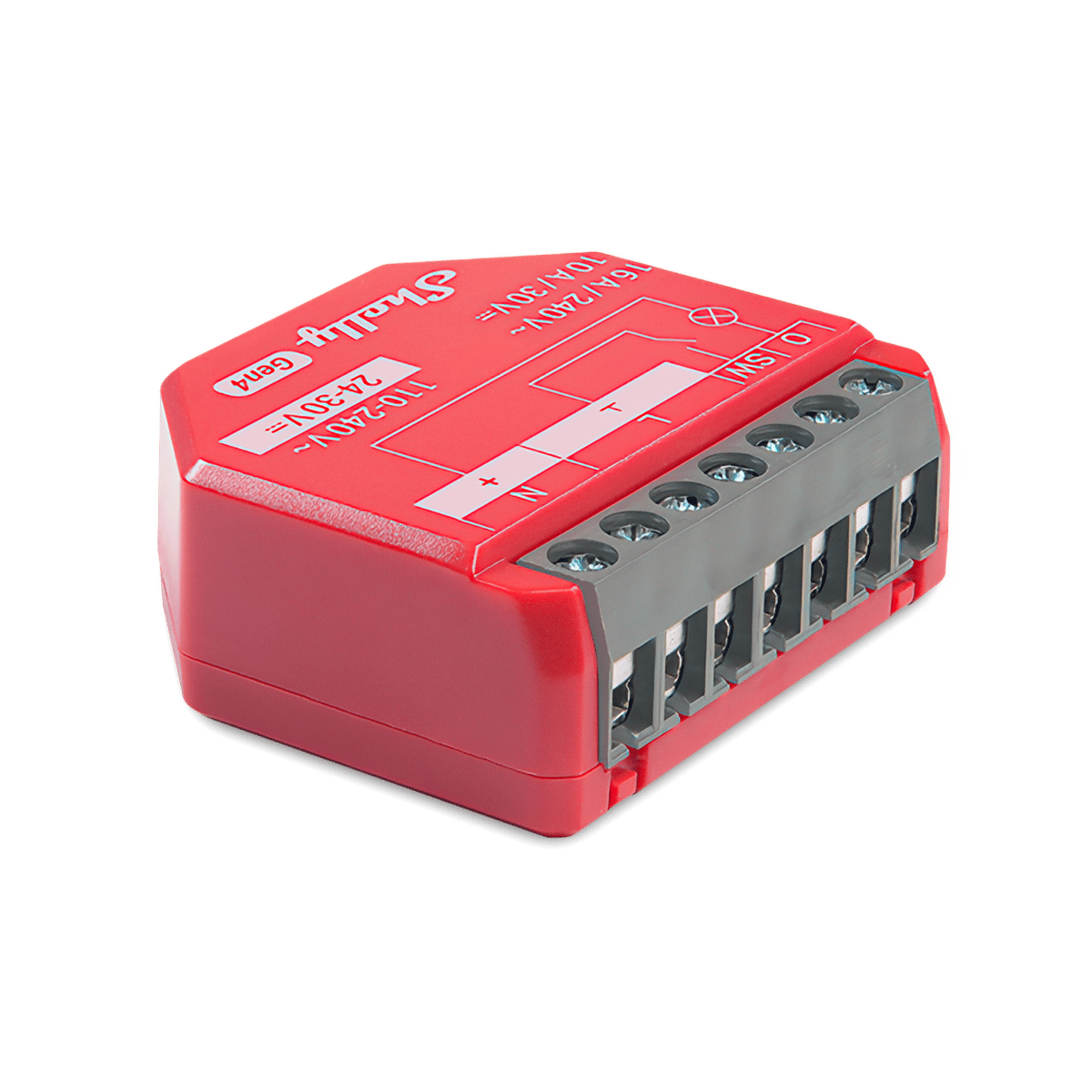
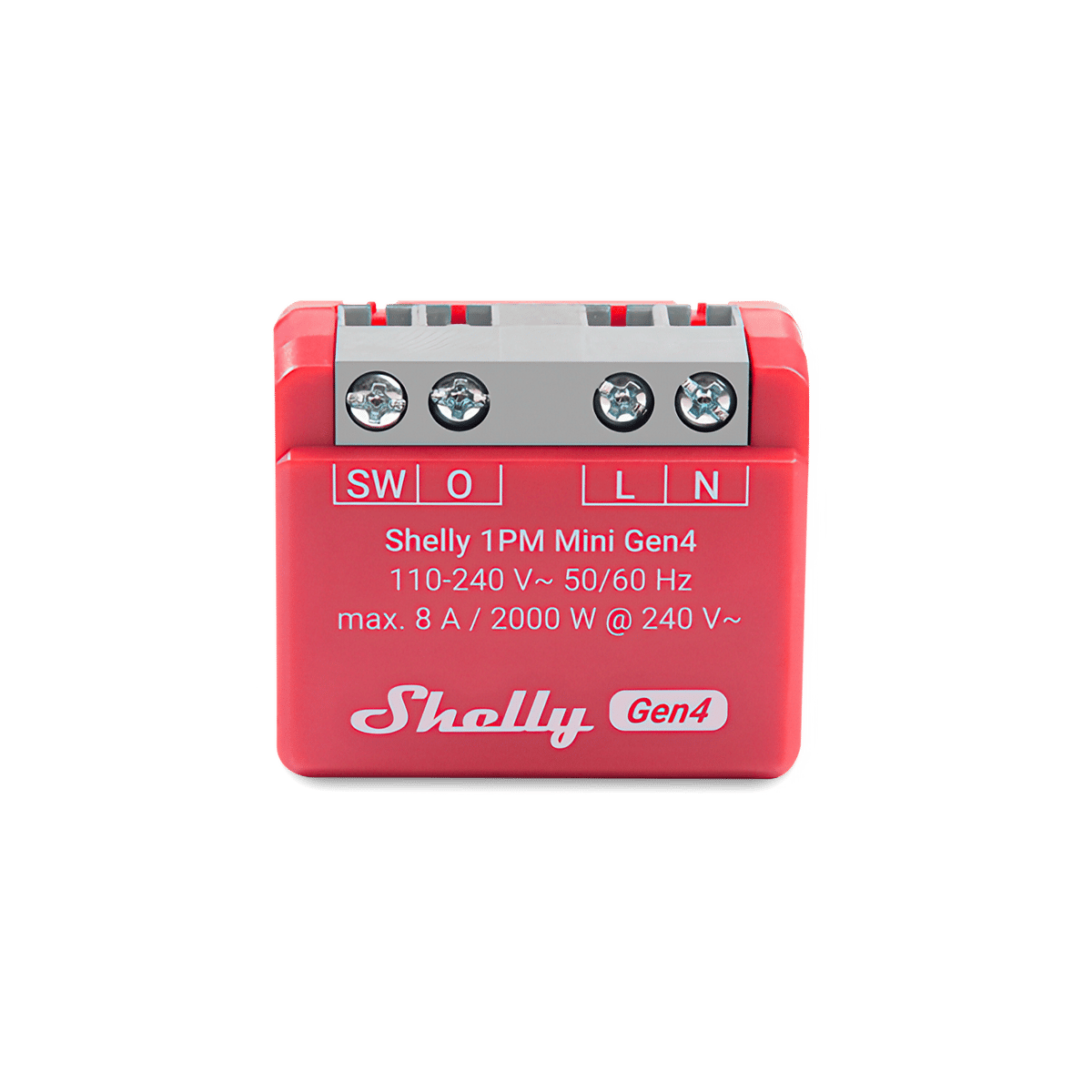
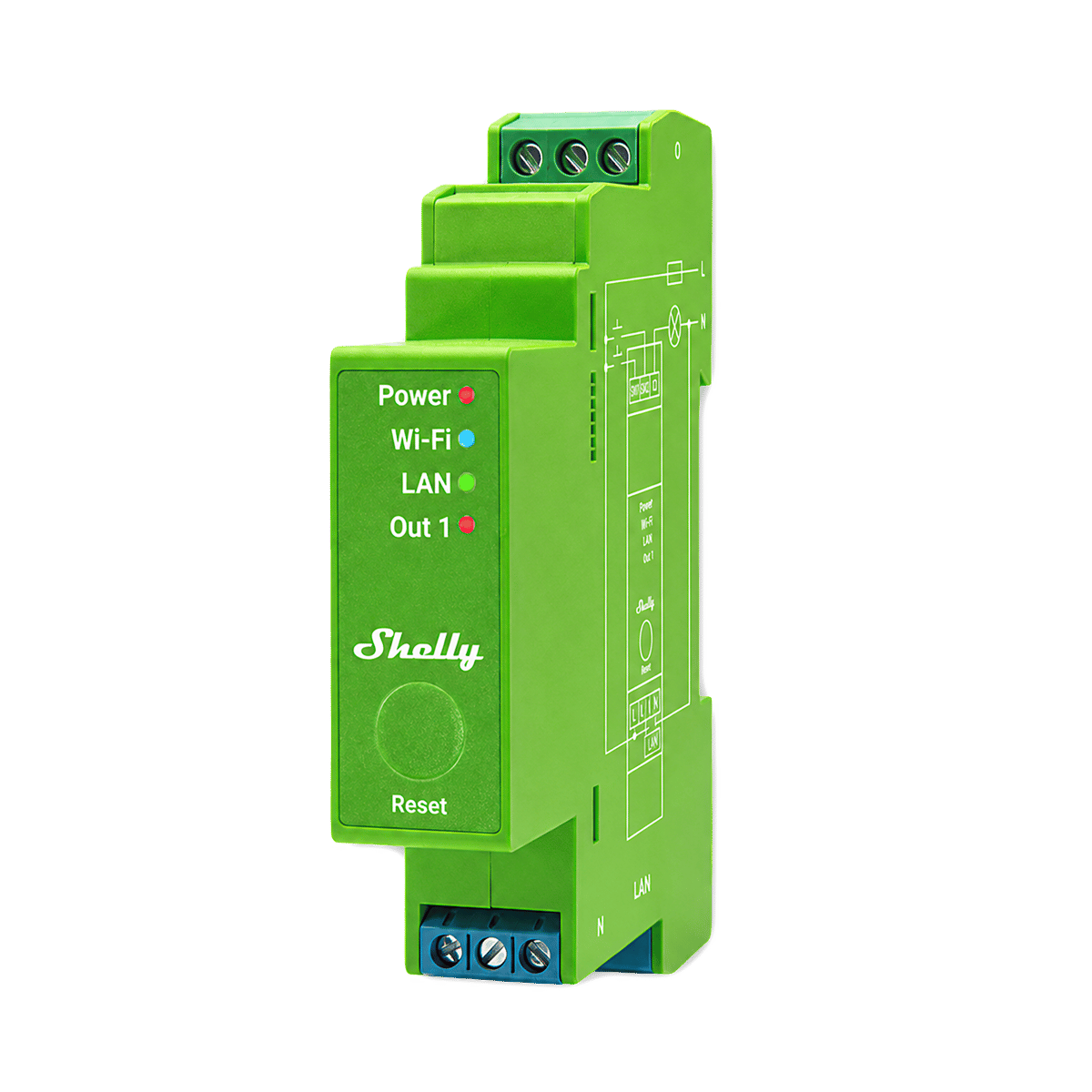
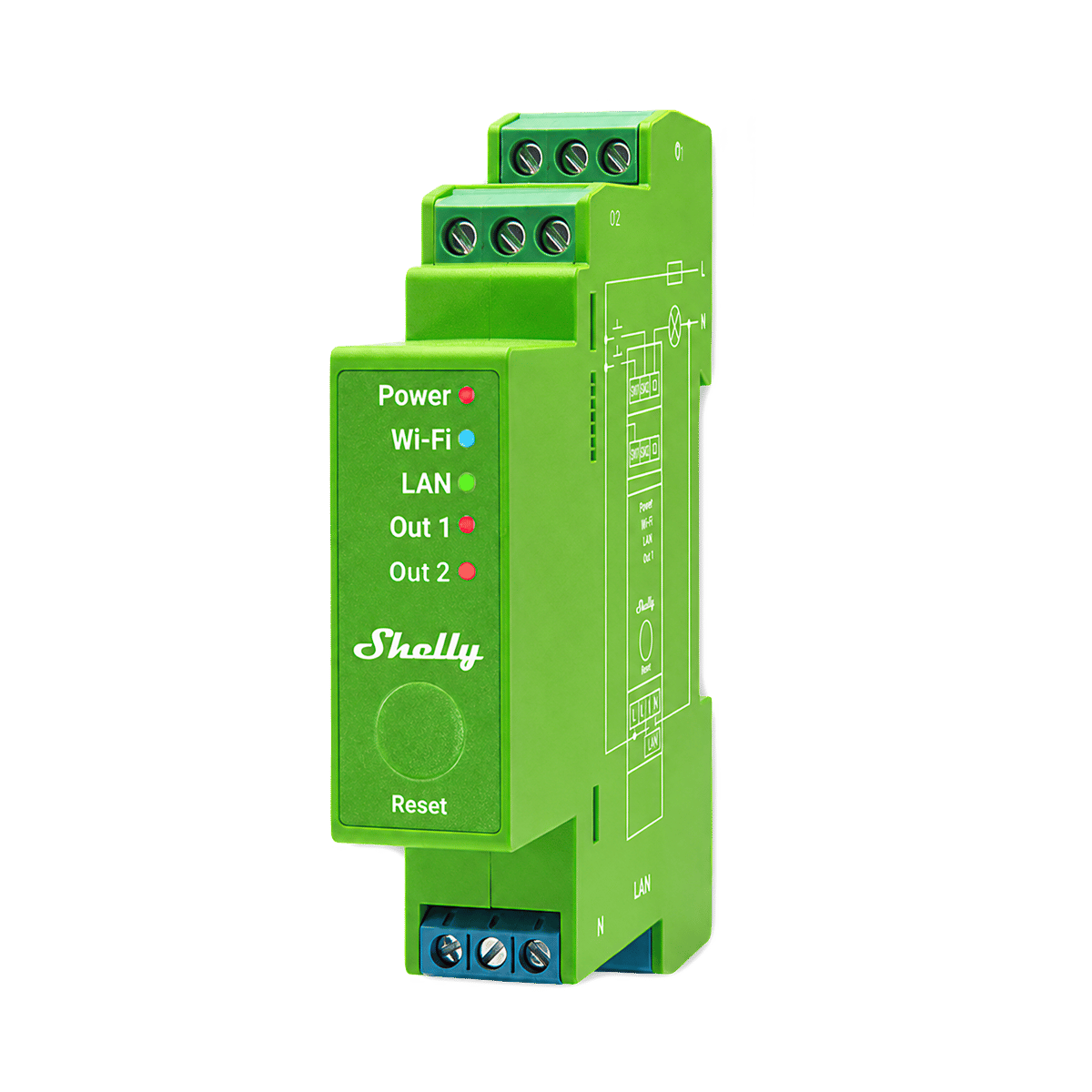
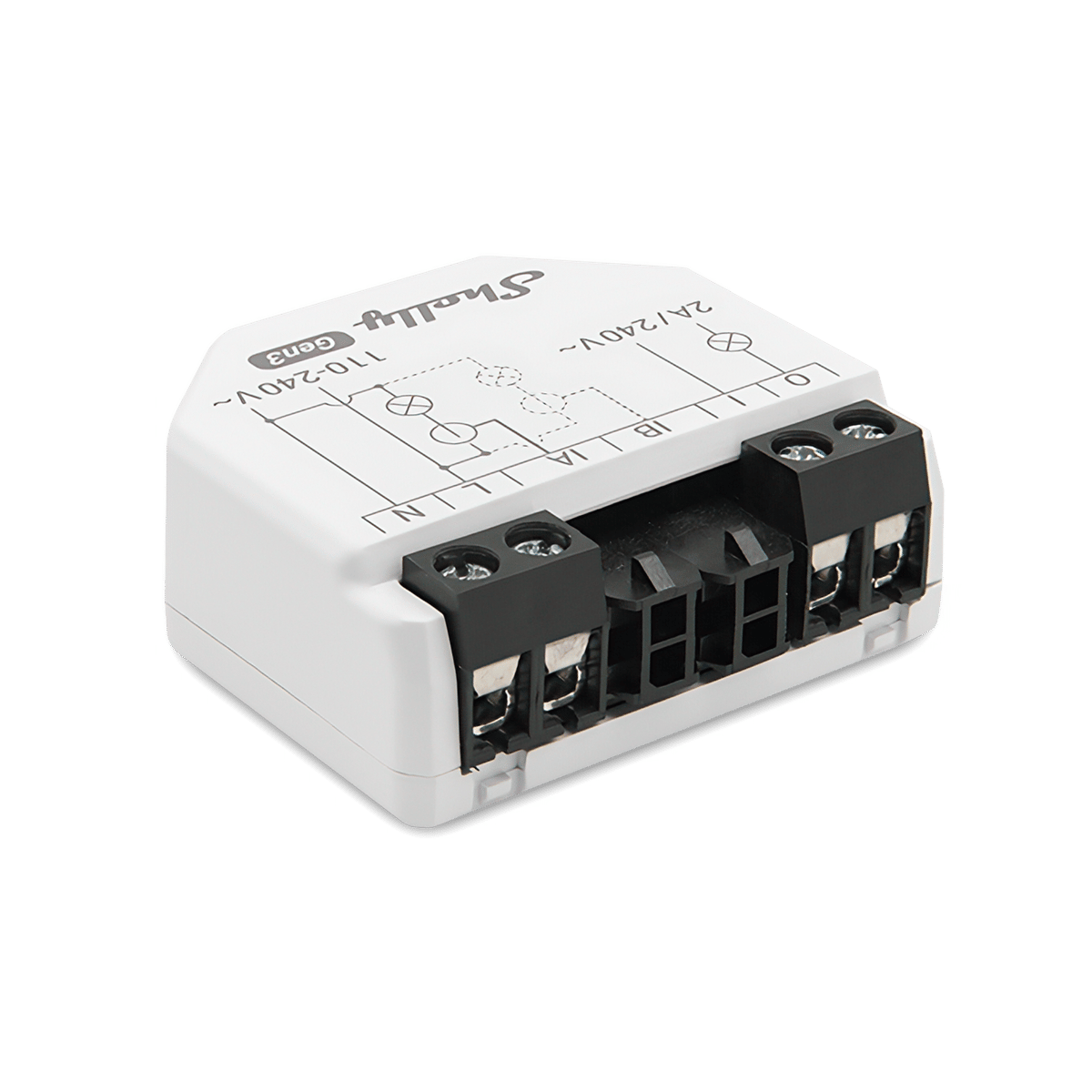
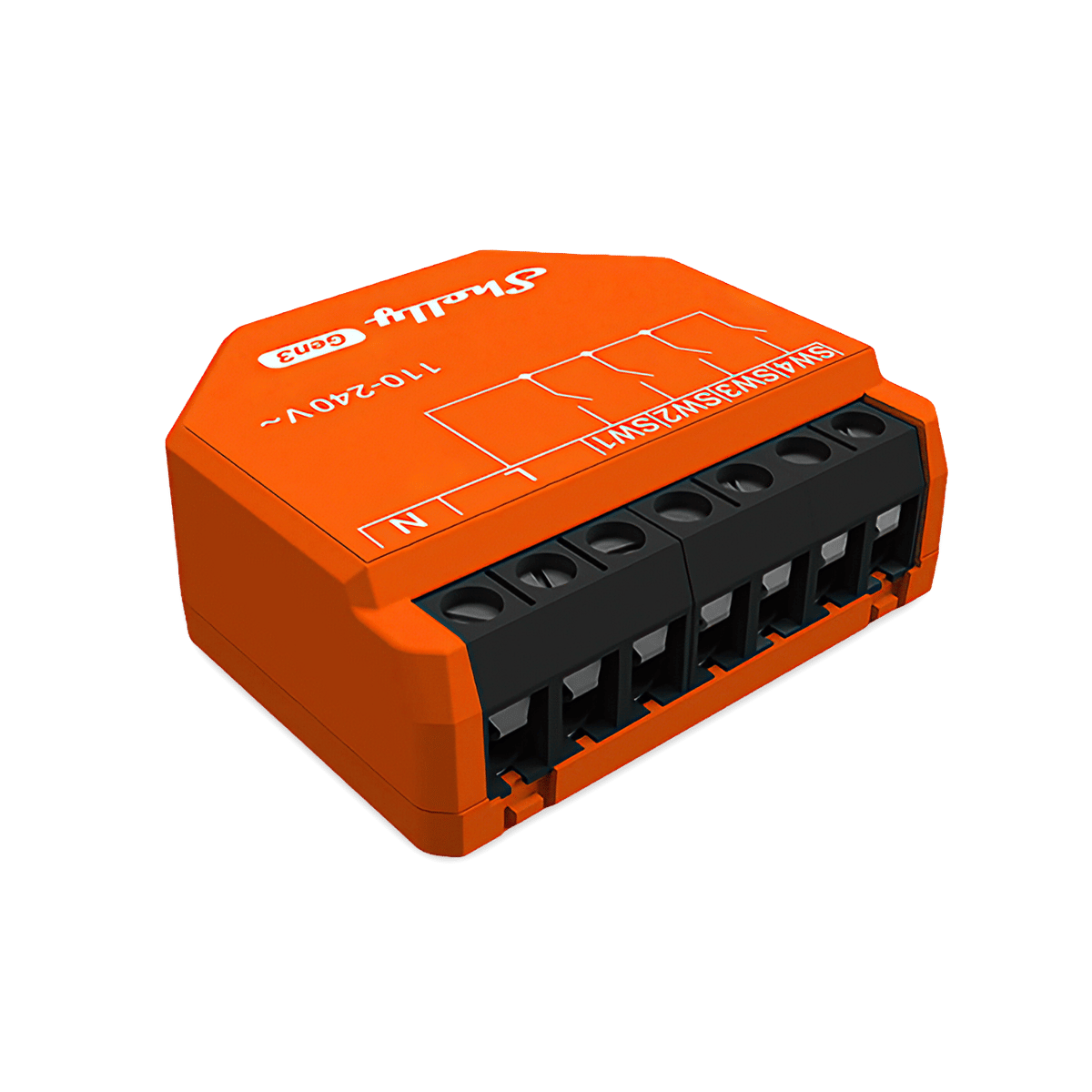
Switch a circuit that already has a switch. One to four channels, with or without power monitoring, in sizes for the recess behind a switch or for the switchboard rail. Two models run without a neutral wire.
Check the fitting
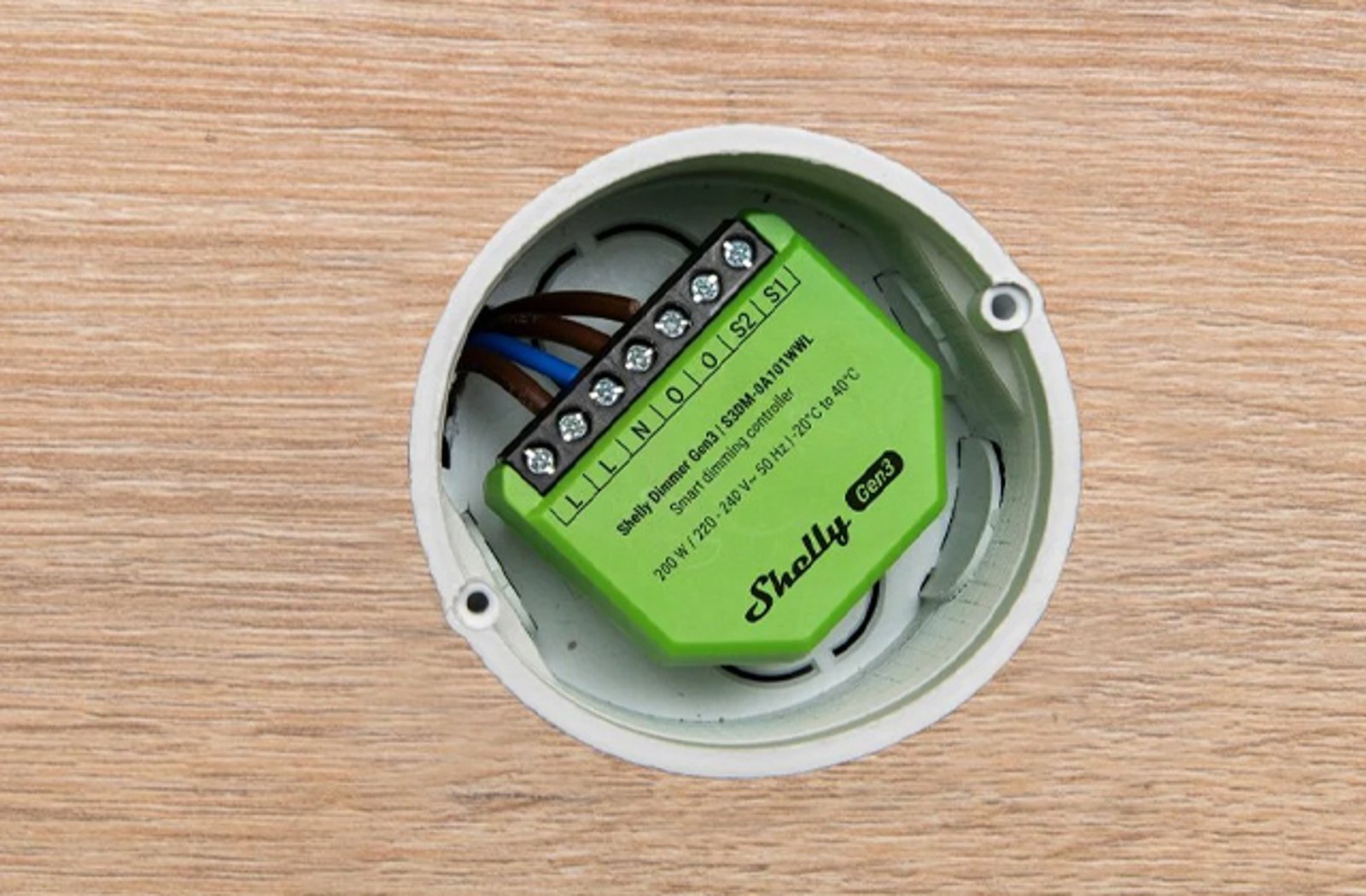
Dimmers
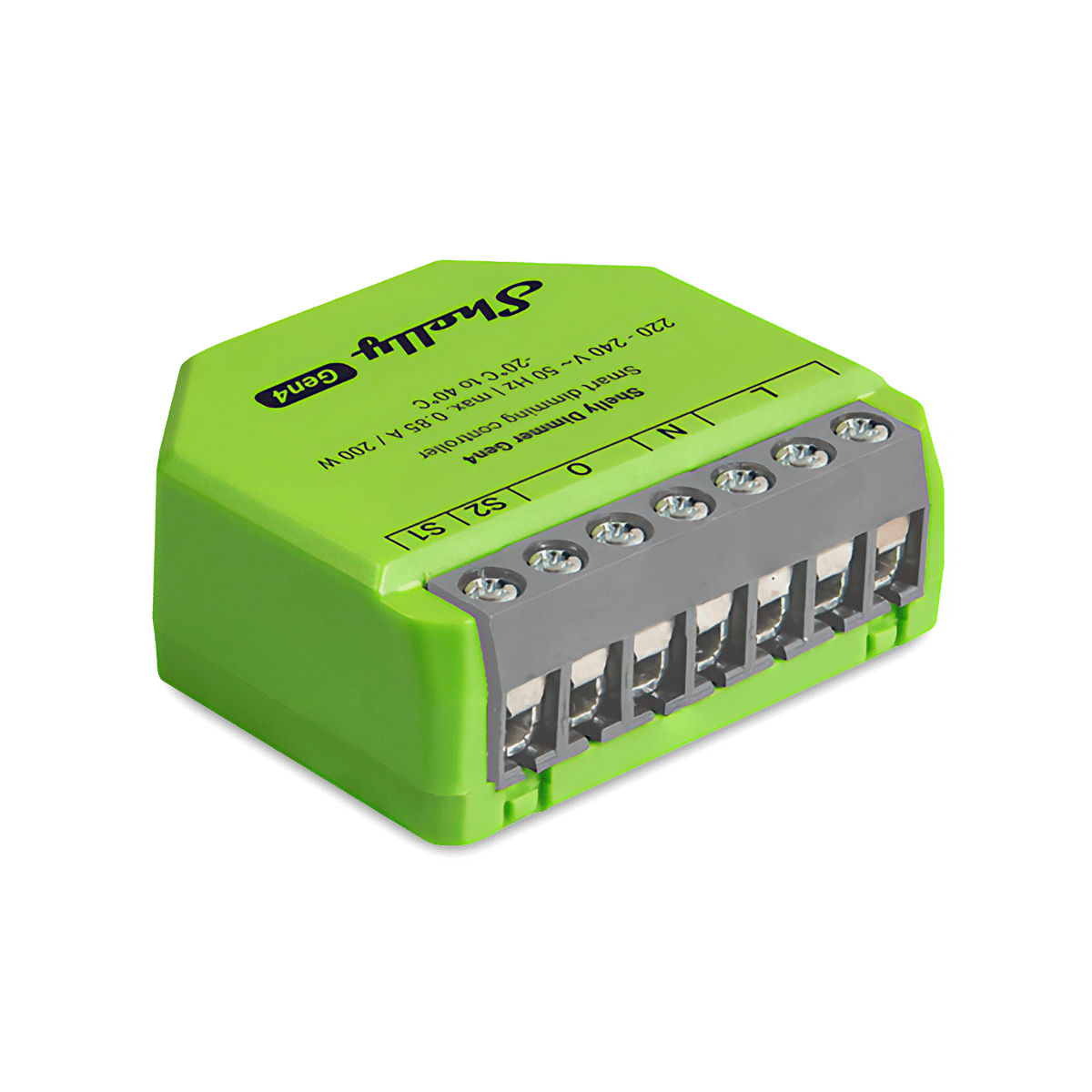
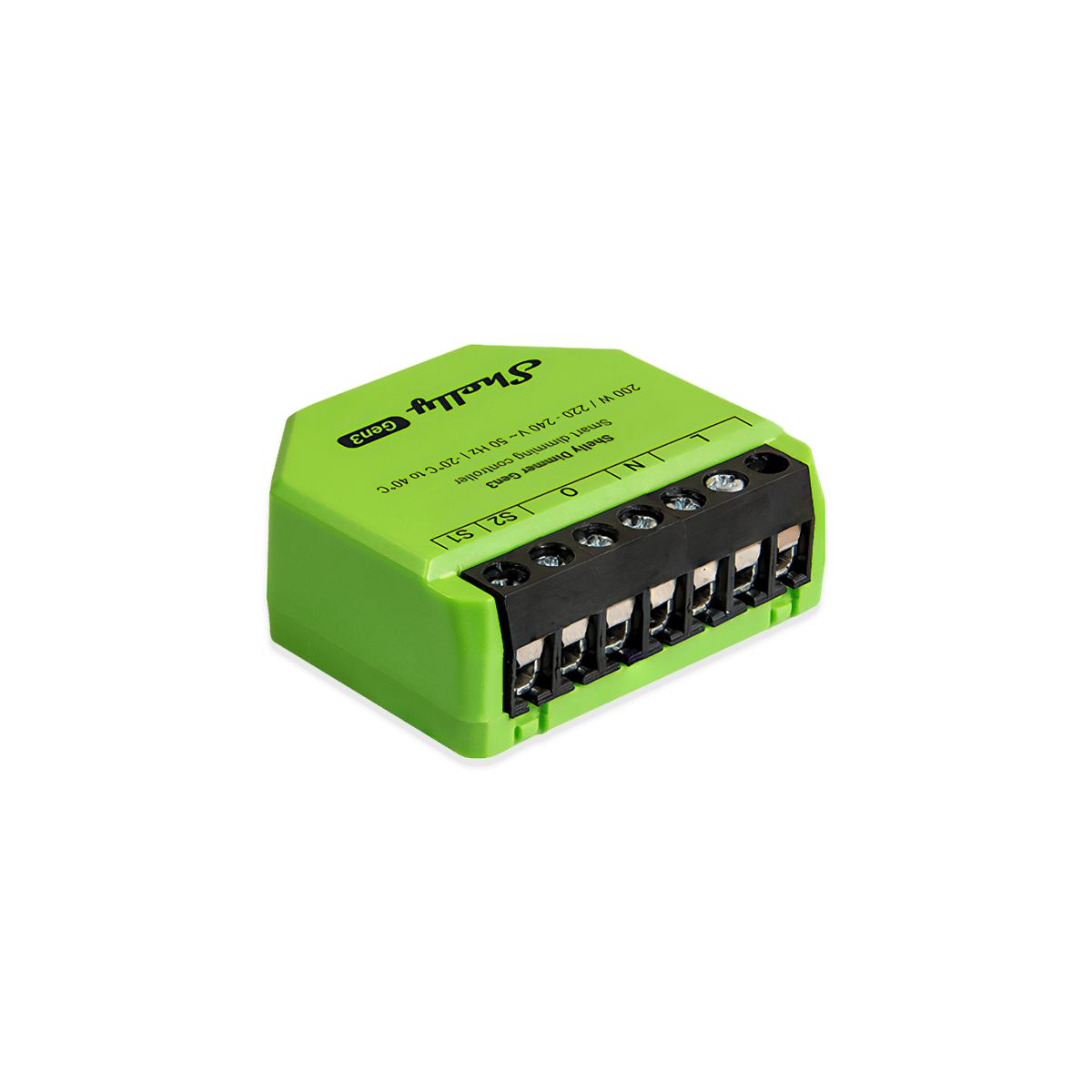
Vary the light level rather than only switching it. Most of the range dims mains lamps directly. A separate group sends a dimming signal to the light fitting's own driver instead (0-10V or DALI), so the fitting has to be built for it.
Motor required
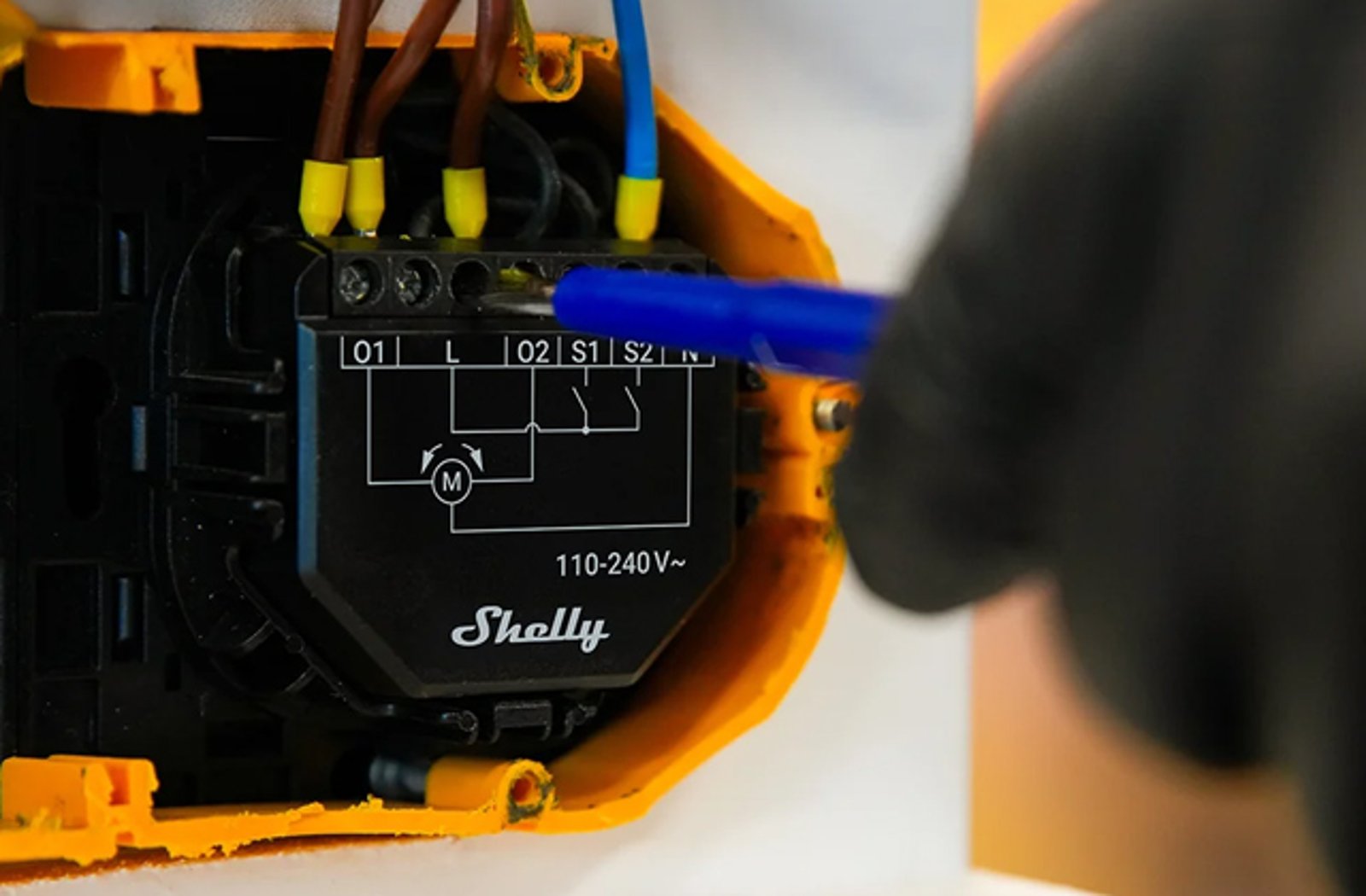
Shutters and blinds
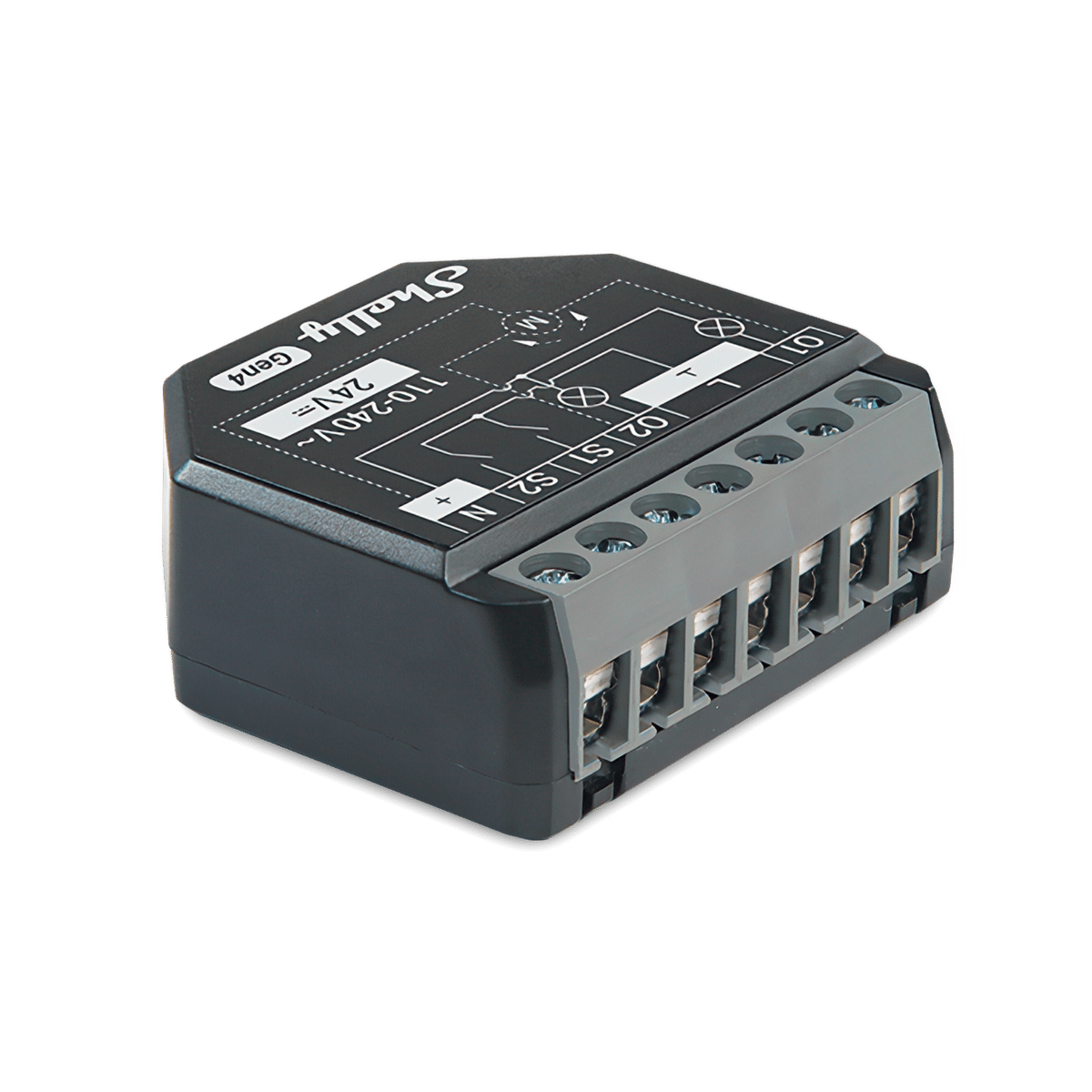
Stop an existing motorised blind, roller shutter or awning anywhere, not just fully open or closed, and tilt the slats separately on Venetians. Dedicated controllers, or a two-channel relay switched to blind mode, which Shelly's app calls cover mode.
Solar and three-phase
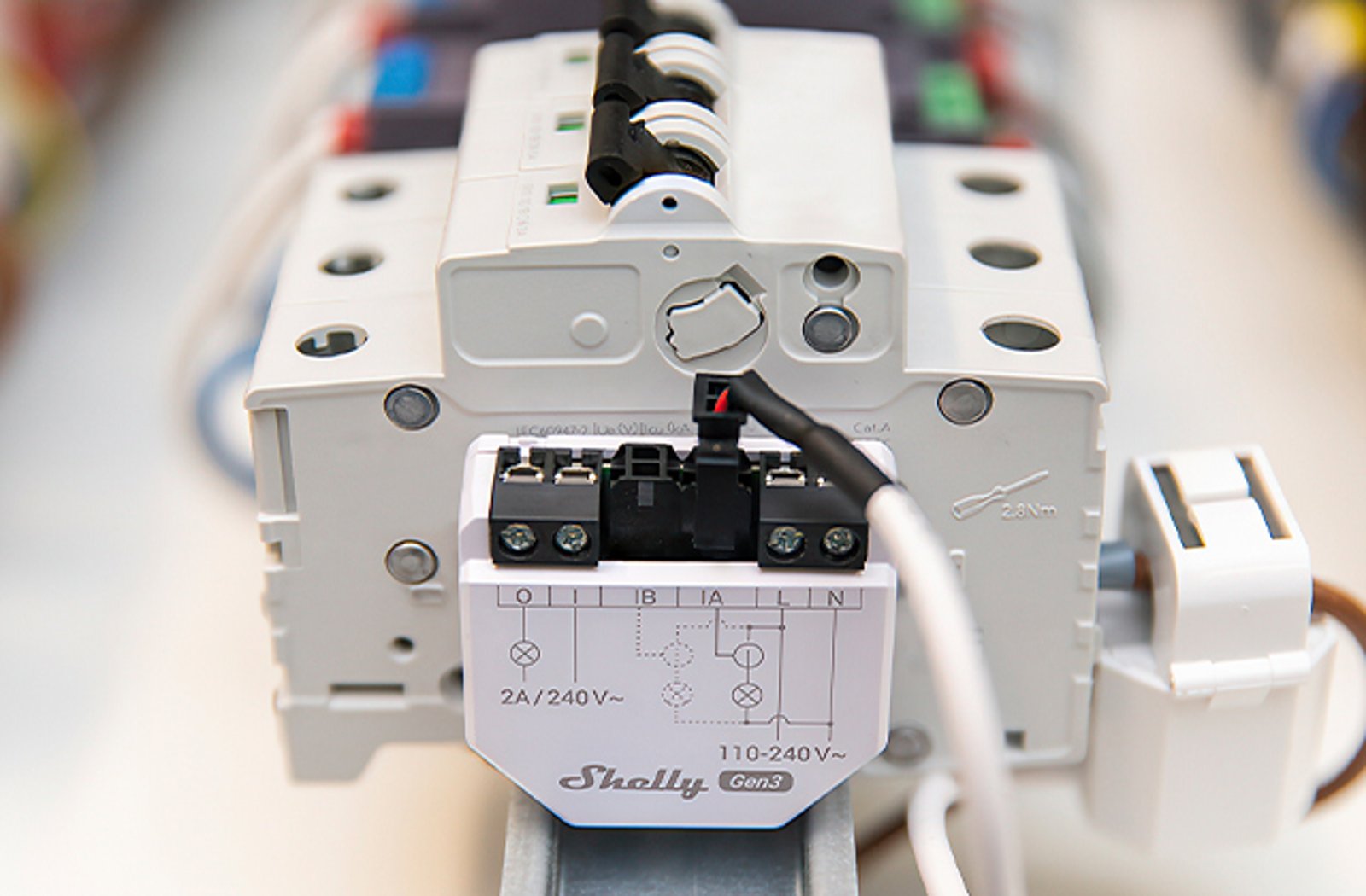
Energy monitoring
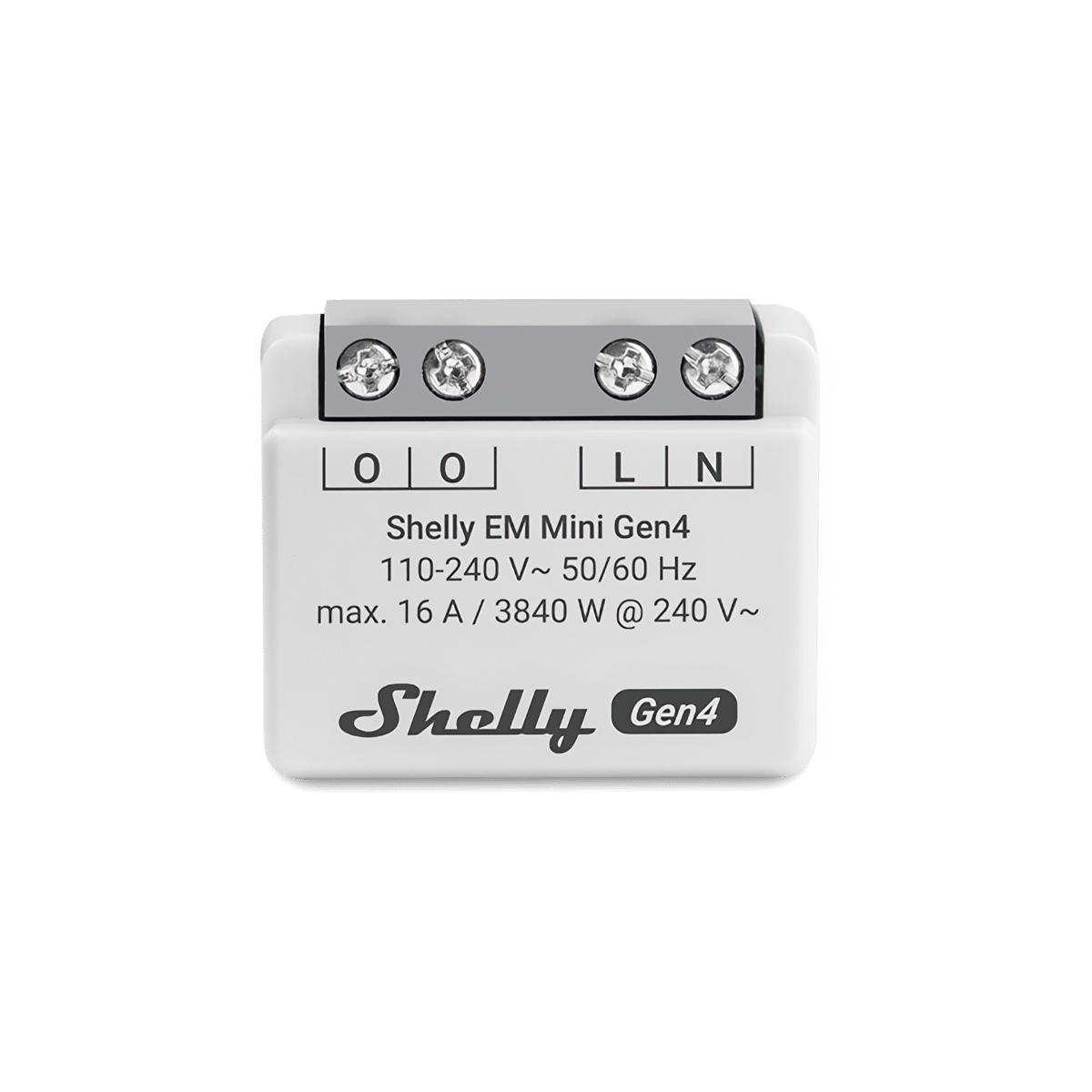
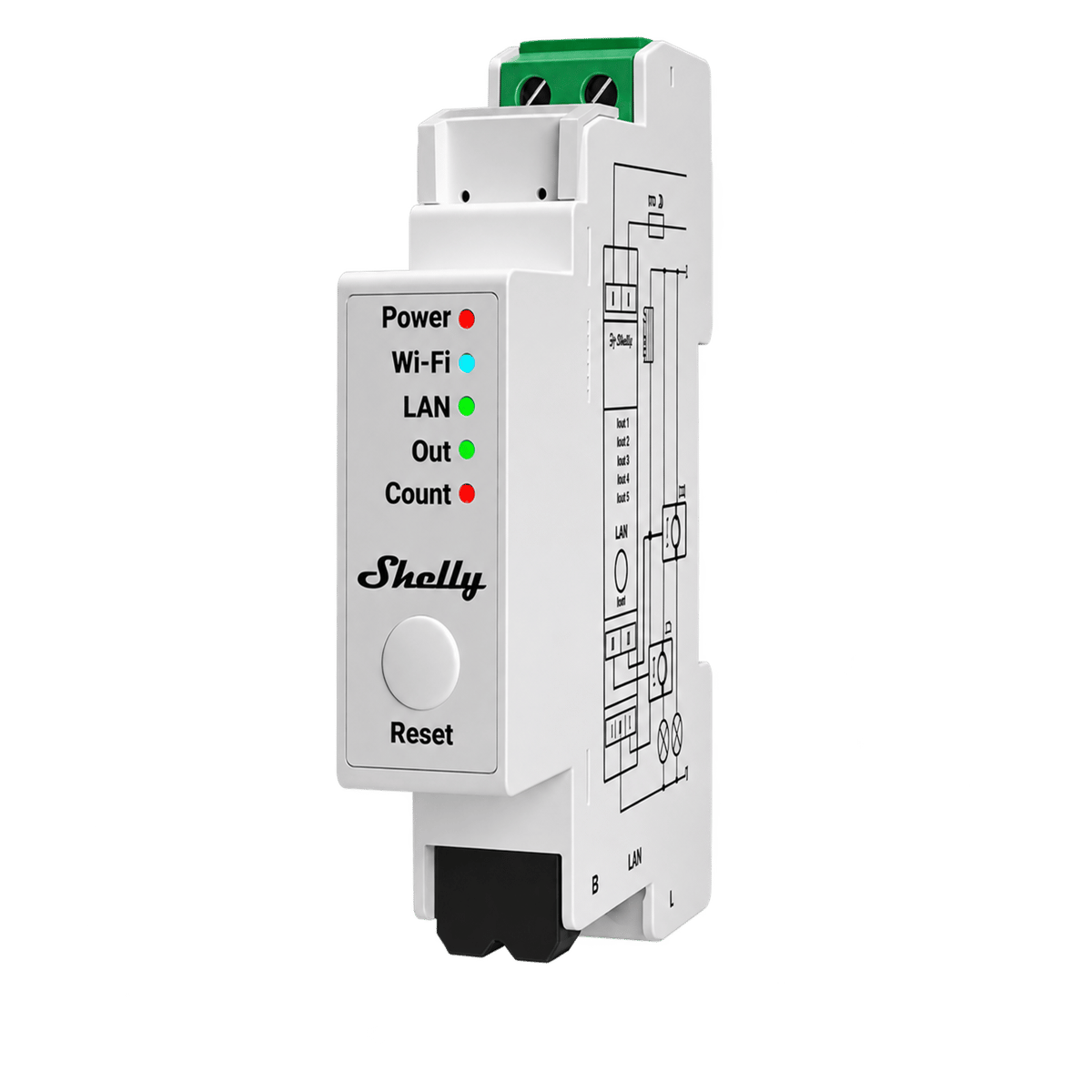
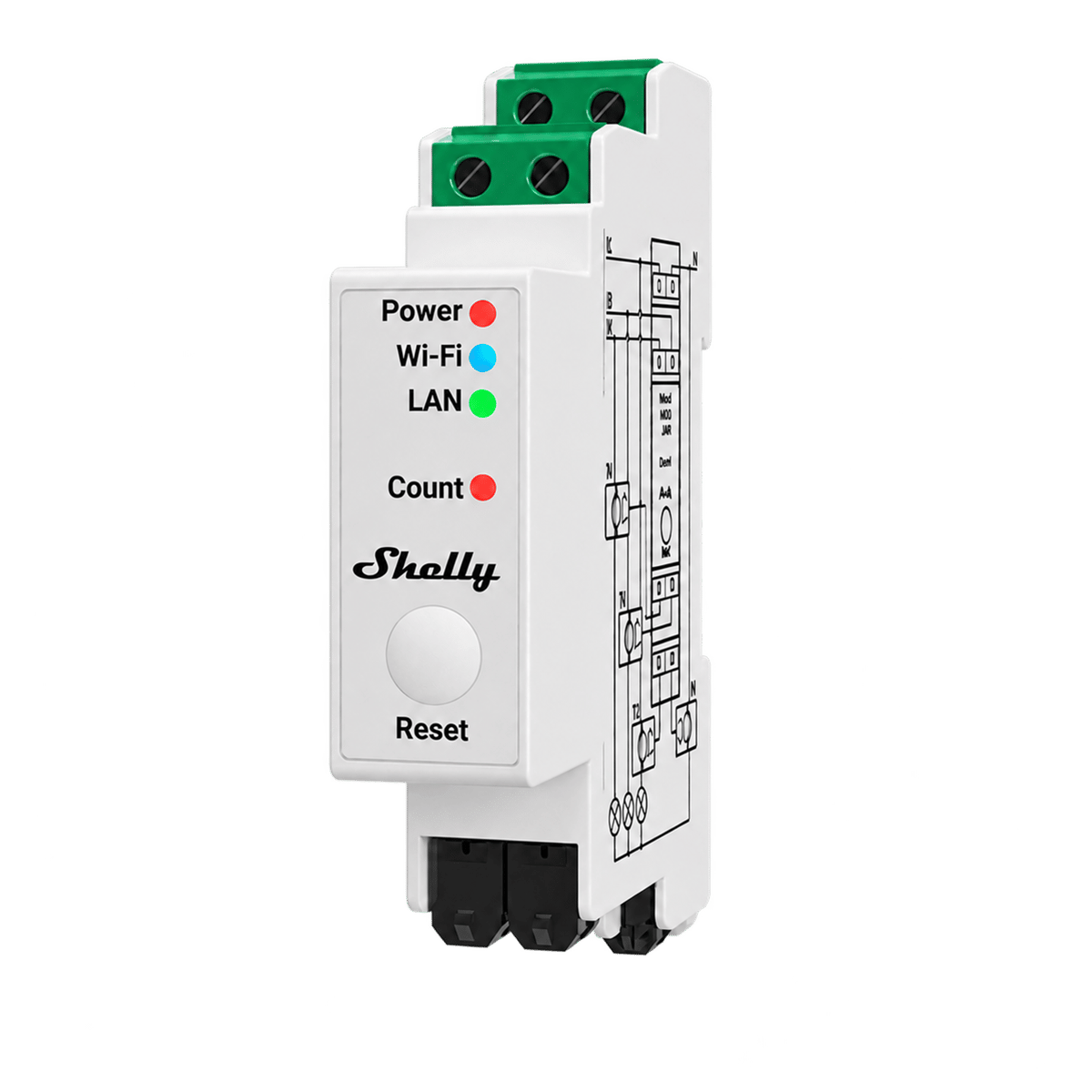
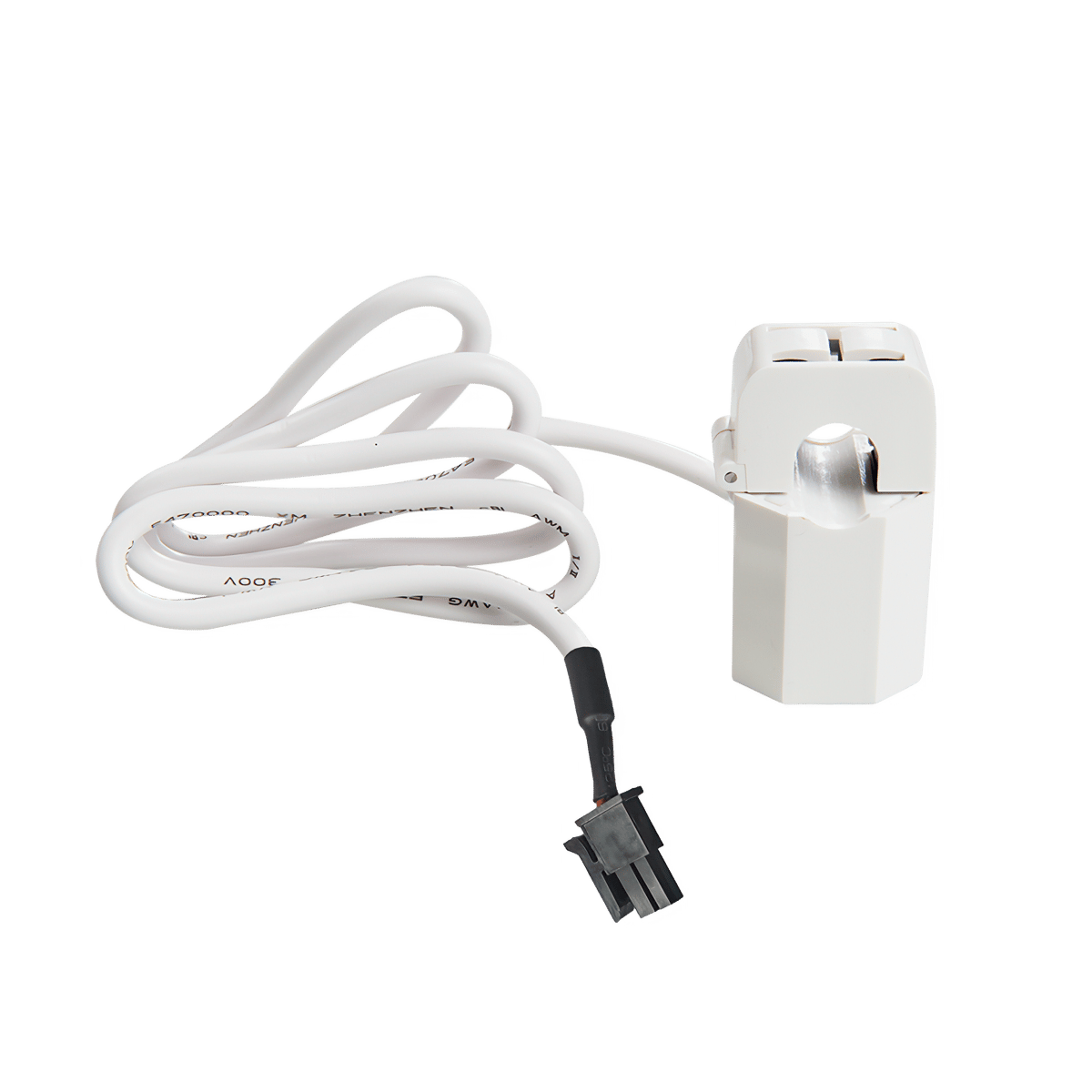
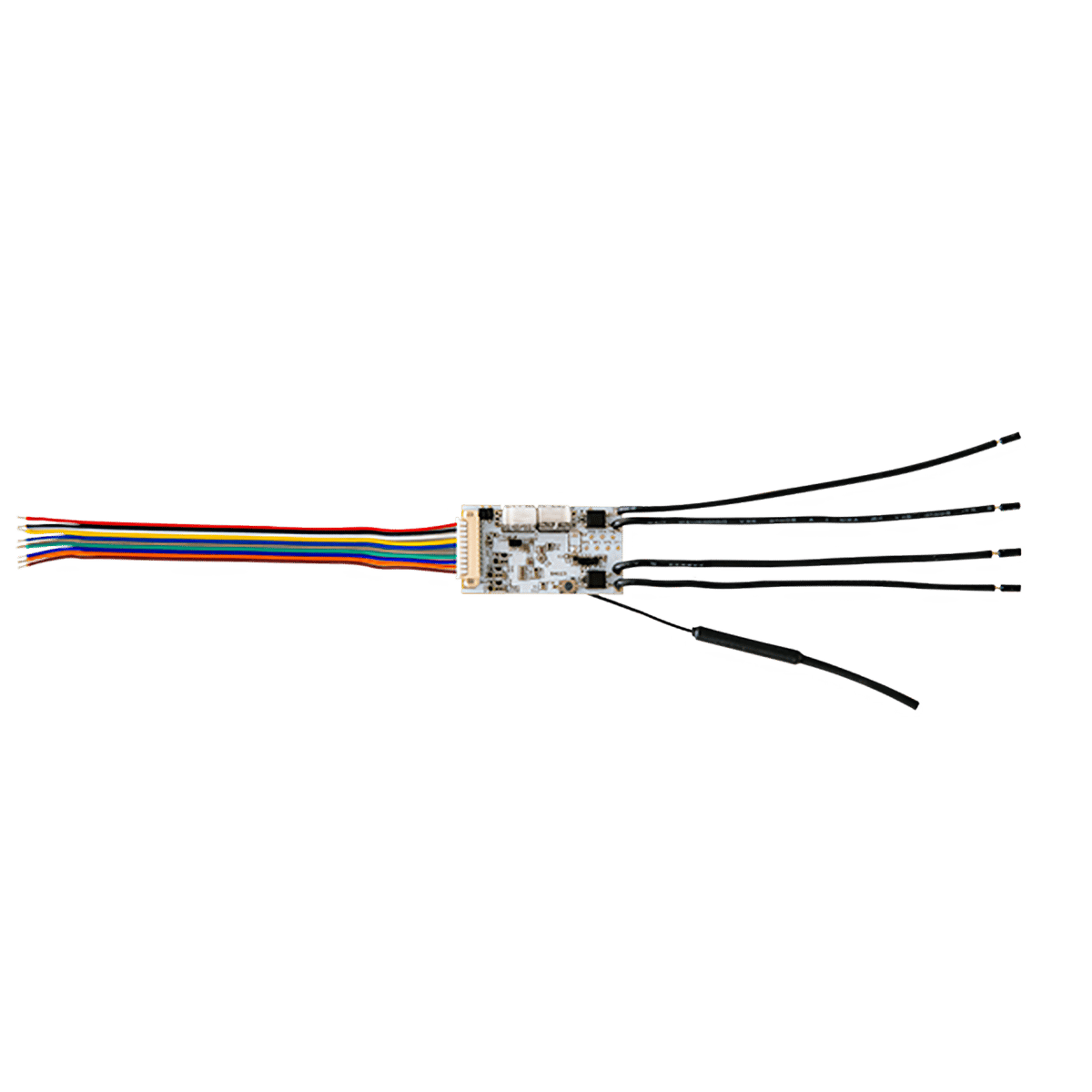
Measure without switching. Inline modules for a single circuit up to 16 A, or clip-on sensors that go around a cable in the switchboard for whole-house, solar and three-phase. The device keeps up to 60 days of one-minute history on board.
No electrician
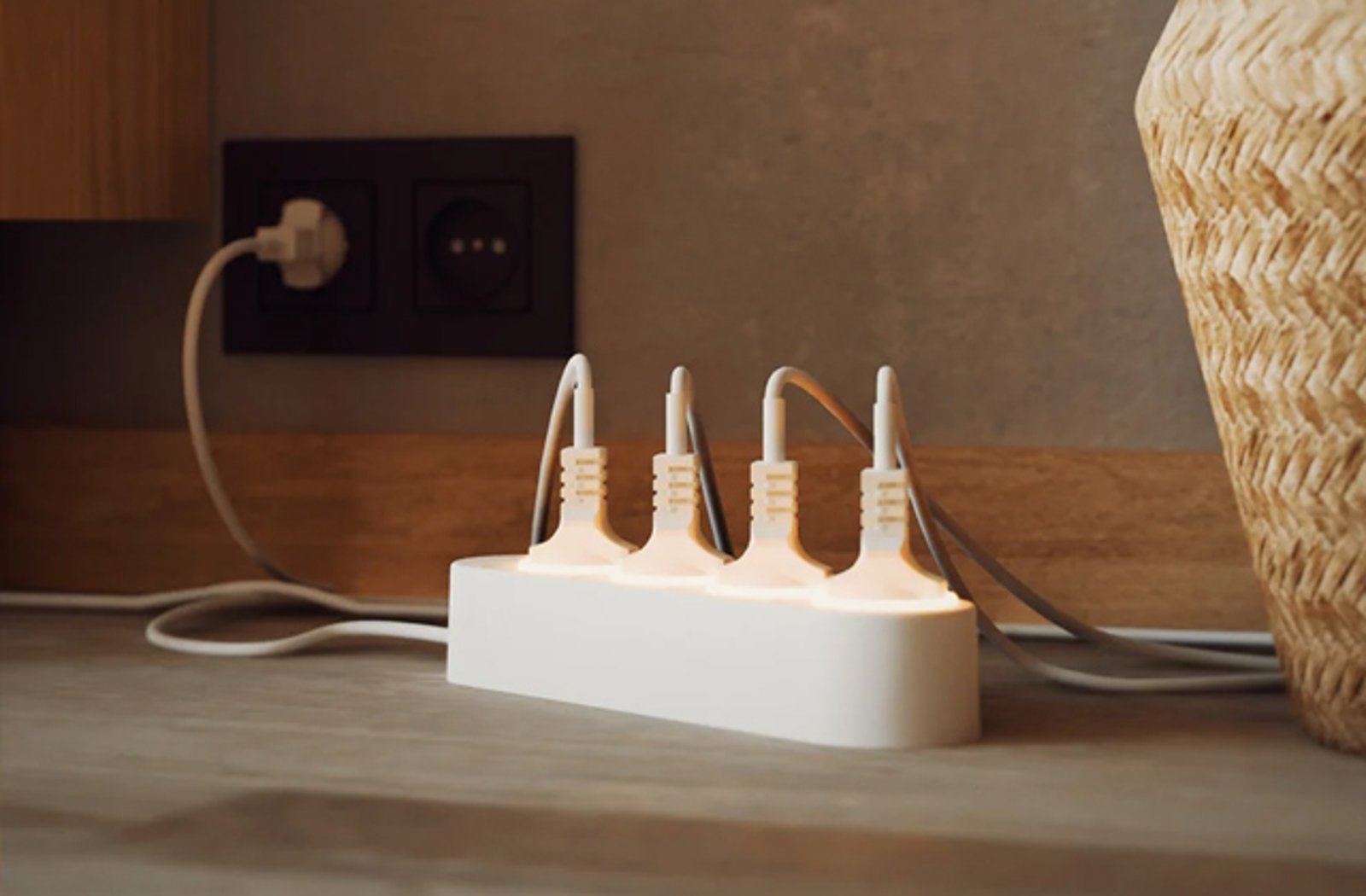
Plugs
The plug-in end of the range. Switching and power metering for anything on a lead, indoors or outdoors, with no wiring and no electrician.
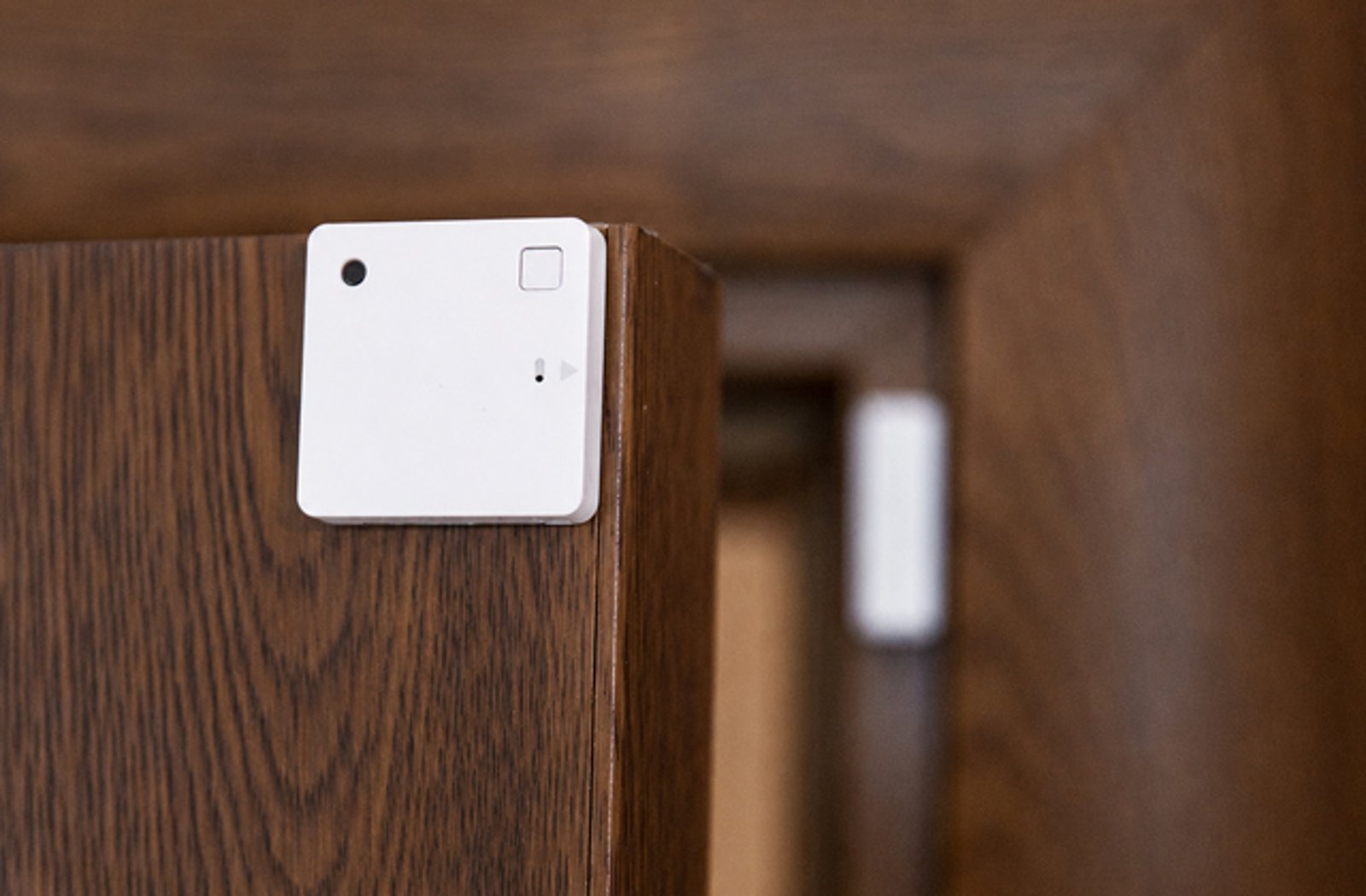
Gateway needed
Sensors and buttons
Battery-powered Bluetooth sensors and buttons under the BLU name, plus the BLU ZB line on Zigbee. These need a gateway, a small plug-in bridge, to reach Wi-Fi and the cloud.
Generations
The name on the box is not the whole story.
Shelly reuses the same product names across four hardware generations. There is a Shelly 1 at every one of them. The generation decides which radios you get, so it is never optional information when you buy, and it is the thing buyers most often get wrong.
Gen4
CurrentWi-Fi, Bluetooth and Zigbee 3.0, with Matter as the default mode out of the box. A button press swaps the device between the Matter and Zigbee modes, so you pick one of the two.
 Bluetooth
  Wi-Fi
Wi-Fi  Zigbee
  Matter
 Gen3
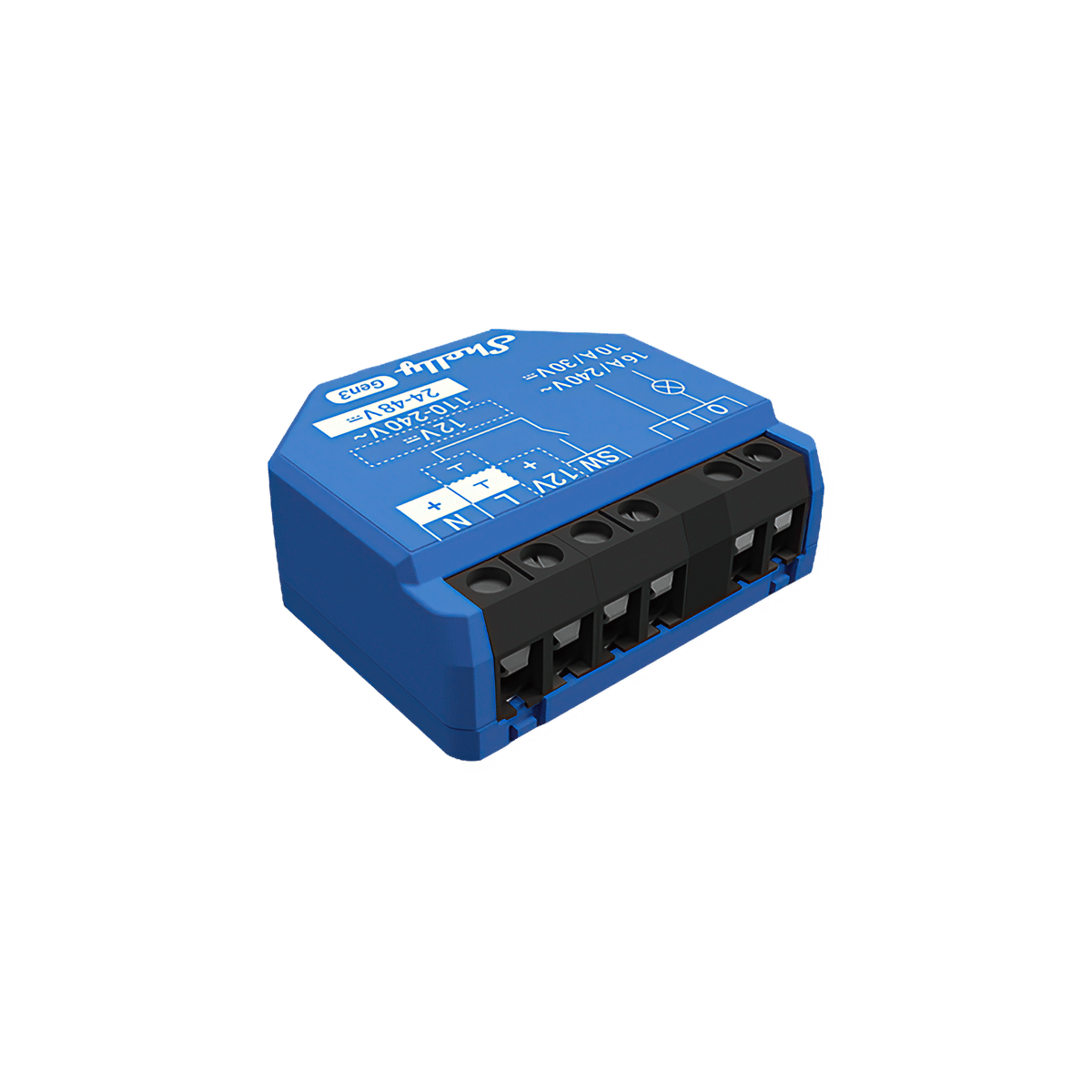
CurrentWi-Fi and Bluetooth, with Matter added over Wi-Fi. No Zigbee. Still current, and the home of the no-neutral 1L and 2L relays.
Bluetooth Wi-Fi Matter Gen2, sold as Plus
Check before buyingFaster hardware than Gen1 and easy Bluetooth setup, but no Matter and no Zigbee. Plus does not mean Matter. Shelly has stopped adding new features to the Plus models that have a direct Gen3 or Gen4 replacement.
Bluetooth Wi-Fi Gen1
LegacyThe classic devices, on their own separate API. Legacy, and still in plenty of Australian ceilings. Buy a current generation instead.
Wi-Fi Pro and Mini
Form factorNot generations. Pro means DIN rail and switchboard, usually with Ethernet alongside Wi-Fi. Mini means a smaller body for a tight wall box. Both combine with a generation rather than replacing it.
Wi-Fi  Ethernet Bluetooth
 Wave and BLU
Different radioSeparate radio families, not tiers of the Wi-Fi range. Wave is Z-Wave and needs a Z-Wave controller. BLU is battery-powered Bluetooth and needs a gateway. Shelly Pro alone does not tell you the radio.
 Z-Wave Bluetooth
 Use cases
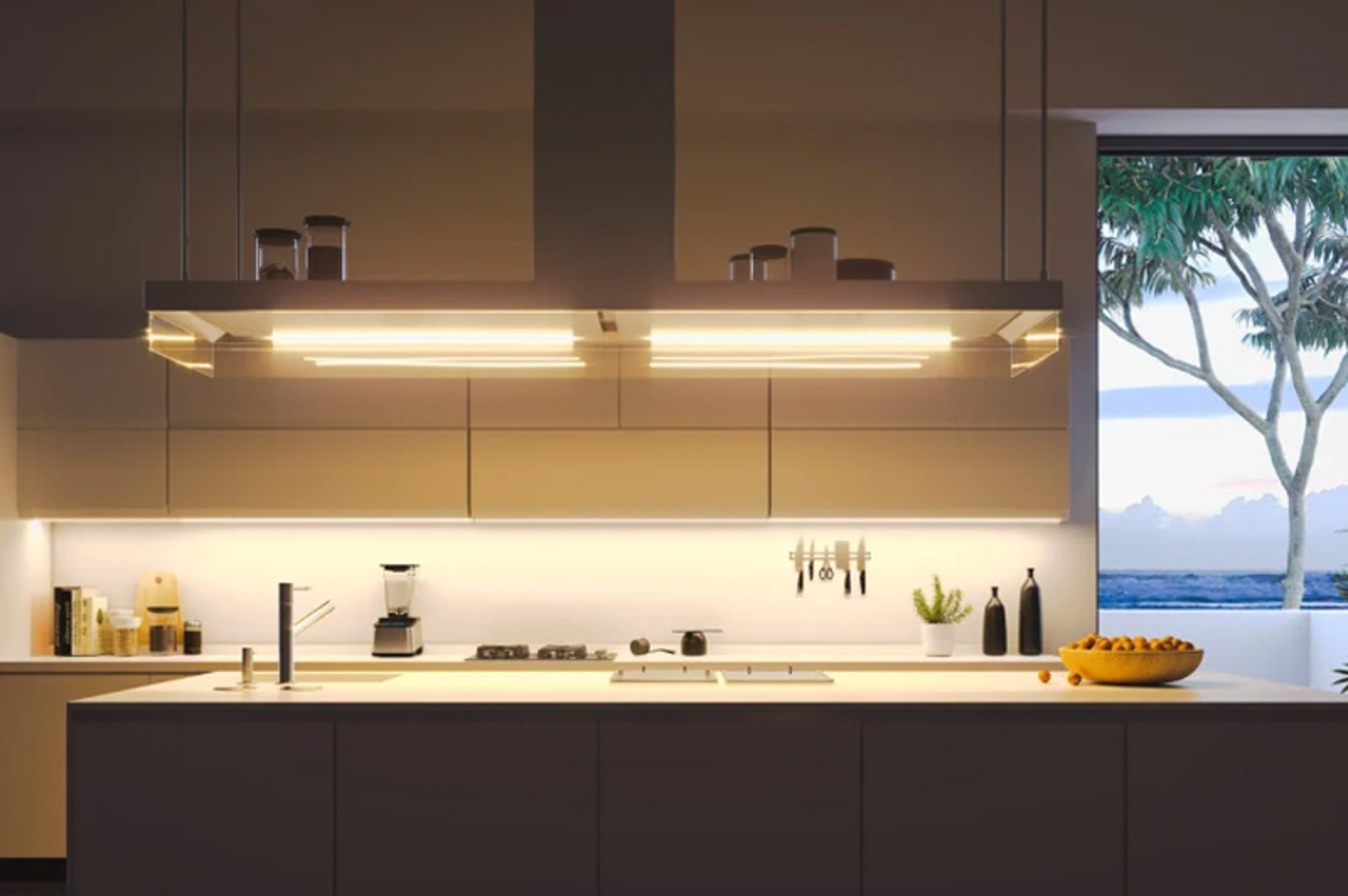
Make the lights you already have smart
The most common reason people buy Shelly. A relay goes into the wall box behind an existing light switch, and that circuit becomes controllable from your phone, a schedule or a voice assistant. The light itself does not change, and neither does the way anyone else in the house turns it on.

Roller shutters, blinds and awnings
If the blind, shutter or awning is already motorised, a shutter controller wires between the motor and its up-down switch, learns the travel time once during calibration, and from then on can be sent to fifty per cent instead of only open or closed. On Venetians it tilts the slats separately. Shelly controls a motor, it does not add one.
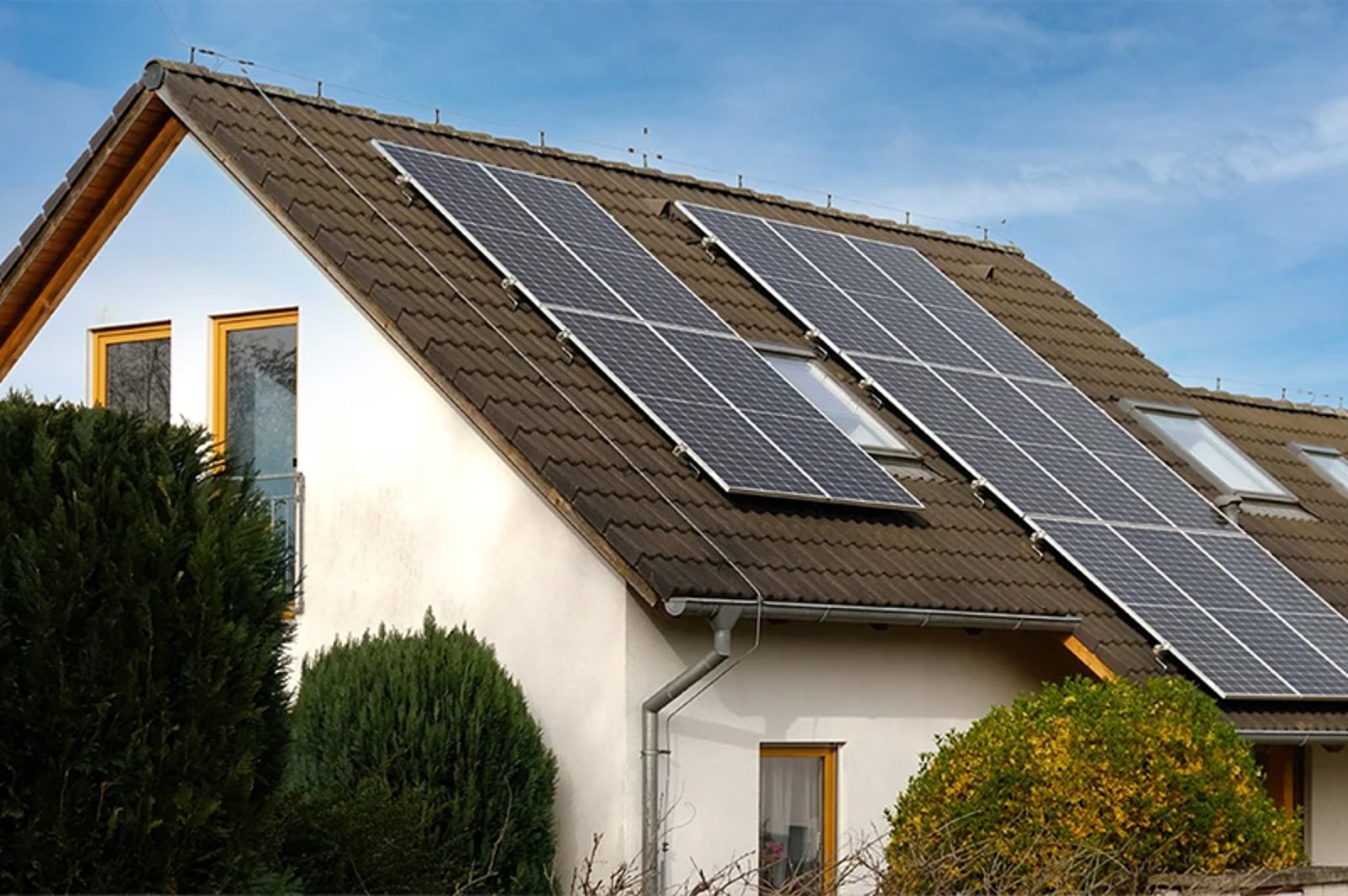
Solar, and where your power is actually going
Clip-on sensors in the switchboard measure how much you are pulling from the grid, how much you are sending back, and how much of your own solar you are using, across one or three phases, updated every minute and stored on the device for up to sixty days. Your retailer's meter reads the whole property at the meter box, on their schedule. This reads the circuits inside it, on yours.

Pool pumps, heaters and the garage door
A relay on a dedicated circuit turns a fixed appliance into something you can schedule to run on cheap-rate power, on spare solar, or at sunrise. The same modules handle a garage door, a heater or a pump, because to the relay it is all just a circuit that needs switching.
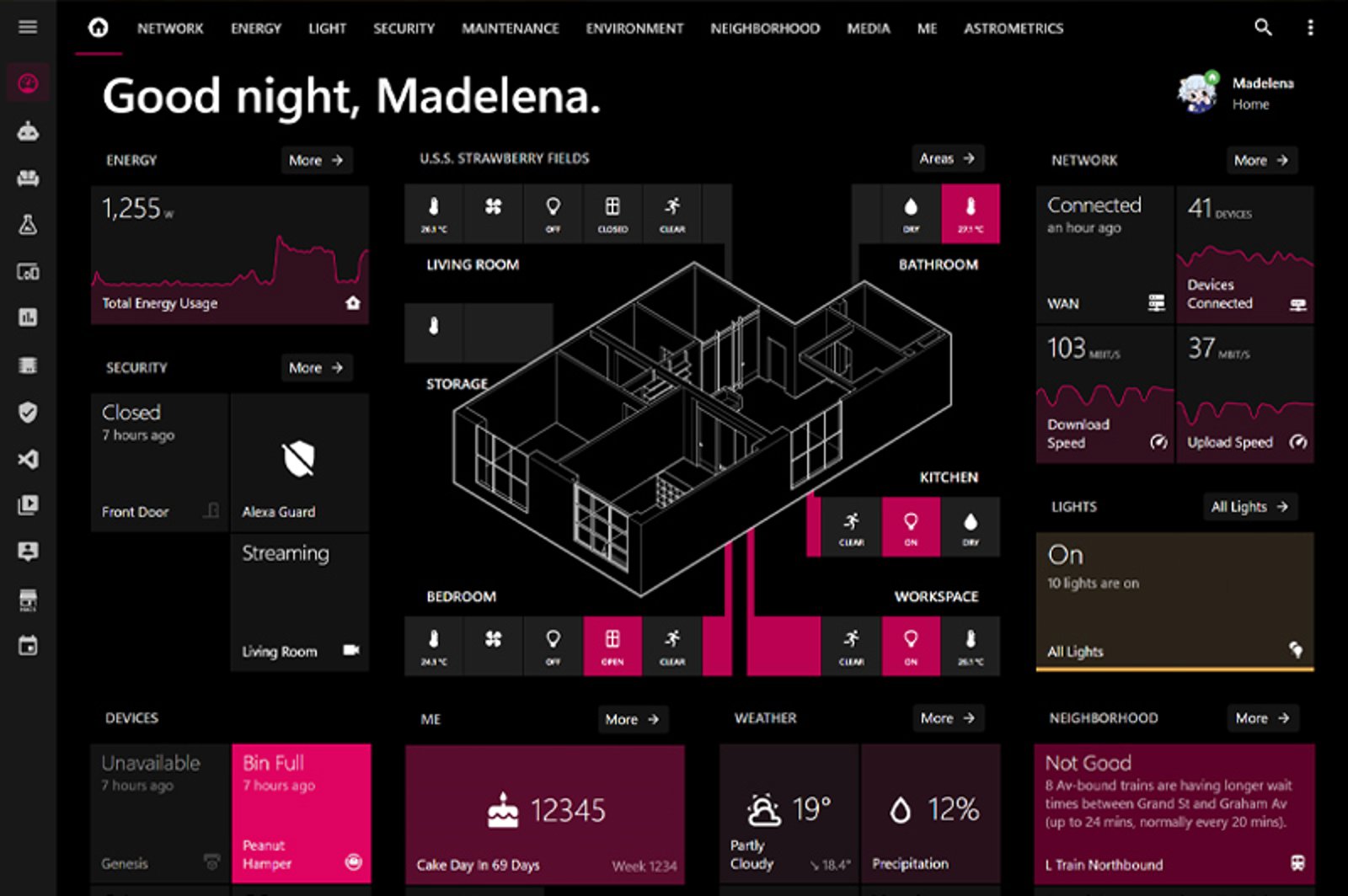
Building on it with Home Assistant
Home Assistant ships an official Shelly integration, so a relay arrives as an entity you can drop into a dashboard or an automation with no cloud account in the middle. MQTT and plain HTTP calls are there as well if you would rather script it yourself.
Before you buy
Who is allowed to install it
Every Shelly that wires into a mains circuit, which is every in-wall relay, dimmer and shutter controller and everything on the switchboard rail, must be installed by a licensed electrician. That is not a rule we have added. Shelly's own safety guides state that only a qualified electrician is allowed to install the device, and in Australia fixed wiring is electrical installation work under AS/NZS 3000, regulated by state and territory licensing. The plug-in and battery-powered products are the exception, because there is nothing to wire. Two things are worth settling with your electrician before you order. The first is whether there is a neutral wire at the switch, since most of the range needs one and only a couple of models are built for boxes without. The second is whether there's room in the wall behind the switch for the module.
Works with Connects to all five. Certification is granted per device, not brand-wide.





Works with Matter
Matter comes with Gen4 and runs over Wi-Fi, so a Gen4 device joins a Matter platform natively with no bridge in between. Gen2, sold as Plus, has no Matter at all. On Gen4 you set the device up in either the Matter mode or the Zigbee one.
Not sure which Shelly you need?
Tell it the job, and where it matters, the wiring and how you want to control it, and the picker names the model.
Try the Shelly pickerCommon questions
Quick answers about Shelly. We test this gear ourselves. Can't find yours? Ask our Melbourne team
Not for the Wi-Fi range. Gen1 through Gen4 devices, including Plus and Pro, join your home Wi-Fi directly and are controlled from the app, a browser or a local API call. Two families are the exception. Shelly BLU, the battery-powered Bluetooth sensors, needs a gateway, a small plug-in bridge to your Wi-Fi. Shelly Wave is Z-Wave and needs a Z-Wave controller.
The plug-in and battery-powered products, yes. The in-wall and DIN-rail devices wire into a mains circuit, which is a job for a licensed electrician in Australia under AS/NZS 3000. Shelly's own safety guide says the same.
Yes. Each device is controlled straight from your home network, so switching and schedules keep working if the internet drops. Gen2 and later devices also run a web page and a full local API on your own network, over HTTP, WebSocket and MQTT. Remote access, voice assistants and cloud automations are the parts that need the internet.
From Gen3 onward, over Wi-Fi, and on Gen4 it is the default mode out of the box. Shelly Plus, which is Gen2, has no Matter, no Zigbee and no IPv6. If you are buying for Matter, check the generation rather than the tier name.
Yes. Shelly's cloud is free to use for controlling your devices from anywhere. There is an optional Shelly Smart Control Premium subscription that adds extra features in the app, and the basic app functions stay free without it.
Most of the range does. The neutral is the wire that carries current back, and in older Australian homes it is often not run to the light switch. Shelly makes specific models for that situation: the 1L and 2L relays, and the Gen4 dimmer paired with a bypass. Your electrician can tell you what is in the box in a minute.