

















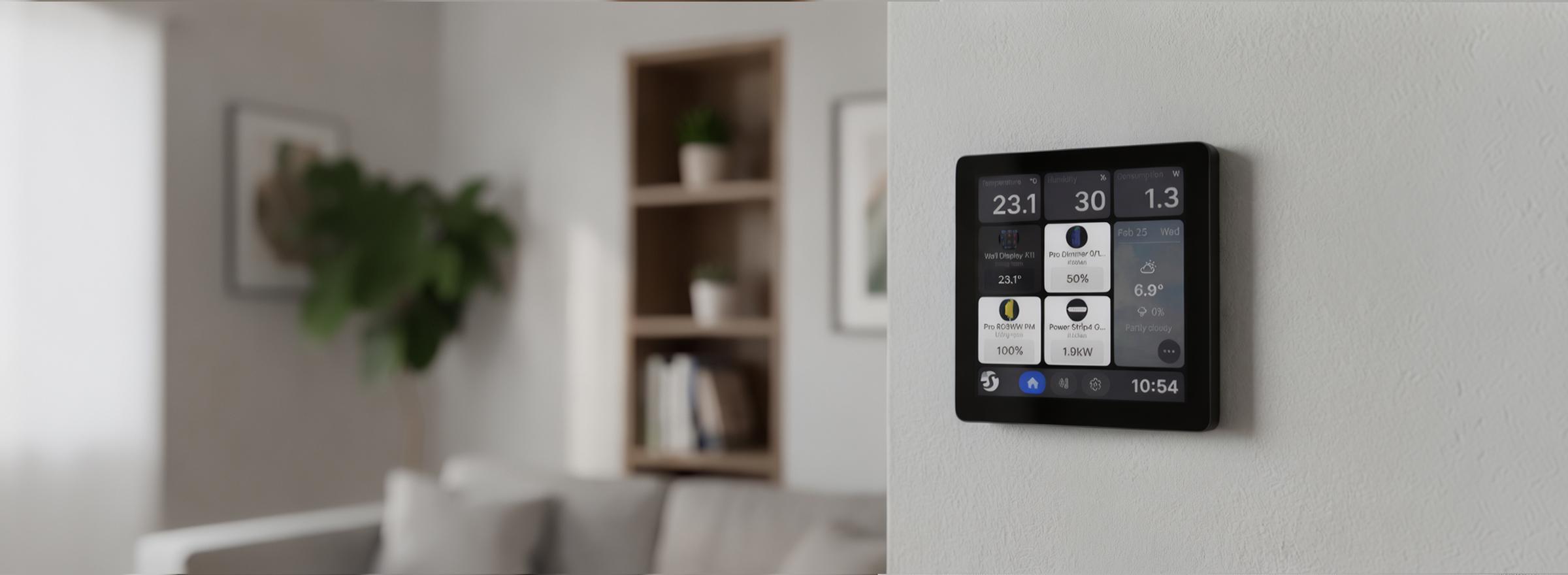

Shelly Wall Displays
Every Shelly Wall Display we stock. They are Android touch panels that go in a wall box in place of a light switch, and each one switches a lighting circuit behind the screen.
What a Shelly Wall Display does
It is a touch screen that goes on the wall where a light switch would be. From it you can turn lights on and off and control every Shelly device in the house, and it works with Home Assistant if that is what runs your home. It still switches the light it replaced, so nothing about that light changes for anyone else in the house.
Wi-Fi and Bluetooth, not Zigbee or Matter
Both panels connect to your home Wi-Fi, and use Bluetooth to play through a speaker. Neither has Zigbee or Matter built in, so a panel won't take the place of a hub. If you already have one, keep it. The panel is the screen you control things from, and the hub stays where it is.
Shelly Wall Display X2i vs XL
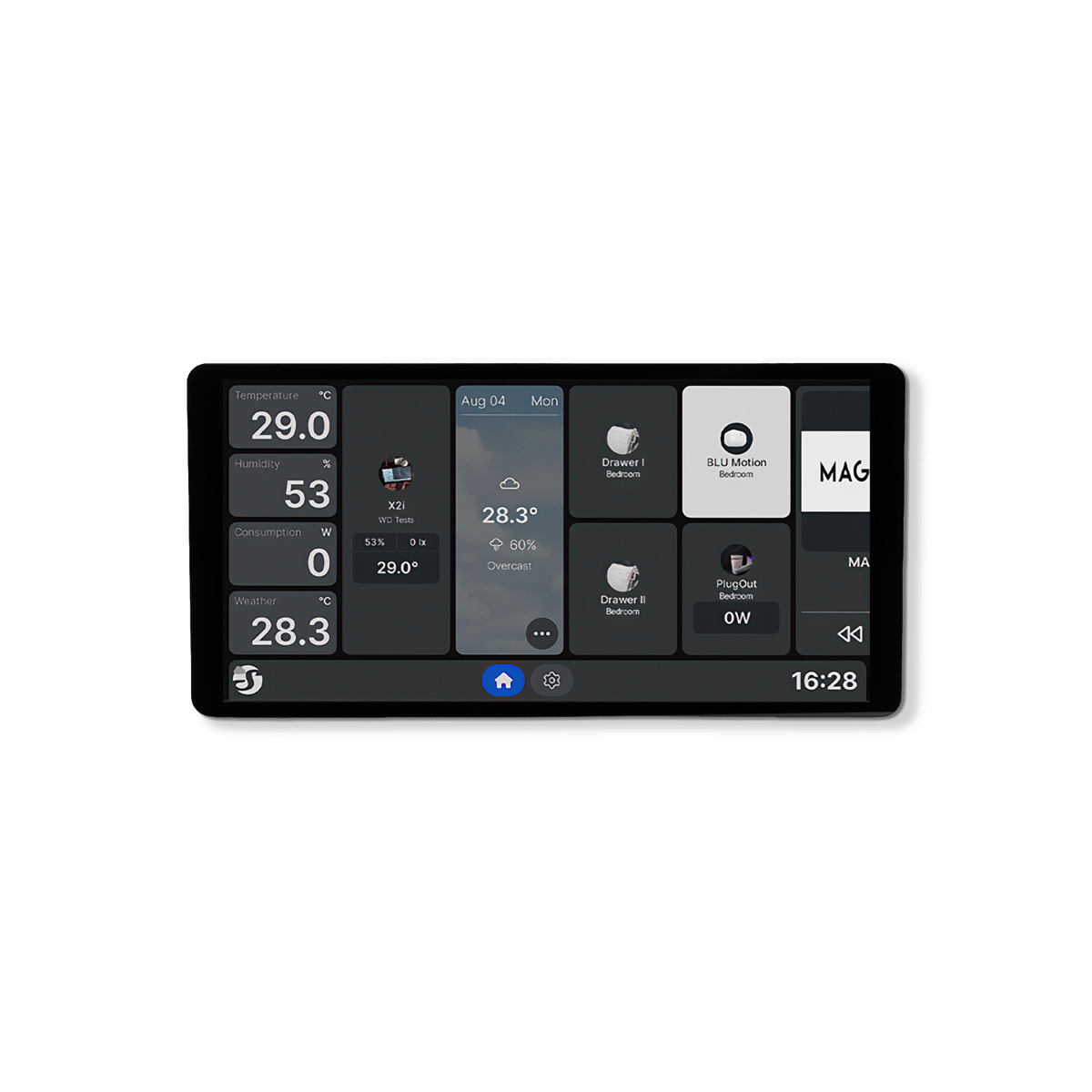
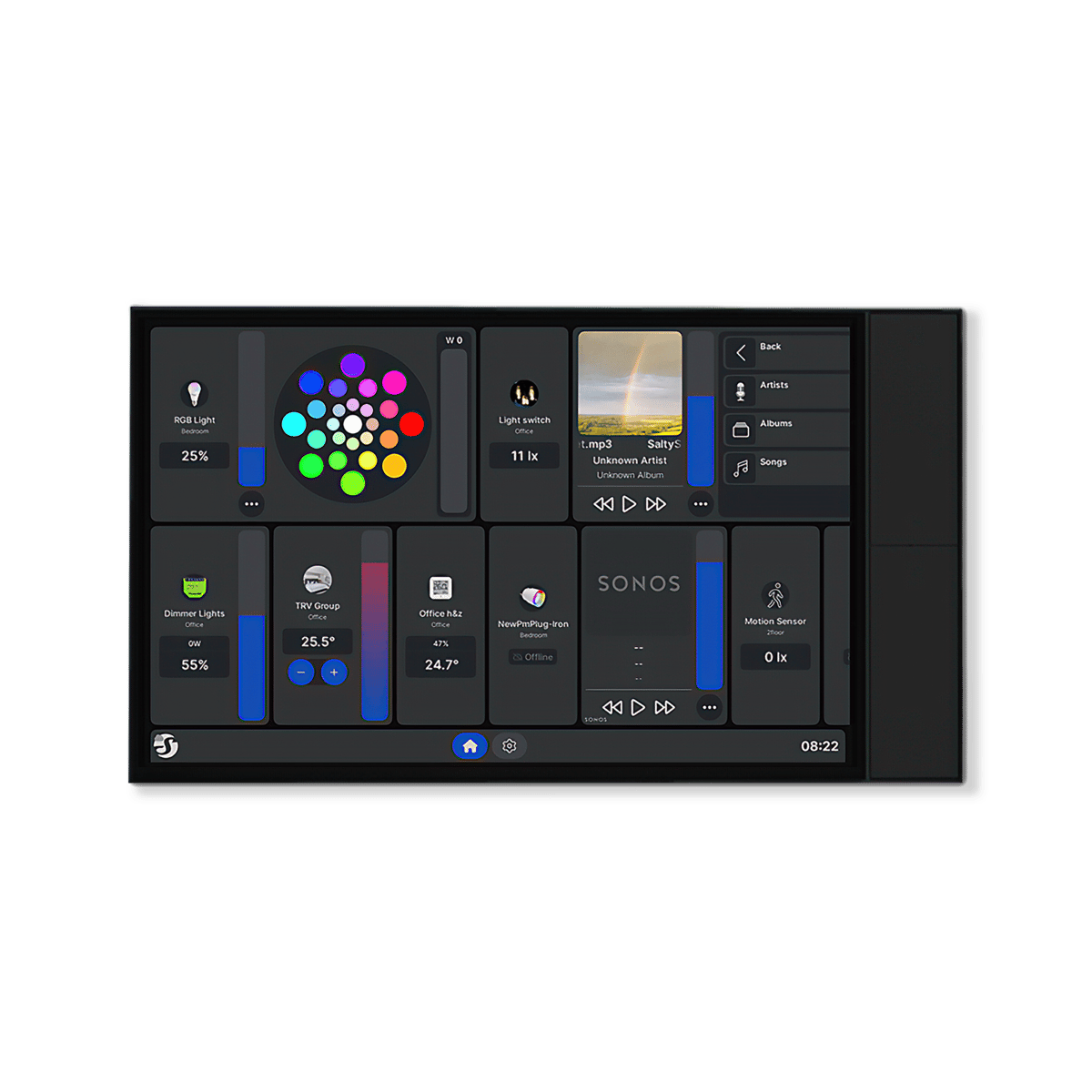
The X2i has a 6.9-inch screen and goes where a light switch already is. The XL has a 10.1-inch screen, the size of a tablet, and suits a spot you choose for it, like a hallway or the end of a kitchen bench. Both fit the standard wall box a light switch sits in.
Sound, voice and wake-up
Both panels have a speaker and a microphone, and both can play through a Bluetooth or Sonos speaker. The XL is the louder of the two, with two speakers and four microphones. Neither screen needs to stay on all day: each one wakes as you walk up to it.
Shelly · 2 products Shelly Wall Displays Australian stock
Tap products to compare them
That's the most you can compare at once



No products match those filters.
More about Shelly control panels
Choosing a Shelly Wall Display.
Where to put a Shelly touch screen
The X2i and the XL can both run off the cables that power a light switch, as long as a neutral wire is there too, so either one can go where a switch is now. The X2i sits neatly in that spot. The XL is the size of a tablet, so it suits a wall you pass every day, like the entry, a hallway or the end of a kitchen bench.
What you can put on the screen
Out of the box it runs Shelly's own app, and you can lay out the home screen with the lights, blinds and scenes you use most. If Home Assistant runs your home, you can put that on the screen instead. It can also control music playing through a Bluetooth or Sonos speaker.
Buttons you can set on the XL
As well as the touch screen, the XL has four physical buttons. Out of the box they turn the volume up and down and switch the light on and off. You can change any of them to run a scene, control a group of lights, play the radio or skip a song.
Common questions
Quick answers before you buy. We test this gear ourselves. Can't find yours? Ask our Melbourne team
Yes. Home Assistant's Shelly integration adds the panel alongside your other Shelly devices. On current firmware, Home Assistant can also play sound through the panel's speaker.
Not directly. The switch behind the screen is rated to 5 A, which is enough for lights but not for a heater or an air conditioner. Put one of our in-wall relays on that circuit to do the switching, and control it from the panel.
Yes, for control. The panel reaches every Shelly device on your home Wi-Fi, so one screen can run lights, blinds and scenes all over the house. The switch behind it is the exception: it only switches the light it is wired to.
Yes, with Shelly's 2-output power base. The X2i comes with a base that switches one circuit, and the base is made to be swapped. We don't stock the 2-output base yet, so ask us before you plan around it.
No. We stock the X2i and the XL. If you want a panel that goes where a light switch is now, the X2i does that with a 6.9-inch screen.