Shelly guides
Relays, dimmers and energy meters that fit behind the switches and fittings you already have. What each generation is for, which ones need a neutral, and how they reach the platform you run.


- Apple Home
- Google Home
- Amazon Alexa
- SmartThings
- Home Assistant
- Philips Hue
- Shelly


 Shelly Camera
 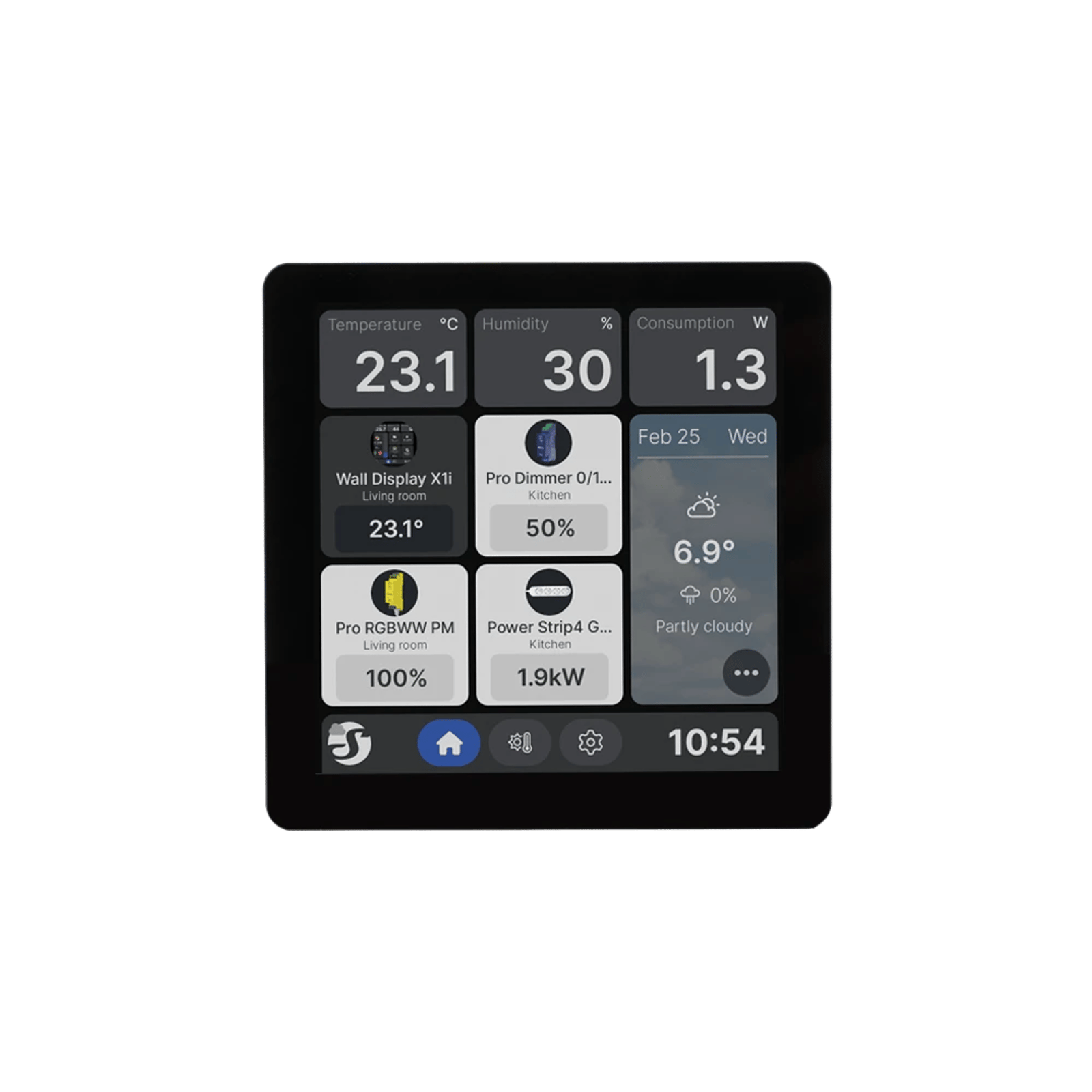 Shelly Wall Display X1i
 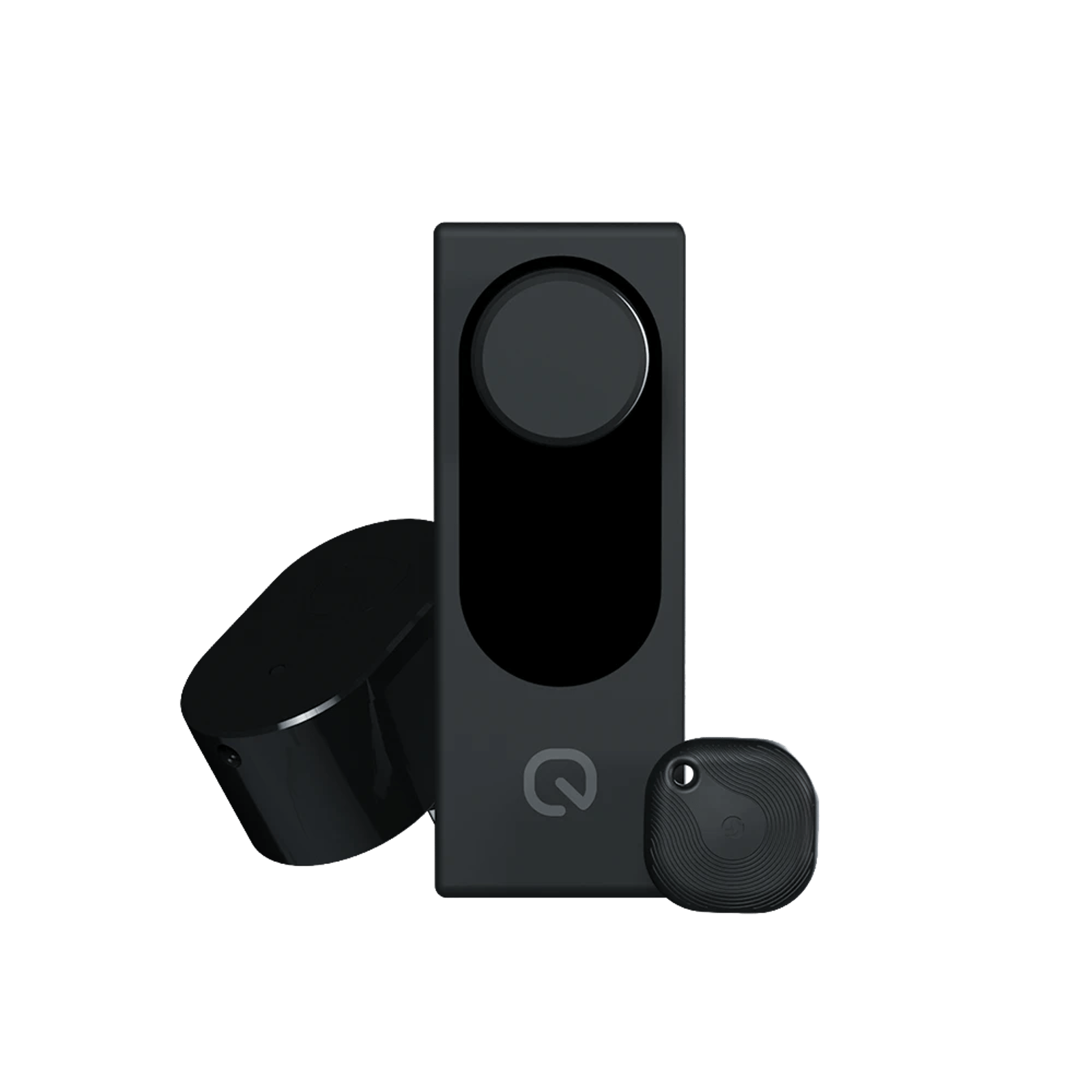 Shelly LOQED Pure
 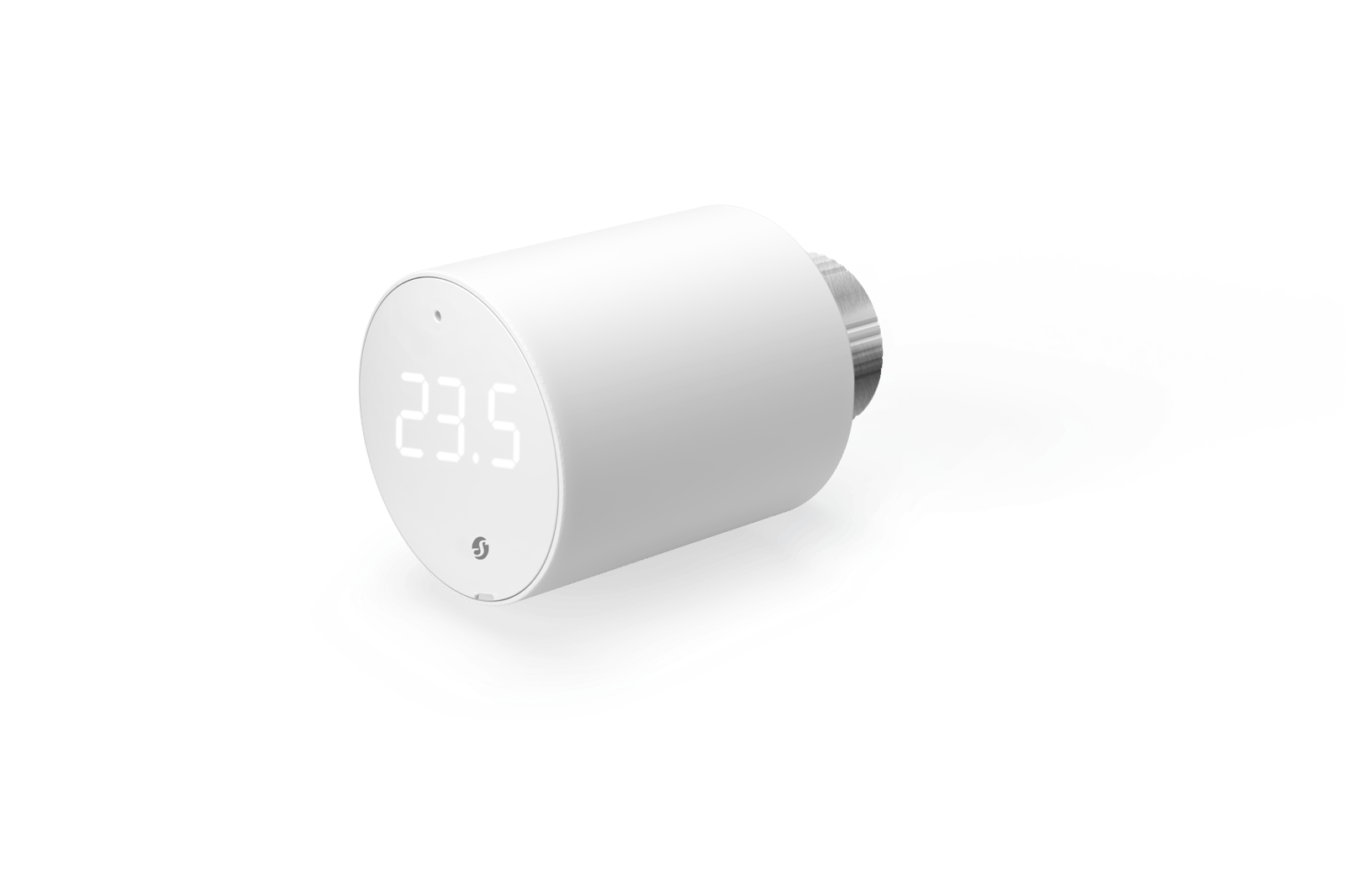 Shelly BLU TRV
 Product update IFA Berlin 2026
Everything Shelly announced at IFA 2026
Shelly showed ten products at IFA Berlin, but the two things worth knowing are free firmware updates. The Wall Display becomes a Matter controller, and Gen4 gets a full IP stack over Thread.
10 announced
0 on sale in Australia
Product update · IFA Berlin 2026 Everything Shelly announced at IFA 2026 Ten devices, and a free Matter update New to Shelly?
Which generation does what, how it reaches the rest of your smart home, and what keeps working when the internet does not.
Setup Calculator Buying guide Comparison Comparison Explainer
How to add a Shelly device to the Shelly app
Add a Shelly relay or dimmer to the Shelly Smart Control app over Bluetooth, step by step, with fixes for when the app can't find it.
Which Shelly do I need?
Tell us the job, and where it matters, the wiring and how you want to control it, and we'll tell you which model to buy.
Shelly 1 vs 1PM vs 2PM: which one do you need?
The Shelly 1, 1PM and 2PM fit behind the same light switch and cost $34.95 to $49.95. Here's what separates them, and which one suits your job.
Shelly generations: Gen 3 vs Gen 4 vs Pro
Shelly's range runs Gen1, then Plus and Pro, then Gen3 and Gen4. Here is what actually changes between them, and why a Pro is not a step above a Gen4.
Should you run Shelly on Zigbee or Wi-Fi?
Zigbee is alternative firmware on Gen 4 Shellys, not a second radio. What you gain, what leaving Wi-Fi costs you, and how to switch without losing your configuration.
Does Shelly work without the internet?
Yes, and the wall switch works even with the router unplugged. What keeps running without internet, what stops, and the clock problem that breaks schedules after a power cut.
Will it do the job?
What each relay is rated to switch, what lands on which terminal once the wall is open, which meter fits your switchboard, and how Shelly reaches Matter.
Calculator Calculator Comparison Calculator
What can a Shelly switch? Load ratings explained
Every Shelly relay and dimmer we stock, what each one is rated to switch, and why the type of load matters more than the wattage.
Shelly wiring diagrams, terminal by terminal
Wiring diagrams for every Shelly relay we stock, and what each terminal actually does. Pick the job, pick the relay, and you get the same diagram that sits on the product page.
Which Shelly energy monitor do you need?
Shelly's meters split on three questions: how many circuits, one phase or three, and whether you have solar. Of the ones we carry, only the Pro models measure what your panels export.
Shelly and Matter: supported devices, setup and limits
Gen4 Shellys ship with Matter on by default; Gen3 needs a firmware update and a toggle. Which devices support it, what your network needs, and how to pair with Apple Home, Google Home or Alexa.
In the Shelly app
Pairing sensors, setting how your switches behave, installing a script, adding your tariff and what's free.
Setup Calculator Setup Explainer Setup Explainer
How to add a Shelly BLU sensor to the Shelly app
Add a Shelly BLU door, window or motion sensor to the Shelly Smart Control app, choose the Shelly that acts as its Bluetooth gateway, and fix one that stops reporting.
Shelly switch modes: which input mode suits the switch on your wall
The relay is wired correctly and the light still misbehaves. Usually the input mode does not match the switch on the wall. Here is which mode suits which switch.
How to install a script on a Shelly
Install a script on a Shelly from the Shelly app or a browser, step by step: create it, paste the code, run it, and keep it running after a restart.
Shelly virtual components: what they are and how to use them
A virtual component is a switch, slider, dropdown, button or text box you add to a Shelly yourself. Here is what each type does, and how a script uses them.
How to add your electricity tariff to the Shelly app
Enter your electricity rate in the Shelly app, flat or time-of-use, so your energy readings line up with the prices on your bill.
The Shelly app: what's free, and what Premium adds
The free Shelly app controls every device you own. Premium adds finer data, weather-driven scenes and a longer activity log. What each plan does, and who gets value from paying.
Head to head
Comparison
Which Shelly energy monitor do you need?
Shelly's meters split on three questions: how many circuits, one phase or three, and whether you have solar. Of the ones we carry, only the Pro models measure what your panels export.
ComparisonShould you run Shelly on Zigbee or Wi-Fi?
Zigbee is alternative firmware on Gen 4 Shellys, not a second radio. What you gain, what leaving Wi-Fi costs you, and how to switch without losing your configuration.
ComparisonShelly generations: Gen 3 vs Gen 4 vs Pro
Shelly's range runs Gen1, then Plus and Pro, then Gen3 and Gen4. Here is what actually changes between them, and why a Pro is not a step above a Gen4.
What people do with Shelly

A roof-space fan that runs when the roof gets hot
A temperature probe in the roof space switches the exhaust fan on when the air up there gets hot, and off again once it cools. It runs on the relay itself, so it keeps working without the internet. Control with any of

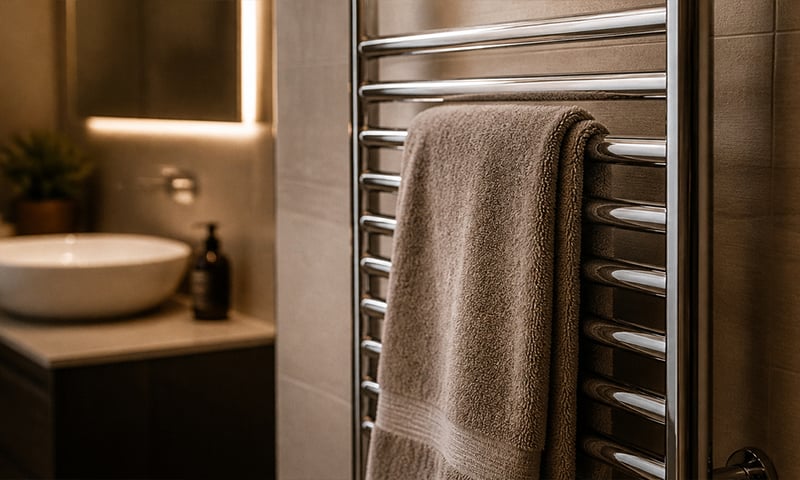
A warm towel rail on winter mornings
Schedule the rail for weekday mornings and it's warm when you step out of the shower, off again before you leave. No more discovering it's been heating an empty house all day. Control with any of 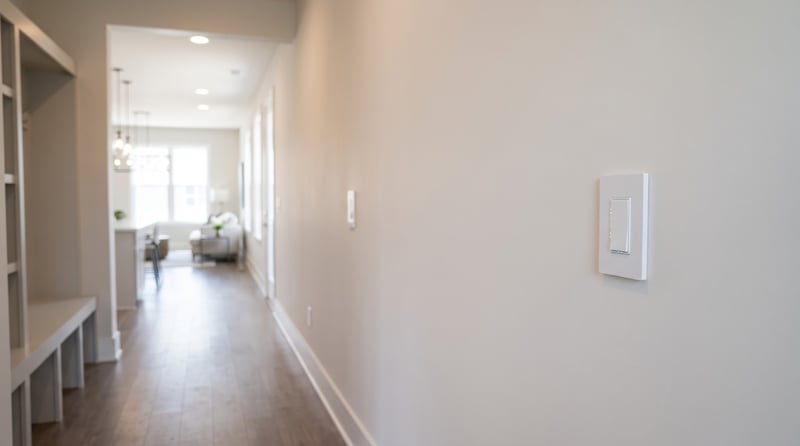
Add a second light switch without running new cable
A Shelly i4 behind a second switch tells the light to change over Wi-Fi, so the far end of the hall or the top of the stairs gets its own switch. Nobody runs cable between the two. Control with any of 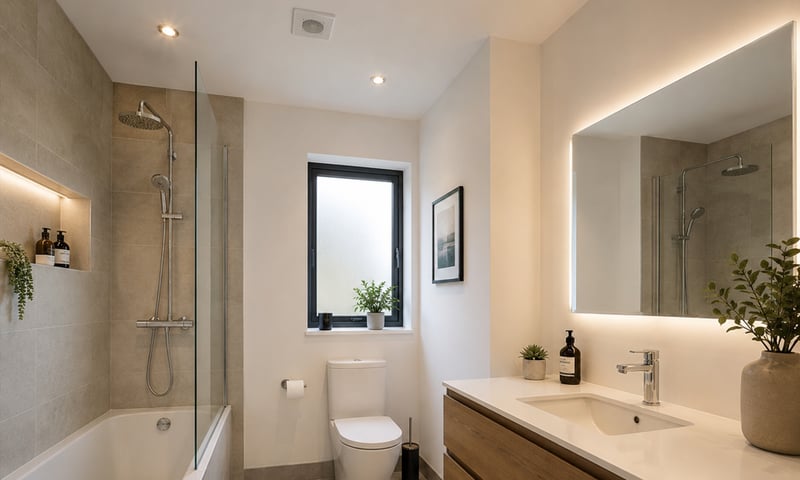
Bathroom fan that clears the steam, then turns itself off
The exhaust fan keeps running after the light goes off, long enough to clear the steam, then shuts itself down. Add a humidity sensor and it only runs when the room needs it. Control with any of 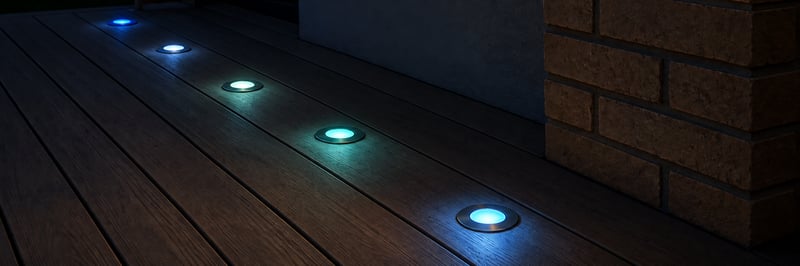
Colour deck lights you run from your phone
Keep your 12 or 24 V RGBW deck lights and add a small controller, so they come on at sunset in any colour or white you like. Run them from the Philips Hue app, Home Assistant or the Shelly app. Control with any of

Control any group of lights from one wall switch
Outdoor lights on, the lounge set for a movie, everything off at bedtime. Behind one switch plate, each press sets the lights the way you choose. Control with any of 
Dim the lights from the couch for movie night
Drop the lights to a glow from the couch, then bring them back up when it's time to tidy. Fit a Shelly dimmer behind the wall plate, or swap to Philips Hue bulbs and use the app. Control with any of 
Find out what an appliance costs to run
A small meter behind the power point records every kilowatt-hour an appliance uses. Add your tariff and you can see what the heater, fridge or pool pump really costs. Control with any of 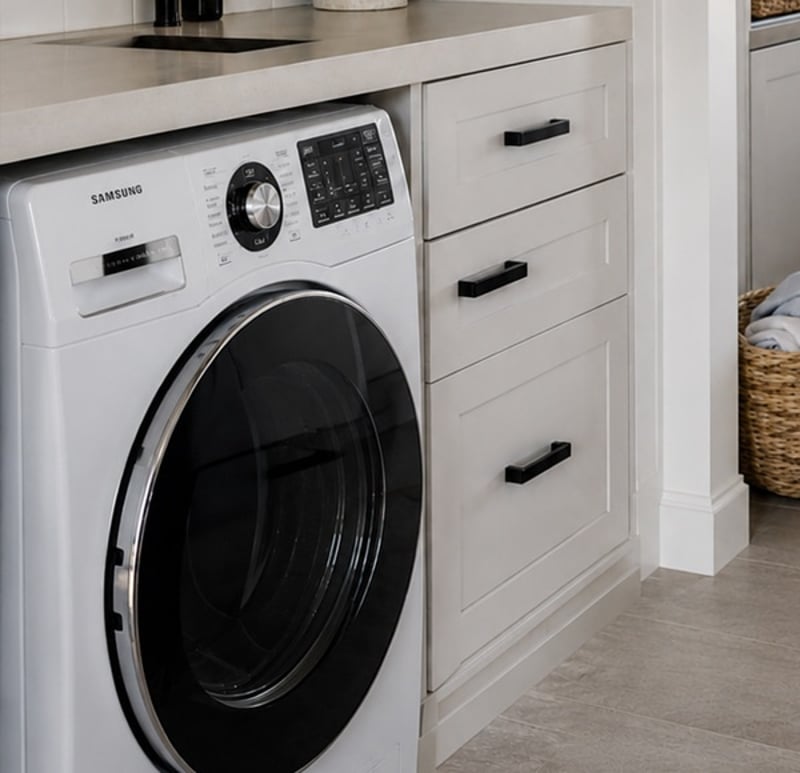
Get a phone alert when the washing is done
A small meter behind the washing machine's power point sees the power drop when the cycle ends and sends a notification to your phone. No new machine, and nothing changes about how you use it. Control with any of 
Get told when a door or window is left open
A sensor on the door or window and a rule that waits. If it is still open after five minutes, your phone gets told, and a nearby light can come on as well. Control with any of 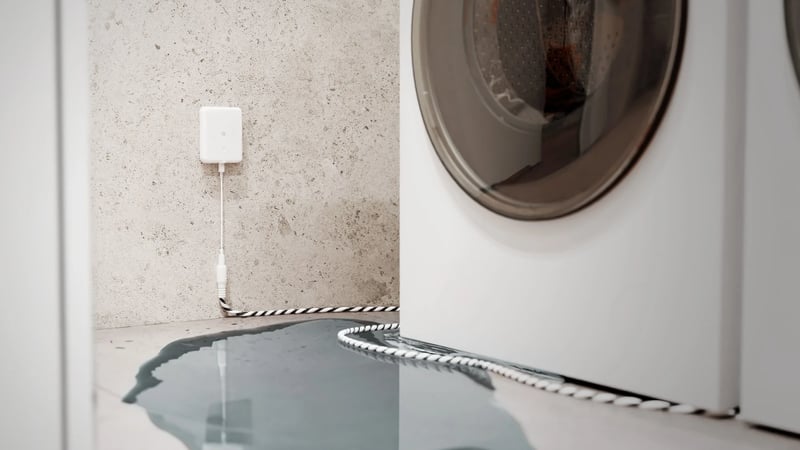
Know the moment there's a water leak
A leak sensor beside the washing machine, the sink or the hot water unit. When water reaches it, the sensor sounds an alarm and so does your phone. Control with any of 
Lights and heating that come on when you get home
Tap Leaving home as you go out. The next time the front door opens after dark, the entry light comes on, and the heater too if you want it. Control with any of 
Lights that come on as you walk in, softer late at night
A sensor turns the bedroom or hallway light on as you walk in, at full brightness in the evening and a low glow at 2am. Fit Philips Hue bulbs and a motion sensor, or keep your lights and add a Shelly dimmer and presence sensor. Control with any of 
Lights that dim on a schedule each evening
The lights fade down to a low glow after dinner instead of snapping between full and off. Do it with a Shelly dimmer behind the wall plate or Philips Hue bulbs, in their app or Home Assistant. Control with any of 
Lights that fade up to wake you in the morning
The bedroom lights come up slowly before your alarm, so you wake to a lit room instead of a dark one. Do it with a Shelly dimmer behind the wall plate or Philips Hue bulbs, in their app or Home Assistant. Control with any of 
Open and close blinds and awnings at sunrise and sunset
Motorised blinds, shutters and awnings open at sunrise, close at sunset and drop to a set position for the afternoon heat, from a schedule or your phone. Works with standard 230 V cover motors. Control with any of 
Open and close the blinds from a wall switch
Keep the up and down switch you have and fit a Shelly behind it, so the blinds run from the wall and from your phone. Add a second switch anywhere in the room without new cable. Control with any of 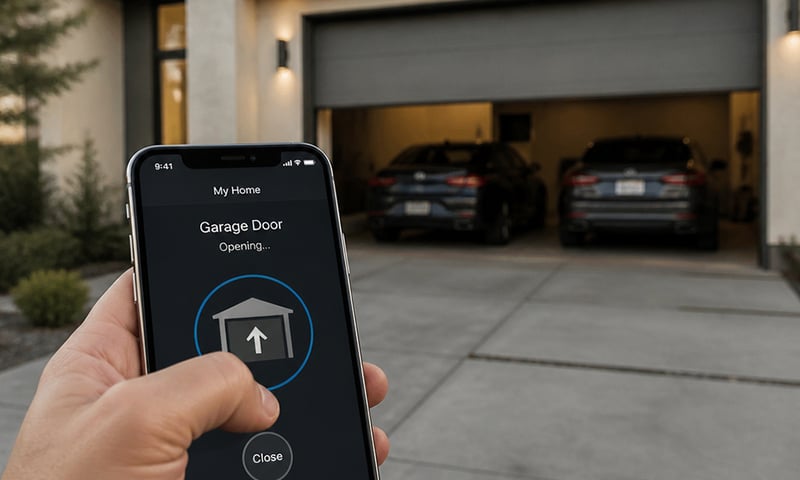
Open the garage door or gate from your phone
Wire the relay across the opener's button terminals and the roller door, swing gate or door release answers your phone as well as the wall button. Pair it with a contact sensor and you'll also know whether the door is actually shut. Control with any of 
Outdoor lights on at sunset, off at midnight
Porch, path and garden lights follow the sun through the year without you touching a switch. Run the lights you have from a Shelly relay, or fit Philips Hue outdoor lights, and set it up in their app or Home Assistant. Control with any of 
Run the hot water on off-peak or solar
Put the hot water system on a timer, so it heats on overnight off-peak rates or in the middle of the day on your solar. One schedule on one circuit, and you can see what every heat-up uses. Control with any of 
Run the pool pump when it costs less
The pool pump is one of the hungriest circuits in most houses, so schedule its runs into off-peak windows and see what each one uses. Changing the season's run times happens from the couch, not the pump shed. Control with any of 
Switch off an appliance left running
A metering relay on the heater's supply switches it off after the time you set, and can message you when it has been drawing power too long. The same alert can tell you the washing has finished. Control with any of 
Water the garden on a schedule
The relay's dry contact drives standard irrigation solenoids, so beds and lawn water on a schedule without a dedicated controller. Rain coming? Skip the next run from your phone. Control with any of The Shelly range
Relays, dimmers and energy meters sized to fit behind an Australian switch plate.