


















Setup Ecosystems
How to add your electricity tariff to the Shelly app
Enter your electricity rate in the Shelly app, flat or time-of-use, so your energy readings line up with the prices on your bill.
Add your electricity rate to the Shelly app once, and every Shelly that measures power shows what its energy cost in dollars. You'll need your latest bill and a Shelly that measures power, such as a 1PM or an energy meter. If you don't have one yet, see which Shelly energy monitor you need.
Find your rate on your bill
Look for the usage rate in cents per kWh, with GST included. Shelly takes it in dollars, so 32.5c becomes 0.325. A time-of-use plan has a rate for each block of the day, such as peak and off-peak, so note the hours for each one too. Leave out the daily supply charge: Shelly only takes a price per kWh.
Set your billing date and currency
- Open Energy
In Shelly Smart Control, tap the lightning bolt in the bar at the bottom of the screen. Your tariff lives here rather than on a device, because it applies to every Shelly on your account.
- Tap Electricity Tariff
It's the last tab along the top of the Energy screen.
- Set your billing date and currency
Under Billing date, pick the day of the month your billing period starts and tap Save. Under Preferred currency, enter AUD and tap its Save.
Further down the same screen, check the Timezone shows where you live, such as Australia/Melbourne. Your intervals follow it.
Add a flat rate
If your plan has one usage rate, you only need one tariff.
- Tap Add tariff
Under Tariff, leave Default selected and tap Add tariff.
- Name it and enter the price
Give it a name you'll recognise, such as Anytime, and enter your rate in dollars per kWh (0.325 for 32.5c). Pick a colour and tap Save tariff.
Add a time-of-use plan
A time-of-use plan takes two parts: a tariff for each rate, then intervals that tell Shelly when each tariff applies.
- Add a tariff for each rate
Tap Add tariff once for each rate on your bill and enter its price per kWh. Our example plan has three: Peak, Off-peak and Super off-peak.
- Tap Add interval
Scroll down to Intervals and tap Add interval.
- Pick the tariff and the days
Choose the tariff this block of time uses, then tick the days it applies. Leave every day ticked if your rates are the same all week.
- Set the times and save
Set the start and end times with the arrows, then tap Save interval. Our example Peak block runs from 14:00 to 00:00.
- Repeat until the day is covered
Add an interval for every block on your bill. If your plan treats weekends differently, add separate intervals for Saturday and Sunday. Once every hour is covered, Add interval greys out.
To change a price later, tap the three dots next to the tariff. Your intervals keep pointing at it, so you only update the price in one place when your retailer changes it.
See the cost on your devices
- Open the device's charts
Open a Shelly that measures power and tap Charts. Under Consumption, pick the period you want, such as Last 24 hours, and turn on Show tariffs distribution. Total Energy shows the kilowatt-hours and what they cost in dollars, and the lines below split them by tariff.
The Live tariff option
Next to Default you'll also see Live. It's for plans where the price changes through the day, such as wholesale plans. Shelly doesn't fetch those prices itself: another service has to send it the current price. If you're on a flat or time-of-use plan, leave it on Default.
Shelly energy monitors
Any of these will show its running cost once your tariff is in.
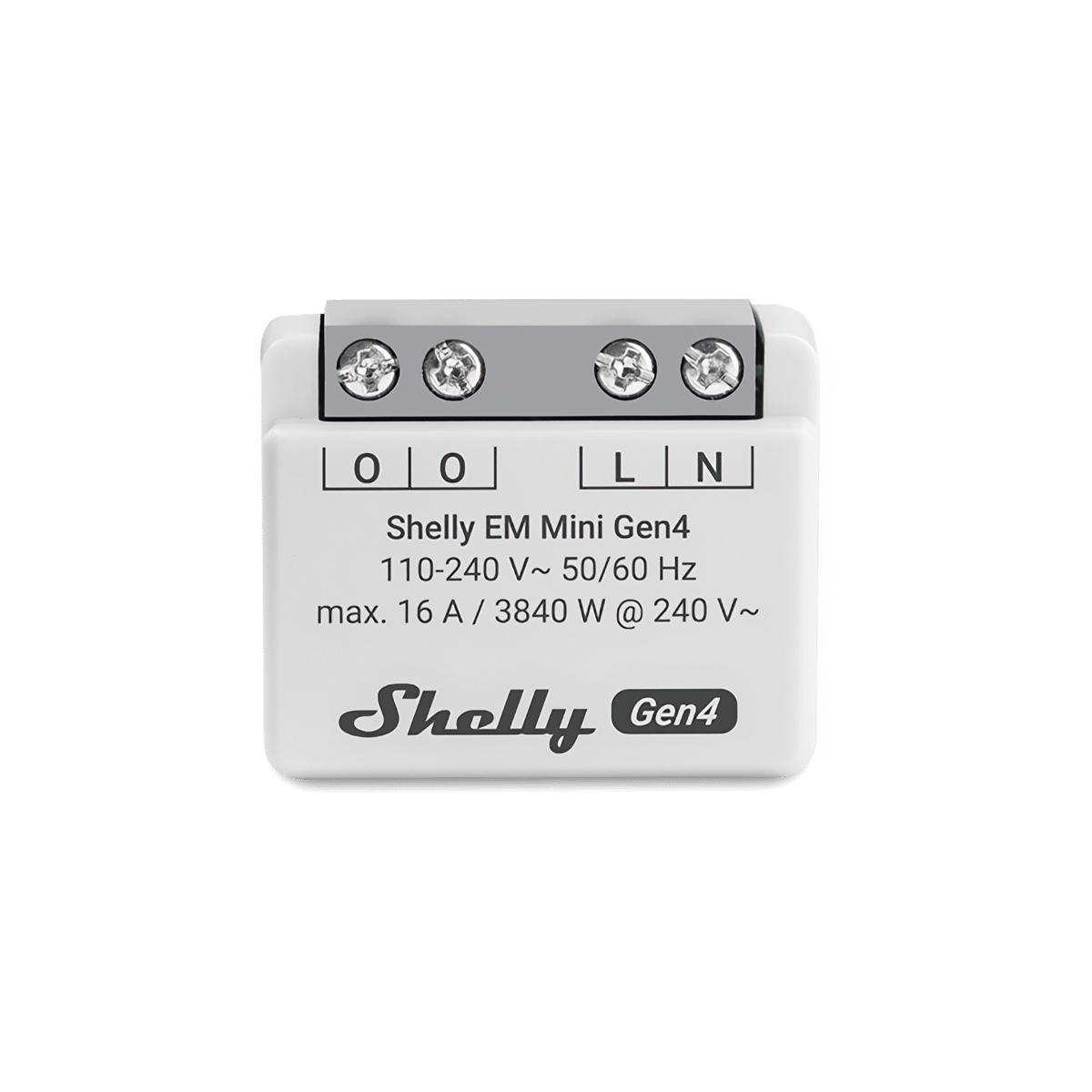
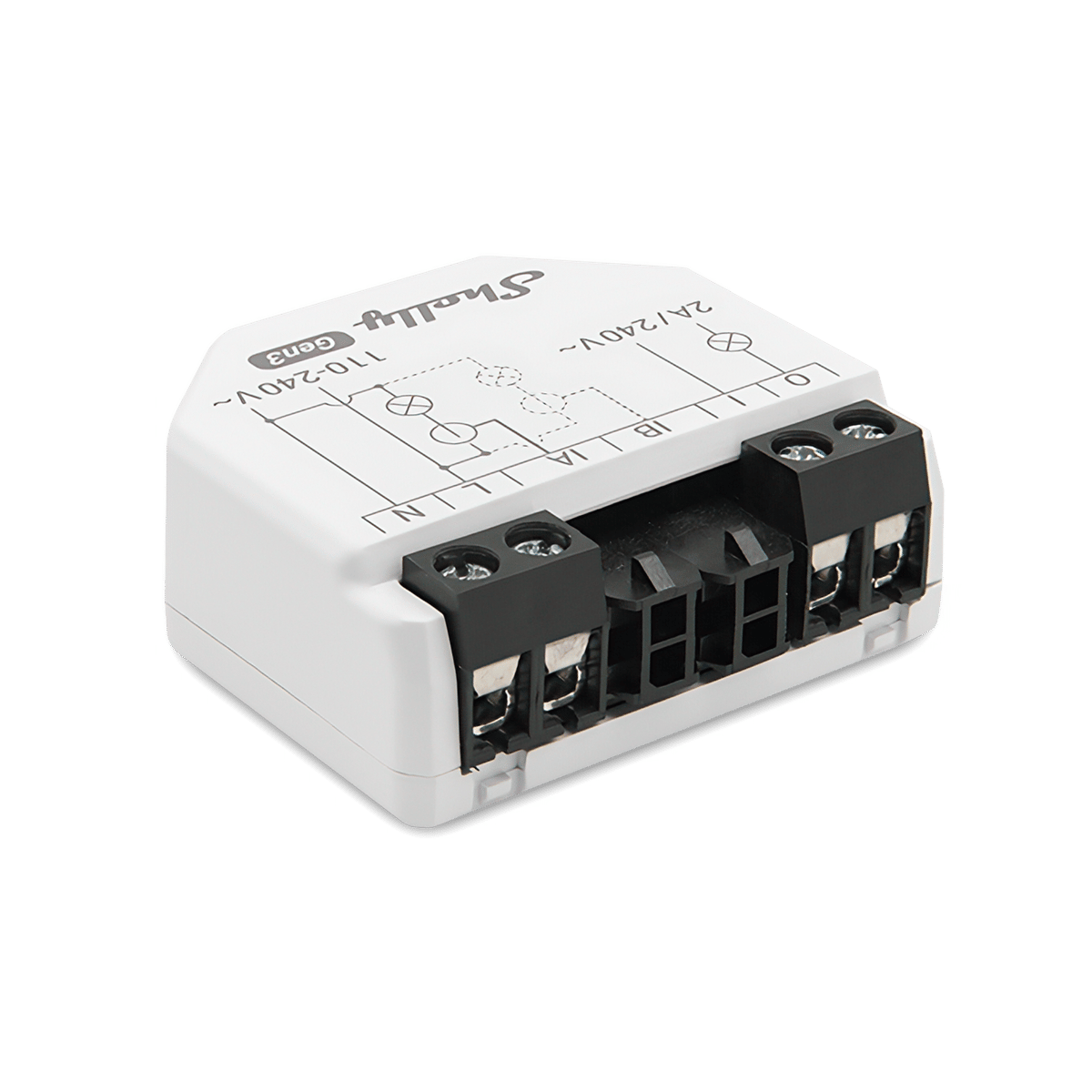
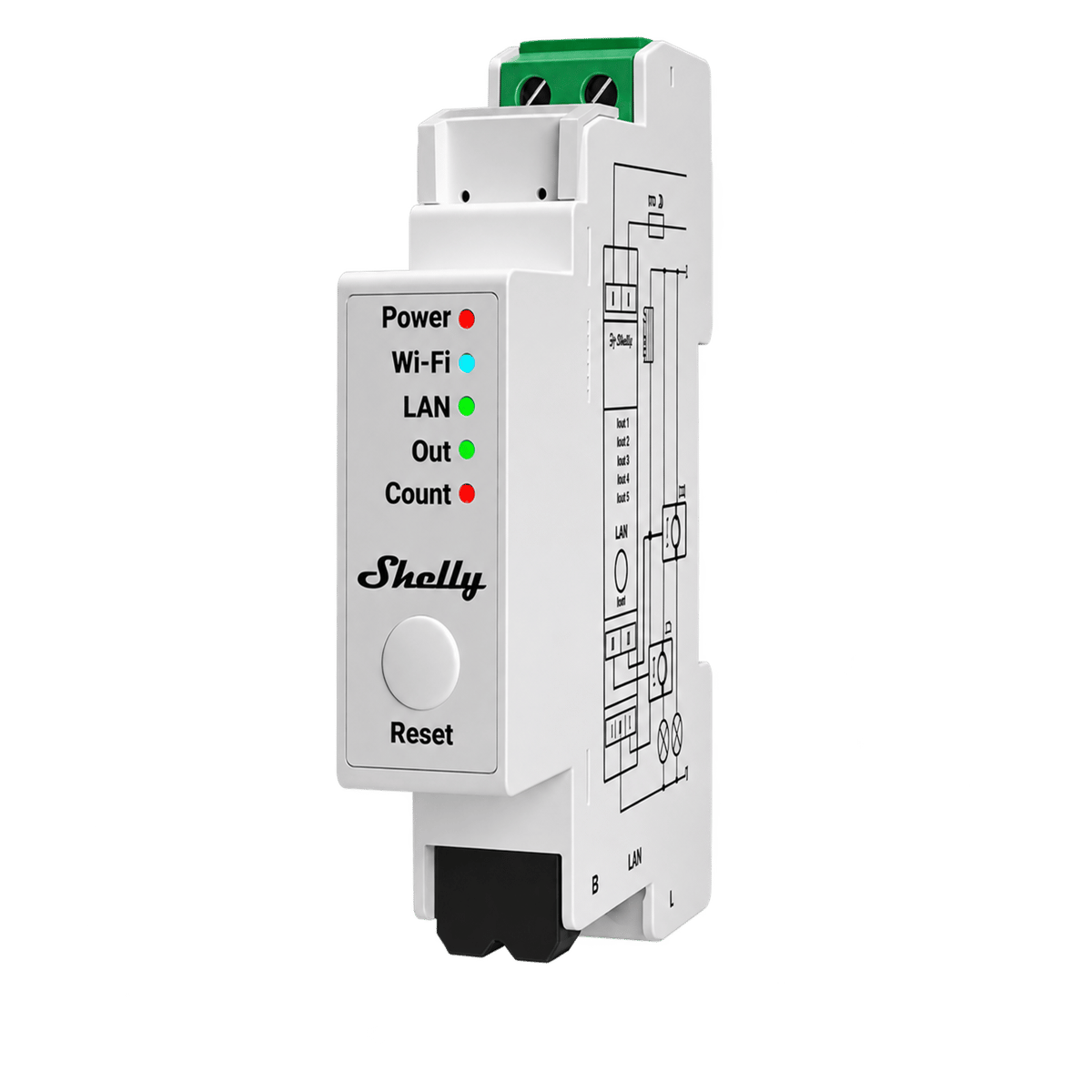
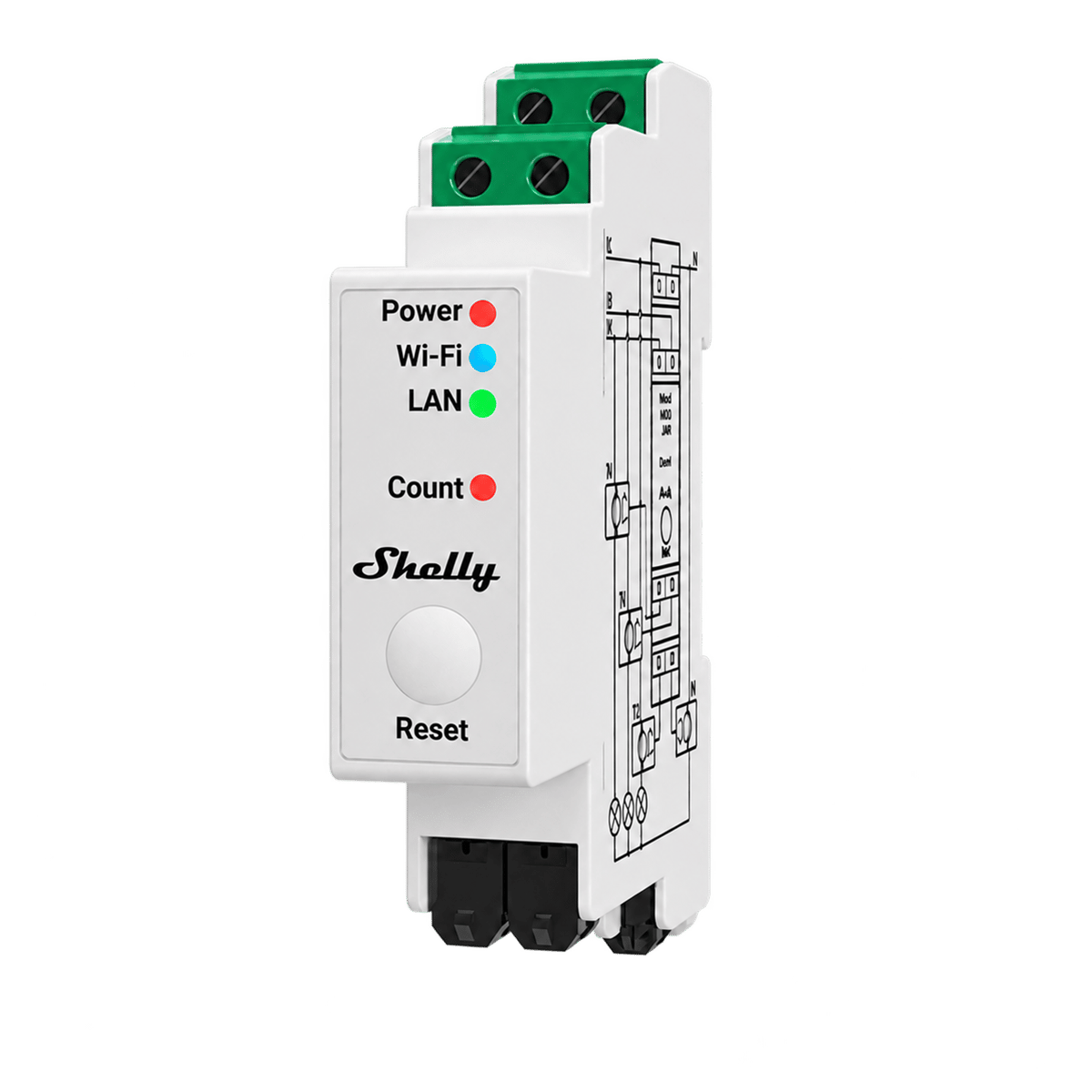
See every Shelly energy monitor we stock.
Frequently asked questions
Do I need Shelly Premium to add a tariff?
No. Electricity tariffs are part of the free Shelly Smart Control app.
Where do I find my electricity rate?
On your bill or your plan's energy fact sheet, listed in cents per kWh. Use the figure with GST included, and convert it to dollars before you enter it: 32.5c becomes 0.325.
Can Shelly include my daily supply charge?
No. A Shelly tariff is a price per kWh, so it covers the energy a device uses, not the fixed daily charge on your bill.
What if my plan has different rates on weekends?
Each interval sets its own days as well as its own hours. Add one set of intervals for weekdays and another for the weekend.
What is the Live tariff option?
It's for plans where the price changes through the day, such as wholesale plans. Shelly doesn't fetch those prices itself, so another service has to send it the current price. For a flat or time-of-use plan, the default tariff is all you need.
Still need a hand?
We answer most messages within one business day. If your question is about an existing order, have your order number ready. It speeds things up.
Contact us