

















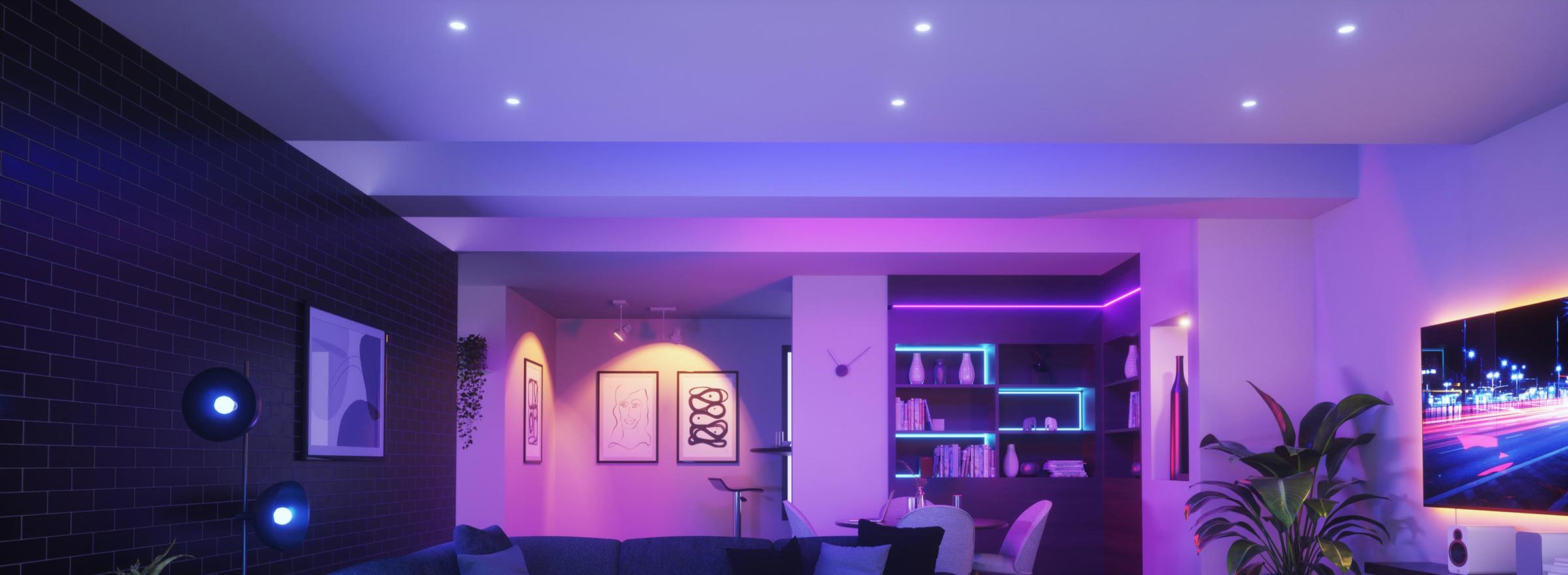
Smart Home Automation
The layer that runs everything else: the hubs and bridges your devices talk through, and the wall panels you control them from. Start here if you are working out what your smart home should be built on.
Hubs and bridges
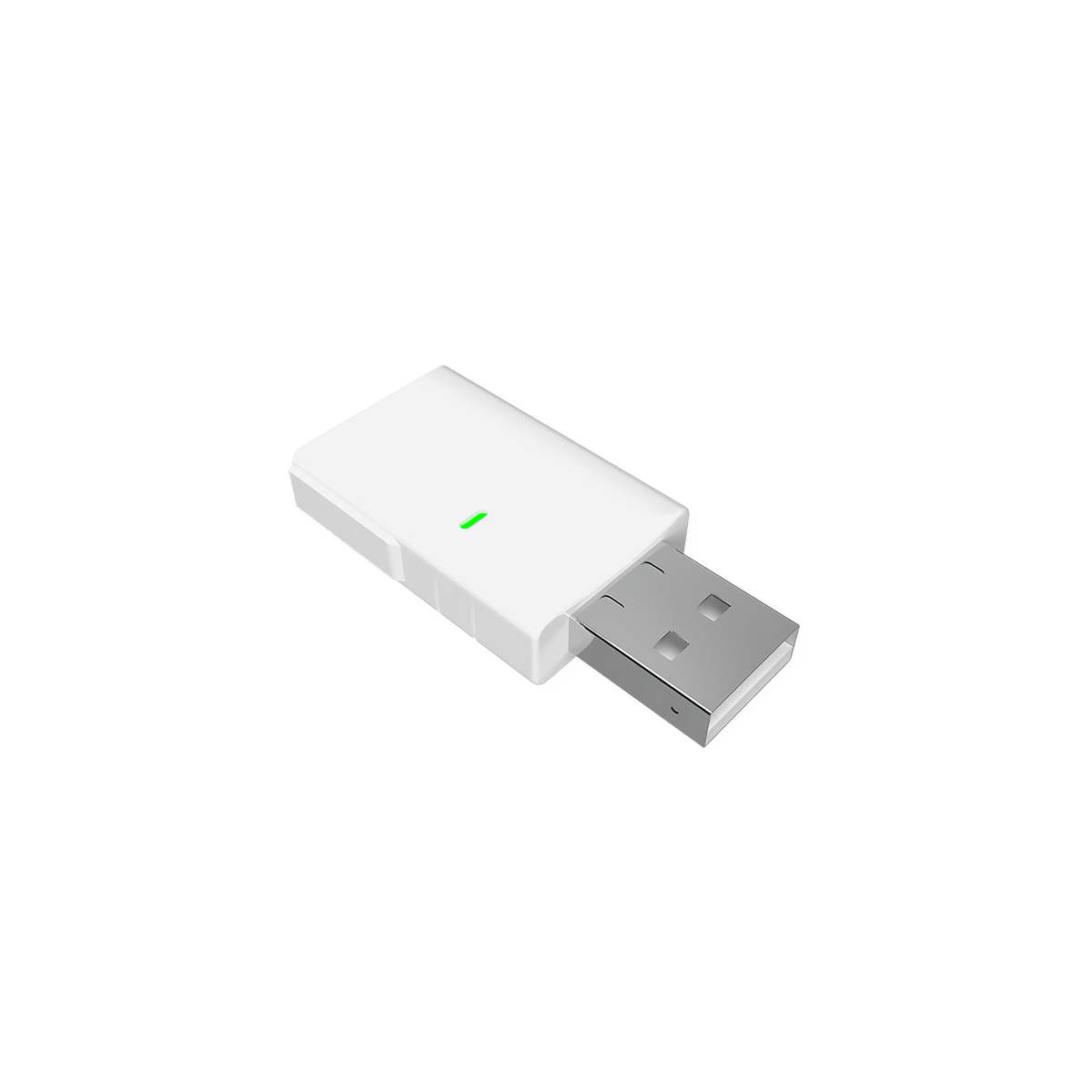
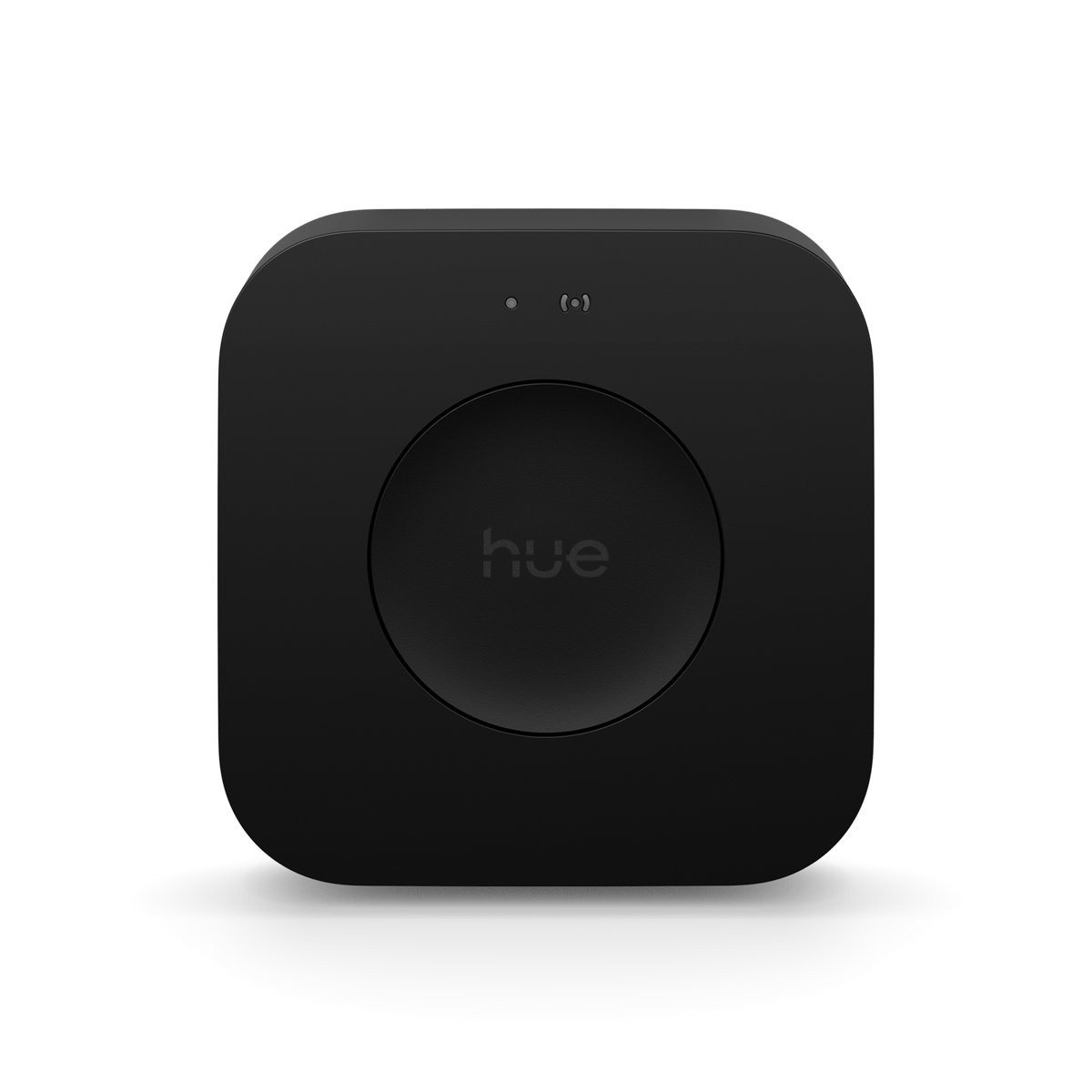
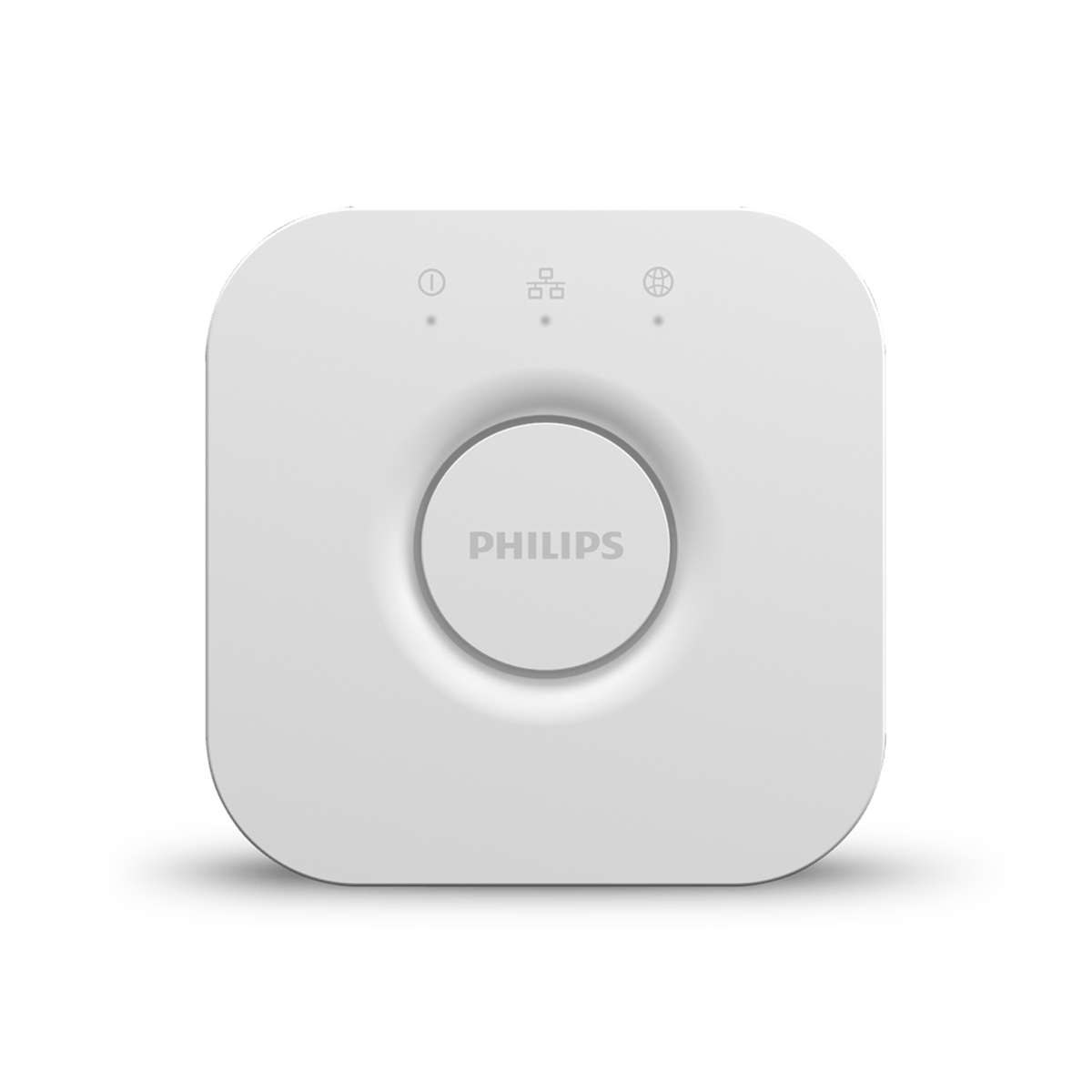
A hub is the device everything else talks through. Zigbee and Thread gear needs one to reach your network at all; Wi-Fi gear connects on its own and does not. A bridge is the same idea scoped to a single brand, like the Hue Bridge for Hue lights.
Wall panels
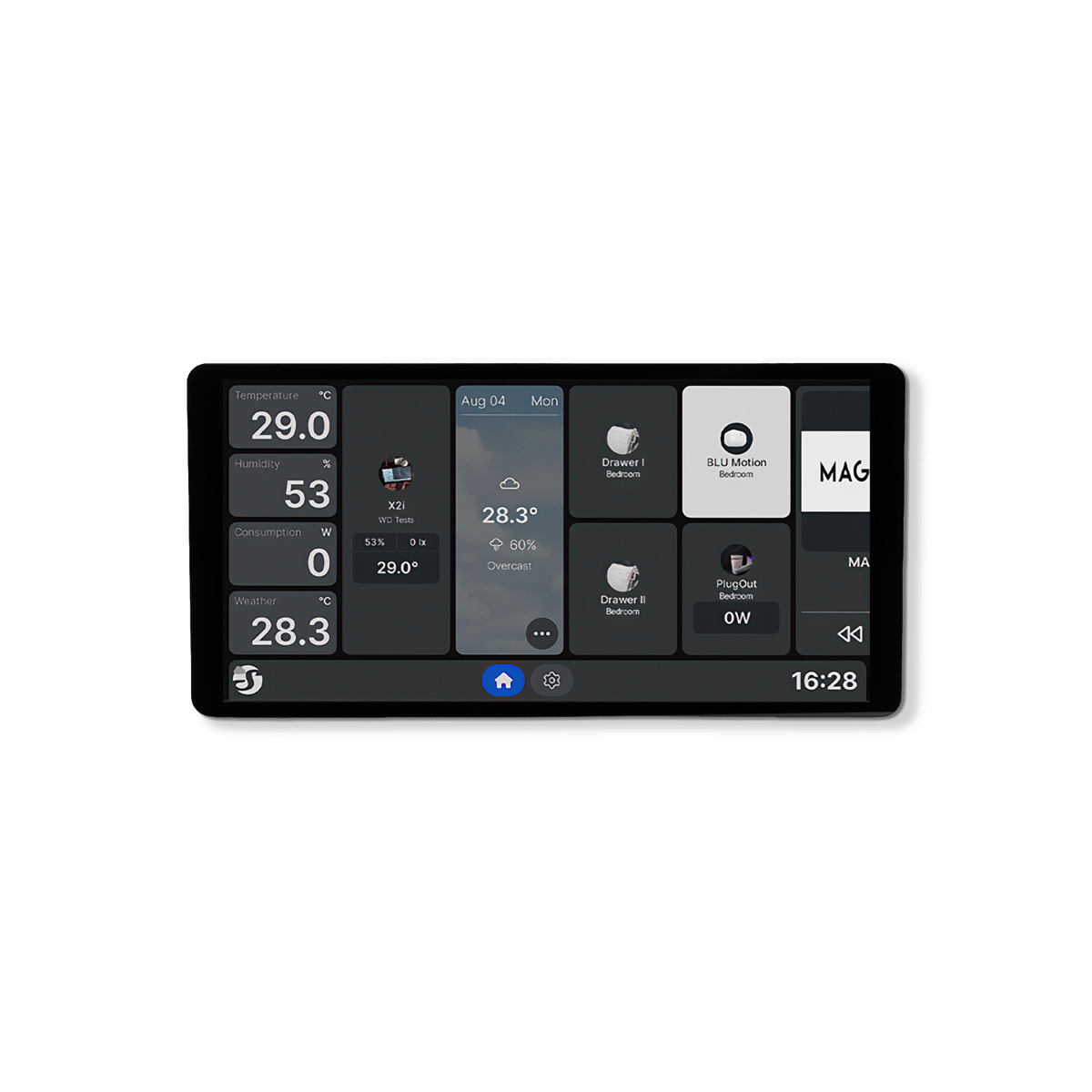
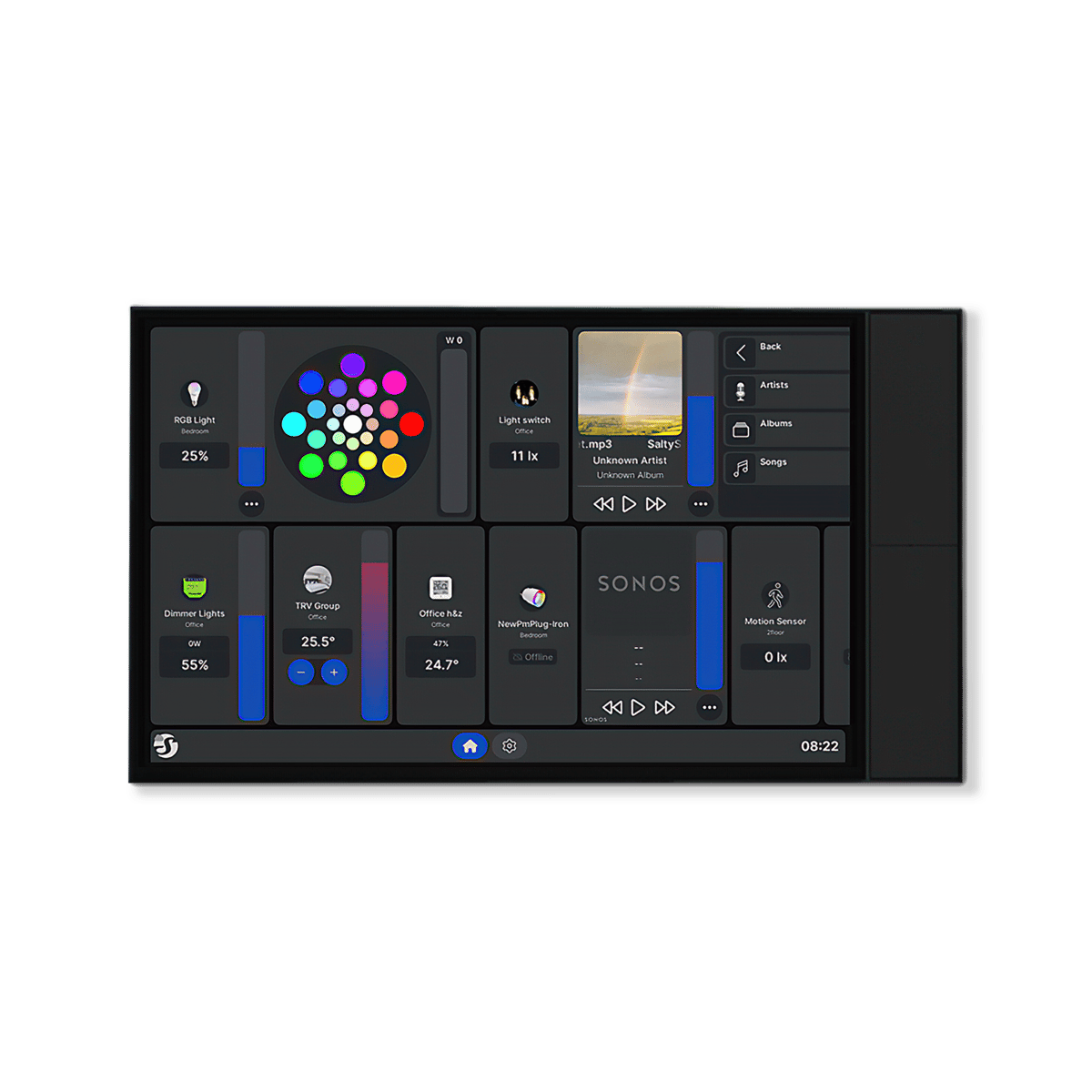
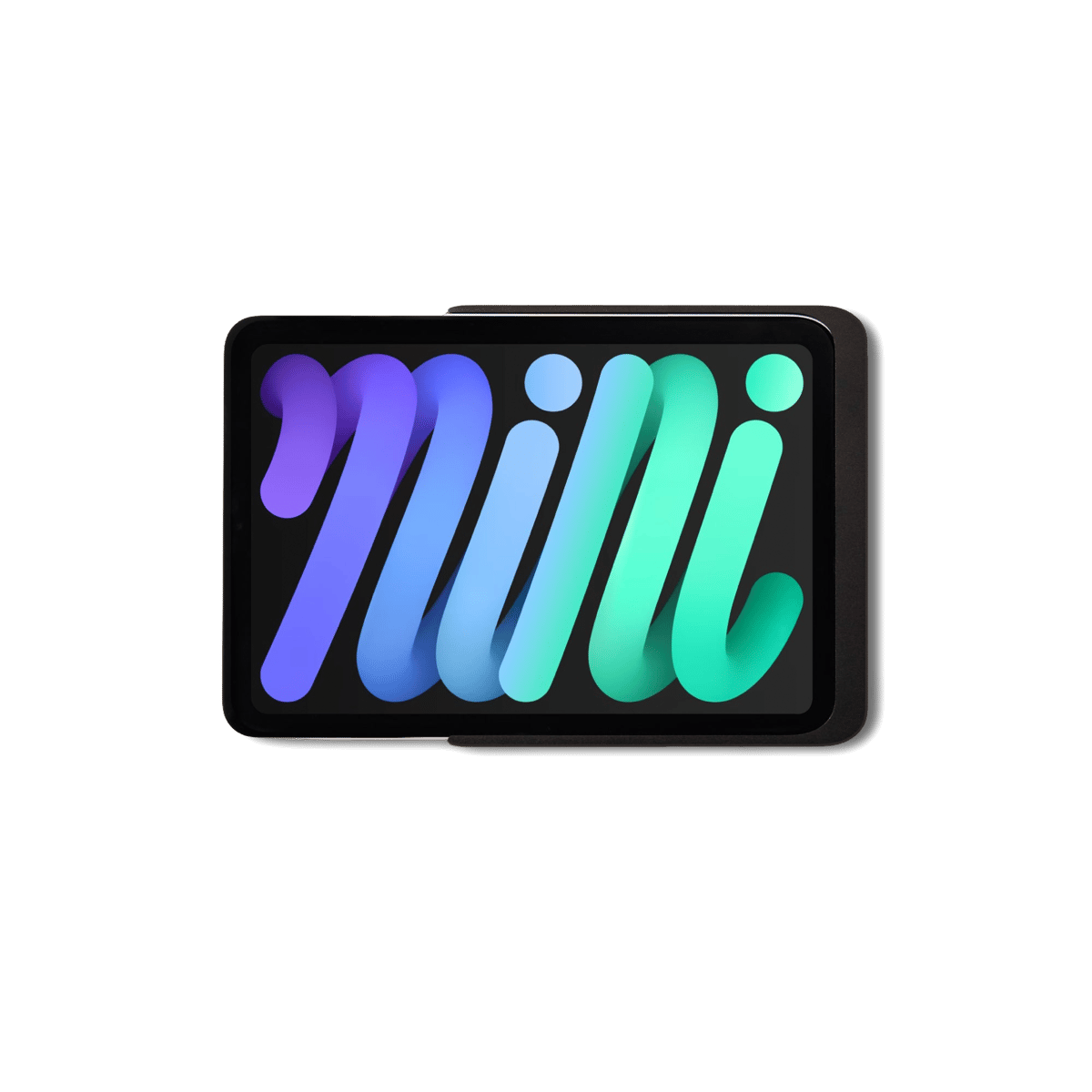
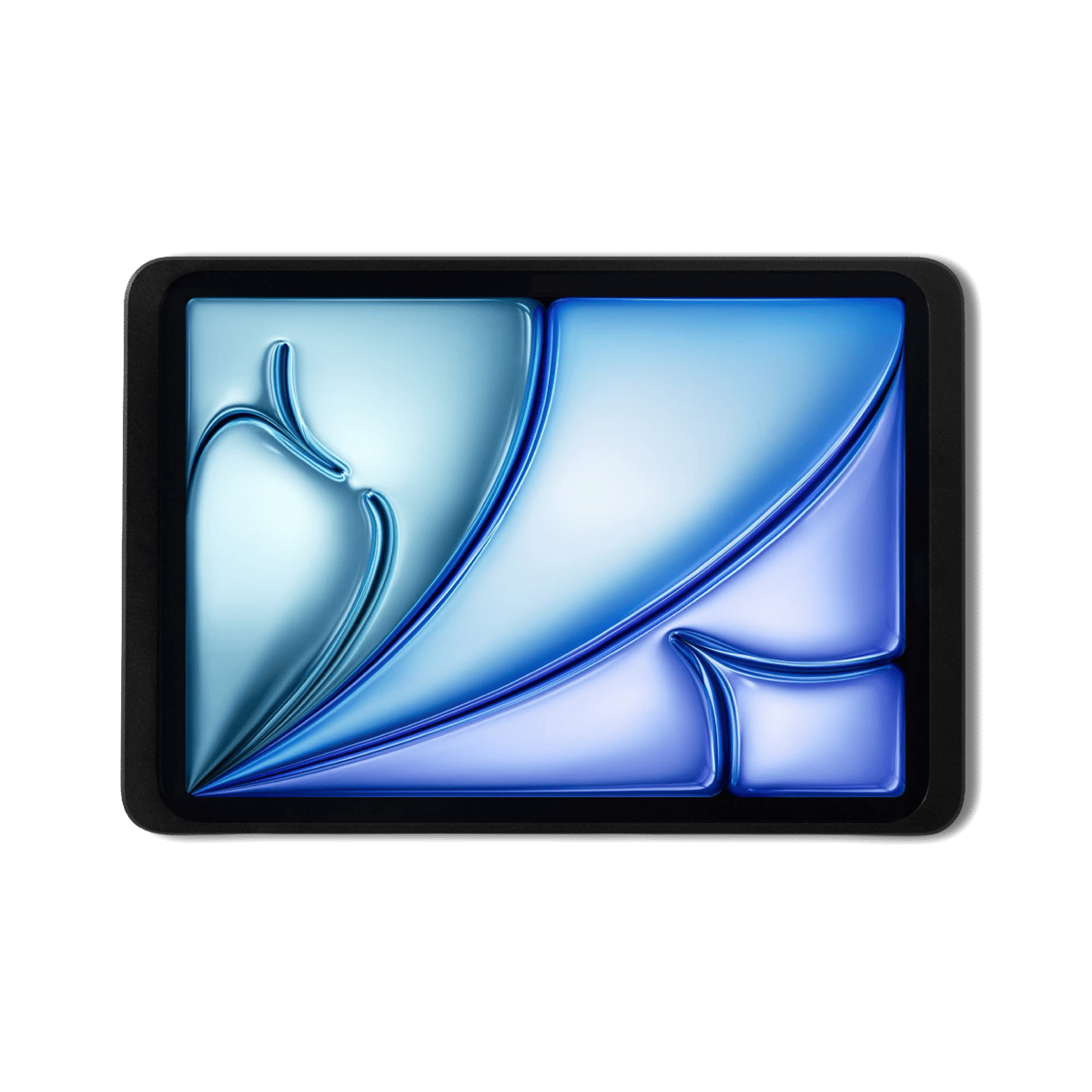
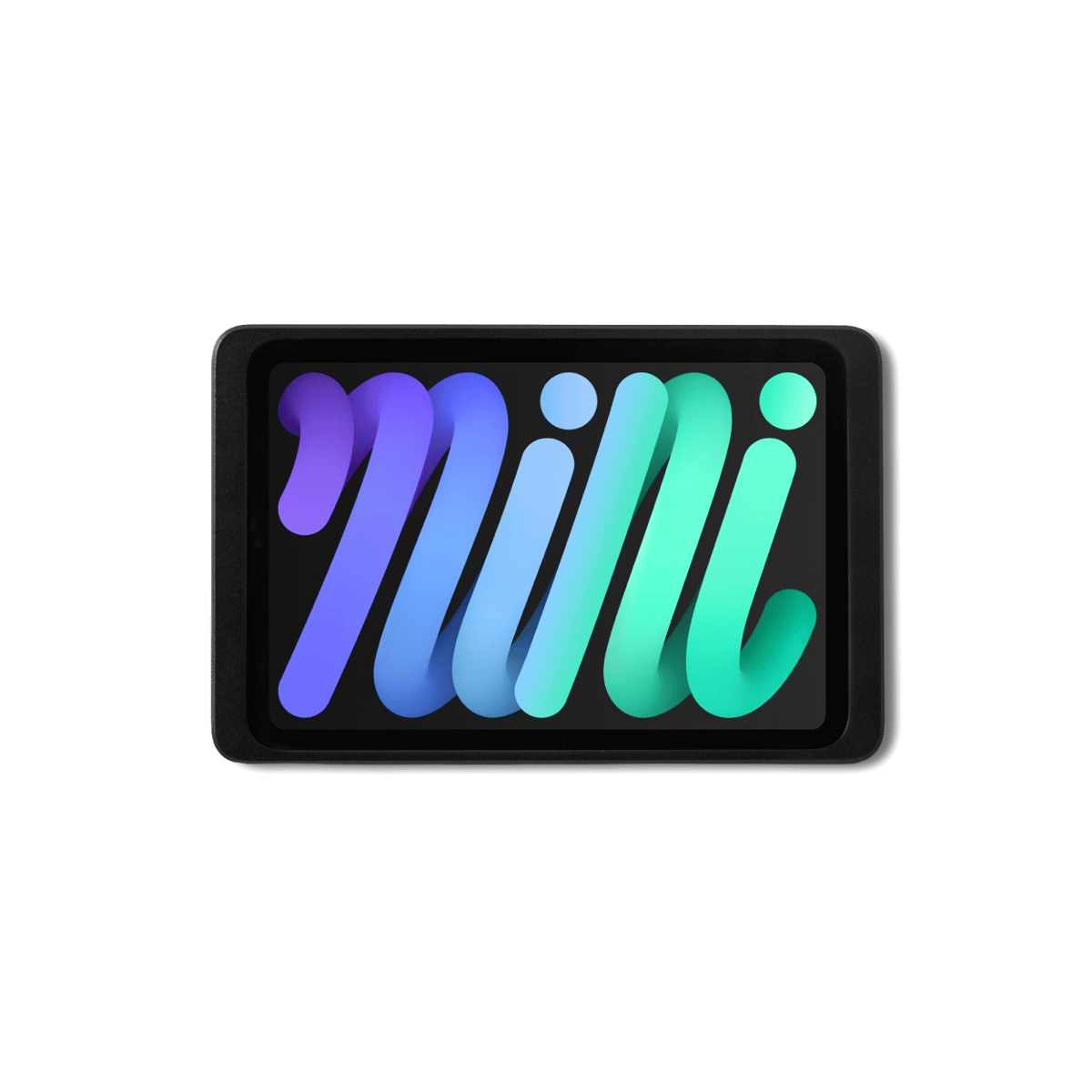
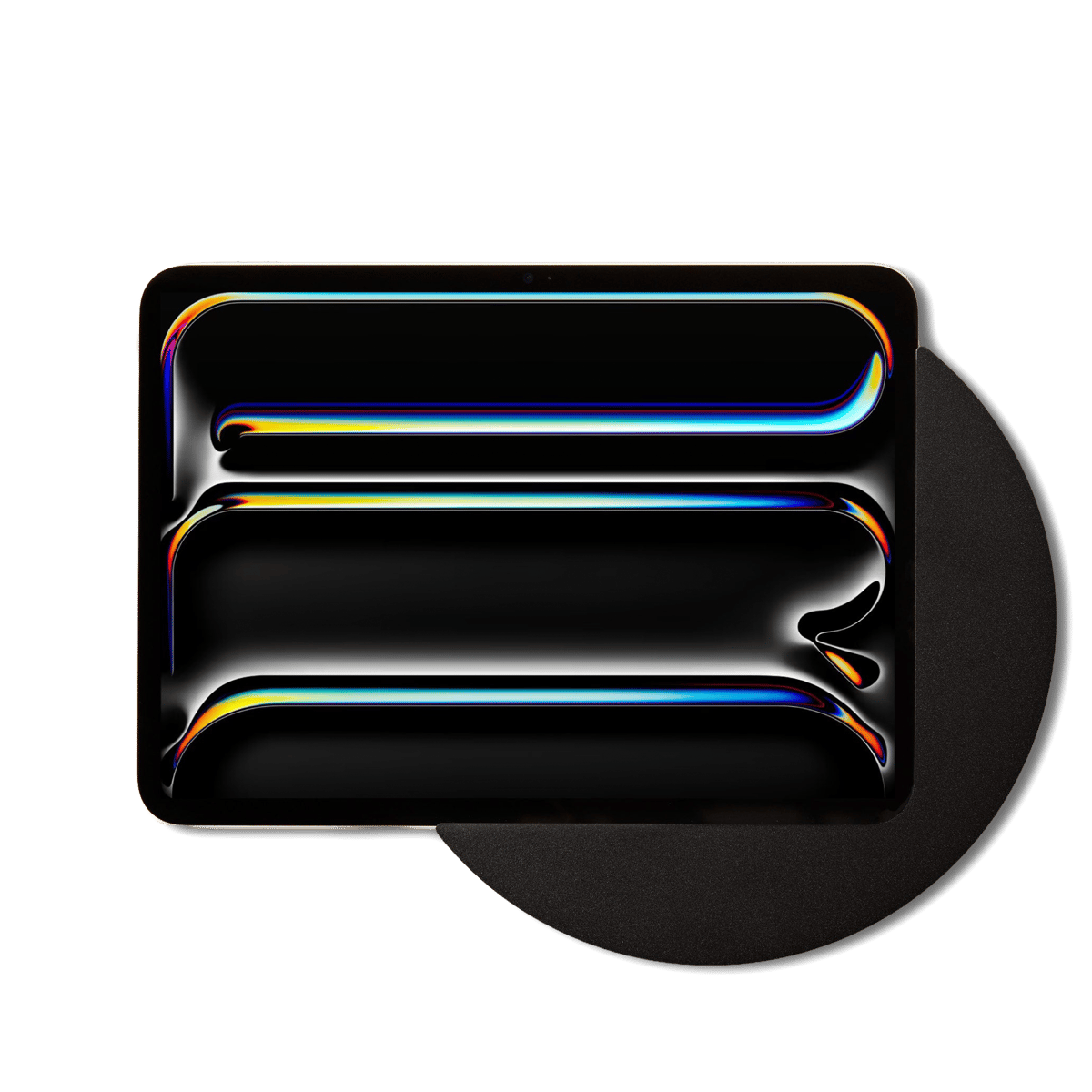
A screen fixed to the wall that drives the house without anyone reaching for a phone. Purpose-built panels wire into a wall box the way a light switch does; mounts do the same job with an iPad you already own.
Where the automations run
Rules and schedules run in one of three places: on a hub, on the device itself, or in the manufacturer's cloud. The first two keep working through an internet outage, which is worth checking before you commit to a platform.
The ecosystem question
Apple Home, Google Home, Alexa, SmartThings and Home Assistant all control the same hardware in different ways, and the one you pick shapes what you buy next. Matter is the standard that lets a single device join more than one of them.
Section · 23 products Automation at Synced 3 categories · Australian stock
















More about home automation
Building a smart home that lasts.
Do you need a hub at all?
If everything you want runs on Wi-Fi, no. Wi-Fi devices join your router and answer the app directly. The moment you want Zigbee or Thread gear, which is most sensors and a lot of the better lighting, you need something for them to join, and that is the hub.
Check what happens offline
The difference between a system that shrugs at an internet outage and one that stops is decided here, not at the light. Ask where the schedule actually runs. A hub or device that holds its own rules keeps going; anything driven from a cloud account does not.
Pick the ecosystem before the devices
It is the decision everything else follows from, and the one most people make by accident with their first purchase. Choose the app you want to live in, then buy hardware that speaks to it. Matter widens the choice but does not remove it.
Panels come later, and that is fine
A wall panel is worth having once there is enough in the house to be worth controlling from one place. Almost nobody needs one on day one, and the position you will want it in is usually obvious only after you have lived with the system for a while.
Common questions
Quick answers before you buy. We test this gear ourselves. Can't find yours? Ask our Melbourne team
Not always. Wi-Fi devices join your router directly and need nothing in between, which is the cheapest way to start. Zigbee and Thread devices cannot reach your network on their own, so anything built on those, which includes most sensors, needs a hub or a bridge to sit behind them.
Usually, through a shared ecosystem rather than directly. Apple Home, Google Home, Alexa and SmartThings each act as the meeting point, and Matter increasingly lets one device join several at once. Two brands with no ecosystem in common will sit in two separate apps and not talk.
It depends entirely on where they run. Rules stored on a hub or on the device itself carry on, and the light still comes on at sunset. Anything that runs in a manufacturer's cloud stops until the connection returns. This is the single most useful question to ask before buying.
Pick the app you want to run your home from, then buy the first device that works with it. Starting from the hardware and hoping the apps sort themselves out is how people end up with four apps and no automations. One room done properly beats a house half wired.