



















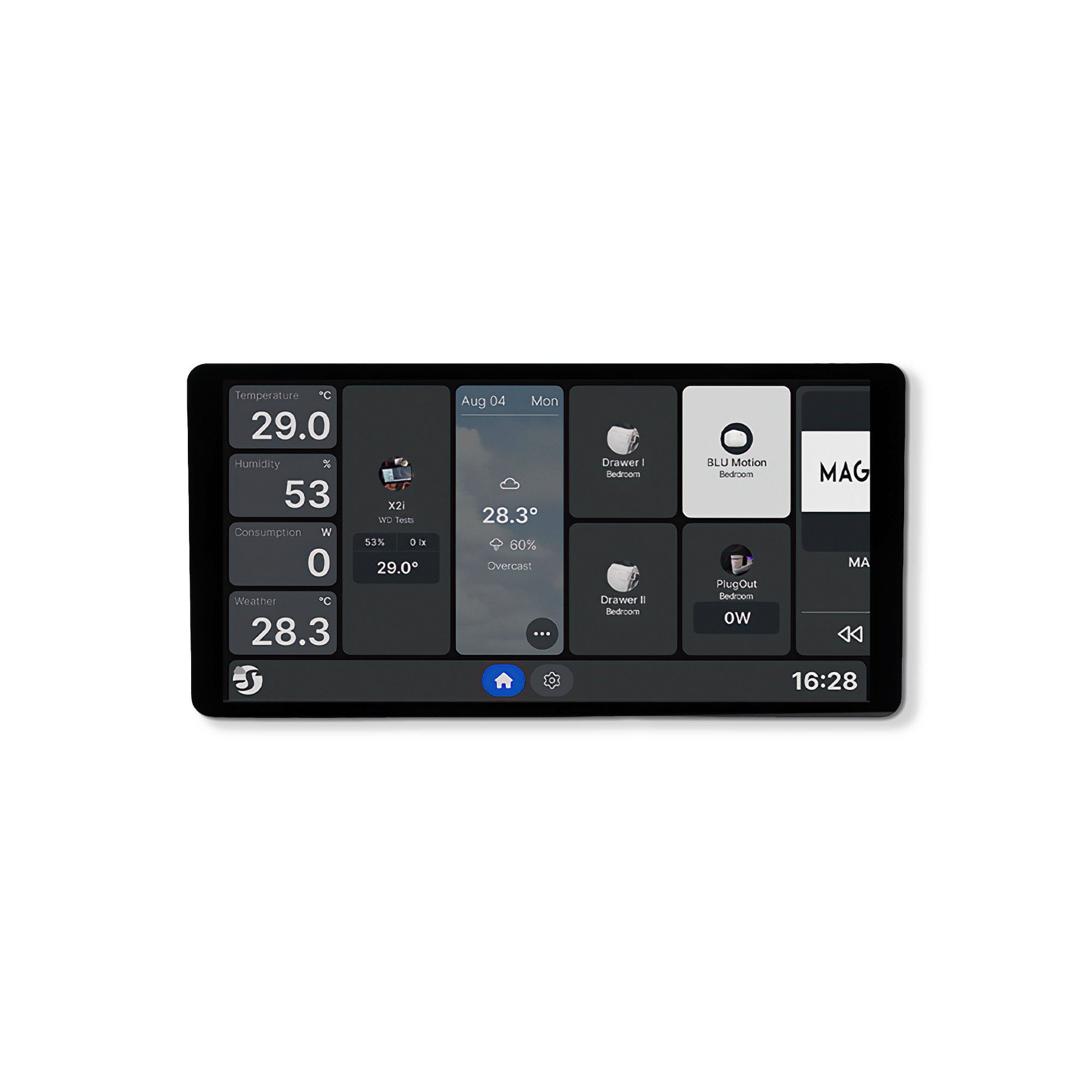
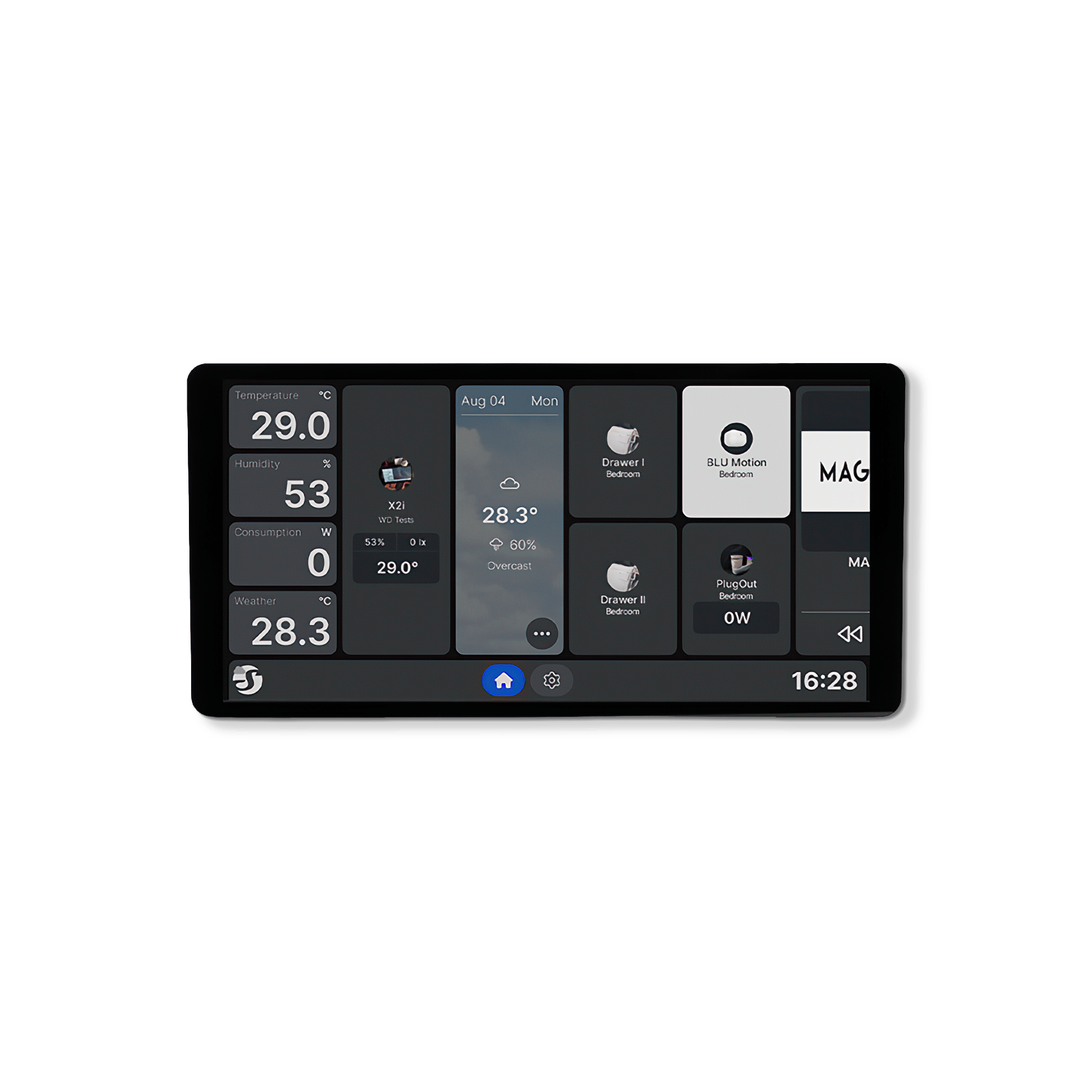

Wall Display X2i
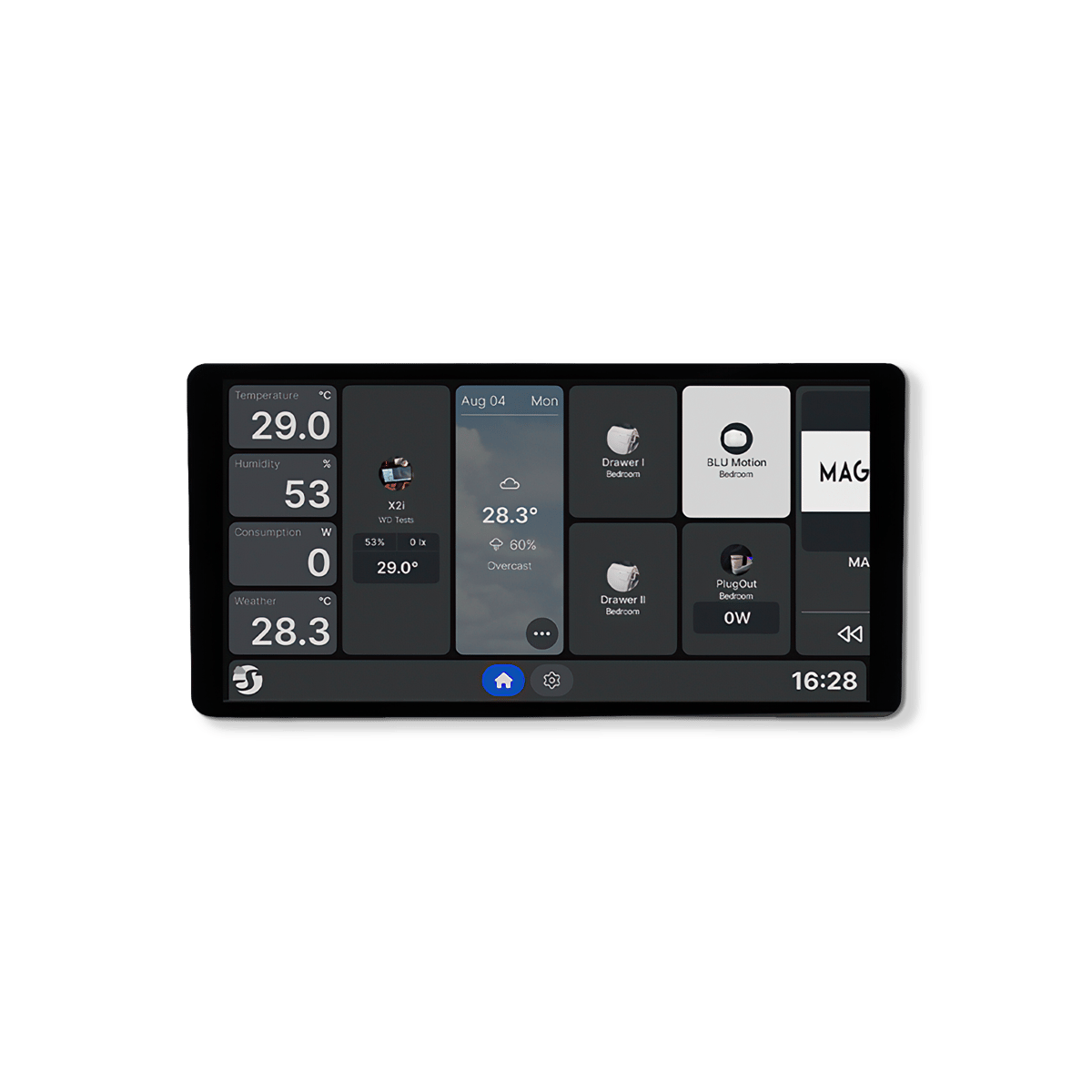
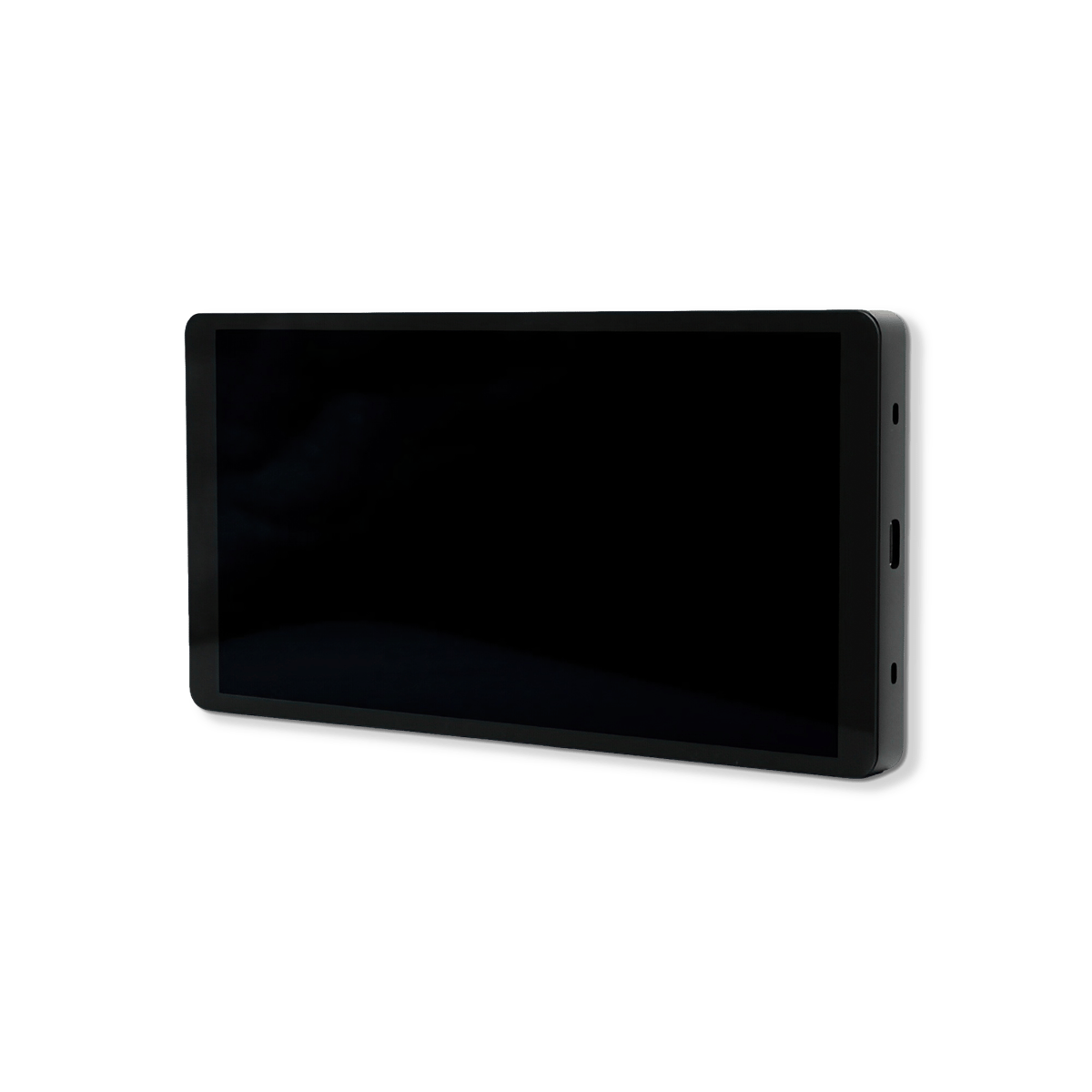
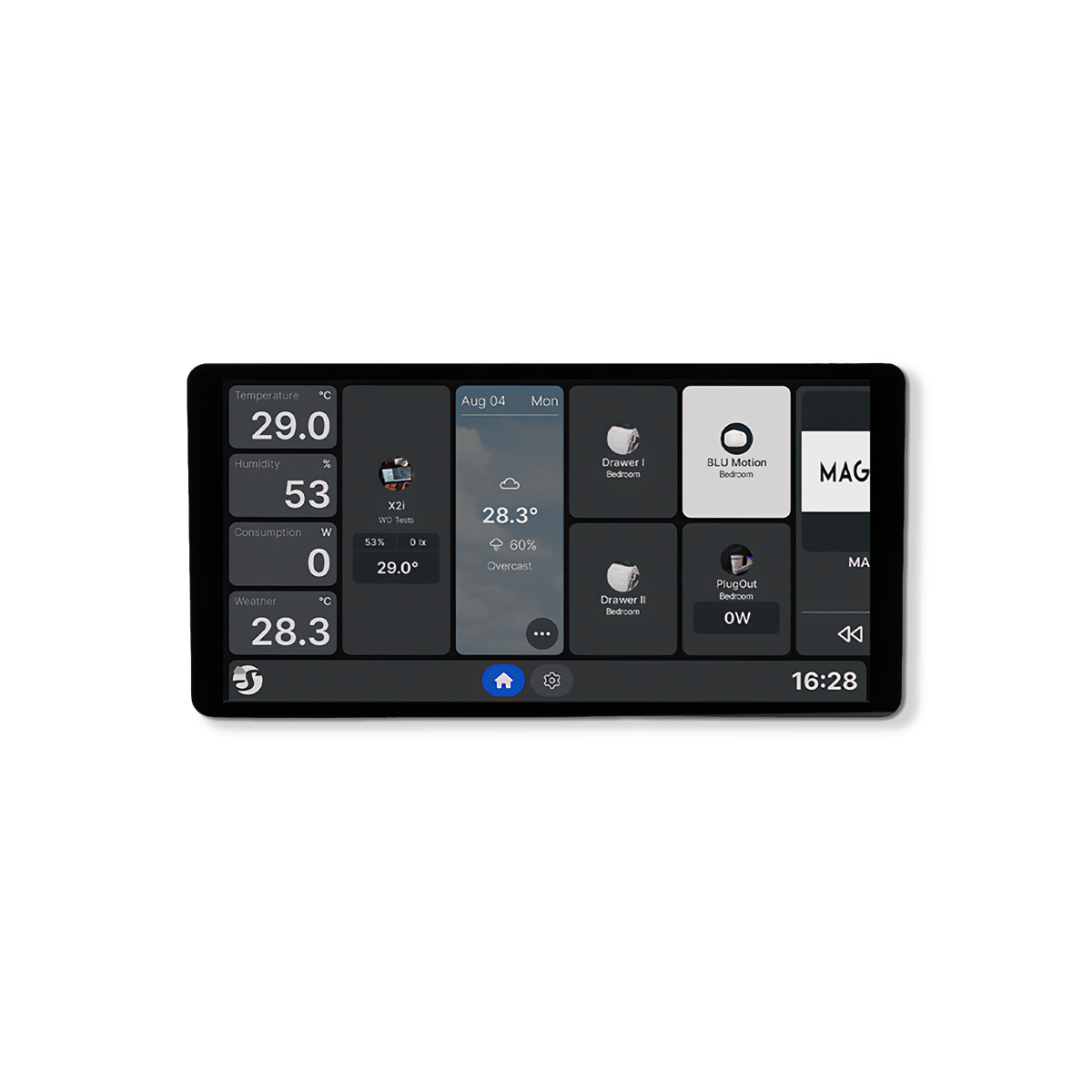
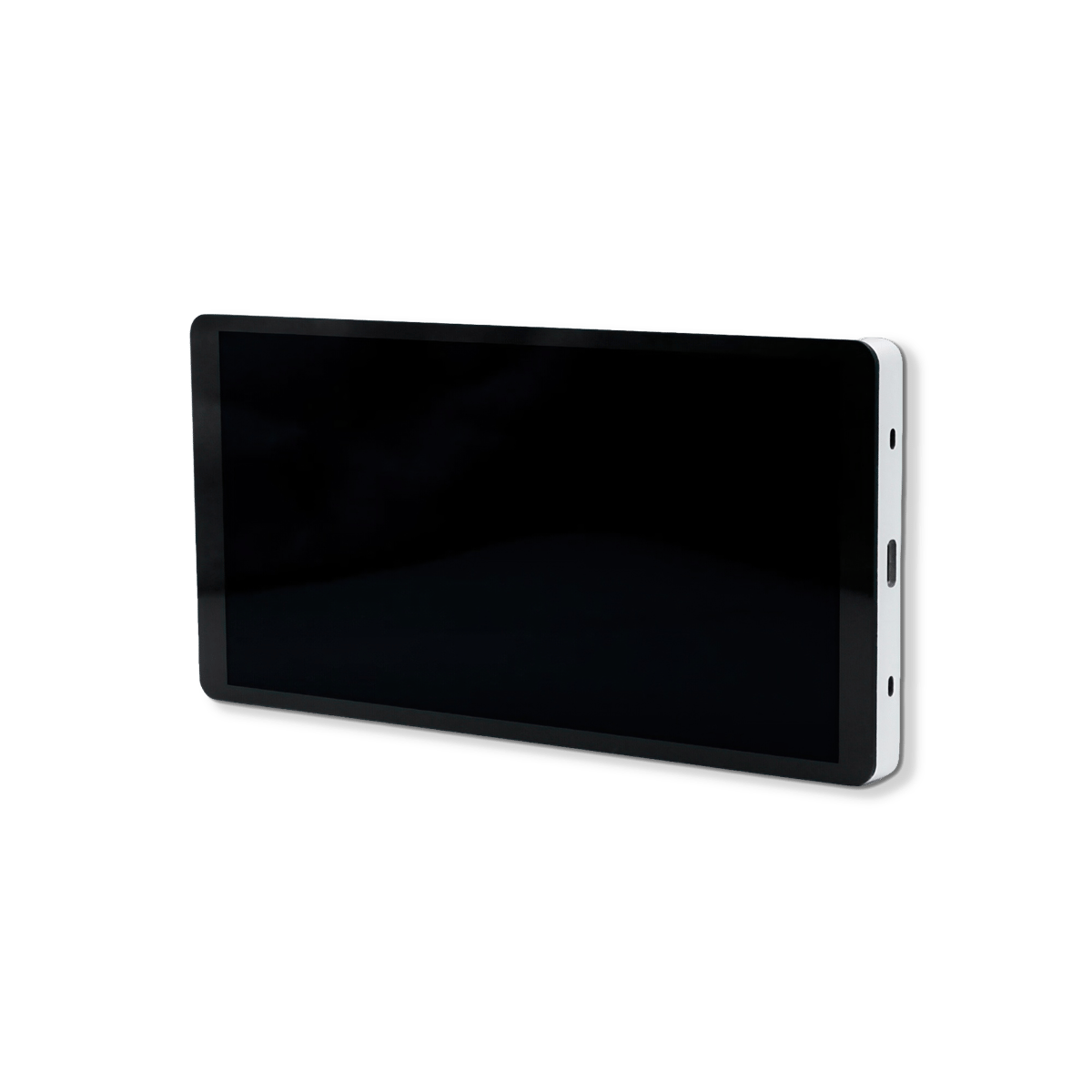
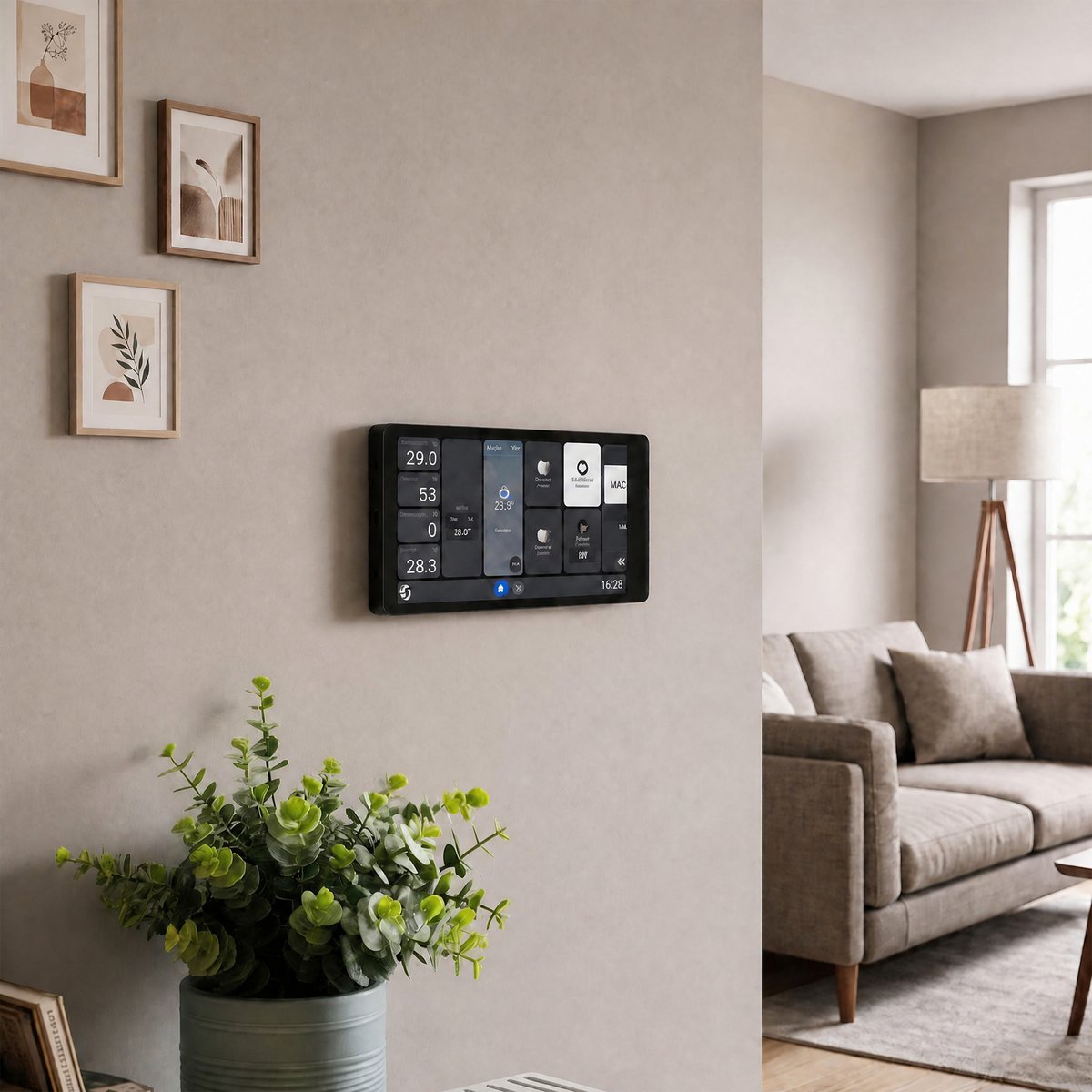
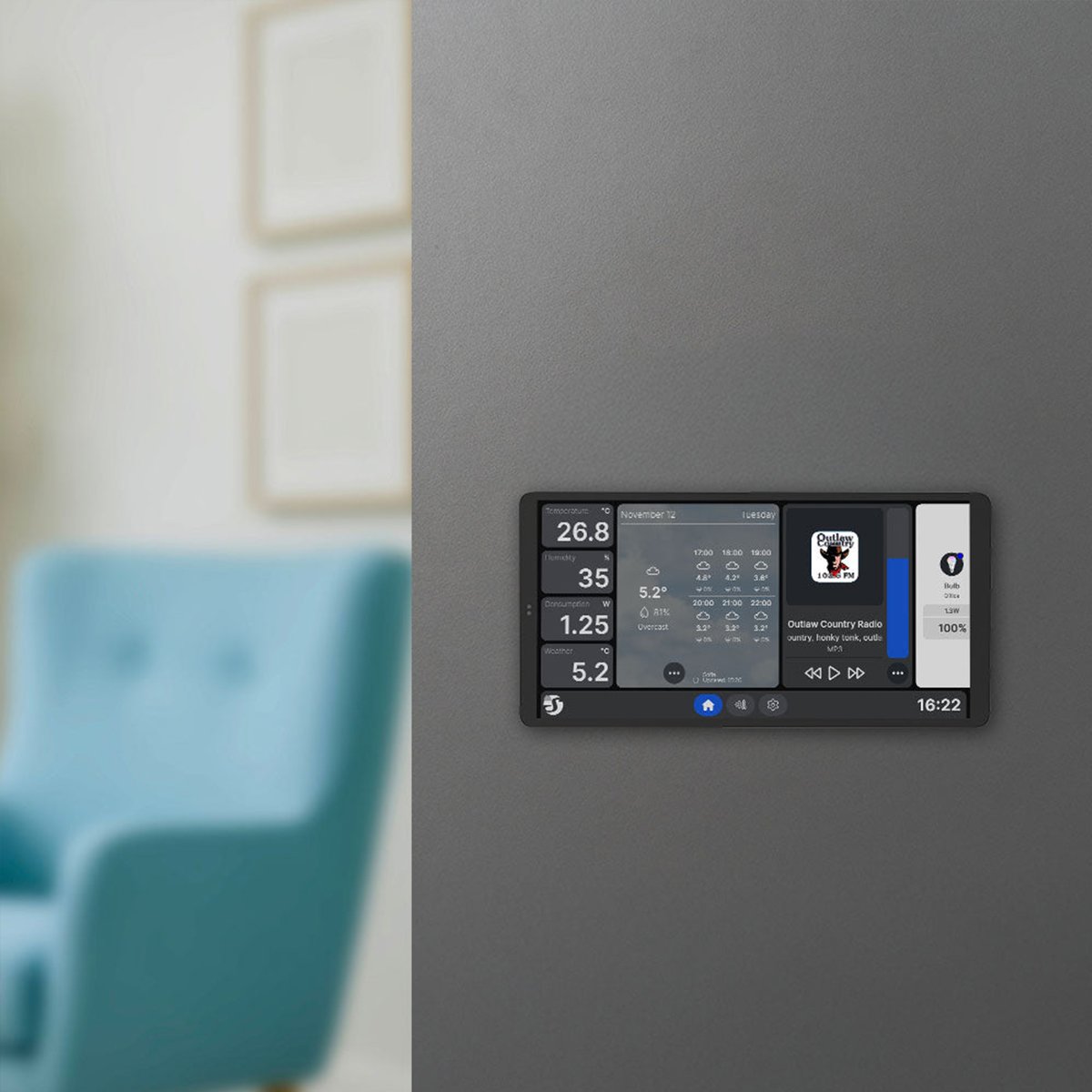
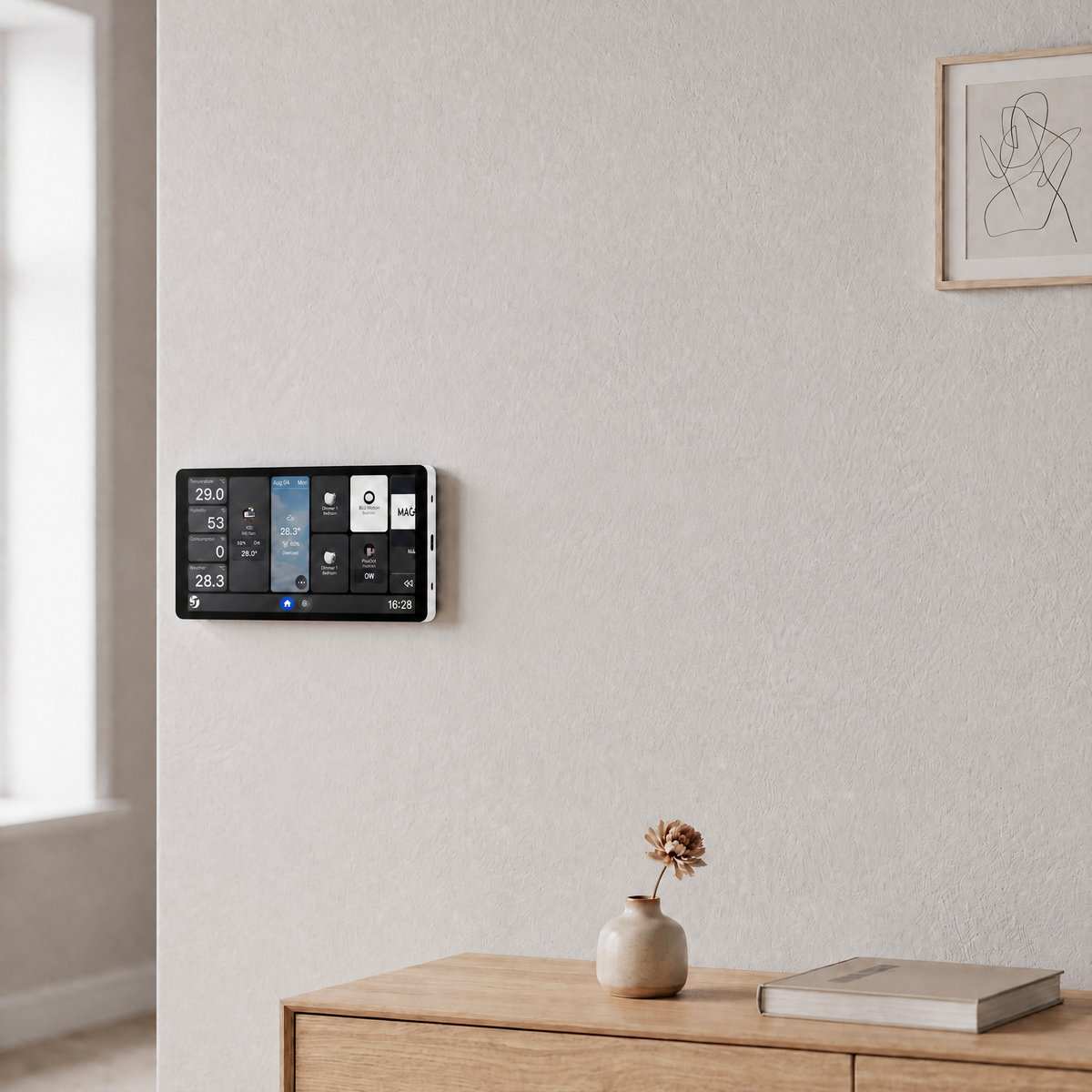
A 6.9-inch panel that fits where a switch plate is now, and whose power base comes off and swaps for a two-circuit one.
$389.95 inc GST In stock at supplier · dispatches in 5 business days
Colour
Currently sold out.
Comes with free shipping Ordered in from our supplier. Allow about 5 business days before it dispatches.
30-day returns Unused items, easy online returns
3-year warranty Backed by Shelly
Everything you need to know
The sections below cover what this panel can do, the jobs people put it on, the full specifications, and how warranty and returns work. If something's still unanswered, the questions at the bottom cover the common ones.
Product features
The house on the wall, not in a pocket
A phone is a poor place for the light switch. It is in someone's pocket, it wants unlocking, and the person visiting has no app at all. A panel puts the same controls at the door, in the hallway or by the bed, where a hand already goes. Everyone in the house uses it without being taught.
- Fixed, lit and always on
- No app and no account to use it
- Goes where a switch already is
The power base comes off
The screen and the electrics are two parts. The power base sits in the wall box and does the switching; the screen is 11 mm deep and clips onto the front of it. Start with the one-output base that comes in the box, and if the position turns out to need two circuits, the base swaps for the two-output version without touching the screen.
- Screen is 11 mm deep on its own
- One-output base included
- Swaps to a two-output base
It still switches the light it replaced
A tablet stuck to the wall takes a circuit away from you. These panels give it back: there is a relay behind the screen rated to 5 A at 240 V, wired to the circuit the old switch was on. The light works from the panel, from your phone and from a schedule, and the position keeps earning its place on the wall.
- 5 A at 240 V behind the screen
- Takes over the switch it replaces
- Lighting circuits, not heavy loads
Lit when you get there, dark when you don't
A screen glowing all night in a hallway is a nuisance, and one you have to prod twice is worse. These panels watch for someone coming and bring themselves up as you arrive, then settle back down once the room is empty. You reach the wall and the controls are already there.
- Comes up as you approach
- Settles down on its own
- Light sensor dims it after dark
What is a Shelly wall display?

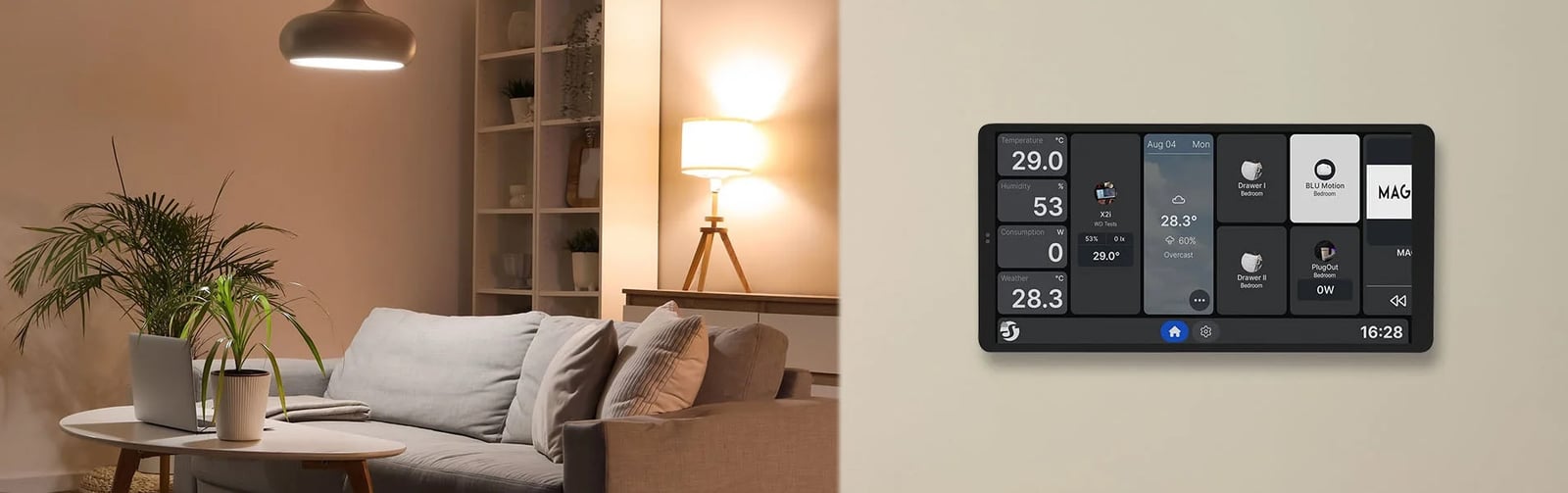
A wall display is a touchscreen control panel for your home. It mounts flush on the wall, powered by the same in-wall wiring a light switch uses, and gives everyone in the house one place to run the lights, scenes and schedules, without finding a phone first. Put it anywhere that wiring exists, including straight into the spot where a switch is now.
The screen
Your home on the wall
The home screen is fully customisable, so the things you use every day sit right there: lights on and off, a goodnight scene, the heating schedule. Anyone in the house can use it, guests included, with nothing to install and no account on their phone.
The install
Powered by the wall, not a power point
The panel runs off standard switch wiring inside the wall, so there are no cables trailing to a powerpoint and no batteries to charge. That wiring exists at every switch position, which makes an existing switch spot the easiest home for it, but any point an electrician can bring the wiring to works. Connecting it is a job for a licensed electrician.
The light
It can take over a switch's job
Put the panel where a switch was and that light keeps working: the panel switches the circuit itself, from the screen, the app or a schedule. On the X2i you can go one further, with a swap-in power base that lets the one panel switch two circuits, say the hallway light and the porch light.
The sizes
6.9 inch or 10.1 inch
The Wall Display X2i is the 6.9" panel, sized to sit where the switch was, in portrait or panoramic. The Wall Display XL is the 10.1" panel with four physical buttons beside the screen, sized to be the control point for the whole house.
Getting started
1
One panel where the traffic is The usual start
Most homes put the first panel at the spot everyone walks past: the entry hall or the kitchen bench. From day one it runs whatever smart gear you have from Shelly, and everything you add later, relays behind other switches, dimmers, smart plugs, shows up on the same screen.
2
A bigger screen for the whole house Going further
When one screen is running every room, the XL earns its size: more on screen at once, and its four buttons handle the everyday presses without waking the display. Either panel can also play sound through a Bluetooth or Sonos speaker, so alerts and music reach the room.
You don't need anything else to start. The panel works on its own the day it's installed, and it grows with the house: add more Shelly devices to your setup and you control them from the wall alongside the rest.
What's in the box
- 1× Shelly Wall Display X2i control panel
- 6.9 inch colour display
- 1× 1-output power base
- Built-in relay, switches one circuit. Swappable for the 2-output base, sold separately
Works with
Also works with
-
Pairs with Amazon Alexa
-
Pairs with Google Home
-
Pairs with Home Assistant
-
Pairs with SmartThings
Connects over
To your network via
Joins your home network like any other device.
-
Wi-Fi
To your devices via
A dedicated mesh that doesn't touch your Wi-Fi.
-
Bluetooth
-
Works offline
Keeps working on your home network when the internet is down.
Specifications & Installation
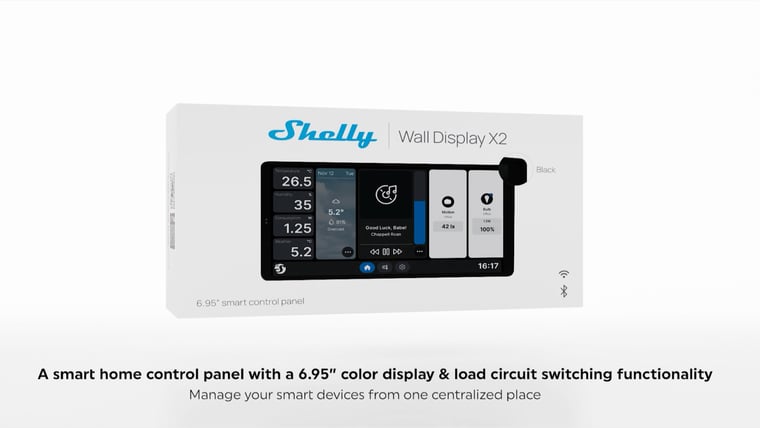
Setup · 1:48
How to install it
Shelly's own step-by-step install, from isolating the power to mounting the panel and wiring it in.
Watch setup videoNo specifications match.
Power
- Power
- Hardwired
- Standby power
- < 5 W
- Local control
- Yes
- Screen size
- 6.9 in
- Resolution
- 1440x720
- Built-in sensors
- LightMicrophoneProximityAccelerometer
- Relay output
- Yes
- Relay rating
- 5 A
- Power supply
- 100-240 V~, 50/60Hz
- USB TYPE-C power supply
- 5 V⎓, 1 A
- Speaker
- 0.8 W
- Runs on
- Android
- Version
- Android 11
- Standard
- Wi-Fi 6 Dual Band
- Range (indoors)
- 30 metres
- RF band
- 2412 -- 2472 MHz 5150 -- 5850 MHz
- Max. RF power
- < 20 dBm
- RF band
- 2402 - 2480 MHz
- Max. RF power
- < 4 dBm
- Version
- 5.0
- Range (indoors)
- 10 metres
- Operating temperature
- -20–40 °C
- Operating humidity
- 30–70 % RH
- Max altitude
- 2000 metres
- Dimensions
- 178 × 87 × 36 mm
- Size (HxWxD)
- With power base: 87x178x36 mm / 3.43x7x1.42 inch Without power base: 87x178x11 / 3.43x7x0.43 inch
- Weight
- With power base: 292 g / 10.3 oz Without power base: 246 g / 8.68 oz
- Touch Screen
- 5-point capacitive
- Screen resolution, px
- 1440x720p
- Screw terminals max torque
- 0.4 Nm / 3.5 lbin
- Conductor cross section
- 0.75 to 2.5 mm² / 18 to 14 AWG (solid, stranded, and bootlace ferrules)
- Conductor stripped length
- 6 to 7 mm / 0.24 to 0.28 inch
- Mounting
- Wall box
- Shell material
- Plastic, aluminum, glass
- Shell color
- Display: Black, Silver 1-Output Power base: Blue (CMYK: C-95%; M-53%; Y-0%; K-0%)
- Speaker
- 0.8W\*1
- Max. switching voltage
- 240 ~
- Max. switching current
- 5 A
- USB TYPE-C, voltage
- 5 V⎓
- USB TYPE-C, current
- 0.5 A
- Light sensor
- Yes
- Microphone
- Yes
- G-sensor
- Yes
- Proximity sensor
- Yes
- CPU
- Rockchip RK3326-S Quad core Cortex-A35 1.5GHz
- RAM
- 2 GB
- Flash
- 8 GB
- System
- Android 11
- Schedules
- 20
- Webhooks (URL actions)
- 20 with 2 URLs per hook...
- Scripting
- No
- MQTT
- Yes
- SKU
- SHE-SWT-0008-SLV SHE-SWT-0008-BLK
- MPN
- SAWD-5A1XX10EU0 SAWD-5A1XX10EU0
- Barcode
- 3800238072773 3800238072766
What you can do with it
Control any group of lights from one wall switch
Outdoor lights on, the lounge set for a movie, everything off at bedtime. Behind one switch plate, each press sets the lights the way you choose. Control with any of

Lights off and door locked in one press on the way out
Everything off and the door locked on the way out, in one press on the way past. Coming home, the same panel turns the lights on before you have found a switch, let alone a phone. Control with See and switch off what's still on before bed
One glance shows what is still on around the house, and turns off whatever should not be. It saves the lap of the hallway with a phone torch. Control with Wall controls for guests and kids, no app needed
House guests, kids and the person minding the place while you are away all get the same controls you do, without an app, an account or a walkthrough. The screen is on the wall and it does what it looks like it does. Control with Common questions
Quick answers before you buy. We test this gear ourselves. Can't find yours? Ask our Melbourne team
Yes, and it's a straightforward one. The power base goes in a mains wall box and the screen clips onto it, so for a licensed electrician it's the same as fitting any in-wall module: one visit, no rewiring beyond the box.
It decides how many circuits the panel switches. The X2i ships with the one-output base, which handles a single lighting circuit at up to 5 A. Swapping it for the two-output base lets one panel switch two circuits from the same position, without changing the screen.
No. The X2i is Wi-Fi 6 and Bluetooth, and its specification lists no Zigbee, Thread, Z-Wave or Matter radio. It shows and controls a system you already run rather than running it, so a Zigbee network still needs its own coordinator alongside it.
Not on its own. The X2i has no temperature or humidity sensor listed, which catches out people who expect a wall panel to have one. Its sensors are light, proximity and an accelerometer. Climate on the screen means a separate sensor reporting into your system.
Shelly · Wall Display X2i