


















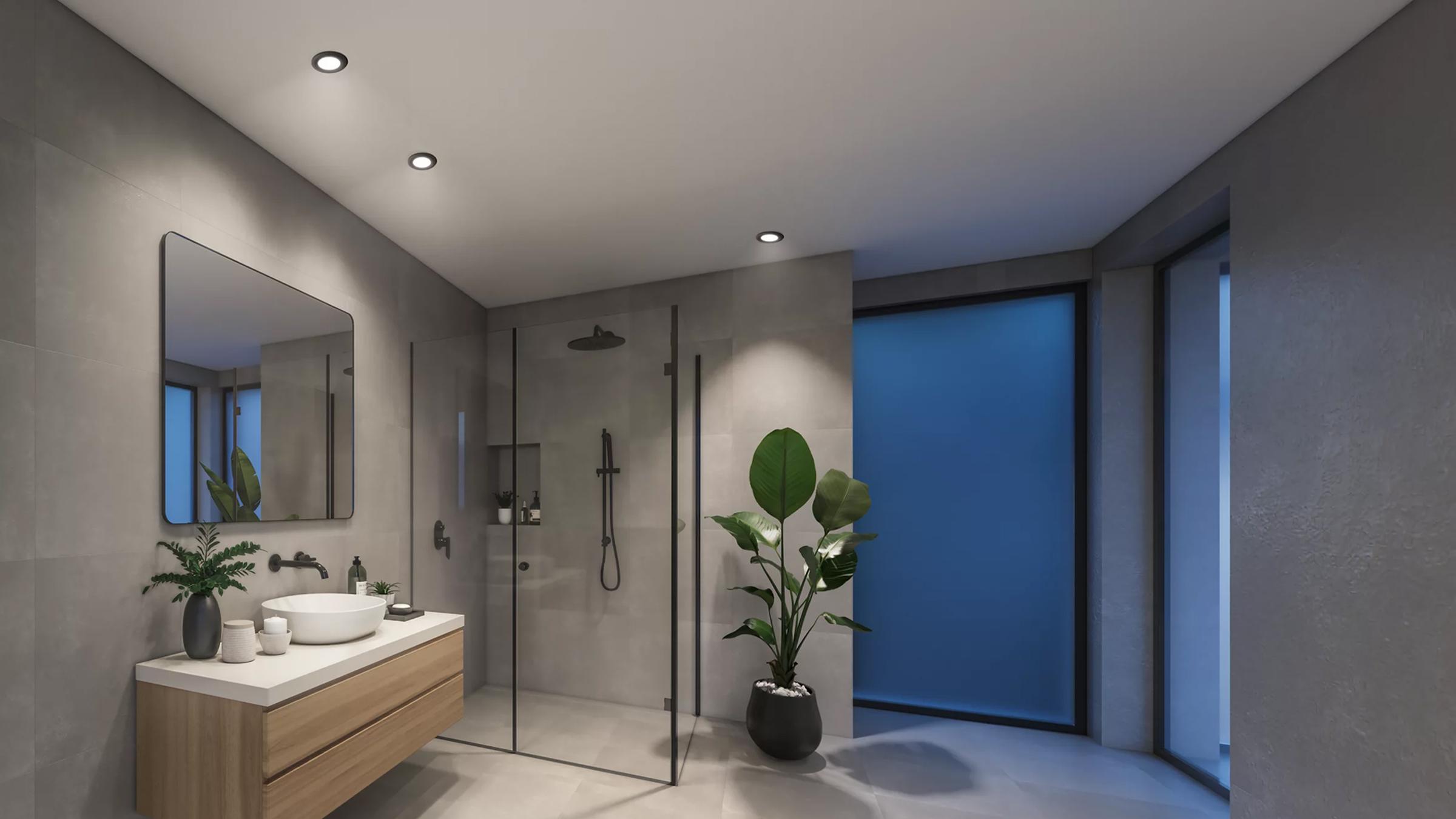
Downlights
Smart downlights that sit flush in your ceiling like any standard fitting: dim, schedule and shift from warm white to full colour over Wi-Fi, Zigbee or Matter.
Cut-out size
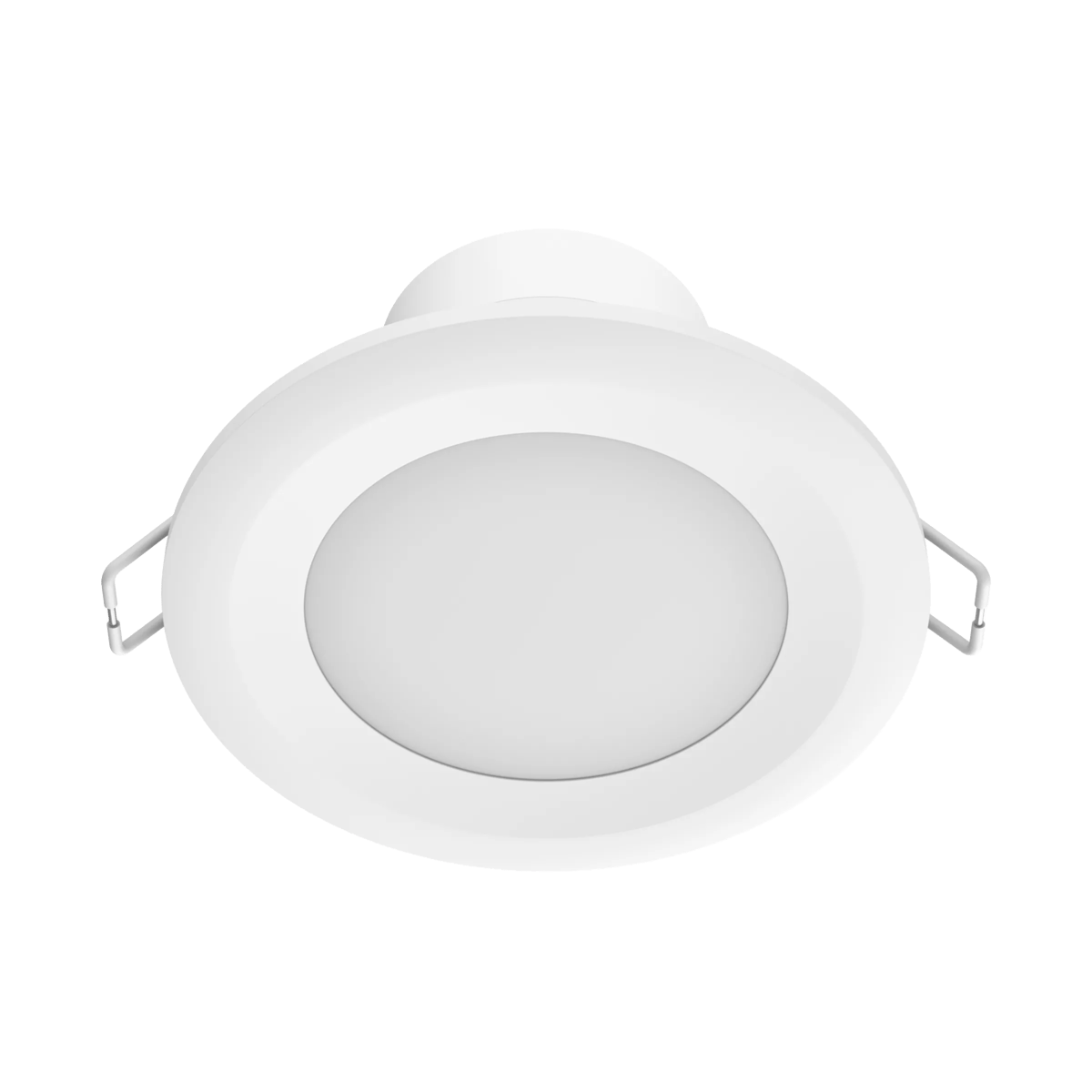
Downlights drop into a round hole cut in your ceiling. Most Australian homes use a 90mm cut-out, so measure yours before you buy. Many models clip into an existing hole, which makes swapping old halogen fittings straightforward.
Tuneable white and colour
Tuneable white shifts from warm (2700K) to cool (5000K and up) to suit the time of day. RGBW models add full colour for scenes and entertainment.
How they connect
Wi-Fi downlights talk straight to your router. Zigbee and Matter downlights join a hub or border router instead, forming a low-power mesh built for lots of always-on lights.
IC rating
An IC-rated downlight can sit in contact with ceiling insulation, which most newer installations now require.
Lighting · 2 products Downlights at Synced Australian stock
Tap downlights to compare them
That's the most you can compare at once


No products match those filters.
More about smart downlights
Choosing smart downlights
Start with the cut-out size
Before you fall for a finish, measure the hole your current downlights sit in and match that diameter. A light even a few millimetres out won't sit flush. With the size sorted, the choice is the beam: fixed downlights throw an even wash across the ceiling, while gimbal models tilt so you can aim light at a wall, bench or artwork.
Decide how much colour you need
If you mainly want better, more flexible light, tuneable white covers it: warm for evenings, cool white for the kitchen or a home office. Choose RGBW only if you want full colour for scenes or entertainment, and check the model keeps a dedicated white channel. Colour-only downlights render everyday white poorly.
Match the connection to your setup
For a handful of lights, Wi-Fi is the easy answer: nothing extra to buy, set up in the app and you're done. Once you're past a few, or you already run a hub, Zigbee or Matter give you faster response and local control that survives an internet outage. Both answer to Google Home and Amazon Alexa for voice.
What you can do with them
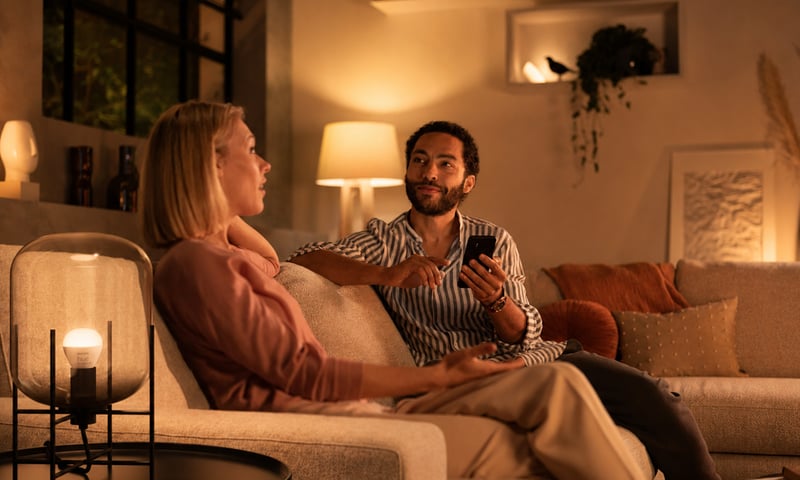
Dim the lights from the couch for movie night
Drop the lights to a glow from the couch, then bring them back up when it's time to tidy. Fit a Shelly dimmer behind the wall plate, or swap to Philips Hue bulbs and use the app. Control with any of


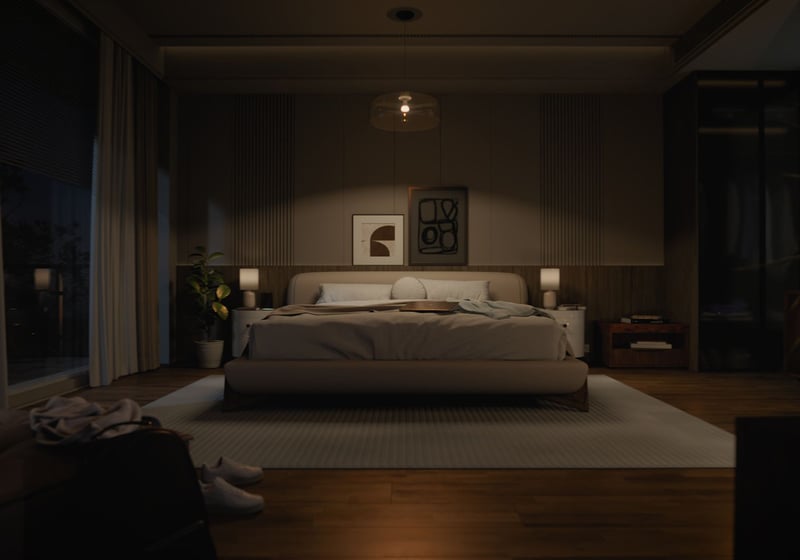
Lights that come on as you walk in, softer late at night
A sensor turns the bedroom or hallway light on as you walk in, at full brightness in the evening and a low glow at 2am. Fit Philips Hue bulbs and a motion sensor, or keep your lights and add a Shelly dimmer and presence sensor. Control with any of 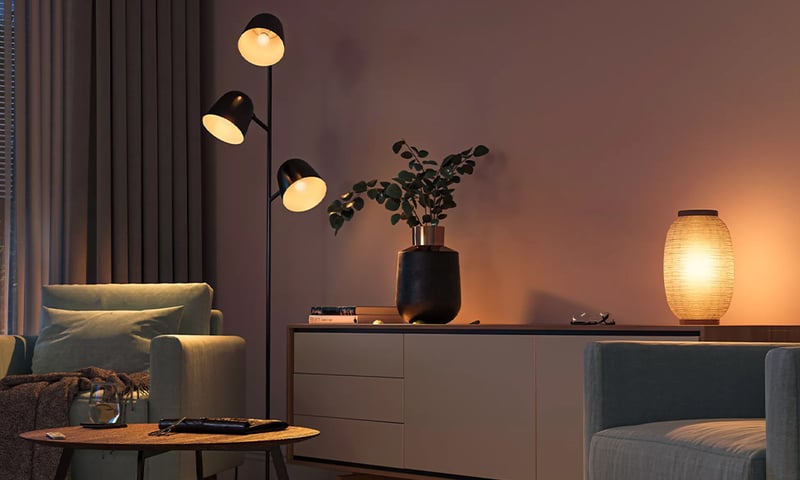
Lights that dim on a schedule each evening
The lights fade down to a low glow after dinner instead of snapping between full and off. Do it with a Shelly dimmer behind the wall plate or Philips Hue bulbs, in their app or Home Assistant. Control with any of 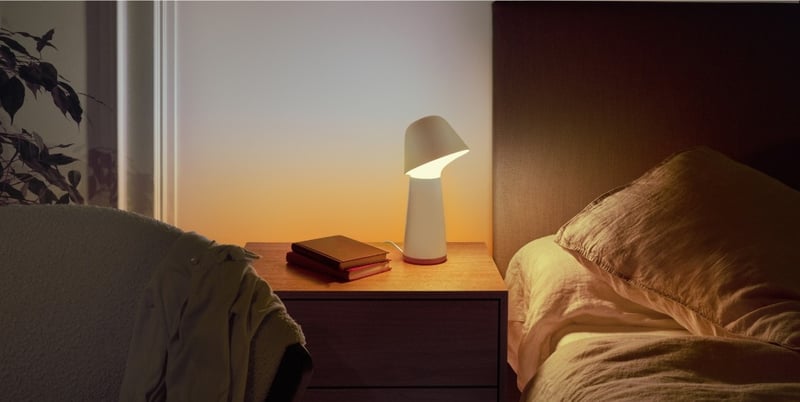
Lights that fade up to wake you in the morning
The bedroom lights come up slowly before your alarm, so you wake to a lit room instead of a dark one. Do it with a Shelly dimmer behind the wall plate or Philips Hue bulbs, in their app or Home Assistant. Control with any of Common questions
Quick answers before you buy. We test this gear ourselves. Can't find yours? Ask our Melbourne team
Usually, yes, as long as the new light matches your existing cut-out. The deciding factor is how the old fitting connects. Downlights on a plug base unclip and swap as a DIY job, while hardwired fittings should be changed by a licensed electrician. If you're not sure which you have, it's a quick job for a sparky to check.
As a rule of thumb, space downlights about 1.2 to 1.5 times your ceiling height apart, and keep them roughly 600mm off the walls. For a standard 2.4m ceiling, that's a light every 1.2 to 1.5 metres. Even spacing matters more than the raw count: it's what stops patchy bright spots and shadows.
Barely. The LED draws the same 8 to 10W as a normal downlight, and the Wi-Fi or Zigbee radio that makes it smart adds only a fraction of a watt on standby. Across a whole house that's a few dollars a year. The real difference runs the other way: dimming and schedules keep lights off or low when no one needs them.
A few worth knowing. They cost more up front than plain LED downlights, and a Wi-Fi-only setup leans on your home network, so a flaky router shows up as laggy lights. The fix is mostly in what you buy: pick Zigbee or Matter for reliability, keep a normal wall switch in the loop so anyone can use the light, and avoid no-name brands that lose app support.




