

















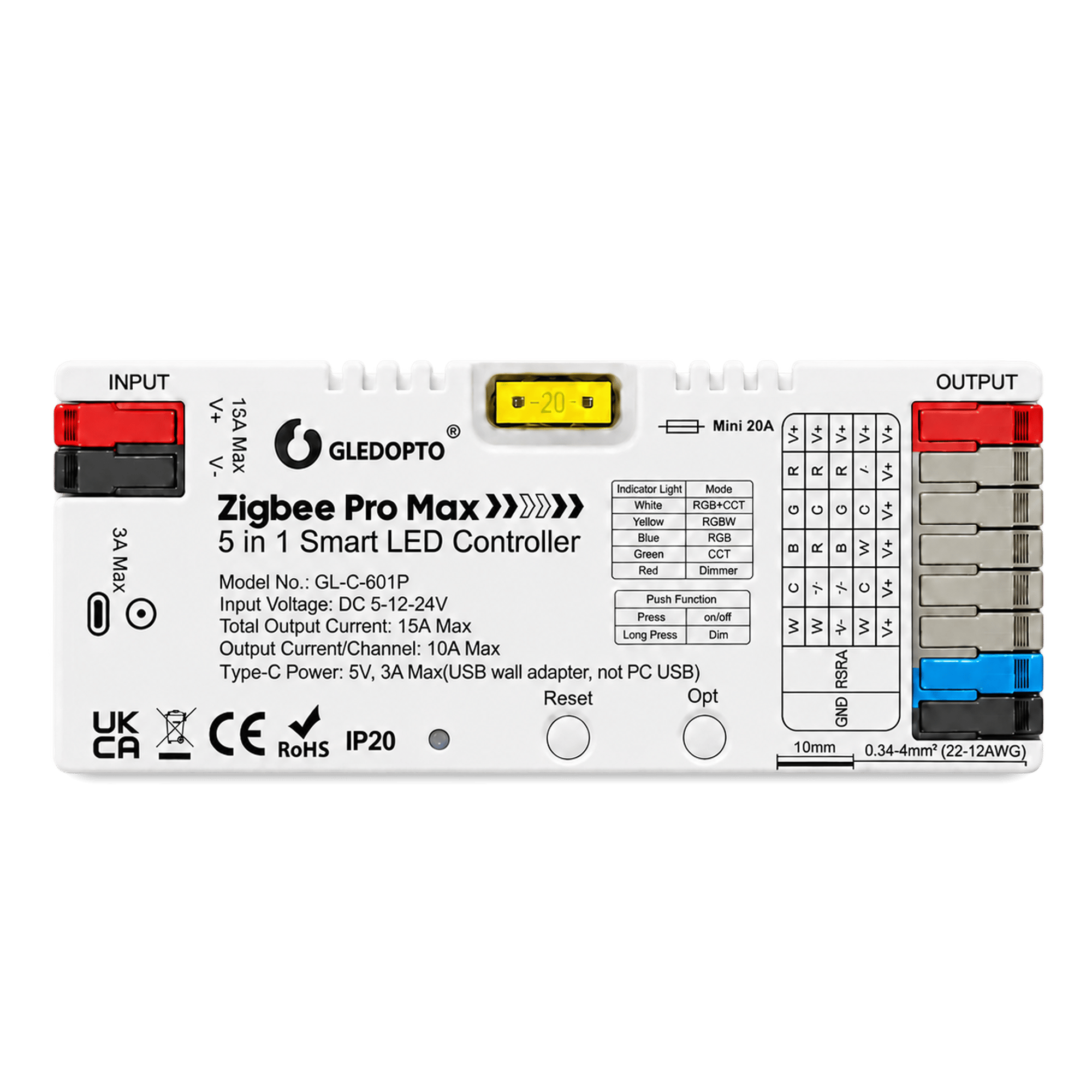
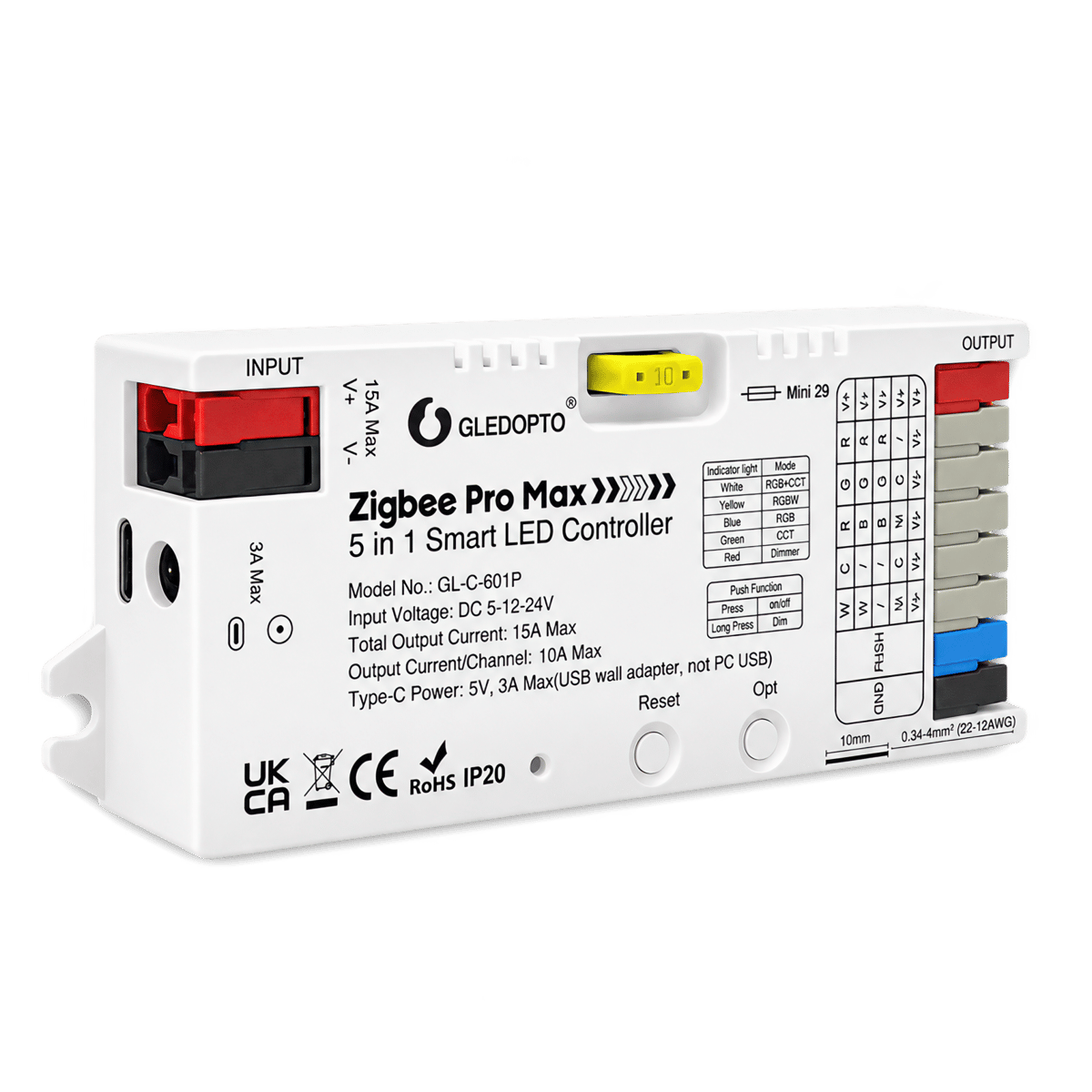
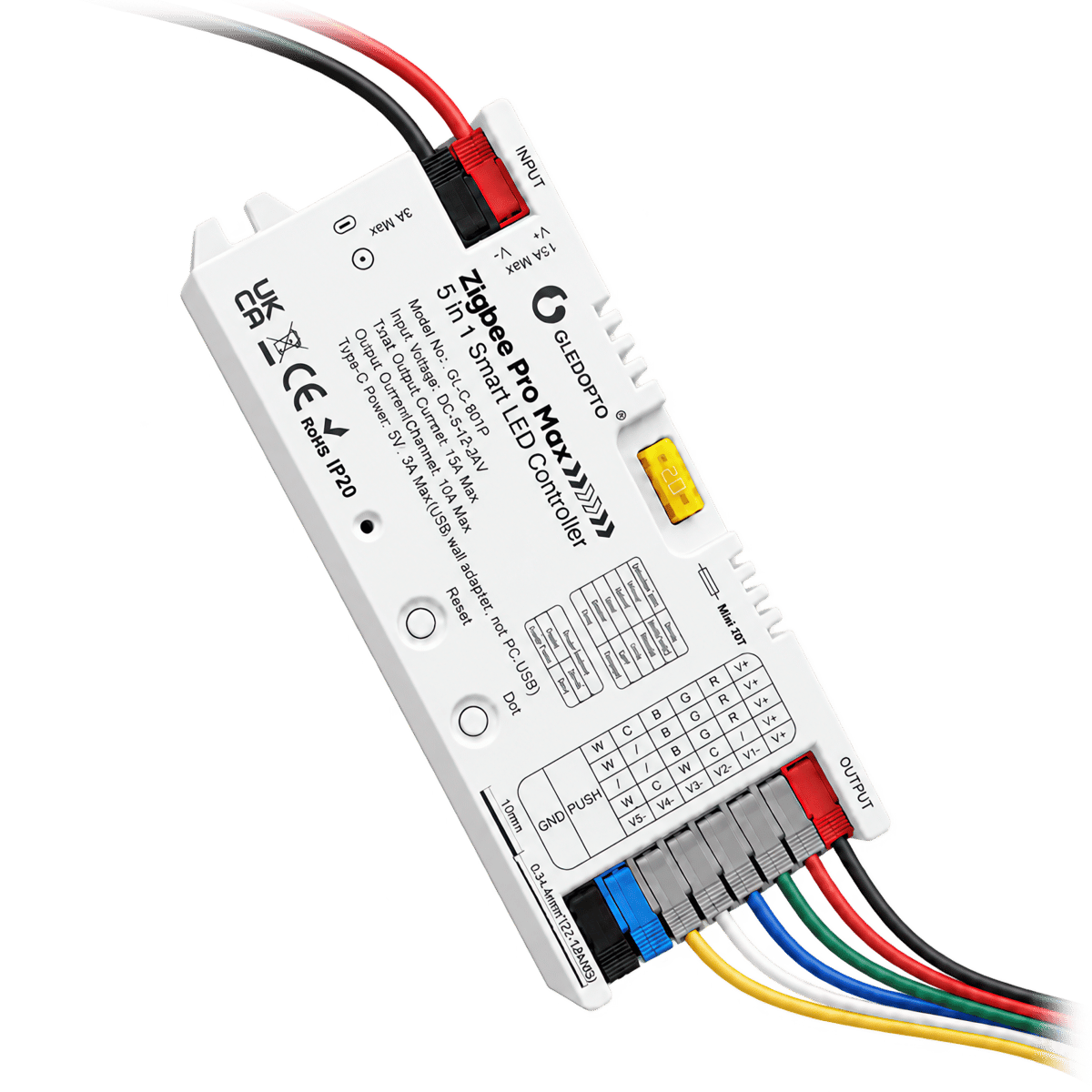

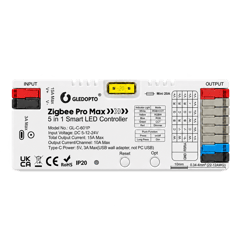
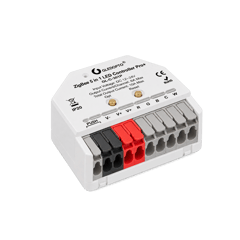
Zigbee Pro Max LED Strip Controller
Connects an LED strip to your smart home so you can control it from the same app as your other lights. It's the bigger of our two Gledopto controllers, with more power for longer strips.
$44.95 inc GST In stock · ships today
Currently sold out.
Comes with free shipping Order before 3pm Melbourne time on a weekday and it ships the same day.
30-day returns Unused items, easy online returns
2-year warranty Backed by Gledopto
Everything you need to know
Wire your LED strip into the controller and it shows up in your Hue, SmartThings or Home Assistant app. From there you can switch it on and off, dim it and, on a colour strip, change the colour. It needs a Zigbee hub to connect through, the small box many smart lights use: a Hue Bridge, a SmartThings hub, an Amazon Echo with Zigbee built in, or Home Assistant with Zigbee set up. Everything runs inside your home, so the strip keeps working if the internet goes down. It doesn't power the strip itself, so you'll also need a power supply that matches your strip. It works with 5 V, 12 V and 24 V strips; the voltage is printed on the strip or its power supply.
Product features
Brighter, softer colours
Most controllers light either the colour LEDs or the white LEDs on your strip, never both at once. This one can turn both on together, so a coloured light comes out brighter and softer instead of a deep, dim tint.
Works with most plain LED strips
LED strips come in five common types: colour only, colour plus white, colour plus warm-to-cool white, warm-to-cool white only, and a single colour. This controller works with all of them. Just change the setting on the unit and you're ready to go. It runs 5 V, 12 V and 24 V strips. It won't run pixel strips where each LED changes colour on its own (sold as addressable or RGBIC).
Built for long runs
It puts out more power than the Pro+ Mini, so it's better suited to longer LED strips. A fuse inside protects it, and there's a spare in the box.
No screwdriver needed
The wires clip into lever terminals. Power can come in three ways: through those terminals, from a plug-in power supply with a round barrel plug, or over USB-C for short 5 V strips.
Control it without your phone
Add a push-button wall switch: press to turn the strip on or off, hold to dim. It works even when your hub isn't available. You can also use Gledopto's own remote, which saves up to four favourite scenes.
What's in the box
- 1× ZigBee Pro Max controller
- GL-C-601P
- 1× Adhesive mounting pad
- 1× Spare blade fuse
- 5 A, for low-current supplies. 20 A fitted.
Works with
Also works with
-
Pairs with Philips Hue
-
Pairs with SmartThings
-
Pairs with Home Assistant
-
Pairs with Amazon Alexa
Connects over
Phone to controller, through a hub
Your phone reaches the hub over your home network; the hub speaks Zigbee to the controller, and adds scenes, automations and out-of-home control.
-
Zigbee
Works offline
Keeps working on your home network when the internet is down.
Specifications
No specifications match.
Light
- Drives strip types
- RGBCCTRGBWRGBCCTSingle colour
- Input voltage
- 5–24 V
- Max output (total)
- 15 A Also available: Pro Plus Mini
- Max output (per channel)
- 10 A
- PWM frequency
- 600–8000 Hz
- Fuse
- 20 A
- Channels
- 5 channels
- Connections
- Quick-connectDC barrelUSB-C
- IP rating
- IP20
- Placement
- Indoor
- Dimensions
- 129 × 50 × 23 mm
- RF remote control
- Yes
- Push-switch input
- Yes
- SKU
- GLD-CTL-0001
- MPN
- GL-C-601P
Wiring diagrams
Circuit overview
+24 V0 VColour and white channels
Everything on this controller is low voltage from a plug-in power supply. Unplug the supply before you move a wire.
Showing the whole circuit
What you can do with it
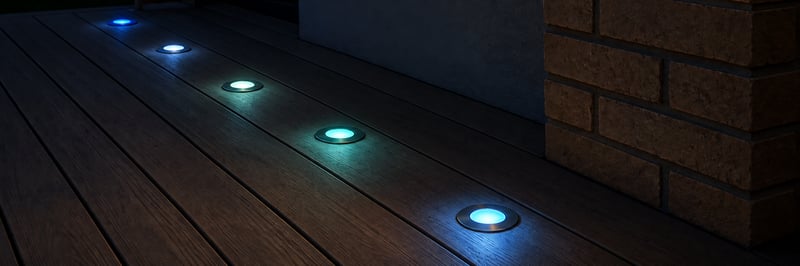
Colour deck lights you run from your phone
Keep your 12 or 24 V RGBW deck lights and add a small controller, so they come on at sunset in any colour or white you like. Run them from the Philips Hue app, Home Assistant or the Shelly app. Control with any of


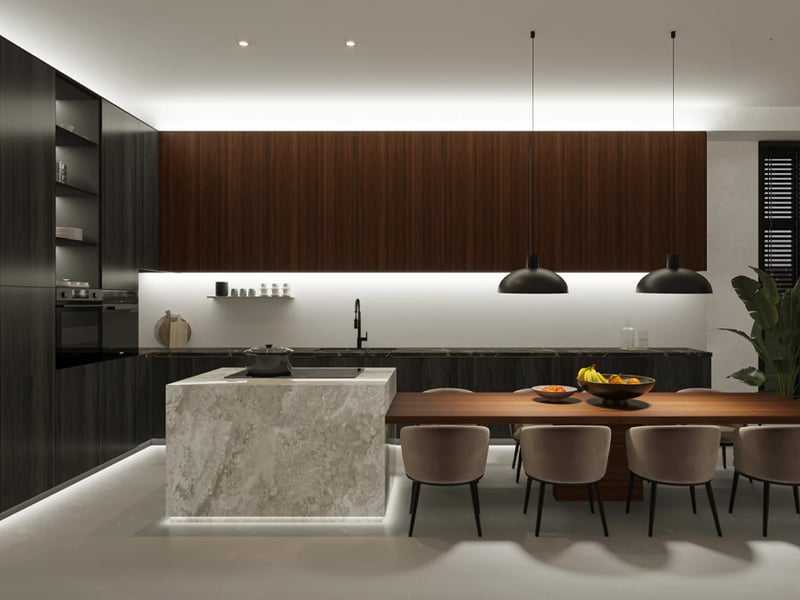
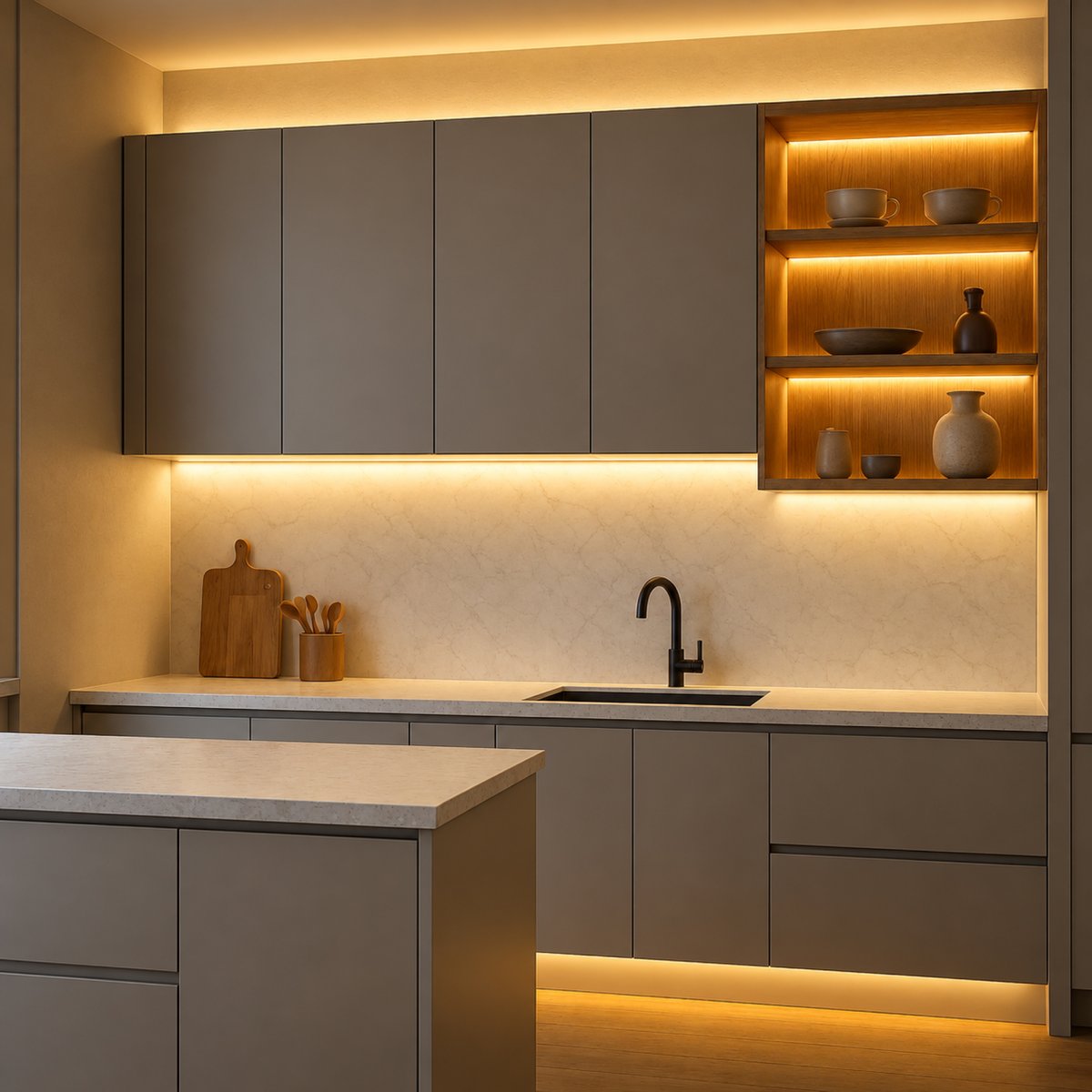
Under-cabinet kitchen lights you run from your phone
A smooth line of light under your kitchen cabinets, bright white for cooking and a warm glow at night. Use a Philips Hue lightstrip, or a dotless strip on a small Gledopto controller that joins the Hue app or Home Assistant. Control with any of Complete your setup
Your controller is only half the system. You also need a light on the other end. The below work with any of the Gledopto controllers.
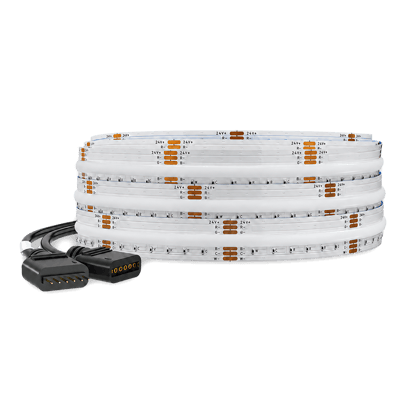
Strips it drives
Colour and White LED Strip, 5 m
$74.95 Out of stock
Strips it drives
Colour and White LED Strip, 3 m
$54.95 Out of stock
Common questions
Quick answers before you buy. We test this gear ourselves. Can't find yours? Ask our Melbourne team
Get the Pro Max if you have a 5 V strip or a long strip, or you want colour and white lit together. Get the Pro+ Mini if you need something small to hide away. Both work with the same five strip types, wall switch and remote.
Yes. It connects through a Zigbee hub: a Hue Bridge, a SmartThings hub, an Amazon Echo with Zigbee built in, or Home Assistant with Zigbee set up. It can't join your Wi-Fi on its own.
No. It controls the strip but doesn't power it. You'll need a separate LED power supply that matches your strip's voltage, wired into the controller.
No. On those strips each LED can show a different colour, and they need a different kind of controller. This one runs plain strips, where the whole strip shows one colour at a time. Addressable strips are often sold as WS2812, SK6812 or RGBIC.
Yes, for a short strip. For a long strip that draws a lot of power, use the lever terminals instead, because the barrel plug can't carry as much.
A push-button switch that springs back when you let go, like a doorbell button. A normal on/off light switch won't work. Never connect mains power to this input.
Not directly, because it doesn't support Matter. You can still use it with Apple Home or Google Home if it's connected through a Hue Bridge or SmartThings hub, which pass it on.
Any plain LED strip that matches one of the five types. The one we stock for it is BTF-Lighting's FCOB RGBCCT strip: colour plus warm-to-cool white, 24 V, in 3 m and 5 m rolls. Its LEDs sit so close together that you see a smooth line of light, not dots. Set the controller to RGB+CCT, connect the strip's six wires to the matching terminals, and it shows up in your app as one colour light.
Yes, but both strips act as one light, with the same colour and brightness. Run each strip's wires back to the controller rather than joining the strips end to end. Two of our 5 m BTF strips draw up to 130 W together, about a third of what the Pro Max can handle, and need a 24 V supply of about 160 W. If you want to control the strips separately, use one controller for each.
Gledopto · Zigbee Pro Max LED Strip Controller