

















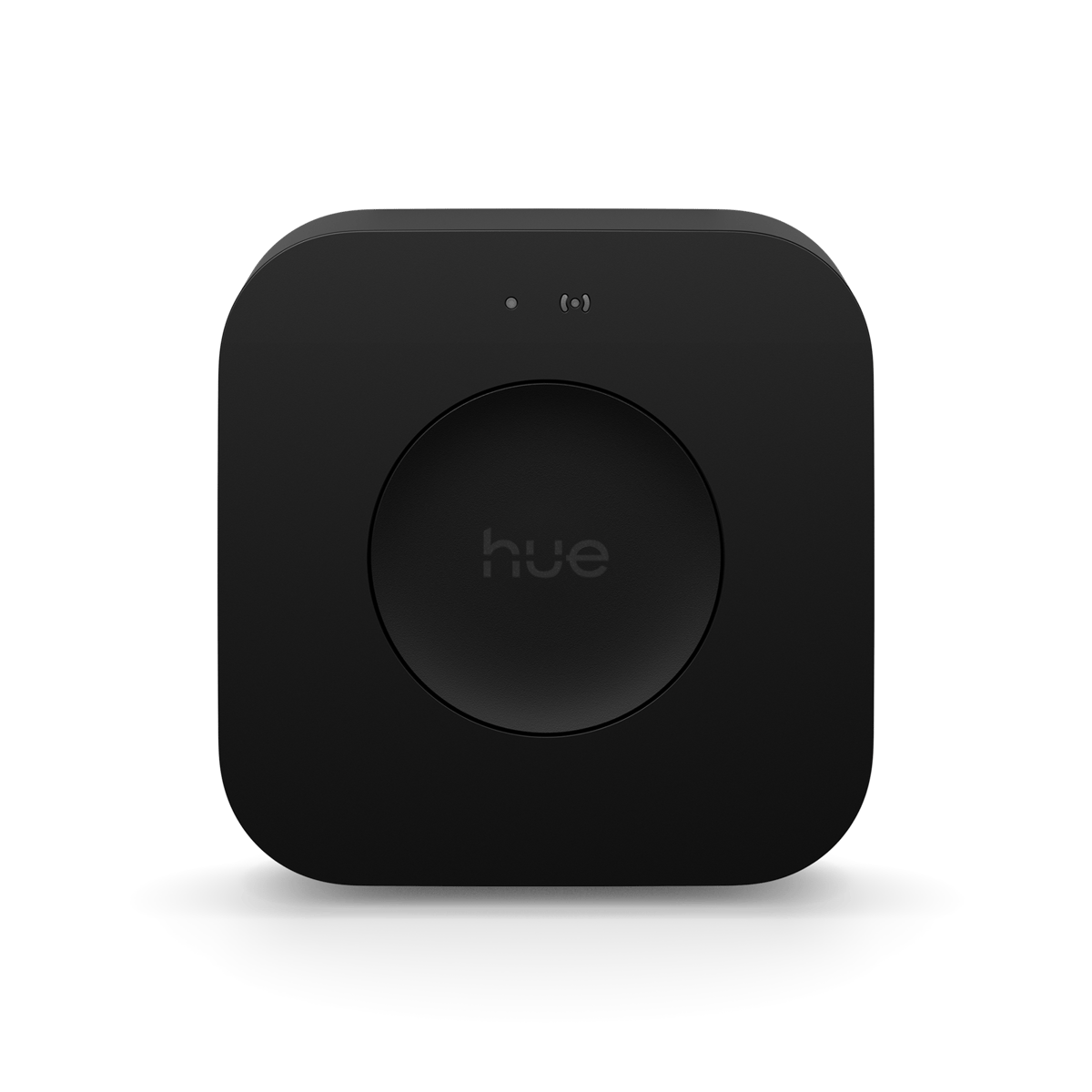
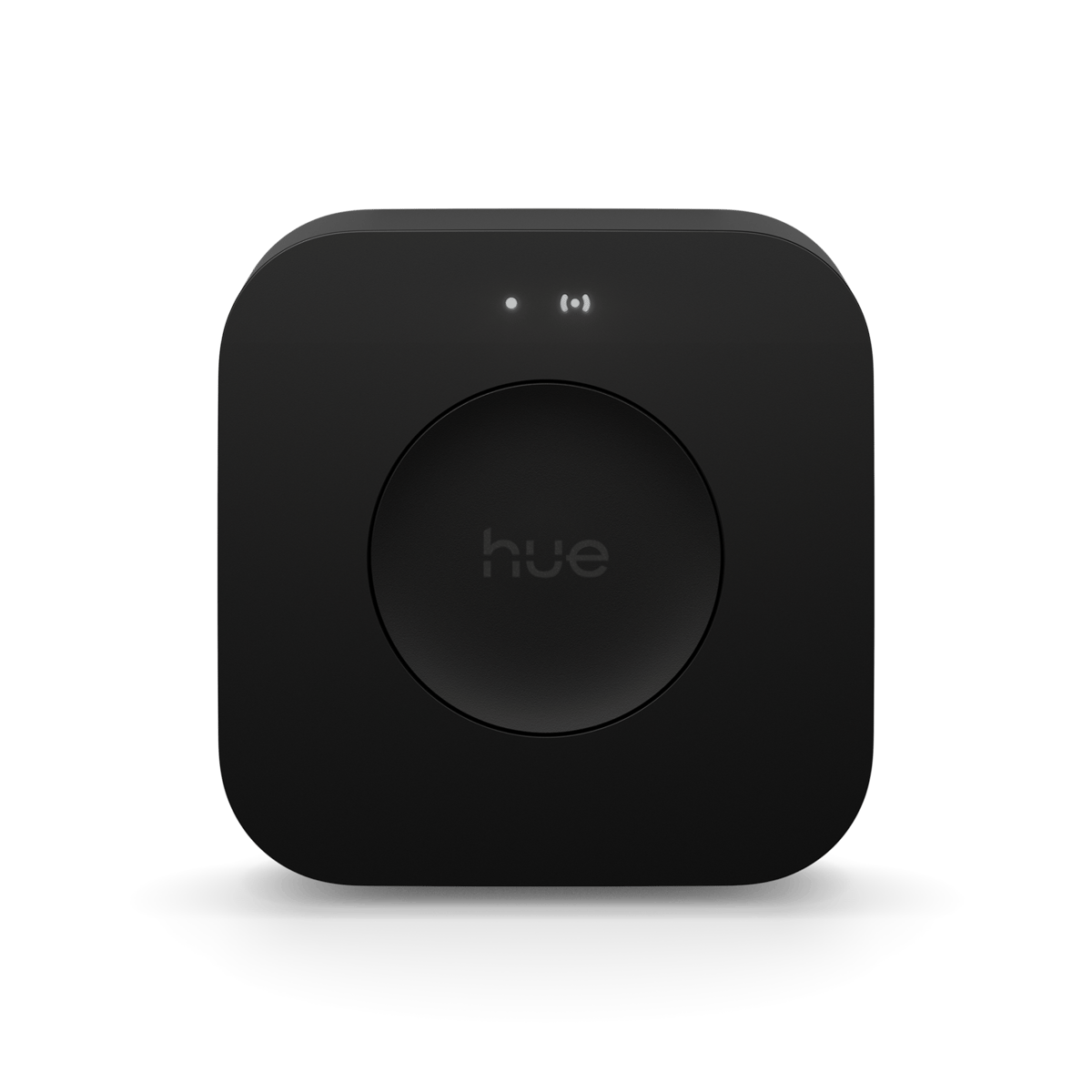
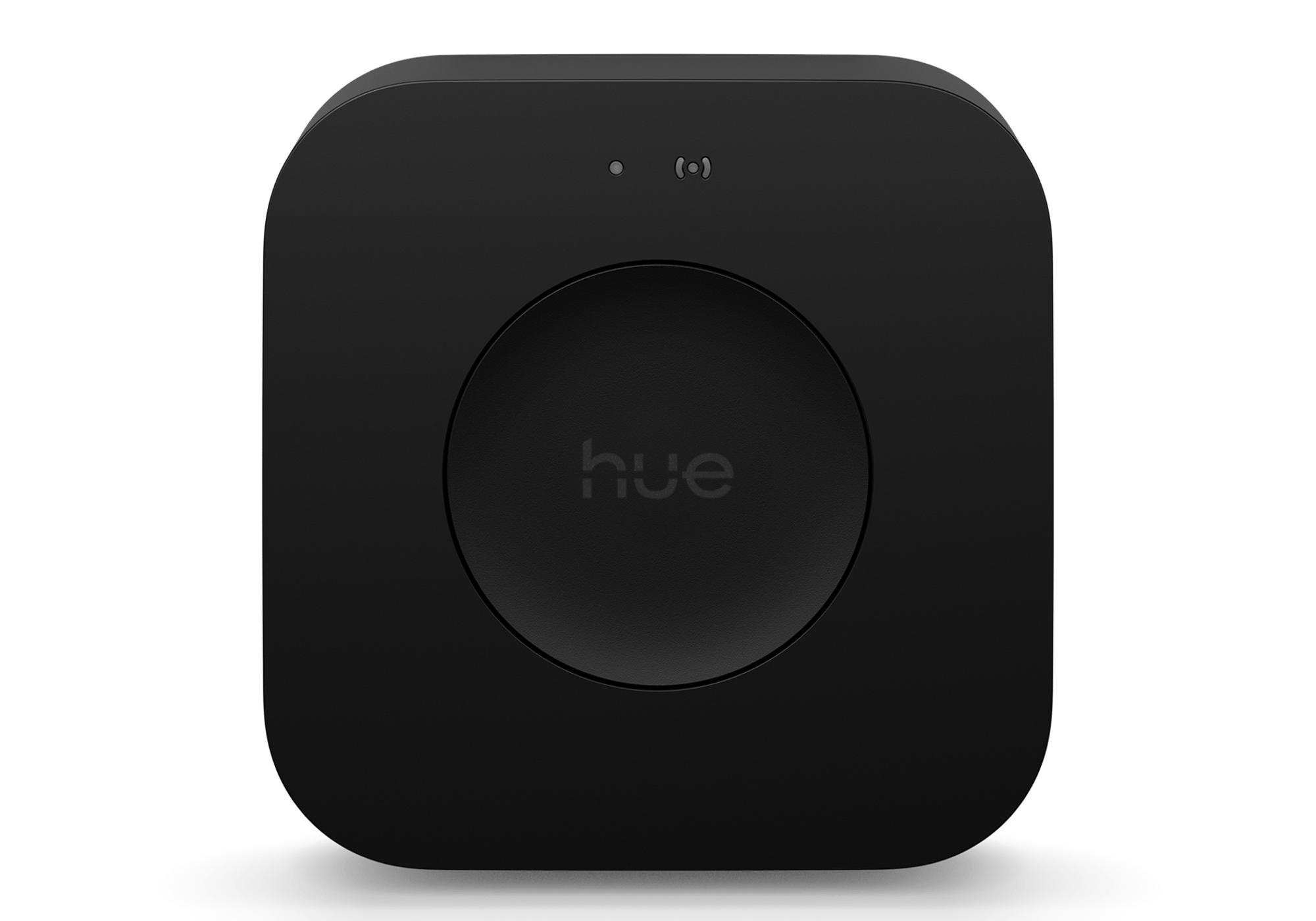

Bridge Pro
The hub for a whole-home Hue setup, running 150+ lights and 50+ accessories with local control and no monthly fee.
$189.95 inc GST In stock · ships today
Model
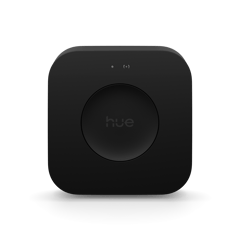
Model guide
Which bridge do you need?
Both bridges run the same lights, the same app and the same scenes. The Pro simply holds a lot more of them, and it adds presence sensing the standard bridge can't do.
- standard Up to 50 lights
Bridge
Up to 50 lightsThe standard bridge. It runs up to 50 lights and 12 accessories, with the full app, scenes, routines and voice control. Plenty for most homes.
- pro Up to 150 lights
Bridge Pro
Up to 150 lightsThe bigger bridge. It runs up to 150 lights and 50 accessories, and it adds presence sensing, so a few of your existing lights can act as a motion sensor without you buying one. A faster processor keeps a large setup responsive.
Selected
Currently sold out.
Comes with free shipping Order before 3pm Melbourne time on a weekday and it ships the same day.
30-day returns Unused items, easy online returns
2-year warranty Backed by Philips Hue
Everything you need to know
Bridge Pro is the controller for a larger Philips Hue system. It holds up to 150+ lights and 50+ accessories, stores up to 500 scenes, and runs everything over Zigbee on your own network. MotionAware turns your existing Hue lights into motion sensors, so you can automate a room without buying separate hardware. It plugs into your router by Ethernet or connects over Wi-Fi.
Product features
Built for the big setup
Bridge Pro runs 150+ lights and 50+ accessories, roughly three times the standard Bridge, and stores up to 500 scenes across every room. It is the hub for a house full of Hue rather than a single room.
Lights that sense movement
MotionAware reads the Zigbee signal between your existing Hue lights to detect movement, so you can build motion automations without a separate sensor. It works with about 95% of current Hue lights.
Runs on your own network
Scenes and automations live on the Bridge and run over Zigbee, so your lights answer in under a second and keep working when the internet drops. You only need a connection for control away from home and for updates.
- Scenes and automations stored on the Bridge
- Keeps working when the internet drops
- Zigbee to the lights, under a second to respond
One bridge to every platform
The Bridge links your Hue lights to Apple Home, Google Home, Amazon Alexa and SmartThings, and exposes them to Matter. Control and voice then work through whichever platform you already run, rather than through a second app.
- Apple Home, Google Home, Amazon Alexa and SmartThings
- Exposes your Hue lights to Matter
The Philips Hue system

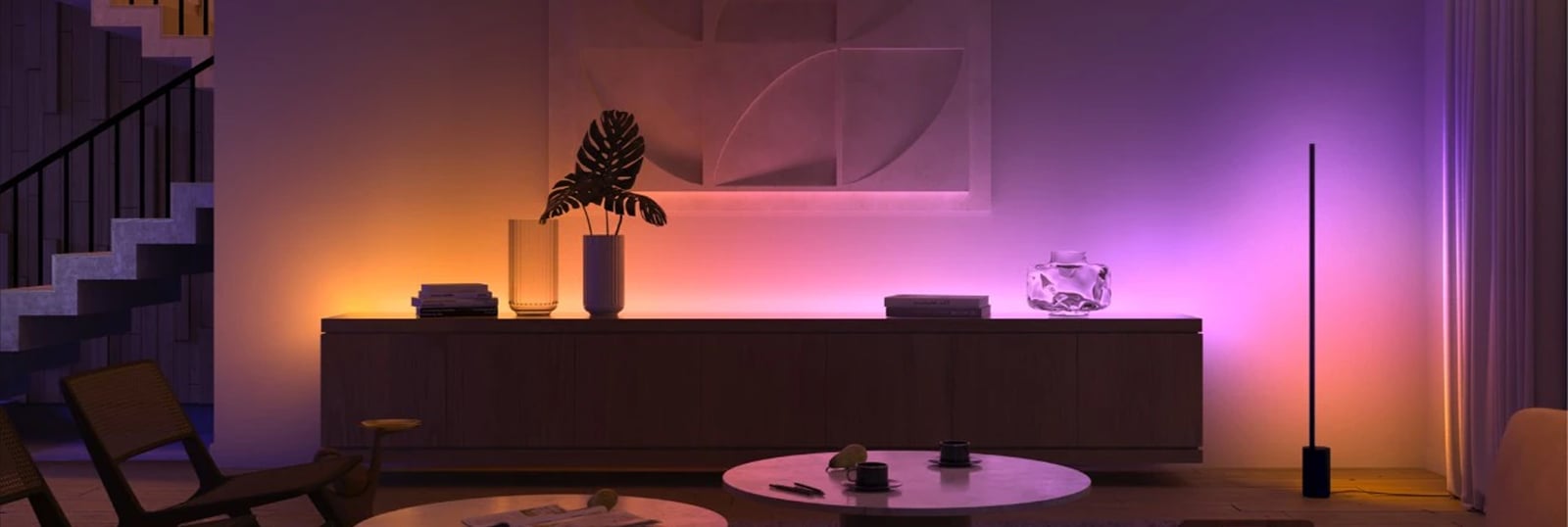
Hue is a system, not just a smart bulb. Every Hue product, from bulbs and lamps to light strips and fixtures, joins the same Zigbee mesh and shows up in one app. A single bulb bought today slots straight into a whole-home setup later.
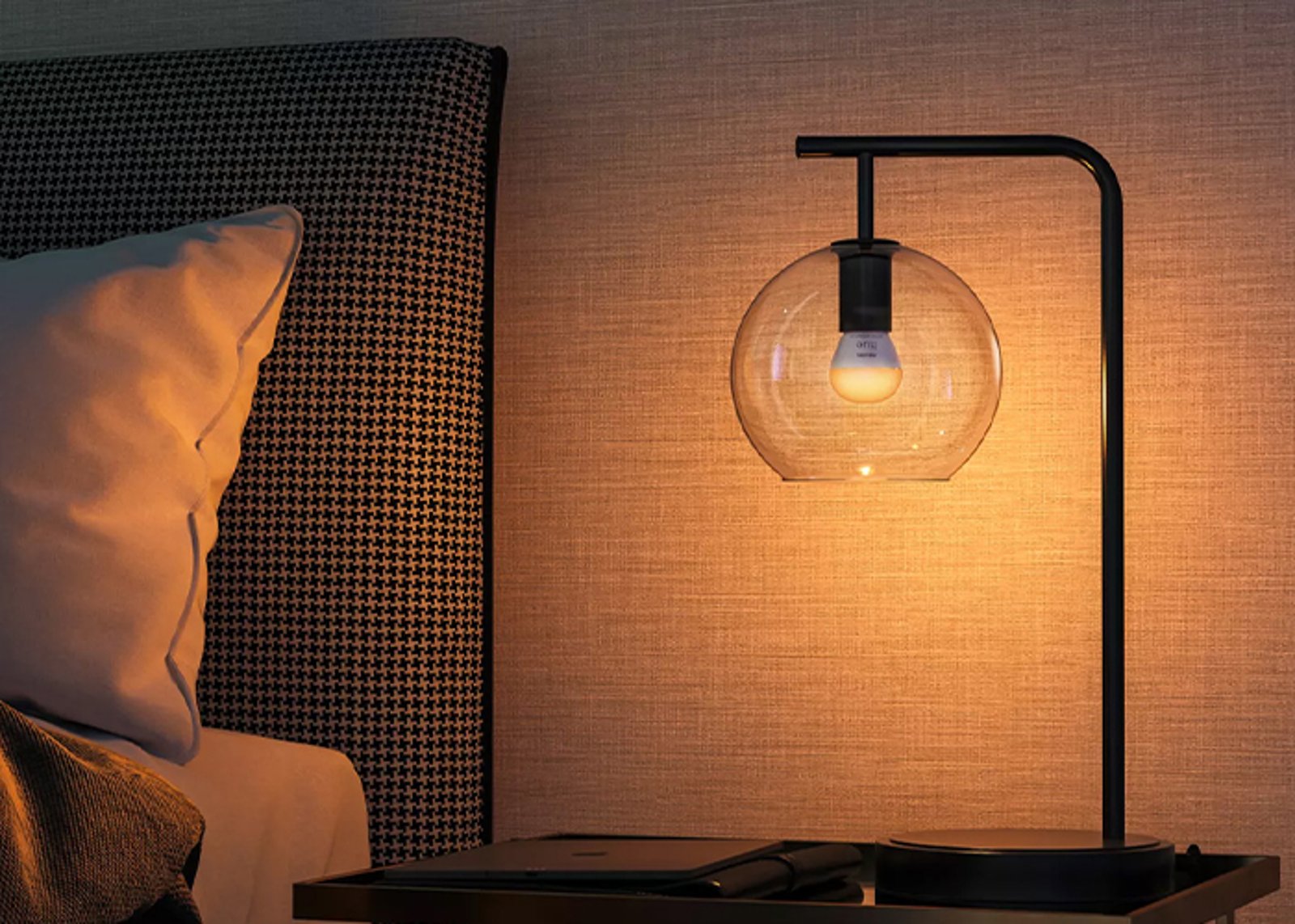
The lights
Bulbs, lamps, strips & fixtures
All speak Zigbee and mesh with each other, so every light you add extends the network's reach.
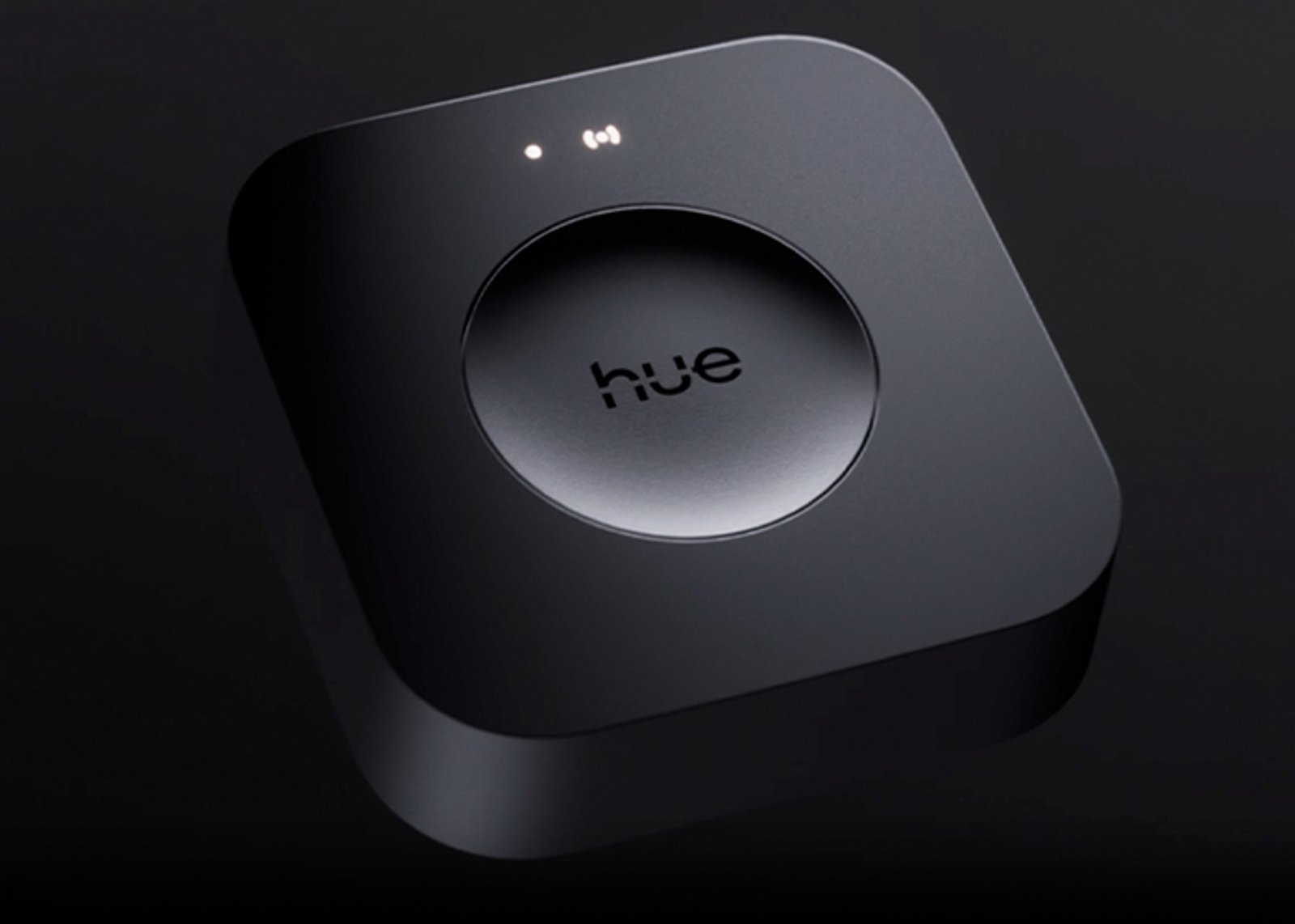
The hub
One Bridge runs the whole home
Runs up to 50 lights off your router, and connects Apple Home, Google Home, Alexa and SmartThings.
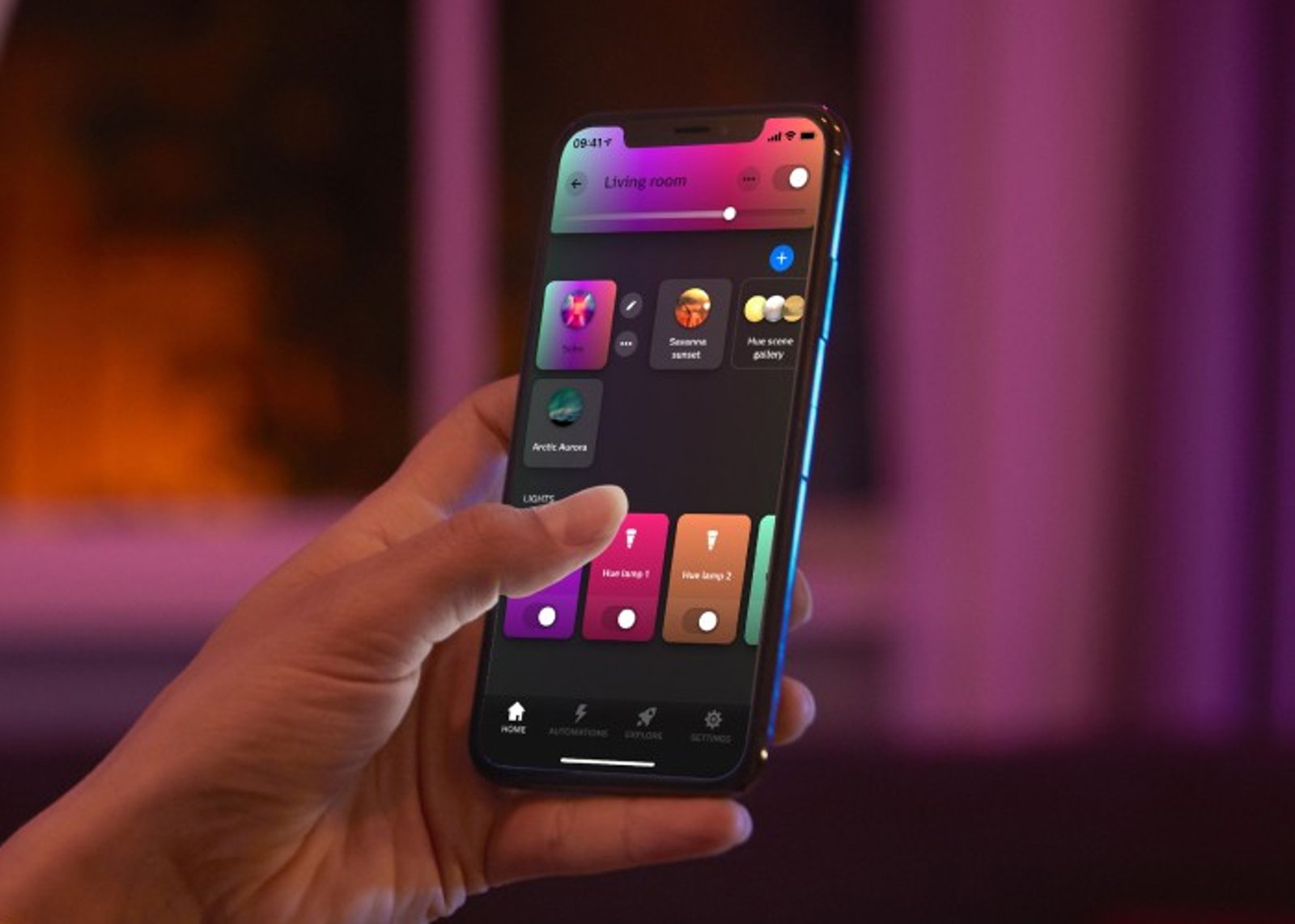
The control
App, voice & switches
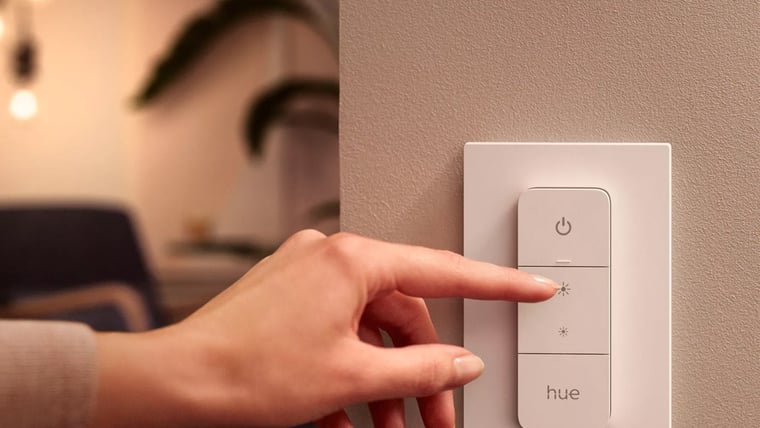
One app for rooms, scenes and schedules, plus dimmers, buttons and sensors that work without a phone.
Getting started
1
Start with one light Start here
Add your first Hue light, open the Hue app, and control up to 10 lights in one room over Bluetooth. No hub required.
2
Add the Hue Bridge When you're ready
Run up to 50 lights, control them from anywhere, set schedules and automations, and connect your voice assistant.
Start small, scale up. Everything you buy today keeps working when you add the Bridge, and everything Hue has made since 2012 still joins the same system.
 What the Bridge actually does
 System · 4:35
What the Bridge actually does
The full explainer: how the Bridge ties your lights, switches and sensors into one system you control from anywhere.
Watch system video What's in the box
-
1× Hue Bridge Pro
-
1× Ethernet Network Cable
-
1× Power Adaptor
Works with
Also works with
-
Works with Apple Home
-
Works with Google Home
-
Works with Amazon Alexa
-
Works with SmartThings
-
Works with Home Assistant

Works with Matter
Also works with Matter, so it can join other Matter platforms as well as the ones above.
Connects over
To your network via
Joins your home network like any other device.
-
Ethernet
-
Wi-Fi
To your devices via
A dedicated mesh that doesn't touch your Wi-Fi.
-
Zigbee
Works offline
Keeps working on your home network when the internet is down.
Specifications & Installation
Setup · 2:51
Setting up your Hue system
Plug the Bridge in, pair your first lights, and get the app talking to them.
Watch setup videoNo specifications match.
Model
- Model
- Pro Also available: Bridge
- Power
- Plug-in
- Device capacity
- 150 devices
- Local control
- Yes
- Presence sensing
- Yes
- Motion areas
- 4 areas
- SKU
- HUE-HUB-0001
- MPN
- 929003582605
- Barcode
- 8720169155077
What you can do with it
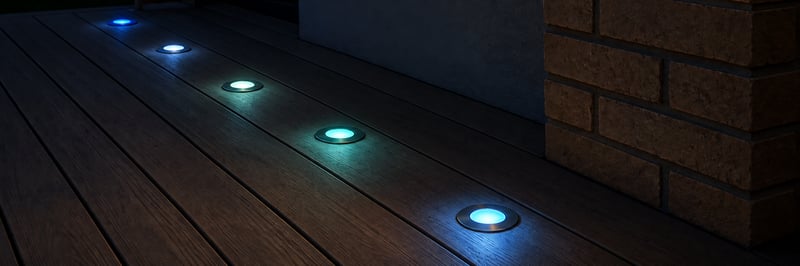
Colour deck lights you run from your phone
Keep your 12 or 24 V RGBW deck lights and add a small controller, so they come on at sunset in any colour or white you like. Run them from the Philips Hue app, Home Assistant or the Shelly app. Control with any of


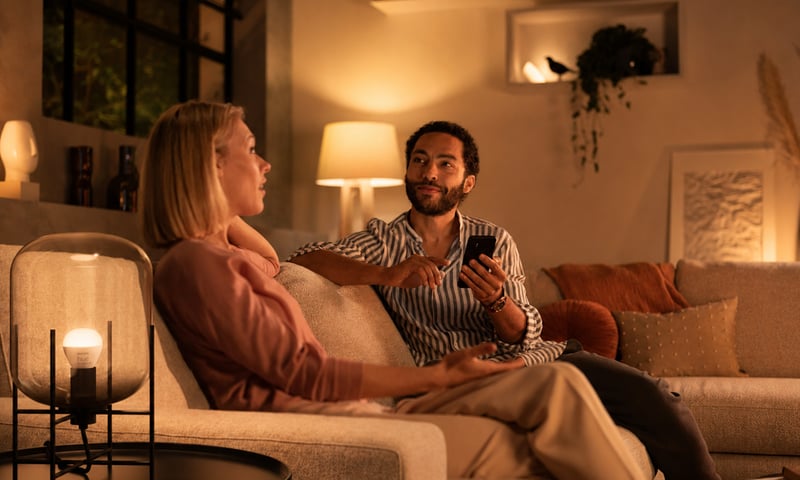
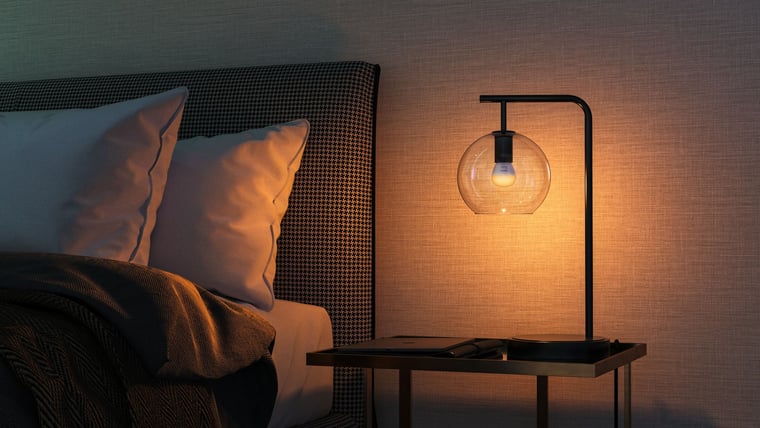
Dim the lights from the couch for movie night
Drop the lights to a glow from the couch, then bring them back up when it's time to tidy. Fit a Shelly dimmer behind the wall plate, or swap to Philips Hue bulbs and use the app. Control with any of 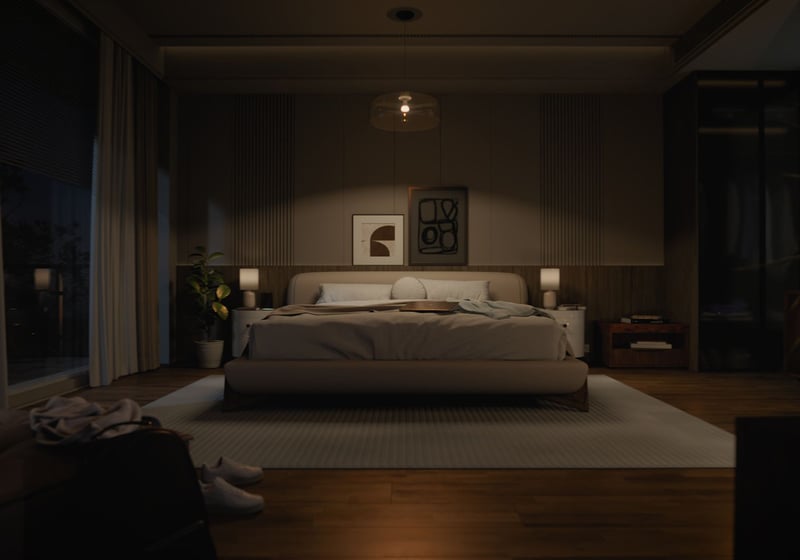
Lights that come on as you walk in, softer late at night
A sensor turns the bedroom or hallway light on as you walk in, at full brightness in the evening and a low glow at 2am. Fit Philips Hue bulbs and a motion sensor, or keep your lights and add a Shelly dimmer and presence sensor. Control with any of 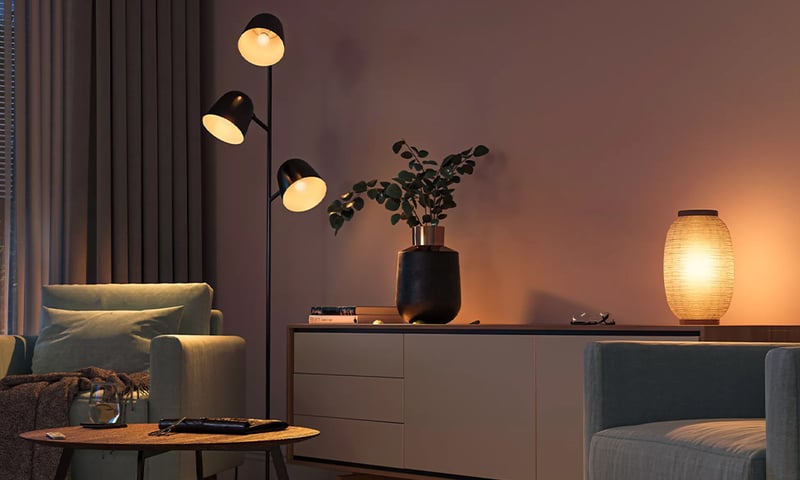
Lights that dim on a schedule each evening
The lights fade down to a low glow after dinner instead of snapping between full and off. Do it with a Shelly dimmer behind the wall plate or Philips Hue bulbs, in their app or Home Assistant. Control with any of 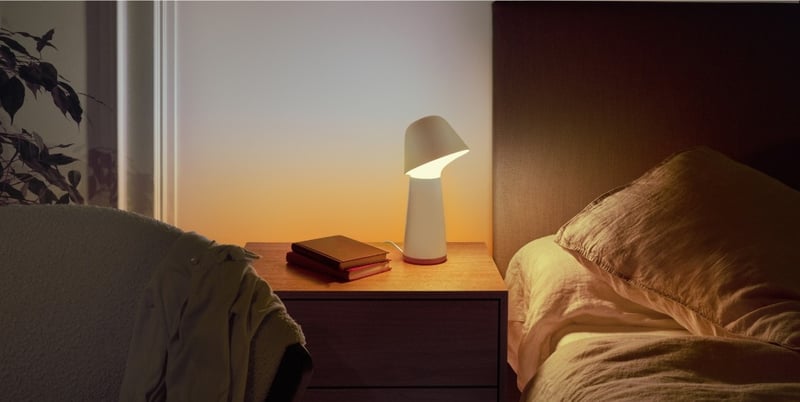
Lights that fade up to wake you in the morning
The bedroom lights come up slowly before your alarm, so you wake to a lit room instead of a dark one. Do it with a Shelly dimmer behind the wall plate or Philips Hue bulbs, in their app or Home Assistant. Control with any of 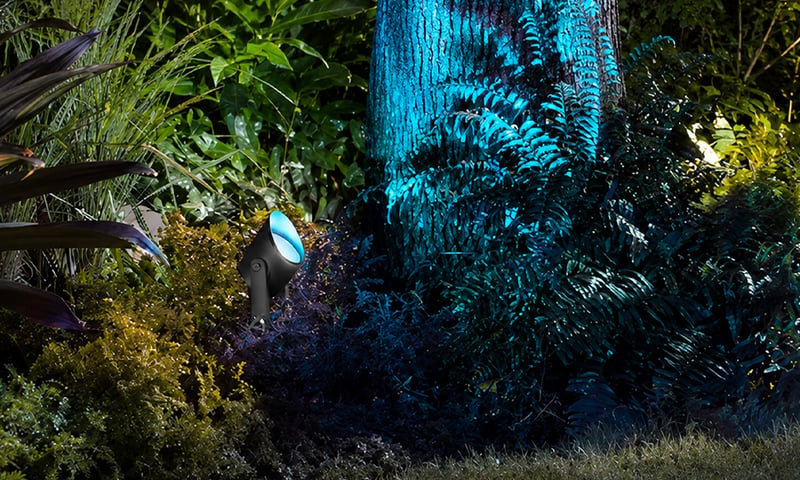
Outdoor lights on at sunset, off at midnight
Porch, path and garden lights follow the sun through the year without you touching a switch. Run the lights you have from a Shelly relay, or fit Philips Hue outdoor lights, and set it up in their app or Home Assistant. Control with any of 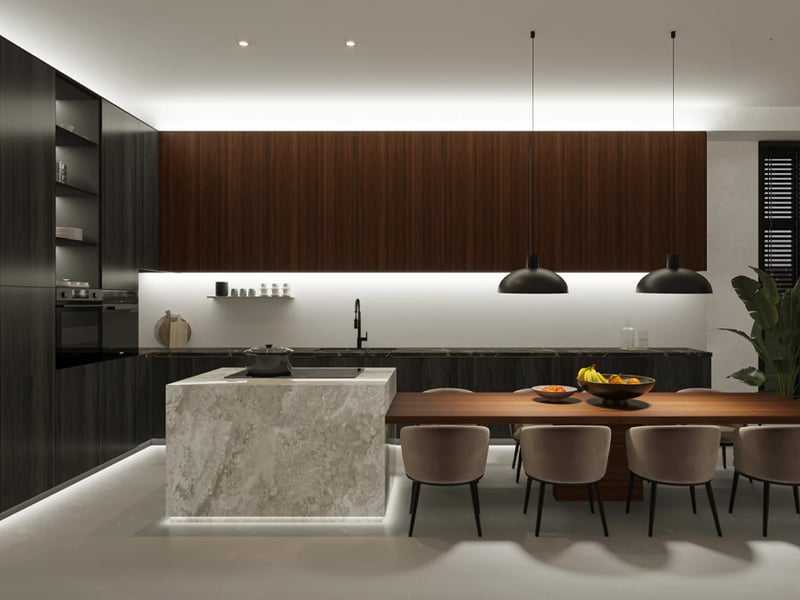
Under-cabinet kitchen lights you run from your phone
A smooth line of light under your kitchen cabinets, bright white for cooking and a warm glow at night. Use a Philips Hue lightstrip, or a dotless strip on a small Gledopto controller that joins the Hue app or Home Assistant. Control with any of Common questions
Quick answers before you buy. We test this gear ourselves. Can't find yours? Ask our Melbourne team
Only if you're pushing past the standard Bridge's limits. Bridge Pro raises capacity to 150+ lights and 50+ accessories and adds MotionAware. For a smaller setup, the standard Bridge does the same core job.
Yes. Bridge Pro connects to Apple Home, Google Home, Amazon Alexa and SmartThings, and exposes your Hue lights to Matter. You control everything through the Hue app or your chosen ecosystem.
It turns your existing Hue lights into motion sensors by reading the Zigbee signal between them, so you can trigger lights on movement without buying a separate sensor. It works with about 95% of current Hue lights.
No. Scenes and automations run locally on the Bridge, so your lights keep responding if your connection drops. You only need the internet for remote control away from home and for updates.
Plug it into your router with the included Ethernet cable, or connect it over Wi-Fi. Setup and pairing happen in the Hue app.
Philips Hue · Bridge Pro