


















On this page
Explainer Ecosystems
Philips Hue starter guide
How the Philips Hue system fits together, from a single Bluetooth light to a whole-home Bridge setup, and what it works with. Plain English, for Australian homes.
Philips Hue is a smart lighting system built from three parts: the lights, an app, and an optional hub called the Bridge. The lights are bulbs, strips, downlights and outdoor fittings, all with a small radio inside. Start with a single light over Bluetooth and add the Bridge later when you want more.
What Hue does for you
Dim the lounge for a movie, have the kitchen come on soft and warm at 6am and bright by 7, switch the whole house off from bed, and turn everything on from your phone when you are ten minutes from home. One lamp that changes colour? A cheap Bluetooth light does that. Lighting that behaves like part of the house and still works years later? That is Hue. You can start for about $35 with a single light, or around $135 with a light and the Bridge, and grow from there.
How Philips Hue works
Each Hue light is an LED with a radio inside, on standby for a command: on, off, dimmer, a different white, or a colour. You send those commands one of two ways. Over Bluetooth, your phone talks straight to the lights in one room. With the Bridge, a small hub plugs into your router and runs a dedicated Zigbee network across the whole house. That choice is the one real decision when you start.
Bluetooth or the Bridge
Start on Bluetooth if you are trying Hue in one room with a handful of lights. Move to the Bridge when you want more than about ten lights, control while you are out, proper automations, or lights that sync to your TV.
| Feature | Bluetooth | Bridge |
|---|---|---|
| Range | One room | Whole home |
| Max lights | 10 | 50 |
| Away-from-home | No | Yes |
| Automations | Basic | Full |
| TV and music sync | No | Yes |
| Works with | Alexa, Google | Alexa, Google, Apple Home, SmartThings, Matter |
There is also the Bridge Pro for large homes: same idea, up to 150 or more lights.
Starting small
- Pick your entry point
A single light to try Bluetooth, or a light plus the Bridge if you already want the full system.
- Fit it like a normal light
Hue screws or bayonets into your existing fittings, so there is no electrician and no rewiring. Leave the wall switch on so it always has power.
- Pair it in the app
Open the Philips Hue app, pair the light, and assign it to a room.
- Grow from there
Add more lights and rooms as you go. Once you pass about ten lights or want automations, add the Bridge.
Leaving the switch on is how the light stays reachable. So no one has to reach for the app, add a Hue dimmer or a Tap Dial to the wall and the switch becomes the smart one.
What it costs to get started
You can start small and grow. Here is roughly what each step costs.
Dip a toe
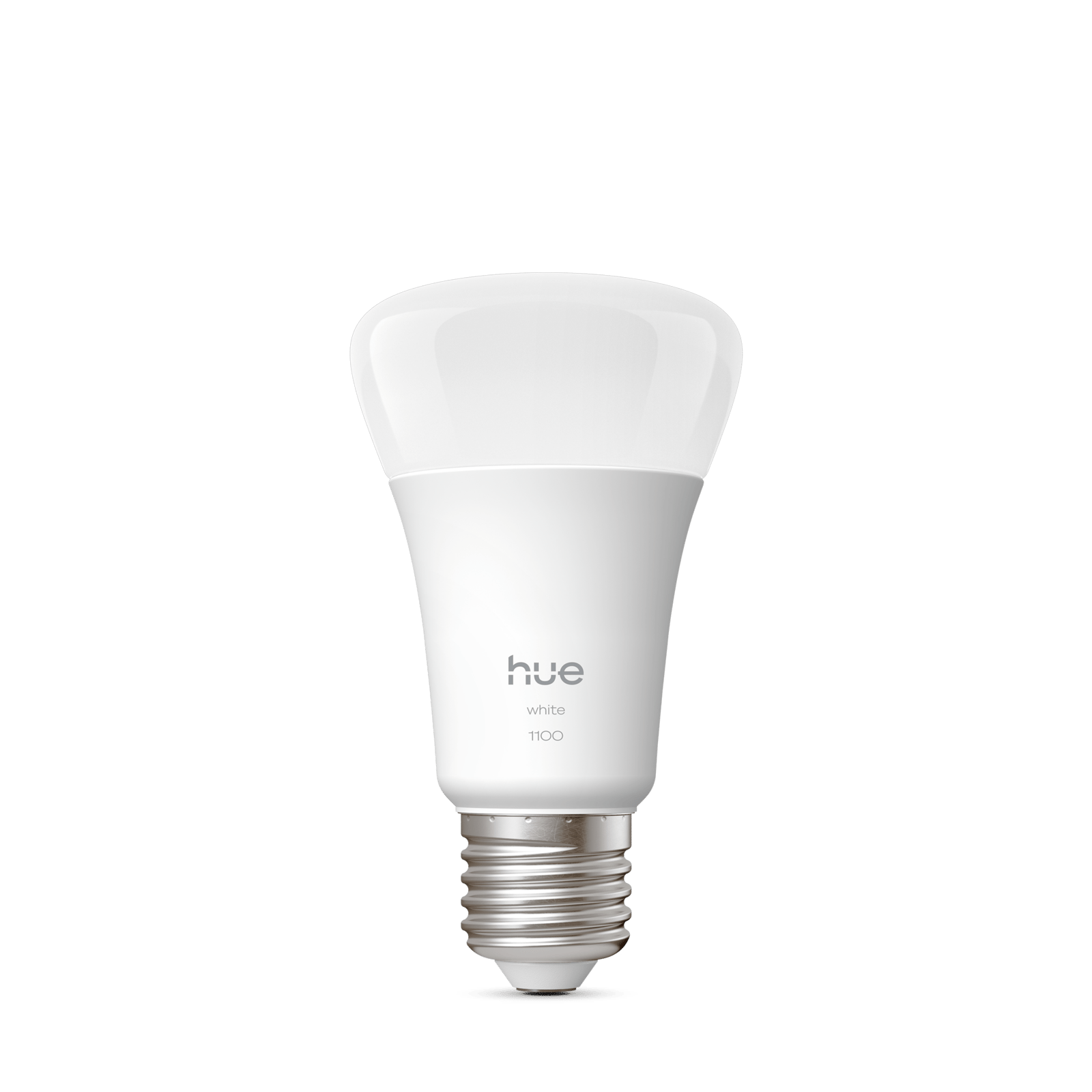
Screw in a single smart bulb and control it straight from your phone over Bluetooth. No hub, no wiring, no commitment. It is the cheapest way to find out whether smart lighting suits how you actually live.
- A60 - E27 1100 Smart Bulb Soft white, 1100 lm, E27$34.95
The proper start Most popular
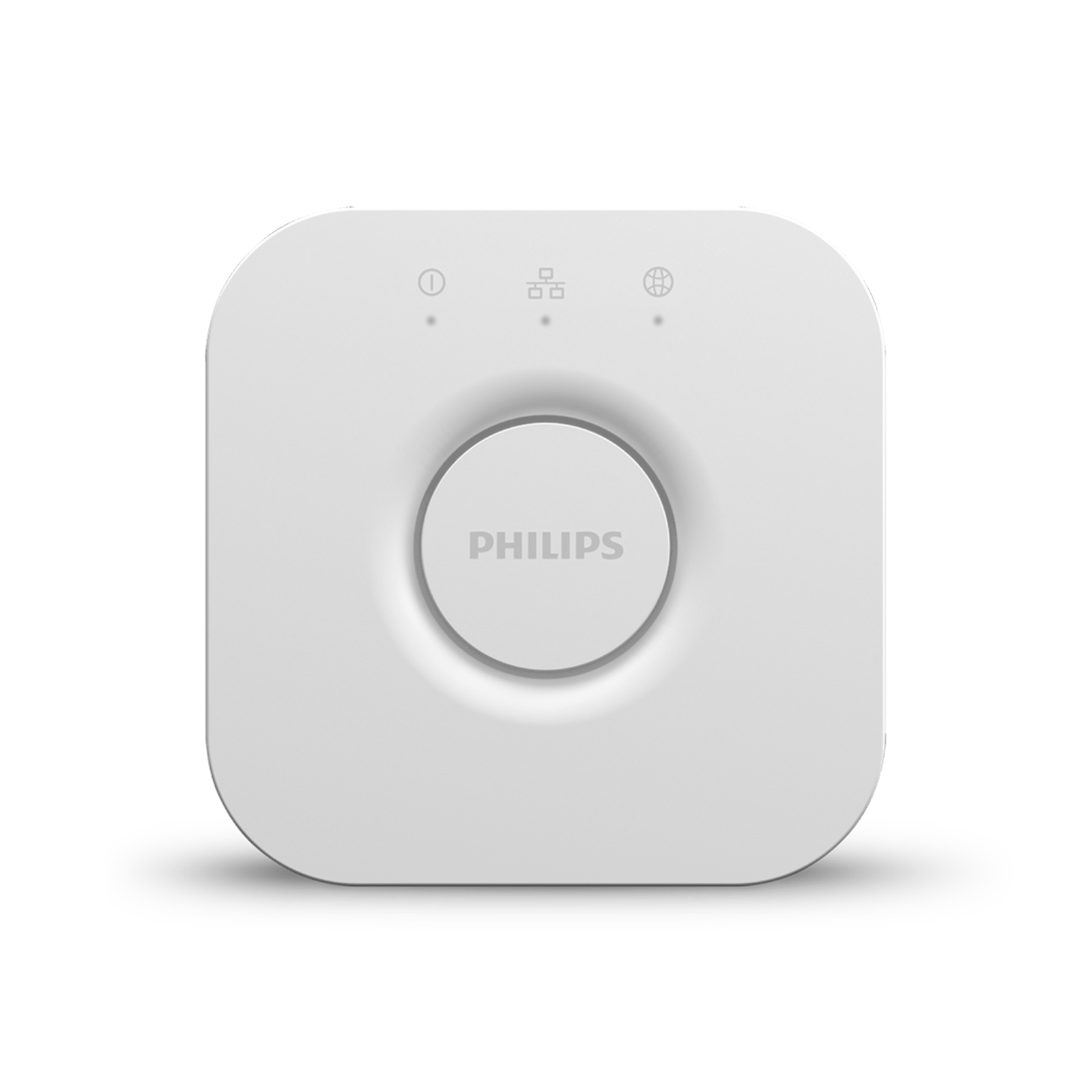
Add the Hue Bridge and your lights work from anywhere, not only when you are standing in the room. You get automations, timers, away-from-home control and voice assistants, with room to grow to fifty lights on the one hub.
- Bridge The hub at the heart of Hue$99.95
- A60 - E27 550 Smart Bulb Warm-to-cool white, 550 lm, E27$59.95

Everything in The proper start then add
Scaling up
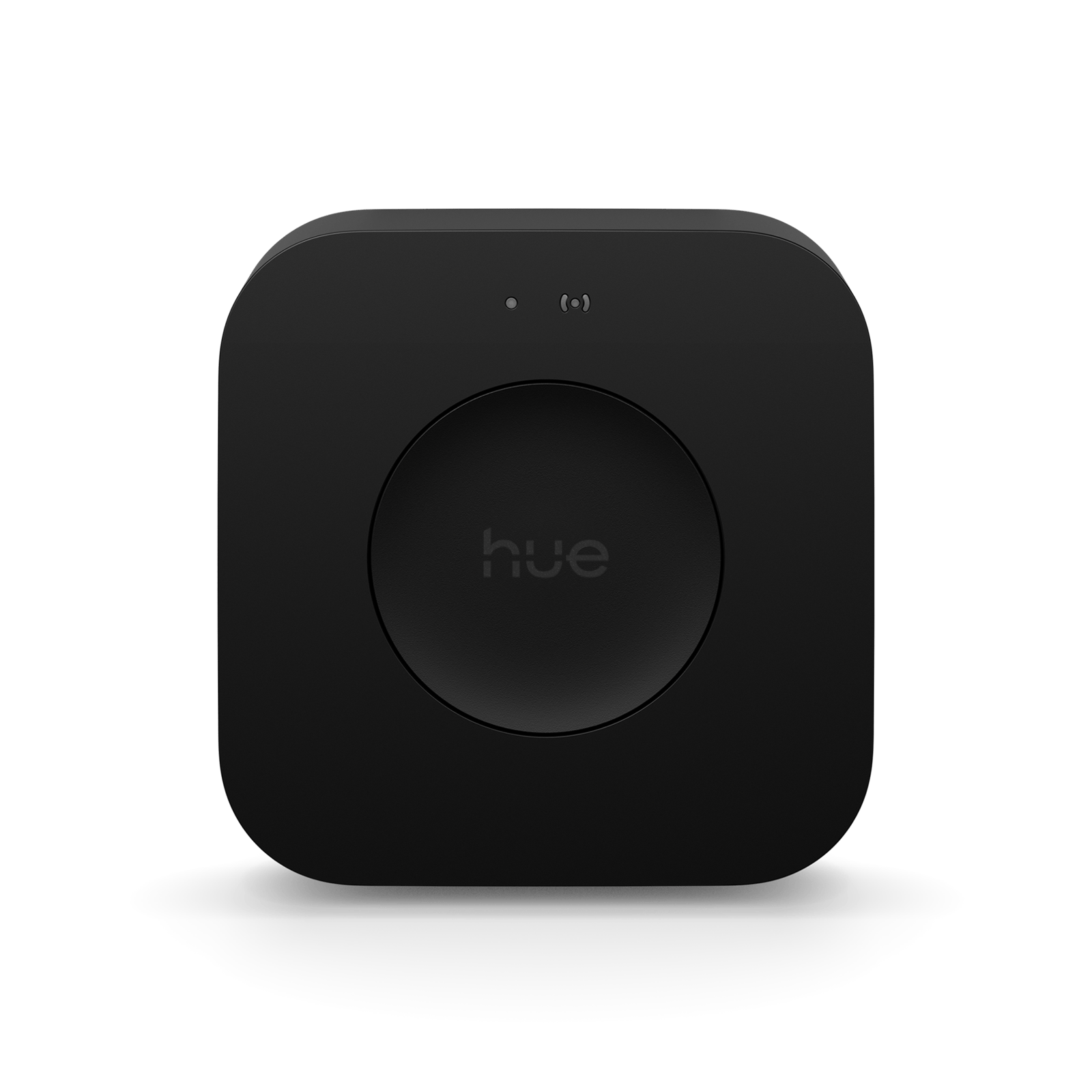
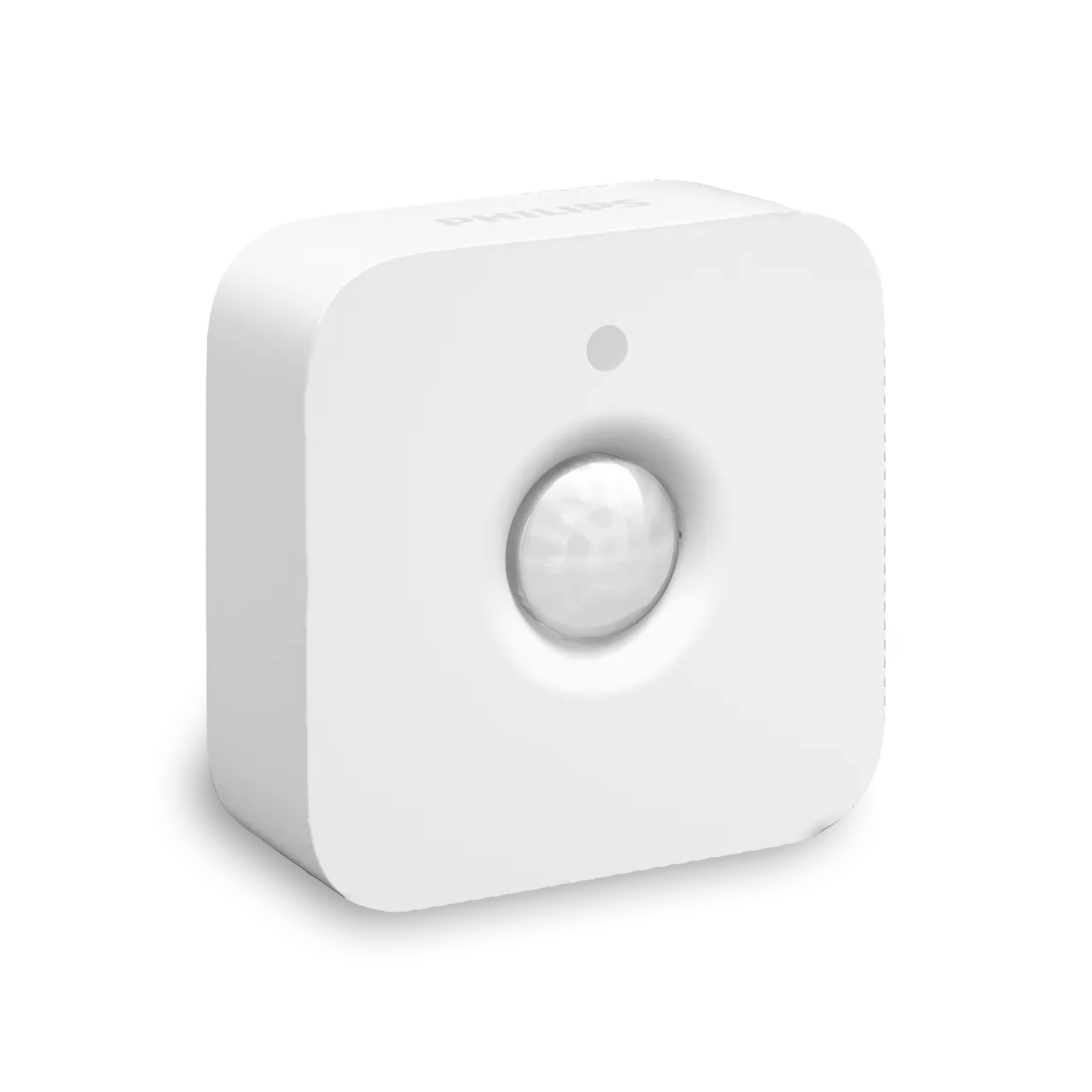
With the Bridge already in place, everything else just clicks on. Motion sensors bring the lights up as you walk in, and the Play HDMI Sync Box spreads whatever is on the screen across the whole room. This is where a few smart bulbs becomes a proper connected home.
- Bridge Pro Next-generation hub for larger setups$189.95
- Motion Sensor Lights that follow you in$69.95
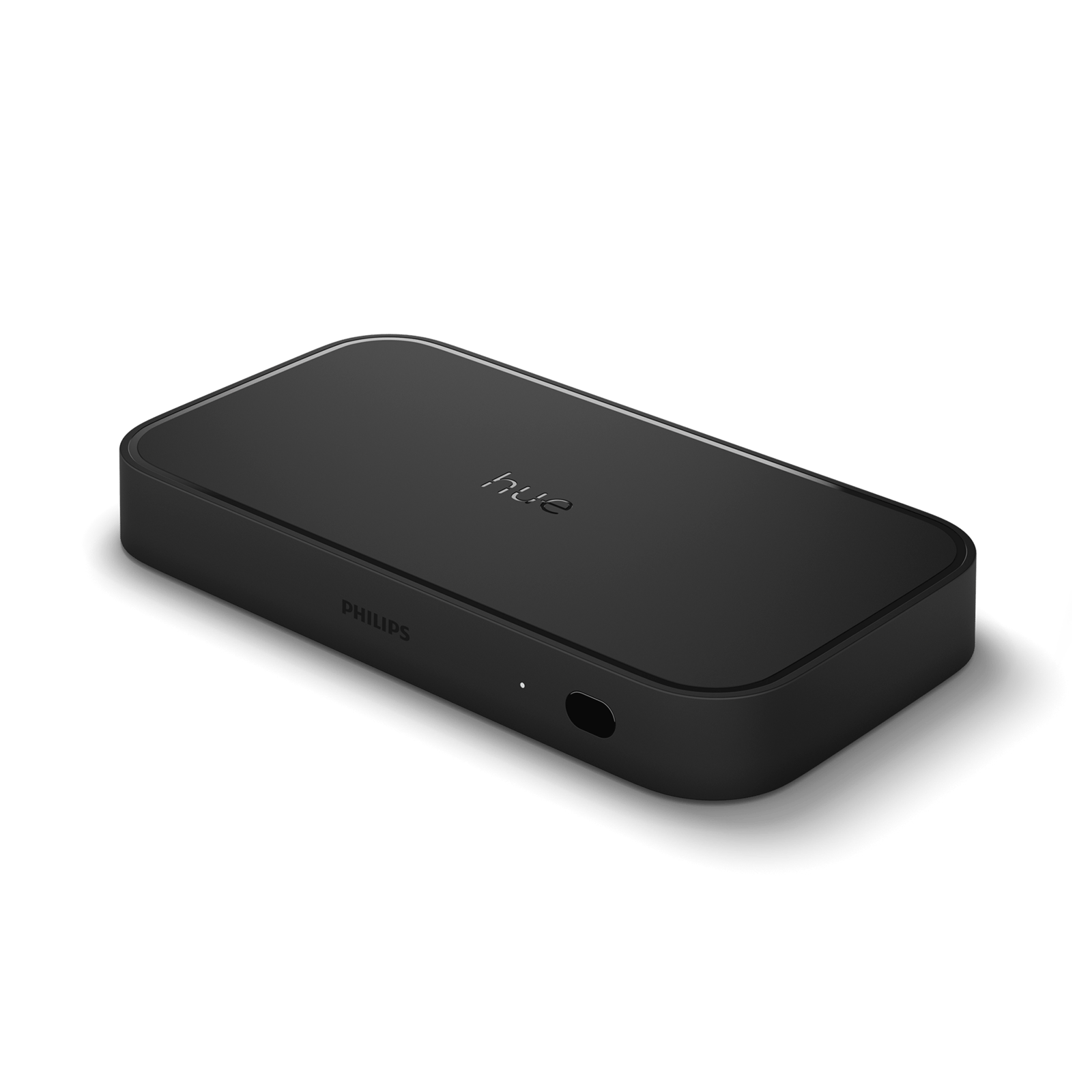
- Play HDMI Sync Box 8K Sync your lights to the screen$699.95
Living with Hue
The app is how you set Hue up, not how you should use it daily. Add a Hue Dimmer Switch or a Tap Dial so anyone can change the lights from the wall without a phone, motion sensors so rooms light up on their own, and a smart button for a one-press scene. Voice works too, once you have connected a platform. This is where Hue stops feeling like an app and starts feeling like part of the house.
What Philips Hue works with
With the Bridge, Hue fits whatever you already run. For voice and platforms that is Amazon Alexa, Google Home, Apple Home, Samsung SmartThings and Matter; Alexa and Google work over Bluetooth too, the rest need the Bridge. For entertainment, sync your lights to a TV (Samsung and LG through the Hue Sync TV app, or the Sync box for any HDMI source), to music through Spotify, and to games through Razer or Corsair iCUE. For services, there is IFTTT for custom automations and Yale locks.
Because Hue supports Matter through the Bridge, it slots into whatever platform you commit to rather than locking you in. Still choosing? Start with choosing a smart home ecosystem.
Why Hue stays reliable
With a Bridge, each mains-powered Hue light is also a repeater: it passes the signal on to the next one, so the lights form a mesh. The network gets more reliable as you add lights, not less, and if one drops off, the signal routes around it. It is the same Zigbee mesh a lot of smart homes are built on, tuned by Hue so it mostly looks after itself.
Beyond lighting
Hue is not only lighting now. Hue Secure adds cameras, a video doorbell, contact sensors and floodlights in the same app, and the Sync box and Play bars turn your lights into an extension of the screen. That is why Hue is worth thinking about as a system you buy into, not a light you buy once.
Is Philips Hue worth it?
Hue costs more than the no-name smart lights, and that is a fair question to ask. What the extra pays for is reliability, the self-healing mesh, the accessories, and support across every major platform. If you want one lamp to change colour, a cheaper Bluetooth light will do. If you want lighting that behaves like part of the house and keeps doing it years later, Hue is the system we would point you to.
Frequently asked questions
Do you need a Hue Bridge?
No. Hue runs over Bluetooth for up to ten lights in one room. Add the Bridge for whole-home control, automations, away-from-home access and sync.
Will Philips Hue work without internet?
Yes. Bluetooth, the Bridge on your home network, and the physical accessories all keep working offline. You only need the internet for control while you are out, voice assistants, and updates.
Can you add a Bridge later?
Yes. Every Bluetooth Hue light also has Zigbee, so it joins a Bridge without being replaced.
How many lights can Philips Hue handle?
About ten on Bluetooth, 50 on the Bridge, and 150 or more on the Bridge Pro.
Does Philips Hue work with Apple Home, Google Home and Alexa?
Yes. Alexa and Google work over Bluetooth or the Bridge; Apple Home, SmartThings and Matter need the Bridge.
Is Philips Hue Zigbee or Wi-Fi?
Neither runs on your Wi-Fi. Hue lights use Bluetooth on their own, or Zigbee once you add a Bridge.
Still need a hand?
We answer most messages within one business day. If your question is about an existing order, have your order number ready. It speeds things up.
Contact us