


















On this page
Comparison Ecosystems
Shelly generations: Gen 3 vs Gen 4 vs Pro
Shelly's range runs Gen1, then Plus and Pro, then Gen3 and Gen4. Here is what actually changes between them, and why a Pro is not a step above a Gen4.
Shelly names its products two different ways at once, and the two do not line up. Some devices carry a generation number, some carry a name like Plus or Pro, and people compare them as though every name were a generation.
The order is Gen1, then Plus and Pro together as the second generation, then Gen3, then Gen4. Pro belongs to that second generation, which is the part that catches people out: almost every Pro you can buy today runs an older processor than a Gen4, despite the name.
Gen 3 vs Gen 4 vs Pro at a glance
For a new install, buy Gen4. Buy a Pro when the device lives in a switchboard or needs Ethernet, and Gen3 when the model you want does not exist in Gen4 yet.
| Pro | Gen3 | Gen4 | |
|---|---|---|---|
 Matter Matter | No | Some models, after you enable it | Yes on by default |
 Zigbee Zigbee | None | None | Yes |
| Ethernet and DIN rail | Yes | No | No |
 Wi-Fi Wi-Fi | 802.11 b/g/n | 802.11 b/g/n | 802.11 b/g/n/ax |
 Bluetooth Bluetooth | 4.2 | 4.2 | 5.0 |
| Scripting | Yes | Yes | Yes |
There is no product called Gen2
Shelly has never sold anything badged Gen2. The second generation shipped as two ranges, Plus and Pro, and Shelly's knowledge base still lists them that way, beside Gen1, Gen3 and Gen4. Shelly's own comparison article does talk about Gen2, so the term is real, but no box carries it.
So if you own a Plus 1, you own a Gen2 device, even though nothing on the packaging says so.
What changed, generation to generation
| Gen1 | Plus / Pro (Gen2) | Gen3 | Gen4 | |
|---|---|---|---|---|
| CPU / flash | ESP8266, 2 MB | ESP32, 4 MB | ESP-Shelly-C38F, 8 MB | ESP-Shelly-C68F, 8 MB |
| Wi-Fi | 802.11 b/g/n | 802.11 b/g/n | 802.11 b/g/n | 802.11 b/g/n/ax |
| Bluetooth | None | 4.2 | 4.2 | 5.0 |
| Zigbee | None | None | None | Yes |
| Matter | No | No | Some models, after you enable it | Yes on by default |
| Scripting | No | Yes | Yes | Yes |
 Ethernet Ethernet | None | Pro only | None | None |
Gen 3 added memory, Gen 4 added a radio
Shelly describes Gen3 as an improved processor and increased memory over its predecessor, and the spec bears that out: 4 MB of flash becomes 8 MB. The protocol set does not move. Wi-Fi stays 802.11 b/g/n, Bluetooth stays 4.2, and there is no Zigbee. Gen3 is the first generation that can do Matter at all, but only on some models and only once you turn it on.
Gen4 is the bigger step. It carries a wireless chip that runs Zigbee and Bluetooth, making it the first generation with a Zigbee radio, the first with Wi-Fi 6, and the first with Bluetooth 5. It is also the first where Matter is included and switched on out of the box.
Where Pro fits
Pro means DIN rail mounting and an Ethernet port. That is the reason to buy one: a wired connection in a switchboard, where Wi-Fi behind a metal enclosure is often poor. On Ethernet the connection does not depend on Wi-Fi coverage at all, which is as reliable as a Shelly gets.
What you have not been getting is a newer processor. Nearly every Pro sold today runs the same Gen2 hardware as a Plus: an ESP32 with Wi-Fi 802.11 b/g/n and Bluetooth 4.2, with scripting but no Matter and no Zigbee. There are two exceptions. The Pro 3EM energy meter can do Matter once you enable it, and Shelly has announced its first Gen4-based Pro, the Pro 1PM 40A Gen4, which adds Zigbee and Matter. Everything else in the Pro range is still Gen2 inside, so before you buy a Pro for Matter or Zigbee, check that model's own page rather than assuming it has caught up.
Which one to buy
For a new install, Gen4, unless something rules it out. It is the only generation that does Matter without a model lookup, the only one with a Zigbee radio, and the one Shelly publishes ANZ variants of.
Buy a Pro when the device belongs in a switchboard on DIN rail, or when you want it wired to Ethernet instead of Wi-Fi. Buy Gen3 when the model you need does not exist in Gen4 yet. That settles the generation. Which model does the job is a separate question, and the Shelly picker asks four questions to answer it.
| If the job is | Our pick | Why |
|---|---|---|
| Switching lights and appliances in a new install | Gen4 | Matter out of the box, a Zigbee radio, and the generation Shelly publishes ANZ variants of. |
| A switchboard install, or wired Ethernet | Pro | DIN rail mounting and an Ethernet port, where Wi-Fi behind a metal enclosure is often poor. |
| Pulsing a garage or gate opener | Gen4 | A basic relay job; the Shelly 1 Gen4 covers it and keeps Matter and Zigbee available for later. |
| Joining an existing Zigbee network | Gen4 | The only generation with a Zigbee radio. |
| Apple Home or Google Home over Matter | Gen4 | Matter is enabled by default. Gen3 needs a firmware update, a model check and a manual enable. |
| Home Assistant | Gen3 or Gen4 | Every current generation connects to Home Assistant, so choose on hardware. Gen4, unless the model only exists in Gen3. |
| The model you need has no Gen4 version | Gen3 | Check the model's own page for Matter support before you rely on it. |
The starter relay of each family
Gen3
The cheapest way in
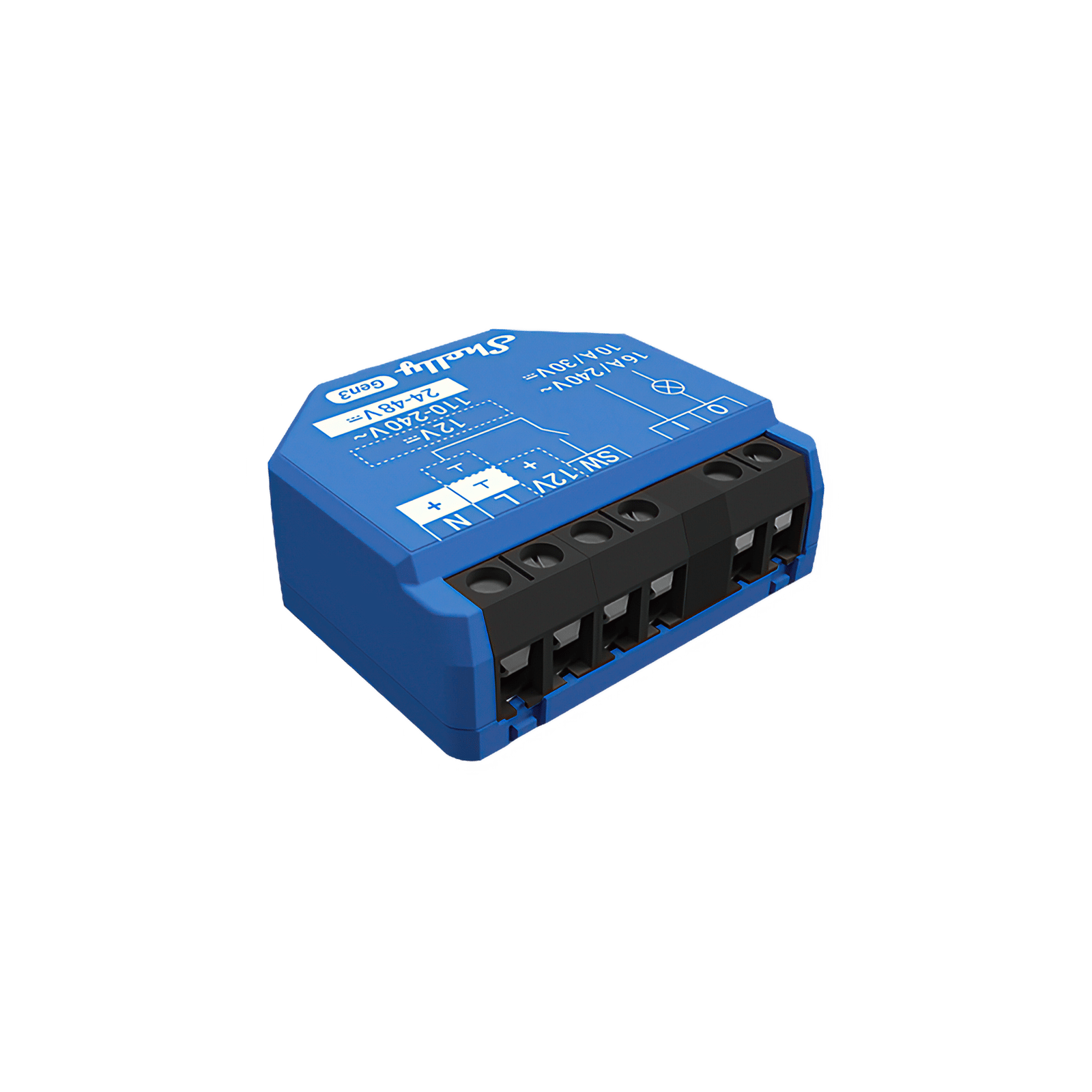 Shelly 1 Gen3 Smart Relay $24.95
 Matter on some models, after you enable it.
Shop Gen3 relays Gen4 Our pick
The current platform
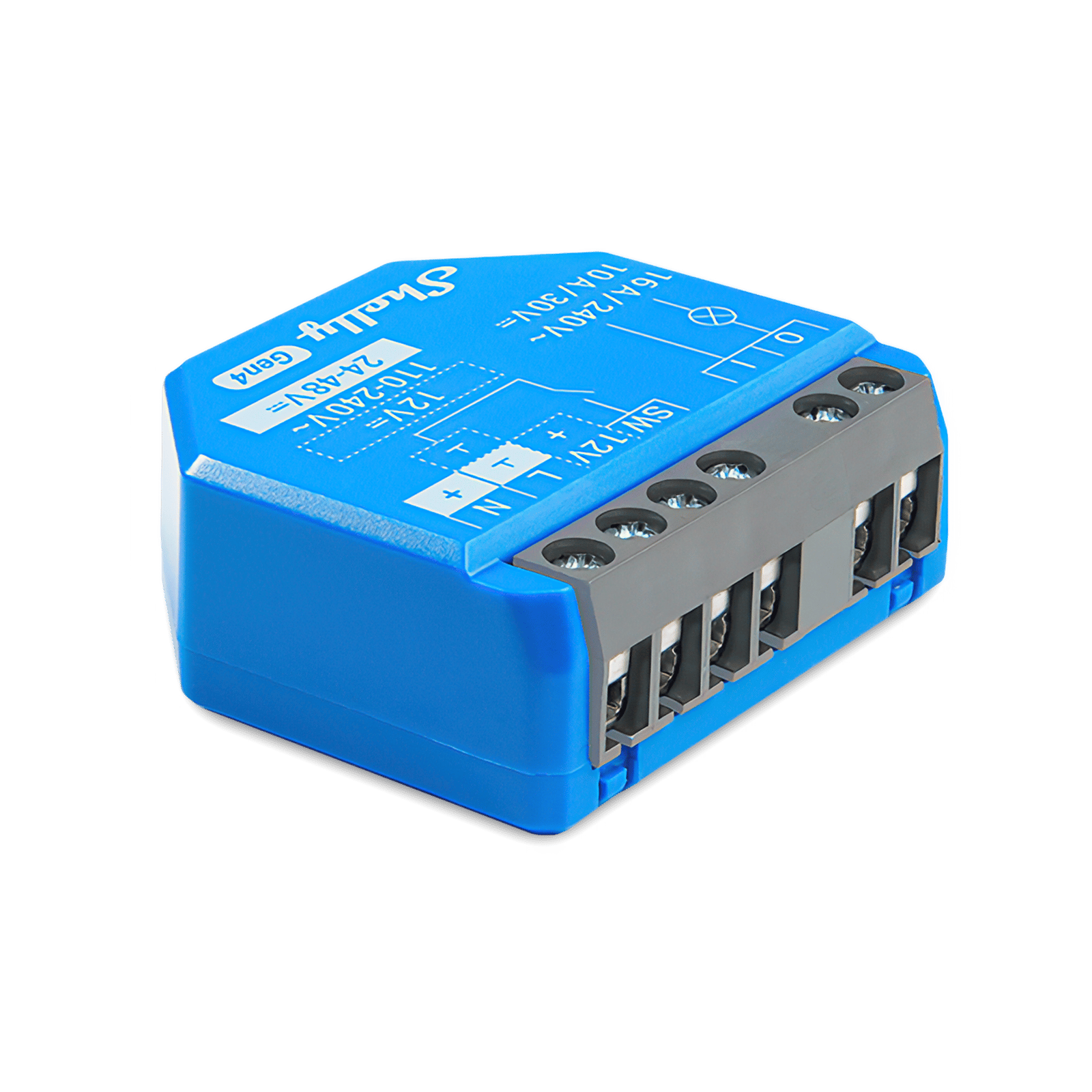 Shelly 1 Gen4 Smart Relay $34.95
 Matter on by default, plus the Zigbee radio.
Shop Gen4 relays Pro
For the switchboard
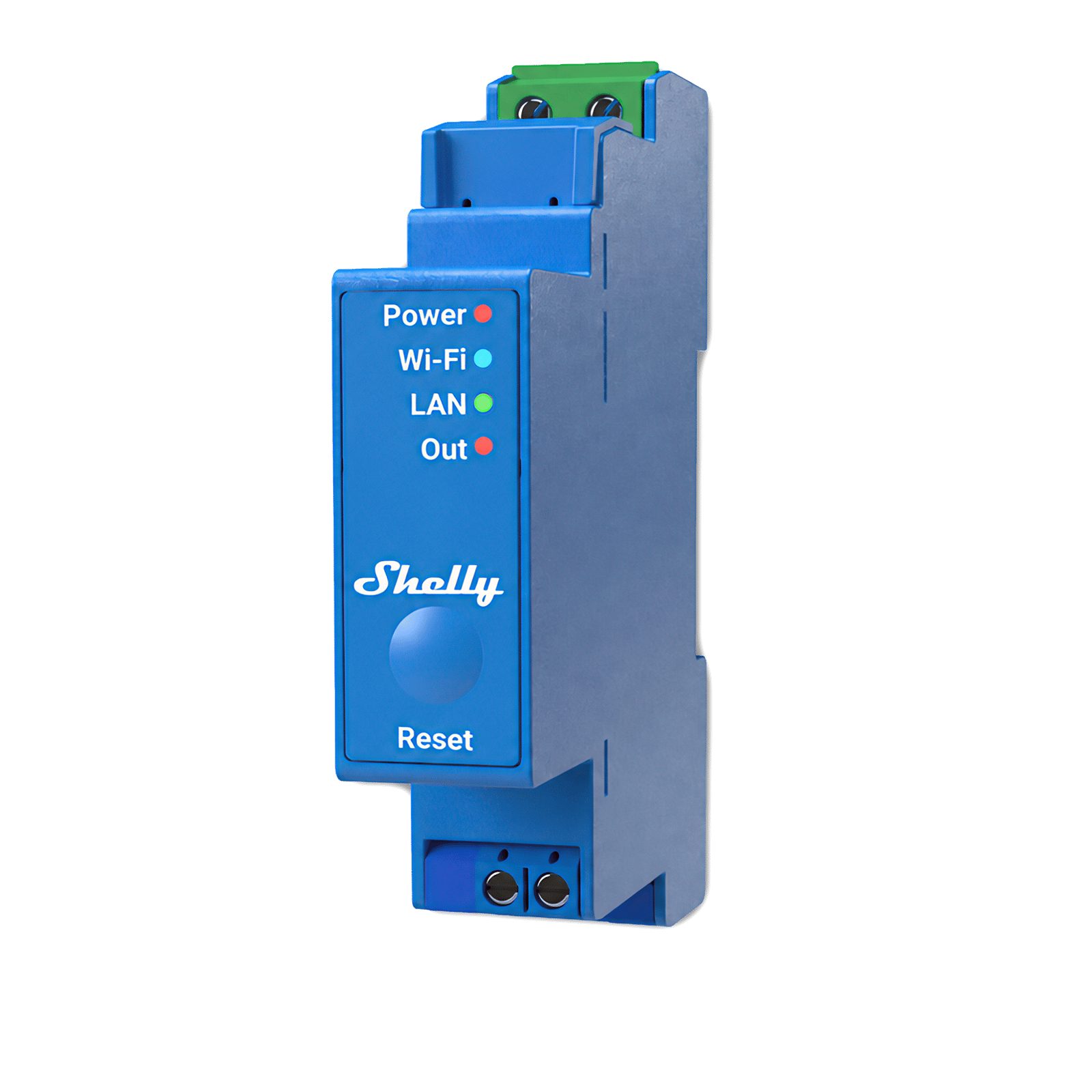 Shelly Pro 1 Smart Relay $89.95
 DIN rail and Ethernet, on the Gen2 platform.
Shop Pro relaysMatter, by generation
| Matter | What it takes | |
|---|---|---|
| Plus | No | The hardware does not do Matter, and there is no Zigbee or IPv6 either. |
| Pro | No, except the Pro 3EM | IPv6 arrived inbound only, from firmware 1.4.0. |
| Gen3 | Some models, after you enable it | Firmware 1.6 or later, then Settings, Matter, Enable, and a reboot. Check your model on the CSA certified product list. |
| Gen4 | Yes on by default | Scan the QR code on the device label in your Matter app. |
So "does Shelly support Matter" has no single answer, and "Gen3 and up" is wrong often enough to matter. If you need Matter and have not bought the hardware yet, Gen4 is the answer that does not depend on a model lookup. Either way you still need a Matter hub and IPv6 enabled on your router. Our Shelly and Matter guide covers the pairing steps.
Can you mix generations?
Yes, and most Shelly homes end up mixed. Every generation from Gen1 to Gen4 runs in the same Shelly app, side by side, so you can add a Gen4 relay next to the Gen3s you already own without replacing anything. Home Assistant is the same, since it adds each device individually.
The one exception is a Gen4 running in Zigbee mode. In that mode it leaves Wi-Fi and has no IP address, so it belongs to your Zigbee hub rather than the Shelly app. A Gen4 is one or the other, never both at once.
Frequently asked questions
Is a Shelly Pro better than a Gen 4?
Not in the way the name suggests. Pro describes the format, DIN rail mounting with an Ethernet port, and the established Pro switches sit on the same Gen2 platform as the Plus range. A Gen4 has a newer processor, Wi-Fi 6, Bluetooth 5, a Zigbee radio and Matter on by default. Buy Pro for the switchboard and the wired connection, not for the features, and check the model if you need Matter, because Shelly has started bringing Pro onto Gen4.
Does Shelly Gen 3 support Matter?
Some Gen3 models do, and none of them do out of the box. You need firmware 1.6 or later, then Settings, Matter, Enable, then a reboot. Shelly directs you to the CSA certified product list to check whether your model qualifies. On Gen4 there is no enable step.
Can a Shelly work without Wi-Fi?
A Gen4 can run Zigbee instead, using alternative firmware, but not at the same time as Wi-Fi. A Pro can run on Ethernet rather than Wi-Fi. Otherwise Shelly devices need a Wi-Fi network, though they do not need the internet: control stays local over HTTP, WebSocket or MQTT when the connection drops.
What is a Shelly Pro?
A Shelly Pro is a DIN rail mounted version of a Shelly device, made for switchboards rather than wall boxes, with an Ethernet port alongside Wi-Fi. The range covers switches, dimmers, energy meters and circuit breakers.
Which Shelly generation should I buy in Australia?
Gen4, in most cases. Shelly publishes ANZ variants of the Gen4 in-wall range, including the 1, 1 Mini, 1PM, 2PM and Dimmer, and Gen4 is the generation with Matter enabled by default. Whichever you choose, the electrical ratings are on the model's own page, and installation is a job for a licensed electrician.
Are Shelly Wave, BLU and Mini generations?
No. Wave devices are Z-Wave, a different radio on a different network. BLU devices are Bluetooth, and reach the rest of the system through a BLE gateway, which every Gen2 and later device can act as. Mini is a size, not a generation: Mini models exist in both Gen3 and Gen4.
Still need a hand?
We answer most messages within one business day. If your question is about an existing order, have your order number ready. It speeds things up.
Contact us