

















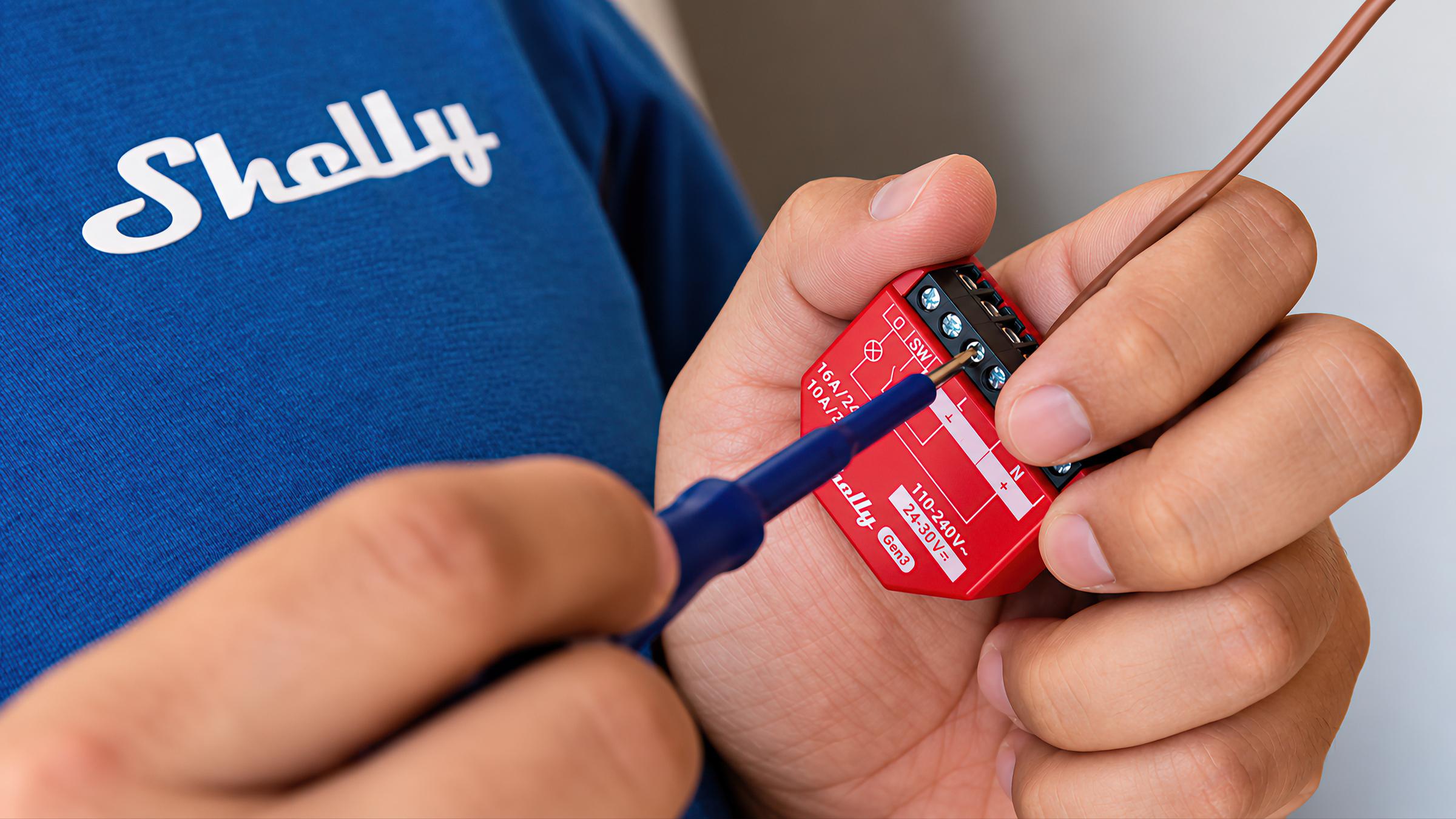
Smart relays
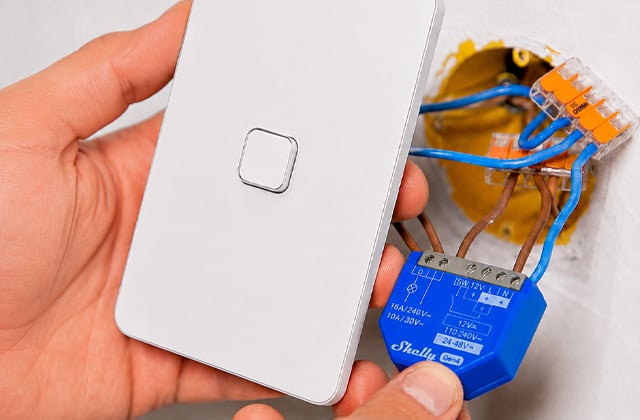
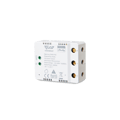
Smart relays are modules that make a circuit you already have smart, from behind a light switch or inside the switchboard. You keep your switches and fittings, and add app, voice and automation control over Wi-Fi or Zigbee.
Smart relay, switch module or Wi-Fi relay?
They're all names for the same thing. Smart relay, smart relay switch, smart switch module and Wi-Fi relay module each describe a small device that switches a circuit you already have.
Why most of ours are Shelly
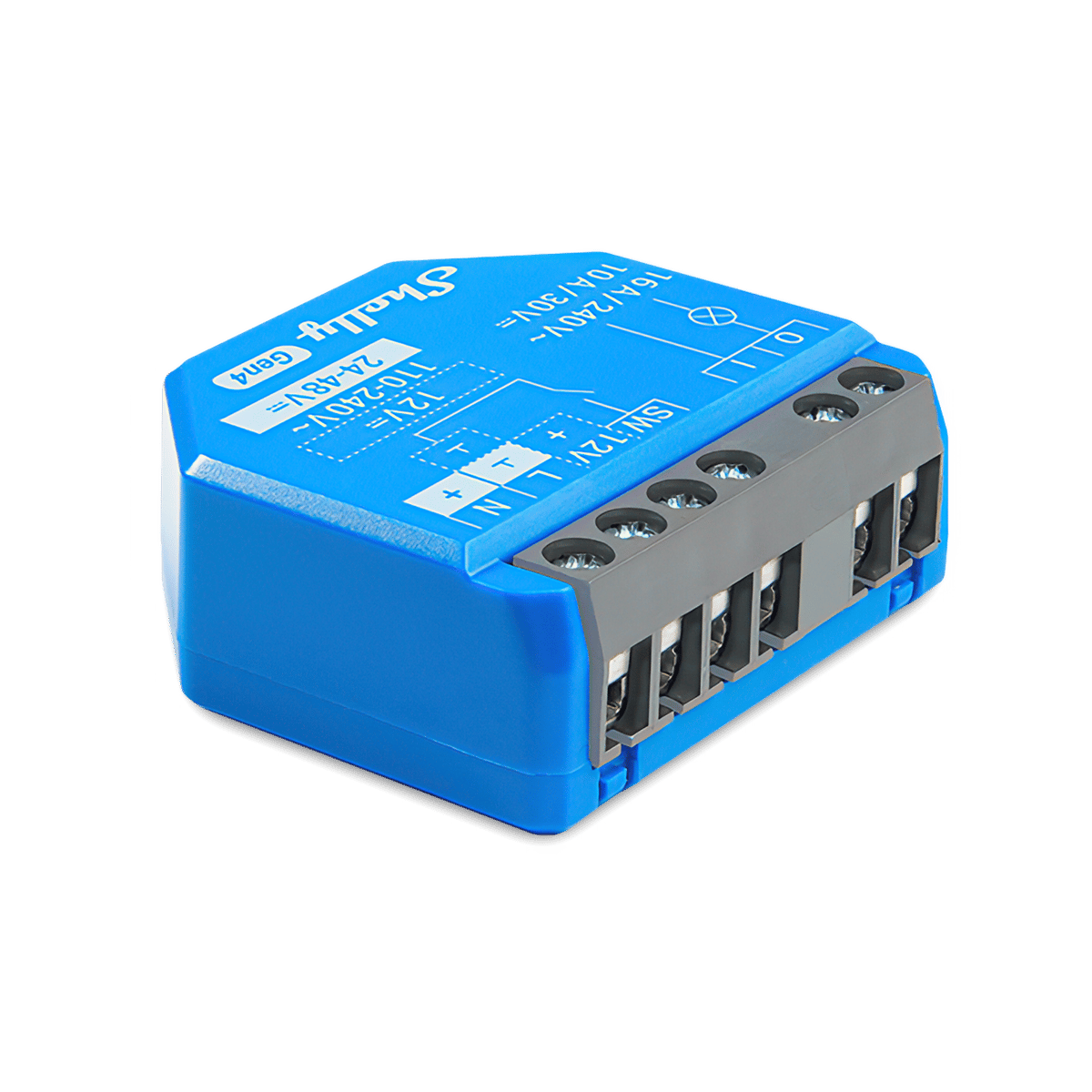
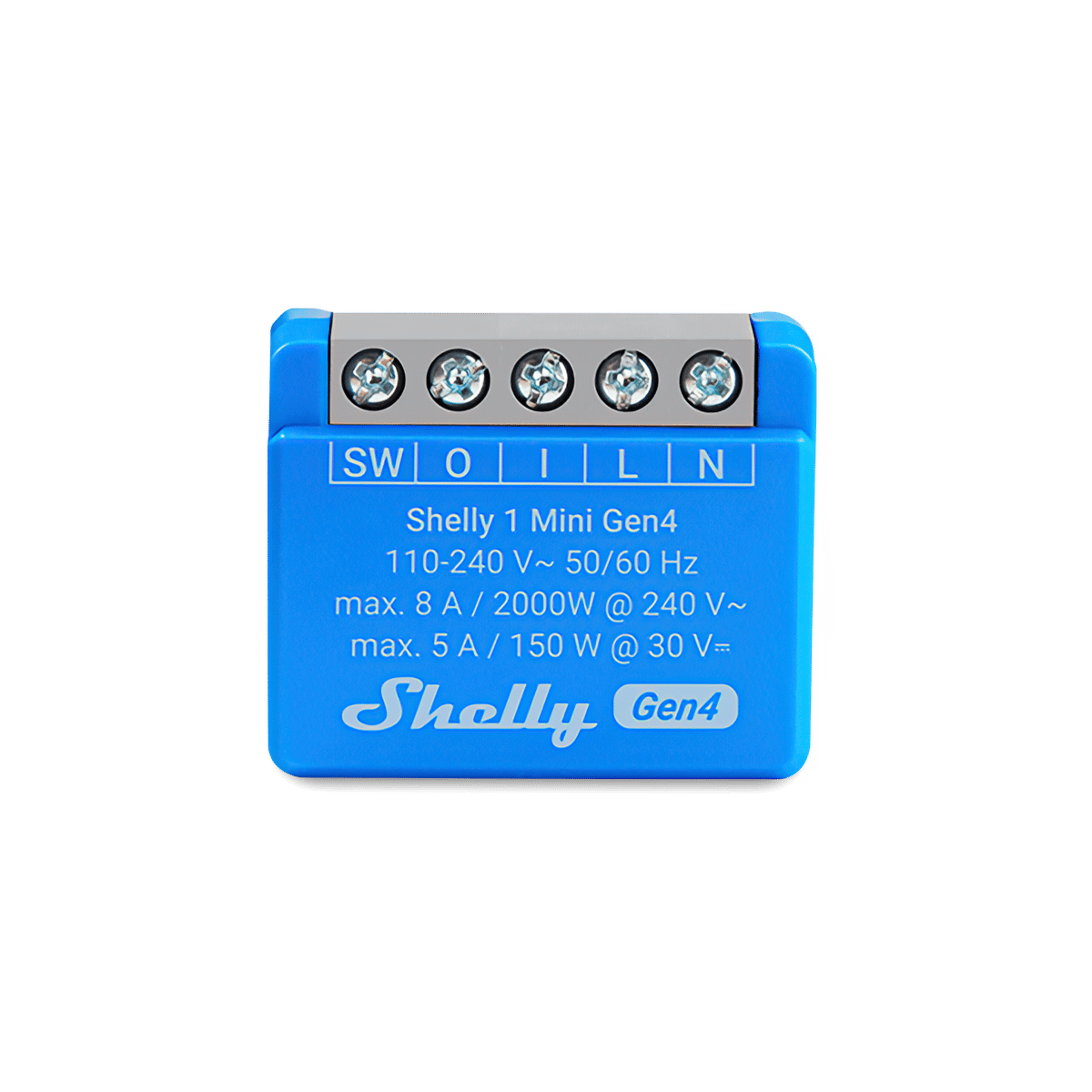
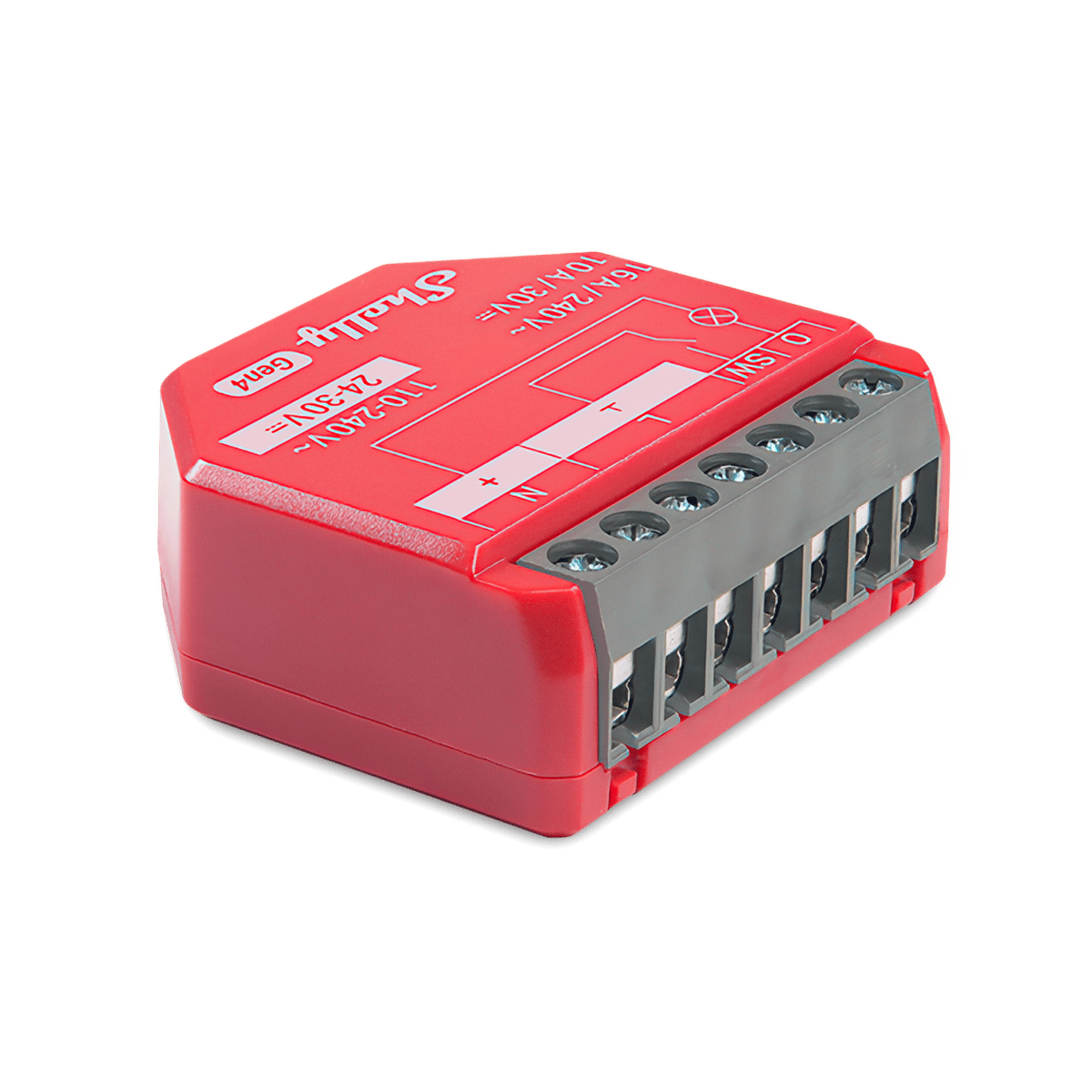
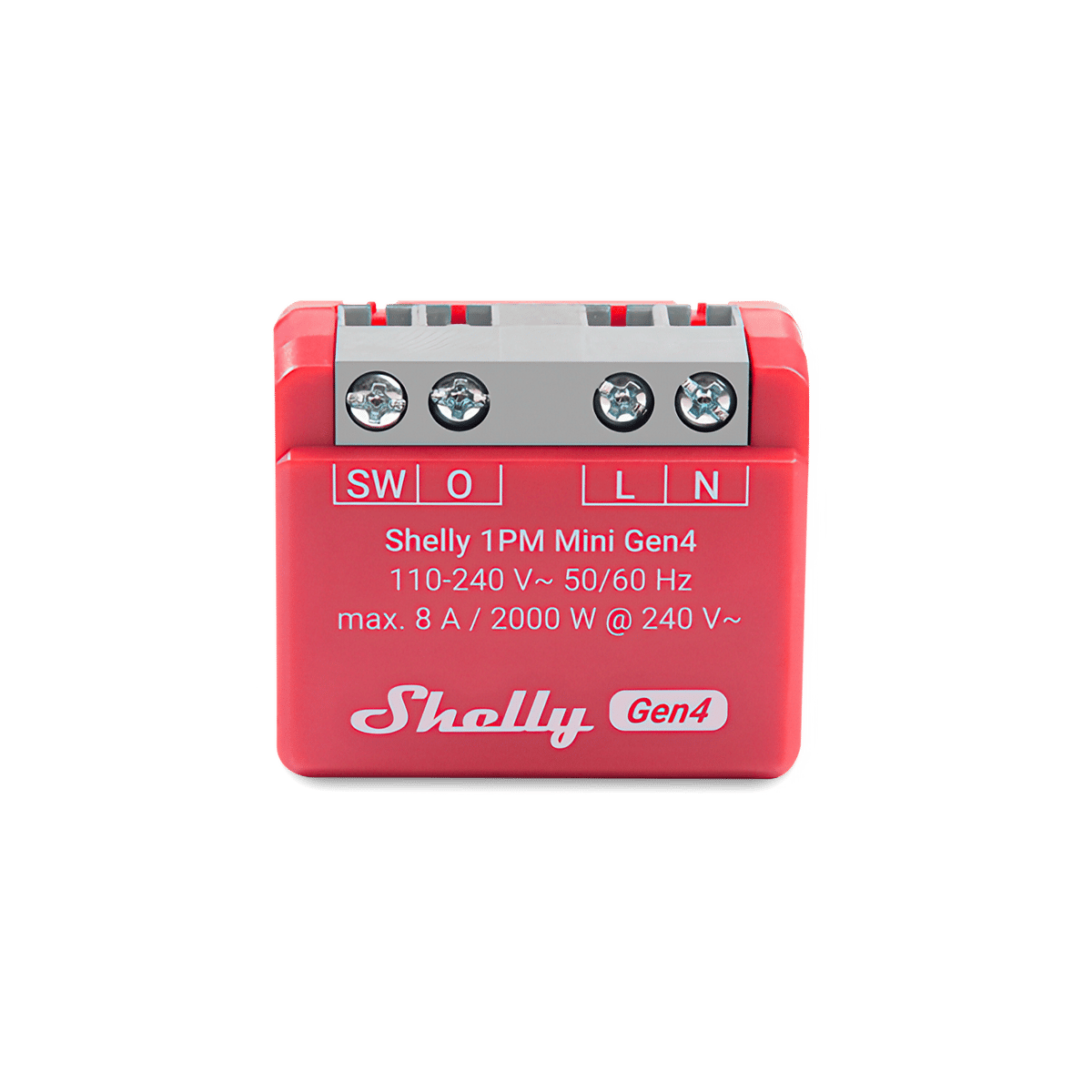
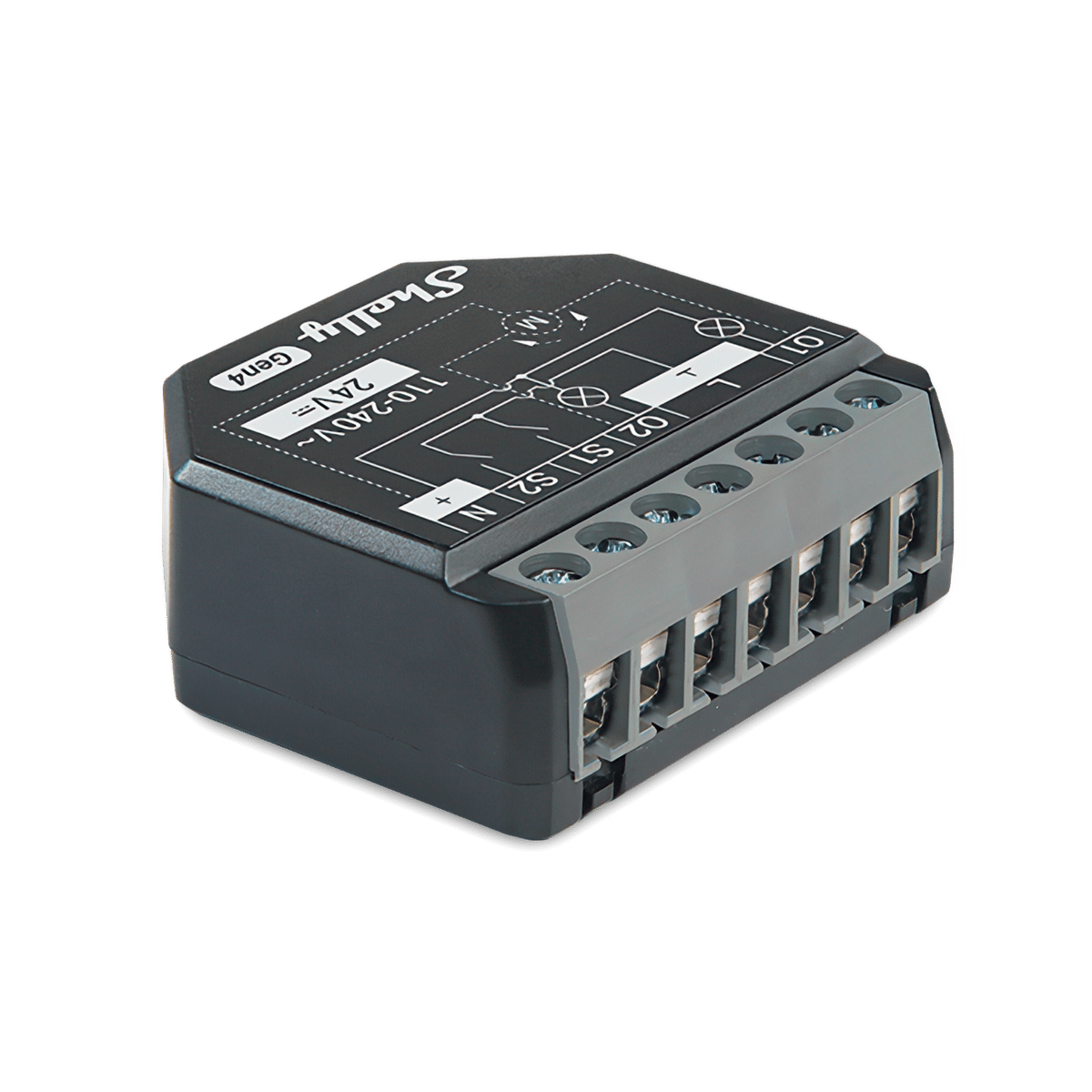
Most relays we stock are Shelly, because one range covers nearly every job: Mini modules for a crowded wall box, standard in-wall modules, and four-channel units for the switchboard. The Gen4 models add Zigbee and Matter to Wi-Fi. [Compare the Shelly relays](/brands/shelly/relays).
No neutral at the switch?
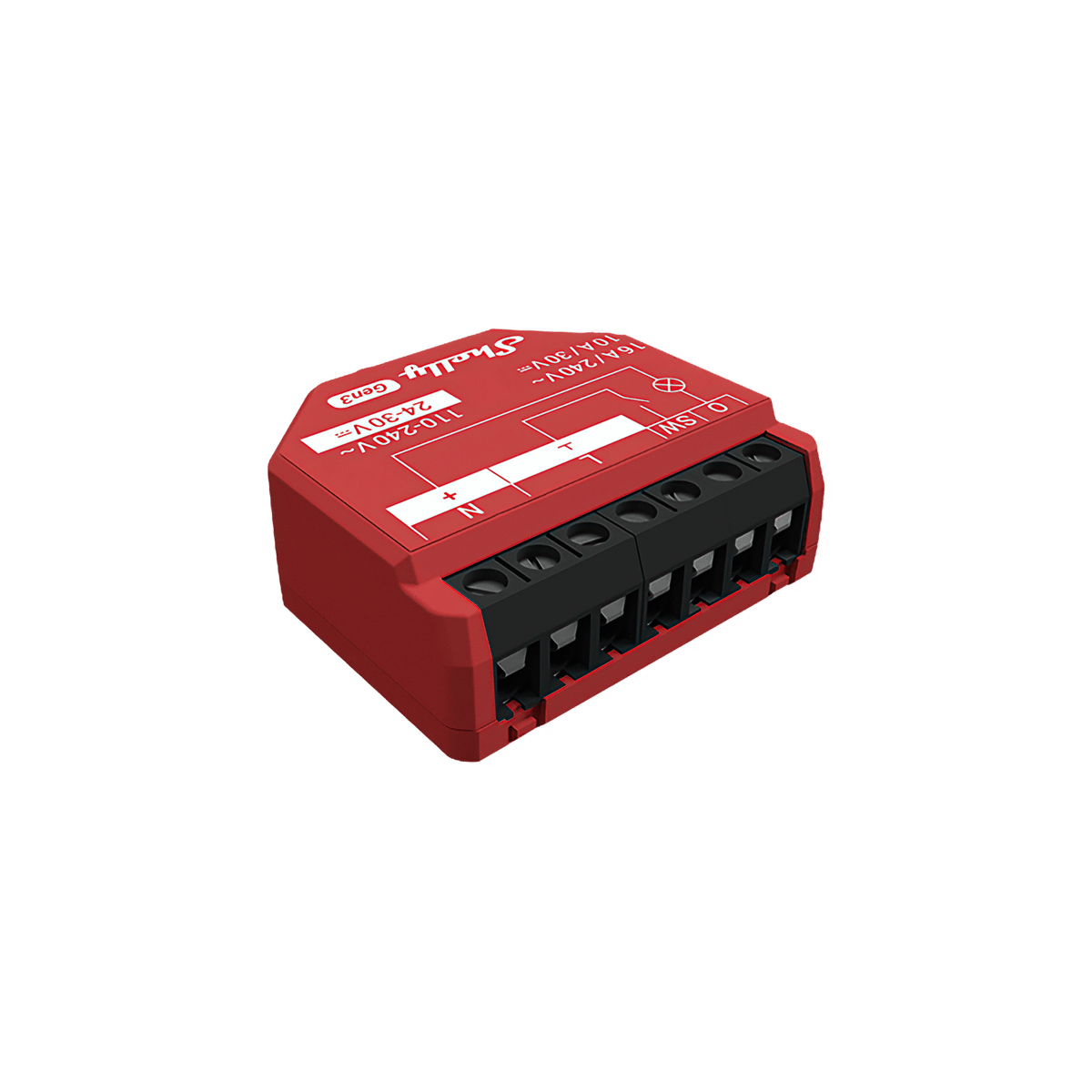
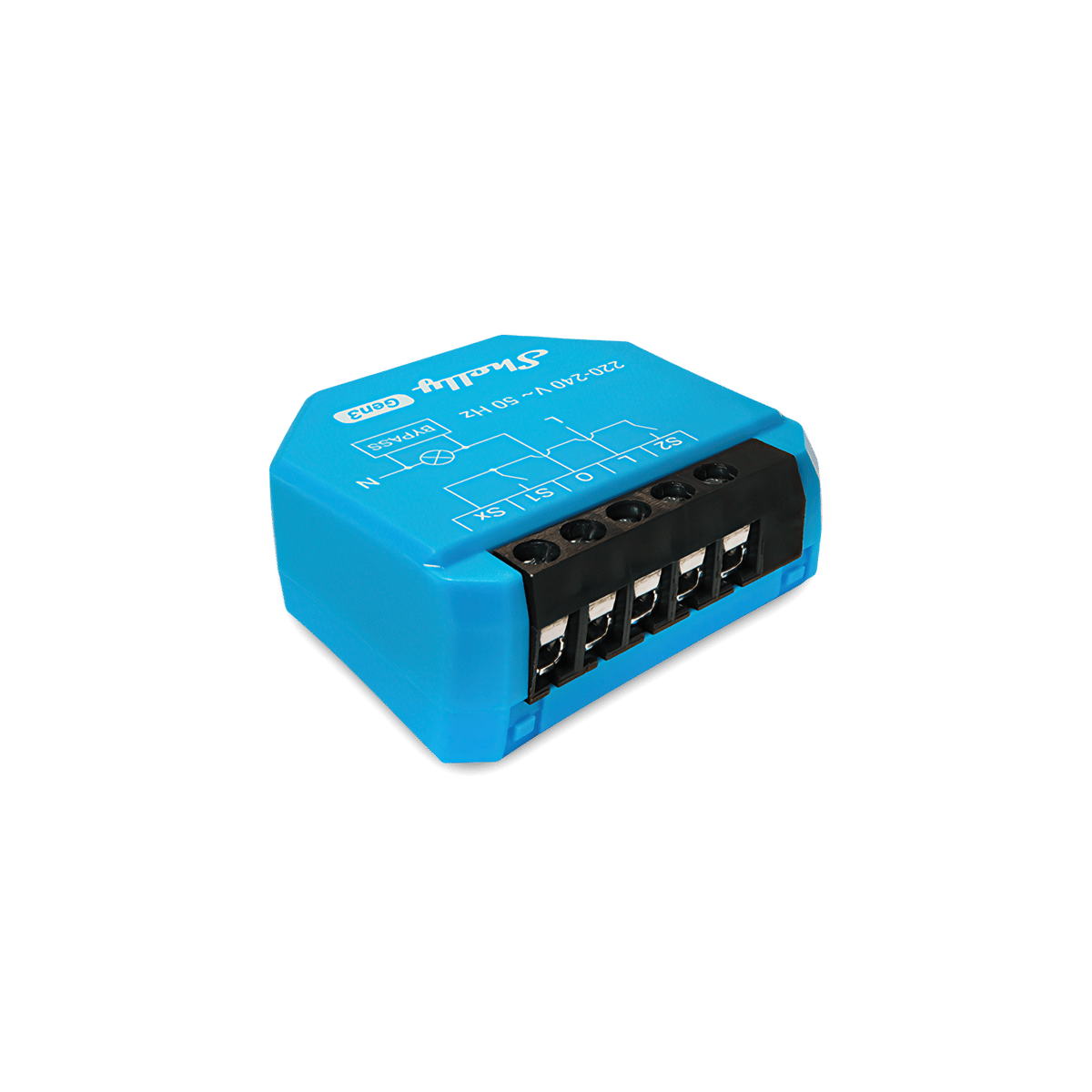
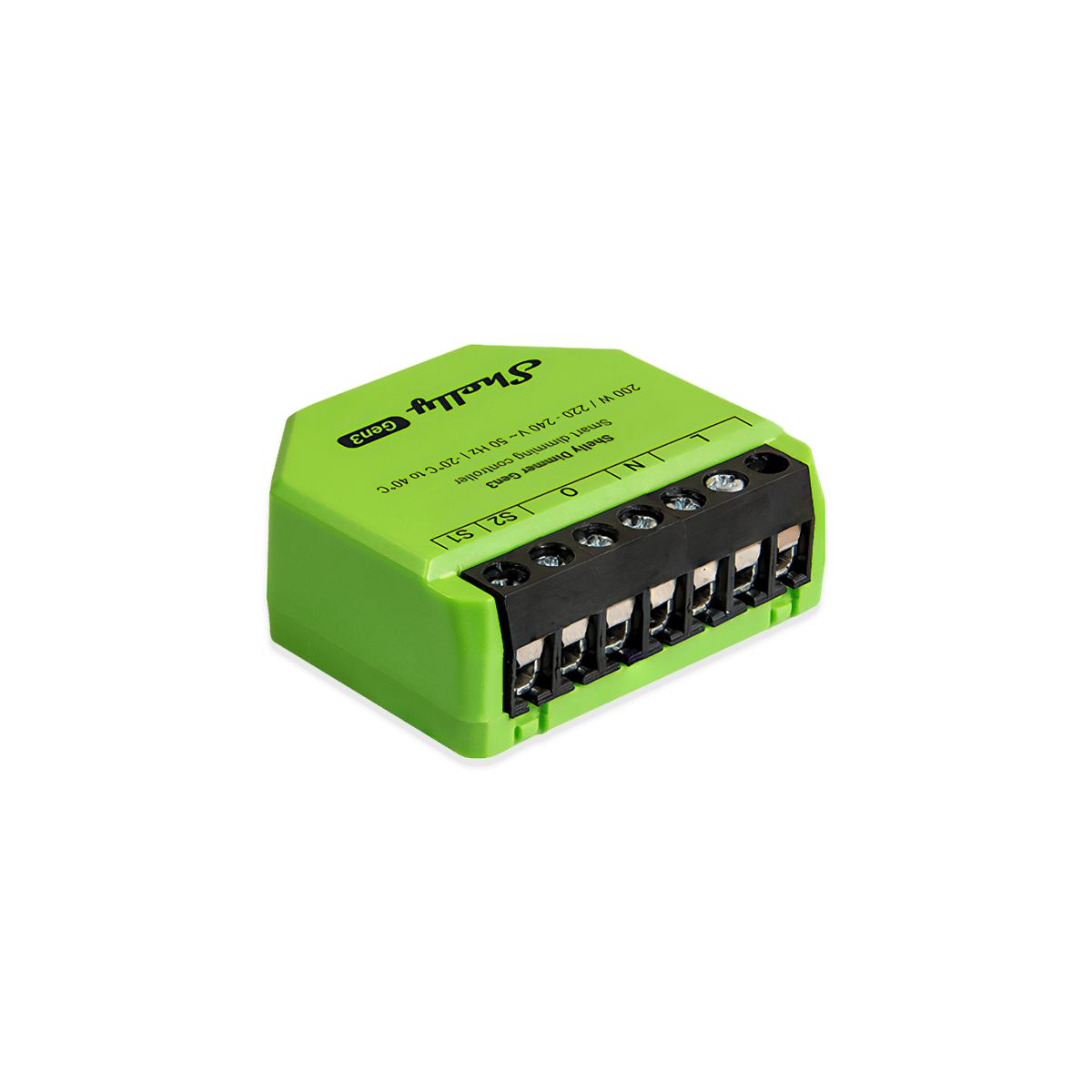
Most relays need a neutral wire at the switch to power themselves, and many older homes run the neutral to the light instead. If yours is one, the Shelly 1L and 2L Gen3 run on the active alone, with a Bypass fitted at the light.
Dry contact
A dry-contact relay's output carries no power. It closes a separate circuit, which is the signal a garage door opener, gate motor or heating controller expects on its button terminals.
Switches · 24 products Relays at Synced Australian stock


Filter guide
Which protocol should I pick?
Protocols are the wireless languages smart devices use to talk to each other. Some need a hub, some run straight off your Wi-Fi. Here's what each one means for your setup.
-
Zigbee
Low-power meshThe cleanest mesh for a bigger setup. Every mains-powered device repeats the signal, so coverage grows as you add more. Needs a hub like a Hue Bridge or SmartThings.
-
Wi-Fi
No hub neededThe simplest way to start. Plugs into your existing Wi-Fi with no extra hardware. Best for a handful of devices; very large setups can crowd the network.
-
Ethernet
Wired to your routerThe steadiest connection you can give a device. A cable means no Wi-Fi congestion and nothing to drop out, which is why hubs, panels and cameras so often offer it. The catch is physical: it has to sit within cable reach of a network port.
-
Bluetooth
Direct, short-rangeGood for setup and close-range control from your phone. Range is short with no remote access on its own, so it's often paired with a hub or bridge.


None selected
Compatibility guide
Which platforms does it work with?
Works with shows the smart home platforms a device pairs with, so you can control it from the app and voice assistant you already have. Here's what each one is.
-
Apple Home
Apple ecosystemPairs with Apple Home, so you control it from the Home app and Siri across your Apple devices. Look for this if your household runs on iPhones.
-
Google Home
Google ecosystemWorks with the Google Home app and Google Assistant, for voice control through Nest speakers and displays or your Android phone.
-
Amazon Alexa
Alexa voicePairs with Amazon Alexa, so you can control it by voice through any Echo speaker or display and the Alexa app.
-
Samsung SmartThings
SmartThings hubWorks with Samsung SmartThings, controlled from the SmartThings app. Handy if you've already built your setup around Samsung phones or appliances.
-
Home Assistant
Open-source hubWorks with Home Assistant, the open-source platform for people who want full local control and custom automations. More hands-on, very flexible.


None selected
Filter guide
Which module size do I need?
Size decides where a module fits and whether it suits the space you have.
In-wall
In-wall modules sit inside the wall cavity behind an existing switch or power point. The size decides whether one fits a mounting box that is already crowded with wiring.
-
Standard
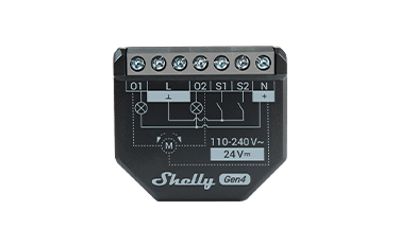
About 37 x 42 mmThe full-size in-wall module. Fits most Australian wall boxes and mounting brackets, and takes the most common wiring layouts without fuss.
-
Mini
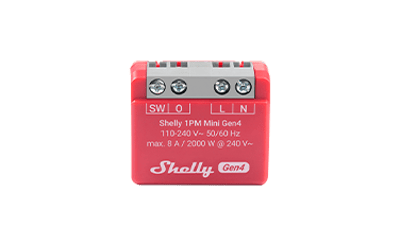
About 29 x 34 mmA shrunk version of the same module. Same job, smaller case, so it fits behind a mech in a wall box that is already tight for room.
DIN rail
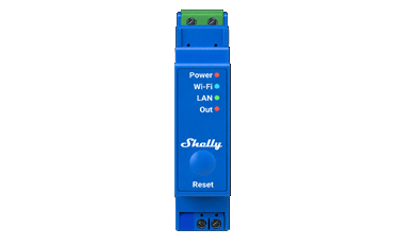
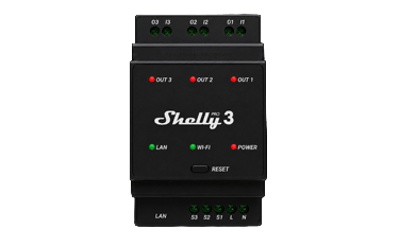
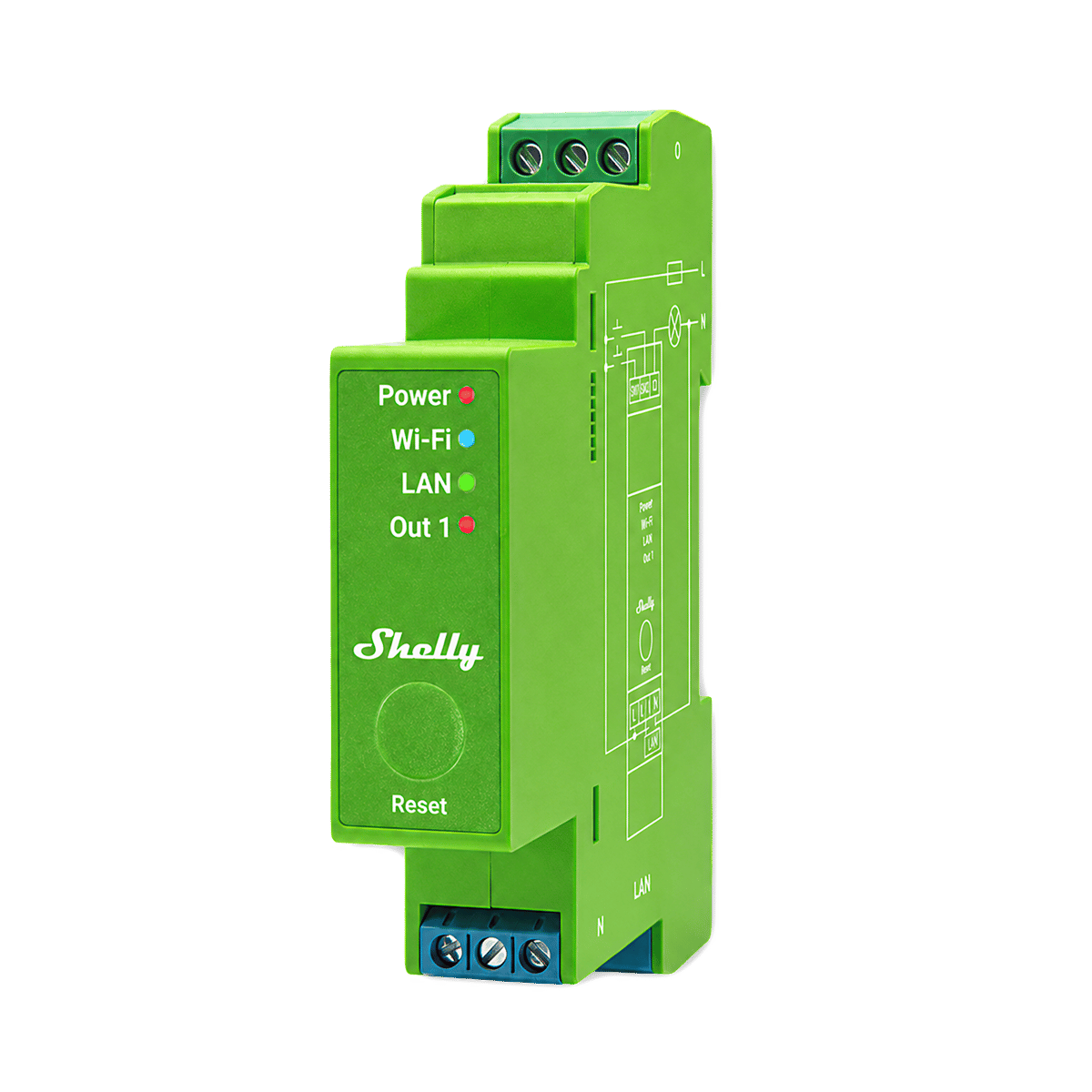
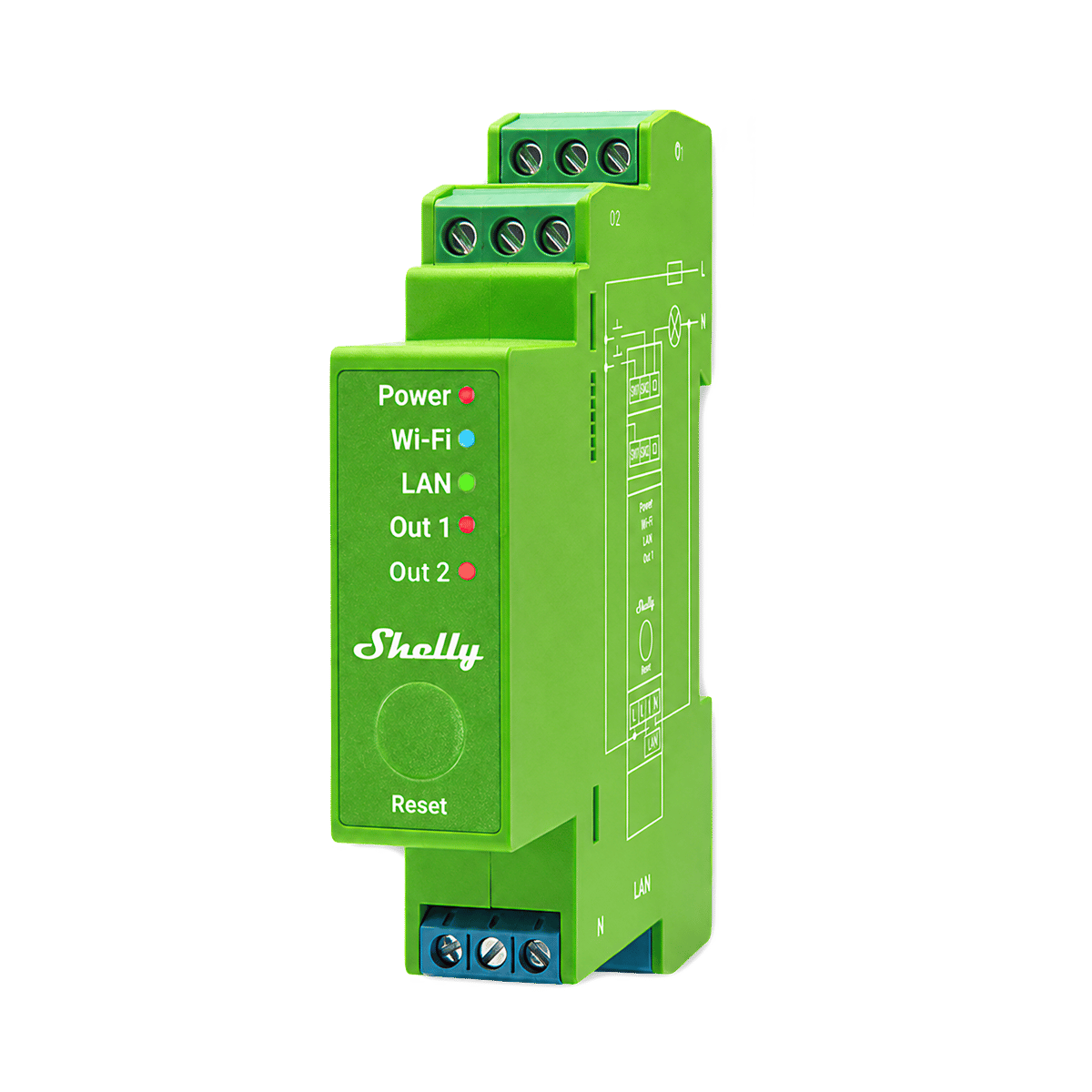
DIN-rail modules clip onto the standard rail in your switchboard, installed by an electrician. Width is counted in rail slots of 18 mm, the same measure as circuit breakers.
-
1 module
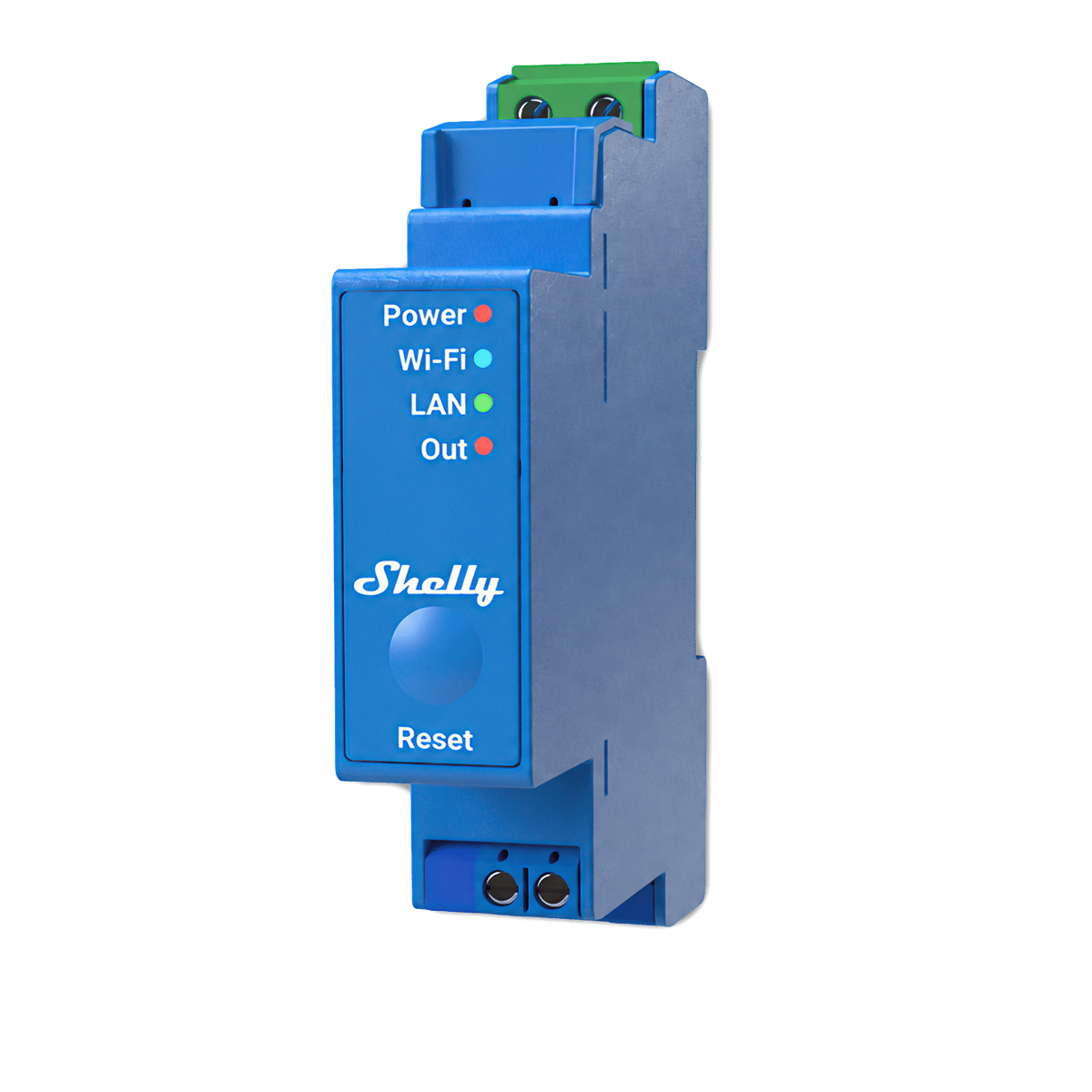
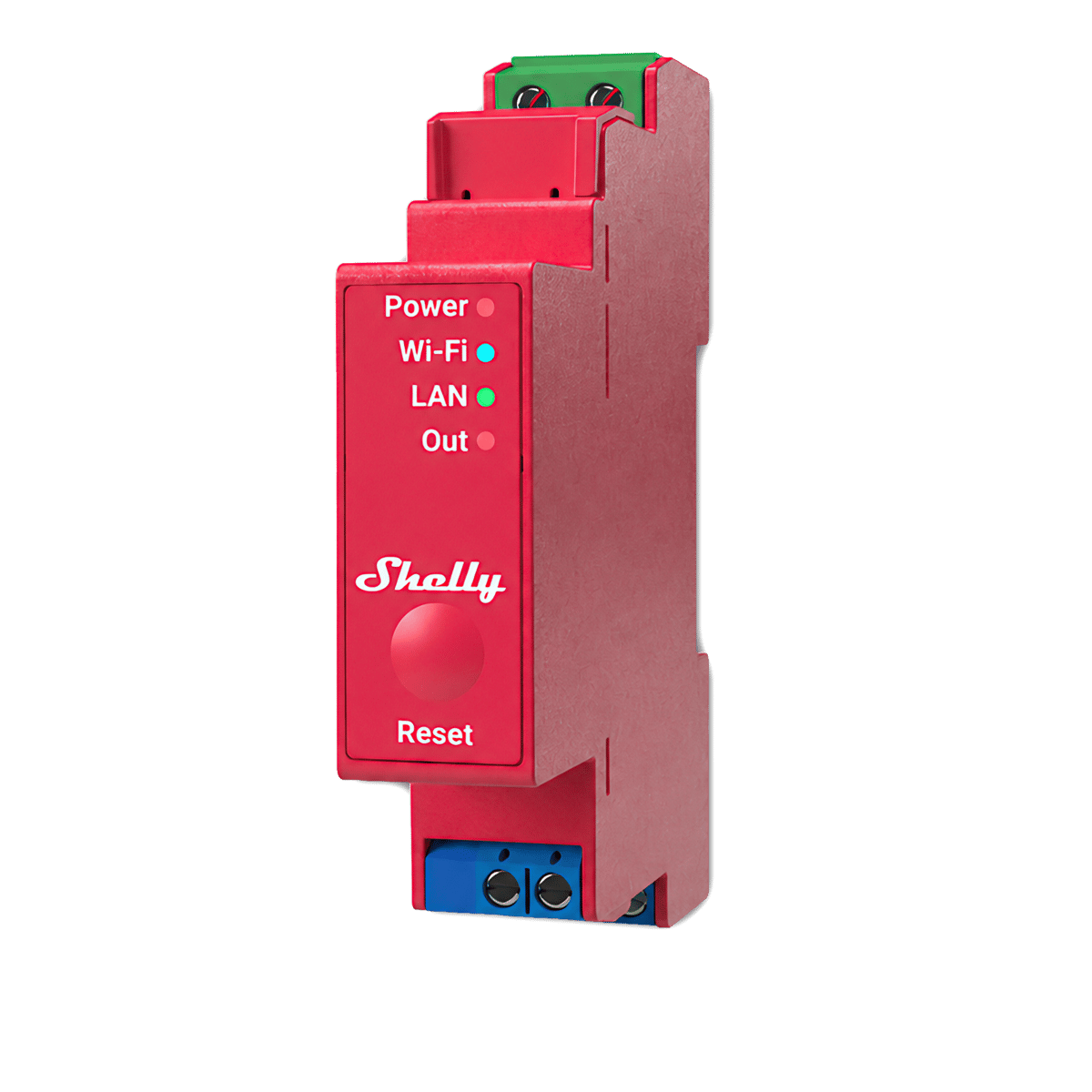
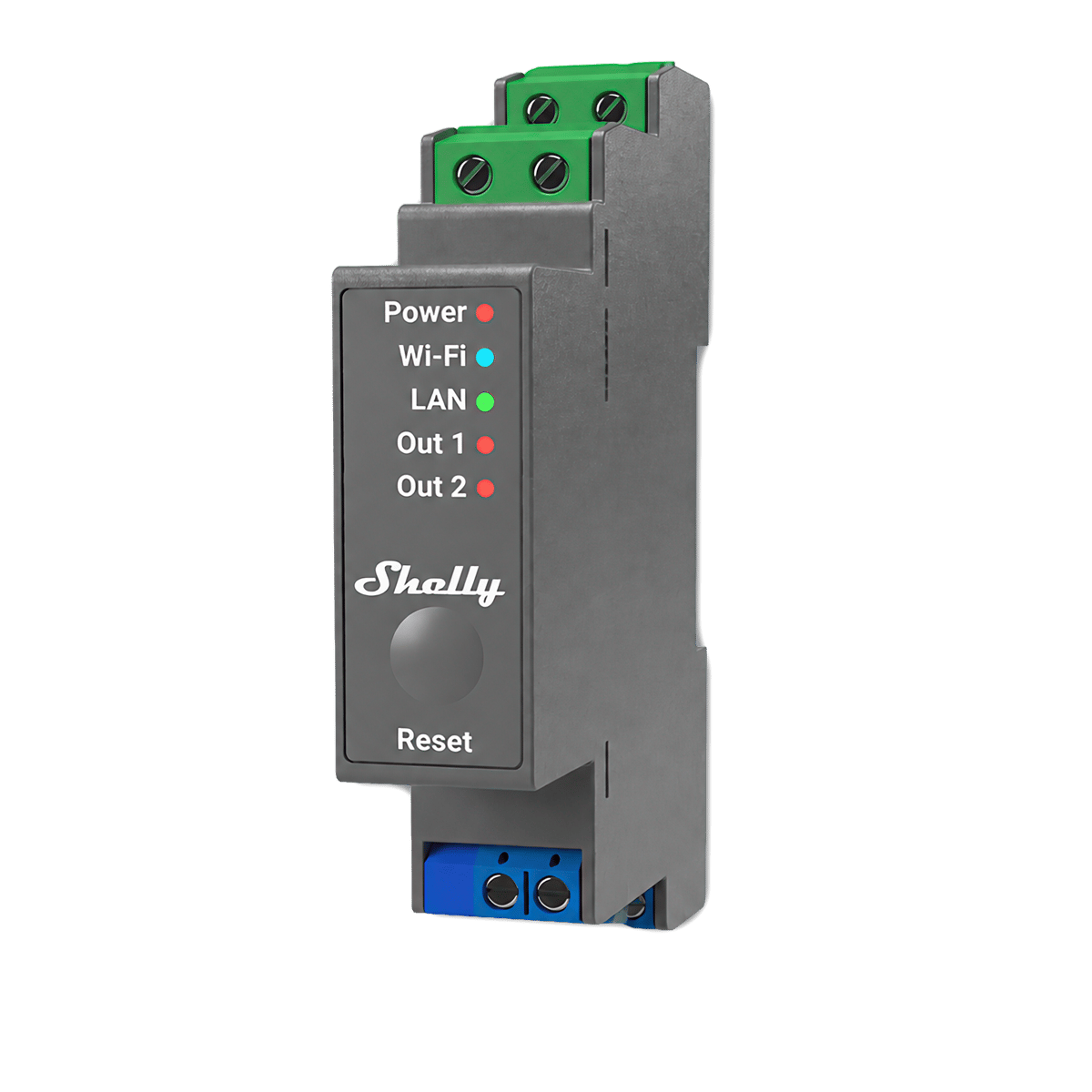
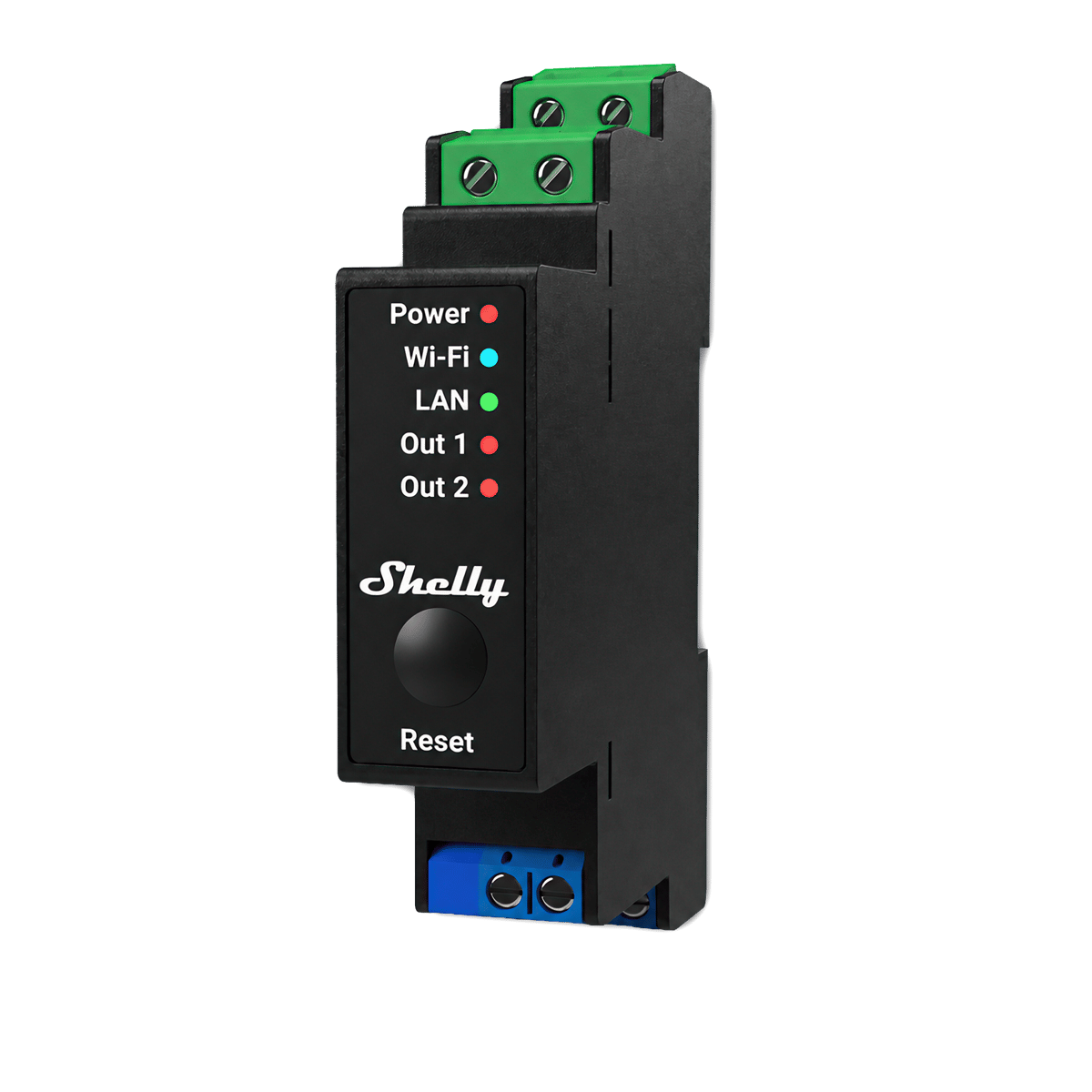
One rail slot, 19 mmTakes a single slot on the switchboard rail, the same width as a standard circuit breaker. Shelly Pro 1, 2, 1PM and 2PM are this size.
-
3 modules
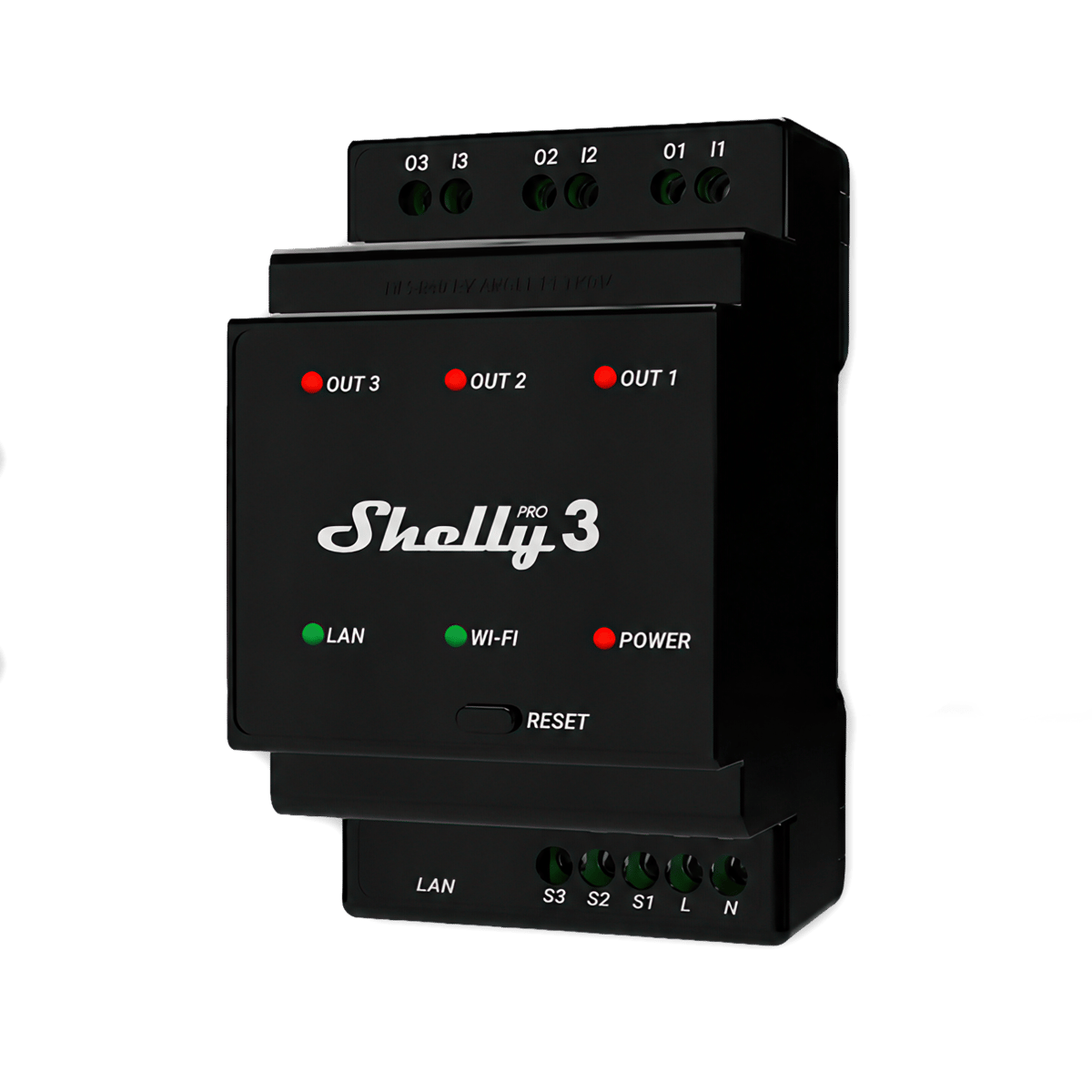
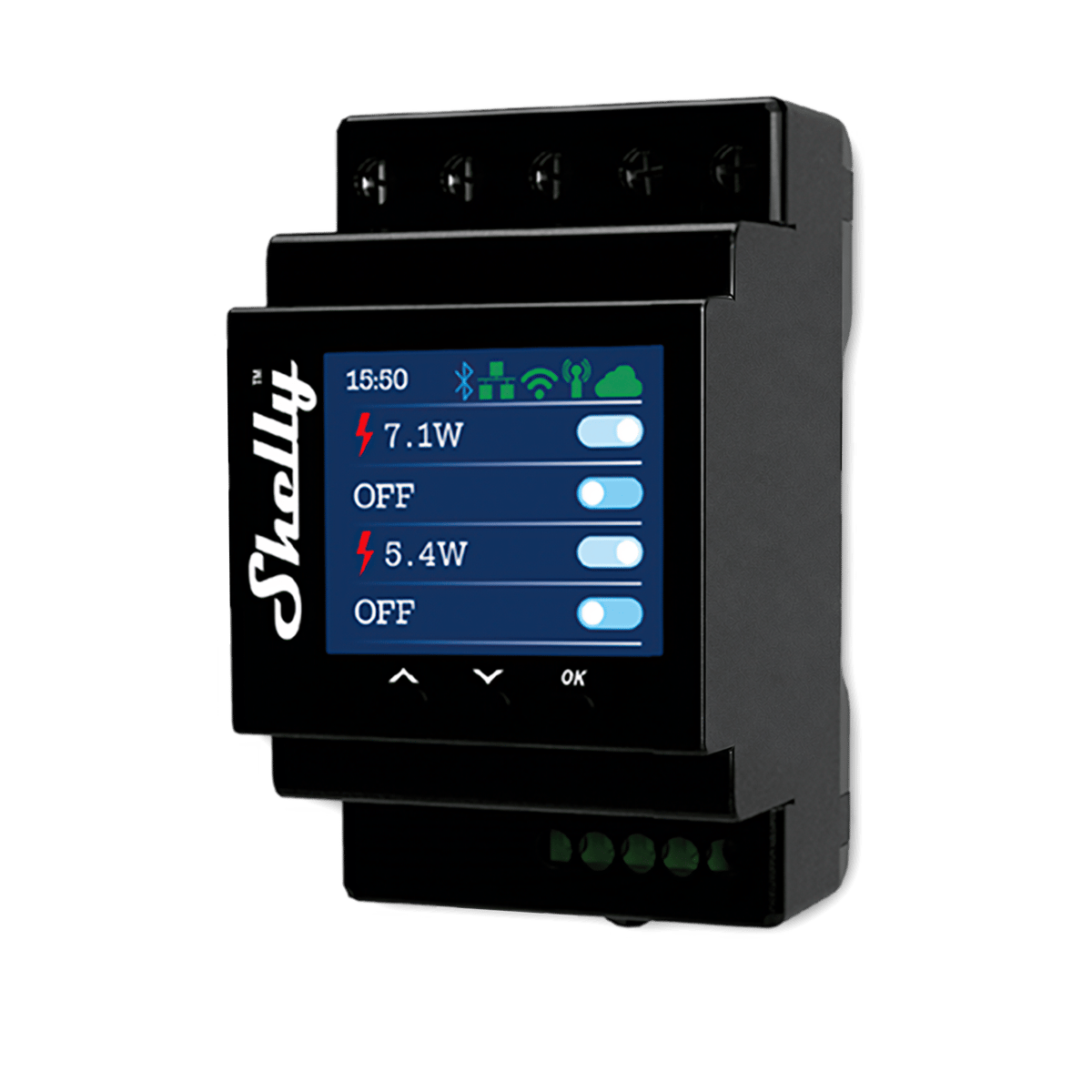
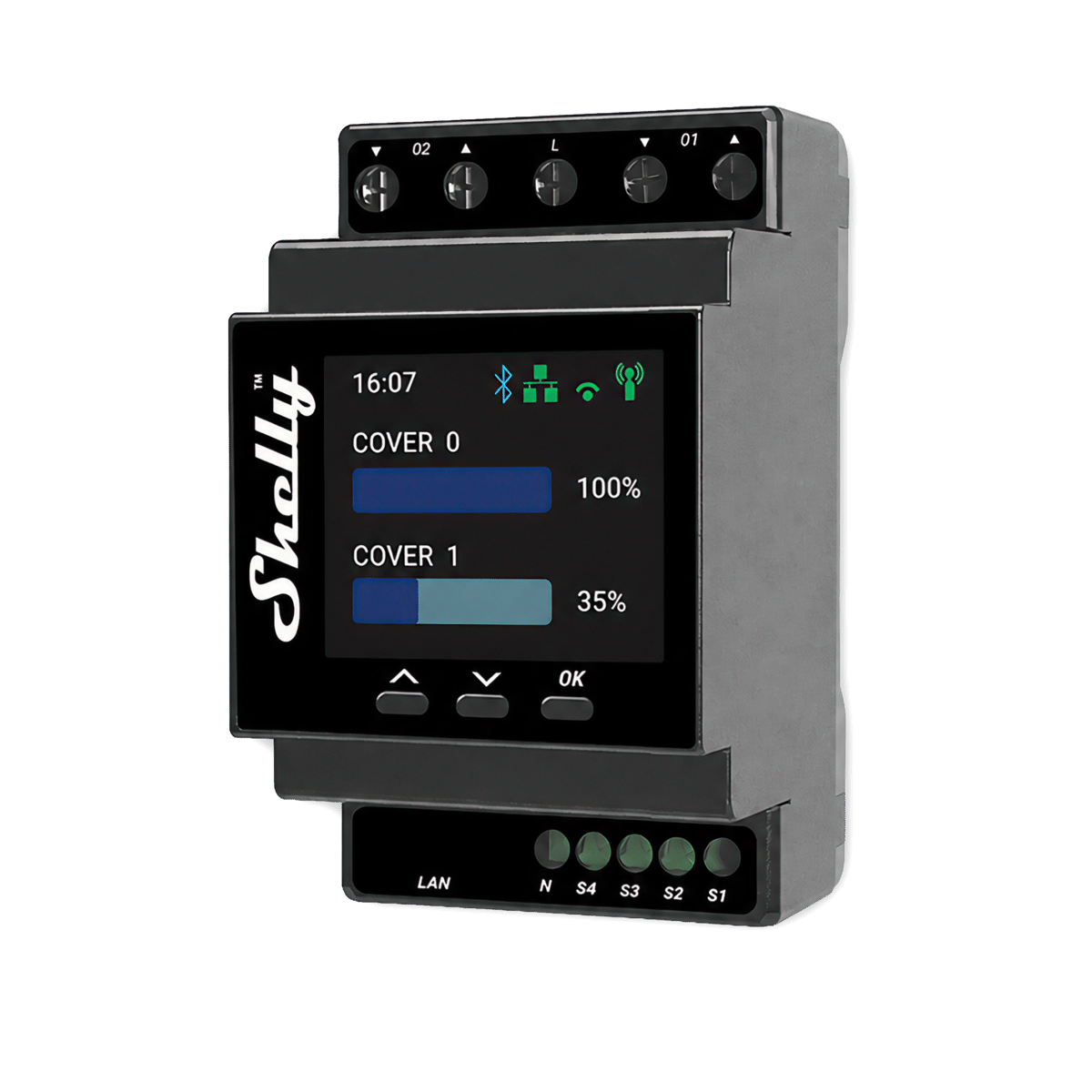
Three rail slots, 53 mmTakes three slots on the switchboard rail. The bigger cases, like Shelly Pro 3 and Pro 4PM, use the room for more channels and heavier terminals.
None selected
Filter guide
What's a channel?
A channel is one output the device controls on its own. On a relay, each channel switches one circuit, so a 2-channel relay runs two lights separately. On an LED strip controller, each channel drives one colour line of the strip.
-
One channel
Switches one circuitSwitches one thing on its own: a light, a fan, an exhaust.
-
Two channels
Switches two circuitsTwo circuits controlled separately, like both halves of a double switch.
-
Three channels
Switches three circuitsThree circuits from one module, each on its own control.
-
Four channels
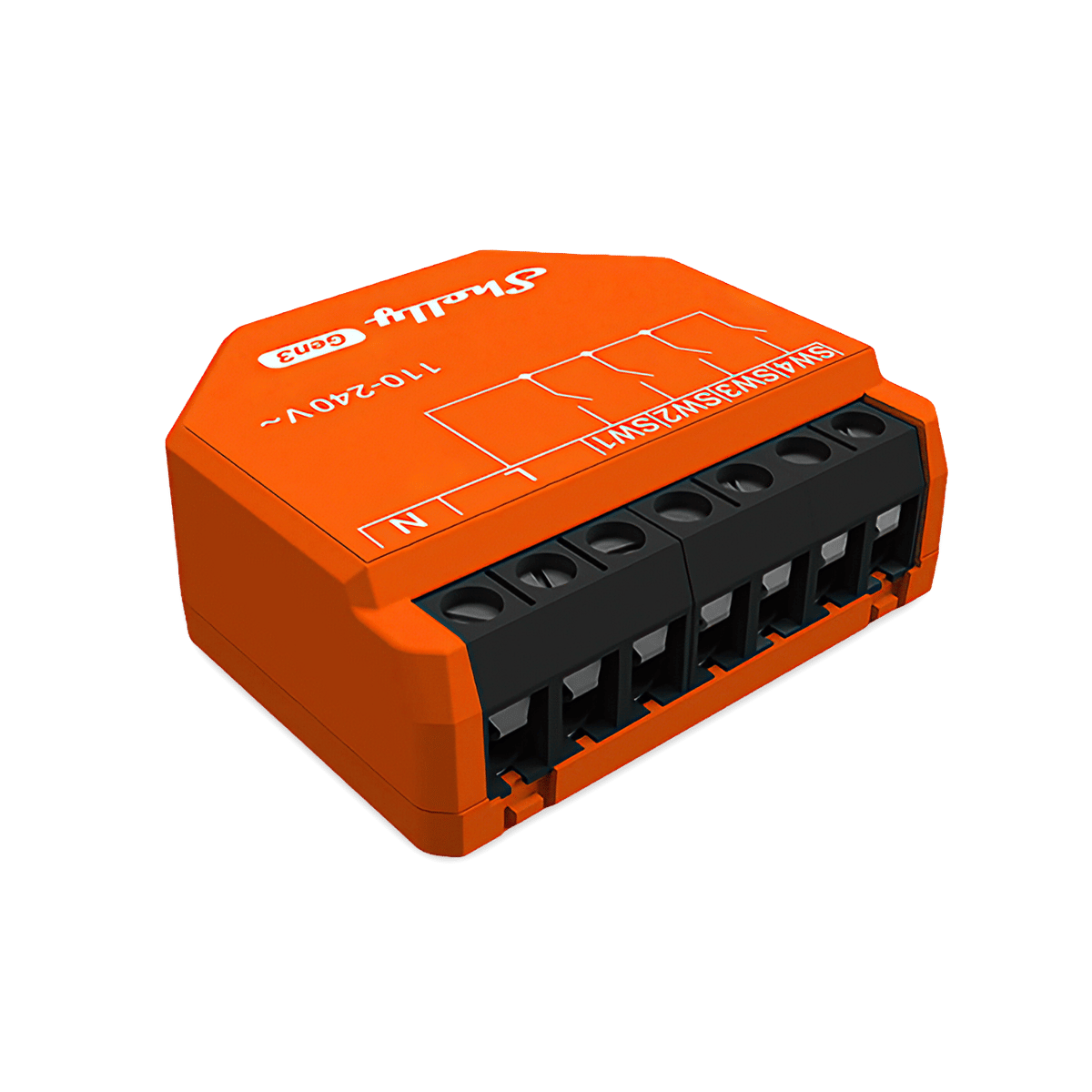
Four outputsFour outputs from one module. On a relay, four circuits each on its own control. On an LED strip controller, enough for an RGBW strip, or four single-colour strips run separately.
None selected
Filter guide
Where does a relay mount?
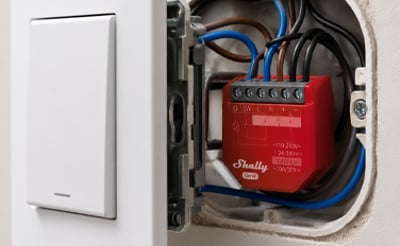
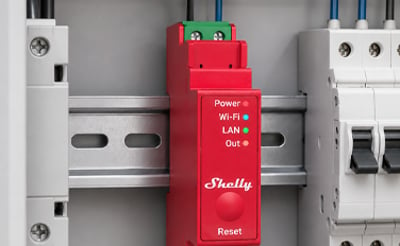
A relay hides out of sight and makes an ordinary circuit smart. All three options are wired in by an electrician; the difference is where the relay lives.
-
In-wall
Behind the switchFits in the wall cavity behind an existing switch or power point. The switch on the wall stays and still works; the relay sits behind it and makes the circuit smart.
-
DIN rail
In the switchboardClips onto the standard rail in your switchboard, next to the circuit breakers. Keeps everything in one serviceable spot, which suits whole-home installs and bigger jobs.
None selected
Filter guide
What does energy monitoring do?
The relay measures how much power the circuit is drawing and reports it in the app, so you can see what a heater or pool pump actually costs to run and build automations around usage. Models without it still switch as normal; they just don't measure.
-
Energy monitoring
Measures power useMeasures the power the connected circuit is using, so you can see consumption per device in the app. These are the models with PM in the name.
-
Switching only
No power measurementTurns the circuit on and off without measuring power use. Choose this where you only need control, not consumption data.
None selected
Tap relays to compare them
That's the most you can compare at once













No products match those filters.
Buying guide · Smart relays
What is a smart relay?
A small module that makes a circuit you already have smart. Your wiring stays, and so do your switches and fittings.
A smart relay, also sold as a smart switch module, is a small device that connects into a circuit you already have. It can turn the power for that circuit on and off, so you can control it from an app. The wall switch still works as it did before, and now your phone, your voice or an automation can turn it on and off too.
The main reason to choose one is that you keep what you have. There's no new cabling, and your switches and light fittings stay, whether that's a heritage plate or downlights you already like. One relay switches every light on its circuit, so a room of six downlights needs one module rather than six smart downlights.
It is also a simple way to bring a circuit into a bigger smart home. A Wi-Fi relay joins your home network with no hub, and a Zigbee relay joins the hub you already run. Shelly relays connect to Home Assistant over your local network with no cloud in between, so your automations keep running if the internet drops.
Which smart relay for which job?
Start with what you want to control, and the job decides the module. Every one below works as a Wi-Fi relay switch, so none of them needs a hub.
A light on a normal switch
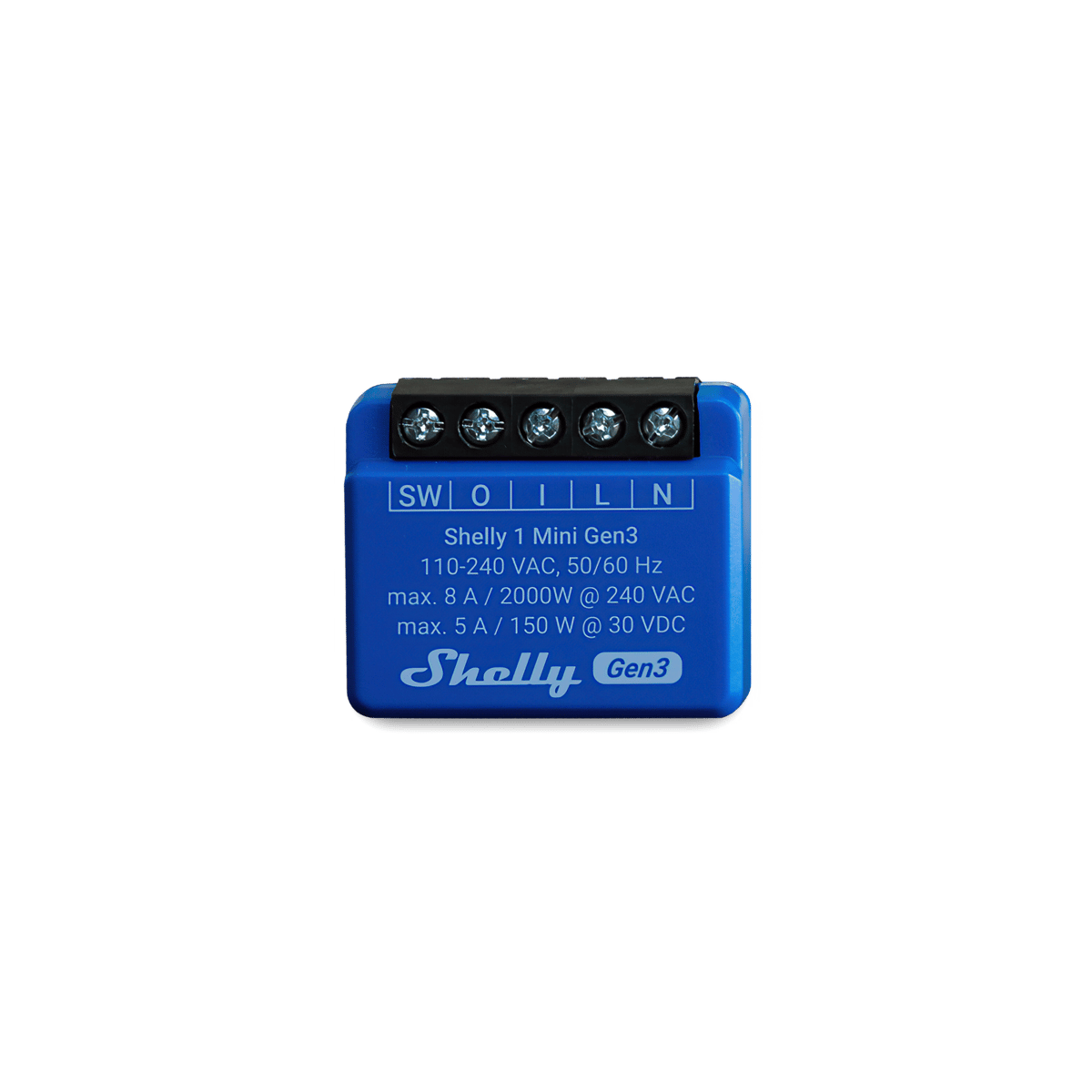
The simplest smart lighting relay. Lighting draws very little, so the rating is rarely the problem. Space is. The Mini fits a crowded wall box that a standard module won't.
Two lights on a double switch
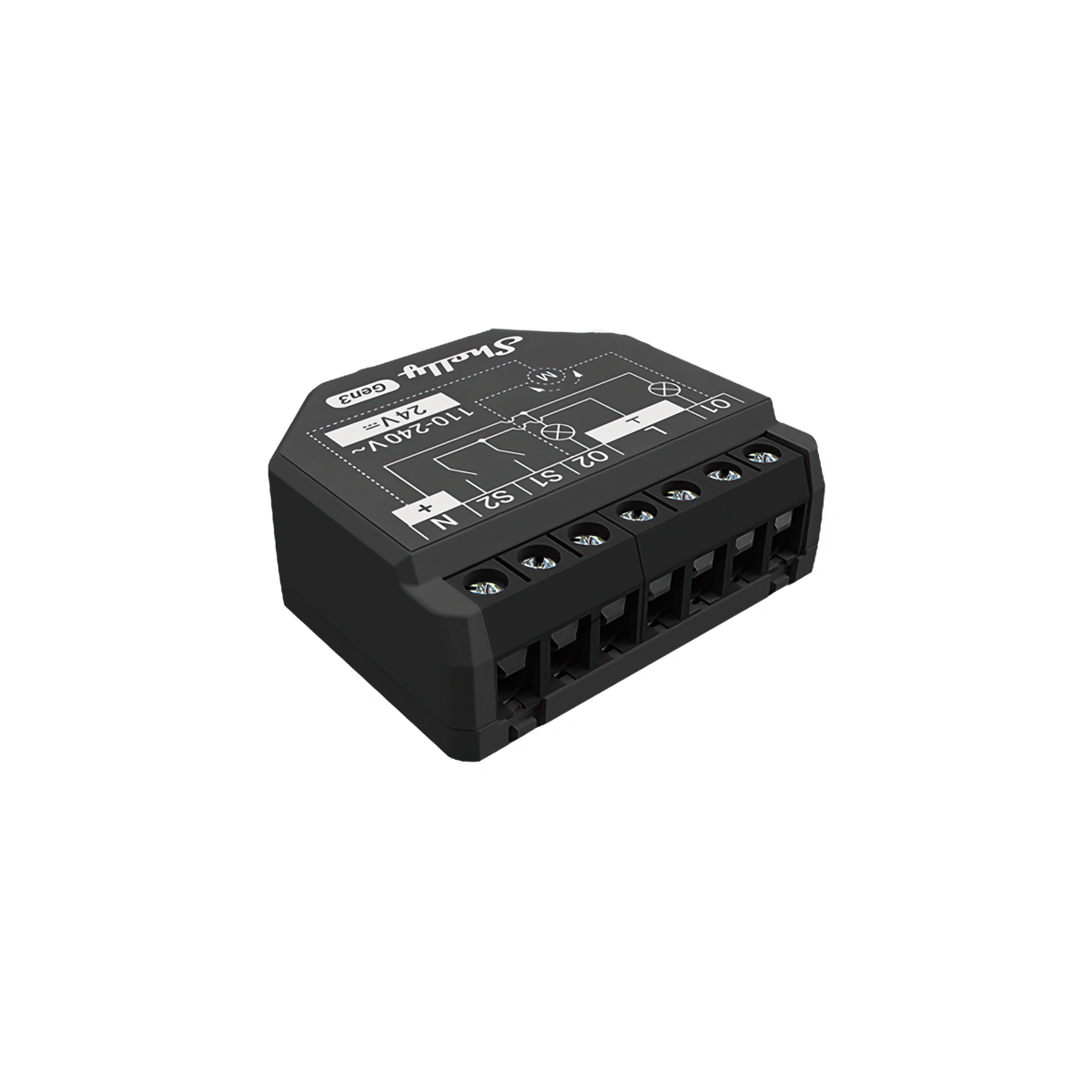
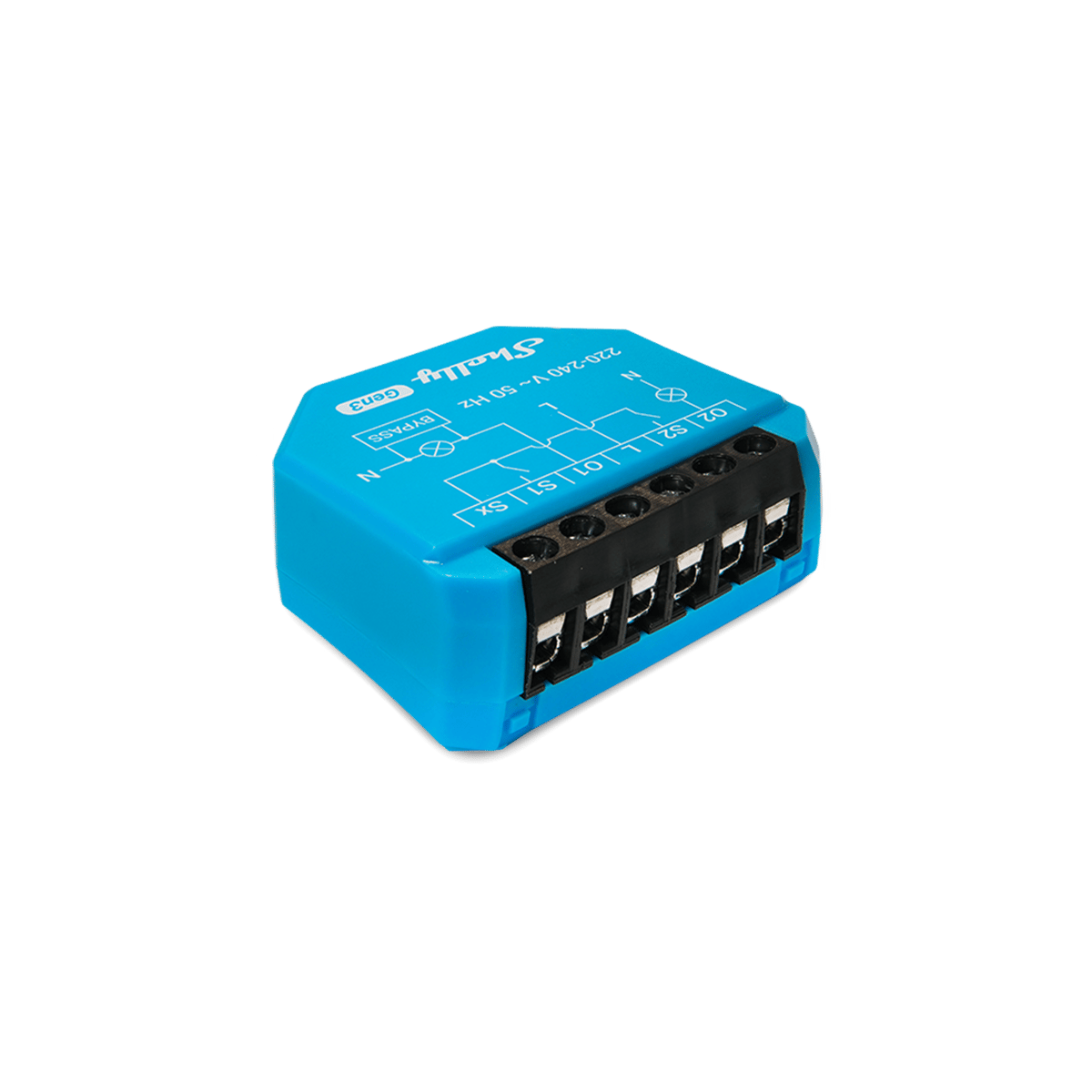
Where two switches share one plate, their wires already meet in the same box, so one two-channel module runs both.
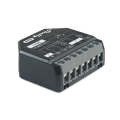
A towel rail or a heater
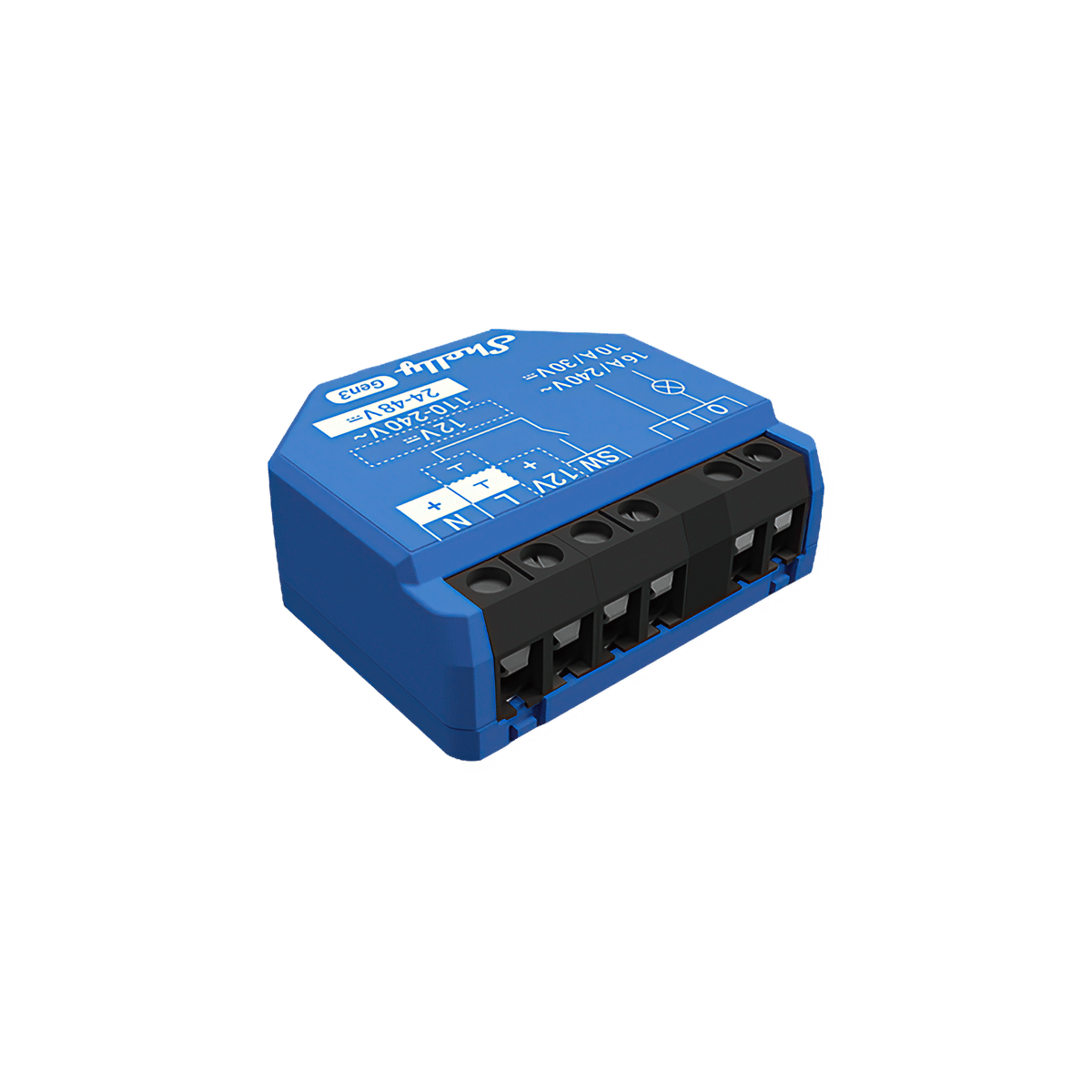
Heating is where the rating matters. A 16 A module with power metering switches it and shows you what it uses.
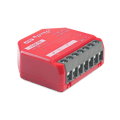
A garage door or a gate
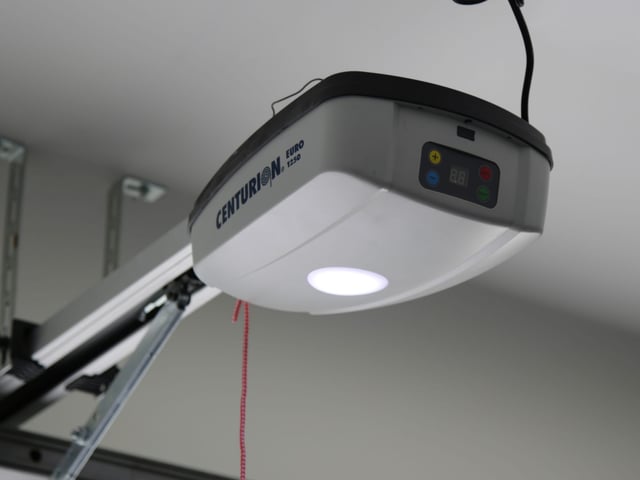
The opener expects a short signal on its button terminals, not mains power. A dry-contact relay gives it one.
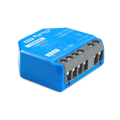
Several circuits at the switchboard
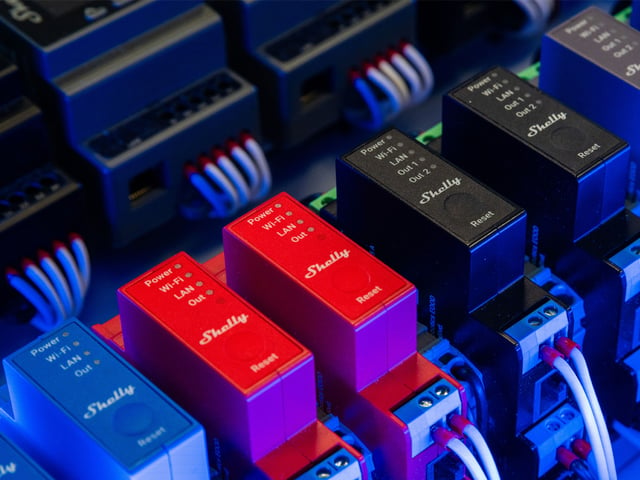
Lights, fans and pumps all run back to the switchboard, so one four-channel smart relay module switches them all, without opening a wall.
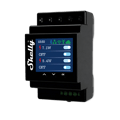
A load over 16 A
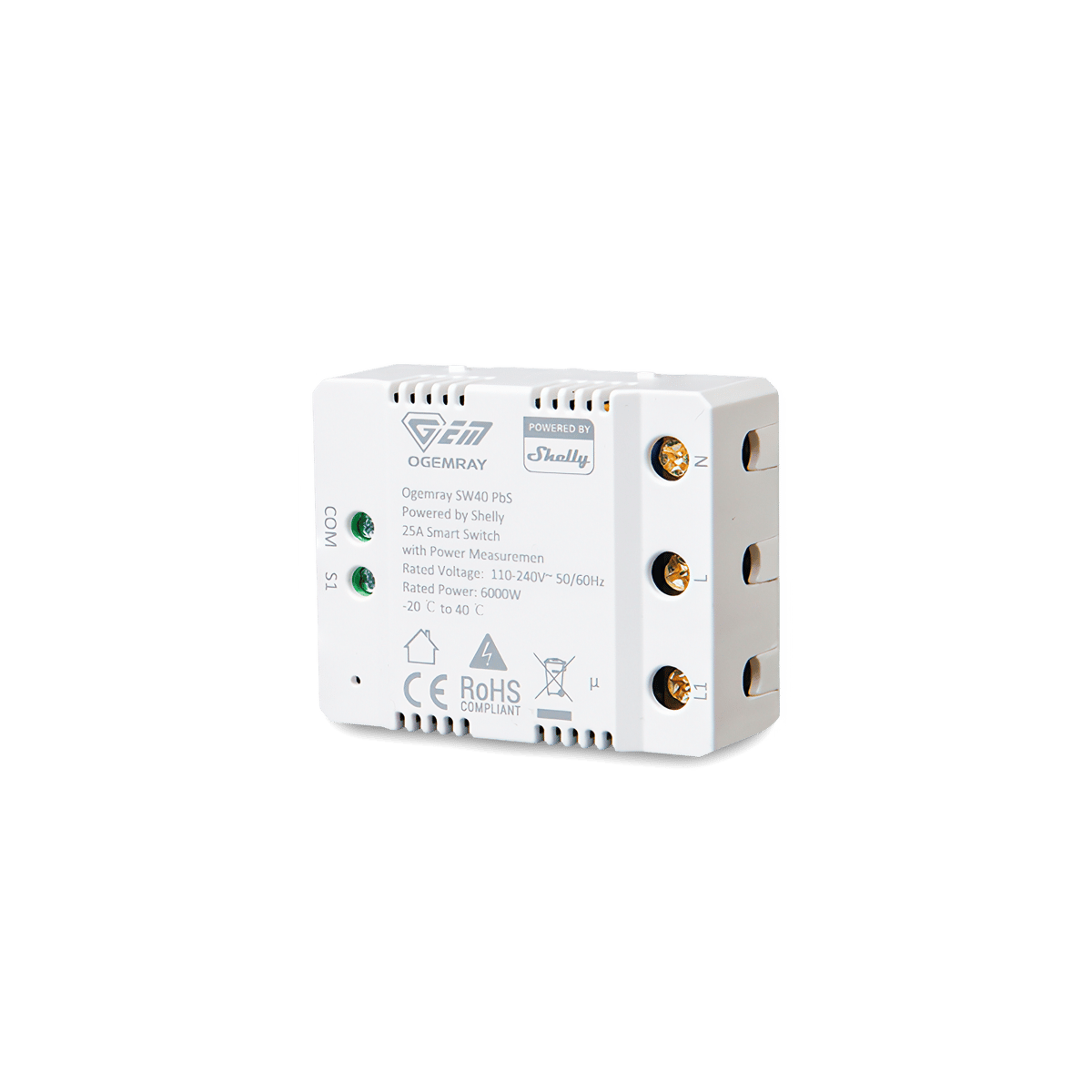
A large heater or pump can need more than an in-wall module switches. This one handles up to 25 A, or 6000 W, and mounts on a bracket beside the load.
Smart relay questions
Can't find your question? Ask our Melbourne team
What you can do with them

Outdoor lights on at sunset, off at midnight
Porch, path and garden lights follow the sun through the year without you touching a switch. Run the lights you have from a Shelly relay, or fit Philips Hue outdoor lights, and set it up in their app or Home Assistant. Control with any of



Run the pool pump when it costs less
The pool pump is one of the hungriest circuits in most houses, so schedule its runs into off-peak windows and see what each one uses. Changing the season's run times happens from the couch, not the pump shed. Control with any of 
Dim the lights from the couch for movie night
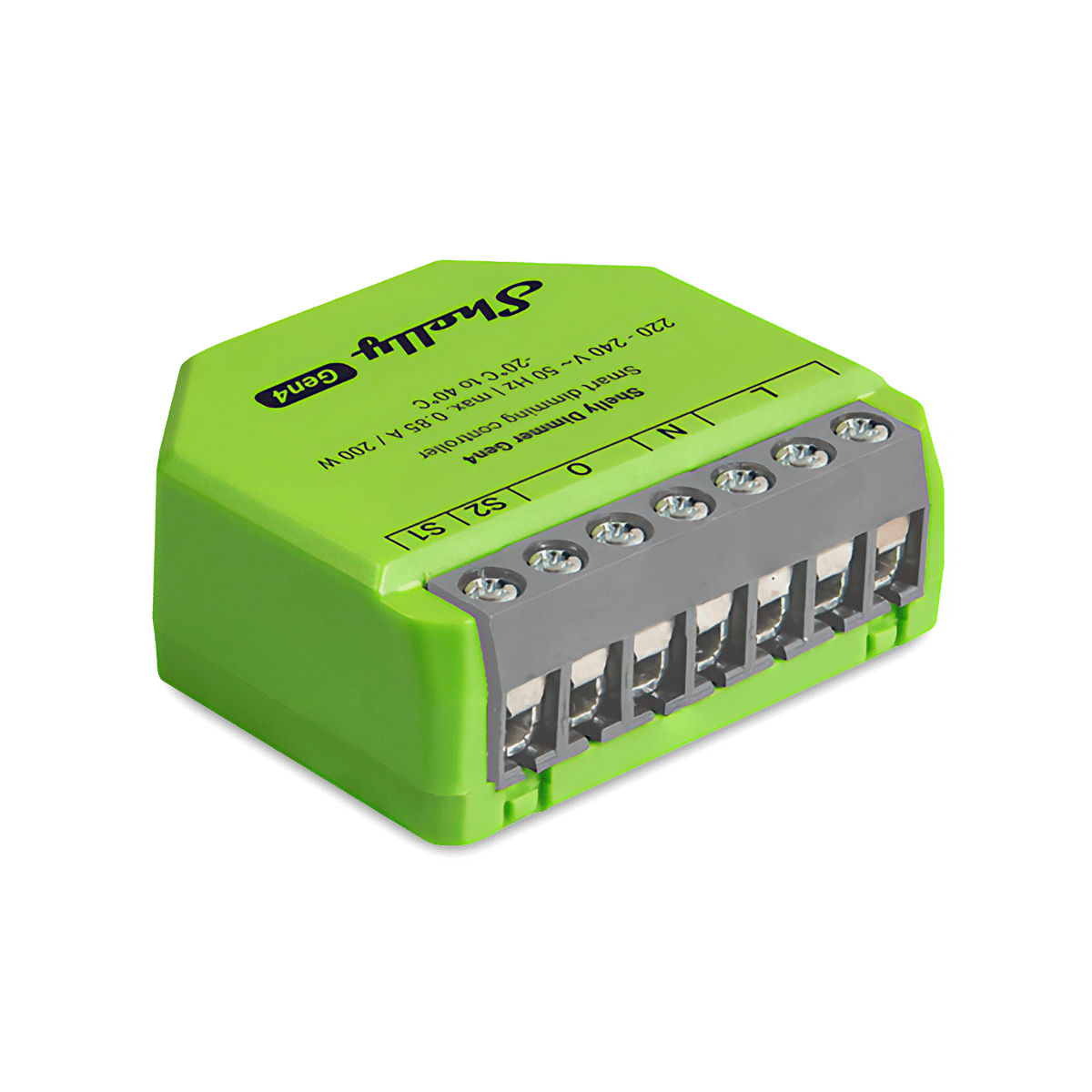
Drop the lights to a glow from the couch, then bring them back up when it's time to tidy. Fit a Shelly dimmer behind the wall plate, or swap to Philips Hue bulbs and use the app. Control with any of 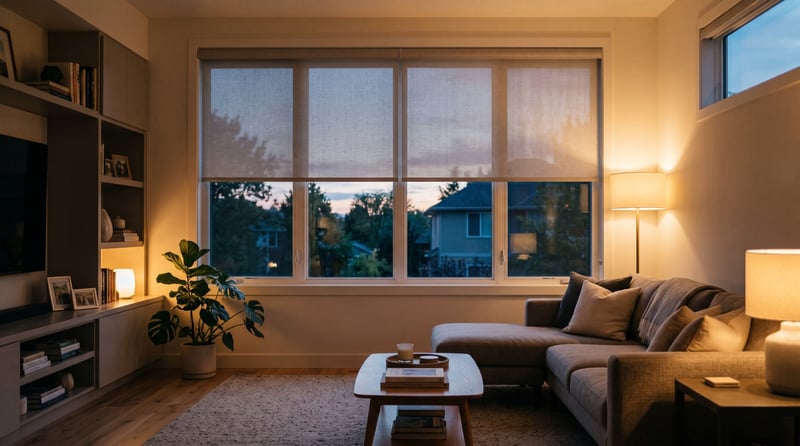
Open and close the blinds from a wall switch
Keep the up and down switch you have and fit a Shelly behind it, so the blinds run from the wall and from your phone. Add a second switch anywhere in the room without new cable. Control with any of 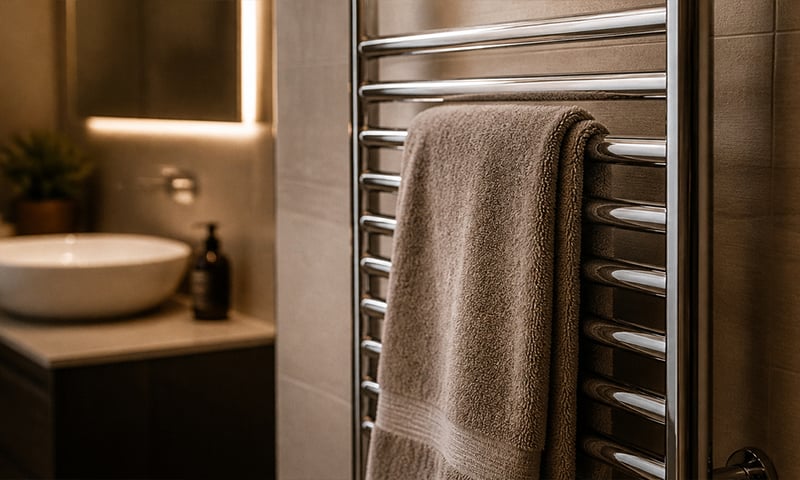
A warm towel rail on winter mornings
Schedule the rail for weekday mornings and it's warm when you step out of the shower, off again before you leave. No more discovering it's been heating an empty house all day. Control with any of 
Switch off an appliance left running
A metering relay on the heater's supply switches it off after the time you set, and can message you when it has been drawing power too long. The same alert can tell you the washing has finished. Control with any of 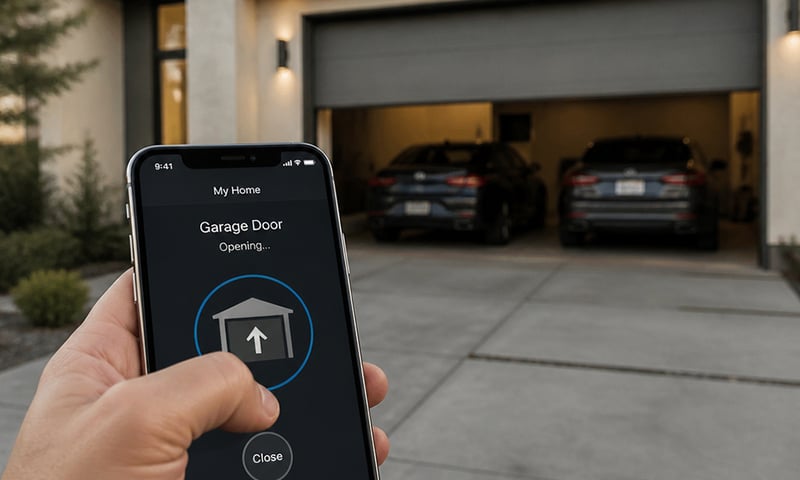
Open the garage door or gate from your phone
Wire the relay across the opener's button terminals and the roller door, swing gate or door release answers your phone as well as the wall button. Pair it with a contact sensor and you'll also know whether the door is actually shut. Control with any of 
Open and close blinds and awnings at sunrise and sunset
Motorised blinds, shutters and awnings open at sunrise, close at sunset and drop to a set position for the afternoon heat, from a schedule or your phone. Works with standard 230 V cover motors. Control with any of 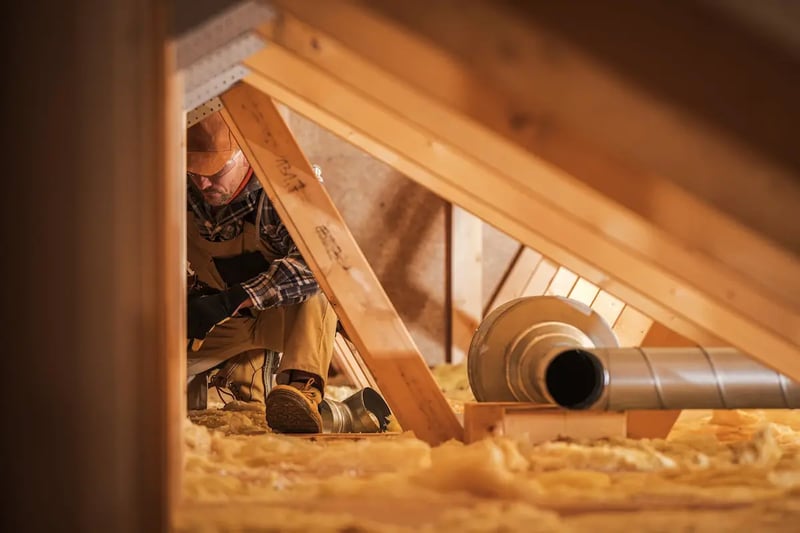
A roof-space fan that runs when the roof gets hot
A temperature probe in the roof space switches the exhaust fan on when the air up there gets hot, and off again once it cools. It runs on the relay itself, so it keeps working without the internet. Control with any of 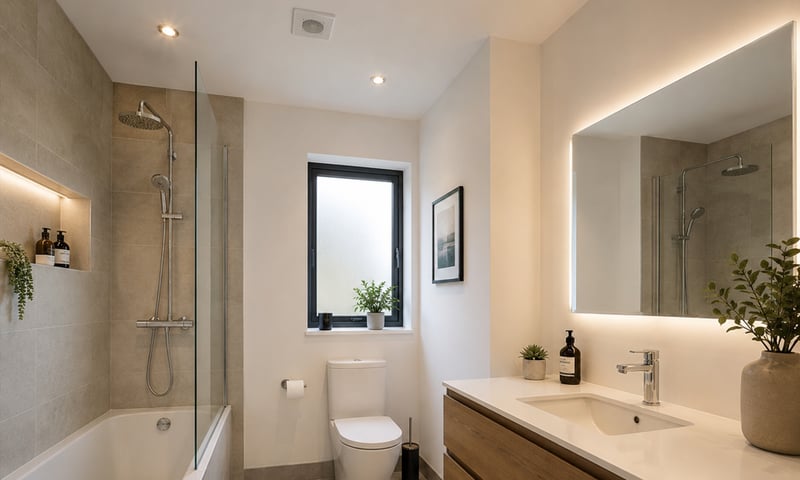
Bathroom fan that clears the steam, then turns itself off
The exhaust fan keeps running after the light goes off, long enough to clear the steam, then shuts itself down. Add a humidity sensor and it only runs when the room needs it. Control with any of