

















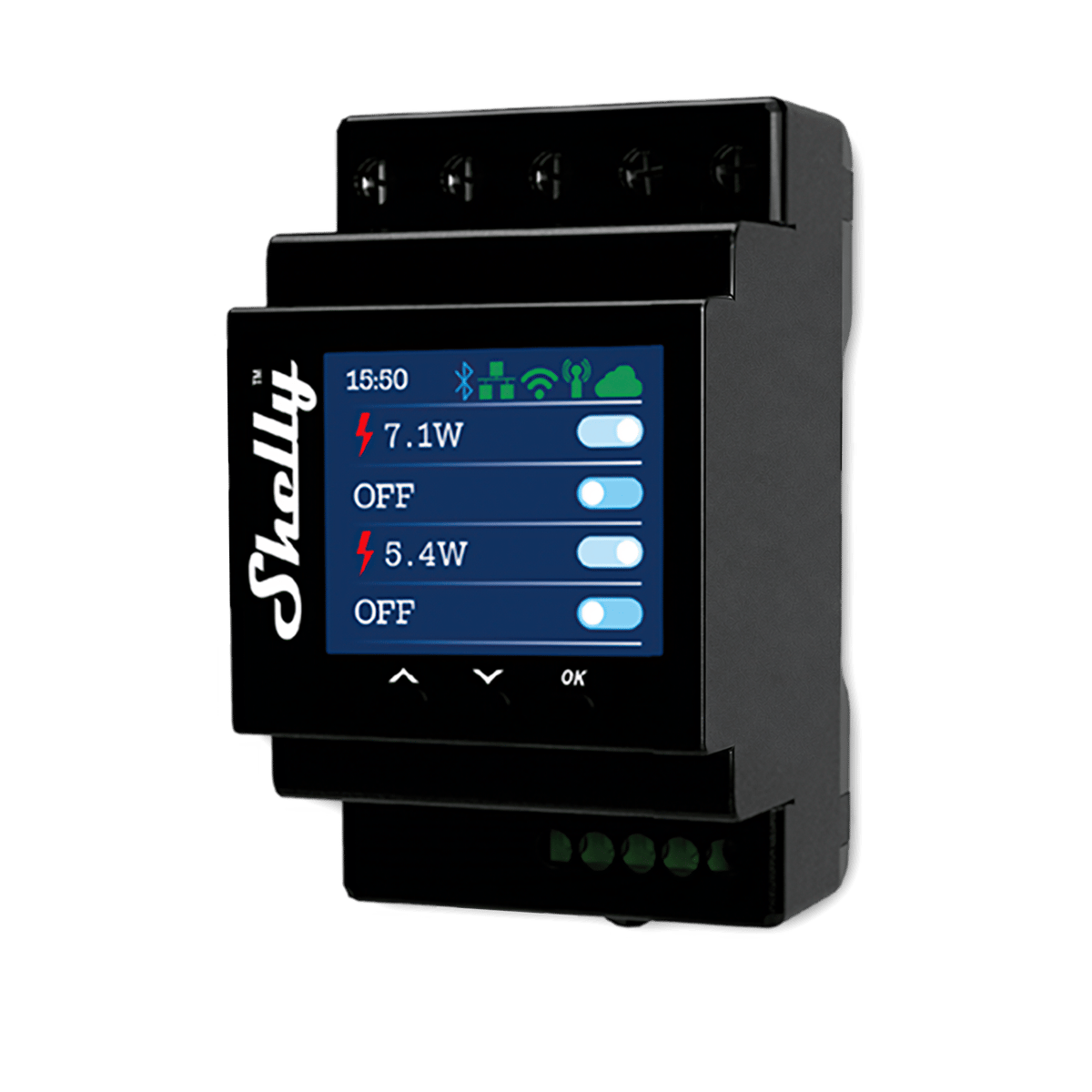
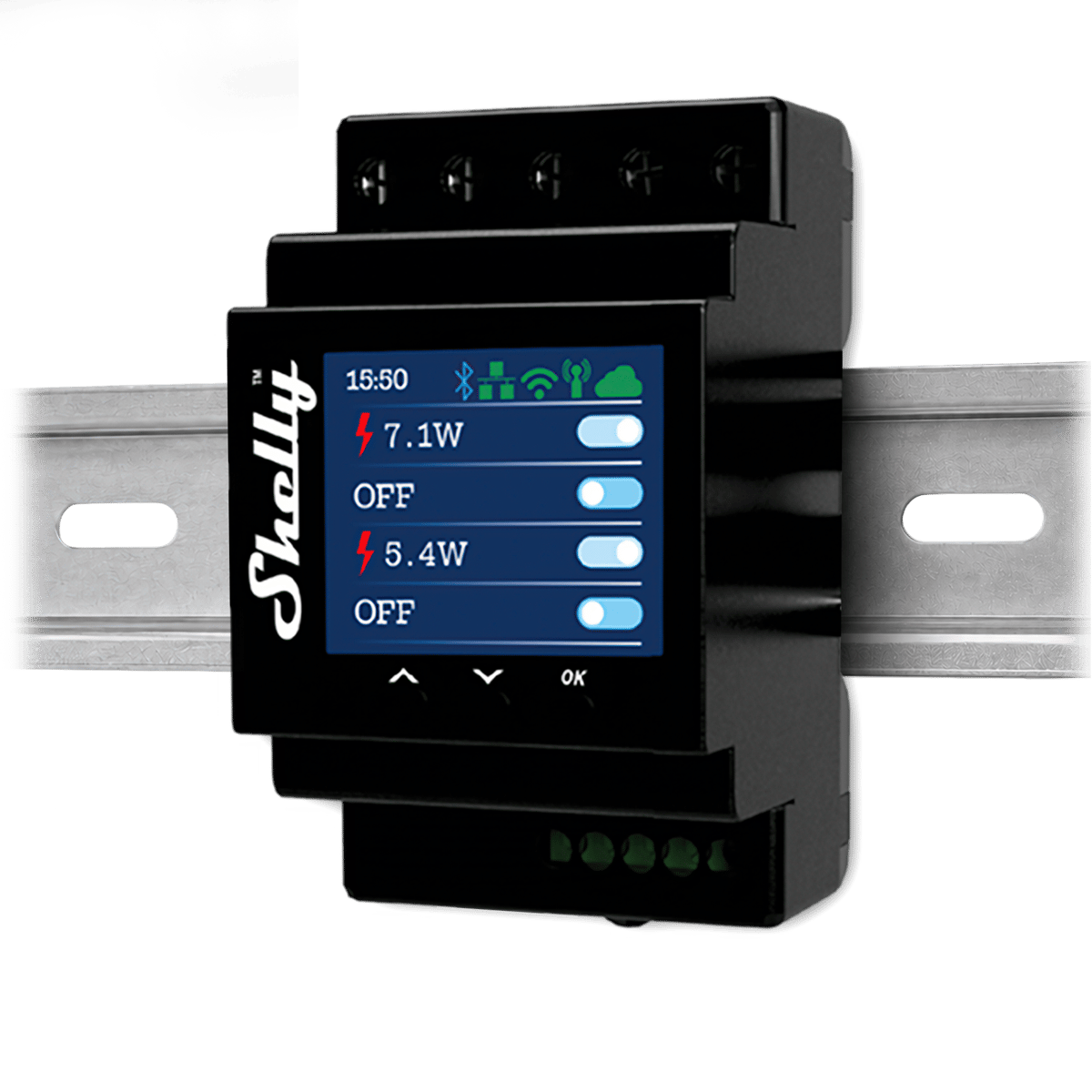


Pro 4PM Smart Relay
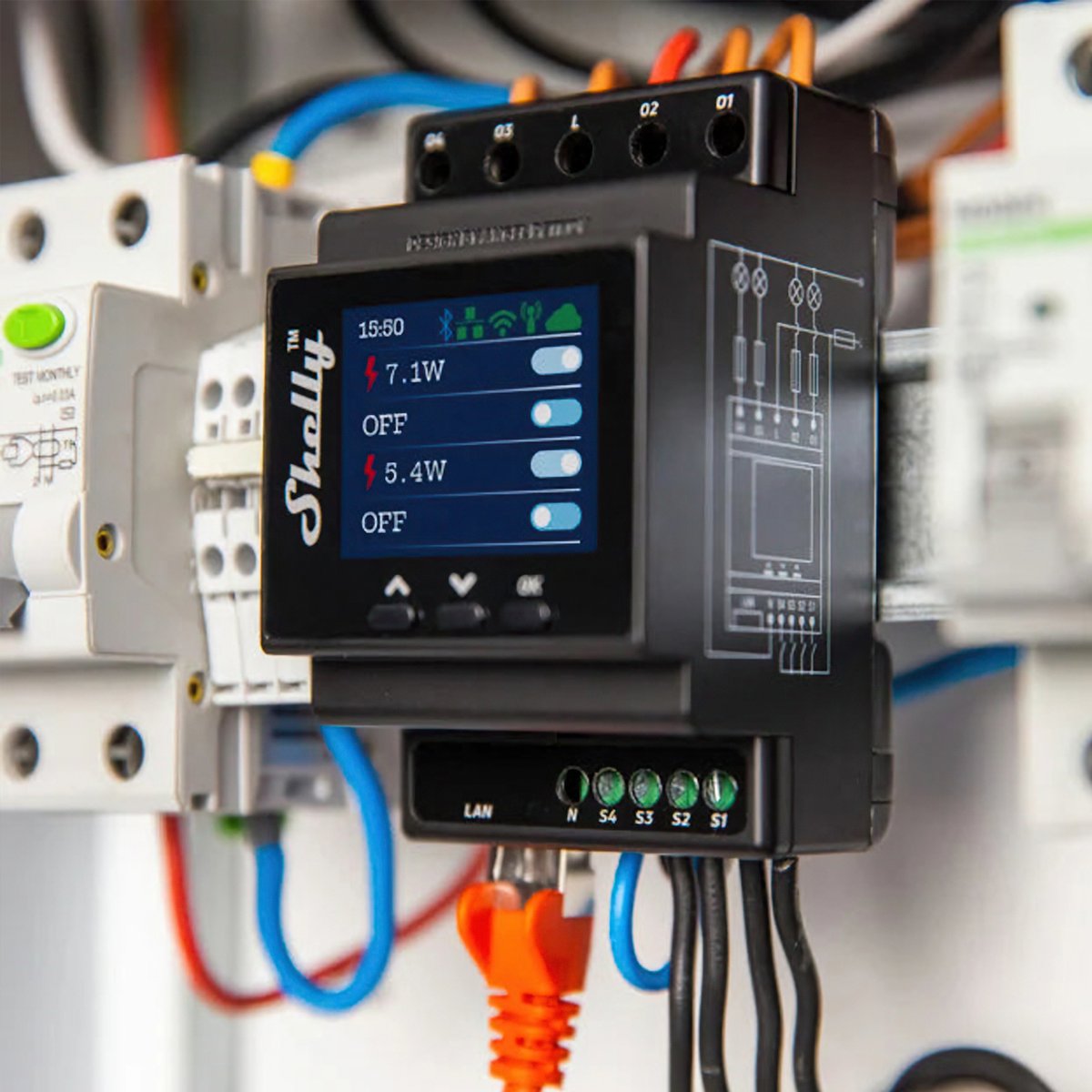
The Shelly Pro 4PM runs four metered circuits from one DIN-rail module with Ethernet: the whole-home workhorse of the Pro range.
$189.95 inc GST In stock · ships today
Channels
Filter guide
What's a channel?
A channel is one output the device controls on its own. On a relay, each channel switches one circuit, so a 2-channel relay runs two lights separately. On an LED strip controller, each channel drives one colour line of the strip.
-
One channel
Switches one circuitSwitches one thing on its own: a light, a fan, an exhaust.
-
Two channels
Switches two circuitsTwo circuits controlled separately, like both halves of a double switch.
-
Three channels
Switches three circuitsThree circuits from one module, each on its own control.
Not available with Energy monitoring. -
Four channels
Four outputsFour outputs from one module. On a relay, four circuits each on its own control. On an LED strip controller, enough for an RGBW strip, or four single-colour strips run separately.
Selected
Power Metering
Filter guide
What does energy monitoring do?
The relay measures how much power the circuit is drawing and reports it in the app, so you can see what a heater or pool pump actually costs to run and build automations around usage. Models without it still switch as normal; they just don't measure.
-
Switching only
No power measurementTurns the circuit on and off without measuring power use. Choose this where you only need control, not consumption data.
Not available with Four channels. -
Energy monitoring
Measures power useMeasures the power the connected circuit is using, so you can see consumption per device in the app. These are the models with PM in the name.
Selected
Currently sold out.
Comes with free shipping Order before 3pm Melbourne time on a weekday and it ships the same day.
30-day returns Unused items, easy online returns
3-year warranty Backed by Shelly
Everything you need to know
The Shelly Pro 4PM is a four-channel DIN-rail relay rated to 16 A per channel, with power metering, plus Ethernet and Wi-Fi. It takes three modules on the switchboard rail and needs a licensed electrician to install.
Product features
Smart control from the switchboard, switches untouched
Pro relays install at the switchboard, so the smart layer lives in one place instead of scattered through wall boxes around the house. Every wall switch stays exactly where it is and keeps working the way it always has; the relay adds app control, schedules and automations on top. It's the tidiest way to make a whole house smart without changing a single thing the family touches.
- Installed at the board, not in wall boxes
- Every existing switch keeps working
- One location for your electrician to service
DIN rail and Ethernet, like the rest of your board
The Pro series mounts on a DIN rail alongside your breakers and adds an Ethernet port, so control traffic can run over cable rather than Wi-Fi. Multi-channel models switch several circuits from one unit, and the form factor is one your electrician already knows. Everything the compact relays do, schedules, scripting and local control included, is here too.
- DIN-rail mount
- Ethernet plus Wi-Fi
- Multiple circuits from one unit
See what every circuit really uses
PM models meter their own output, so you can watch live power draw and review consumption history per channel in the app. That's enough to find the appliances quietly costing you money, confirm the pool pump or towel rail actually ran, or catch a heater someone left on. Set thresholds and the relay can act on them itself, switching off a load that draws too much for too long.
- Live power draw and consumption history
- Per-channel metering
- Overpower protection you can configure
Automations that don't need the internet
Schedules, timers and scenes run on the relay itself, not on a server overseas. Set lights for sunset, a towel rail for weekday mornings, or a fan to run down after the bathroom light goes off, and it all keeps working through an internet outage. There's no subscription, and the embedded web interface gives you full control from a browser on your own network.
- Schedules and scripts run on the device
- No cloud account required for local control
- Keeps working when the internet doesn't
What is a Shelly relay?

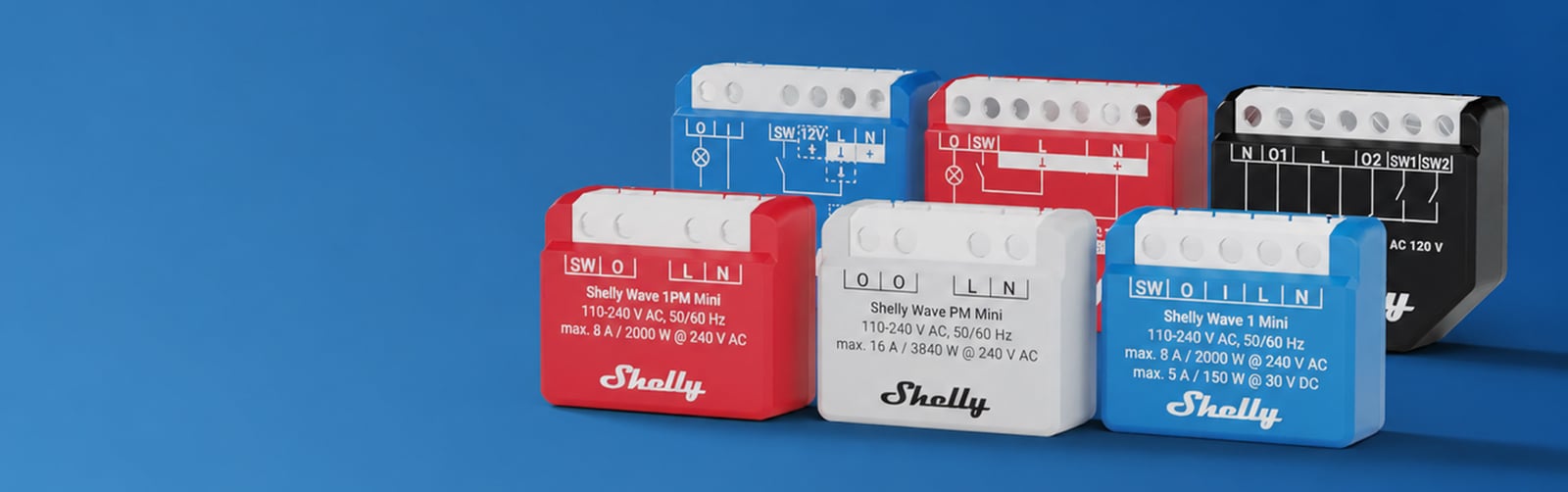
A relay is a small module that hides in the wall box behind a switch, or on the rail in your switchboard, wired in between the power and whatever it controls. That might be a light, an exhaust fan, a towel rail, a pump, or the motor that opens your garage door. Nothing on show has to change. The switch stays on the wall and keeps working exactly as it does now, and the same circuit can also be turned on from your phone, on a schedule, or by an automation.
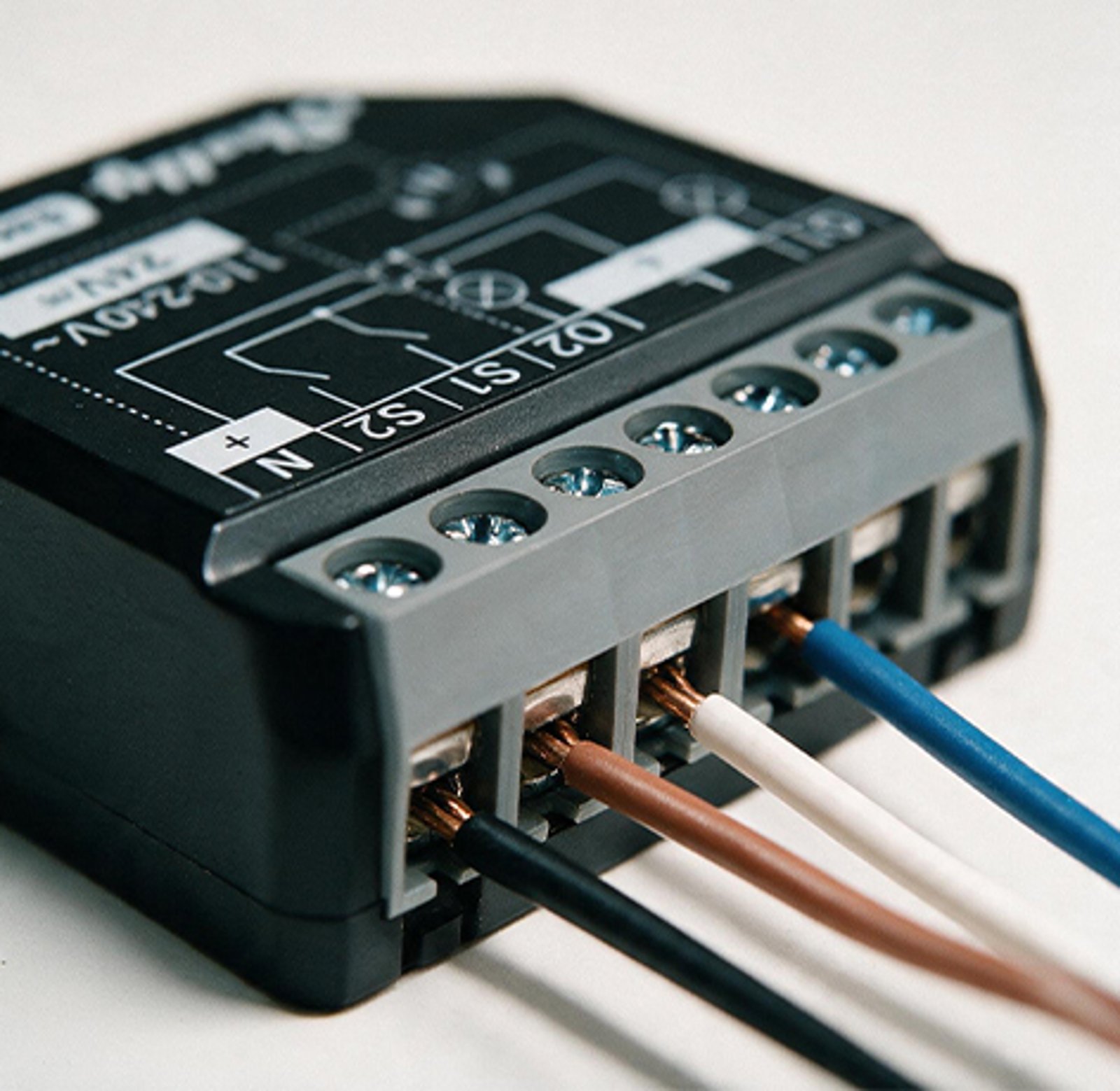
The number
One channel per circuit
The number in the name is how many things the module can switch on its own, from one up to four. A single light or exhaust fan takes a 1. A double light switch controlling two separate lights takes a 2, and each side still works on its own. The Pro 4PM goes up to four.
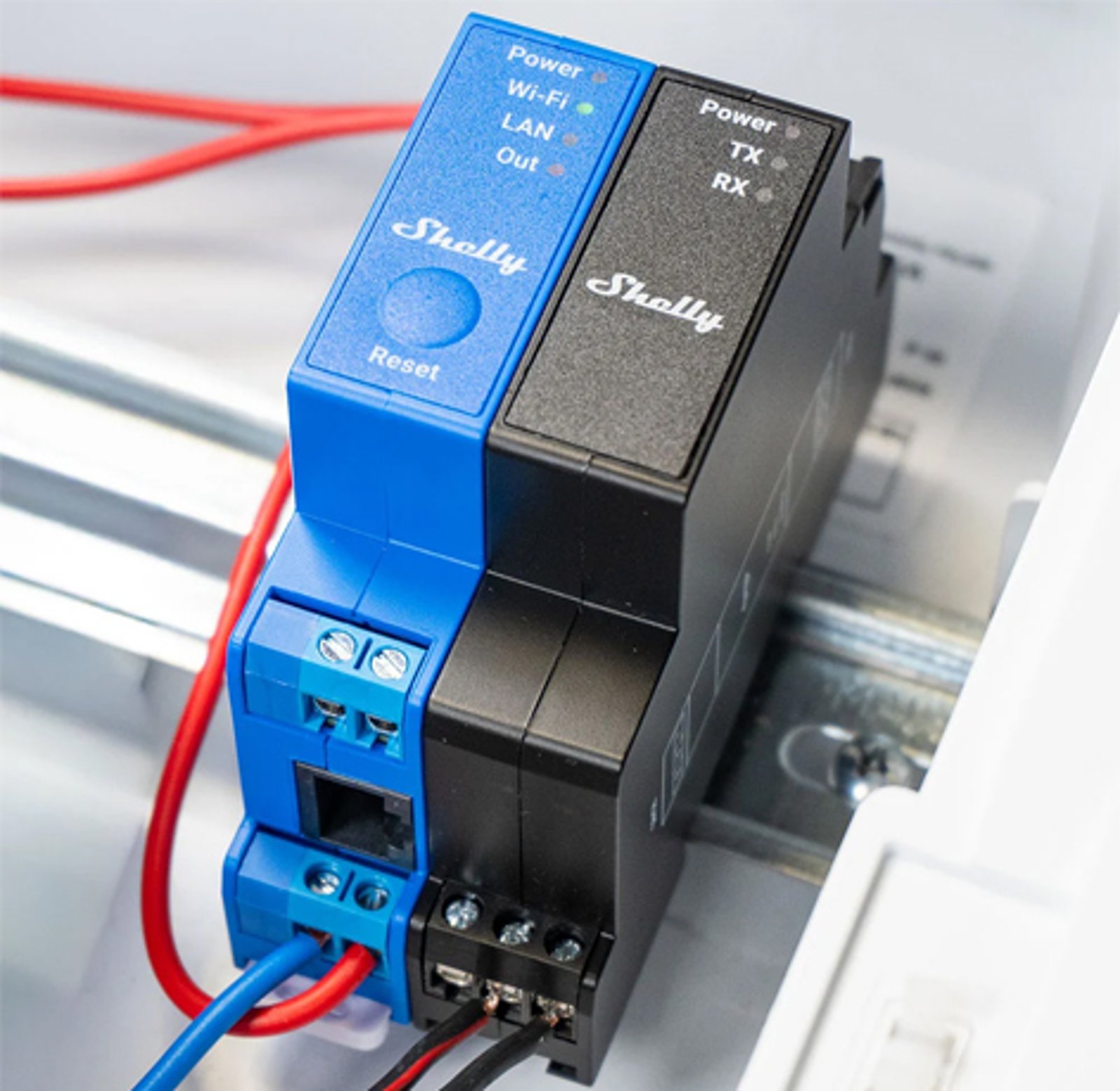
Pro and Mini
Where the module lives
Everything else in the name is about size and place. The standard module sits in the wall box behind your switch, and the Mini is a smaller version of it for when there is very little room left in the box. Pro units are built for the switchboard, clipping onto DIN rail, which is where whole circuits and three-phase work belong.
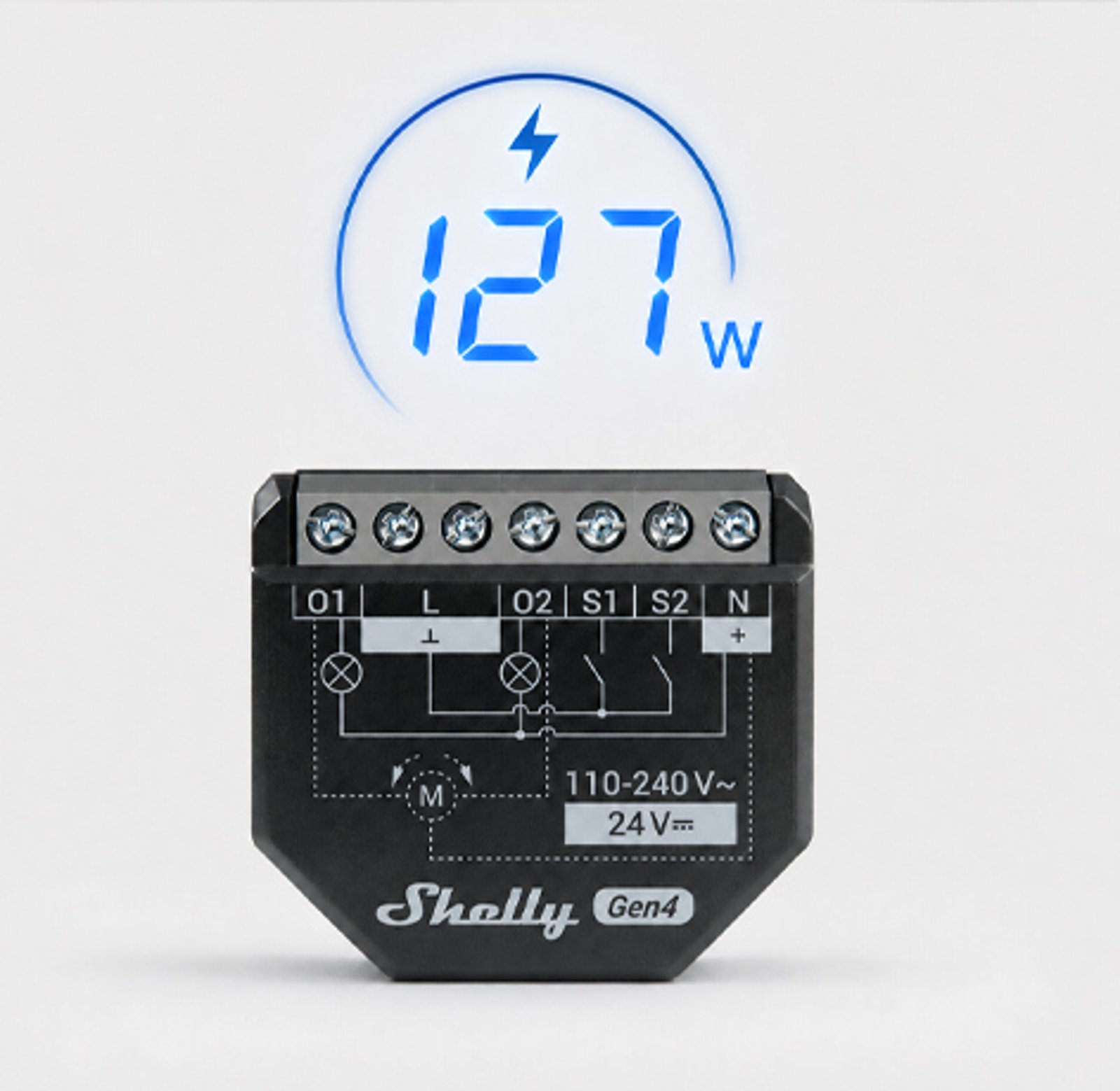
PM
What PM on the end means
PM is power measurement. Those models report what the circuit is drawing and the energy it has used over time, alongside the on or off state, so you can see what a heater or a pool pump actually costs to run. Models without PM switch the circuit and tell you nothing about it.
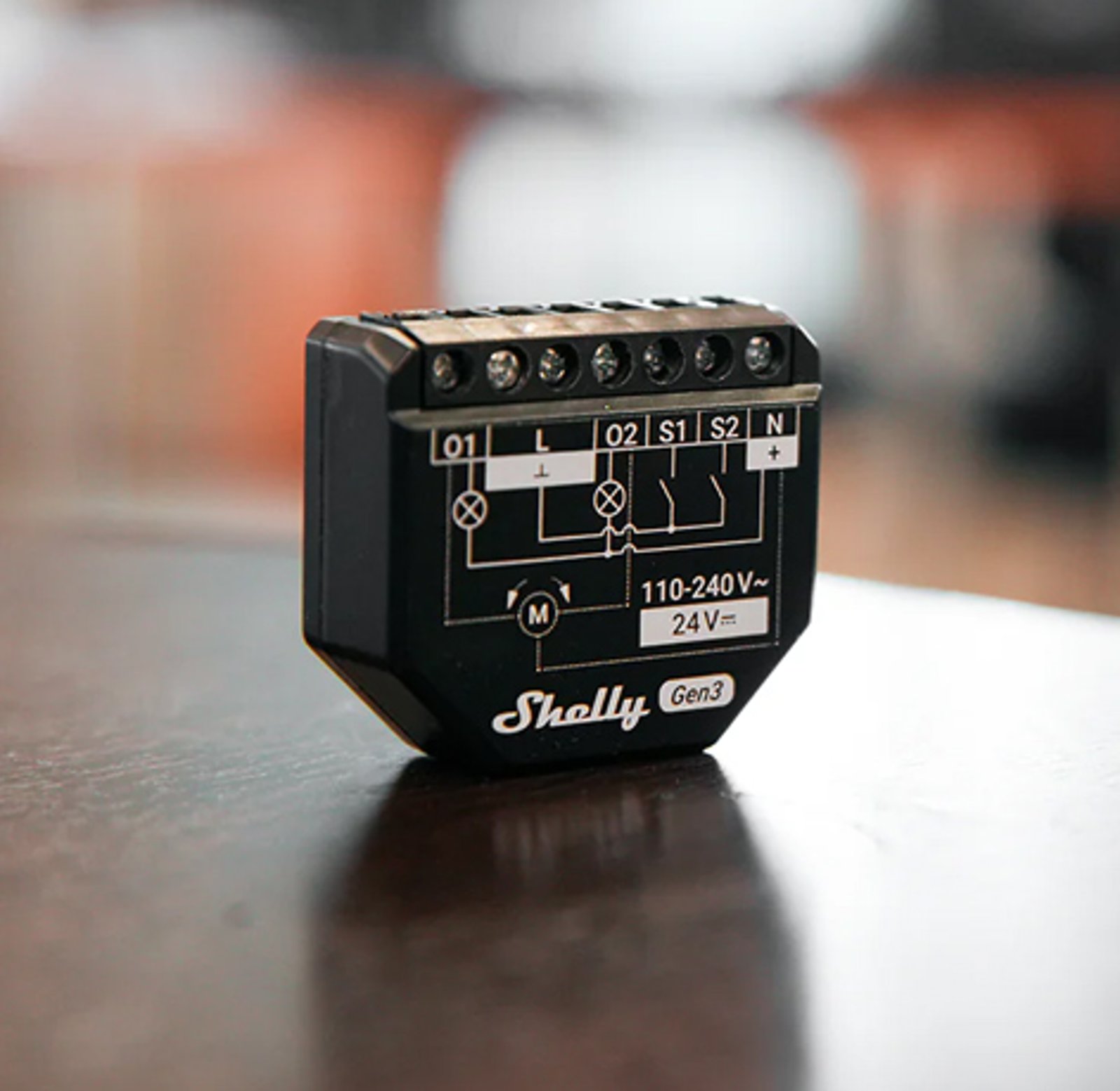
Gen 3 and Gen 4
What the generation changes
The generation tells you which protocols the module speaks. Gen 3 is Wi-Fi and Bluetooth. Gen 4 adds Zigbee and has Matter built in, though it runs one or the other, not both at once. The wiring, the app and the local control are identical. Pro units carry no generation in their name.
The existing controls
Nothing you already use stops working
The switch on the wall keeps doing what it has always done, and so does the button inside the garage. Whatever controls that circuit now carries on working, and the relay adds a second way in from an app, a schedule or a voice assistant. Nobody in the house has to change how they do things.
Smart bulbs
Smart lights that stay reachable
Smart bulbs only work while they have power, so one flick of the wall switch makes them unreachable via an app, like Philips Hue. Set the relay to Detached and the bulbs stay powered while the switch becomes a button your smart home can read, which is how a system like Home Assistant gets the switch and the bulbs working together again.
Works with
Also works with
-
Pairs with Amazon Alexa
-
Pairs with Google Home
-
Pairs with Home Assistant
-
Pairs with SmartThings
Connects over
On Wi-Fi or Ethernet
Joins your home network, so you control it from the app with no hub or bridge.
-
Ethernet
-
Wi-Fi
Bluetooth
Used to set it up, and can also act as a gateway that connects Shelly's Bluetooth sensors, like the BLU Motion, to your network.
-
Bluetooth
Works offline
Keeps working on your home network when the internet is down.
Scripts
12
Give it jobs the app can't
Scripts add jobs the relay can't do with the Shelly app's schedules and actions alone, like acting on the weather forecast or sending an alert to your phone. Each one is a small program that runs on the relay itself: copy it, paste it into the device's script editor and press Start. It doesn't need a hub, a cloud account or a subscription.
-
Heating & hot water Cap how many hours a heater or pump runs each day -
Lighting Control a Philips Hue room from a wall switch -
Garden Garden watering that skips the run when it rains -
Safety Holiday lights that come on at a different time each night -
Heating & hot water Hot water or pool pump on off-peak times, with a boost switch -
Network Internet watchdog that restarts your modem
Scripts are free; installing one takes about two minutes.
Which relay do I need?
Gen3 is the value pick for everyday Wi-Fi setups. Gen4 adds an upgraded processor, Wi-Fi 6 and Zigbee. Matter is on out of the box, so it pairs with Apple Home, Google Home or Alexa directly, without the need for the Shelly app. Pro is built to go inside your switchboard, clipping onto the same DIN rail as your circuit breakers, and connects over Ethernet as well as Wi-Fi.
If you want a reliable relay behind a switch at the lowest price, and you run the Shelly app or Home Assistant over Wi-Fi, Gen3 does the job. For a new setup, Gen4 is the one we'd pick. If you already run a Zigbee network, Gen4 slots straight into it, and because every Gen4 relay is also a Zigbee repeater, each one you add extends and strengthens that network. A relay on Zigbee gives up Matter and its own settings page, so you choose which each one runs. And if you're searching for Gen2, it shipped under different names, the Plus and Pro ranges.
| Feature | Gen3 | Gen4 | Pro This model |
|---|---|---|---|
| Best for | Everyday Wi-Fi setups on a budget | New setups and Matter or Zigbee homes | Switchboards and bigger jobs |
| Connects over | Wi-Fi Bluetooth | Wi-Fi 6 Bluetooth Zigbee | Wi-Fi Bluetooth Ethernet |
| Matter | On some models, turned on in settings | Built in and on by default | Not supported |
| Mounting | Behind the switch or power point | Behind the switch or power point | DIN rail in the switchboard |
| Price from | $24.95 | $34.95 | $89.95 |
| Model | Channels | Energy monitoring | Price |
|---|---|---|---|
| Pro 1 | 1 channel | No | $89.95 |
| Pro 2 | 2 channels | No | $104.95 |
| Pro 3 | 3 channels | No | $134.95 |
| Pro 1PM | 1 channel | Yes | $114.95 |
| Pro 2PM | 2 channels | Yes | $149.95 |
| Viewing: Pro 4PM | 4 channels | Yes | $189.95 |
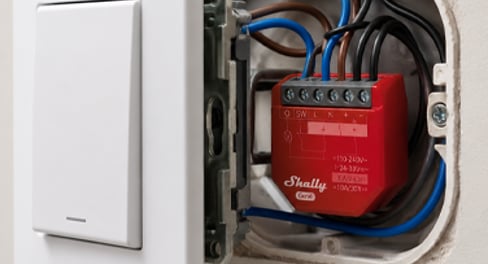
Behind the switch
Fits in the wall cavity behind an existing switch or power point. The switch on the wall stays and still works; the relay sits behind it and makes the circuit smart.
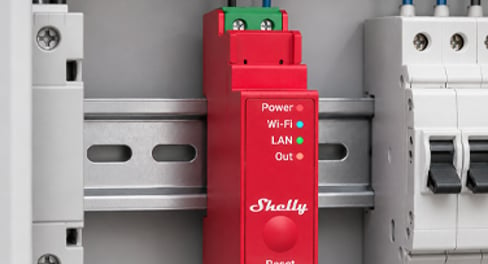
In the switchboard
Clips onto the standard rail in your switchboard, next to the circuit breakers. Keeps everything in one serviceable spot, which suits whole-home installs and bigger jobs.
What's a channel?
A channel is one output the device controls on its own. On a relay, each channel switches one circuit, so a 2-channel relay runs two lights separately. On an LED strip controller, each channel drives one colour line of the strip.
What does energy monitoring do?
The relay measures how much power the circuit is drawing and reports it in the app, so you can see what a heater or pool pump actually costs to run and build automations around usage. Models without it still switch as normal; they just don't measure.
Specifications & Installation
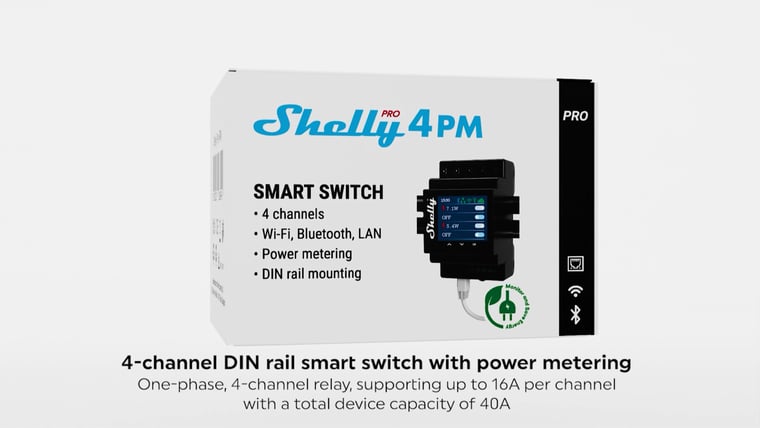
Setup · 2:20
How to install it
Shelly's own step-by-step install, from isolating the power to mounting it on the DIN rail and wiring it in.
Watch setup videoNo specifications match.
Build
- Type
- Module
- Module size
- 3 modules
- Channels
- 4 channels Also available: One channel · Two channels
- Form
- DIN-rail
- Housing material
- Plastic
- Power
- Hardwired
- Supply voltage
- 110–240 V
- Standby power
- < 4 W
- Generation
- Gen2
- Max current per circuit
- 16 A
- Neutral required
- Yes
- Power supply voltage DC
- N/A
- Neutral not needed
- No
- Dry-contact mode
- No
- Energy monitoring
- Yes
- Drives blinds & shutters
- No
- Local control
- Yes
- Standard
- 802.11 b/g/n
- Range (indoors)
- 30 metres
- Version
- 4.2
- Range (indoors)
- 10 metres
- Operating temperature
- -20–40 °C
- Operating humidity
- 30–70 % RH
- Max altitude
- 2000 metres
- Size (HxWxD)
- 96x53x59 ±0.5 mm / 3.78x2.01x2.32 ±0.02 in
- Mounting
- DIN rail
- Screw terminals max torque
- 0.4 Nm / 3.5 lbin
- Conductor cross section
- 0.5 to 2.5 mm² / 20 to 14 AWG
- Conductor stripped length
- 6 to 7 mm / 0.24 to 0.28 in
- Color
- Black
- Max switching voltage AC
- 240 V
- Max switching voltage DC
- N/A
- Max switching current AC
- 16 A per channel, 40 A total
- Max switching current DC
- N/A
- Voltmeter (AC)
- Yes
- Ammeter (AC)
- Yes
- Internal-temperature sensor
- Yes
- RF band
- 2400 - 2495 MHz
- Max. RF power
- <20 dBm
- CPU
- ESP32-D0WDQ6
- Flash
- 8 MB
- Schedules
- 20
- Webhooks (URL actions)
- 20 with 5 URLs per hook
- Scripting
- Yes
- MQTT
- Yes
- CoAP
- No
- SKU
- SHE-RLY-0017
- MPN
- SPSW-104PE16EU
- Barcode
- 3800235268049
What you can do with it

A warm towel rail on winter mornings
Schedule the rail for weekday mornings and it's warm when you step out of the shower, off again before you leave. No more discovering it's been heating an empty house all day. Control with any of


Outdoor lights on at sunset, off at midnight
Porch, path and garden lights follow the sun through the year without you touching a switch. Run the lights you have from a Shelly relay, or fit Philips Hue outdoor lights, and set it up in their app or Home Assistant. Control with any of 

Run the pool pump when it costs less
The pool pump is one of the hungriest circuits in most houses, so schedule its runs into off-peak windows and see what each one uses. Changing the season's run times happens from the couch, not the pump shed. Control with any of 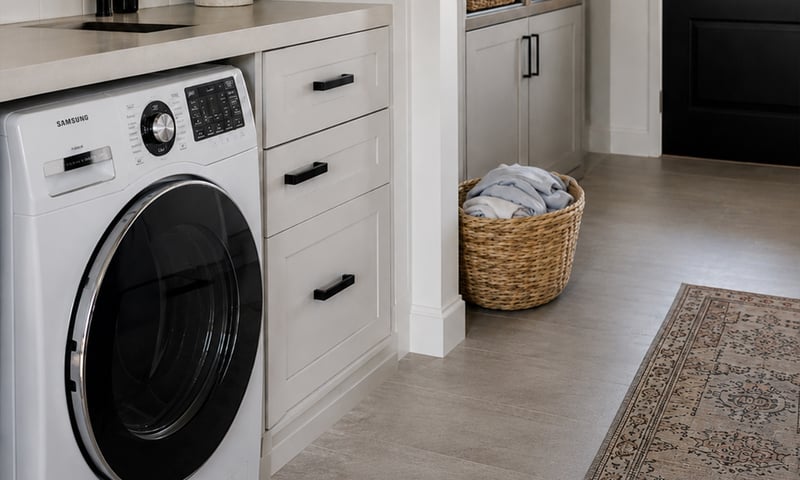
Switch off an appliance left running
A metering relay on the heater's supply switches it off after the time you set, and can message you when it has been drawing power too long. The same alert can tell you the washing has finished. Control with any of Common questions
Quick answers before you buy. We test this gear ourselves. Can't find yours? Ask our Melbourne team
Yes, and it's a familiar job for one. Pro models clip onto the DIN rail in your switchboard like any other module, and in Australia switchboard work is done by a licensed electrician.
In the switchboard. Pro models mount on a DIN rail alongside your breakers and add an Ethernet port for wired control, which is the right shape for whole-home and multi-circuit installs.
Yes. This model meters its own output, so the app shows live power draw and consumption history. You can also set thresholds and have the relay switch off on them.
No. It connects to your Wi-Fi and works from the Shelly app with no hub and no subscription. Schedules and automations run on the device itself, so they keep working if the internet drops out.
Shelly · Pro 4PM Smart Relay