

















Calculator Ecosystems
Which Shelly do I need?
Tell us the job, and where it matters, the wiring and how you want to control it, and we'll tell you which model to buy.
By Synced Updated 15 October 2026 6 min read

Question 1
What do you want to do?
Shop
Filtered to your matches Every Shelly we stock
The whole curated range. The picker above filters this same list down to your match.
-
-
-
-
-
-
-
-
-
-
-
-
-
-
-
-
-
-
-
-
-
-
-
-
-
-
-
-
- New
-
- New
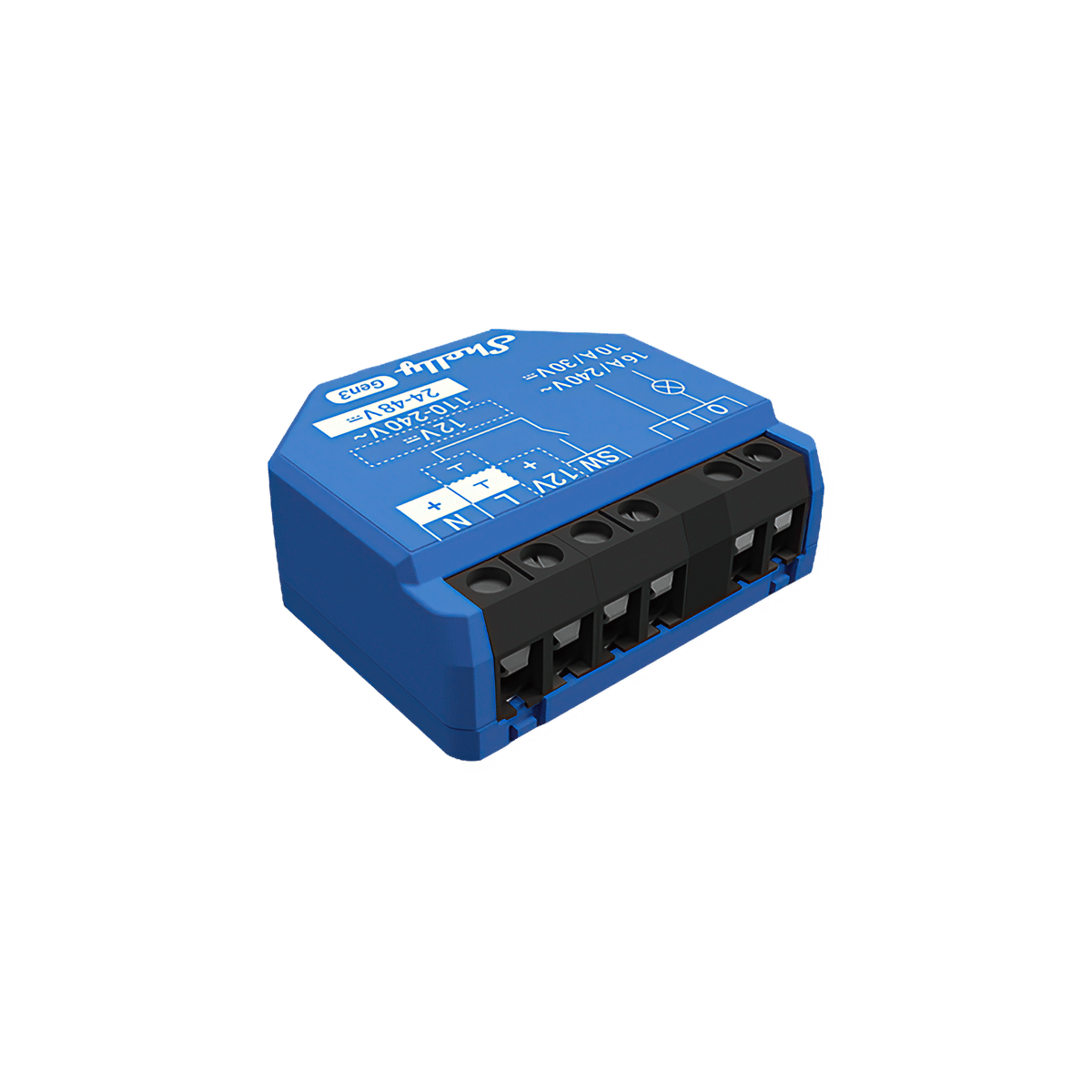


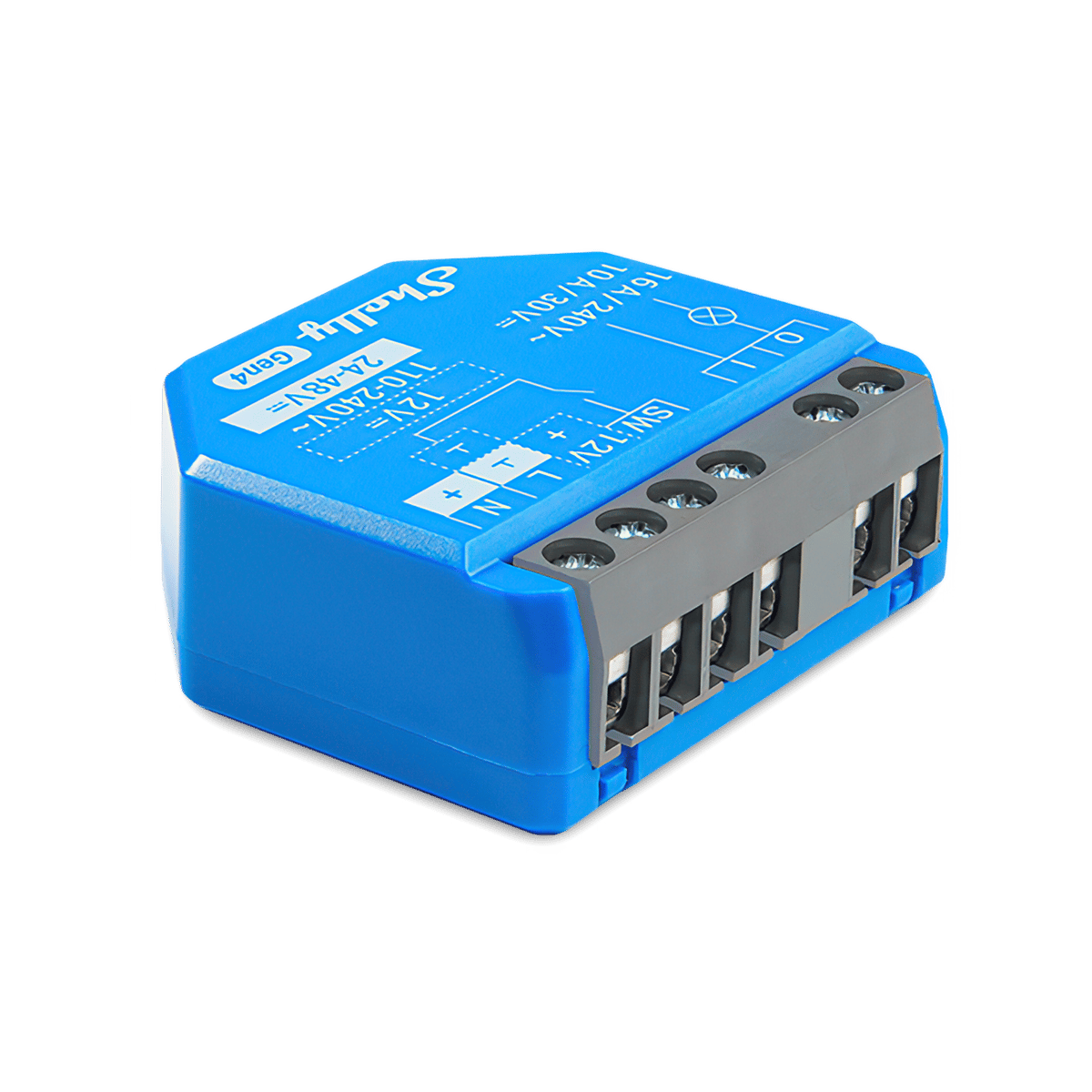


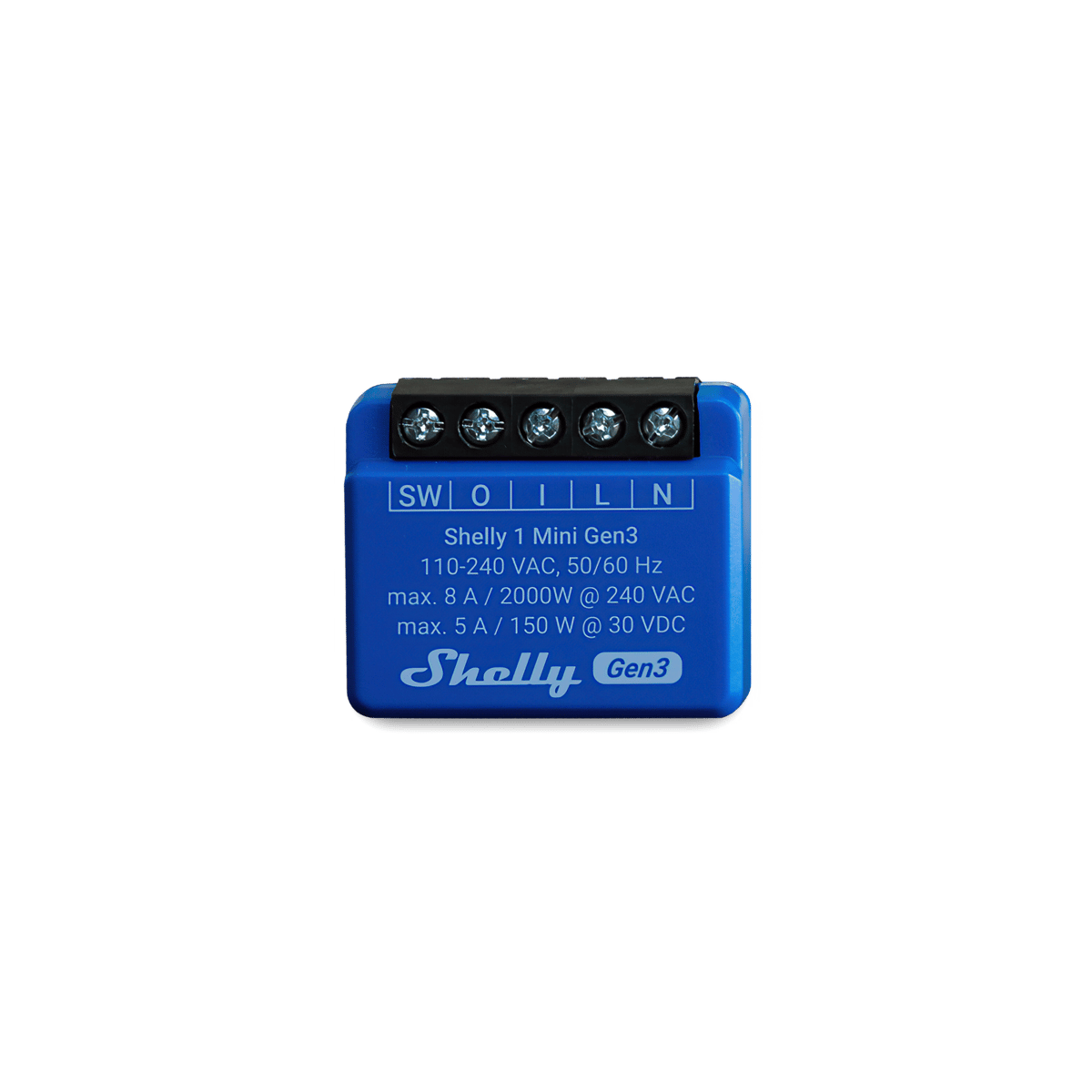
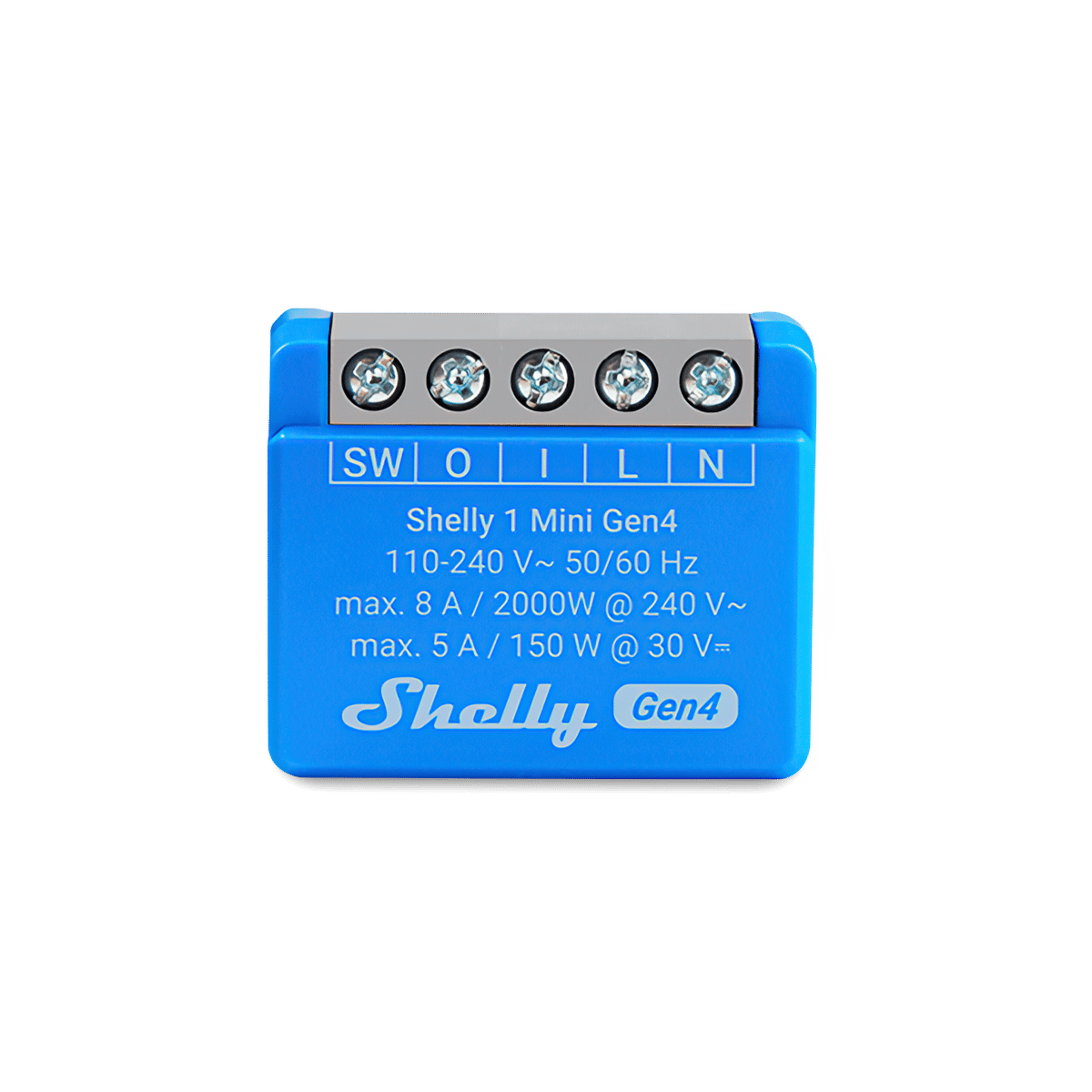
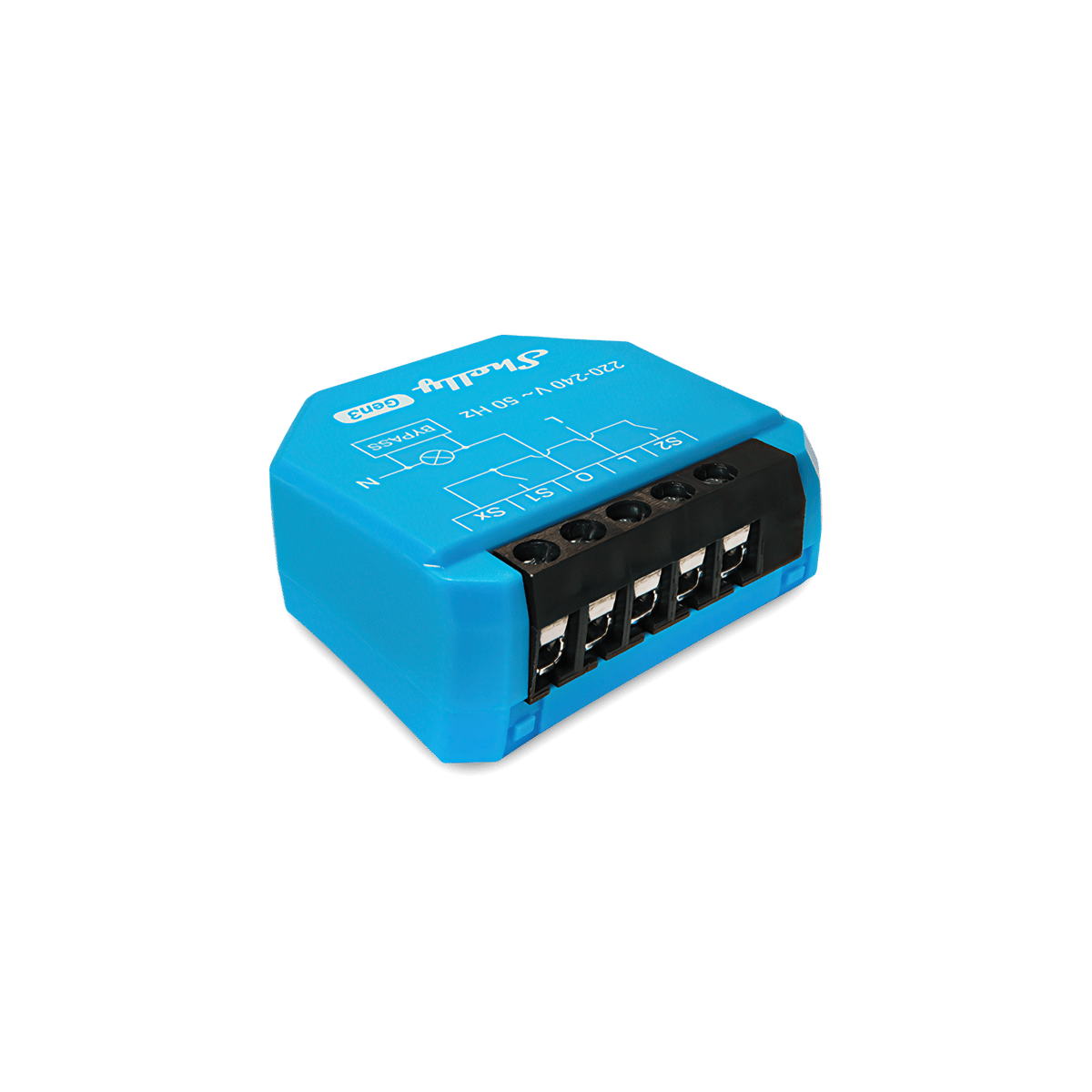
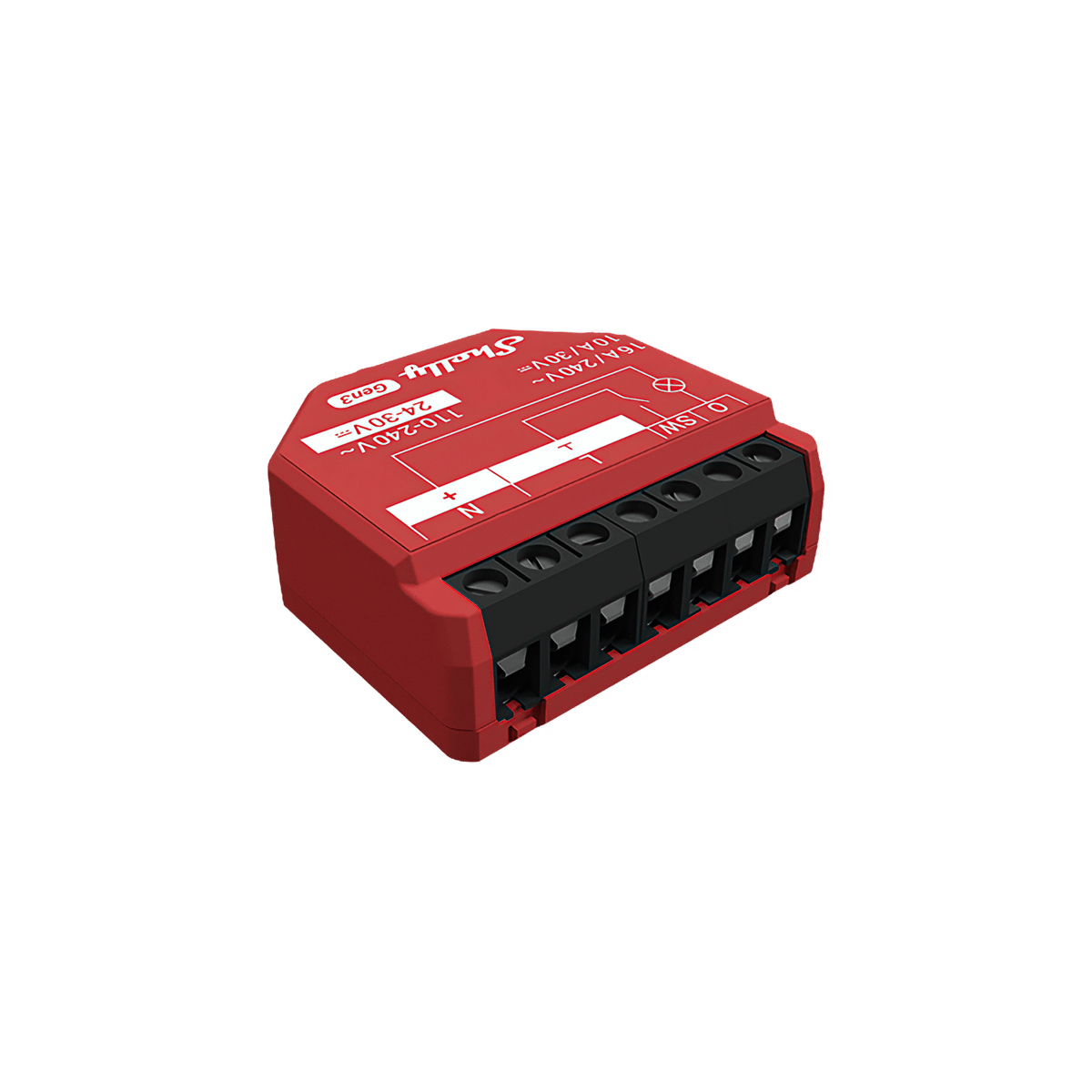
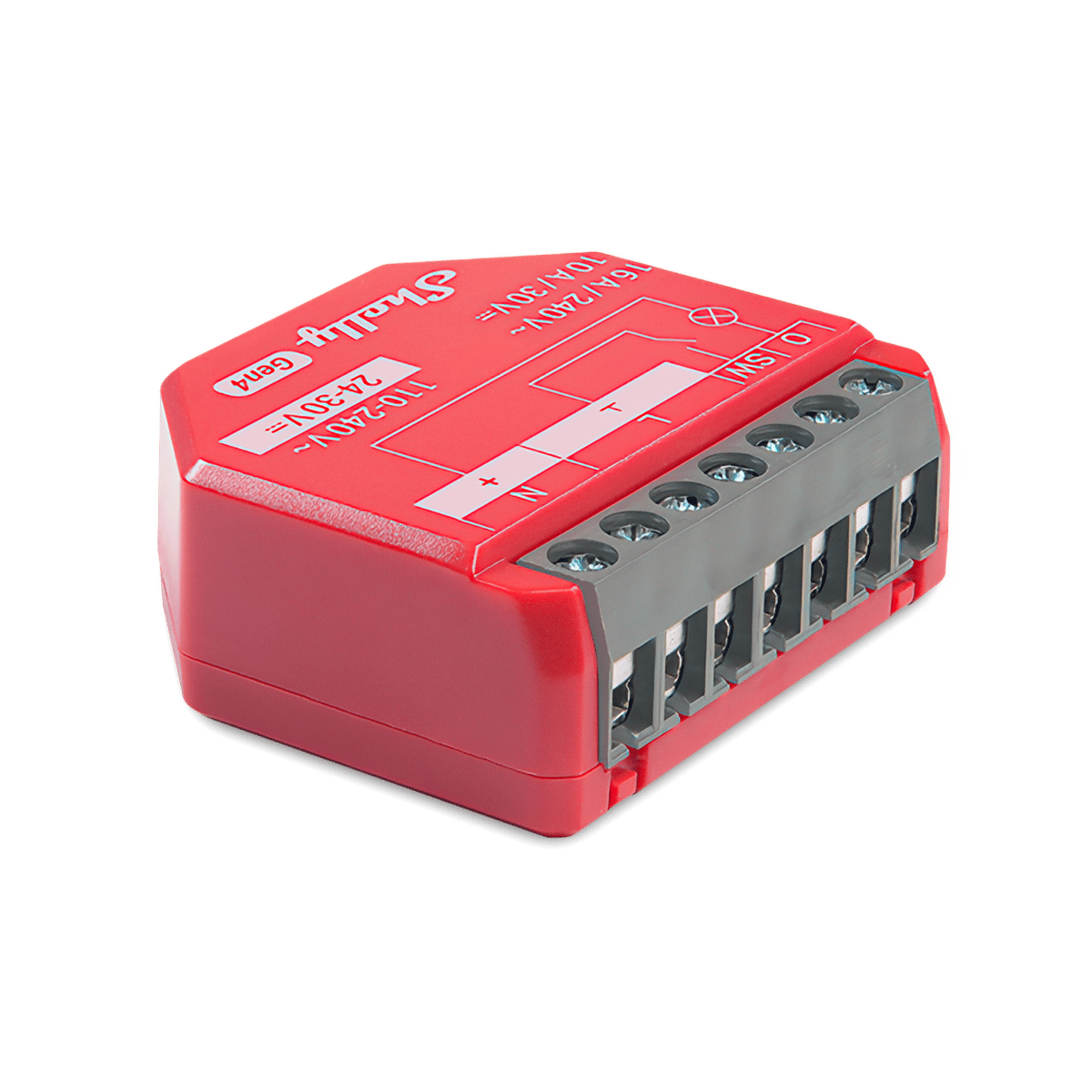
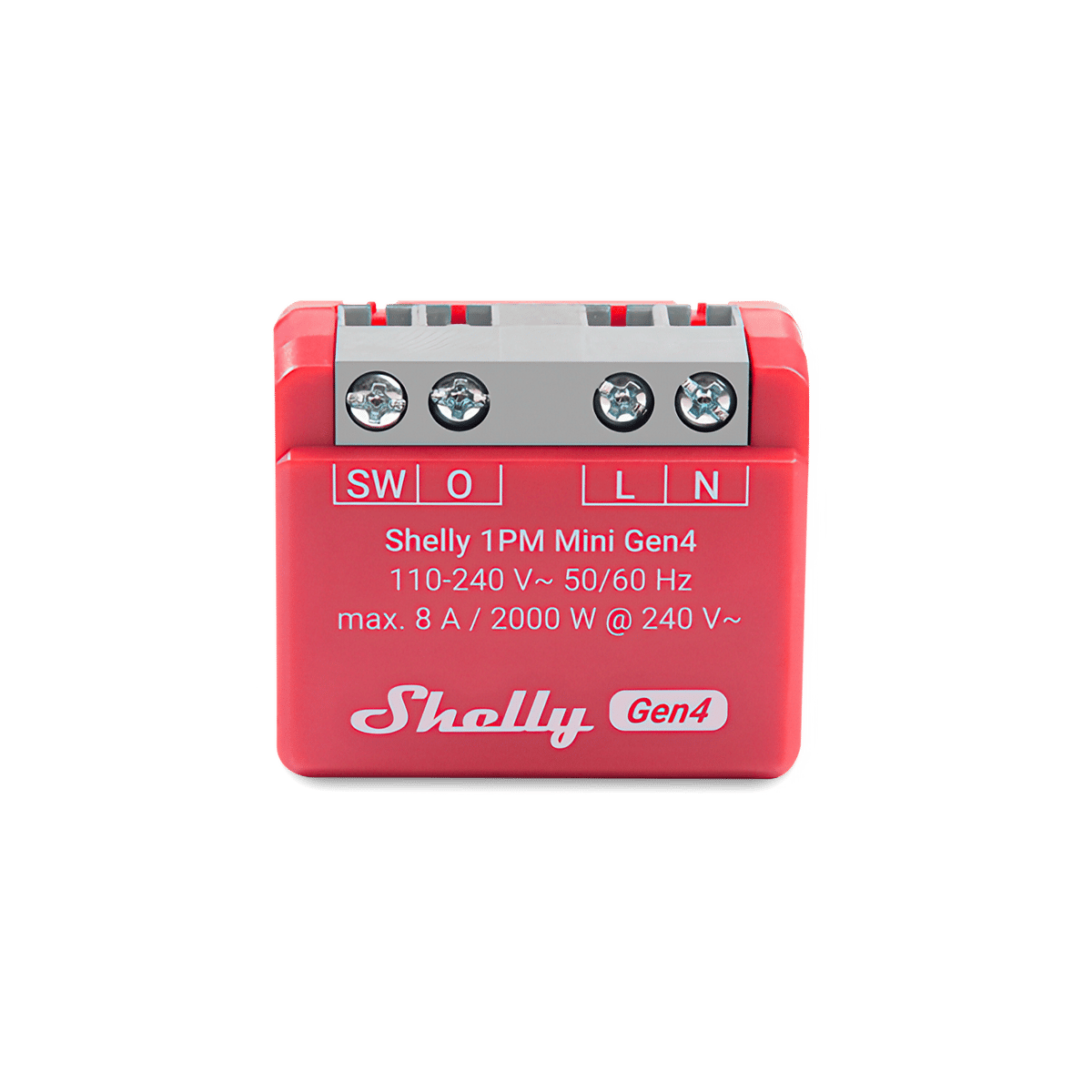
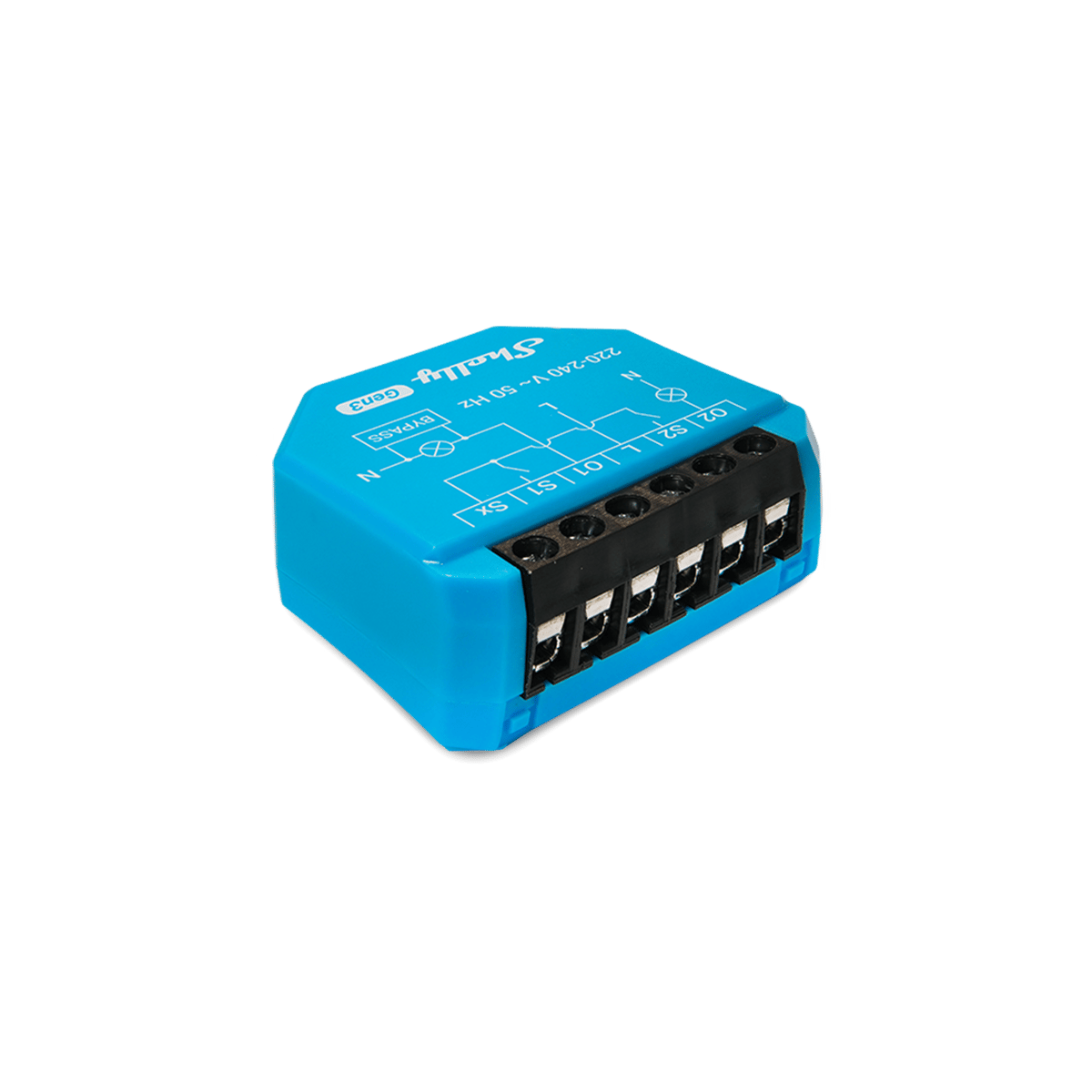
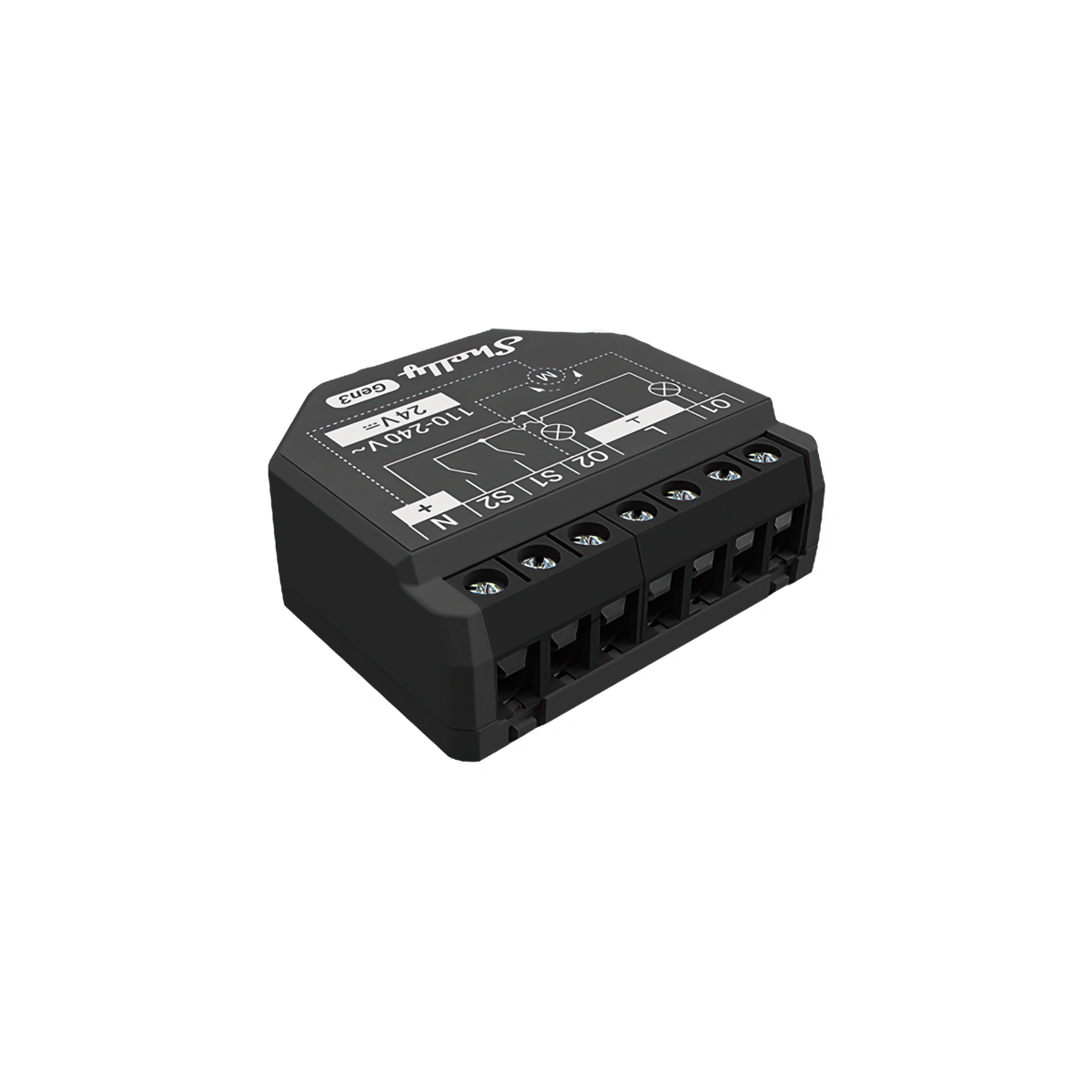
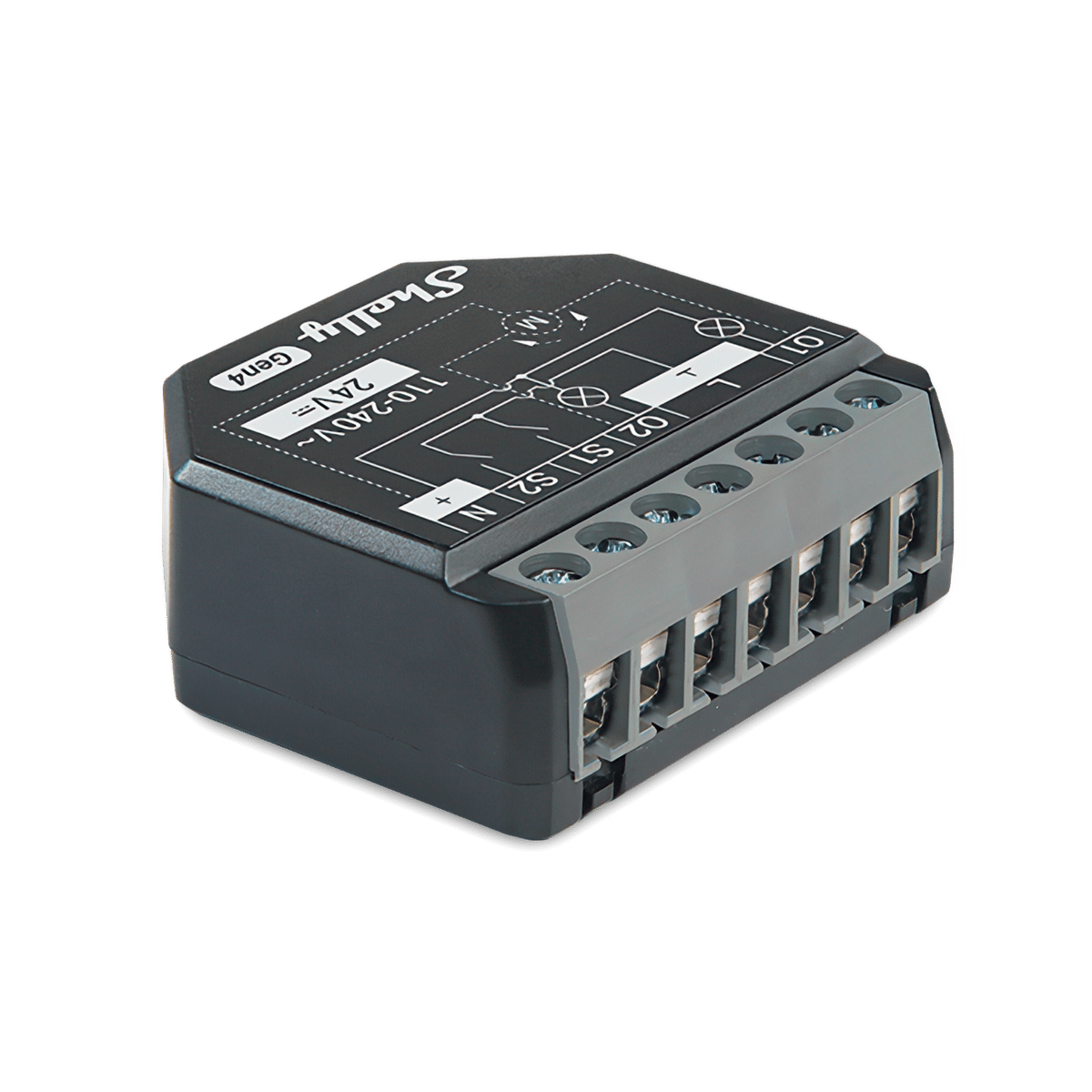
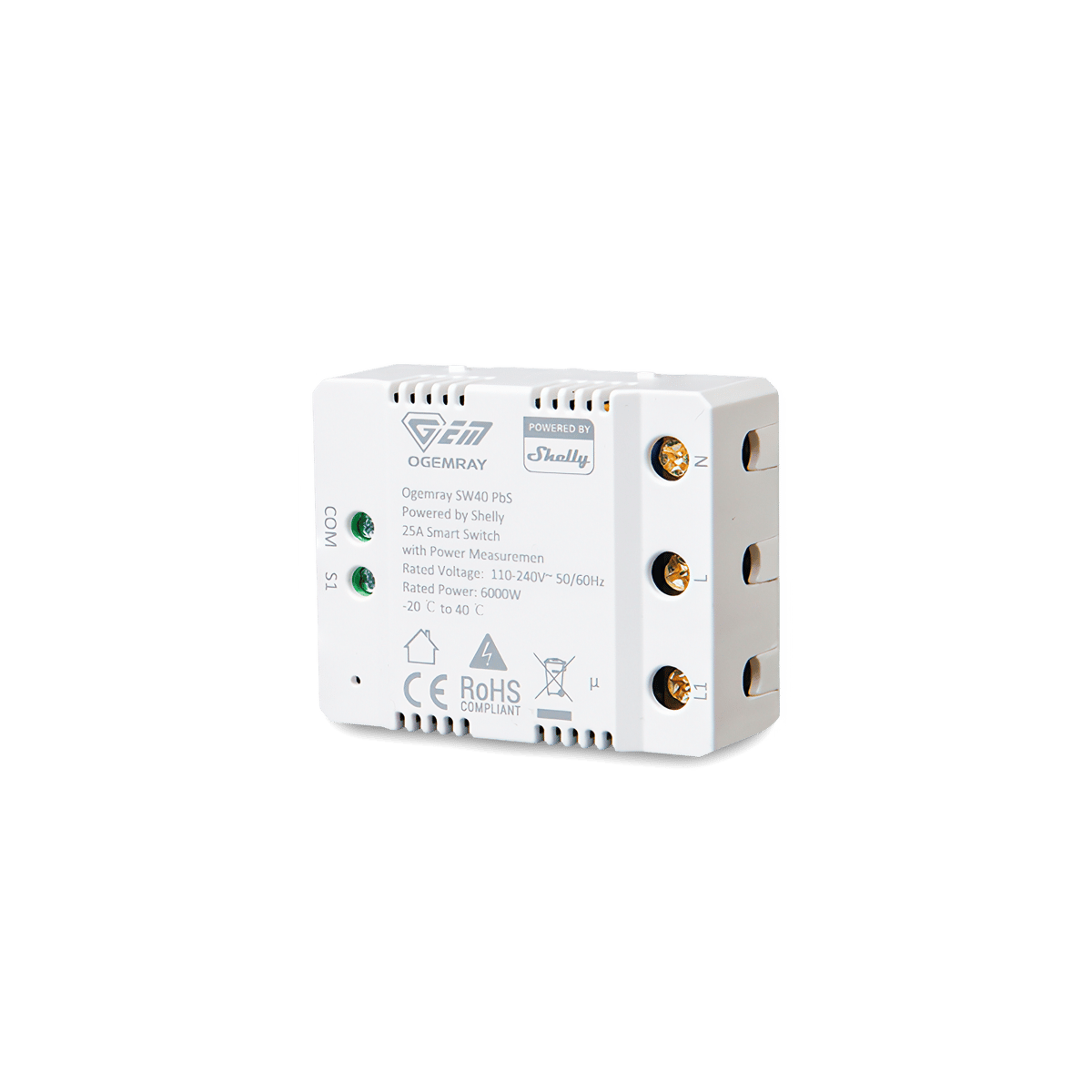

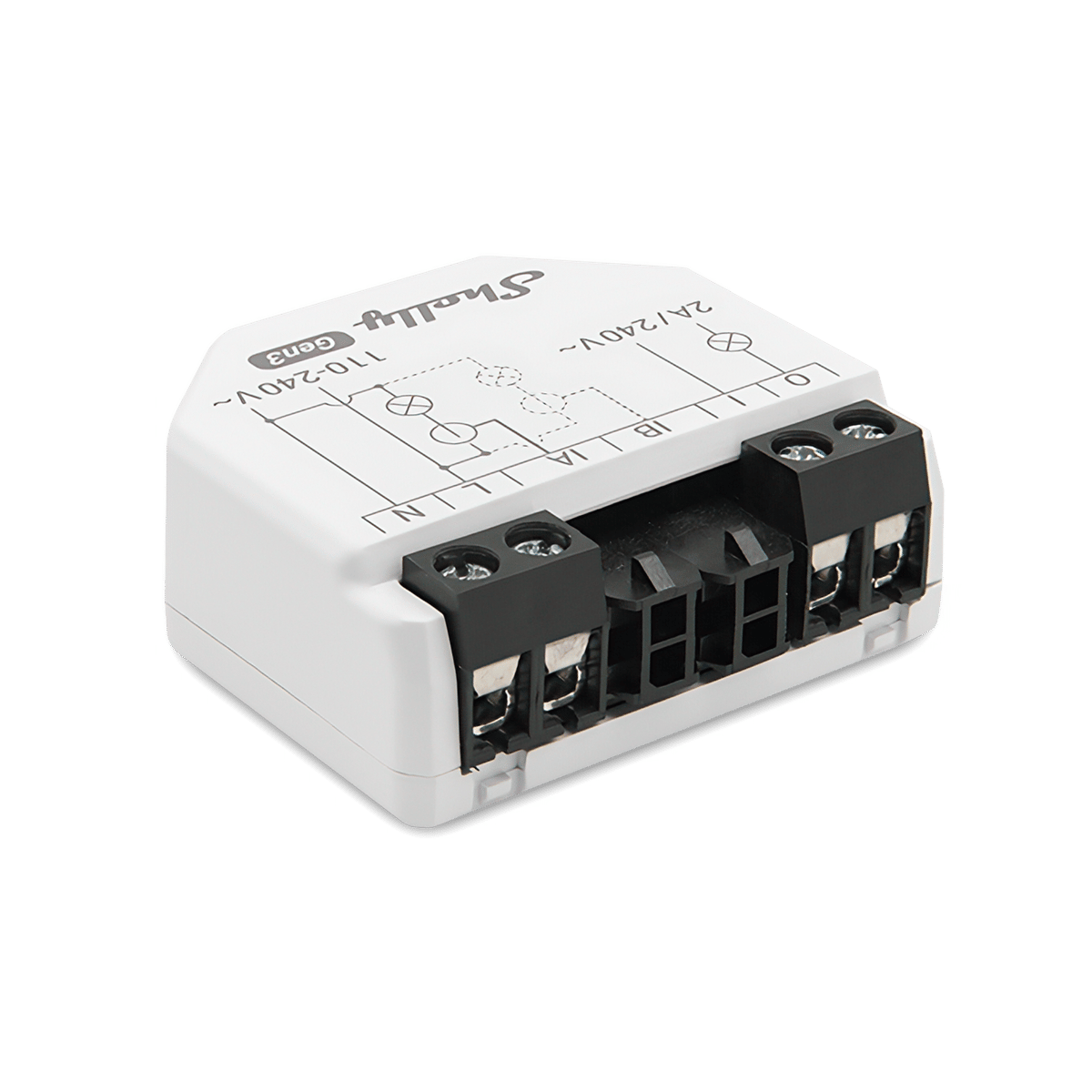
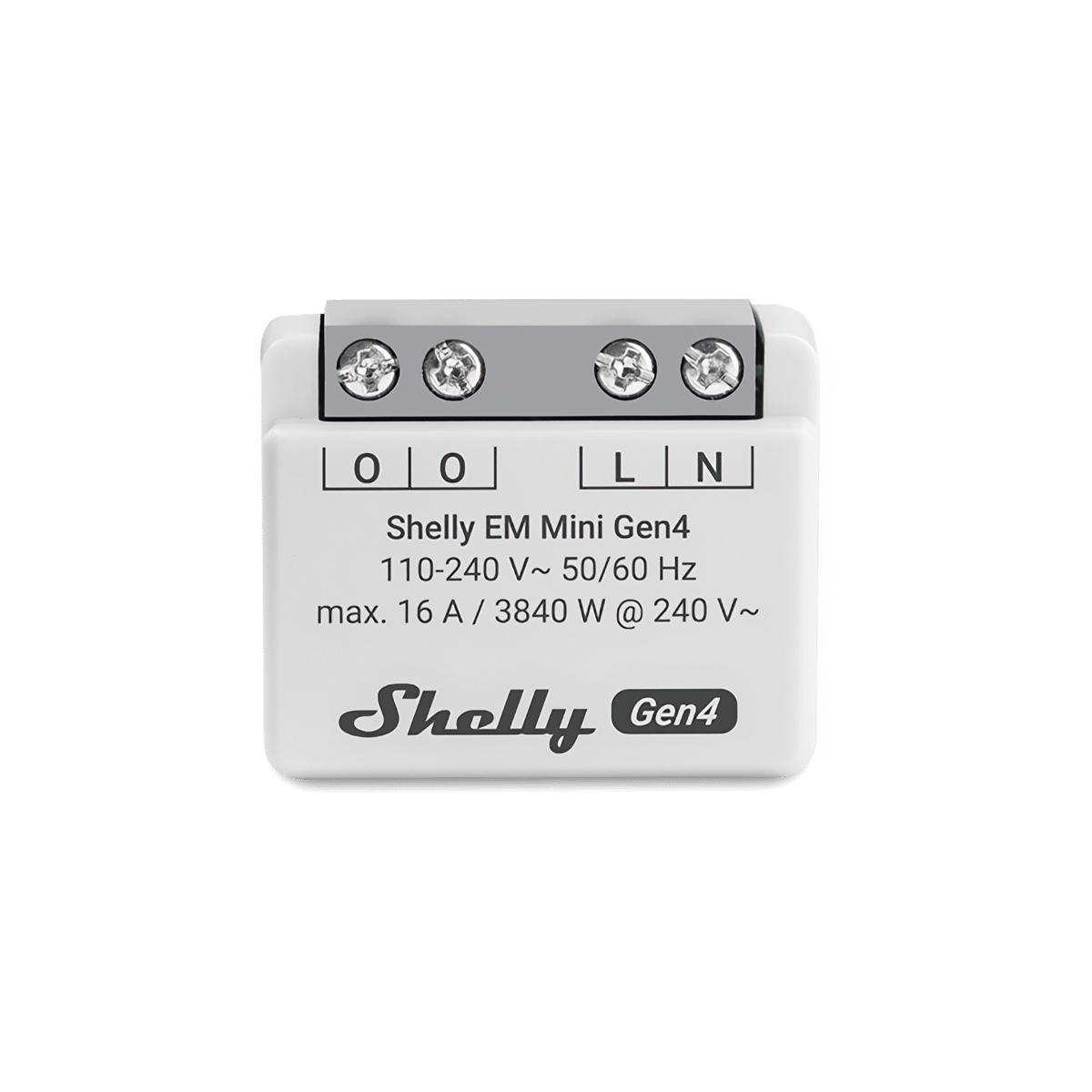
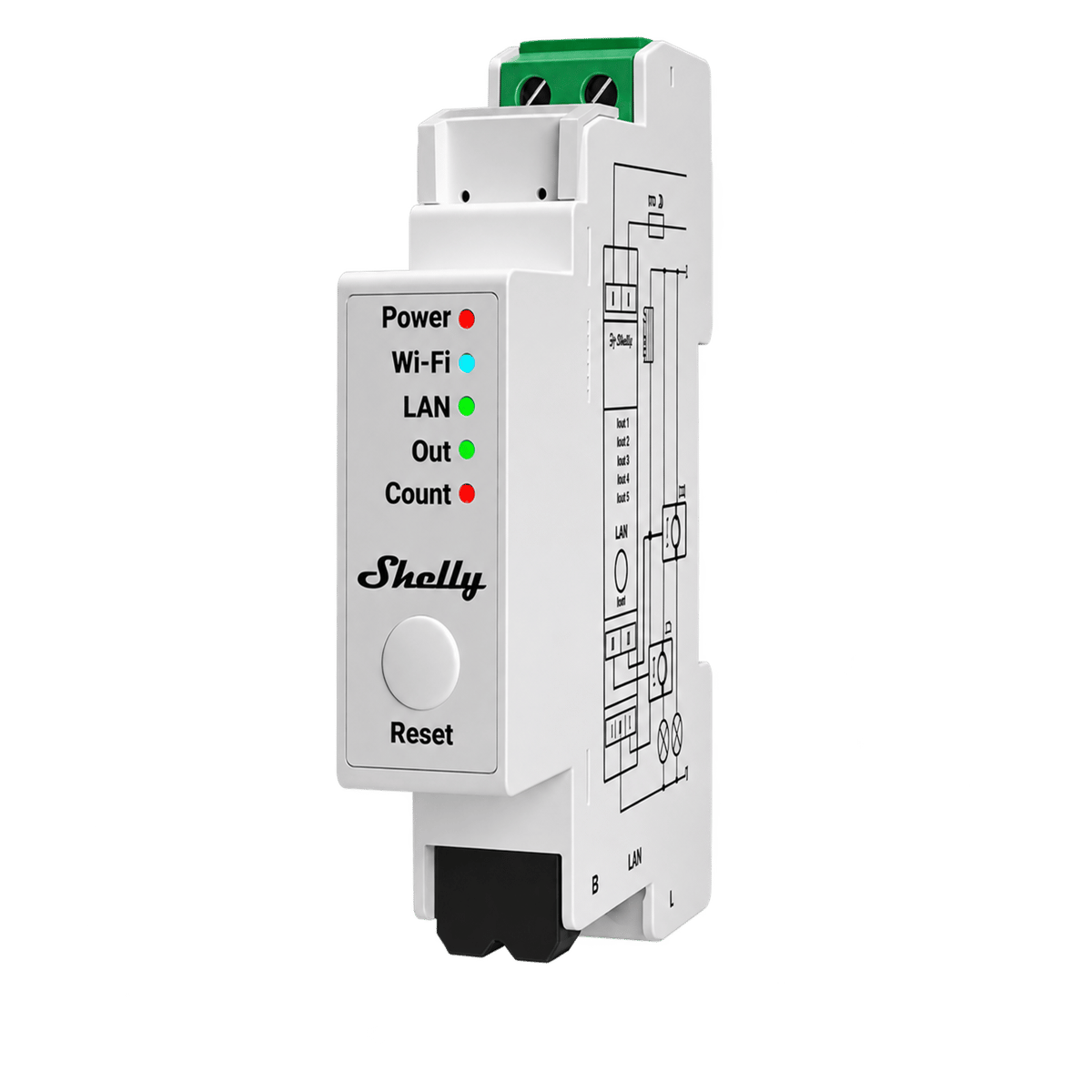
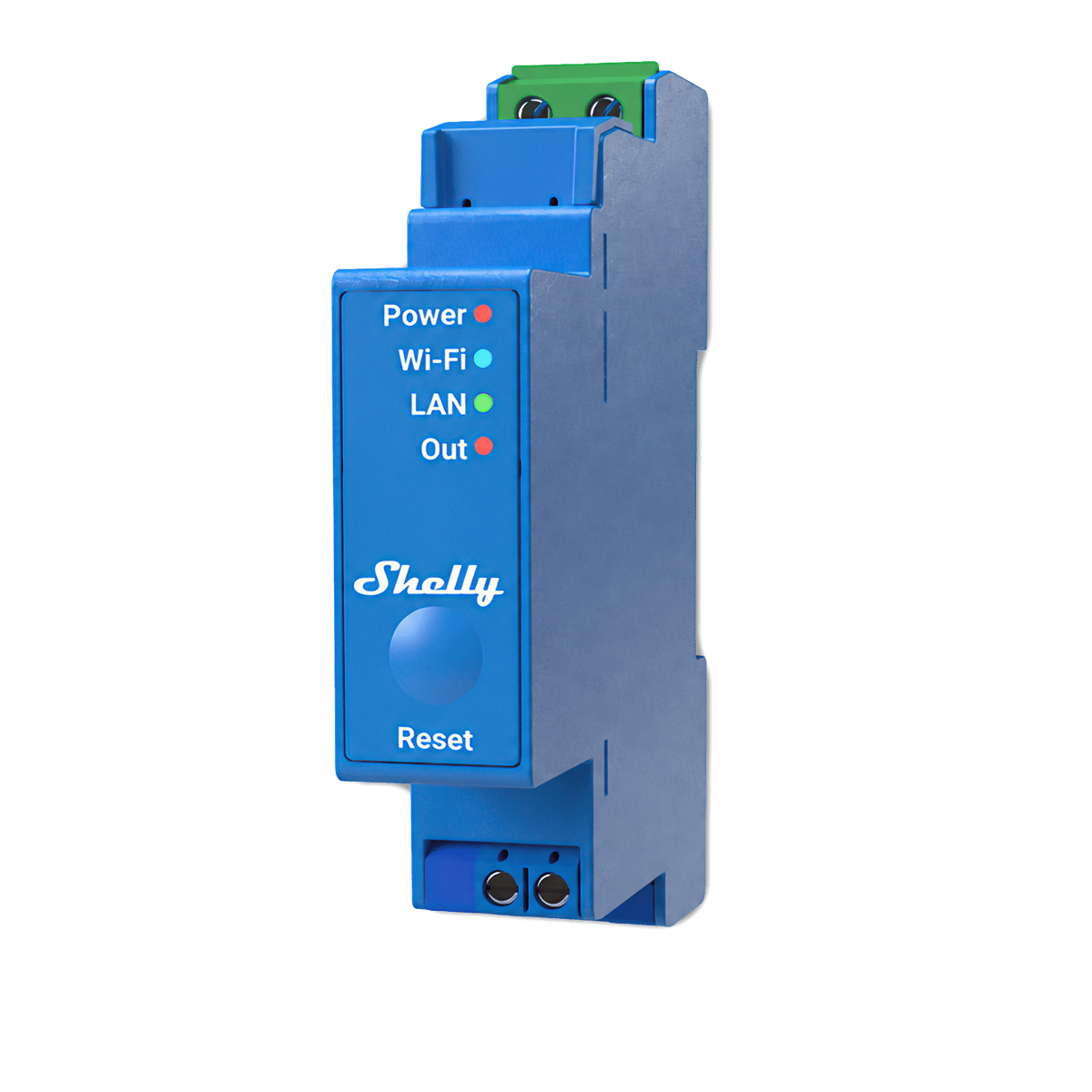
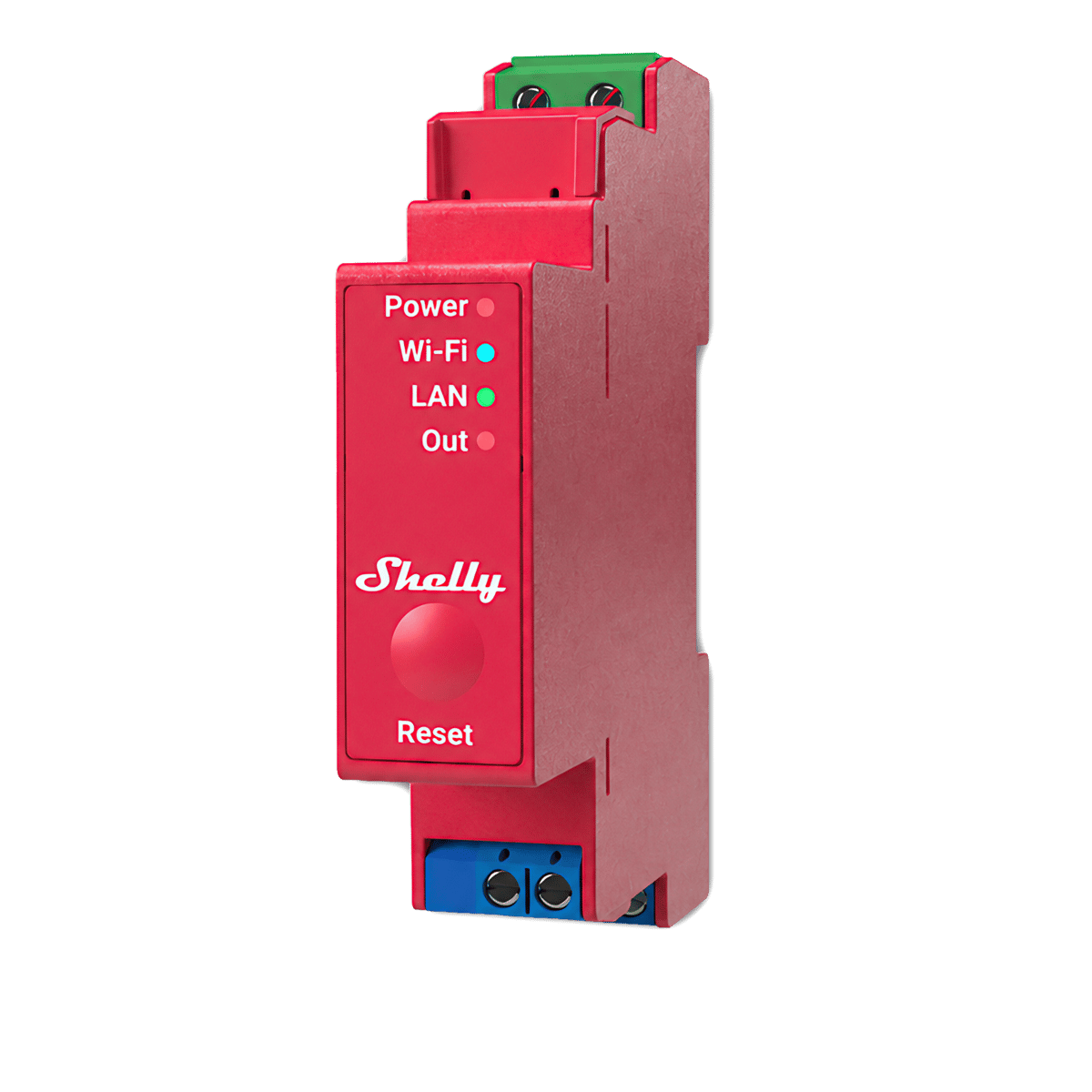
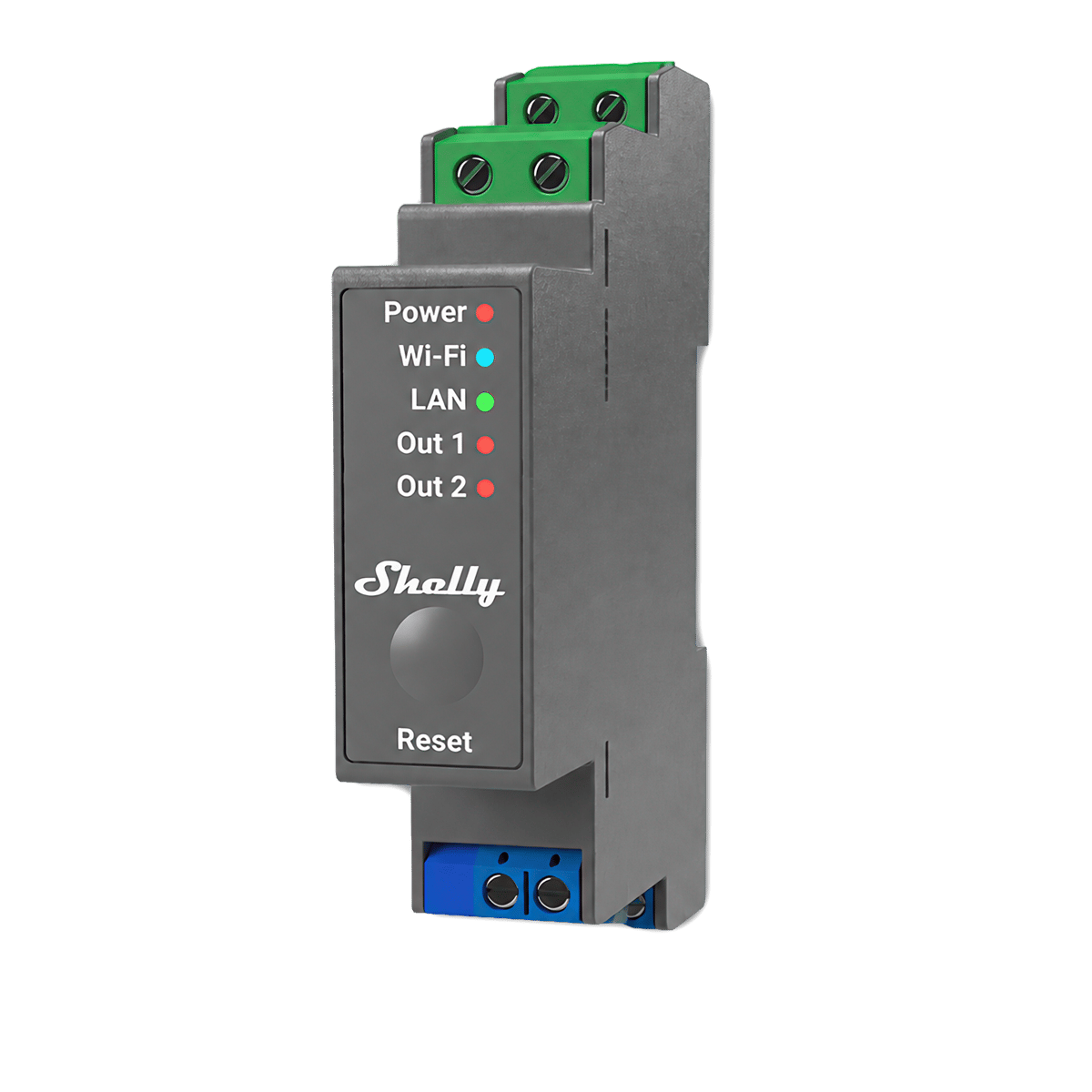
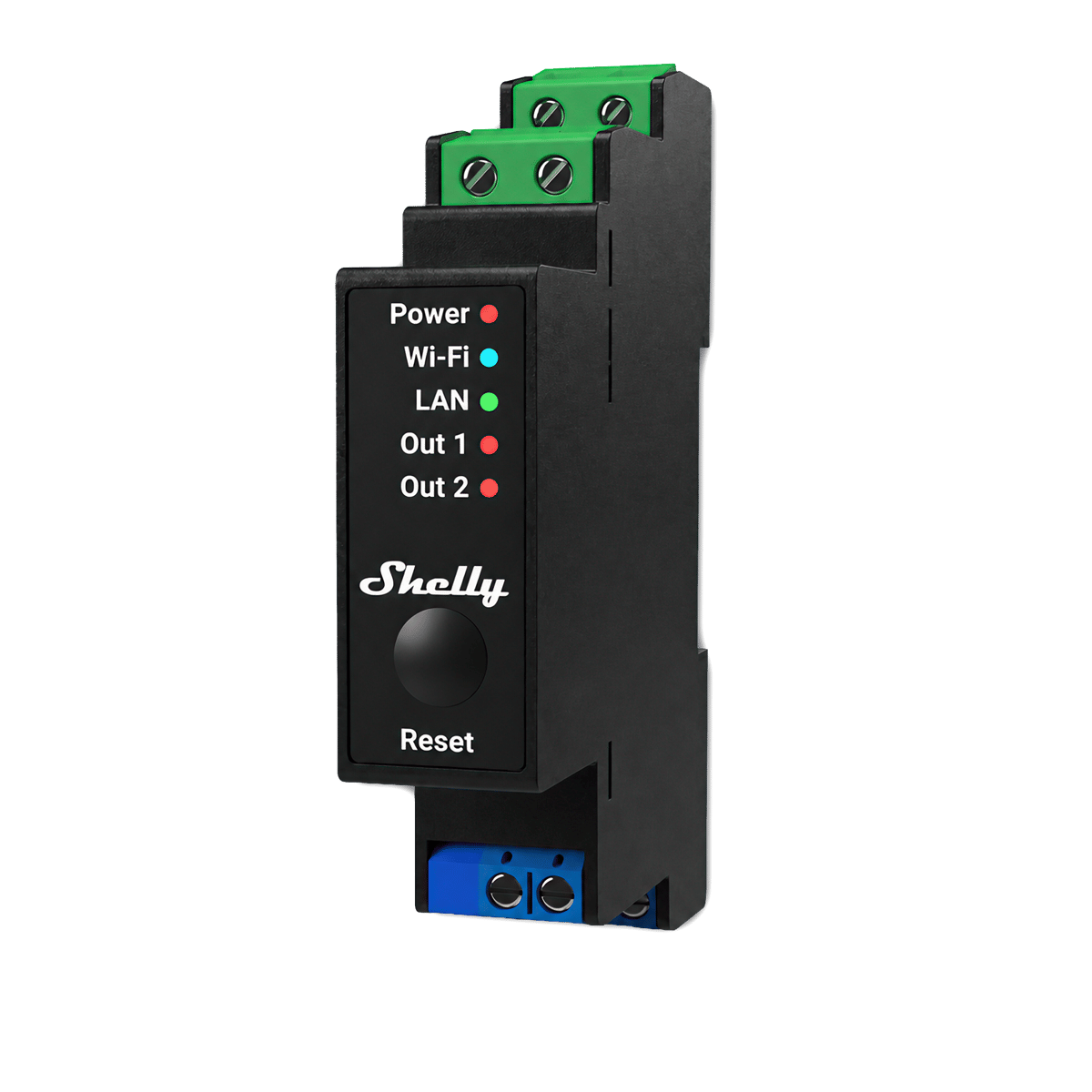
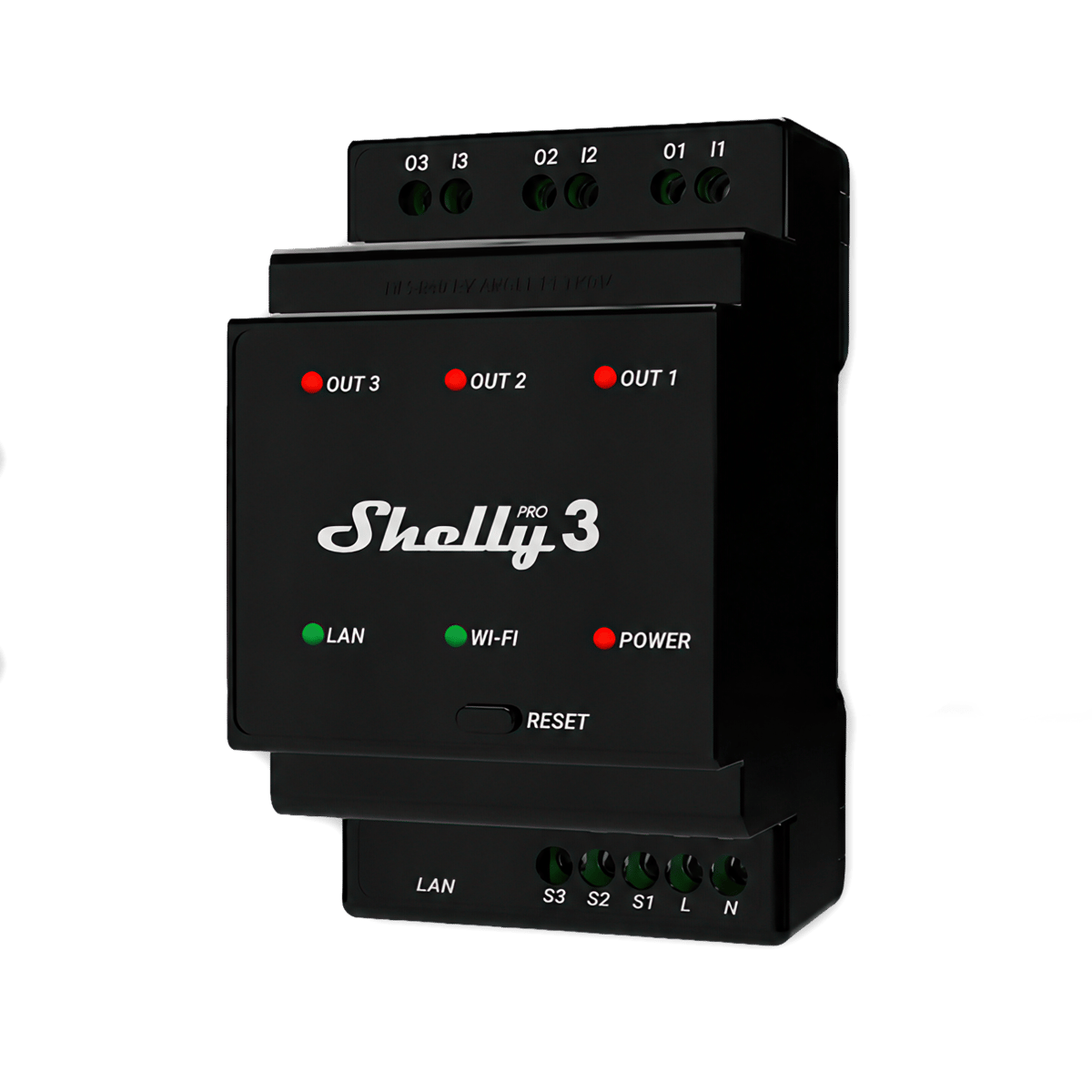
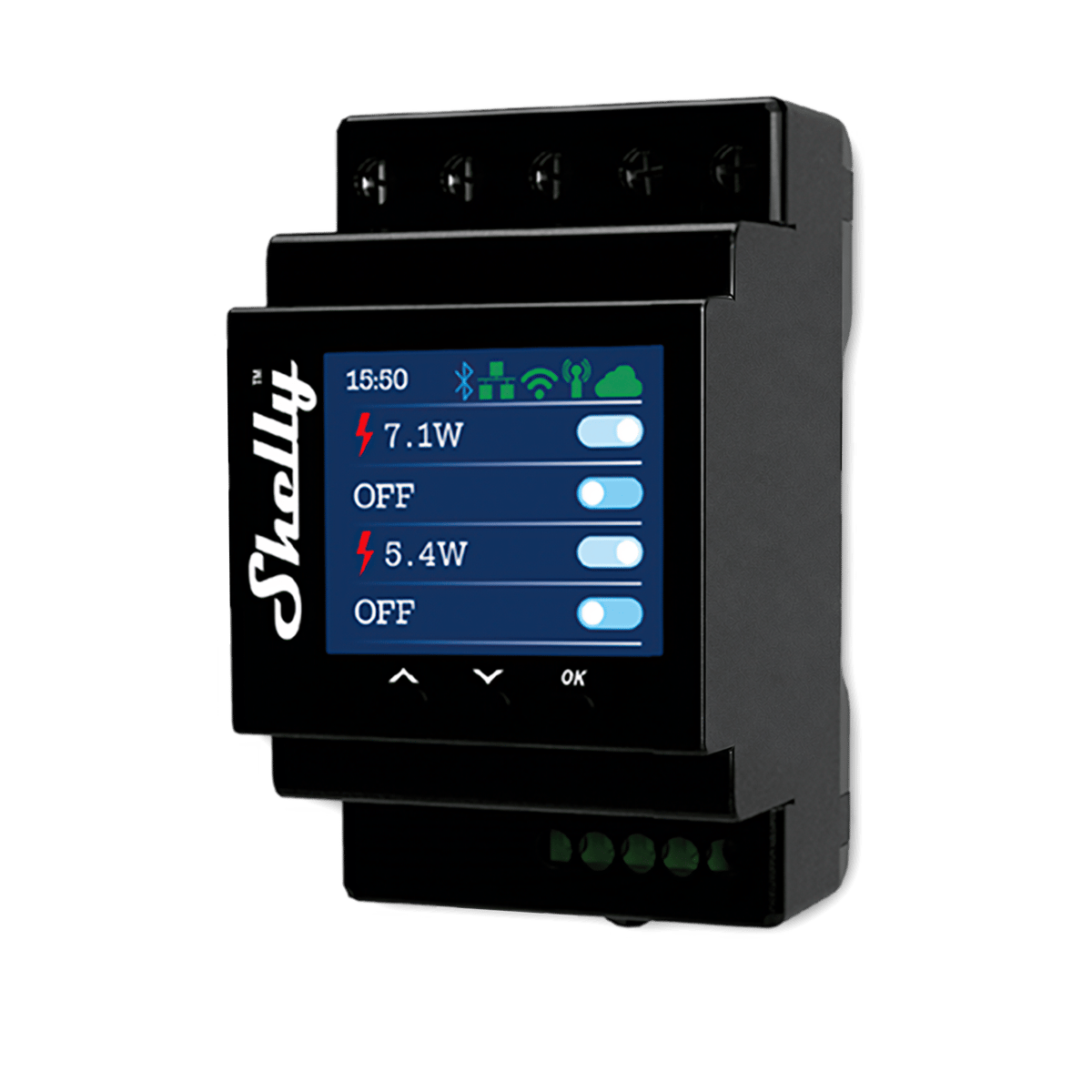
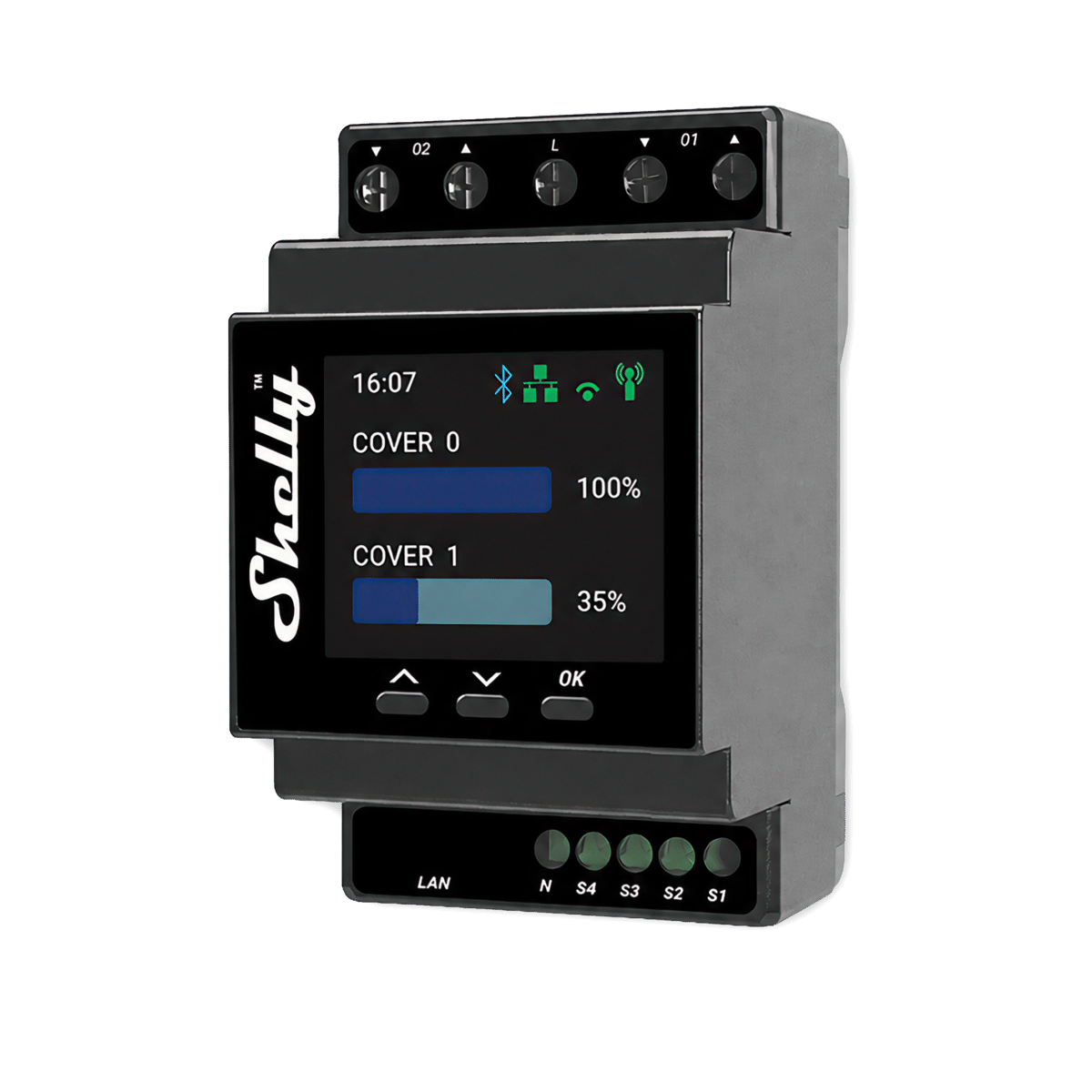
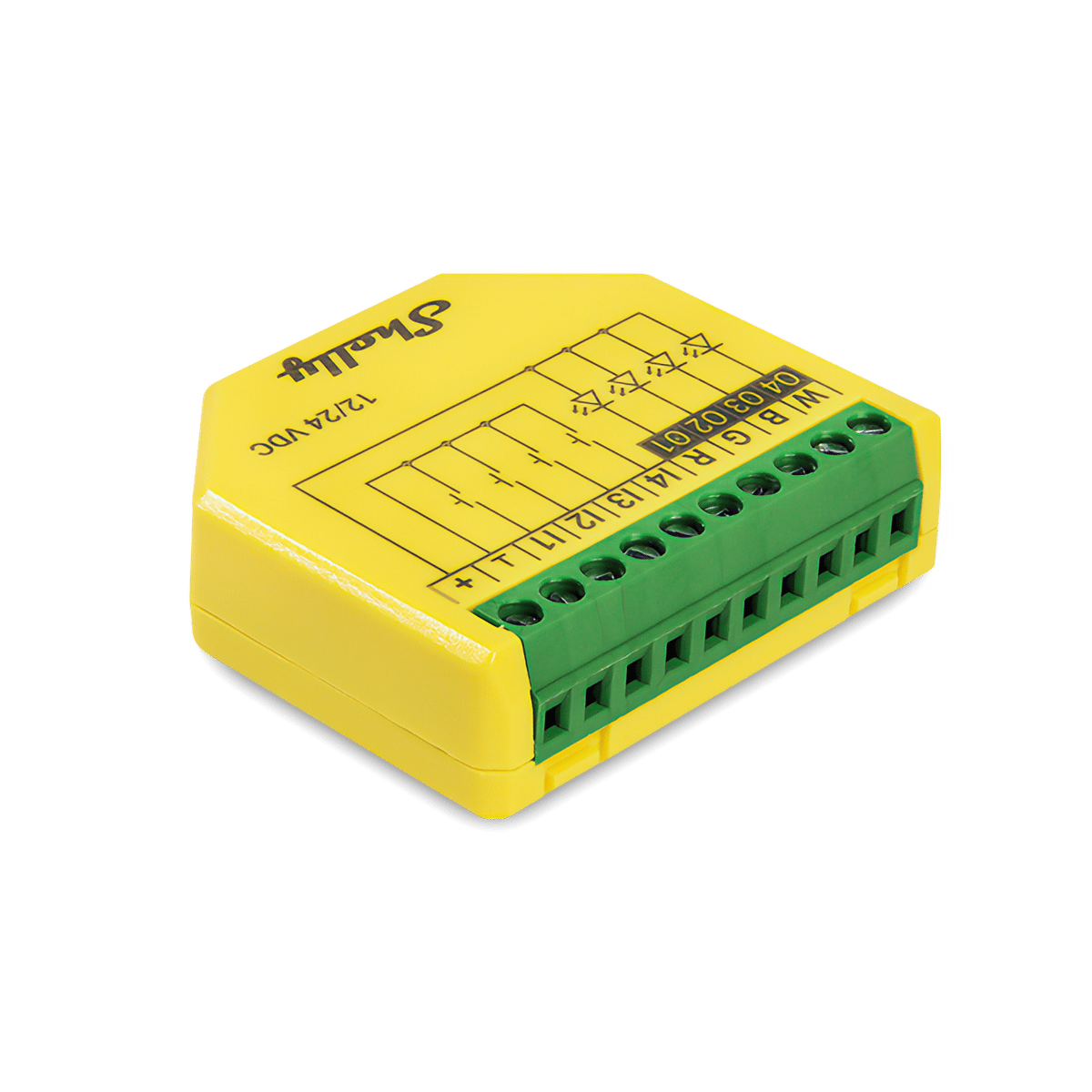
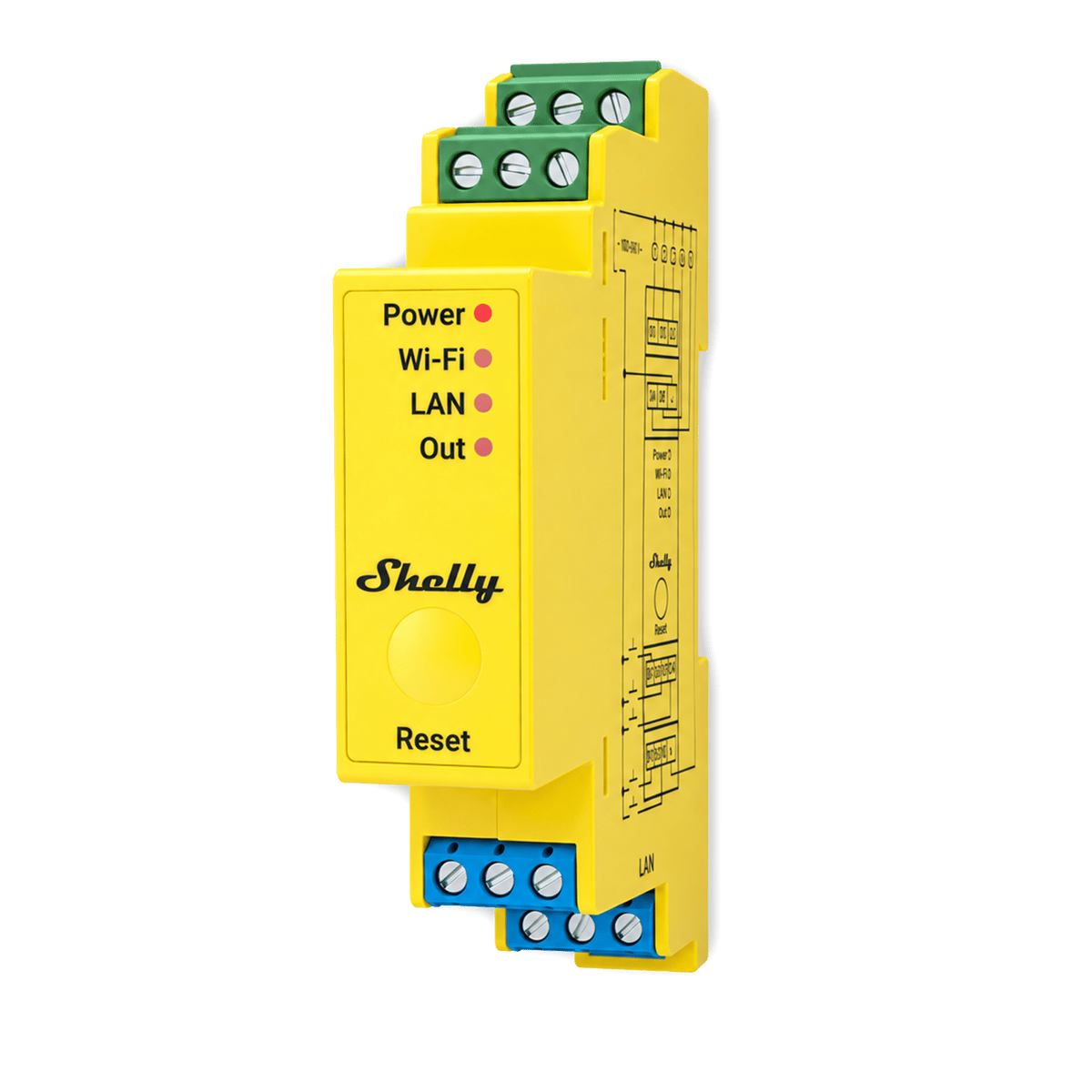
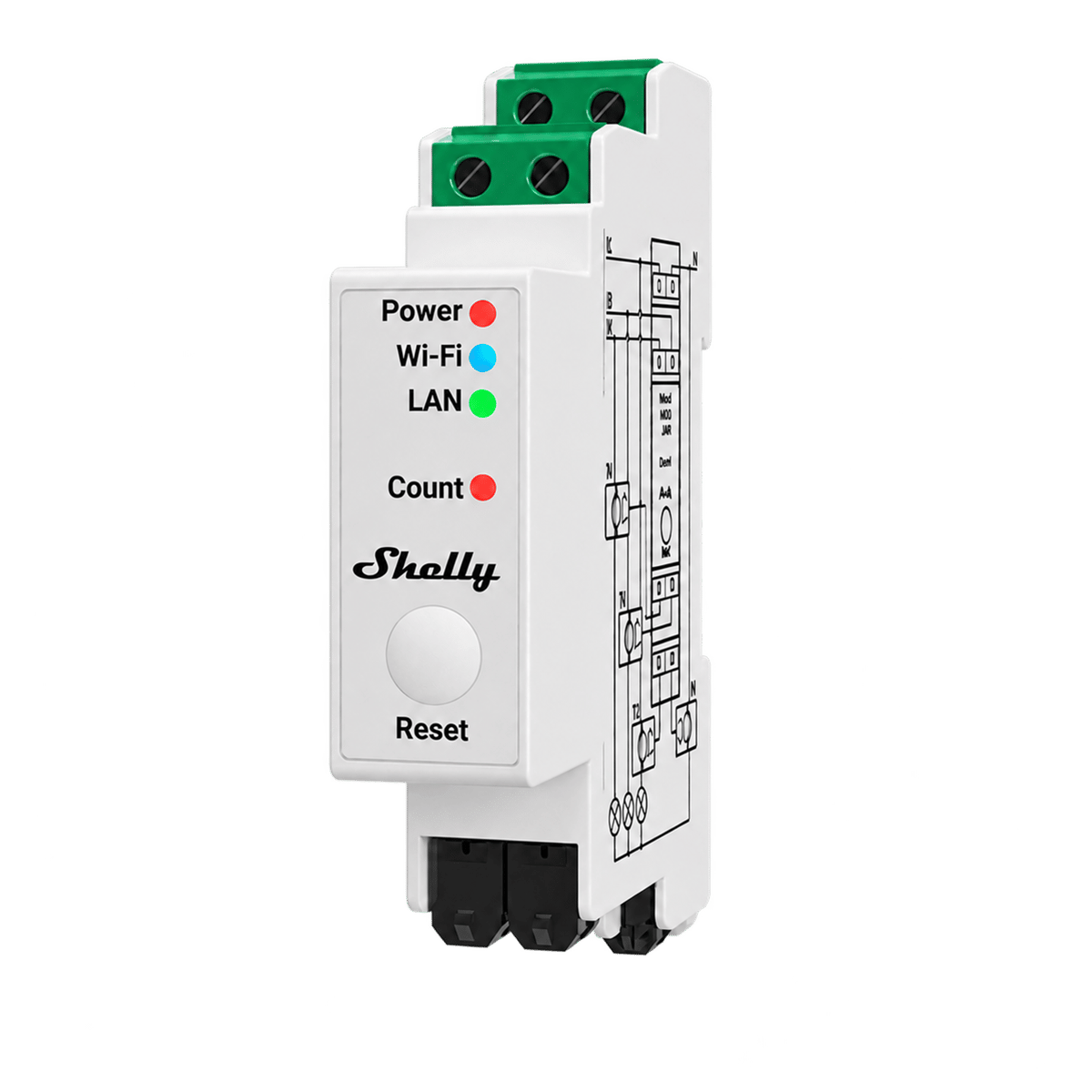
The picker above is the short way through this page. The guide below is the same logic written out: the range sorted the way you'd actually shop it, by job, by what's in the wall, and by how you want to control it.
Match the model to the job
Shelly's naming looks like alphabet soup until you sort it by what each unit does. Pick the job first and most of the catalogue falls away.
| Job | Reach for | Where it goes |
|---|---|---|
| Switch a light or load | Shelly 1, 1PM, the Minis, or the 2PM for two circuits. The 1L and 2L where there's no neutral. Pro 1 to Pro 4PM from the board. The Ogemray 25A for a heavy load over 16 A | Behind the existing switch, or DIN rail |
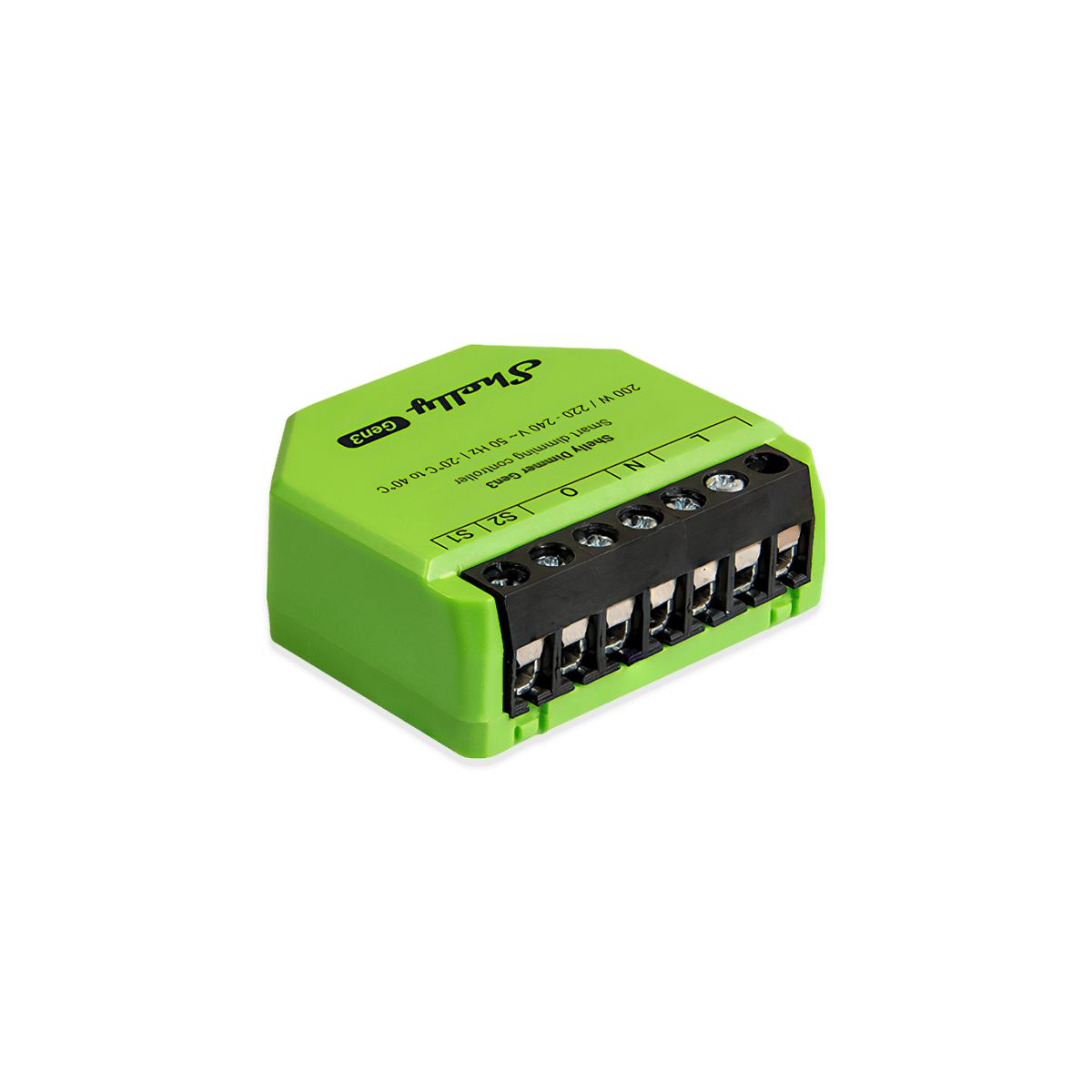
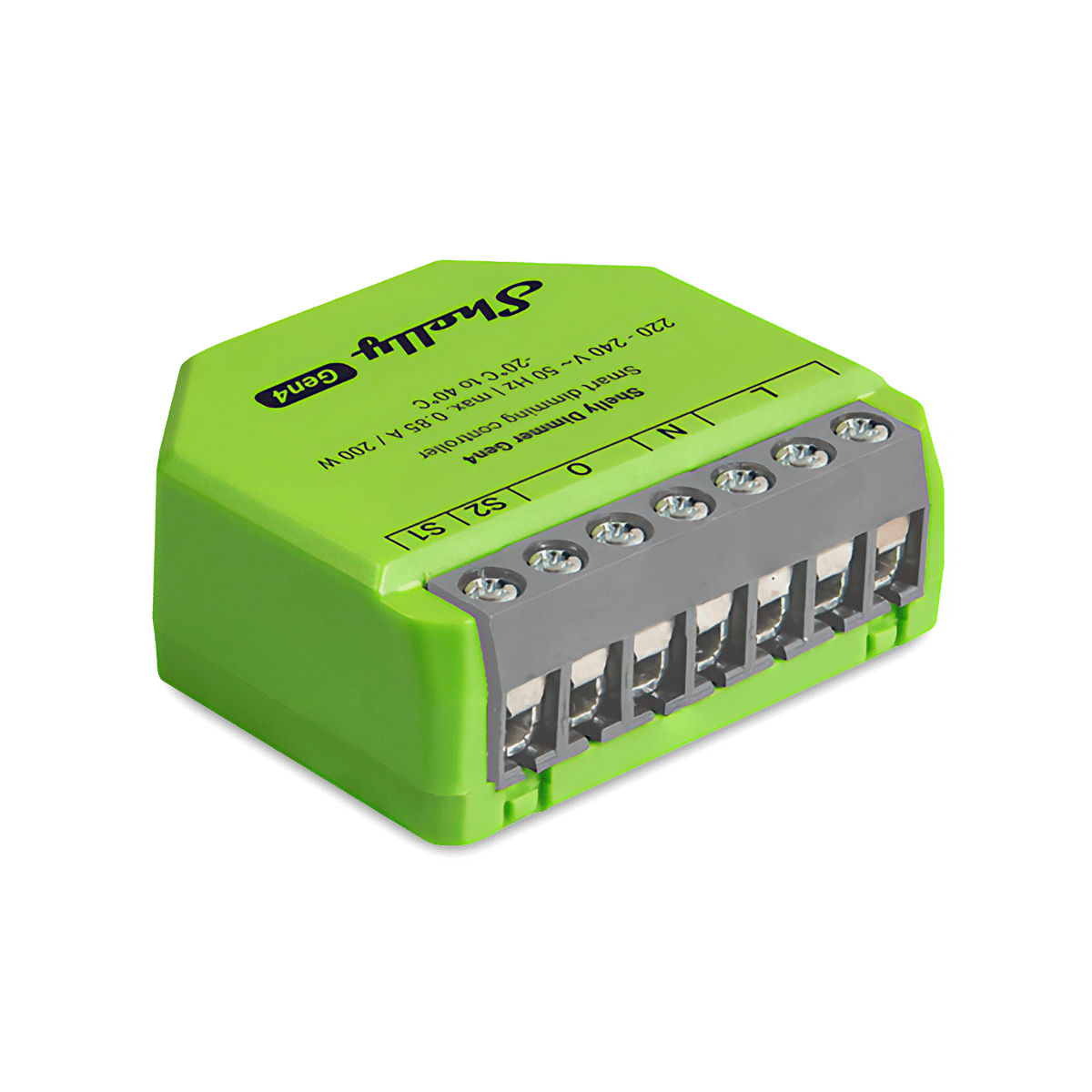
| Dim | Dimmer Gen3 or Gen4. Pro Dimmer 1PM or 2PM from the board | Behind the switch, or DIN rail |
| Blinds or covers | 2PM in cover mode for one. Pro 2PM or Pro Dual Cover/Shutter from the board | Behind the switch, or DIN rail |
| Monitor power | EM Gen3 or Pro EM-50 for a single-phase home. A Pro 3EM for three phase or a main over 80 A. EM Mini Gen4 for one circuit | The switchboard, or in line with the load |
| Colour or white LED strip | Plus RGBW PM, or the Pro RGBWW PM on DIN rail | Off the strip's 12 V or 24 V supply |
| Smart plug | No Shelly plug takes an Australian socket yet. The 1PM Mini Gen4, fitted behind the power point | Behind the power point |
The generation matters less than you'd think. Gen4 is the current platform with Zigbee and Matter on board, Gen3 does the same core job for a little less, and Pro is not a step above either: it is the same jobs packaged for a switchboard DIN rail. The long version is in Shelly generations: Gen 3 vs Gen 4 vs Pro.
The neutral wire question
One fact about your walls decides which half of the range you can use: whether a neutral wire reaches the switch. Most Shelly relays power themselves from the neutral, so with one in the box the whole range is open and you pick by job and generation.
Many Australian light switches, especially in older homes, carry only the two switch wires. That doesn't rule Shelly out. The 1L and 2L are relays built for exactly those plates, and each ships with the Shelly Bypass, which your electrician fits at the light. For dimmable lights, the Dimmer Gen3 and Gen4 run with or without a neutral, with the bypass required when the load is under 20 W. An electrician can often pull a neutral to the plate while they're there, which opens up the whole relay range, so ask before you settle.
Wall box or DIN rail
The standard and Mini models hide behind the existing switch, so nothing changes on the wall. The Minis are cut for shallow Australian wall boxes where a full-size unit won't fit.
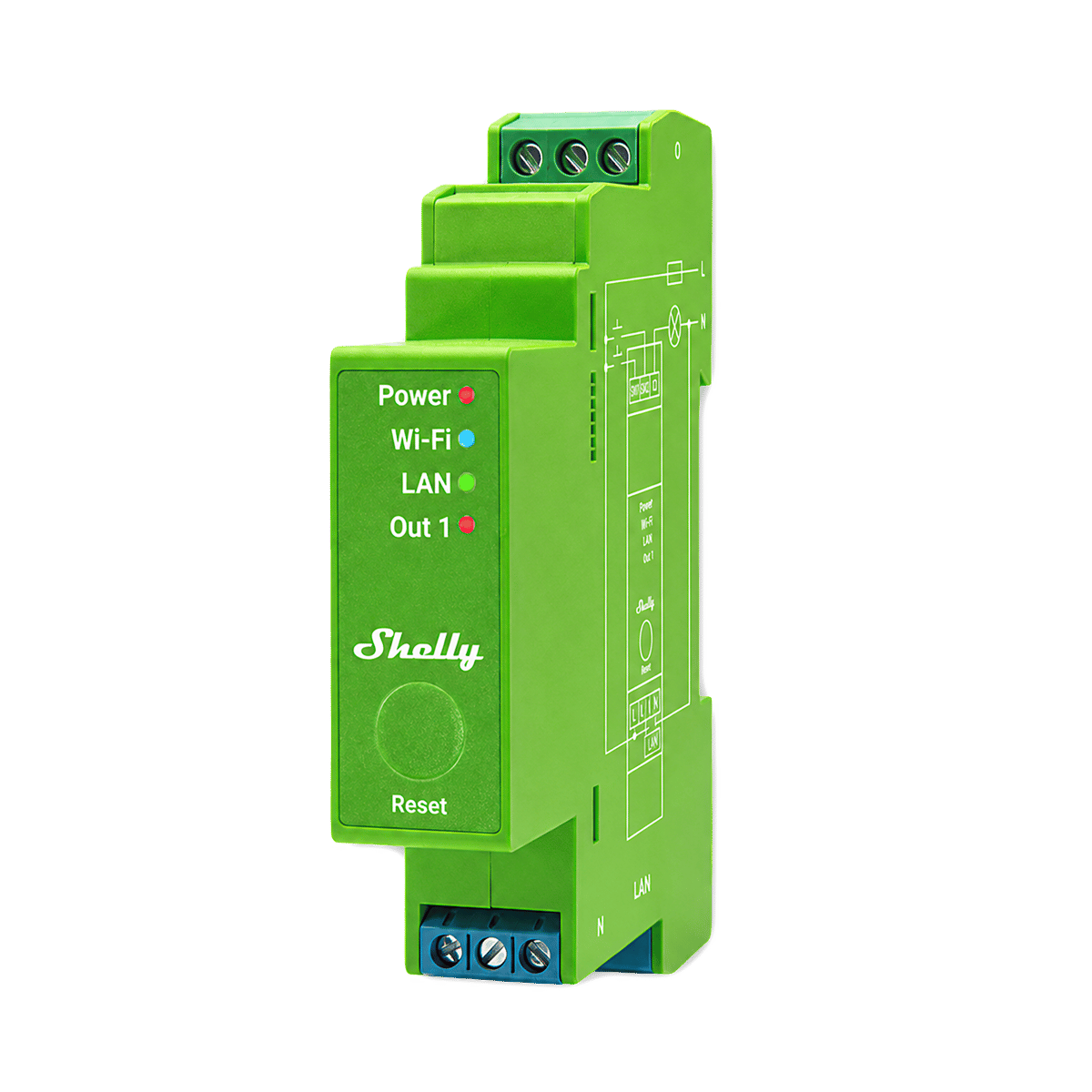
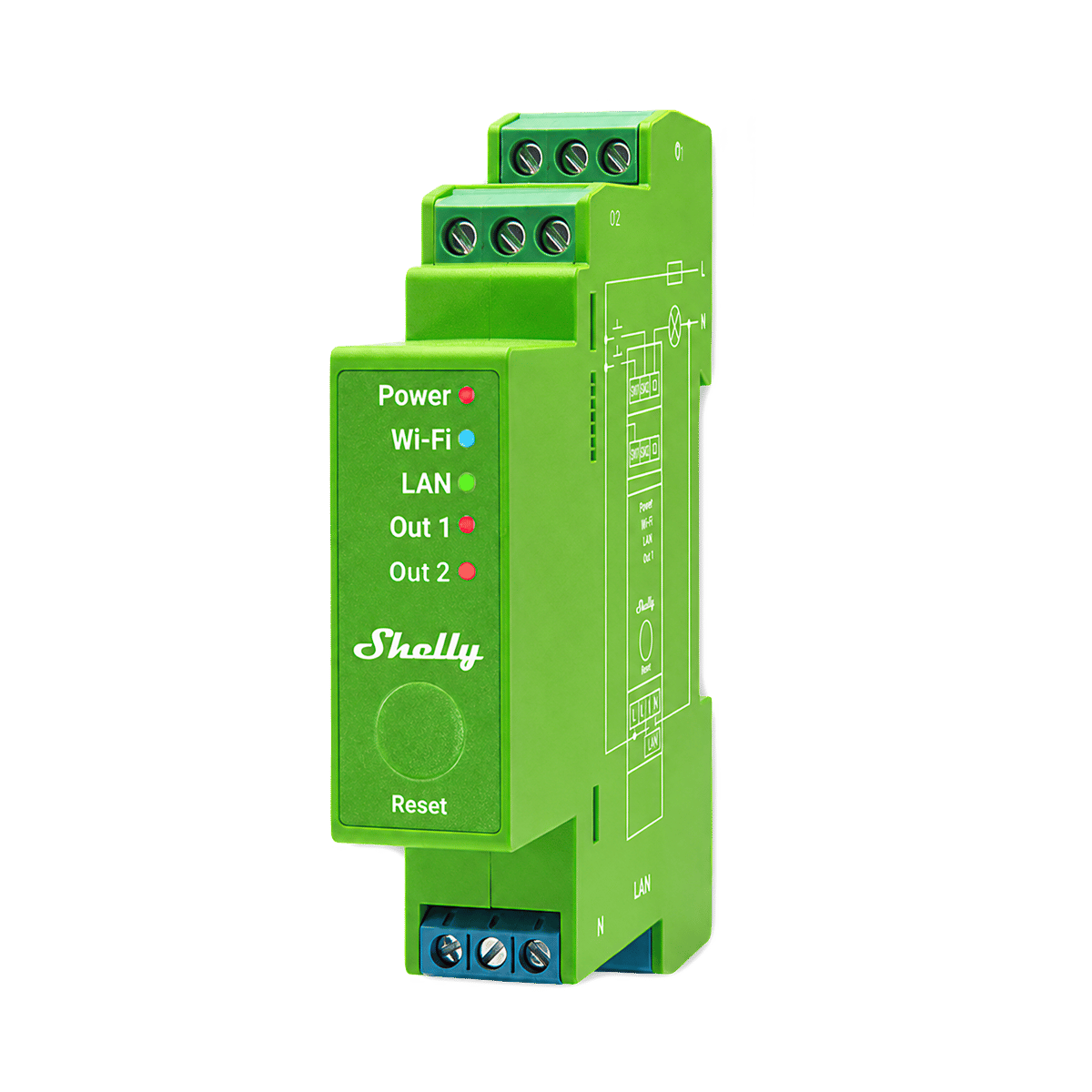
The Pro range does the same jobs from the switchboard instead: DIN-rail mounting, an Ethernet port, and multi-channel units that run several circuits from one spot. It suits new builds and renovations, where the electrician can bring the circuits back to the board.
App, Home Assistant, Zigbee or Matter
Every model speaks Wi-Fi, so the Shelly app and Home Assistant reach the whole range. The radios are where the generations differ.
| Generation | Shelly app | Home Assistant | Zigbee | Matter |
|---|---|---|---|---|
| Gen3 | Yes | Yes | No | No |
| Gen4 | Yes | Yes | Yes | Yes |
| Pro | Yes | Yes | No | No |
Zigbee is the narrow one: it arrived with Gen4 as an alternative firmware profile, so Gen3 and the Pro range can't join a Zigbee network. Matter is on by default on Gen4, and a Gen4 unit runs one profile at a time, Matter or Zigbee, not both at once. The Pro range trades the new radios for an Ethernet port, which is its own kind of reliability. If Zigbee or Matter is a hard requirement, the picker will only ever hand you Gen4. Still weighing the protocols themselves? Start with should you run Shelly on Zigbee or Wi-Fi?
Not stocked yet
These are the models people ask about that we don't stock, and what we'd use instead.
| Model | What it is | Use instead |
|---|---|---|
| Shelly Plug S | Plug-in smart plug with metering. Shelly doesn't make an Australian-socket version | 1PM Mini Gen4, fitted behind the power point by an electrician |
| Shelly Dimmer 0/1-10V PM | Dimmer for 0-10 V and 1-10 V LED drivers | Dimmer Gen4 for ordinary dimmable lights |
One last reassurance before you buy: the wall switch keeps working even when the internet drops, and local control through Home Assistant stays up with it. The detail lives in does Shelly work without the internet?
Frequently asked questions
Do I need a hub for Shelly?
No. Wi-Fi models talk straight to your router and the Shelly app, and Home Assistant finds them locally. The only path that needs extra hardware is Zigbee, which needs a coordinator, usually a Home Assistant box with a Zigbee dongle.
Can I install a Shelly myself?
Not if it touches fixed wiring, which is a job for a licensed electrician in Australia. Fitting a Shelly behind an existing plate is a small job, though, so it's cheap to add to any visit.
What does "no neutral" actually mean?
The neutral is the return wire that lets a Shelly power itself continuously. Many older switch loops carry only the active and the switched wire. Without a neutral, most relays can't run. The 1L and 2L are built for exactly those plates, and the Dimmer Gen3 and Gen4 also run without one on dimmable lights, with a bypass fitted below 20 W of load.
Will it keep working if the internet drops?
Yes. The wall switch keeps working even with the router unplugged, and Home Assistant control stays local. Schedules and remote access need more care; our guide to running Shelly offline covers the detail.
Still need a hand?
We answer most messages within one business day. If your question is about an existing order, have your order number ready. It speeds things up.
Contact us