

















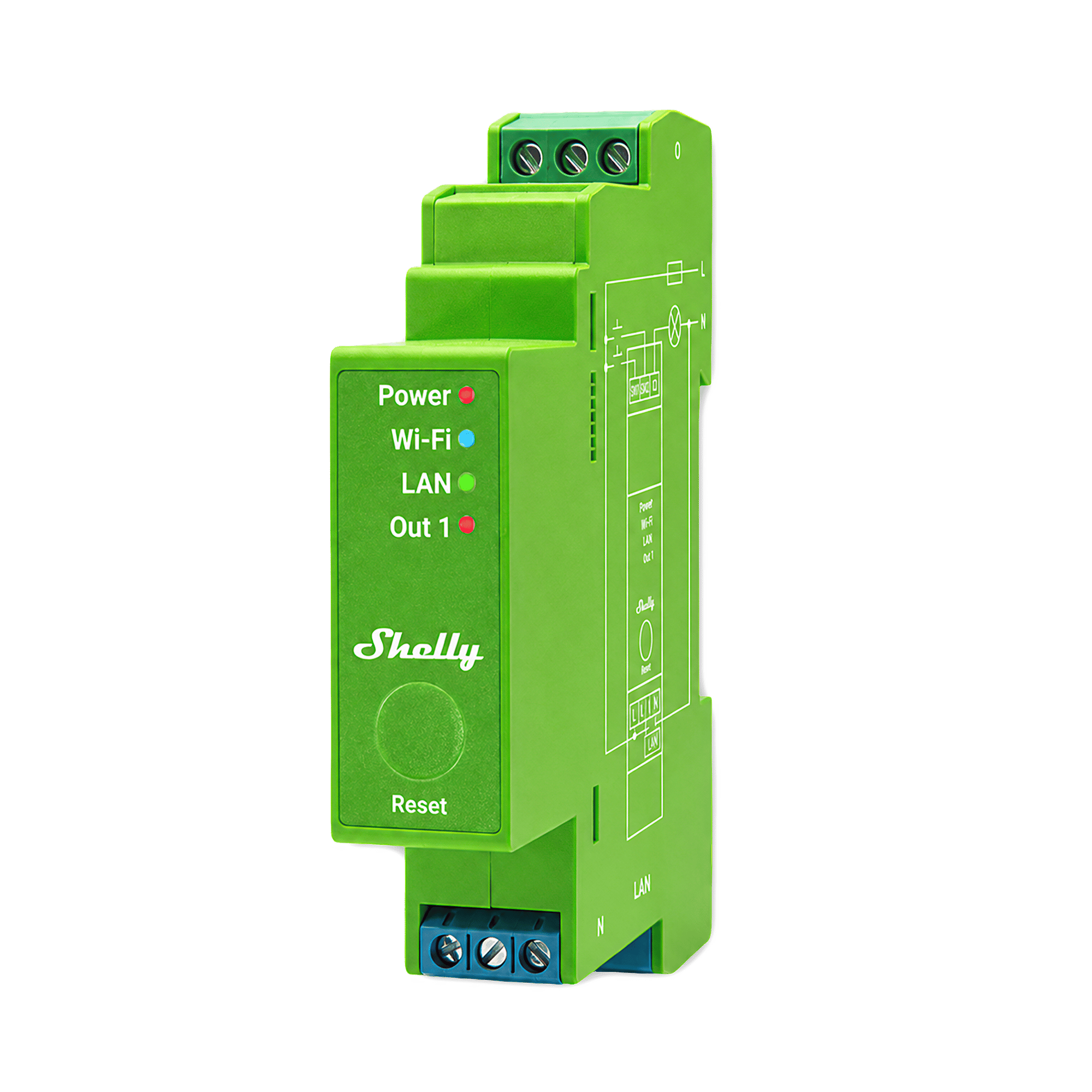

Pro Dimmer 1PM
A dimmer for one lighting circuit that mounts in your switchboard, with energy monitoring and a wired Ethernet connection.
$104.95 inc GST In stock · ships today
Gang Count
Currently sold out.
Free shipping over $150 Order before 3pm Melbourne time on a weekday and it ships the same day.
30-day returns Unused items, easy online returns
3-year warranty Backed by Shelly
Everything you need to know
A single-channel dimmer for lighting circuits up to 200 W, mounted in the switchboard with Ethernet and energy monitoring. It dims the way modern LED drivers are built for. For two circuits from one module, choose the Pro Dimmer 2PM. For a dimmer behind an existing light switch, choose the Dimmer Gen4.
Product features
Dimming from inside your switchboard
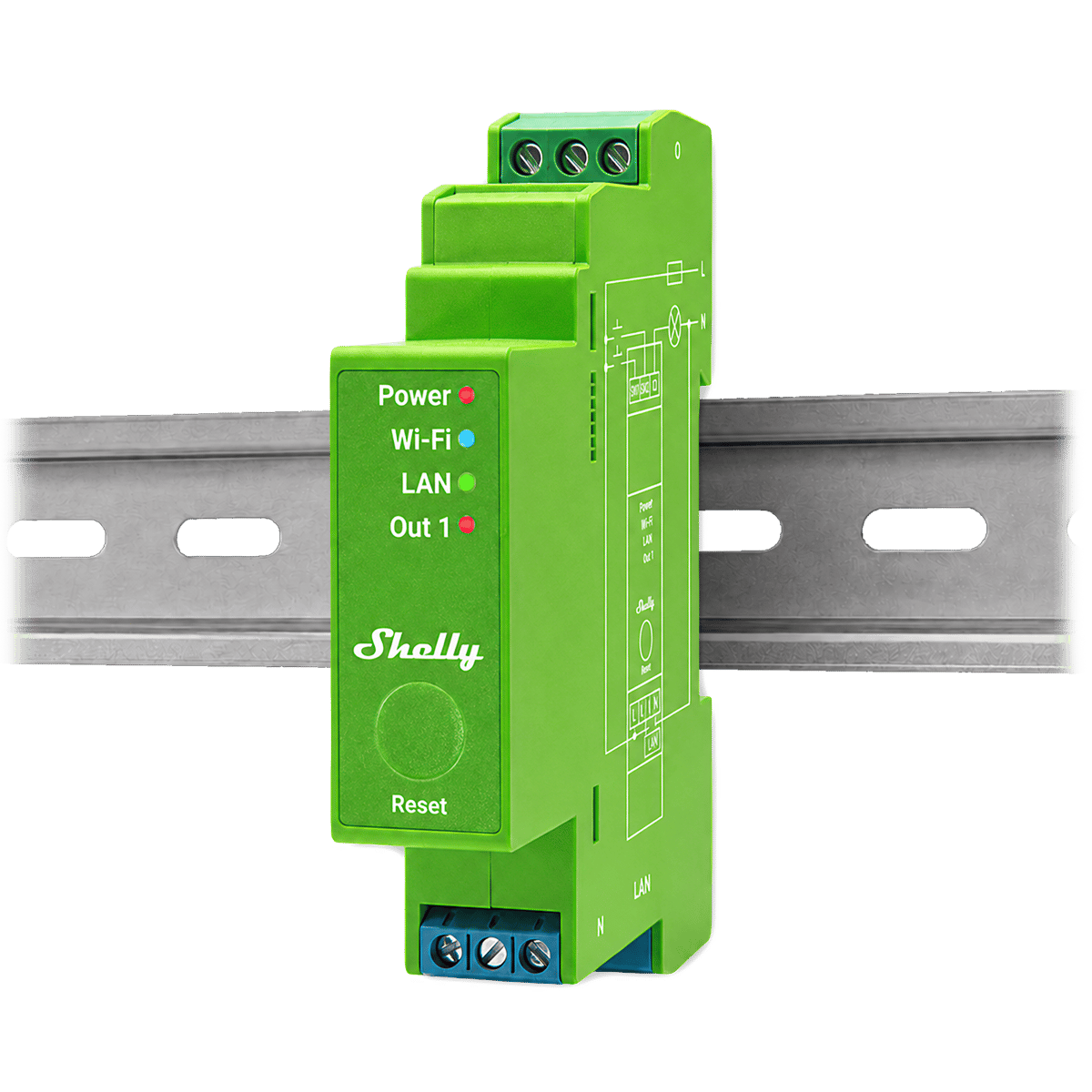
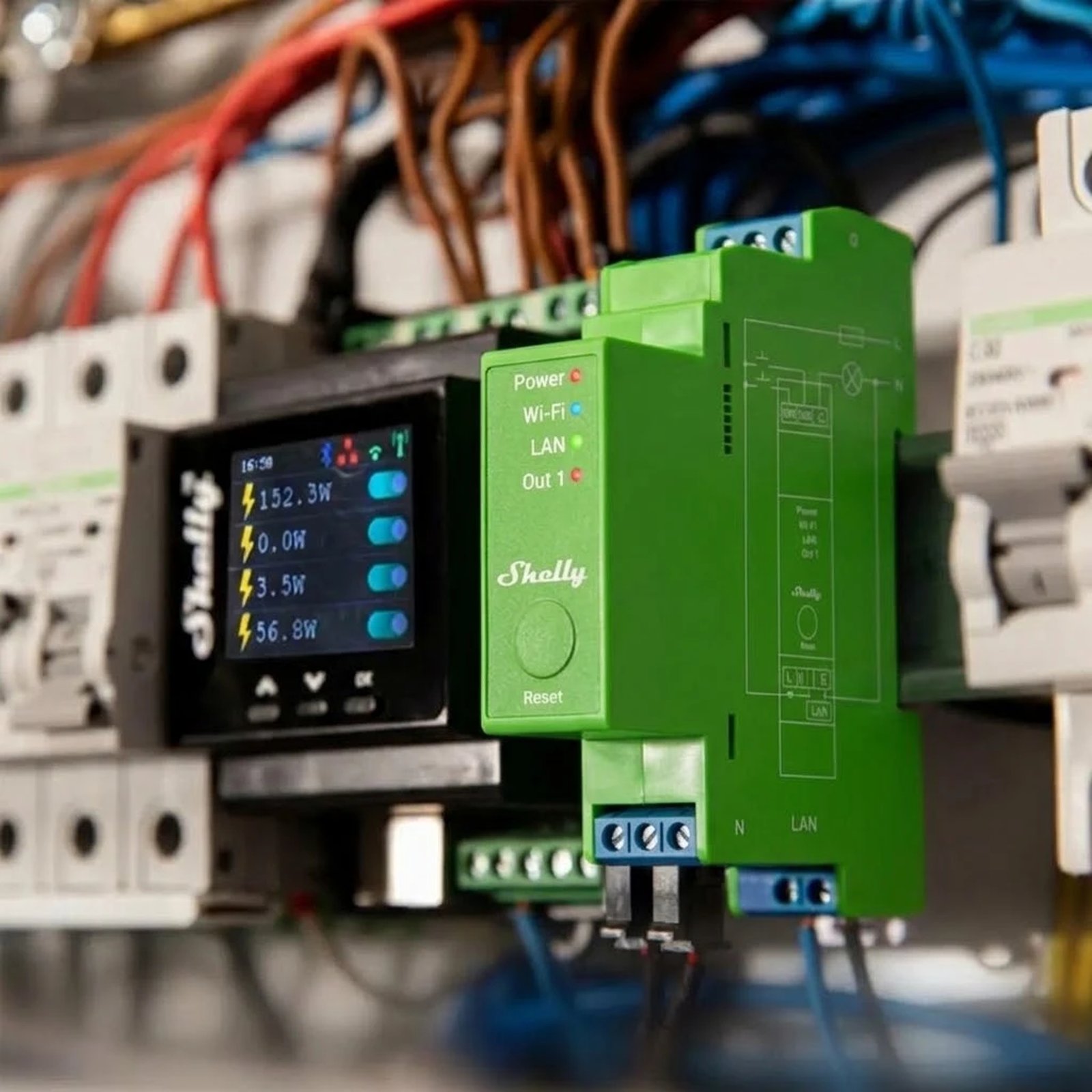
The Pro Dimmer 1PM mounts inside your switchboard along with your existing breakers, so the dimming hardware isn't squeezed into a wall box behind a light switch. That makes it a good fit for new builds and rewires, where an electrician is already running fresh cable. It also keeps everything in one place: if a dimmer ever needs attention, it's the switchboard door rather than a switch plate off the wall.
- Mounts in your switchboard with your breakers
- Nothing to fit behind the light switch
- All your dimmers in one place, easy to get to
The most reliable connection to your network
It has an Ethernet port, so the dimmer plugs straight into your network on a cable. That's the most dependable connection it can have: no signal to lose through the metal switchboard door, and no extra traffic on your Wi-Fi or Zigbee network. Wi-Fi and Bluetooth are there if running a cable isn't practical, and it works as a gateway for Shelly BLU sensors.
- Wired Ethernet, the most dependable option
- Keeps the switchboard off your Wi-Fi
- Wi-Fi and Bluetooth if you'd rather
See what your lighting costs
The 1PM measures the circuit it dims, so the app shows live energy usage and the history behind it. Useful on the loads people forget, like outdoor and garden lighting that runs every night.
- Live energy usage, plus history
- Measures the circuit it dims
- Protects against overcurrent, overvoltage, overpower and overheating
Dimming that stays smooth
It calibrates itself to your lights on install, and again after any change to the globes. You also set how quickly the lights fade while you hold the button down, so you can have a slow fade in the bedroom and a fast one in the kitchen.
- Automatic calibration on install and after a globe change
- You choose how fast the lights fade
- Schedules and automations run on the device itself
What it can dim
Dimmable LED lamps, incandescent and halogen up to 200 W. It's a trailing edge dimmer, which is the type modern LED drivers are built for, so the lights dim evenly instead of buzzing or stepping the way they can on an older dimmer. It needs a neutral wire, and your electrician will fit a 10 A breaker ahead of it.
- Up to 200 W on the circuit
- Trailing edge, suited to LED
- Needs a neutral and a 10 A breaker ahead of it
What is a Shelly dimmer?

A Shelly dimmer sits between the power and a light circuit and sets how bright the lights are. The Dimmer Gen3 and Gen4 fit in the wall box behind your existing switch, and the Pro Dimmers clip onto the rail in your switchboard. The switch on the wall keeps working, and the same lights can now be dimmed from your phone, on a schedule or by an automation.

The lights
Made for dimmable lights
Use lights marked dimmable: LED, incandescent or halogen. The in-wall dimmers take up to 150 W of LED, and each Pro channel up to 200 W.
Mounting locations
Where the dimmer lives
The Dimmer Gen3 and Gen4 sit in the wall box behind your switch. Pro Dimmers clip onto DIN rail in the switchboard, and a 2PM dims two circuits from one unit.
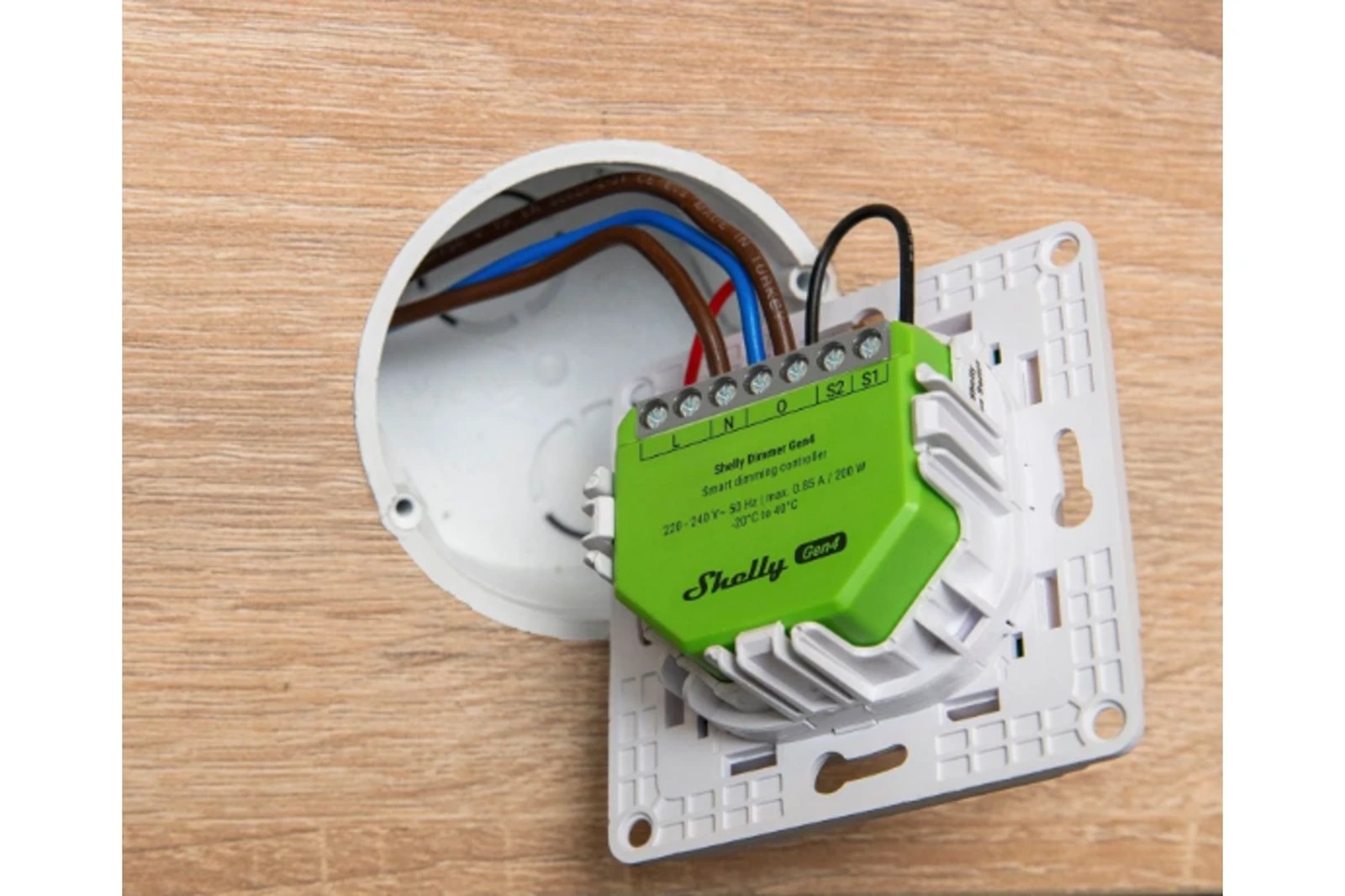
The neutral wire
No neutral in the switch box
The Dimmer Gen3 and Gen4 work without a neutral wire. Under 20 W they need a Shelly Bypass at the light, and power readings need the neutral connected.
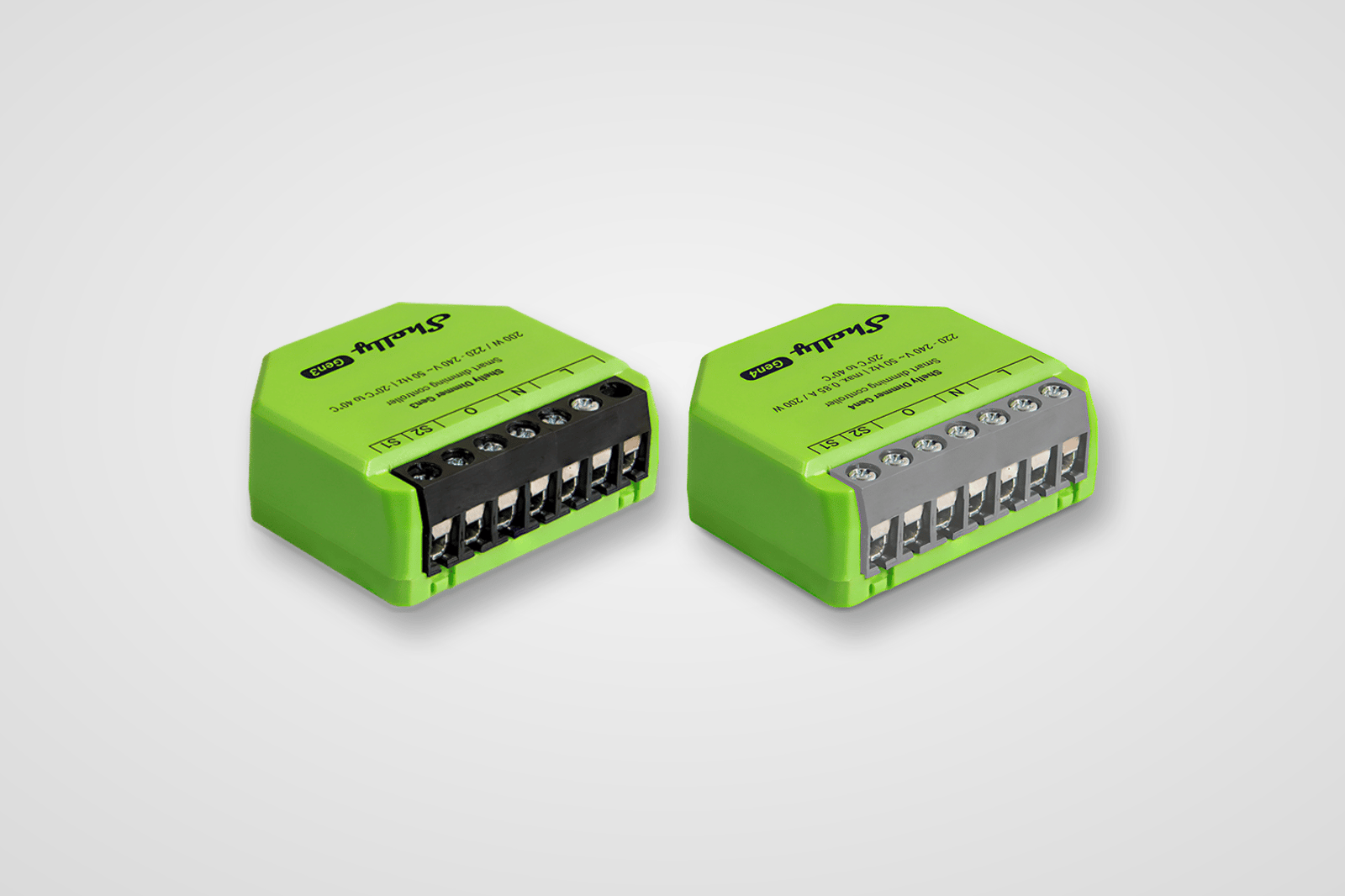
Gen 3 and Gen 4
What the generation changes
Gen 3 runs on Wi-Fi and Bluetooth. Gen 4 adds Zigbee and Matter, running one or the other. The wiring and load ratings are the same.
The existing controls
Press to switch, hold to dim
Wire a push button to the dimmer and a press turns the lights on or off, while holding it fades them up or down. You set how fast the fade runs. A standard switch still turns the lights on and off as it does now.
Schedules and scenes
Brightness on a timer
A schedule or scene sets a brightness level and how long the fade takes, not only on or off. The hallway can come up at 10% overnight and at full brightness in the morning, and the dimmer runs that schedule itself.
Works with
Also works with
-
Pairs with Amazon Alexa
-
Pairs with Google Home
-
Pairs with Home Assistant
-
Pairs with SmartThings
Connects over
On Wi-Fi or Ethernet
Joins your home network, so you control it from the app with no hub or bridge.
-
Ethernet
-
Wi-Fi
Set up over Bluetooth
Used once, to get it onto your Wi-Fi.
-
Bluetooth
Works offline
Keeps working on your home network when the internet is down.
Scripts
7
Give it jobs the app can't
Scripts add jobs the dimmer can't do with the Shelly app's schedules and actions alone, like acting on the weather forecast or sending an alert to your phone. Each one is a small program that runs on the dimmer itself: copy it, paste it into the device's script editor and press Start. It doesn't need a hub, a cloud account or a subscription.
-
Lighting Control a Philips Hue room from a wall switch -
Lighting Phone alert when a globe blows, from the power the light draws -
Safety Holiday lights that come on at a different time each night -
Garden Frost alert on your phone the evening before a cold night -
Notifications Phone alert when a Shelly goes offline -
Network Phone alert when your home's public IP address changes
Scripts are free; installing one takes about two minutes.
Specifications & Installation
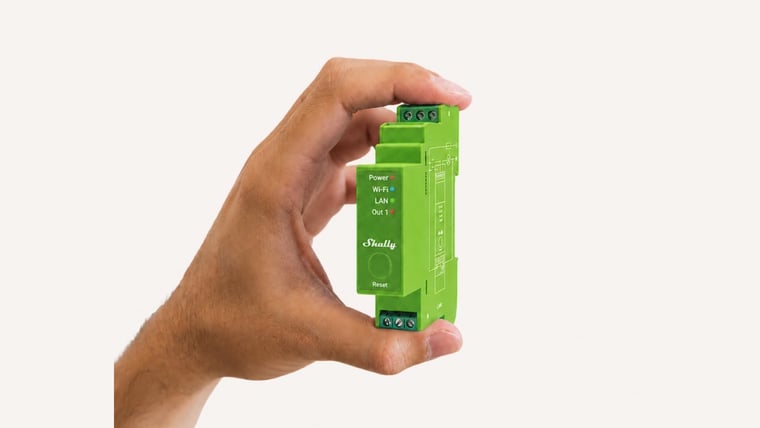
Setup · 2:04
How to install it
Shelly's own step-by-step install, from isolating the power to mounting it on the DIN rail and wiring it in.
Watch setup videoNo specifications match.
Build
- Type
- Module
- Gangs
- 1 Also available: 2
- Housing material
- Plastic
- Power
- Hardwired
- Supply voltage
- 110–240 V
- Standby power
- < 2 W
- Generation
- Gen2
- Dimming method
- Trailing edge
- Max load
- 200 W
- Max LED load
- 200 W
- Works with loads
- LEDHalogenIncandescent
- External protection
- 10 A, tripping characteristic B or C, 6 kA interrupting rating, Energy limiting class 3
- Dimming type
- Trailing edge
- Standard
- 802.11 b/g/n
- Range (indoors)
- 30 metres
- Version
- 4.2
- Range (indoors)
- 10 metres
- RF band
- 2400 - 2483.5 MHz
- Max. RF power
- < 4 dBm
- Operating temperature
- -20–40 °C
- Operating humidity
- 30–70 % RH
- Max altitude
- 2000 metres
- Size (HxWxD)
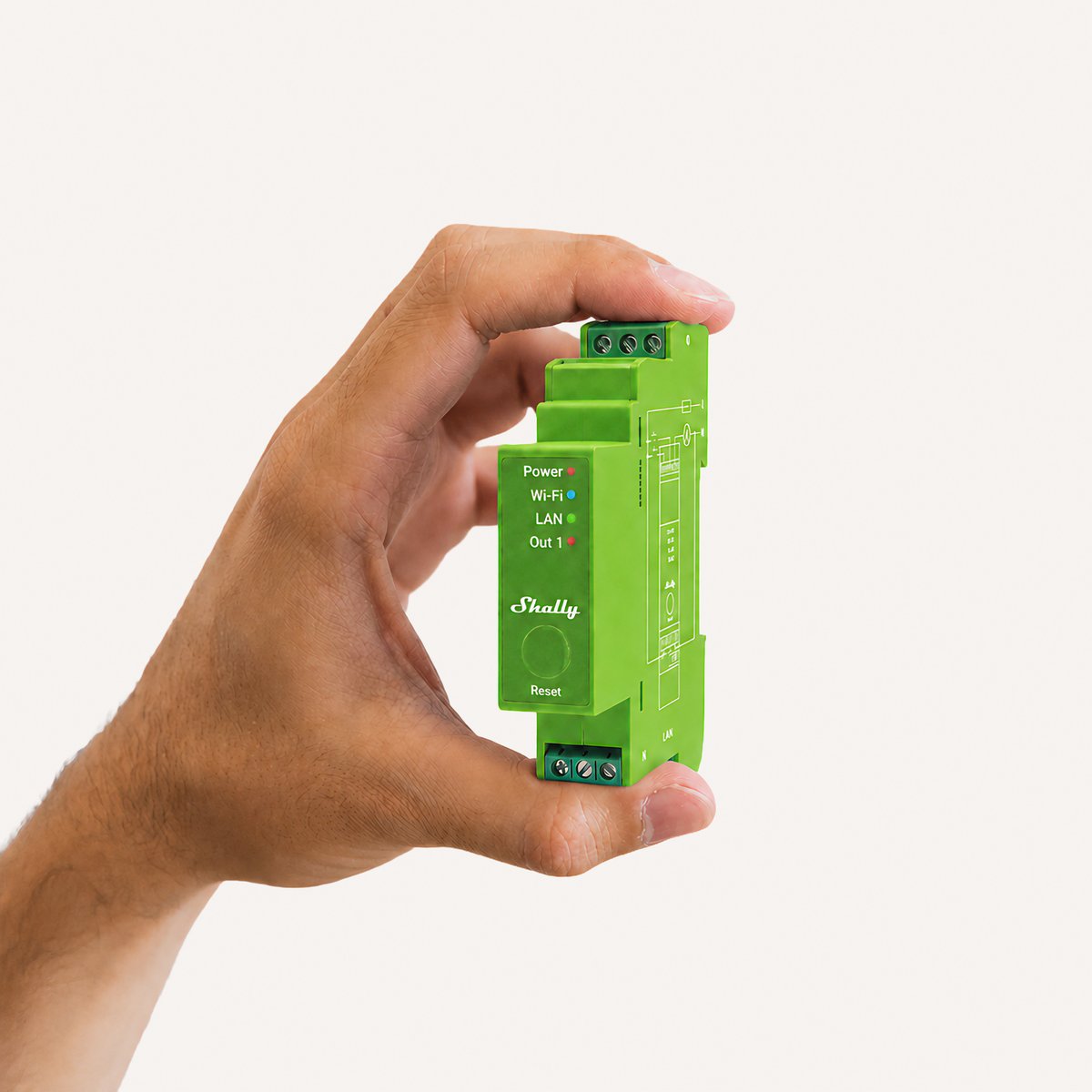
- 94x19x69 mm / 3.70x0.75x2.71 in
- Weight
- 75 g / 2.7 oz
- Screw terminals max torque
- 0.4 Nm / 3.54 lbin
- Conductor cross section
- 0.5 to 2.5 mm² / 20 to 14 AWG (green connectors) 0.5 to 1.5 mm² / 20 to 16 AWG (blue connector) (solid, stranded, and bootlace ferrules)
- Conductor stripped length
- 6 to 7 mm / 0.24 to 0.28 in (green connectors) 5 to 6 mm / 0.20 to 0.24 in (blue connector)
- Mounting
- DIN rail
- Shell color
- Lime
- Max. current
- 0.85 A
- Max. output power
- 200 W (at 220 V~) 100 W (at 120 VAC)
- Voltmeter (AC)
- Yes
- Ammeter (AC)
- Yes
- Power and energy meters
- Yes
- Internal-temperature sensor
- Yes
- Protocol
- 802.11 b/g/n
- RF band
- 2401 - 2483 МHz
- Max. RF power
- < 20 dBm
- Range
- Up to 30 m / 100 ft indoors and 50 m / 160 ft outdoors (Depends on local conditions)
- CPU
- ESP32-D0WDQ6
- Flash
- 8 MB
- Schedules
- 20
- Webhooks (URL actions)
- 20 with 5 URLs per hook
- Scripting
- Yes
- MQTT
- Yes
- SKU
- SHE-SWT-0003
- MPN
- SPDM-001PE01EU
- Barcode
- 3800235268162
Wiring diagrams
Circuit overview
1Push button2Dimmable light
Active (supply)Neutral / 0 VSwitched loadSwitch signal / dry contact
In Australia, fixed 230 V wiring is licensed-electrician work. Use these diagrams to plan the job and brief your electrician.
Showing the whole circuit
What you can do with it

Dim the lights from the couch for movie night
Drop the lights to a glow from the couch, then bring them back up when it's time to tidy. Fit a Shelly dimmer behind the wall plate, or swap to Philips Hue bulbs and use the app. Control with any of



Lights that come on as you walk in, softer late at night
A sensor turns the bedroom or hallway light on as you walk in, at full brightness in the evening and a low glow at 2am. Fit Philips Hue bulbs and a motion sensor, or keep your lights and add a Shelly dimmer and presence sensor. Control with any of 
Lights that dim on a schedule each evening
The lights fade down to a low glow after dinner instead of snapping between full and off. Do it with a Shelly dimmer behind the wall plate or Philips Hue bulbs, in their app or Home Assistant. Control with any of 
Lights that fade up to wake you in the morning
The bedroom lights come up slowly before your alarm, so you wake to a lit room instead of a dark one. Do it with a Shelly dimmer behind the wall plate or Philips Hue bulbs, in their app or Home Assistant. Control with any of Common questions
Quick answers before you buy. We test this gear ourselves. Can't find yours? Ask our Melbourne team
In the switchboard. It clips onto the DIN rail beside your breakers, which makes it the right shape for whole-home and multi-circuit lighting.
Yes, and it's a familiar job for one. It sits on the DIN rail in your switchboard, and in Australia switchboard work is done by a licensed electrician.
Yes. It measures the circuit it dims, so the app shows live energy usage and history, and you can set thresholds to switch it off.
The Gen4 if the wiring is already in and there's room behind the switch, since it's a fraction of the price. The Pro Dimmer 1PM if you're building or rewiring and want the dimming in the switchboard, on a wired connection, with energy monitoring.
Shelly · Pro Dimmer 1PM