


















i4 Gen3
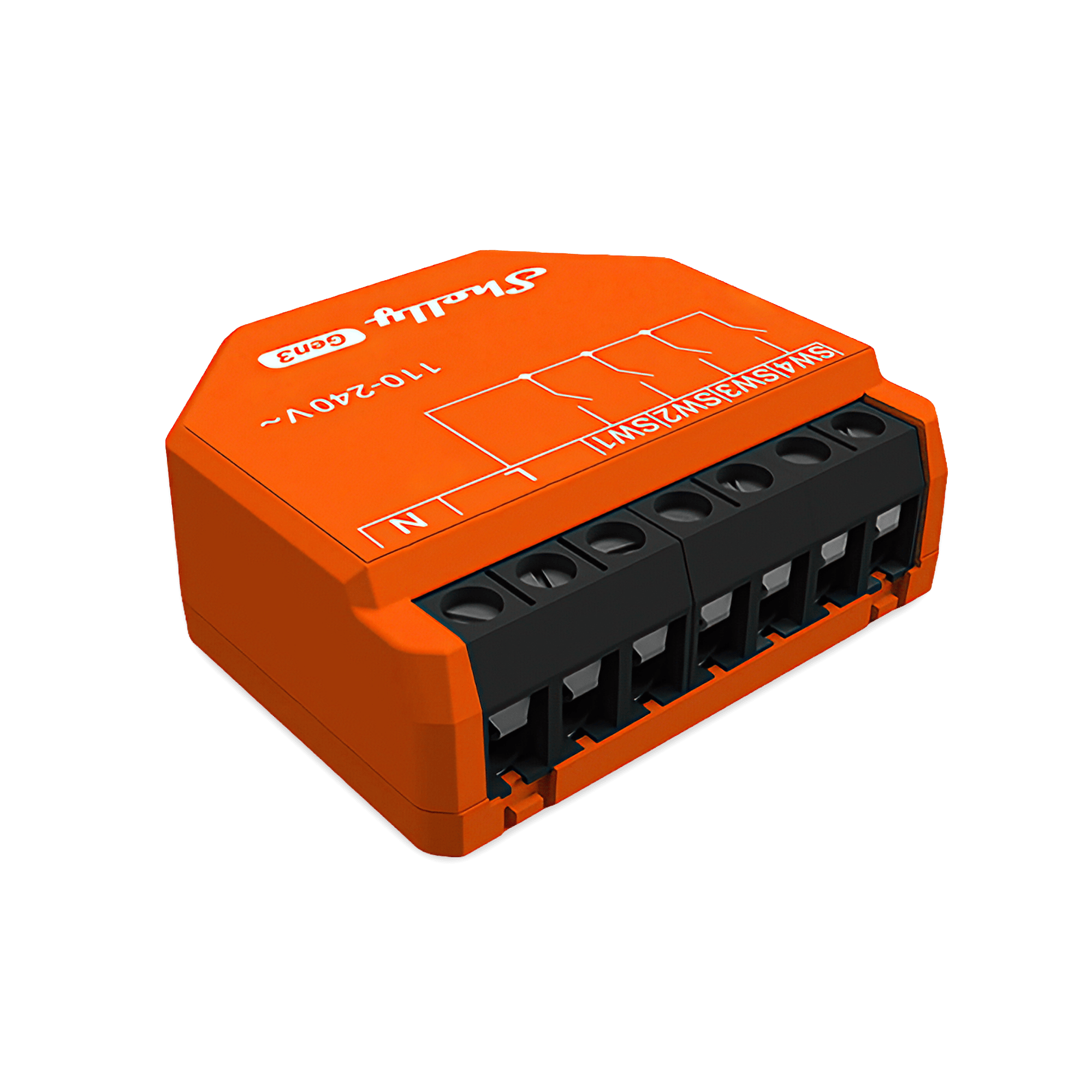
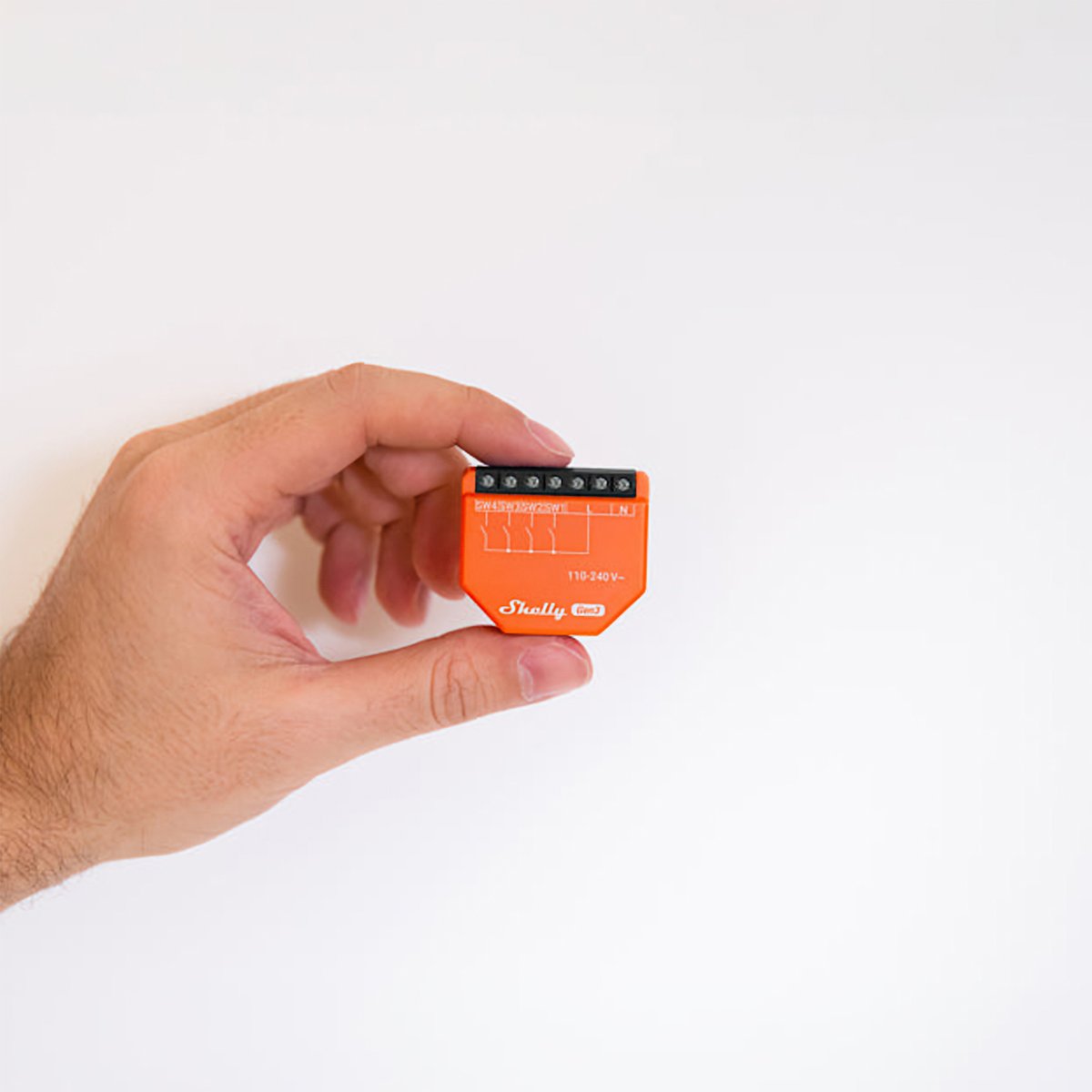
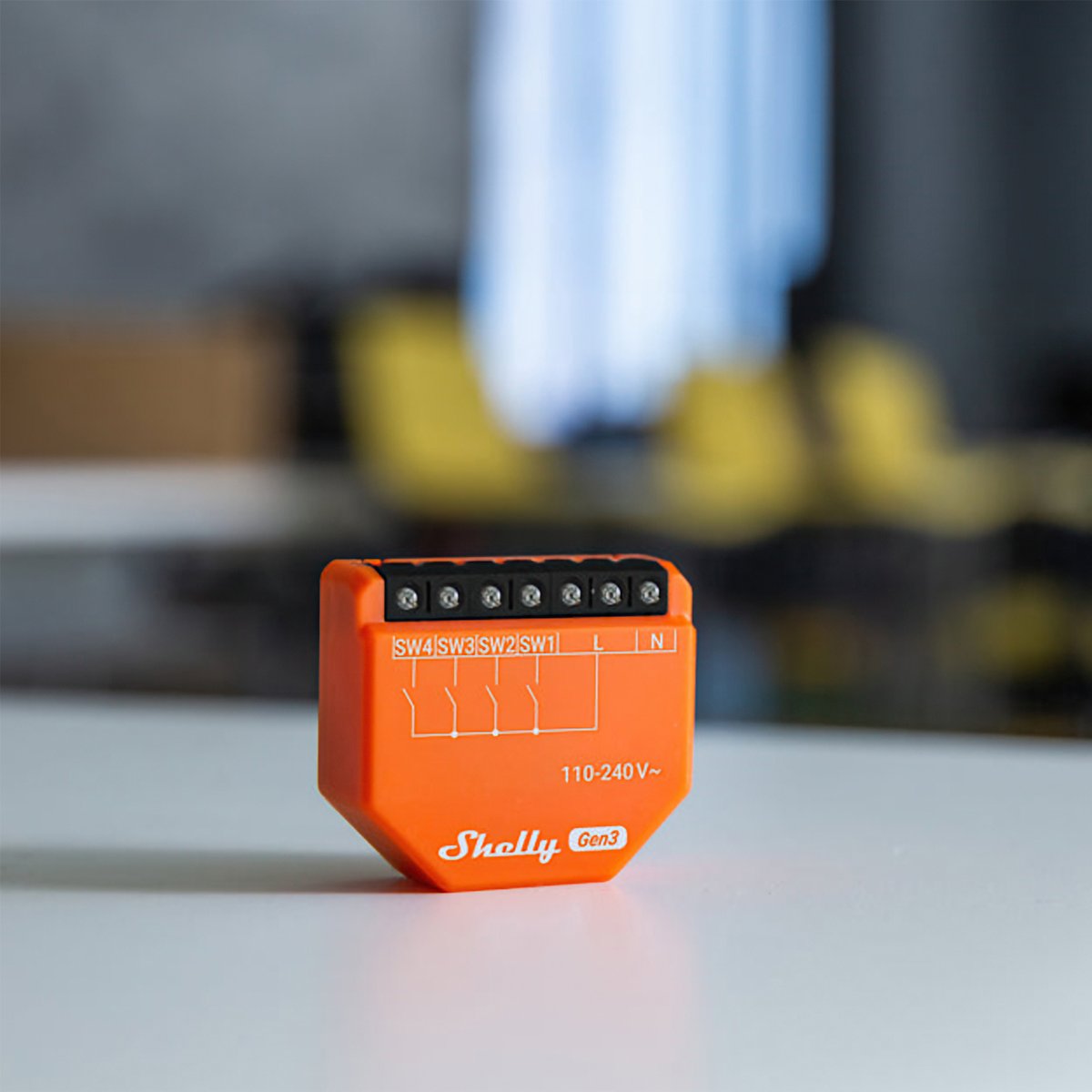
Four switch inputs in a module small enough to sit behind a wall plate. It doesn't switch the light itself, it turns the switches you already have into triggers for scenes anywhere in the house.
$29.95 inc GST In stock · ships today
Currently sold out.
Free shipping over $150 Order before 3pm Melbourne time on a weekday and it ships the same day.
30-day returns Unused items, easy online returns
3-year warranty Backed by Shelly
Everything you need to know
The sections below cover what this input module does, the jobs people put it on, the full specifications, and how warranty and returns work. If something's still unanswered, the questions at the bottom cover the common ones.
Product features
One press, a whole scene
An ordinary wall switch does one thing: it powers what it's wired to. Put an i4 behind it and the same switch becomes a button that can run a scene, dim a room, start the pool pump or send a command to anything on your network. It doesn't switch the circuit itself. It reads the switch and tells the rest of the house what to do, whether that's other Shelly devices or anything reachable over HTTP or MQTT.
- Four independent inputs, each running its own action
- Triggers scenes, other Shelly devices, or anything on HTTP or MQTT
- Takes toggle or momentary switches
- Fits behind a standard wall box
A gateway for Shelly BLU sensors
As well as Wi-Fi, the module runs as a BLE gateway. It picks up nearby Shelly BLU sensors and passes what they report on to the rest of your setup, either across the local network or to the cloud. If you already have one behind a switch, you don't need a separate bridge for the BLU range.
- Bridges Shelly BLU devices onto your network
- Bluetooth 4.2 with BLE
- Also extends Wi-Fi coverage
Automations that don't need the internet
Schedules, timers and scenes run on the relay itself, not on a server overseas. Set lights for sunset, a towel rail for weekday mornings, or a fan to run down after the bathroom light goes off, and it all keeps working through an internet outage. There's no subscription, and the embedded web interface gives you full control from a browser on your own network.
- Schedules and scripts run on the device
- No cloud account required for local control
- Keeps working when the internet doesn't
How Shelly works

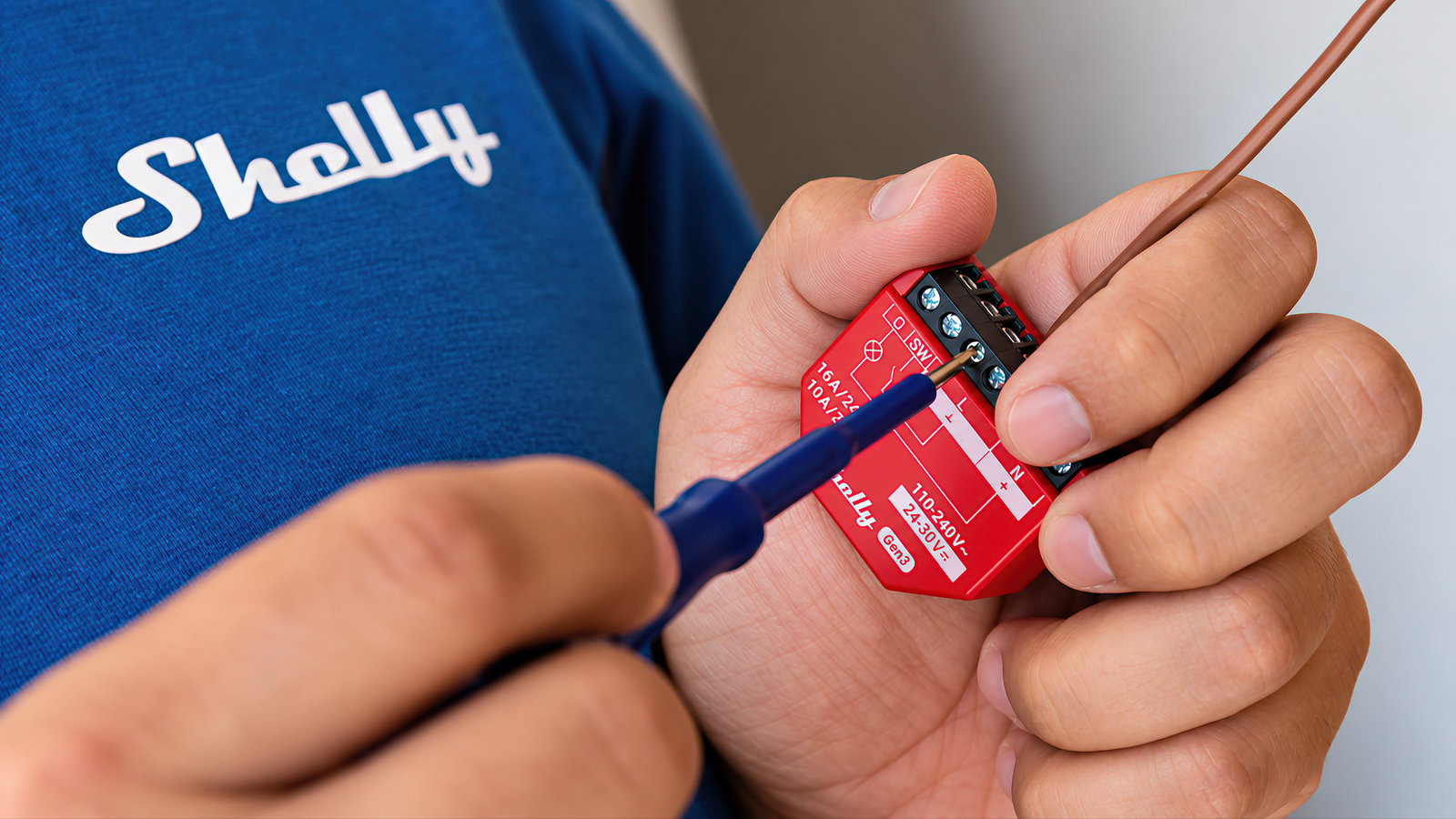
A Shelly is a small module that makes wiring you already have controllable. It joins your Wi-Fi directly, holds its schedules and scenes on the device itself, and keeps running them if your internet drops. Nothing you set up depends on Shelly's servers being reachable.
The device
The brain is the device
Shelly does the thinking locally, not in a data centre. Schedules, scenes and logic are stored on the unit and run there, so the lights still come on at dusk when the internet is out.
The network
No hub, no bridge
There is nothing to buy before the first one works. Where a Philips Hue setup is built around a Bridge that every light talks through, a Shelly joins your router directly and answers your phone from there.
The control
The app is optional
Every Shelly serves its own web interface, so you can set it up and run it from a browser on your own network, with no account. The Shelly Smart Control app and Shelly Cloud are free and add remote access and voice control, but nothing needs them.
The generations
What Gen1 to Gen4 means
Shelly has run through four hardware generations, and the same product name can exist in more than one of them. Later generations are faster and carry more radios than the ones before, which is why the generation is part of the name. The specifications on each page tell you which one you are looking at.
Getting started
1
It goes behind what you already have Start here
Shelly retrofits. The module fits behind the switch, socket or appliance that is already there, so your switch plates and fittings stay as they are and the original switch keeps working for anyone who just wants to flick it. Anything wired into a mains circuit is a job for a licensed electrician.
2
Open by design Then run it your way
Shelly publishes its local API and does not put it behind a developer account. Devices answer HTTP and MQTT on your own network and can run small scripts on themselves. That is why Shelly is the default choice for people building on Home Assistant, which ships an official Shelly integration.
Start with one and add more whenever you like. There is no hub to outgrow, and each Shelly works on its own whether you ever add another or not.
Works with
Also works with
-
Pairs with Amazon Alexa
-
Pairs with Home Assistant
Connects over
On your Wi-Fi
Joins your home network, so you control it from the app with no hub or bridge.
-
Wi-Fi
Set up over Bluetooth
Used once, to get it onto your Wi-Fi.
-
Bluetooth
Works offline
Keeps working on your home network when the internet is down.
Scripts
5
Give it jobs the app can't
Scripts add jobs the switch input can't do with the Shelly app's schedules and actions alone, like acting on the weather forecast or sending an alert to your phone. Each one is a small program that runs on the switch input itself: copy it, paste it into the device's script editor and press Start. It doesn't need a hub, a cloud account or a subscription.
-
Lighting Control a Philips Hue room from a wall switch -
Notifications Phone alert when a Shelly goes offline -
Garden Frost alert on your phone the evening before a cold night -
Network Phone alert when your home's public IP address changes -
Notifications Phone message when the power comes back, with how long it was off
Scripts are free; installing one takes about two minutes.
Specifications
No specifications match.
Build
- Type
- Module
- Form
- In-wall
- Housing material
- Plastic
- Power
- Hardwired
- Supply voltage
- 110–240 V
- Standby power
- < 1 W
- Generation
- Gen3
- Inputs
- 4 inputs
- Local control
- Yes
- Input type
- Mains-sensing
- Version
- 4.2 with BLE
- Range (indoors)
- 10 metres
- RF band
- 2400 - 2483.5 MHz
- Max. RF power
- < 4 dBm
- Operating temperature
- -20–40 °C
- Operating humidity
- 30–70 % RH
- Max altitude
- 2000 metres
- Size (HxWxD)
- 37x42x16 / 1.46x1.65x0.63
- Weight
- 19 g / 0.67 oz
- Screw terminals max torque
- 0.4 Nm / 3.5 lbin
- Conductor cross section
- 0.5 to 4 mm² / 20 to 11 AWG (solid, stranded, and bootlace ferrules)
- Conductor stripped length
- 6 to 7 mm / 0.24 to 0.28 in
- Mounting
- Wall box
- Shell color
- Orange
- Terminal Color
- Black
- Internal-temperature sensor
- Yes
- Protocol
- 802.11 b/g/n
- RF band
- 2401 - 2483 МHz
- Max. RF power
- < 20 dBm
- Range
- Up to 30 m / 100 ft indoors and 50 m / 160 ft outdoors (Depends on local conditions)
- CPU
- ESP-Shelly-C38F
- Flash
- 8MB
- Webhooks (URL actions)
- 20 with 5 URLs per hook
- Scripting
- Yes
- MQTT
- Yes
- SKU
- SHE-SWT-0005
- MPN
- S3SN-0024X
- Barcode
- 3800235261828
Wiring diagrams
Circuit overview
1Second switch
Active (supply)Neutral / 0 VSwitch signal / dry contact
In Australia, fixed 230 V wiring is licensed-electrician work. Use these diagrams to plan the job and brief your electrician.
Showing the whole circuit
What you can do with it
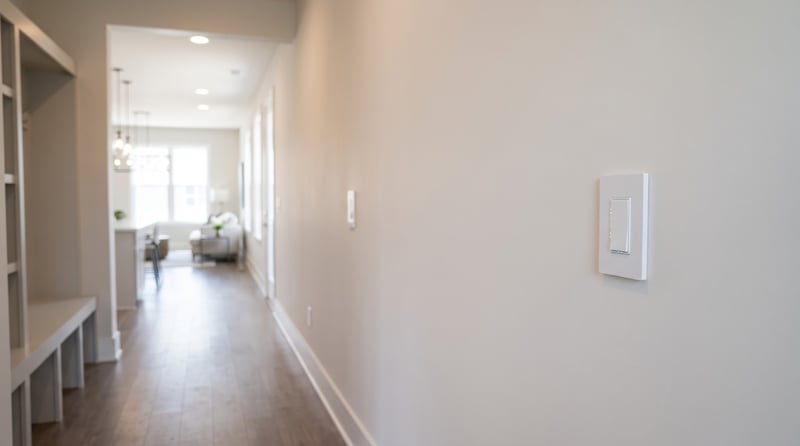
Add a second light switch without running new cable
A Shelly i4 behind a second switch tells the light to change over Wi-Fi, so the far end of the hall or the top of the stairs gets its own switch. Nobody runs cable between the two. Control with any of

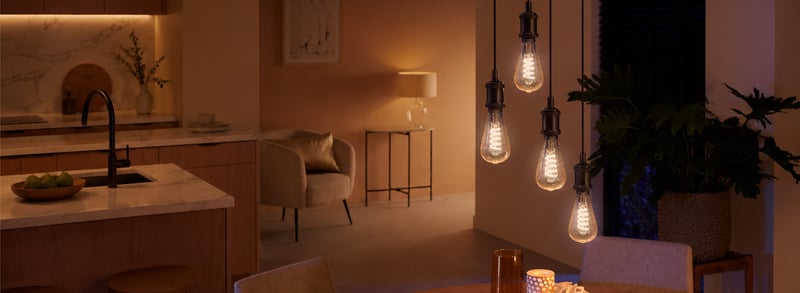
Control any group of lights from one wall switch
Outdoor lights on, the lounge set for a movie, everything off at bedtime. Behind one switch plate, each press sets the lights the way you choose. Control with any of 
Open and close the blinds from a wall switch
Keep the up and down switch you have and fit a Shelly behind it, so the blinds run from the wall and from your phone. Add a second switch anywhere in the room without new cable. Control with any of Common questions
Quick answers before you buy. We test this gear ourselves. Can't find yours? Ask our Melbourne team
No. The i4 has four inputs and no relay output, so it reads switches rather than powering anything. Pair it with a Shelly relay, or use it to trigger scenes on devices you already have.
Yes. The i4 wires into 240V mains behind a switch plate or powerpoint, so in Australia a licensed electrician fits it.
Yes. It takes a live and a neutral at the install point, so the switch box needs both.
Yes. The four inputs take standard toggle or momentary wall switches, so the switch plates stay as they are.
Alexa can see it through a virtual device routine. Google Home and SmartThings don't support it directly, and there's no Matter or Apple Home on this model. It has a documented local API, so Home Assistant users can wire it into anything.
Shelly · i4 Gen3