


















Plus Uni
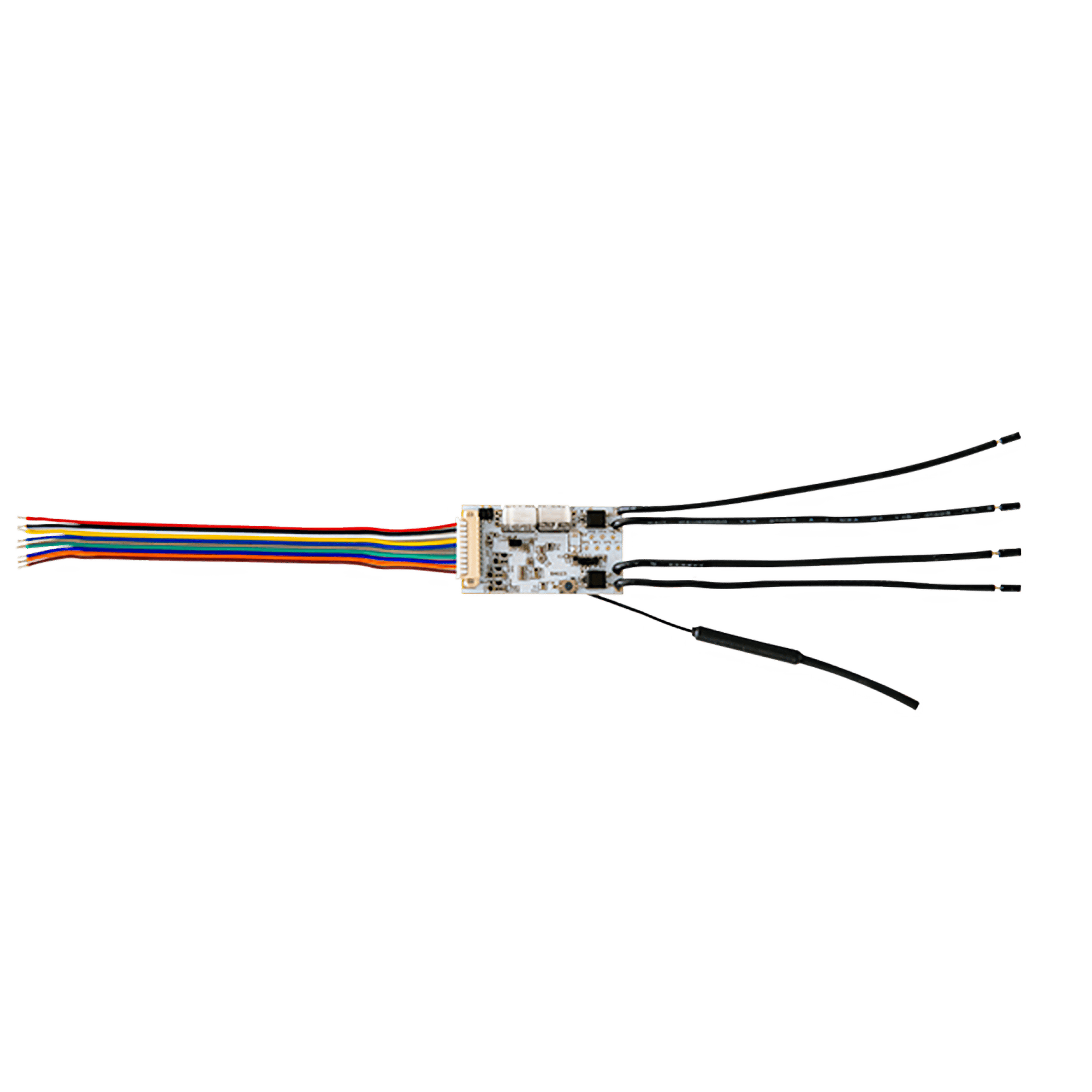
A low-voltage module for the jobs a mains relay can't do: two switching outputs that work like a button press, sensor inputs, and a counter, all running on 12 V or 24 V.
$29.95 inc GST In stock · ships today
Currently sold out.
Free shipping over $150 Order before 3pm Melbourne time on a weekday and it ships the same day.
30-day returns Unused items, easy online returns
3-year warranty Backed by Shelly
Everything you need to know
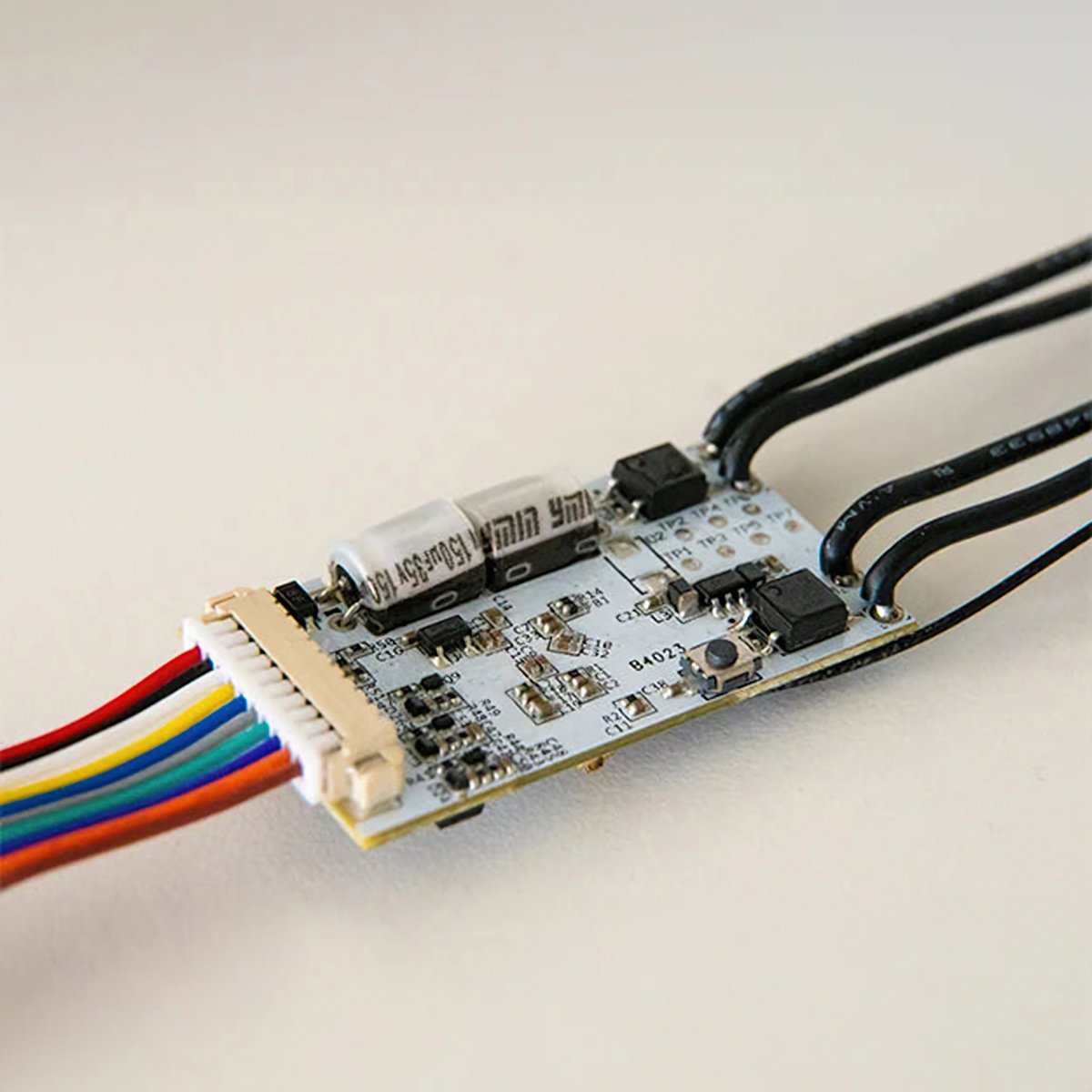
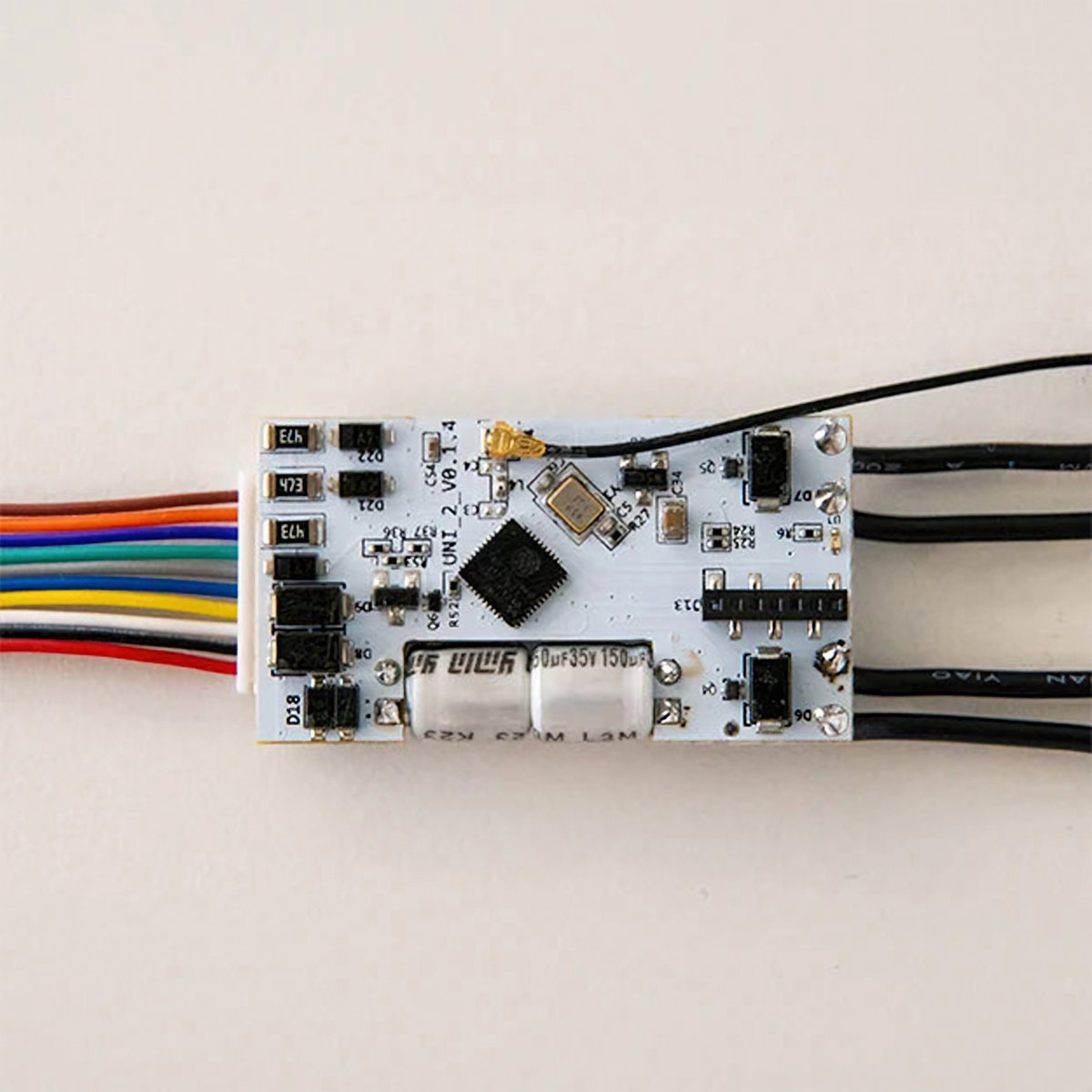
A small module with two outputs that work like a button press, two inputs for open-or-closed sensors, one for sensors that report a level, and a connection for temperature probes. It runs on 8 to 24 V AC or 9 to 28 V DC, so it goes where there's no mains: intercoms, gate controllers, alarm panels and caravans.
Product features
For the 12 V and 24 V side of the house
Most Shelly relays want 240 V, which is the mains power your house runs on. The Plus Uni doesn't: it runs on 8 to 24 V AC or 9 to 28 V DC, the low voltages used by intercoms, gate controllers, alarm panels, doorbell transformers and caravan systems. It's the module for the parts of a house that were never wired to mains.
- Runs on 8 to 24 V AC or 9 to 28 V DC
- Also takes a stabilised 5 V DC supply
- Goes where a mains relay can't
Two outputs that act like a button press
The two outputs don't send any power of their own. They make and break a connection, exactly the way pressing a button does, which is what most gate motors, doorbells and alarm panels are expecting. You wire the output across the button contacts, and from then on your phone or an automation can press it. Because they only signal, they can't run a load. Anything that needs real power, a light or a power point, wants a Shelly relay instead.
- Two outputs, each one acting as a button press
- Triggers gates, doorbells and control panels
- Signals only, it can't power a light or appliance
It can report as well as switch
The Plus Uni also has inputs, so it can tell you what's going on rather than only acting. Two of them read simple open-or-closed signals: a door contact, which is a small switch that says whether a door is open or shut, or a float switch, which does the same for a water tank that's full or empty. A third input reads a changing voltage, for sensors that report a level rather than a yes or no. And the counter input counts pulses, which is how a water or power meter reports each unit it measures, so you can total up usage in the app.
- Two inputs for open-or-closed sensors
- One input for sensors that report a level
- A counter for pulse output from water and power meters
Add temperature sensing
Shop the DS18B20 temperature probeIt has a connection for temperature probes, and one module takes up to five of them. Each probe is a small sensor on a lead that reads the temperature wherever you put it: inside a hot water cylinder, in a fridge, or out in the shed. The module powers them, so they need nothing of their own. If you want humidity as well, it takes a single DHT22 sensor instead, which reports both.
- Up to five temperature probes on one module
- Probes run off the module, no batteries
- Or one DHT22 for temperature and humidity together
How Shelly works

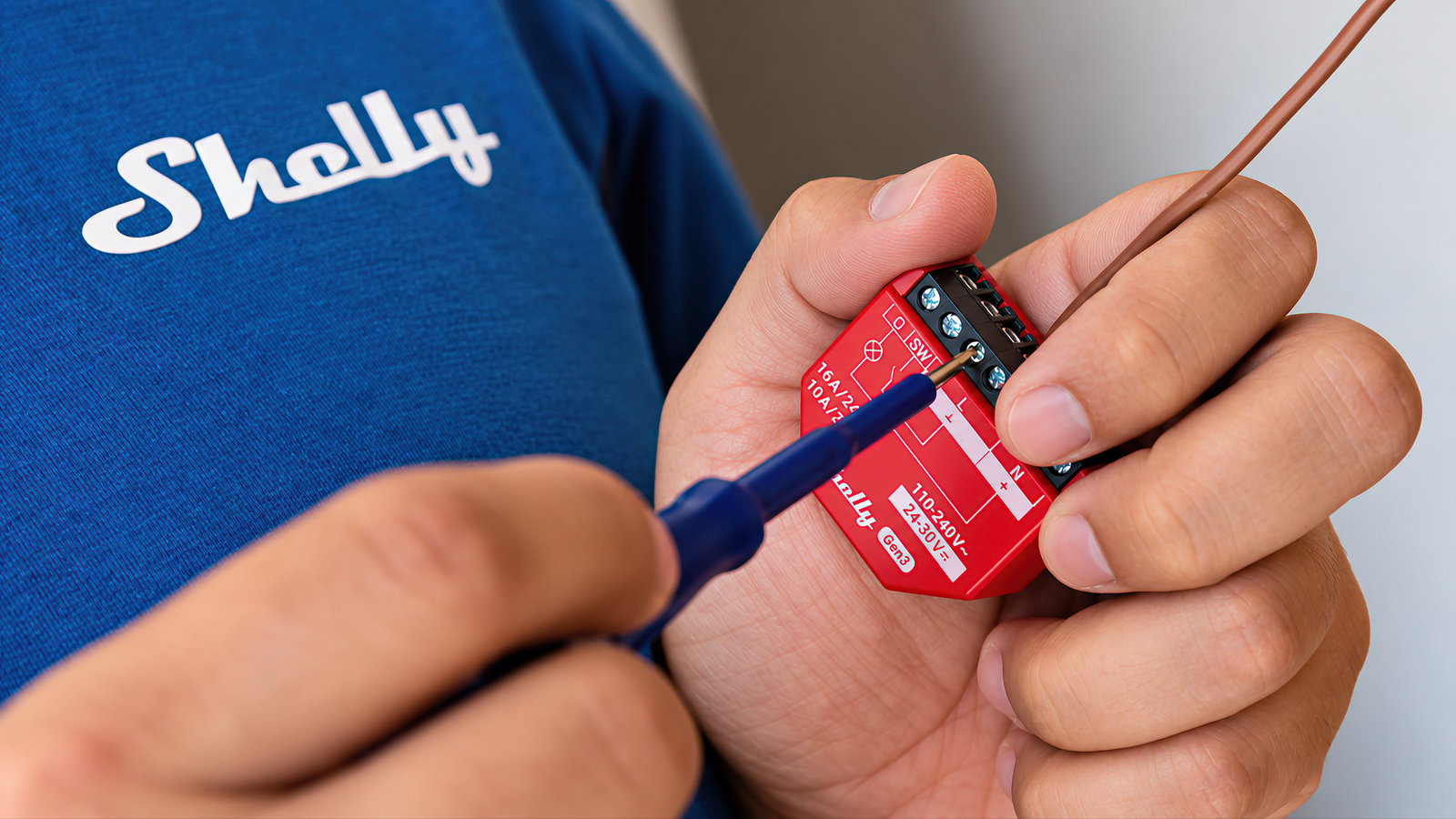
A Shelly is a small module that makes wiring you already have controllable. It joins your Wi-Fi directly, holds its schedules and scenes on the device itself, and keeps running them if your internet drops. Nothing you set up depends on Shelly's servers being reachable.
The device
The brain is the device
Shelly does the thinking locally, not in a data centre. Schedules, scenes and logic are stored on the unit and run there, so the lights still come on at dusk when the internet is out.
The network
No hub, no bridge
There is nothing to buy before the first one works. Where a Philips Hue setup is built around a Bridge that every light talks through, a Shelly joins your router directly and answers your phone from there.
The control
The app is optional
Every Shelly serves its own web interface, so you can set it up and run it from a browser on your own network, with no account. The Shelly Smart Control app and Shelly Cloud are free and add remote access and voice control, but nothing needs them.
The generations
What Gen1 to Gen4 means
Shelly has run through four hardware generations, and the same product name can exist in more than one of them. Later generations are faster and carry more radios than the ones before, which is why the generation is part of the name. The specifications on each page tell you which one you are looking at.
Getting started
1
It goes behind what you already have Start here
Shelly retrofits. The module fits behind the switch, socket or appliance that is already there, so your switch plates and fittings stay as they are and the original switch keeps working for anyone who just wants to flick it. Anything wired into a mains circuit is a job for a licensed electrician.
2
Open by design Then run it your way
Shelly publishes its local API and does not put it behind a developer account. Devices answer HTTP and MQTT on your own network and can run small scripts on themselves. That is why Shelly is the default choice for people building on Home Assistant, which ships an official Shelly integration.
Start with one and add more whenever you like. There is no hub to outgrow, and each Shelly works on its own whether you ever add another or not.
Works with
Also works with
-
Pairs with Amazon Alexa
-
Pairs with Google Home
-
Pairs with Home Assistant
-
Pairs with SmartThings
Connects over
On your Wi-Fi
Joins your home network, so you control it from the app with no hub or bridge.
-
Wi-Fi
Set up over Bluetooth
Used once, to get it onto your Wi-Fi.
-
Bluetooth
Works offline
Keeps working on your home network when the internet is down.
Scripts
11
Give it jobs the app can't
Scripts add jobs the module can't do with the Shelly app's schedules and actions alone, like acting on the weather forecast or sending an alert to your phone. Each one is a small program that runs on the module itself: copy it, paste it into the device's script editor and press Start. It doesn't need a hub, a cloud account or a subscription.
-
Heating & hot water Cap how many hours a heater or pump runs each day -
Lighting Control a Philips Hue room from a wall switch -
Garden Garden watering that skips the run when it rains -
Safety Holiday lights that come on at a different time each night -
Heating & hot water Hot water or pool pump on off-peak times, with a boost switch -
Network Internet watchdog that restarts your modem
Scripts are free; installing one takes about two minutes.
Specifications & Installation
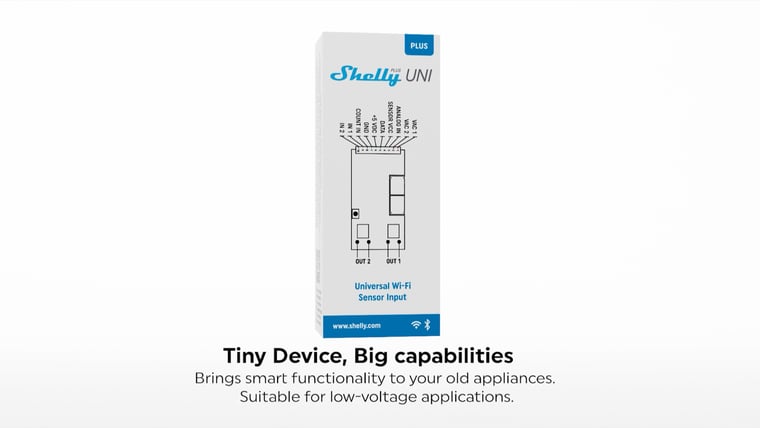
Setup · 2:22
How to install it
Shelly's own step-by-step install, from wiring the low-voltage inputs through to first power-up.
Watch setup videoNo specifications match.
Build
- Type
- Module
- Form
- Inline
- Power
- Hardwired
- Supply voltage
- 9–28 V
- Standby power
- < 1 W
- Inputs
- 2 inputs
- Local control
- Yes
- Input type
- Low-voltage DC
- Standard
- 802.11 b/g/n
- Range (indoors)
- 30 metres
- Version
- 4.2
- Range (indoors)
- 10 metres
- Operating temperature
- -20–40 °C
- Operating humidity
- 30–70 % RH
- PCB size (LxWxH)
- 40x21x7 mm / 1.57x0.83x0.28 in
- Weight
- 8.5 g / 0.3 oz (with the cables)
- Digital inputs resistance
- 50 kΩ
- Digital inputs triggering voltage
- 1.5 V (active low level)
- Max switching voltage
- 30 V
- Max switching current
- 300 mA
- Voltmeter
- 0-15 VDC / 0-30 VDC (Two-range)
- Pulse counter input triggering voltage
- 1.5 V (active low level)
- Pulse counter max frequency
- 1 kHz
- External sensors supported
- Single DHT22 or up to five DS18B20
- RF band
- 2400 - 2495 MHz
- Max. RF power
- <20 dBm
- CPU
- ESP32-U4WDH
- Flash
- 4 MB
- Schedules
- 20
- Webhooks (URL actions)
- 20 with 5 URLs per hook
- Scripting
- Yes
- MQTT
- Yes
- CoAP
- No
- SKU
- SHE-SWT-0006
- MPN
- SNSN-0043X
- Barcode
- 3800235265710
Common questions
Quick answers before you buy. We test this gear ourselves. Can't find yours? Ask our Melbourne team
8 to 24 V AC, 9 to 28 V DC, or a stabilised 5 V DC. It doesn't run on 240 V mains.
No. Its outputs act like a button press rather than supplying power, and they're rated to 300 mA, which is enough to trigger a device that has its own power but not to run one. For mains loads use a Shelly relay.
Up to five DS18B20 temperature probes, or one DHT22 for temperature and humidity.
Not for the low-voltage wiring itself, which isn't licensed work in Australia. But the system you're wiring it into often is, and a gate motor, alarm panel or intercom fed from mains is a job for a licensed electrician.
Shelly · Plus Uni