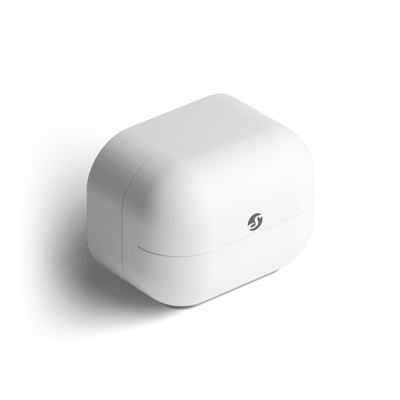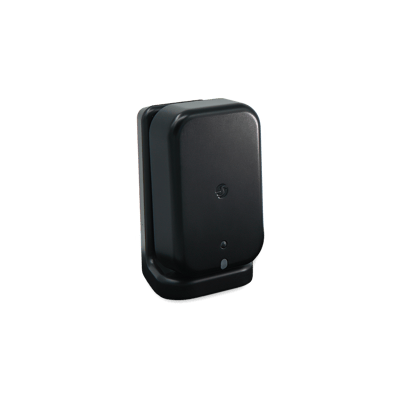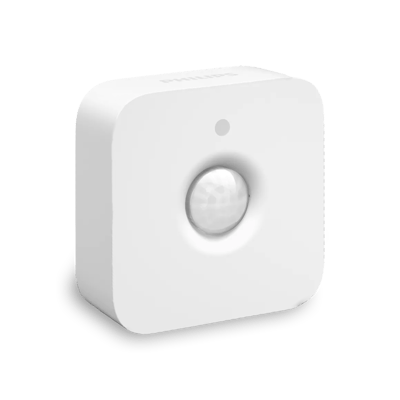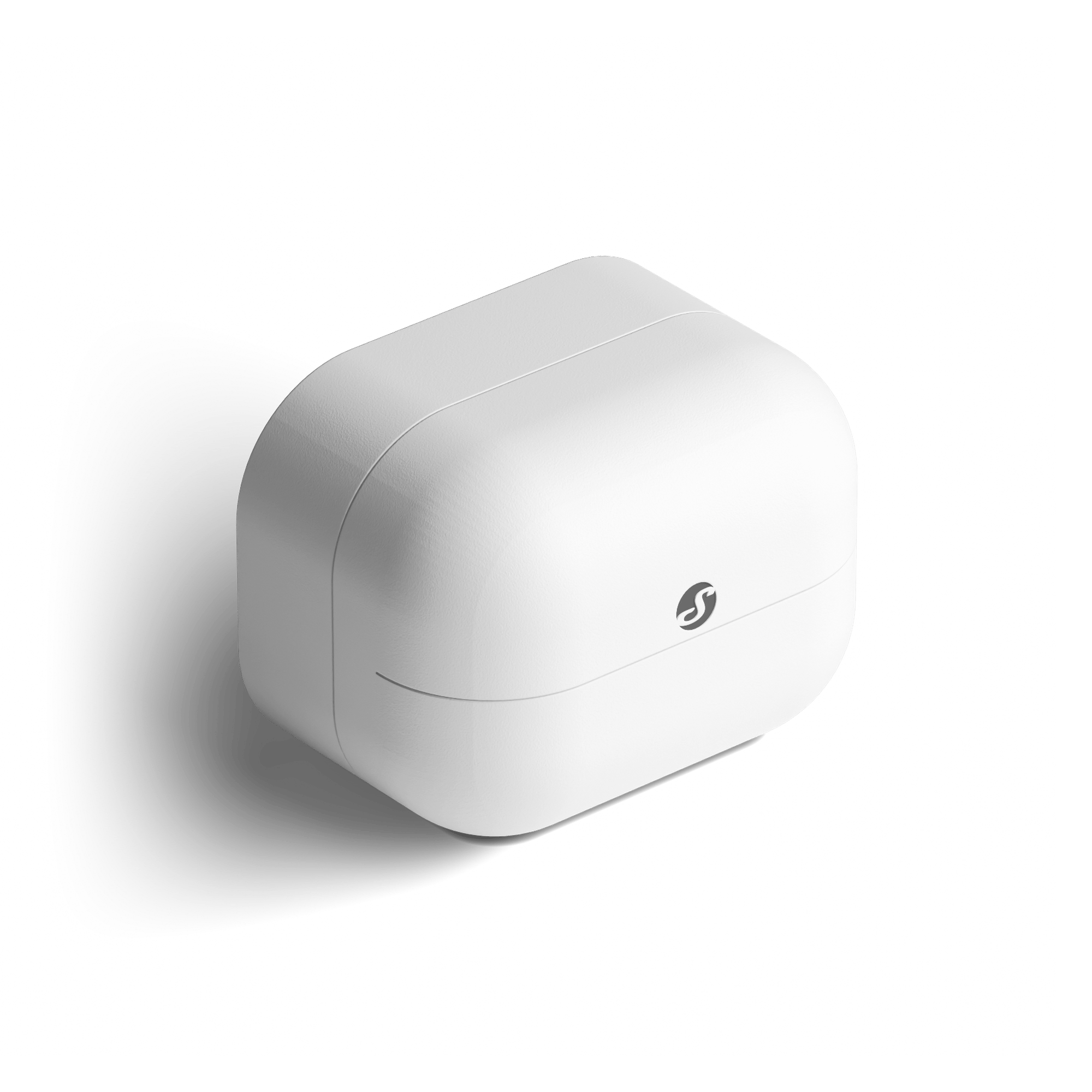
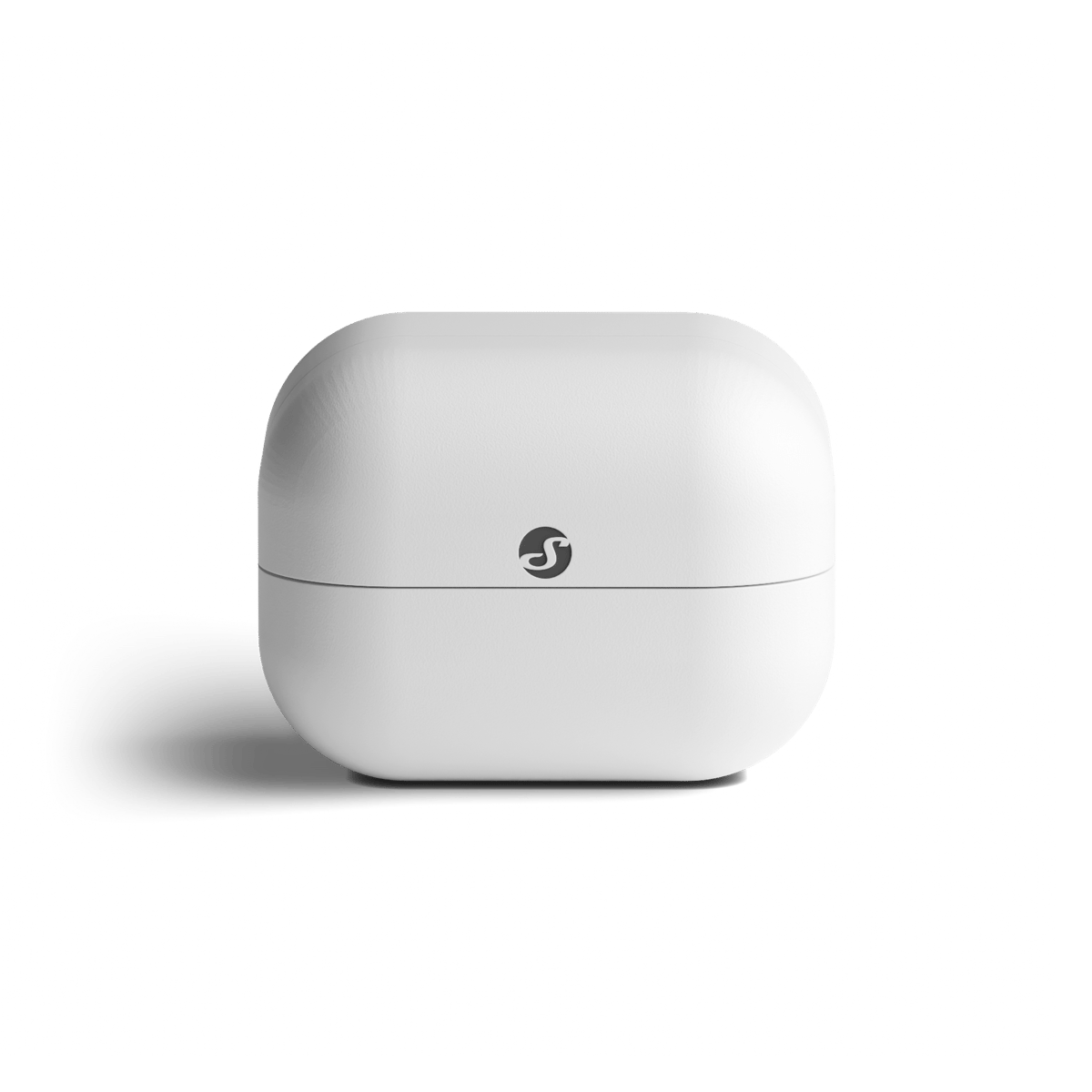
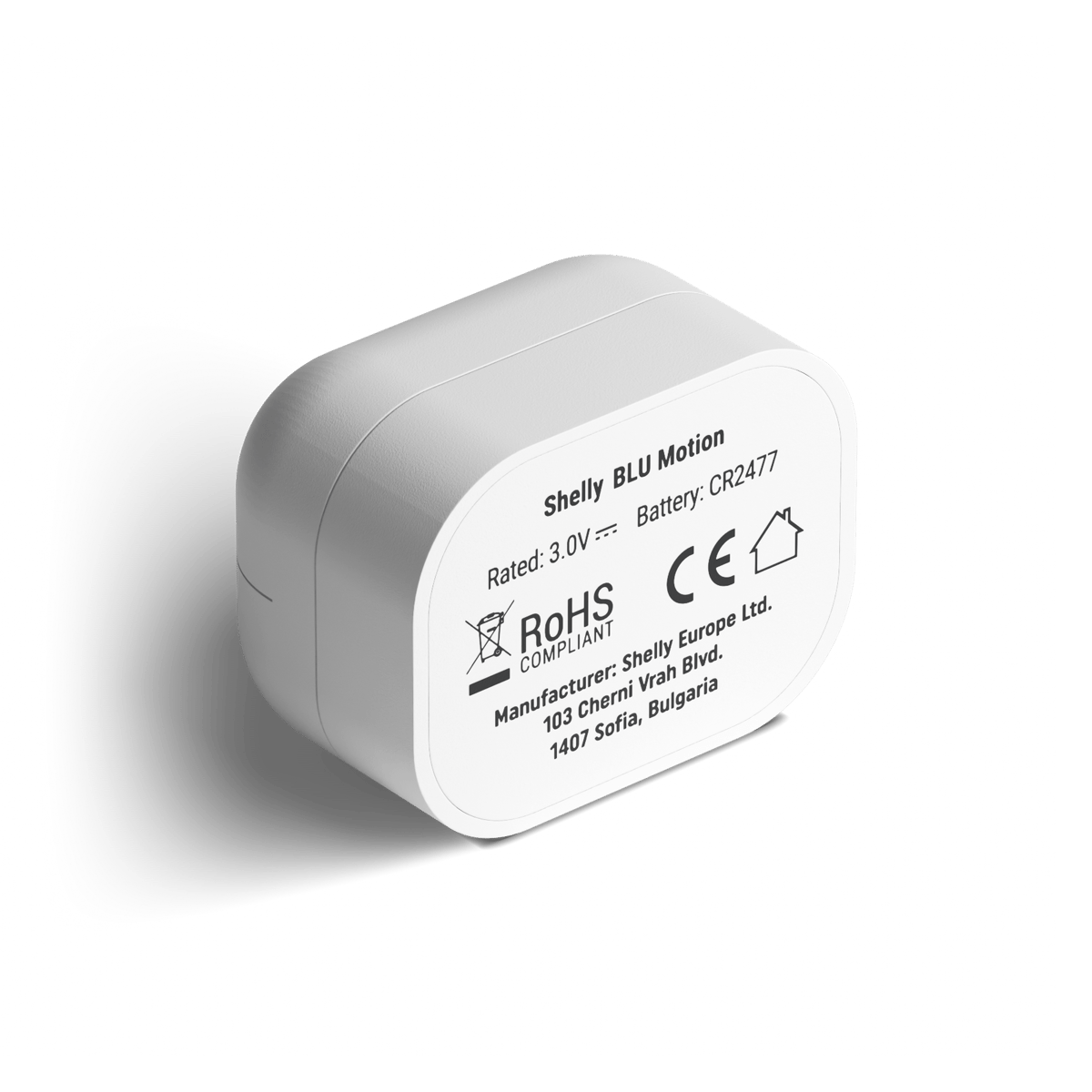




BLU Motion
A coin-cell motion sensor with a built-in light meter, for automations that should only run after dark. Pairs to a mains-powered Shelly as its gateway.
$39.95 Was $44.95 inc GST Out of stock
Currently sold out.
Free shipping over $150 Not available to order right now. We will have it back once new stock arrives.
30-day returns Unused items, easy online returns
3-year warranty Backed by Shelly
Everything you need to know
The sections below cover how the sensor reaches your setup, the jobs people put it on, the full specifications, and how warranty and returns work. If something's still unanswered, the questions at the bottom cover the common ones.
Product features
One mains Shelly does the talking
The sensor is a battery device that broadcasts over Bluetooth and nothing more. A mains-powered Shelly nearby picks that up and passes it on to your network, your app, or your home automation system. If you already have one behind a switch or in the switchboard, it is doing this job whether you knew it or not. Any of the Plus, Gen3, Gen4 and Pro devices will act as the gateway, so there is no separate bridge to buy for the BLU range.
- Works with the Plus, Gen3, Gen4 and Pro ranges
- Around 10 m indoors between sensor and gateway
- No separate bridge to buy
Motion, and how dark it is
A PIR element picks up movement and body heat, and a lux meter alongside it reports how much light is in the room. Both go out in the same broadcast, so an automation can ask for movement and darkness together. That is the difference between lights that come on every time someone walks past and lights that only come on when it is actually dark. One sensor, and no sunset schedule to keep in step with the seasons.
- PIR motion detection
- Ambient light reported in lux
- Adjustable blind time between reports
About five years on one coin cell
The sensor sleeps until something happens, then sends a short broadcast and goes quiet again. That is what gets it to roughly five years on a single coin cell, and the first one is in the box. Beacon mode sends an update every 30 seconds whether anything has changed or not, which will shorten that considerably. Leave it off unless you have a reason to want it.
- Coin cell included
- Around five years in normal use
- Beacon mode trades battery life for constant updates
How Shelly BLU works

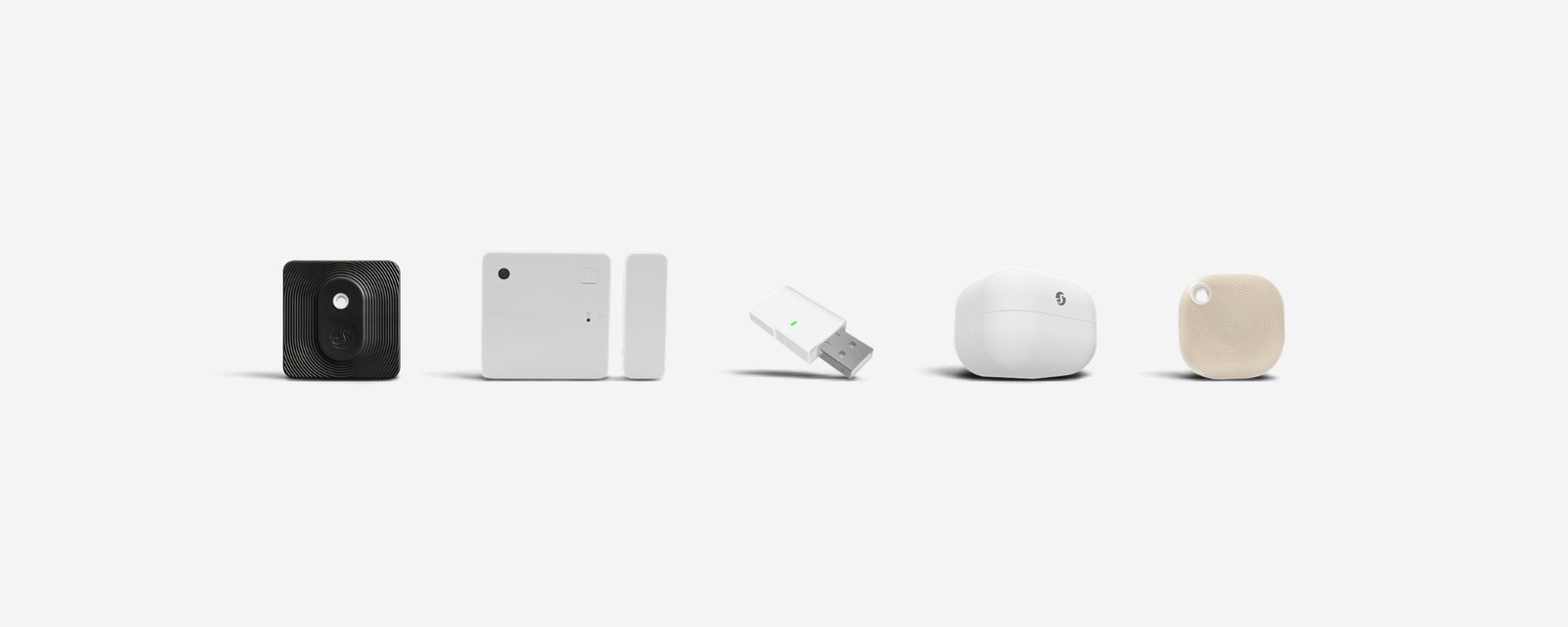
Shelly BLU devices are battery sensors and buttons that talk Bluetooth, not Wi-Fi. They don't join your network themselves. A Shelly on your Wi-Fi picks up what they send and passes it on to the Shelly app, your automations or Home Assistant, and that Shelly is called the gateway.
The device
Made to run on a battery
Bluetooth needs very little power, so a BLU device runs for years on a coin cell and goes where there's no power point: on a door, a shelf or a fence post. The battery life for each one is on its product page.
The gateway
Every BLU device needs a gateway
The gateway is any Shelly on your Wi-Fi within range. Plus, Gen3, Gen4 and Pro relays and dimmers all do the job, so if you already have one nearby, you're set. If you don't, the BLU Gateway plugs into a USB charger and does only this job.
The range
Plan on about 10 metres indoors
Shelly rates the link at about 10 metres indoors and 30 metres outdoors. Walls, metal and appliances cut that down, so Shelly recommends a gateway in every room, and a device can report to more than one.
The platforms
Home Assistant reads them through BTHome
BLU devices have no Matter radio, so Apple Home, Google Home and Alexa only see them through whatever your gateway is connected to. Home Assistant supports the range directly through its BTHome integration.
Getting started
1
Check for a gateway first Start here
If a Plus, Gen3, Gen4 or Pro Shelly is in the same room or the next one, you don't need anything else. If not, add a BLU Gateway or a mains Shelly near where the device will go.
2
Add it in the Shelly app Then pair it
In Shelly Smart Control, tap the plus sign and choose Add via Bluetooth, press the device's button when asked, then tick the Shelly that will be its gateway.
Models marked ZB also carry Zigbee, so they can join a Zigbee coordinator instead of reporting through a Shelly.
What's in the box
- 1× Shelly BLU Motion
- 1× CR2477 battery
- Fitted, around five years of life
Works with
Also works with
-
Pairs with Home Assistant
Connects over
Phone to motion sensor, through a gateway
Your phone reaches the gateway over your home network; the gateway speaks Bluetooth to the motion sensor, and adds scenes, automations and out-of-home control. Any of Shelly's mains-powered devices can act as the gateway.
-
Bluetooth
Works offline
Keeps working on your home network when the internet is down.
Specifications
No specifications match.
Power
- Power
- Battery
- Battery
- CR2477
- Battery life
- 60 months
- Placement
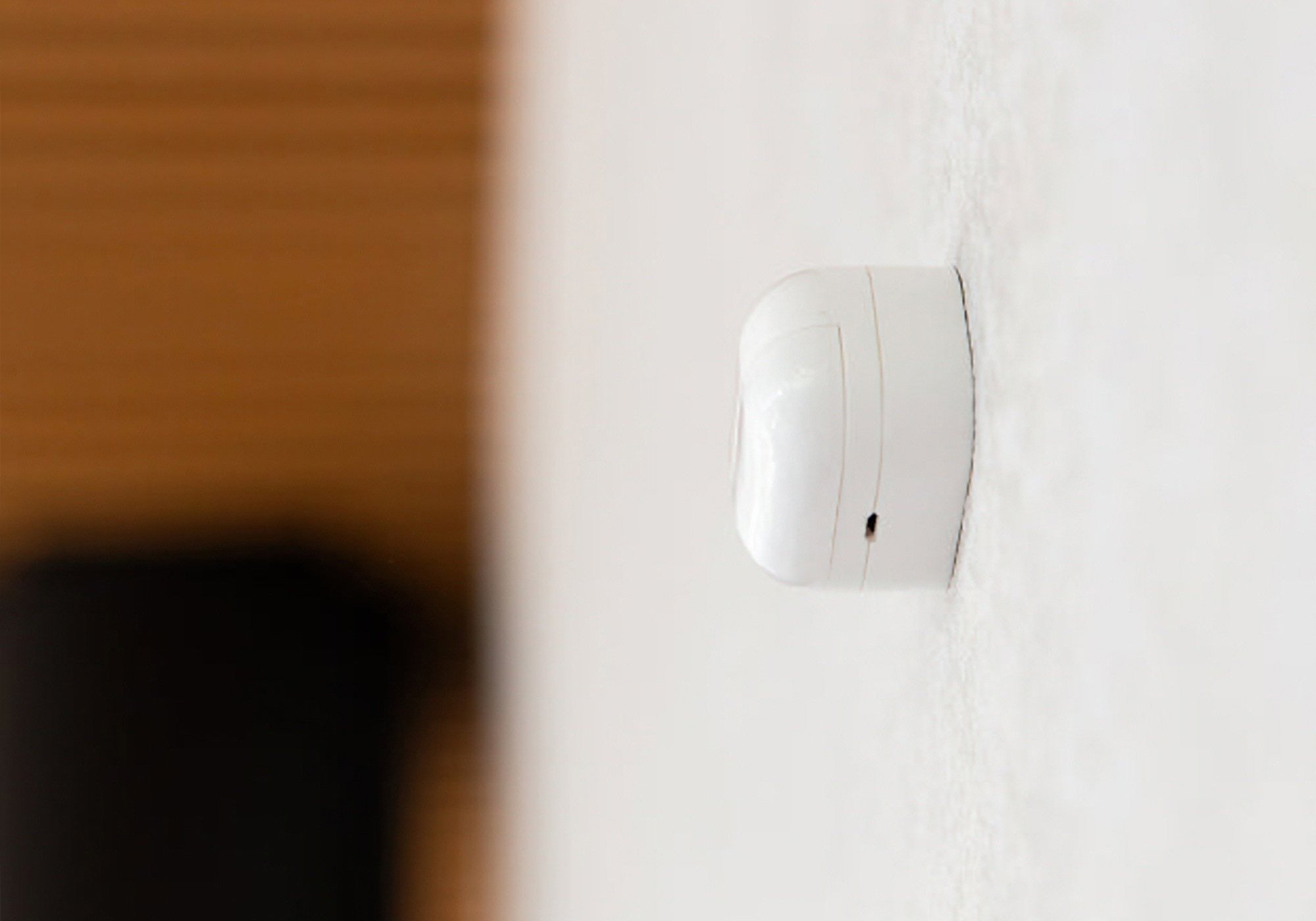
- Indoor
- Housing material
- Plastic
- Built-in light sensor
- Yes
- Sensing technology
- PIR
- Detection range
- 9 metres
- Detects stationary presence
- No
- Zone targeting
- No
- Version
- 4.2
- Range (indoors)
- 10 metres
- Operating temperature
- -20–40 °C
- Operating humidity
- 30–70 % RH
- SKU
- SHE-SNS-0009
- MPN
- SBMO-003Z
Common questions
Quick answers before you buy. We test this gear ourselves. Can't find yours? Ask our Melbourne team
A mains-powered Shelly within Bluetooth range to act as its gateway. Any of the Plus, Gen3, Gen4 or Pro devices will do it, including a 1 Mini Gen4 already sitting behind a light switch. On its own the sensor has nothing to report to.
Up to about 10 metres indoors, and further in the open. Walls and floors cut that down, so put the gateway in the same room or the next one.
Not by itself. It has no Matter or Zigbee radio, so it only reaches those platforms through whatever your Shelly gateway is connected to. In Home Assistant the BLU range is supported through the BTHome integration.
A single CR2477 coin cell, included, good for around five years.
No. It has no ingress rating, so keep it indoors.
Shelly · BLU Motion