


















Theme guide Home Assistant themes in 2026
Warm Burnout for Home Assistant
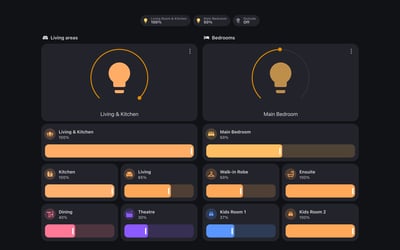
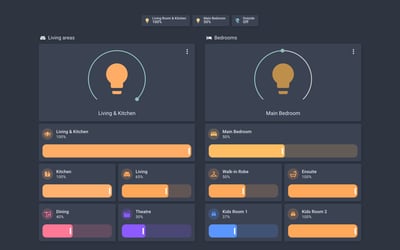
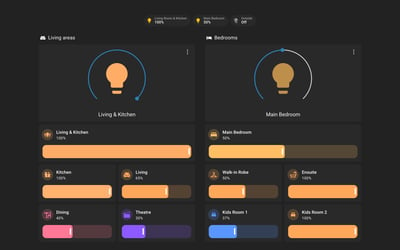
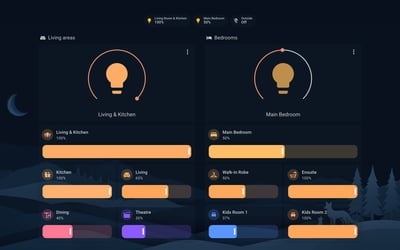
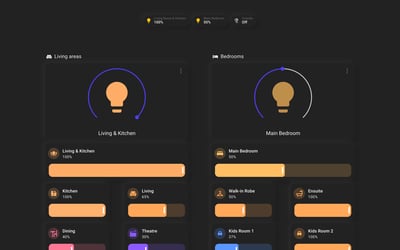
Dark brown and parchment with a copper accent, ported from a code editor theme. One file covers light and dark, with no card-mod.
Updated 29 September 2026
Warm Burnout started as a colour theme for code editors and terminals, and Felipe Lima added a Home Assistant port to the suite in March 2026. Dark mode sits on a near-black brown (#1a1510) with charcoal cards. Light mode is parchment (#F5EDE0) with cream cards. Both use a single copper rust accent (#b8522e) for thermostat rings, toggles and the active slider.
The palette reaches past the cards. The theme sets its own chart colours (ambers, sage, terracotta and mauve, with no blue), colours the energy dashboard in the same family, and gives the YAML editor the syntax colours from the original editor theme. It also sets the variables Mushroom cards and Mini Graph Card read, so both pick up the palette without extra setup.
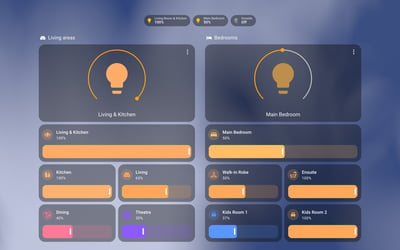
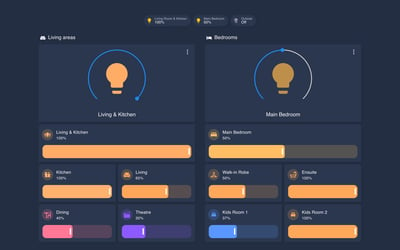
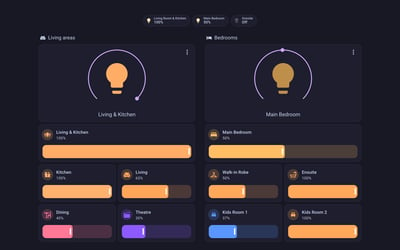
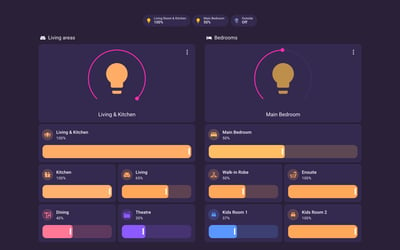
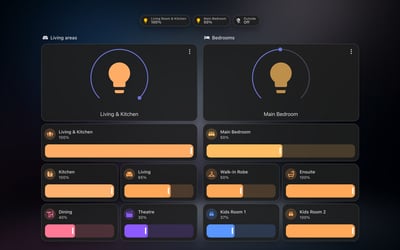
Some cards keep their own colours. Tiles coloured by device type use Home Assistant's domain colours, so in our media lab the speaker volume sliders stay blue in both modes, and a light tile takes the colour of its bulb.
It's one YAML file with a modes block, so Home Assistant switches between light and dark with your device or the Auto setting in your profile. It needs Home Assistant 2024.1 or later. The repository isn't in the HACS default list. Add it as a custom repository with the Theme category, download it, reload themes and pick Warm Burnout in your profile.
Variants
Dark
Near-black brown grounds and charcoal cards, with a copper rust accent on rings, toggles and sliders.
Light
A parchment ground with cream cards, warm grey icons and the same copper accent.
Frequently asked questions
Is Warm Burnout in the HACS store?
No. In HACS, add github.com/felipefdl/warm-burnout as a custom repository with the Theme category, then download it like any other theme. You can also copy themes/warm-burnout.yaml into your config/themes folder by hand.
Does it follow my phone's dark mode?
Yes. The light and dark palettes live in one theme, so Home Assistant switches with your device, or with the Auto option in your profile.
Does it need card-mod?
No. It sets only standard theme variables, plus the Mushroom and Mini Graph Card variables those cards read directly.
Why are some controls still blue?
Cards that colour a control by device type, like the media player volume slider, use Home Assistant's own domain colours. The theme doesn't override them, so they stay stock.
More theme guides
See the full roundup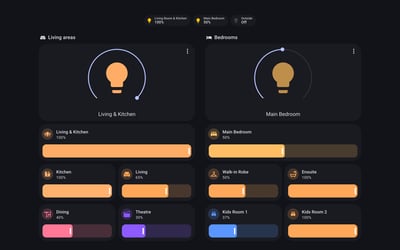
Still need a hand?
We answer most messages within one business day. If your question is about an existing order, have your order number ready. It speeds things up.
Contact us