


















Theme guide Home Assistant themes in 2026
LCARS for Home Assistant
The Star Trek computer panel for Home Assistant: condensed capitals, rounded elbow frames and solid colour bars, in two dozen palettes. It changes the shape of your dashboard, not just its colours, if you build the dashboard for it.
Updated 12 October 2026
LCARS is the only theme here that changes the shape of a dashboard rather than its palette. Put a card inside a header, middle or footer class and it gets the rounded elbows and side bars of a starship console. Give a button the lozenge or small class and it becomes a pill or a squared-off panel key. The showcase shots below are built that way, with each stack given its classes in YAML.
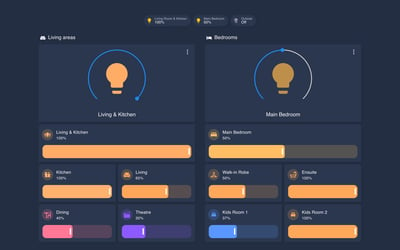
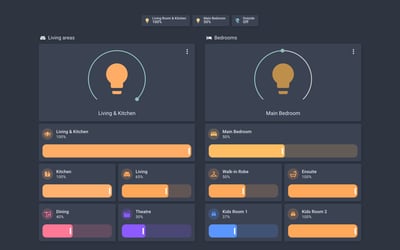
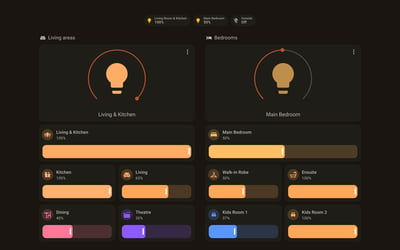
Without the classes it is a palette and a font. On an ordinary dashboard, like the labs we shoot every theme on, you get condensed capitals and solid coloured cards with rounded corners. It looks good, but nothing like the screenshots in the repository. Plan on rebuilding at least one dashboard if the console look is what you want.
It is also more to install than most themes. Since version 4.1 it injects its CSS through UI eXtension, the successor to card-mod. It needs the Antonio font (or Tungsten) and a JavaScript file added as dashboard resources, plus a handful of helpers that drive sounds, a texture overlay and border widths. The README walks through each step. It is actively maintained, with a release in July 2026, and the repository carries 24 named themes, from Classic and Picard through Romulus and Red Alert. Every one has a light mode, though on the dashboards we shot the light mode looked the same as the dark.
Variants
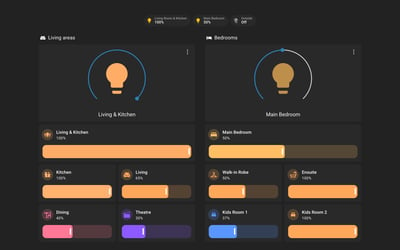
Default
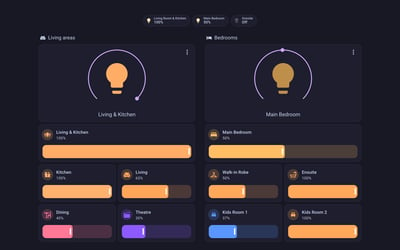
Lavender frames, red side bars and blue header bars on black. The palette the theme opens with.
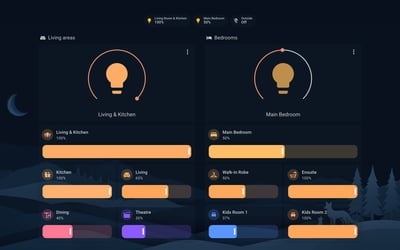
Lower Decks
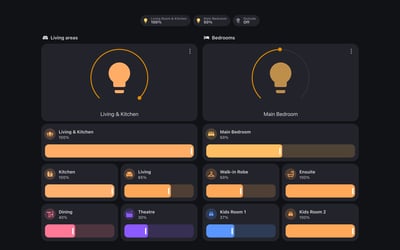
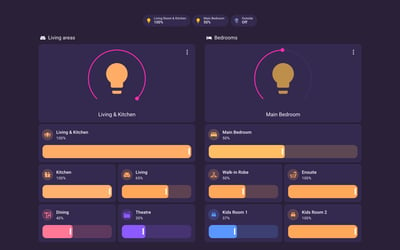
Amber and orange panels with red-orange headers, after the animated series. The warmest of the set.
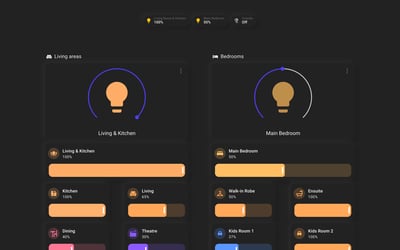
Cardassia
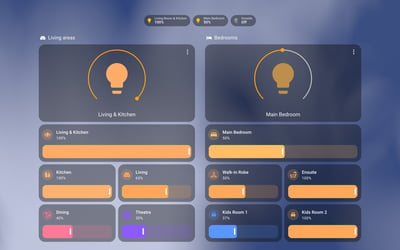
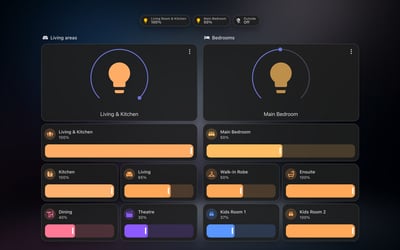
Dark maroon panels with sky-blue and violet trim. The most subdued of the three, and the easiest to live with on a wall panel.
Frequently asked questions
Does it work with card-mod?
Not any more. Since 4.1 it runs on UI eXtension, which reads the same card-mod keys, so existing card_mod: blocks in your dashboards keep working after the switch. UI eXtension will not install while card-mod is still registered as a resource, so remove card-mod first.
Why don't my cards have the frames?
The frames come from classes you add to each card, such as header-left, middle-left and footer-left on the cards of a vertical stack. A card without a class gets the theme's colours and font only.
Which font should I use?
Antonio loads from Google Fonts as a dashboard resource and is the easier route. Tungsten is the font used in later seasons of Picard and is free for personal use, but you download and host it yourself.
More theme guides
See the full roundup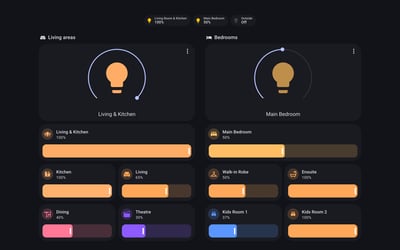
Still need a hand?
We answer most messages within one business day. If your question is about an existing order, have your order number ready. It speeds things up.
Contact us