


















Theme guide Home Assistant themes in 2026
Catppuccin for Home Assistant
The pastel palette that spread from code editors to everything with a screen, in four flavours from Latte to Mocha. Quiet since April, so check it against a current install first.
Updated 26 August 2026
Catppuccin started as a colour palette for code editors and has since been ported to just about everything with a screen: terminals, browsers, and, usefully for us, Home Assistant. The port is maintained by the Catppuccin community, installs through HACS, and covers the full frontend, with all four flavours arriving in the one download.
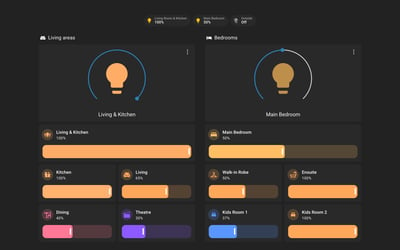
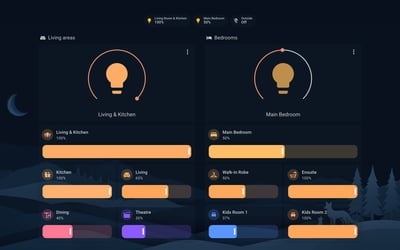
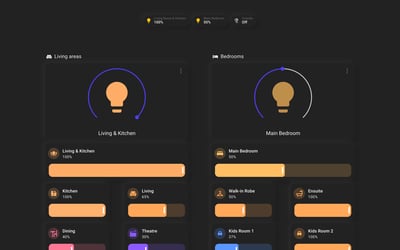
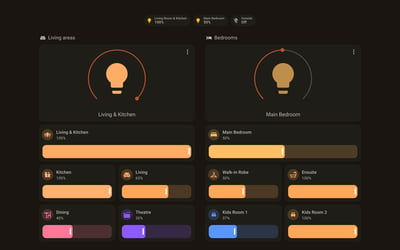
The reason it sits below the top picks is maintenance. The port has not shipped since April 2026, which predates the component changes in release 2026.5, so expect toggles and switches to fall back to default colours on a current install until a new release lands. The palette itself is popular enough that this may be fixed by the time you read it. Check the repository's release date rather than taking ours.
Variants
Mocha
The darkest and the most popular flavour, the one behind most of the dashboards you see shared online.
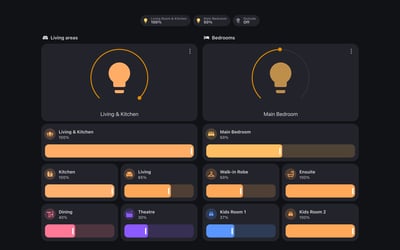
Macchiato
A step darker than Frappe with a touch more contrast. A good middle ground for mixed lighting.
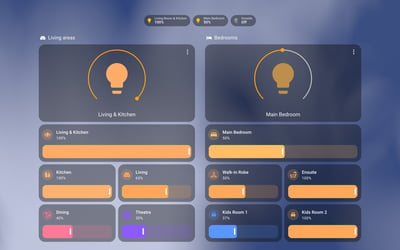
Frappe
The gentlest of the three dark flavours, with a soft blue-grey cast. Easy on the eyes at night without going full black.
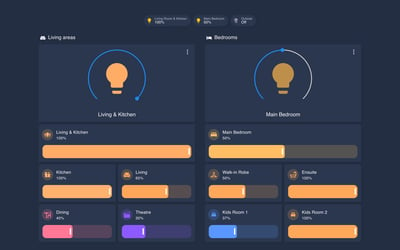
Latte
The light flavour. The right pick for bright rooms and dashboards that stay on during the day.
Frequently asked questions
Which flavour should I use on a wall tablet?
Mocha for a panel viewed mostly at night, Latte for one in a bright living area. Themes follow the user account, so give the wall tablet its own Home Assistant user if you want it to run a different flavour from your phone.
Does Catppuccin follow the light and dark mode toggle?
Yes. The flavours register light and dark variants, so in auto mode Home Assistant swaps between Latte and your chosen dark flavour with the system setting.
Will it style custom cards like Mushroom?
Mostly. Any card that reads the standard Home Assistant theme variables picks up the palette automatically. Cards that hard-code their own colours will keep them.
How do I update the theme?
Through HACS, the same place you installed it. When an update lands, download it and run the frontend.reload_themes action. No restart needed.
More theme guides
See the full roundup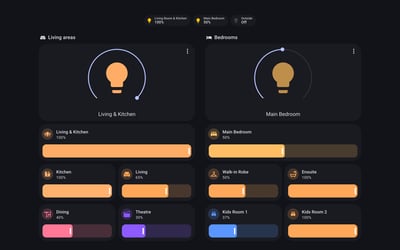
Still need a hand?
We answer most messages within one business day. If your question is about an existing order, have your order number ready. It speeds things up.
Contact us