

















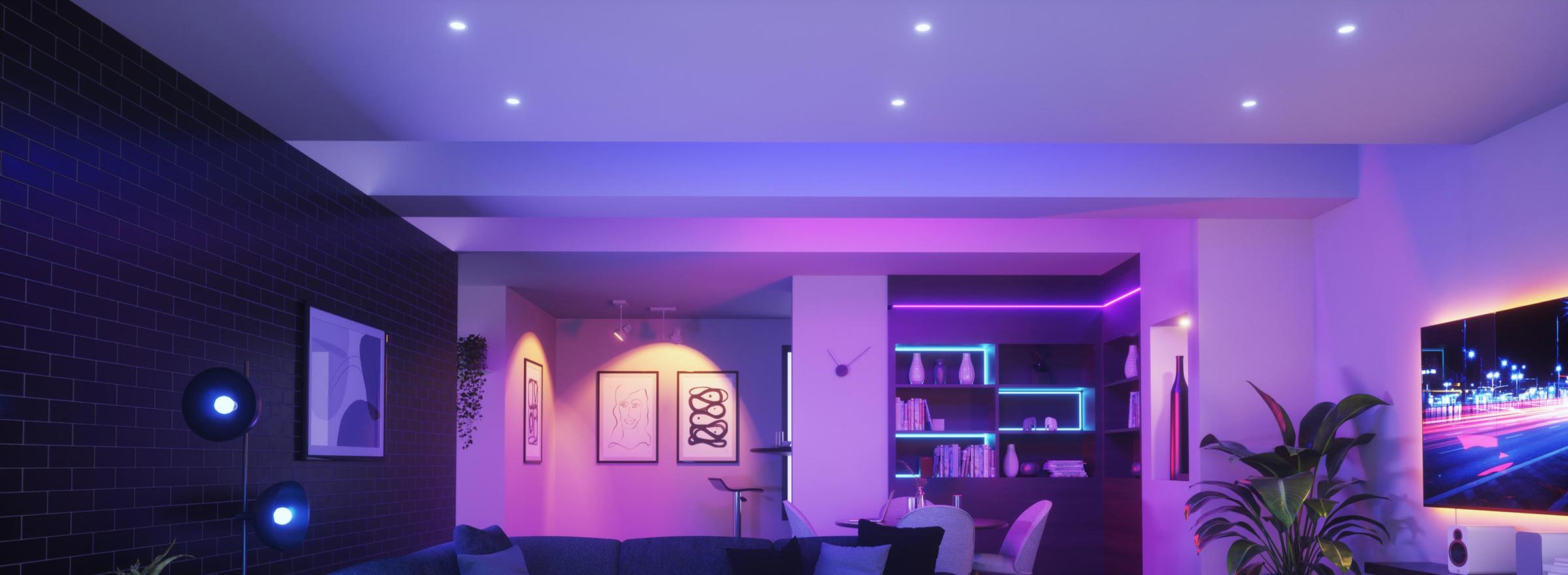
Smart dimmer switches
Wall dimmers that set brightness by app, voice or the switch itself, and hold a scene once you have it right. The catch is compatibility, so check the dimming type and your lights before you buy.
Trailing vs leading edge
Leading edge suits older halogen and incandescent loads; trailing edge is the smoother, quieter choice for modern LEDs. Most smart dimmers here are trailing edge, and many auto-detect the load.
Minimum and maximum load
Every dimmer lists a wattage range. Drop below the minimum, common with one or two LED globes, and lights can flicker or refuse to turn off fully.
Control and protocols
Dim over Wi-Fi, Zigbee or Matter, by app, voice or the physical paddle. Matter and Zigbee run locally through a hub; Wi-Fi models connect direct.
Wiring
A dimmer replaces the existing mech in the wall plate. Wiring, including whether a neutral is needed, sits with our light switches.
Switches · 7 products Dimmers at Synced Australian stock


Filter guide
Which protocol should I pick?
Protocols are the wireless languages smart devices use to talk to each other. Some need a hub, some run straight off your Wi-Fi. Here's what each one means for your setup.
-
Zigbee
Low-power meshThe cleanest mesh for a bigger setup. Every mains-powered device repeats the signal, so coverage grows as you add more. Needs a hub like a Hue Bridge or SmartThings.
-
Wi-Fi
No hub neededThe simplest way to start. Plugs into your existing Wi-Fi with no extra hardware. Best for a handful of devices; very large setups can crowd the network.
-
Ethernet
Wired to your routerThe steadiest connection you can give a device. A cable means no Wi-Fi congestion and nothing to drop out, which is why hubs, panels and cameras so often offer it. The catch is physical: it has to sit within cable reach of a network port.
-
Bluetooth
Direct, short-rangeGood for setup and close-range control from your phone. Range is short with no remote access on its own, so it's often paired with a hub or bridge.


None selected
Compatibility guide
Which platforms does it work with?
Works with shows the smart home platforms a device pairs with, so you can control it from the app and voice assistant you already have. Here's what each one is.
-
Apple Home
Apple ecosystemPairs with Apple Home, so you control it from the Home app and Siri across your Apple devices. Look for this if your household runs on iPhones.
-
Google Home
Google ecosystemWorks with the Google Home app and Google Assistant, for voice control through Nest speakers and displays or your Android phone.
-
Amazon Alexa
Alexa voicePairs with Amazon Alexa, so you can control it by voice through any Echo speaker or display and the Alexa app.
-
Samsung SmartThings
SmartThings hubWorks with Samsung SmartThings, controlled from the SmartThings app. Handy if you've already built your setup around Samsung phones or appliances.
-
Home Assistant
Open-source hubWorks with Home Assistant, the open-source platform for people who want full local control and custom automations. More hands-on, very flexible.



None selected
Power guide
How is it powered?
Battery-powered devices go anywhere. Anything that needs a cable has to sit within reach of a power point.
-
Battery
No wiringRuns on its own batteries, so it mounts anywhere without a cable or a power point. You change the battery every year or more, depending on the model.
None selected
Shop by type
Shop by type
How these types differ
The difference is where the dimmer lives, and whether the wiring needs an electrician.
-
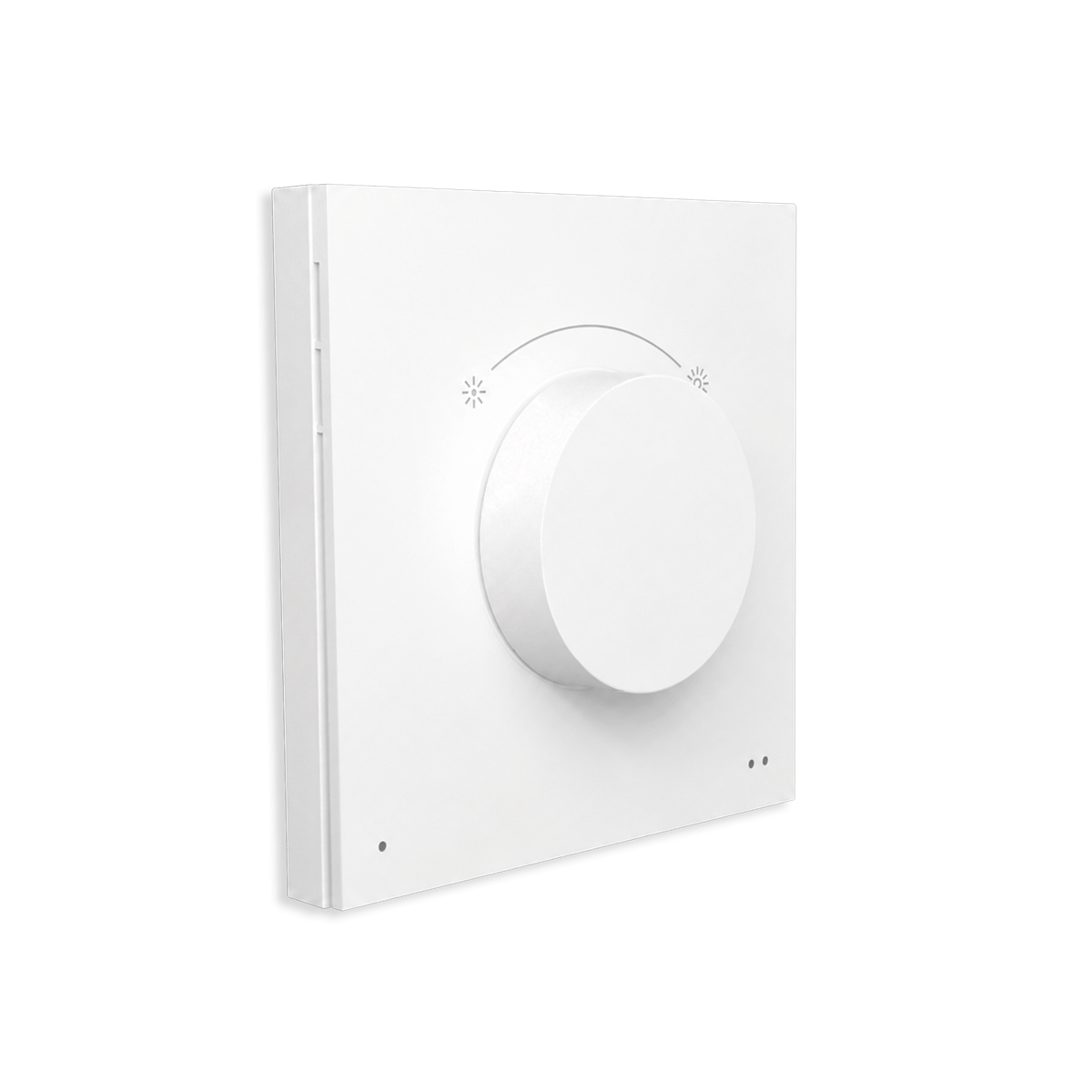
Remotes & dials
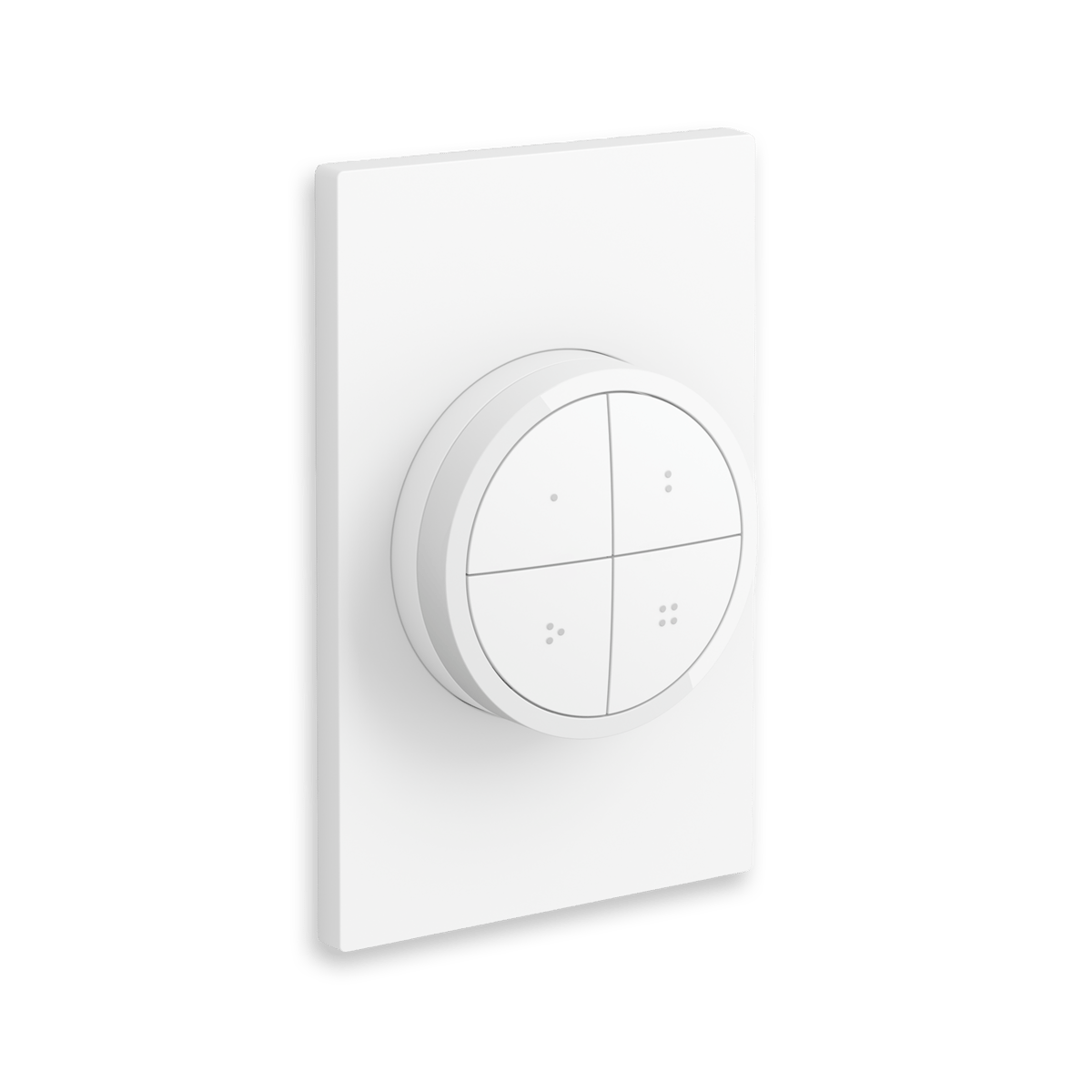
No wiringBattery-powered, and sticks or sits wherever you want it: on the wall, on a side table, in a drawer. A dial turns brightness up and down; a button remote steps through levels and scenes. No wiring and no electrician, so it's the easiest way in.
-
In-wall modules
ElectricianFits behind your existing switch or in the switchboard, so the wall plate you already have keeps working while the dimming happens out of sight. The tidier retrofit when you don't want to change the look of the switch. Needs an electrician.
None selected
Tap dimmers to compare them
That's the most you can compare at once




No products match those filters.
Buying guide · Smart dimmers
What is a smart dimmer switch?
Brightness you can set from an app, not just at the wall.
A smart dimmer switch lets you set the brightness of a light from an app, with your voice or on a schedule, as well as by hand at the wall. You can save a brightness you like as a scene, then bring it back with a tap or have it come on by itself at certain times of the day.
We stock two kinds of dimmer. A dimmer switch changes the power going to a light, so it works with the dimmable downlights and globes you already have. It sits behind your existing light switch or on the DIN rail in your switchboard, and the switch on the wall still works by hand. A wireless dimmer changes the brightness of a smart light you already have, like Hue or WiZ. It's a battery remote, so there's nothing to wire in. You can't use a dimmer switch with a smart light, though. A smart light needs full power all the time, and cutting it makes the light flicker or drop off the app.
If your lights are ordinary dimmable LEDs, you want an LED dimmer switch. Before you buy, check three things: dimmable globes, enough load on the circuit and a neutral wire. We cover all three further down.
Behind the switch, in the switchboard or on the wall?
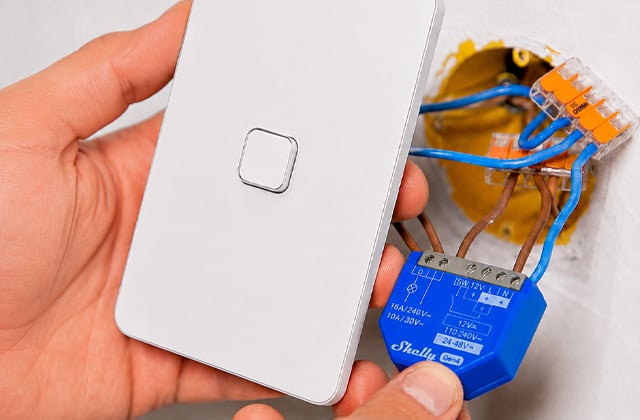
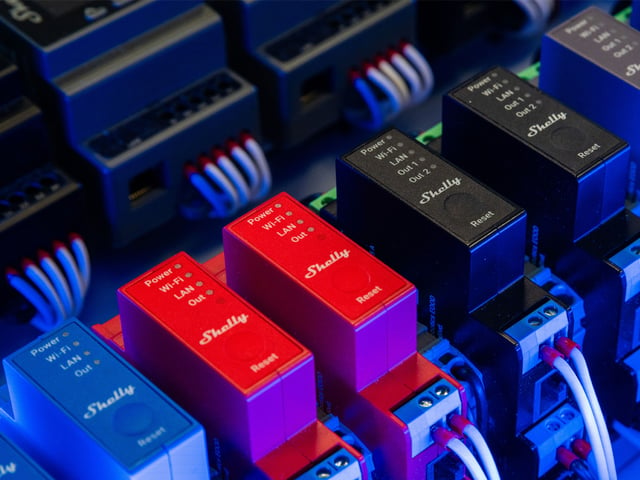
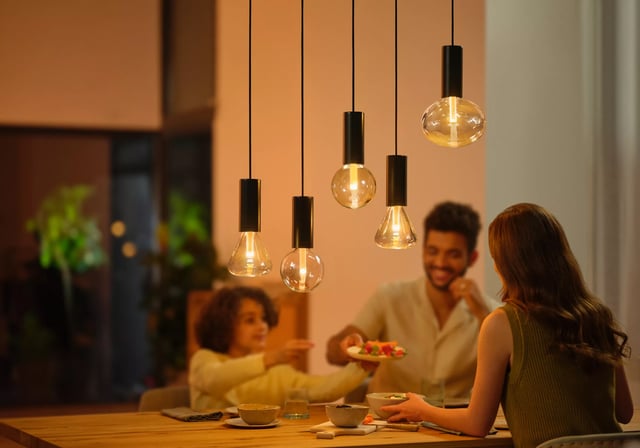
There are three ways to dim a light. A dimmer module goes behind your light switch, a Pro dimmer goes in the switchboard, and a wireless remote sits on the wall and dims smart bulbs without touching the wiring.
In-wall Behind your switch · Shelly Dimmer
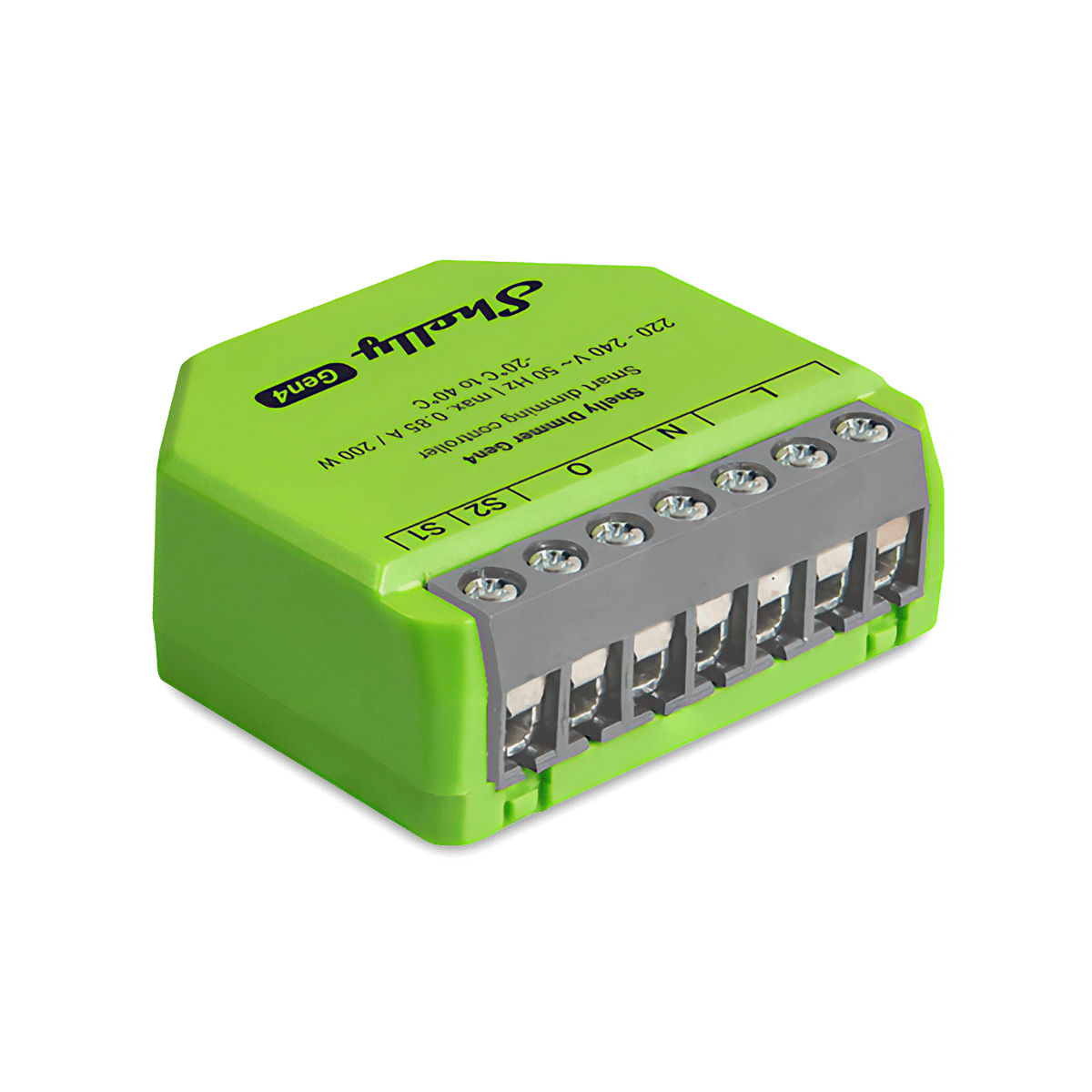
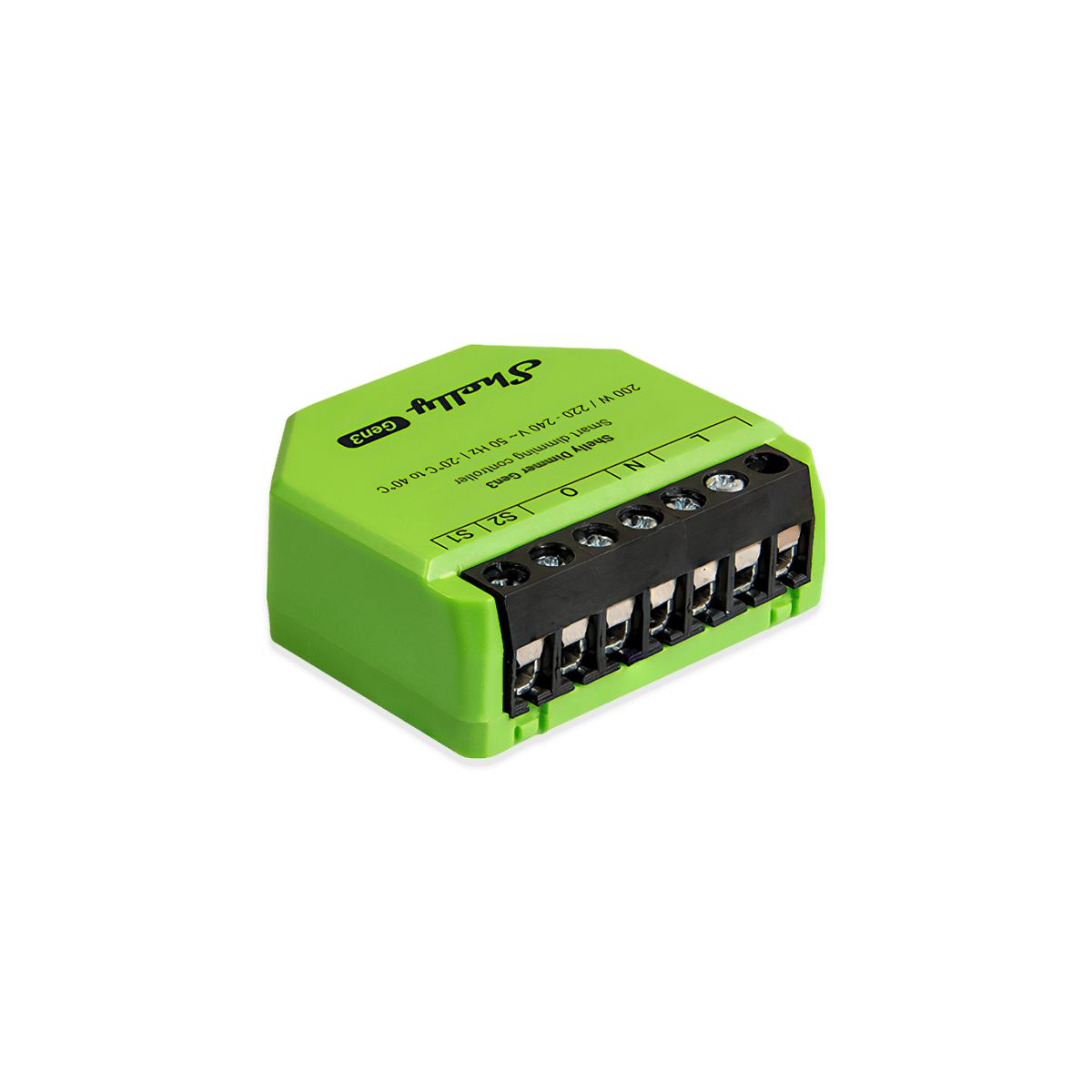
Goes in the wall behind the light switch you already have and dims up to 150 W of LED on one circuit. It works with or without a neutral wire. The Gen4 can run on Matter or Zigbee, one at a time, while the Gen3 uses Wi-Fi and Bluetooth only. If you're adding dimming to an existing home, start here.
Protocols  Wi-Fi
Wi-Fi  Bluetooth
  Zigbee
  Matter
Wi-Fi Bluetooth Zigbee Matter DIN rail Switchboard · Shelly Pro Dimmer
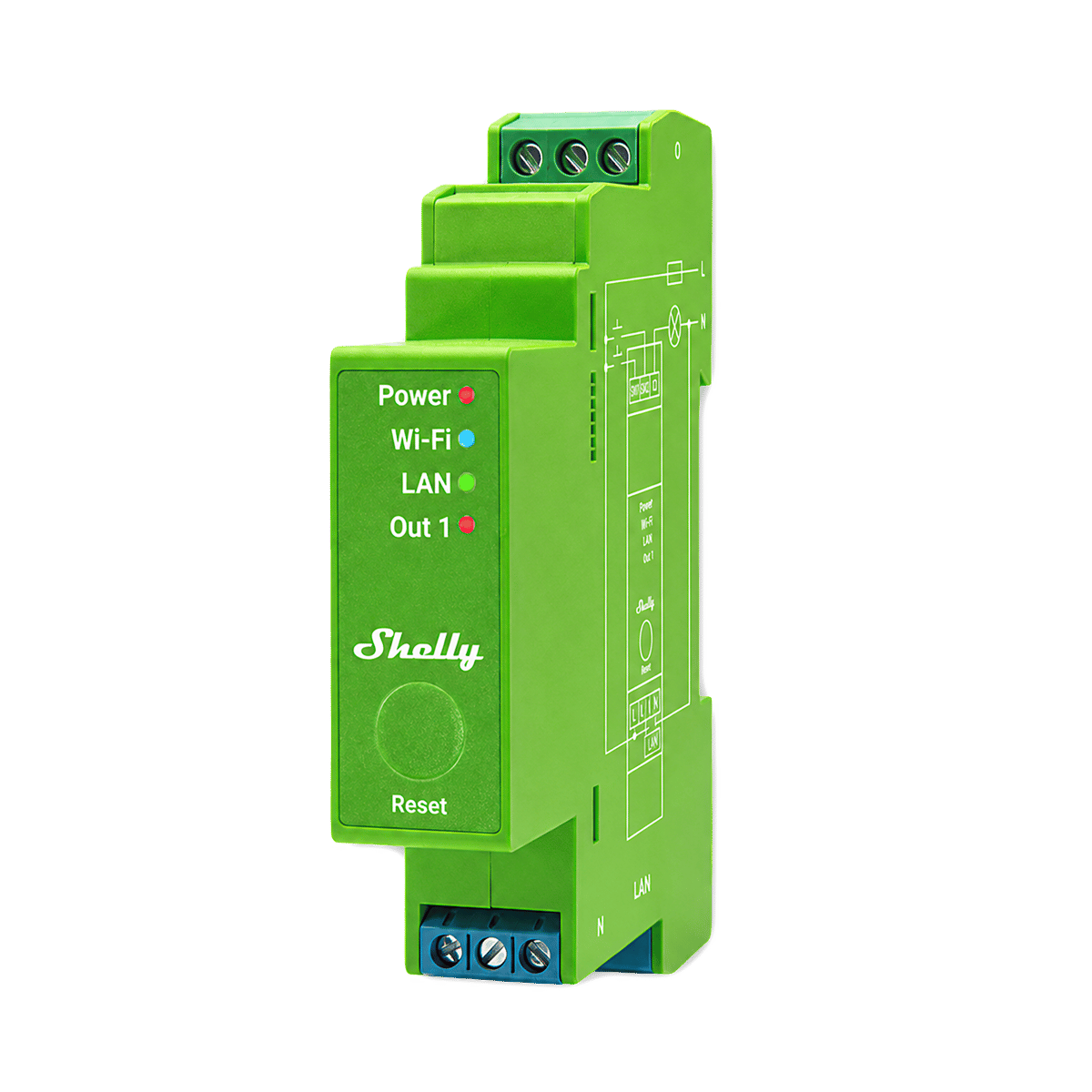
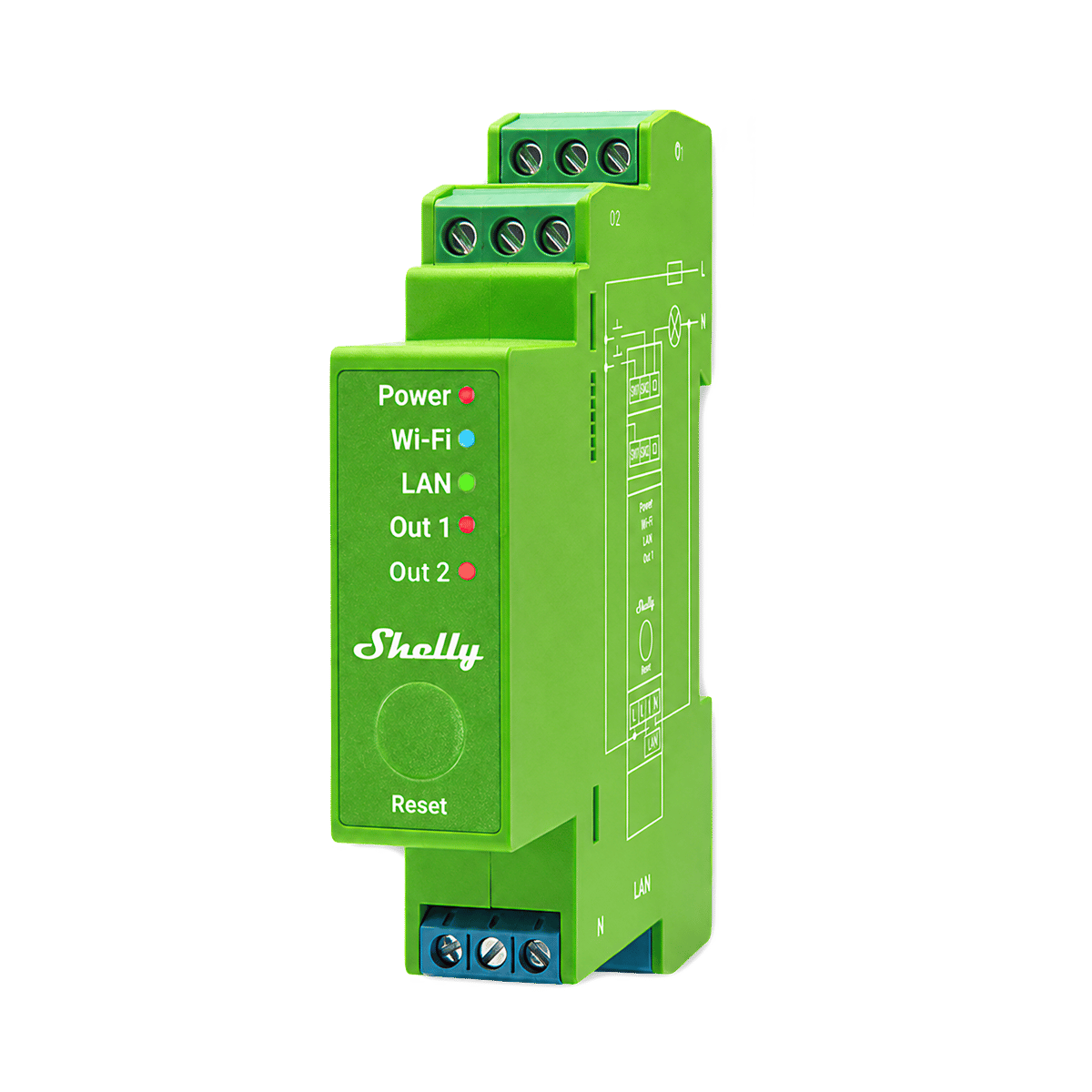
Clips onto the rail in your switchboard and needs a neutral wire. The 1PM dims one circuit at up to 200 W, and the 2PM dims two circuits at up to 200 W each. Both show how much power each circuit uses. Best for a new build or a rewire, when your electrician is already working in the switchboard.
Protocols Wi-Fi Bluetooth  Ethernet
Wi-Fi Bluetooth Ethernet Remote The easy choice · Hue and WiZ
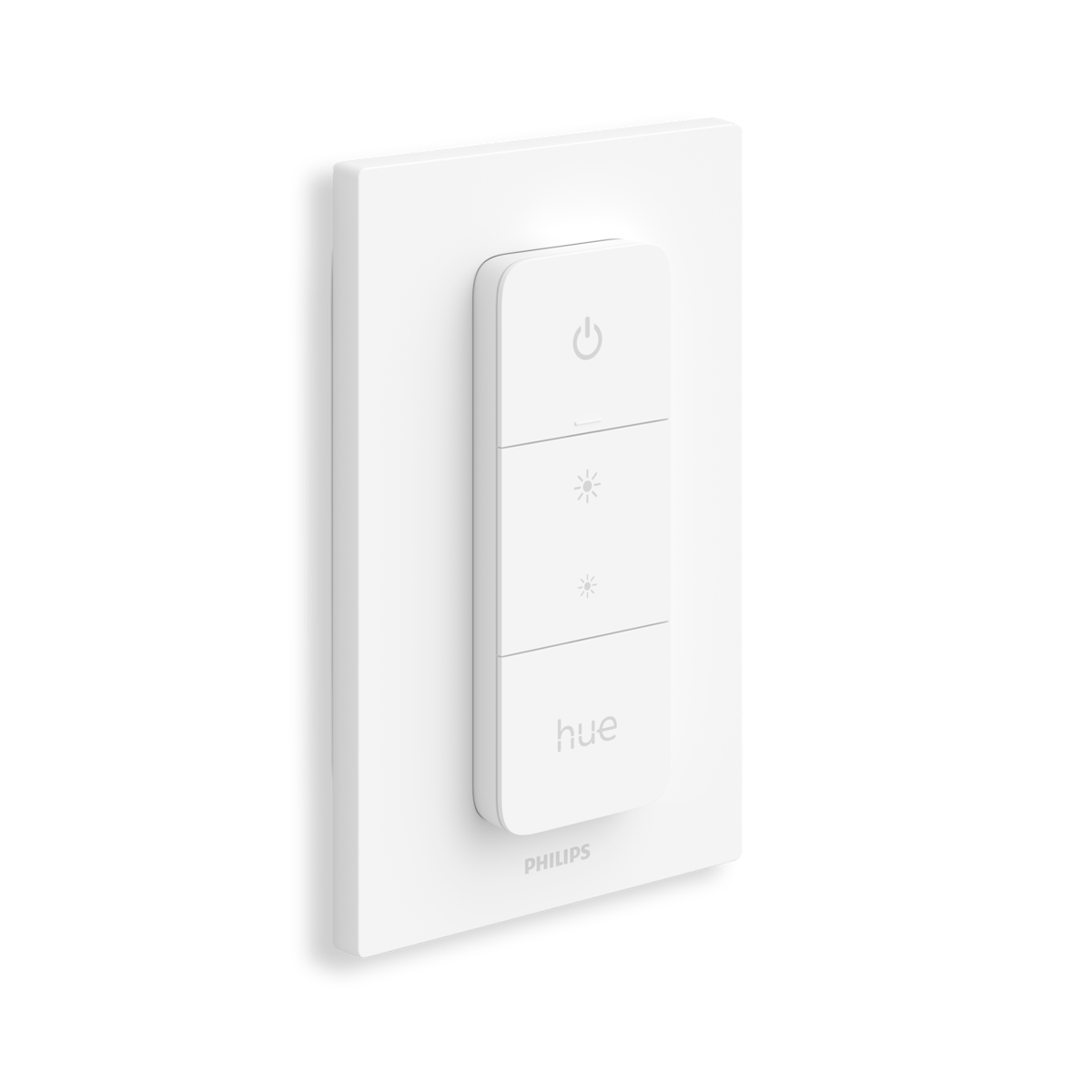
Runs on a battery, so there's no wiring and no electrician. The Hue Dimmer Switch and Tap Dial use a coin cell and control Hue lights. The WiZ Tap Dial charges over USB-C and controls WiZ lights only. Each works with its own brand of smart bulb, not with ordinary globes.
Protocols Zigbee Bluetooth Wi-Fi
Zigbee Bluetooth Wi-Fi Choosing a dimmer switch for LED lights
Before you buy a dimmer, there are three things you should check. You can skip them if you're using a Hue or WiZ wireless remote with smart bulbs you already have.
Dimmable globes Check the globe
A non-dimmable LED will buzz or flicker on any dimmer, so check the box or the globe itself. Every mains dimmer we stock is a trailing edge dimmer, the type LED needs, so that part is covered.
Enough load Under 20 W needs a Bypass
LEDs draw very little power, and two or three downlights can fall under what a dimmer needs to work properly. On an in-wall Shelly without a neutral, lights under 20 W need a Bypass. It's fitted at the light, not at the switch, so have it on hand when your electrician comes.
A neutral wire In-wall or switchboard
The in-wall modules work with or without a neutral, which suits older Australian homes. The Pro dimmers in the switchboard need one.
Frequently asked questions
We wire this gear ourselves. Can't find yours? Ask our Melbourne team
What you can do with them

Dim the lights from the couch for movie night
Drop the lights to a glow from the couch, then bring them back up when it's time to tidy. Fit a Shelly dimmer behind the wall plate, or swap to Philips Hue bulbs and use the app. Control with any of


Lights that come on as you walk in, softer late at night
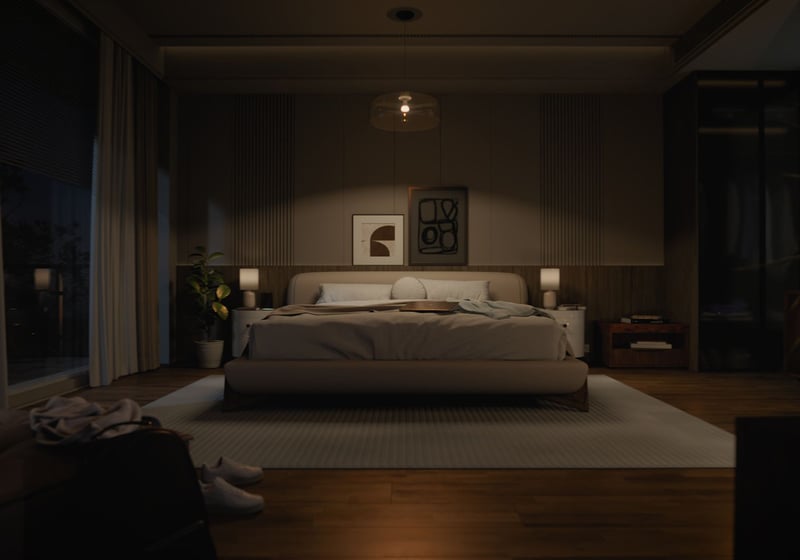
A sensor turns the bedroom or hallway light on as you walk in, at full brightness in the evening and a low glow at 2am. Fit Philips Hue bulbs and a motion sensor, or keep your lights and add a Shelly dimmer and presence sensor. Control with any of 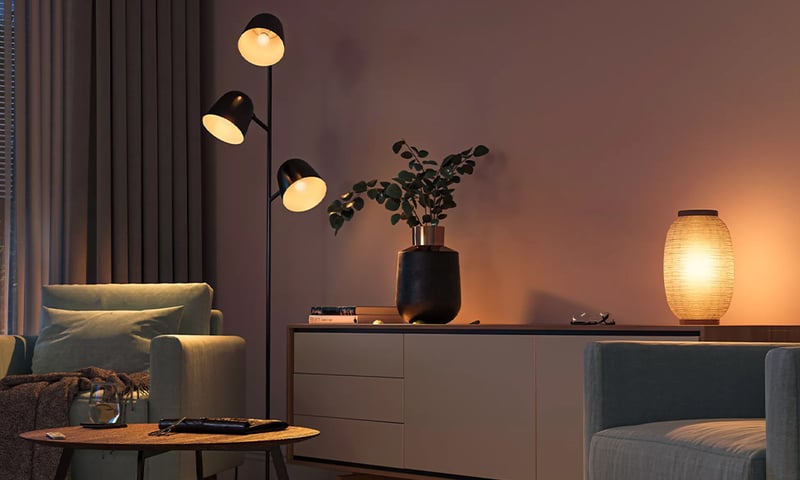
Lights that dim on a schedule each evening
The lights fade down to a low glow after dinner instead of snapping between full and off. Do it with a Shelly dimmer behind the wall plate or Philips Hue bulbs, in their app or Home Assistant. Control with any of 
Lights that fade up to wake you in the morning
The bedroom lights come up slowly before your alarm, so you wake to a lit room instead of a dark one. Do it with a Shelly dimmer behind the wall plate or Philips Hue bulbs, in their app or Home Assistant. Control with any of 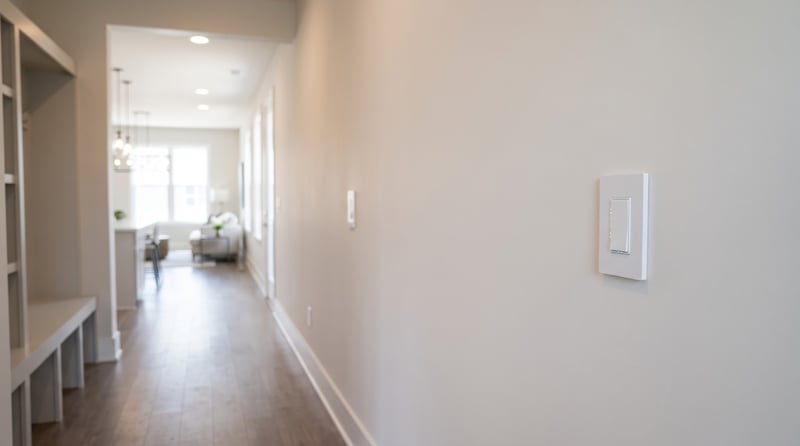
Add a second light switch without running new cable
A Shelly i4 behind a second switch tells the light to change over Wi-Fi, so the far end of the hall or the top of the stairs gets its own switch. Nobody runs cable between the two. Control with any of 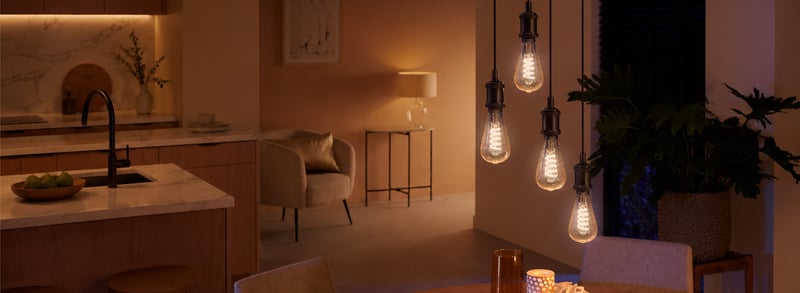
Control any group of lights from one wall switch
Outdoor lights on, the lounge set for a movie, everything off at bedtime. Behind one switch plate, each press sets the lights the way you choose. Control with any of 
Lights and heating that come on when you get home
Tap Leaving home as you go out. The next time the front door opens after dark, the entry light comes on, and the heater too if you want it. Control with any of