

















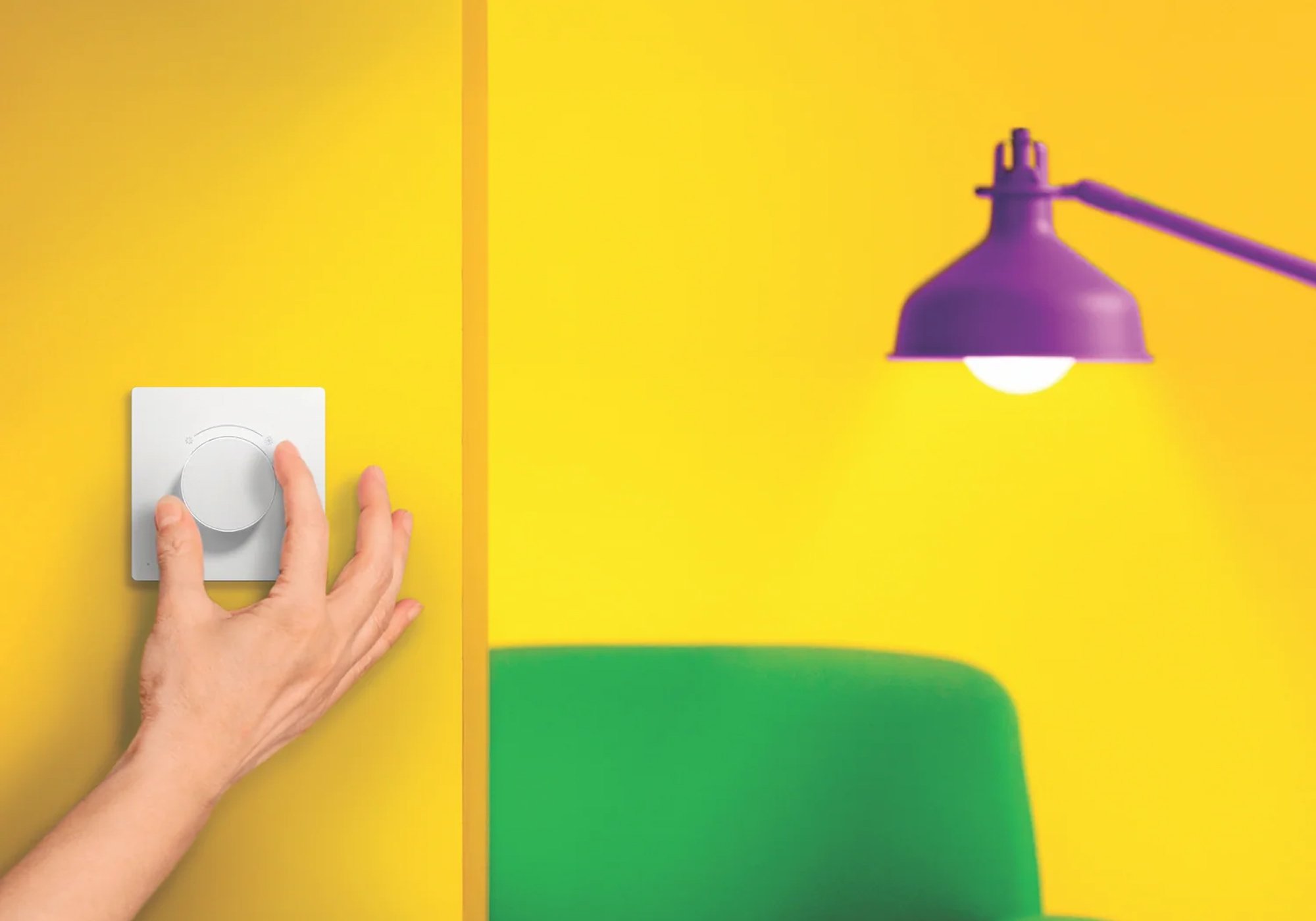

Tap Dial Switch
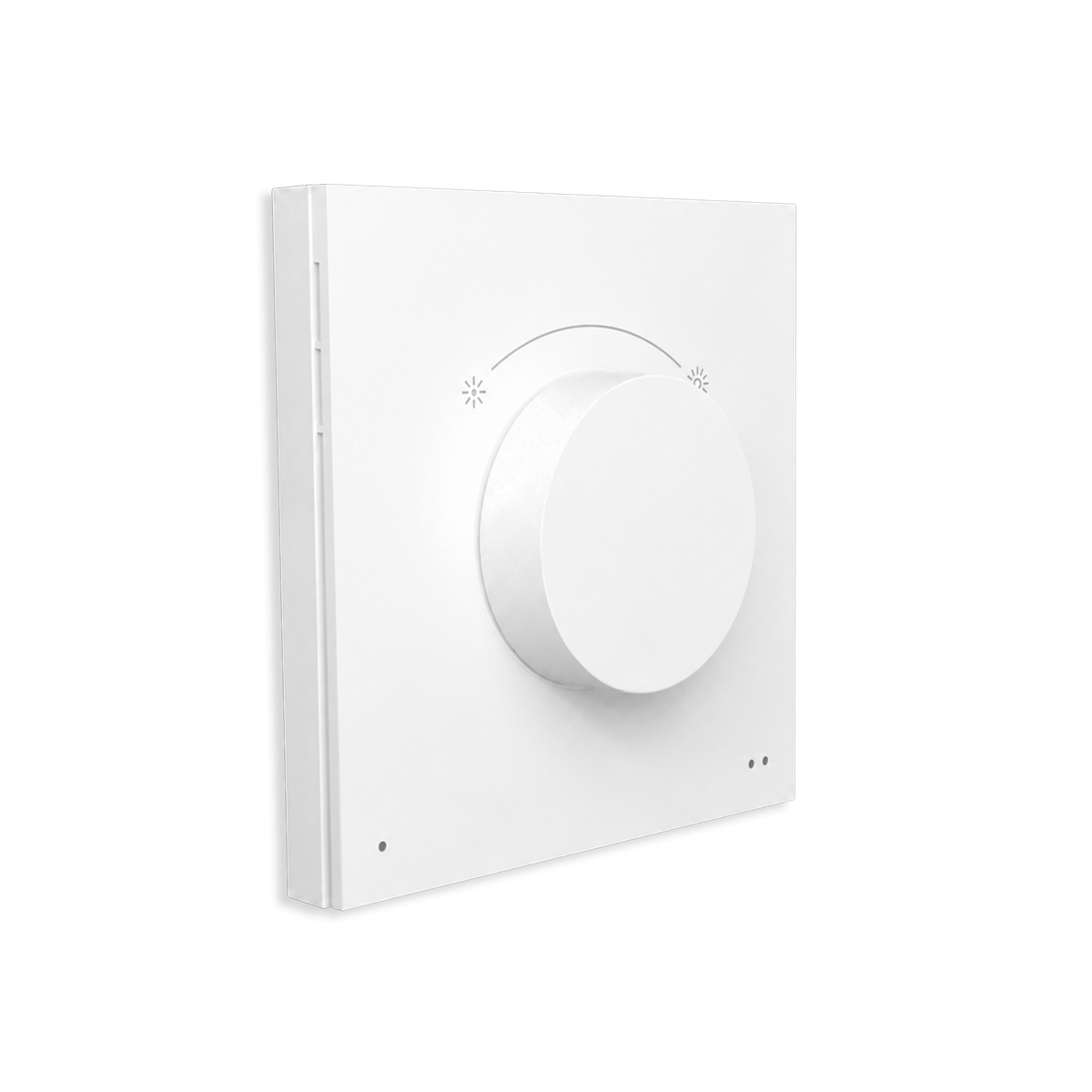
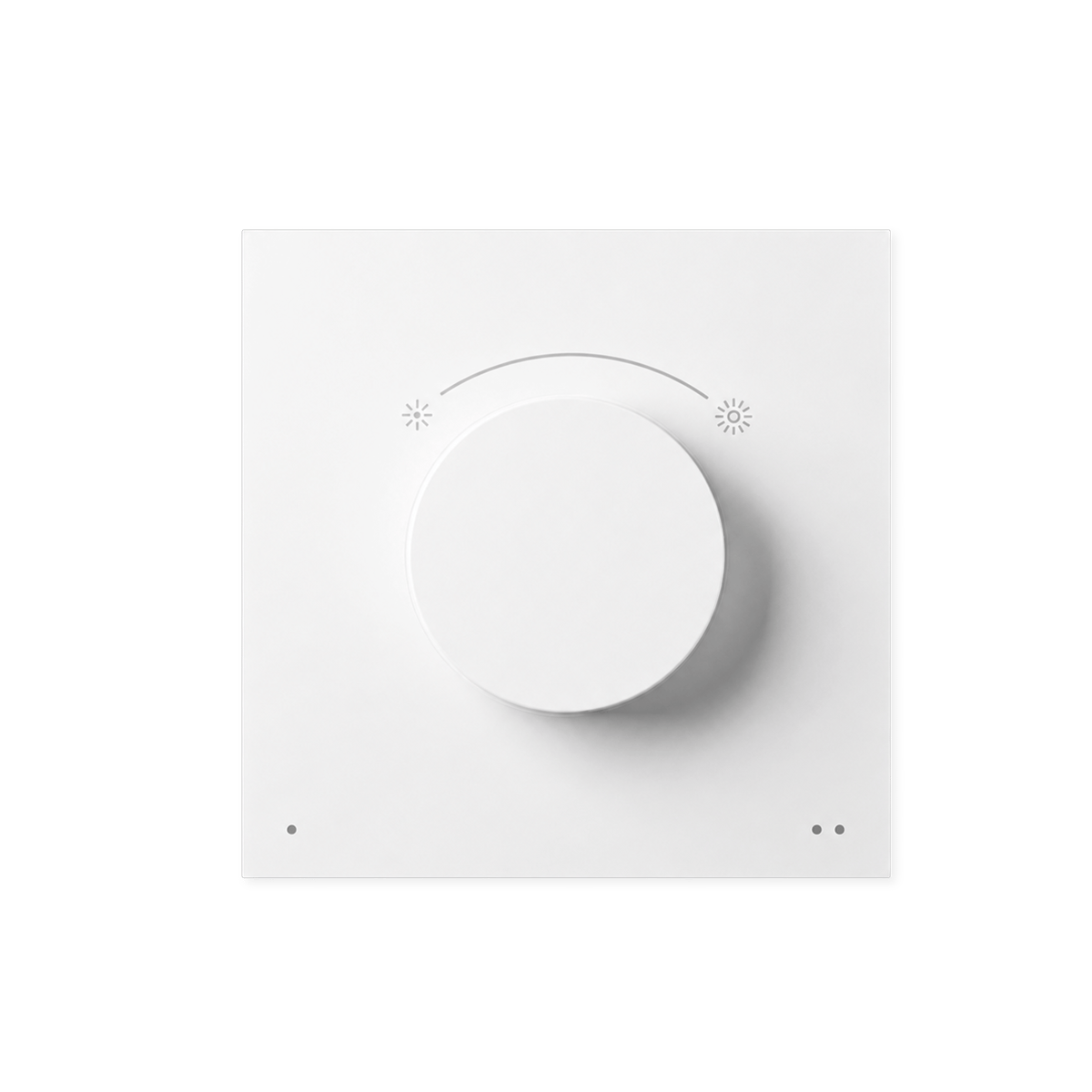
A rotary dial for your WiZ lights that sticks to the wall and lifts off to use in the hand. Turn to dim, press for on and off, two buttons for four saved scenes.
$64.95 inc GST In stock at supplier · dispatches in 5 business days
Currently sold out.
Free shipping over $150 Ordered in from our supplier. Allow about 5 business days before it dispatches.
30-day returns Unused items, easy online returns
1-year warranty Backed by WiZ
Everything you need to know
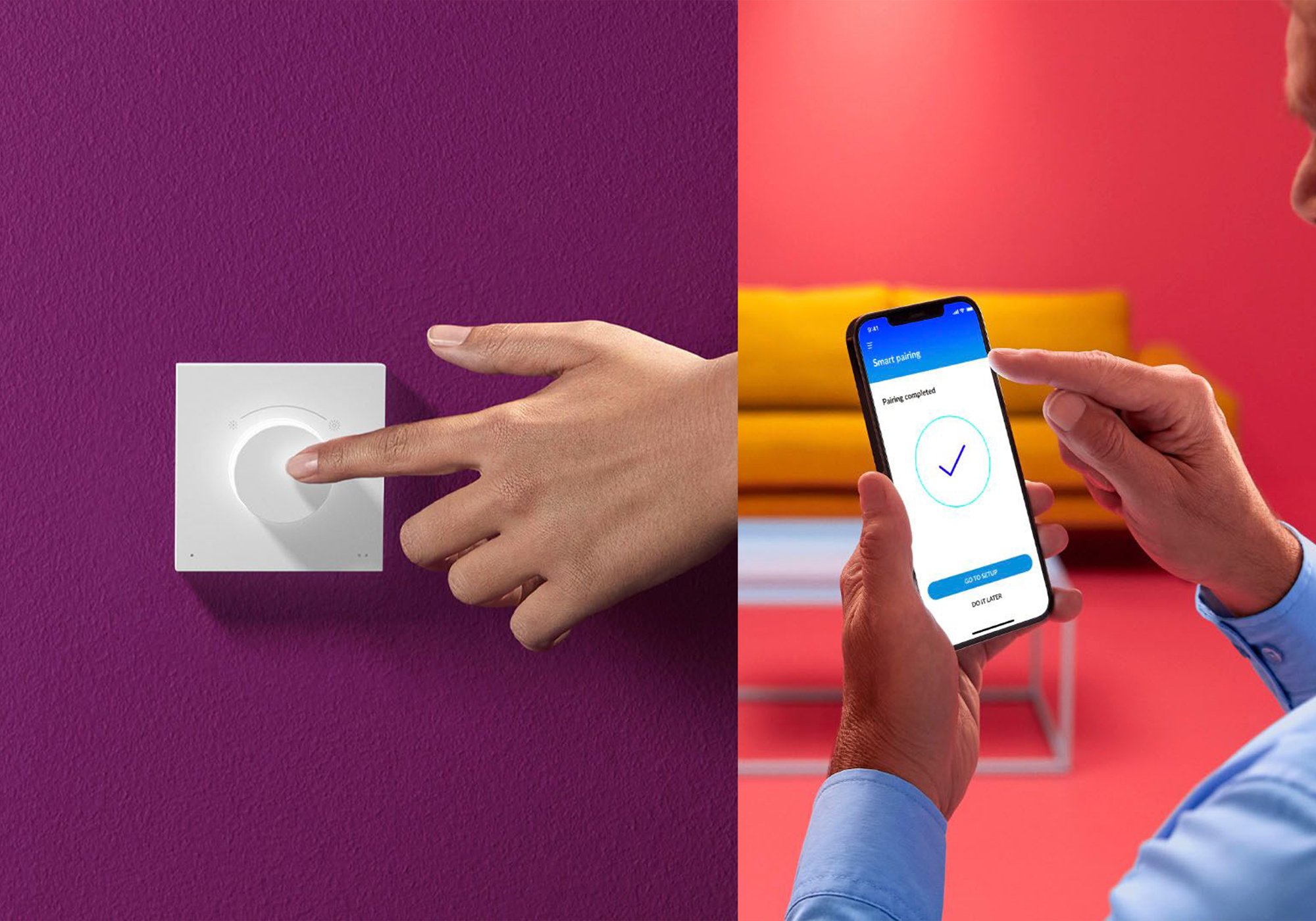
The Smart Dial Switch is WiZ's wall control. The dial dims smoothly and switches the lights on and off, and the two buttons underneath recall four favourite scenes between them. It runs on a rechargeable battery and talks straight to your WiZ lights rather than through the router, so it keeps working when the Wi-Fi doesn't. Setup happens in the WiZ app, and it controls WiZ lights only.
Product features
Turn it to dim
Rotate clockwise to brighten and back the other way to dim, with smooth stepping rather than fixed levels. A short press turns the lights on, half a second held turns them off. It's the control a wall dimmer gives you, without anything being wired in.
Two buttons, four scenes
The two buttons under the dial hold four settings between them, so the light you want most is one press away.
- Short press each button for favourites 1 and 2
- Hold for favourites 3 and 4
- Any WiZ scene, custom white or custom colour can fill a slot
- Change what they do in the app, not on the wall
It doesn't use your router
It sends commands straight to the lights, so an internet dropout or a router reboot doesn't stop it working. Around 15 metres indoors through normal walls, and it doesn't need to be aimed at anything. The lights still need power, of course.
Magnetic plate, comes straight off
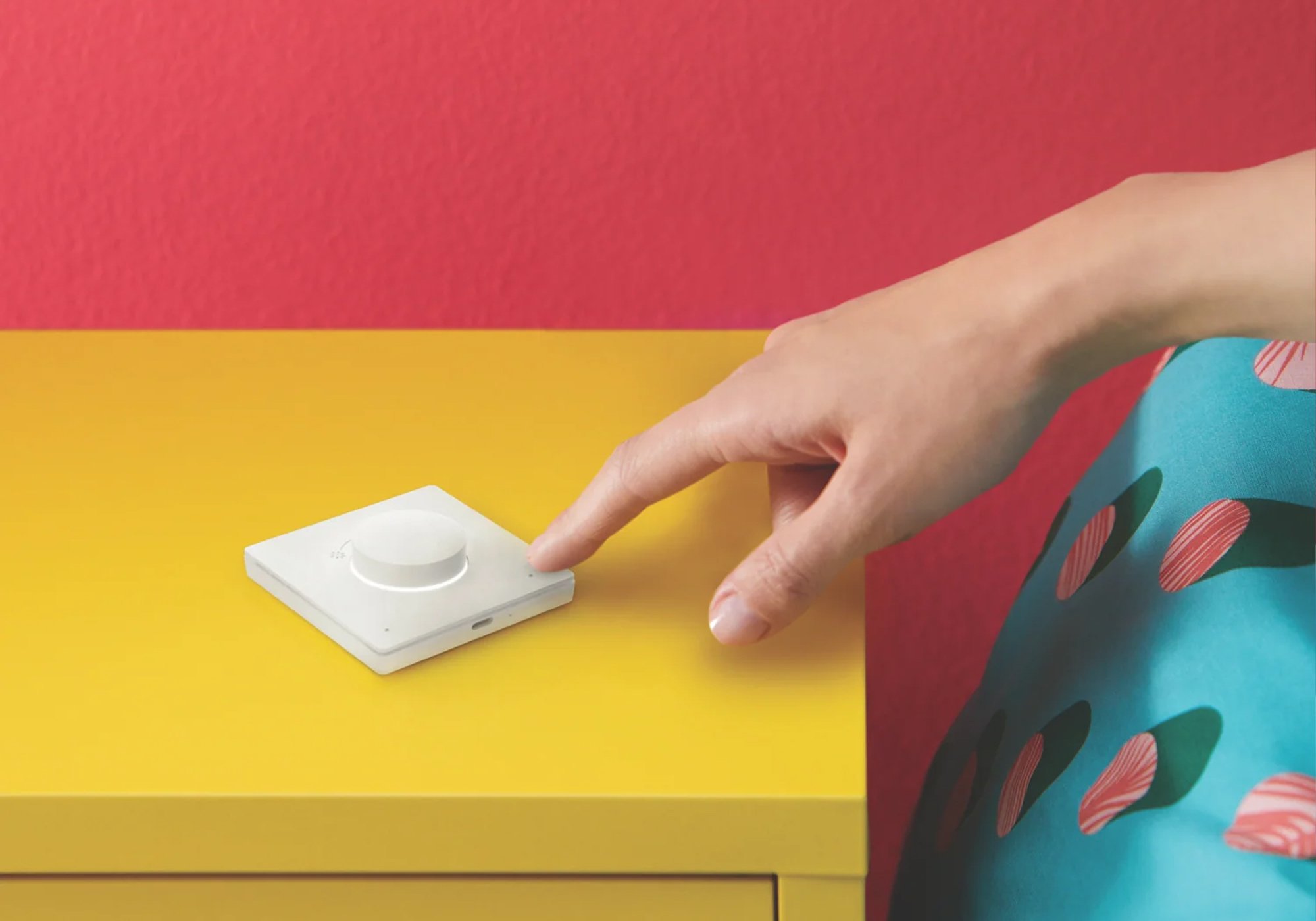
Stick the plate up with adhesive or fit it over where a switch already sits, then lift the dial off when you want it beside you on the couch. No wiring, no electrician, and nothing to undo later.
An accessory, not a universal button
Worth being clear about the scope before you buy.
- Controls WiZ lights, not other brands
- Set up in the WiZ app against a WiZ light you already have
- Not a Matter device
- Doesn't appear in Apple Home, Google Home or Alexa
- USB-C charging cable not included
The WiZ system

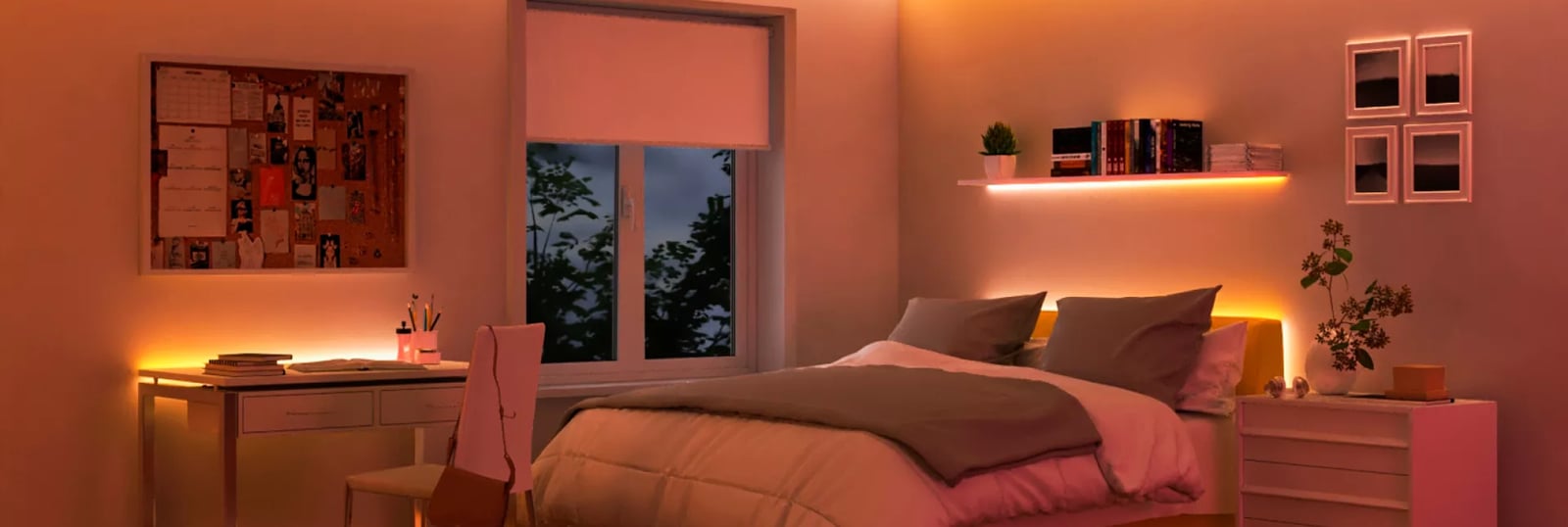
WiZ is a full smart-lighting system that skips the hub. Every bulb, strip and fixture joins your home Wi-Fi directly and shows up in one app, so you can start with a single bulb and add colour, whites and control across the house whenever you like. No bridge, ever.

The lights
Bulbs, strips, bars & fixtures
Full colour and tunable white across bulbs, strips, light bars and downlights, plus vintage filament shapes. All join the same WiZ app.

The network
Straight onto your Wi-Fi
Every light connects to your router directly. No hub or bridge to buy, and a typical home network runs well over a hundred lights.

The control
App, voice, switches & SpaceSense
Run it from the WiZ app or your voice assistant, add WiZ switches and remotes, or let SpaceSense switch lights on as you walk in, no sensor needed.
Getting started
1
Add your first WiZ light Start here
Screw in a bulb, open the WiZ app, and it joins your Wi-Fi in about a minute. Full colour and tunable white, controlled from your phone. No hub required.
2
Add lights, controls and scenes Grow anytime
Add more lights room by room, set schedules and Rhythms, and pair a switch, remote or SpaceSense motion. It all lives in the one app, with no bridge to buy.
Start with one bulb and grow at your own pace. Every WiZ light joins the same Wi-Fi and the same app, so there's nothing to replace as you add more.
Works with
Connects over
On your Wi-Fi
Joins your home network, so you control it from the app with no hub or bridge.
-
Wi-Fi
Set up over Bluetooth
Used once, to get it onto your Wi-Fi.
-
Bluetooth
Works offline
Keeps working on your home network when the internet is down.
Specifications
No specifications match.
Build
- Type
- Remote
- Finish
- White
- Mounting
- Wall-mountedMagnetic
- Power
- Battery
- Battery
- Rechargeable
- Buttons
- 2 buttons
- Controls
- On/offDimmingScenesRotary dial
- SKU
- WIZ-SWT-0003
- MPN
- 929003792301
- Barcode
- 8720169077027
WiZ · Tap Dial Switch