

















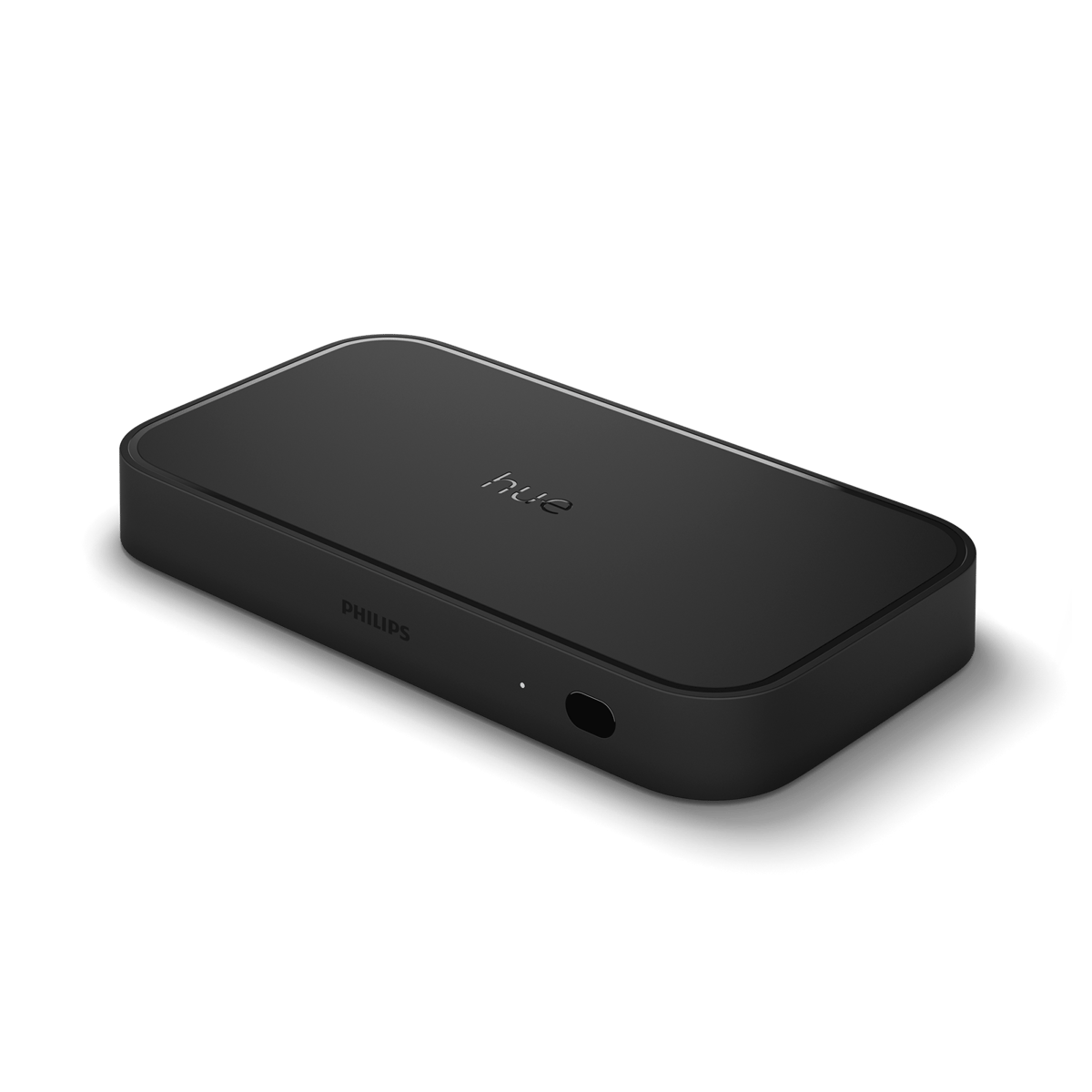
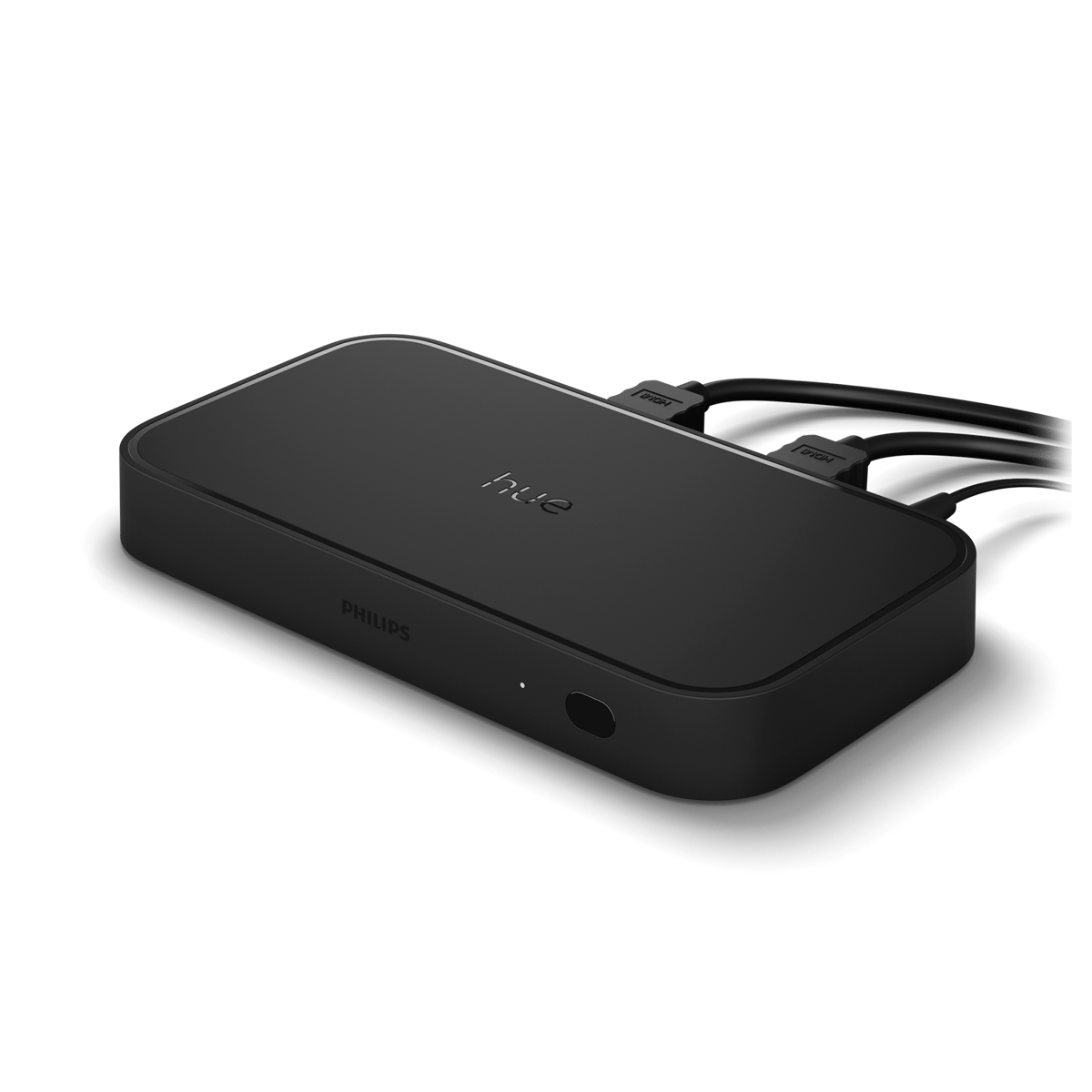
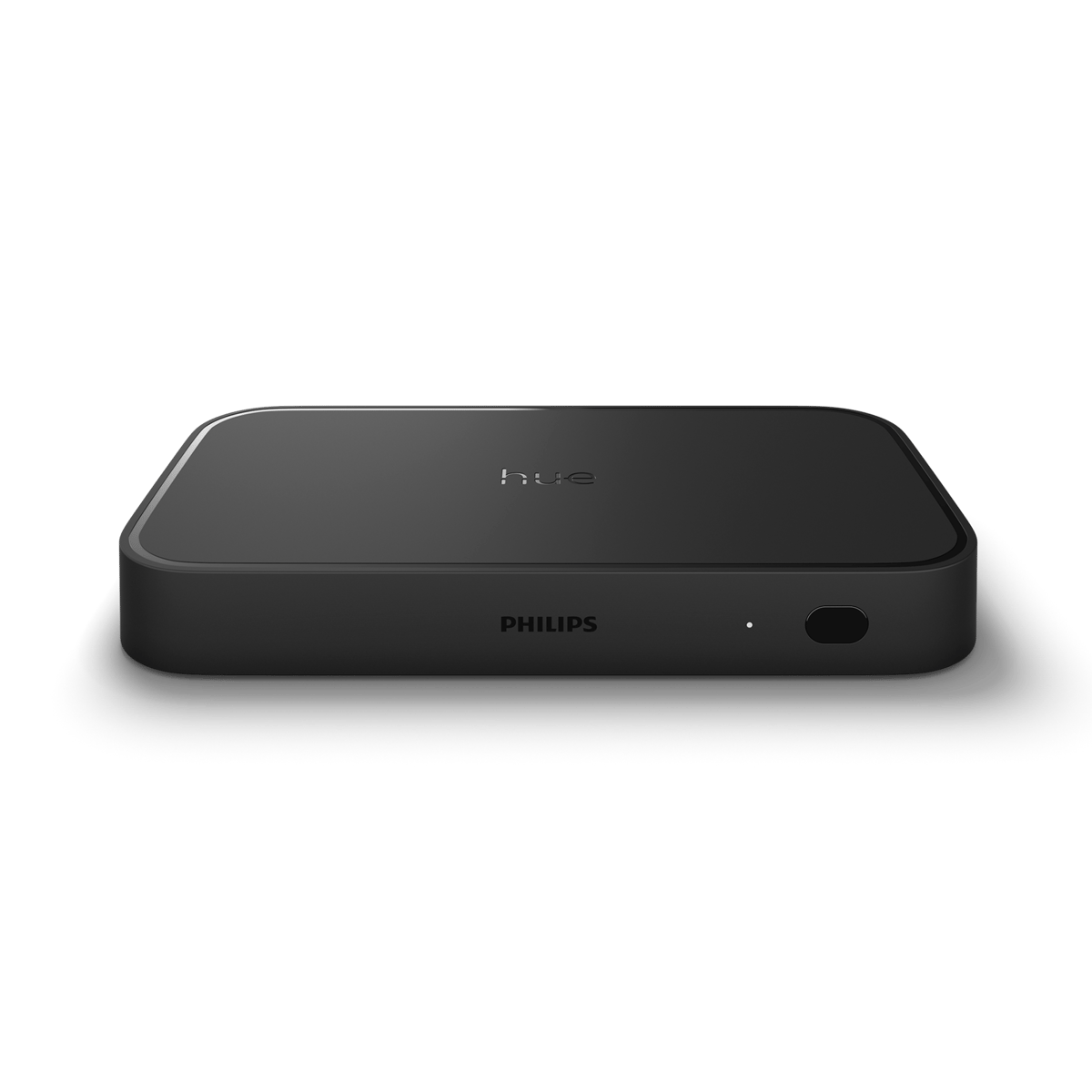

Play HDMI Sync Box 8K
An HDMI hub that syncs your Hue lights to whatever's on screen, for a home cinema running up to 8K sources.
$699.95 inc GST In stock at supplier · dispatches in 5 business days
Currently sold out.
Comes with free shipping Ordered in from our supplier. Allow about 5 business days before it dispatches.
30-day returns Unused items, easy online returns
2-year warranty Backed by Philips Hue
Everything you need to know
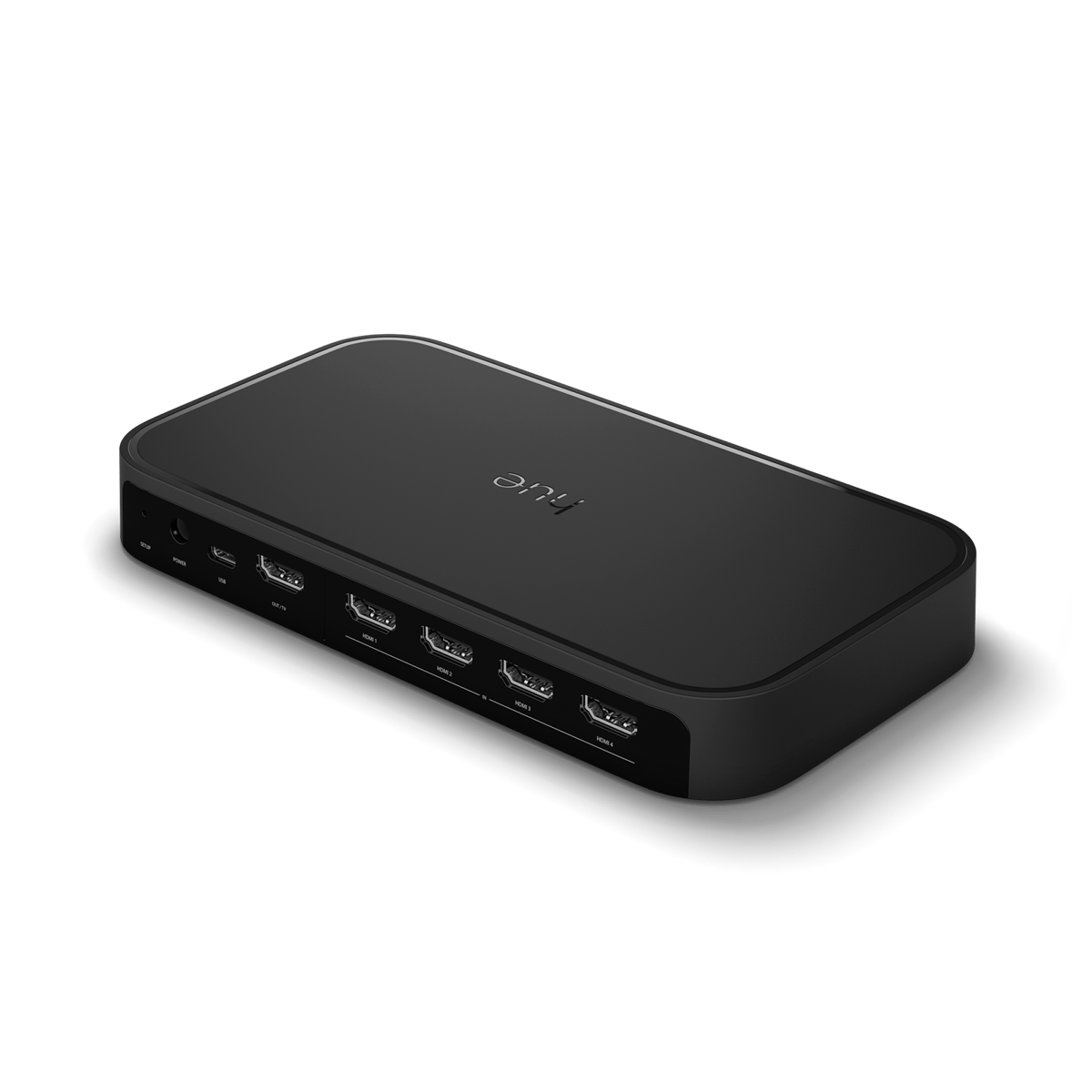
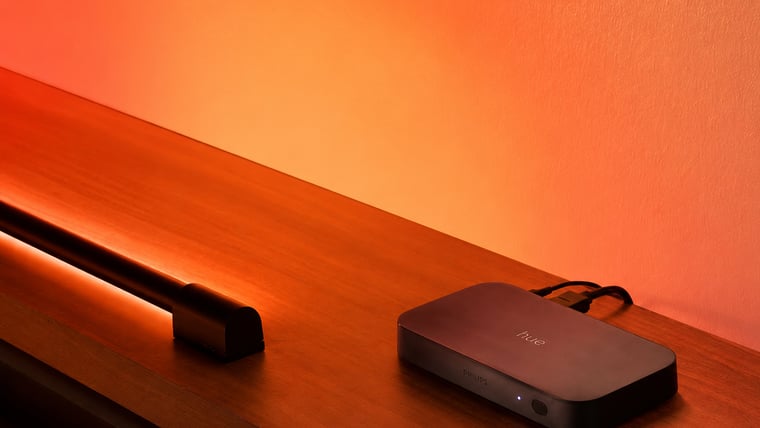
The Play HDMI sync box 8K reads the picture on your TV and matches your Hue lights to it in real time, so colour spills off the screen into the room. It has four HDMI 2.1 inputs and one output, handles 8K at 60Hz and 4K at 120Hz with Dolby Vision and HDR10+, and passes Dolby Atmos audio through. It needs a Hue Bridge and Hue lights set up around the screen.
Product features
Colour spills off the screen
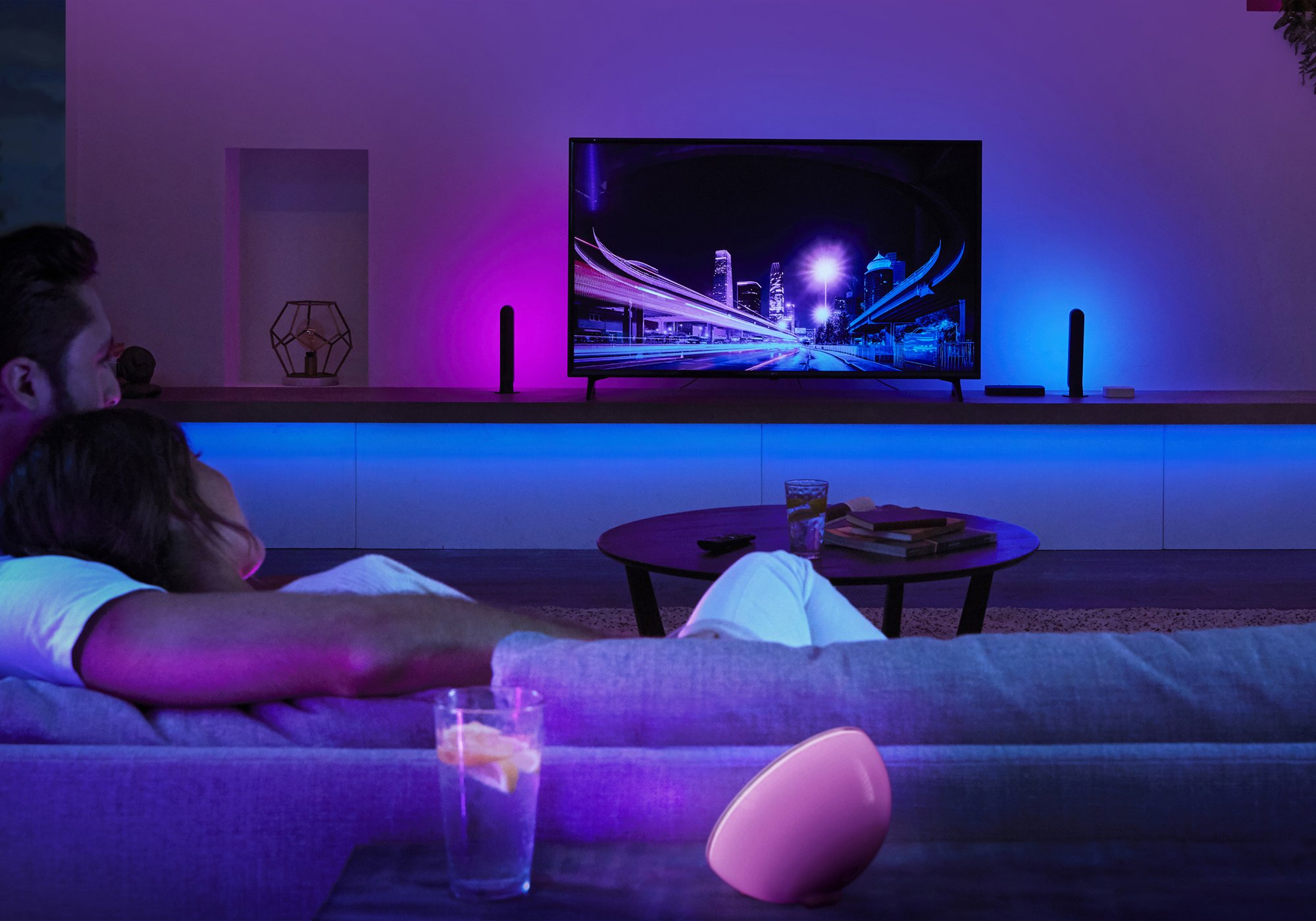
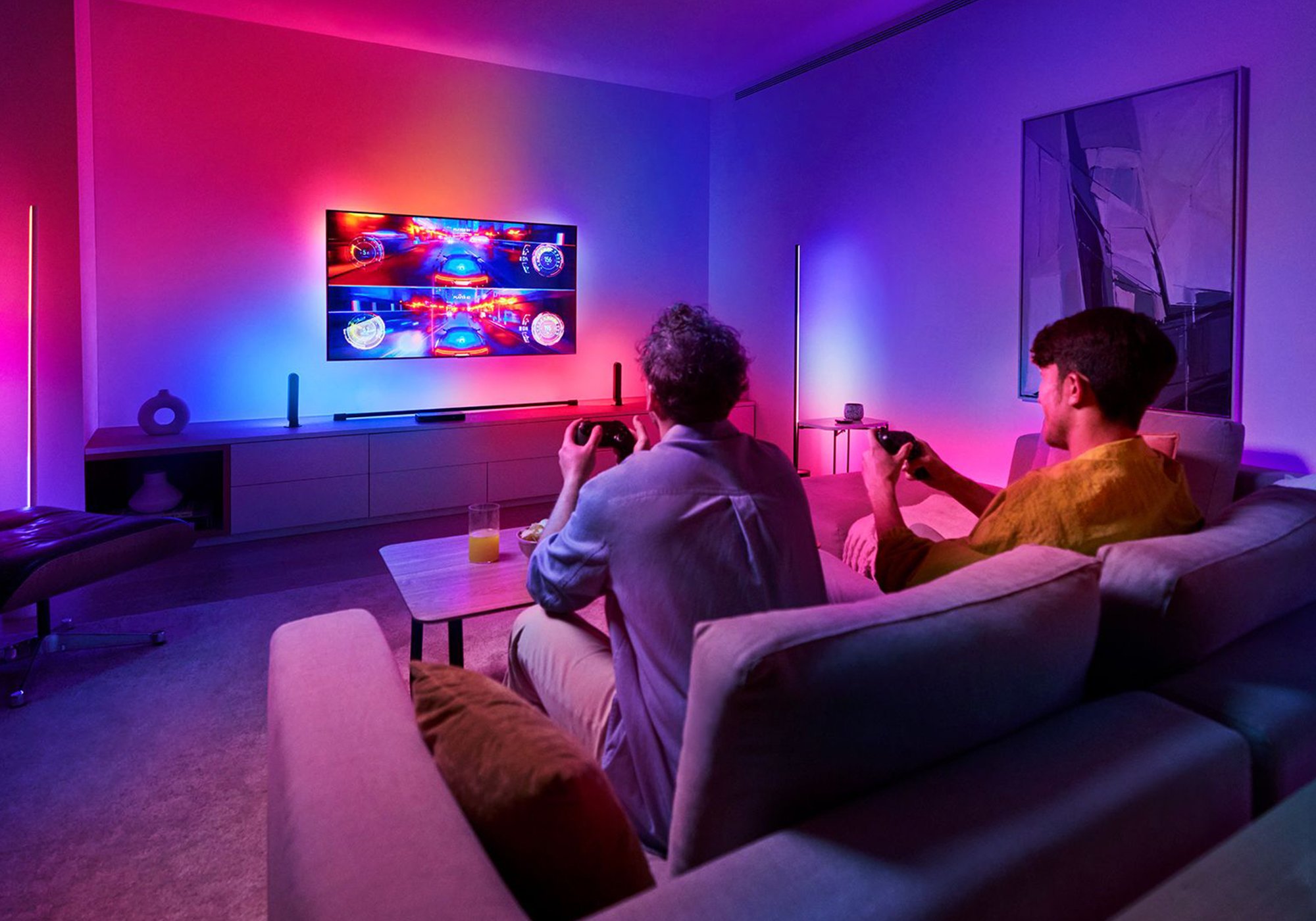
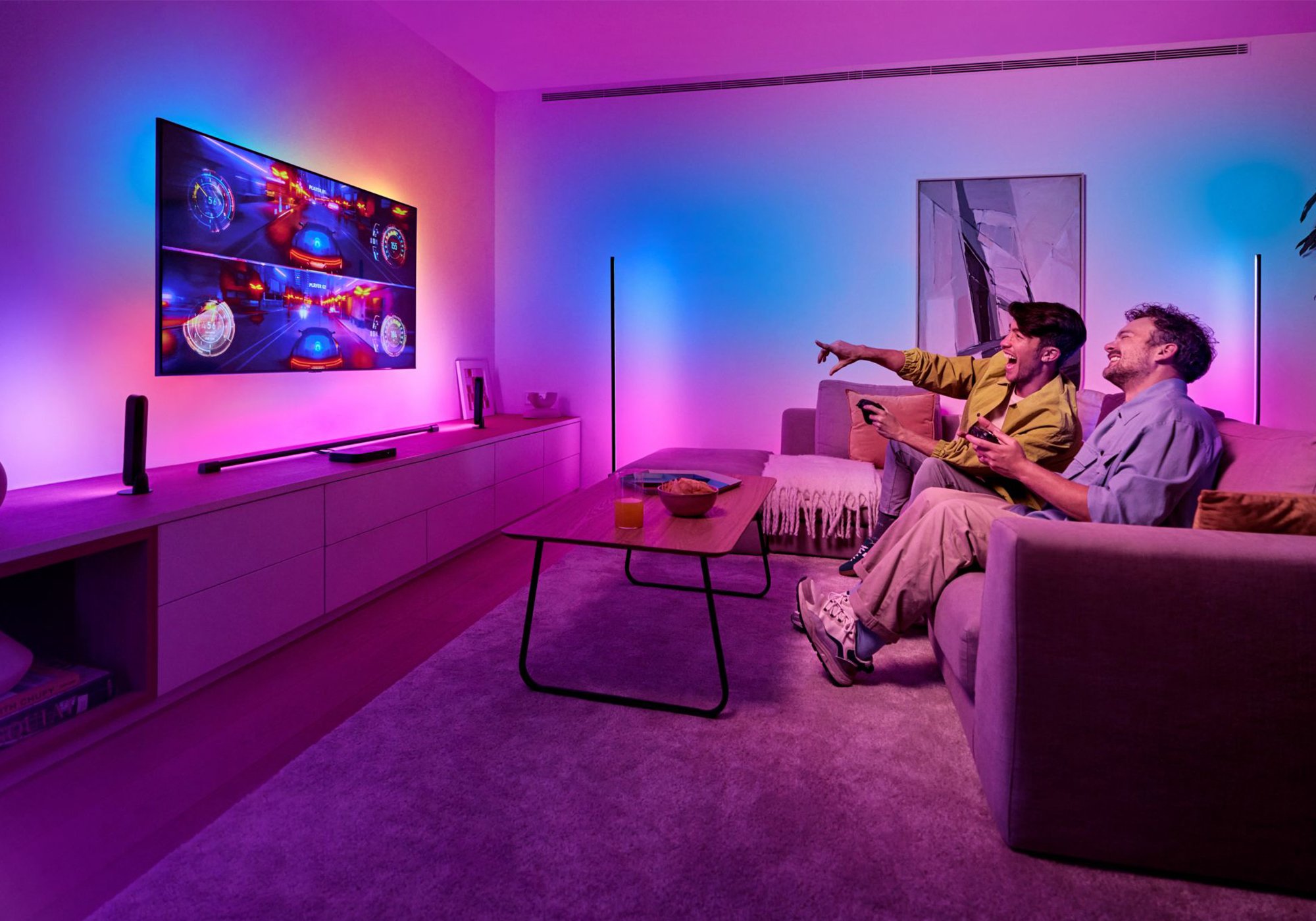
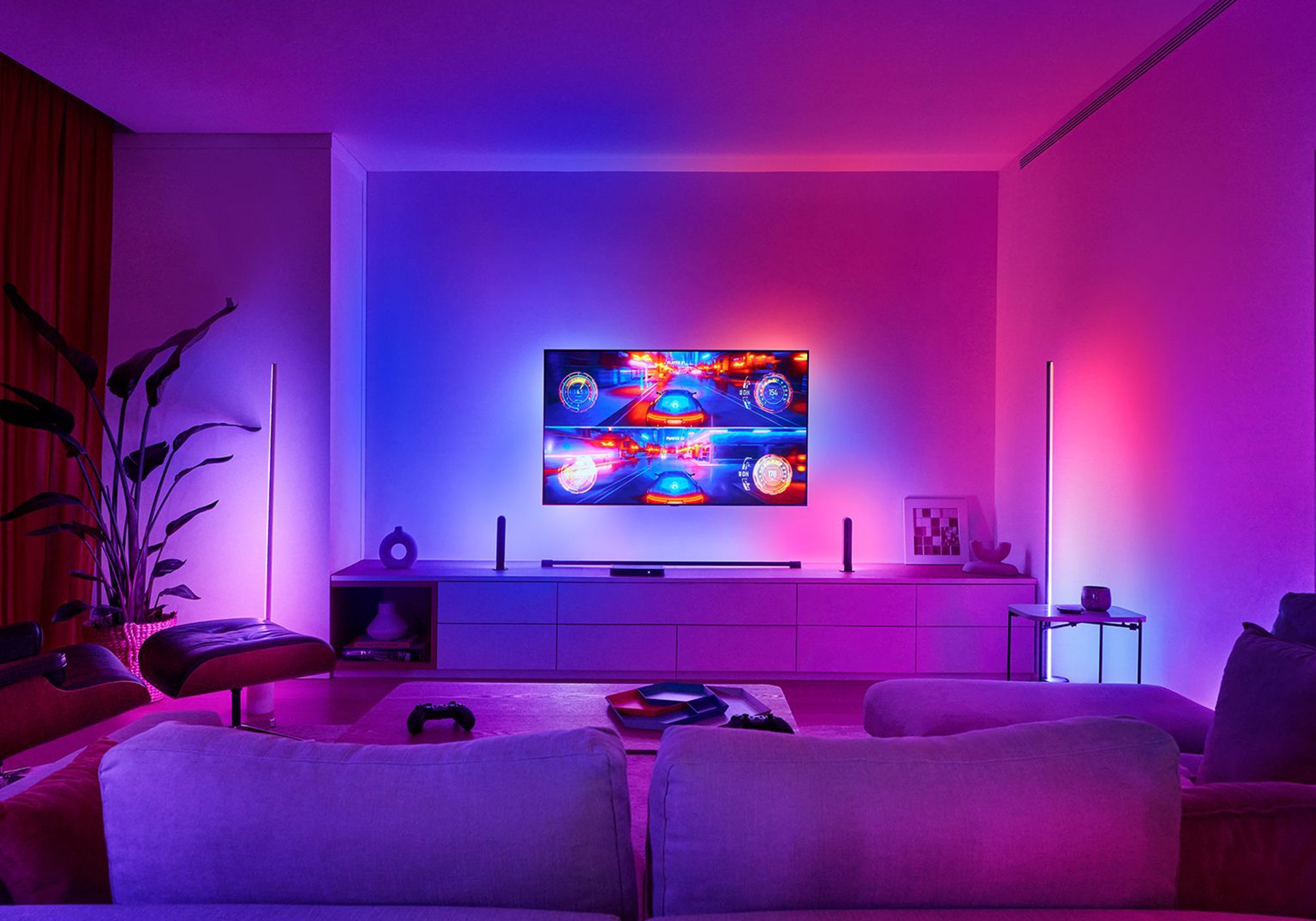
The sync box reads what is playing on your TV and matches your Hue lights to it in real time, so an explosion, a sunset or a match runs into the colour of the room. You can sync up to 10 Hue lights to the screen.
A hub for your sources
Four HDMI inputs let you connect a console, a streaming box and a Blu-ray player, then feed a single output to the TV. It only syncs sources plugged into its own inputs, so a smart TV's built-in apps need to run through it.
Full picture, untouched
It is HDMI 2.1 certified and passes 8K at 60Hz, 4K at 120Hz, Dolby Vision and HDR10+, with Dolby Atmos audio through to your TV or receiver. The sync happens in the box, so it works with any brand of screen.
Bridge and colour lights
The sync box drives the lights but does not include any. You need a Hue Bridge and Hue colour lights around the screen, a gradient lightstrip or Play light bars, for the effect to work. It connects to them over Zigbee through the Bridge.
The Philips Hue system

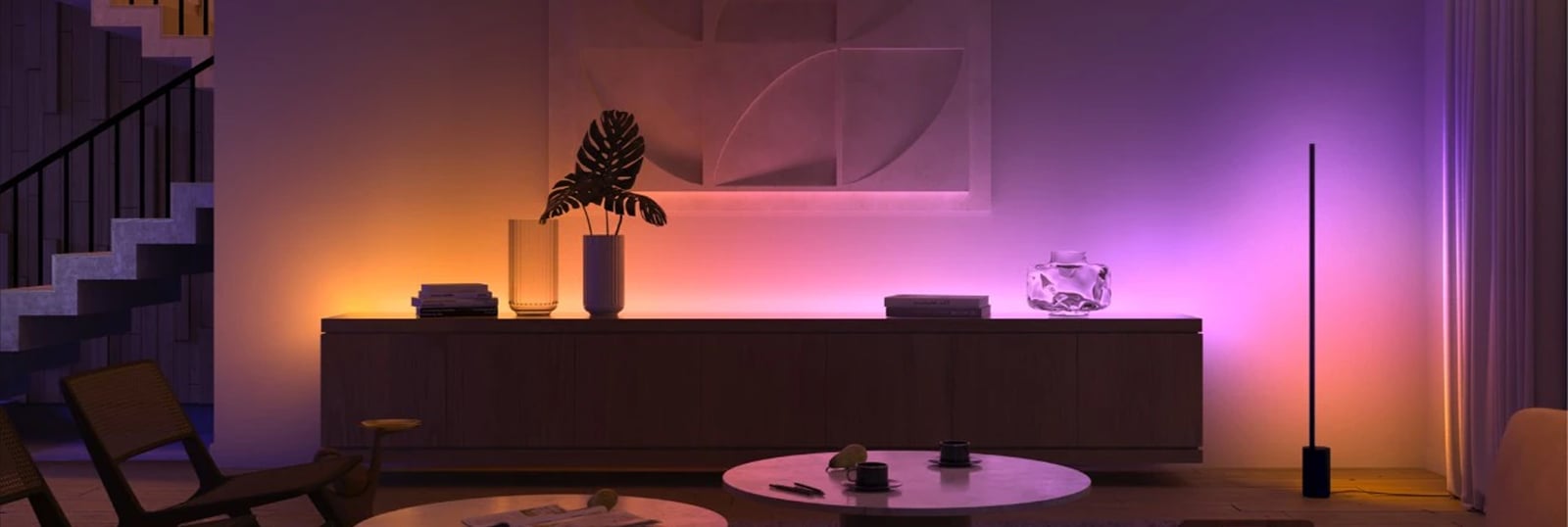
Hue is a system, not just a smart bulb. Every Hue product, from bulbs and lamps to light strips and fixtures, joins the same Zigbee mesh and shows up in one app. A single bulb bought today slots straight into a whole-home setup later.
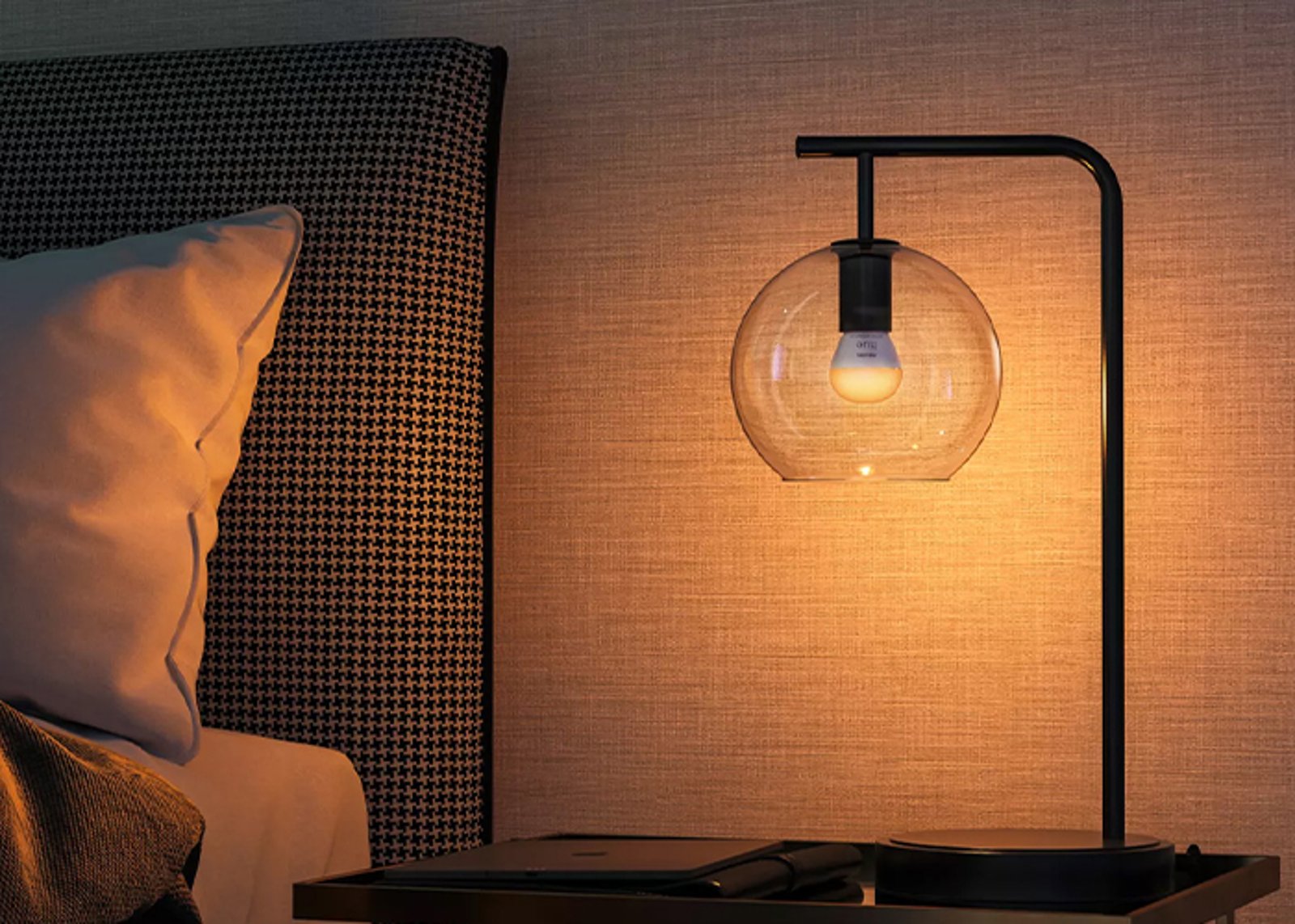
The lights
Bulbs, lamps, strips & fixtures
All speak Zigbee and mesh with each other, so every light you add extends the network's reach.
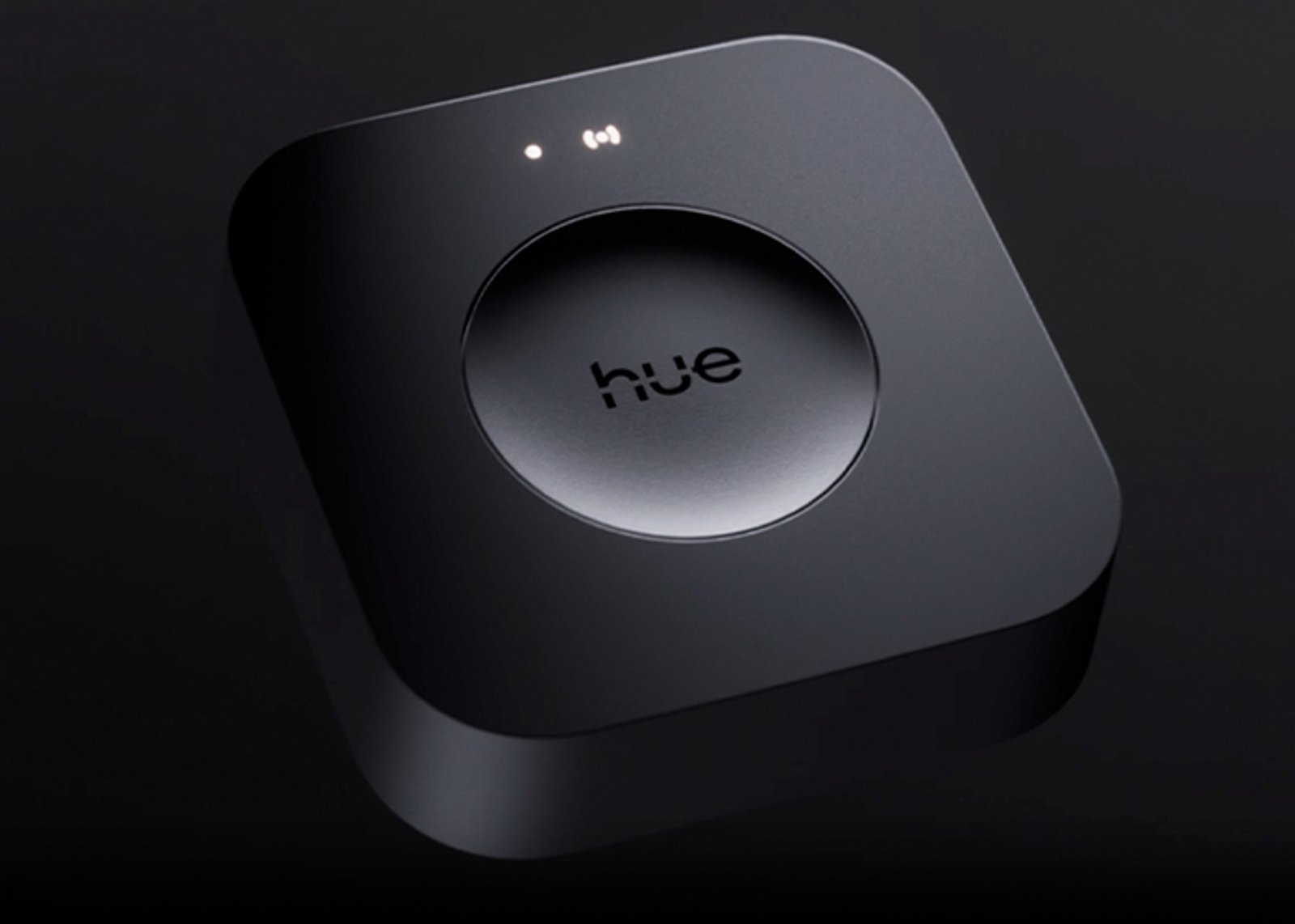
The hub
One Bridge runs the whole home
Runs up to 50 lights off your router, and connects Apple Home, Google Home, Alexa and SmartThings.
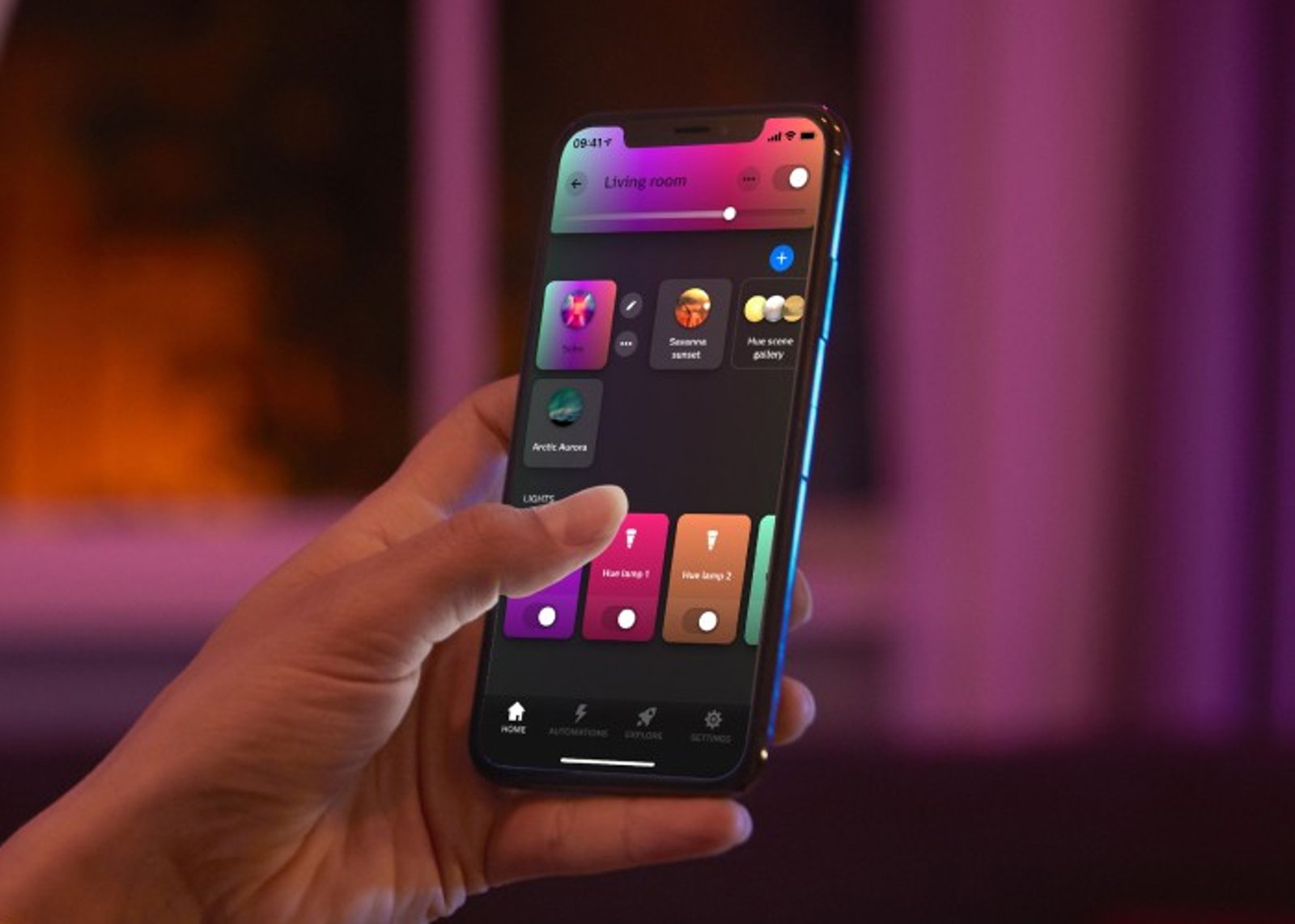
The control
App, voice & switches
One app for rooms, scenes and schedules, plus dimmers, buttons and sensors that work without a phone.
Getting started
1
Start with one light Start here
Add your first Hue light, open the Hue app, and control up to 10 lights in one room over Bluetooth. No hub required.
2
Add the Hue Bridge When you're ready
Run up to 50 lights, control them from anywhere, set schedules and automations, and connect your voice assistant.
Start small, scale up. Everything you buy today keeps working when you add the Bridge, and everything Hue has made since 2012 still joins the same system.
Works with
Also works with
-
Pairs with Apple Home
-
Pairs with Google Home
-
Pairs with Amazon Alexa
-
Pairs with SmartThings
Connects over
On your Wi-Fi
Joins your home network, so you control it from the app with no hub or bridge.
-
Wi-Fi
or
On your Zigbee network
Joins a Zigbee network you already run, like Home Assistant or SmartThings, instead of the Philips Hue app.
-
Zigbee
Set up over Bluetooth
Used once, to get it onto your Wi-Fi.
-
Bluetooth
Works offline
Keeps working on your home network when the internet is down.
Specifications & Installation
Setup · 1:43
How to set it up
Plugging in your sources, connecting the Bridge, and getting the lights syncing.
Watch setup videoNo specifications match.
Connections
- HDMI inputs
- 4
- Max passthrough
- 8K60
- HDR formats
- HDR10HDR10+Dolby Vision
- Variable refresh rate (VRR)
- Yes
- Auto low-latency mode (ALLM)
- Yes
- Dimensions
- 200 × 108 × 25 mm
- SKU
- HUE-HUB-0003
- MPN
- 929003499604
- Barcode
- 8719514458680
Complete your setup
Your product is the starting point. The pieces below turn it into a system, with whole-home control, hands-free lighting and switching from the wall.
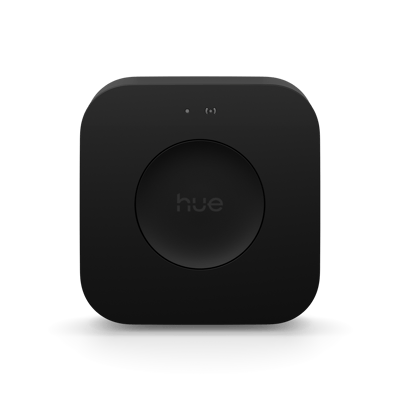
Add a Bridge to unlock the system
Bridge Pro
Your Hue lights work on their own to start. A Hue Bridge links them into one system, with whole-home control, automations and control when you are away from home.
$189.95
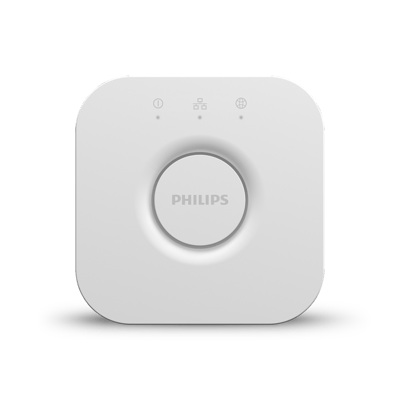
Add a Bridge to unlock the system
Bridge
Your Hue lights work on their own to start. A Hue Bridge links them into one system, with whole-home control, automations and control when you are away from home.
$99.95
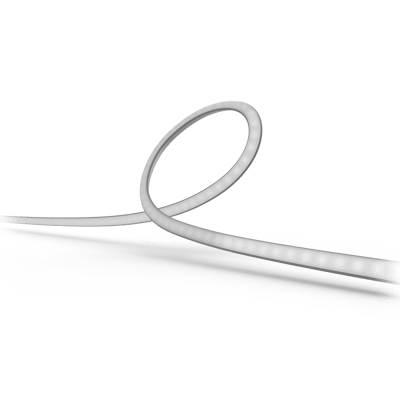
Sync it with a gradient lightstrip
Play Gradient - 55" LED Strip
$404.95
Sync it with a gradient lightstrip
Play Gradient - 65" LED Strip
$444.95
Sync it with a gradient lightstrip
Play Gradient - 75"+ LED Strip
$509.95
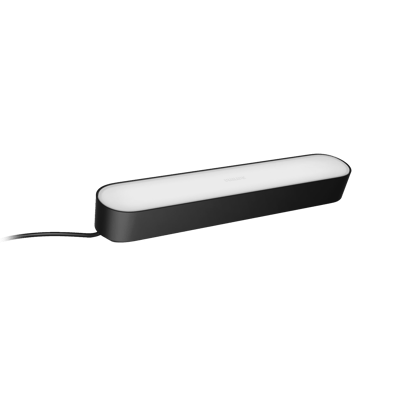
Sync it with a gradient lightstrip
Play Light Bar
$129.95
Sync it with a gradient lightstrip
Play Light Bar (Extension Pack)
$109.95
Common questions
Quick answers before you buy. We test this gear ourselves. Can't find yours? Ask our Melbourne team
Yes. The sync box connects to your Hue lights through the Hue Bridge. You also need Hue colour lights around the screen, such as a gradient lightstrip or Play light bars, for the sync effect.
Four HDMI 2.1 inputs and one output. Connect your console, streaming box and player to the inputs, then run a single cable to the TV.
Up to 8K at 60Hz and 4K at 120Hz, with Dolby Vision and HDR10+, plus Dolby Atmos audio passthrough. It's HDMI 2.1 certified.
Only sources plugged into its HDMI inputs are synced. To sync a TV's built-in apps, you'd need to run them through a device connected to the sync box rather than the TV's own apps.
Yes. The sync happens in the box, between your sources and the screen, so it works with any TV regardless of brand.
Philips Hue · Play HDMI Sync Box 8K