













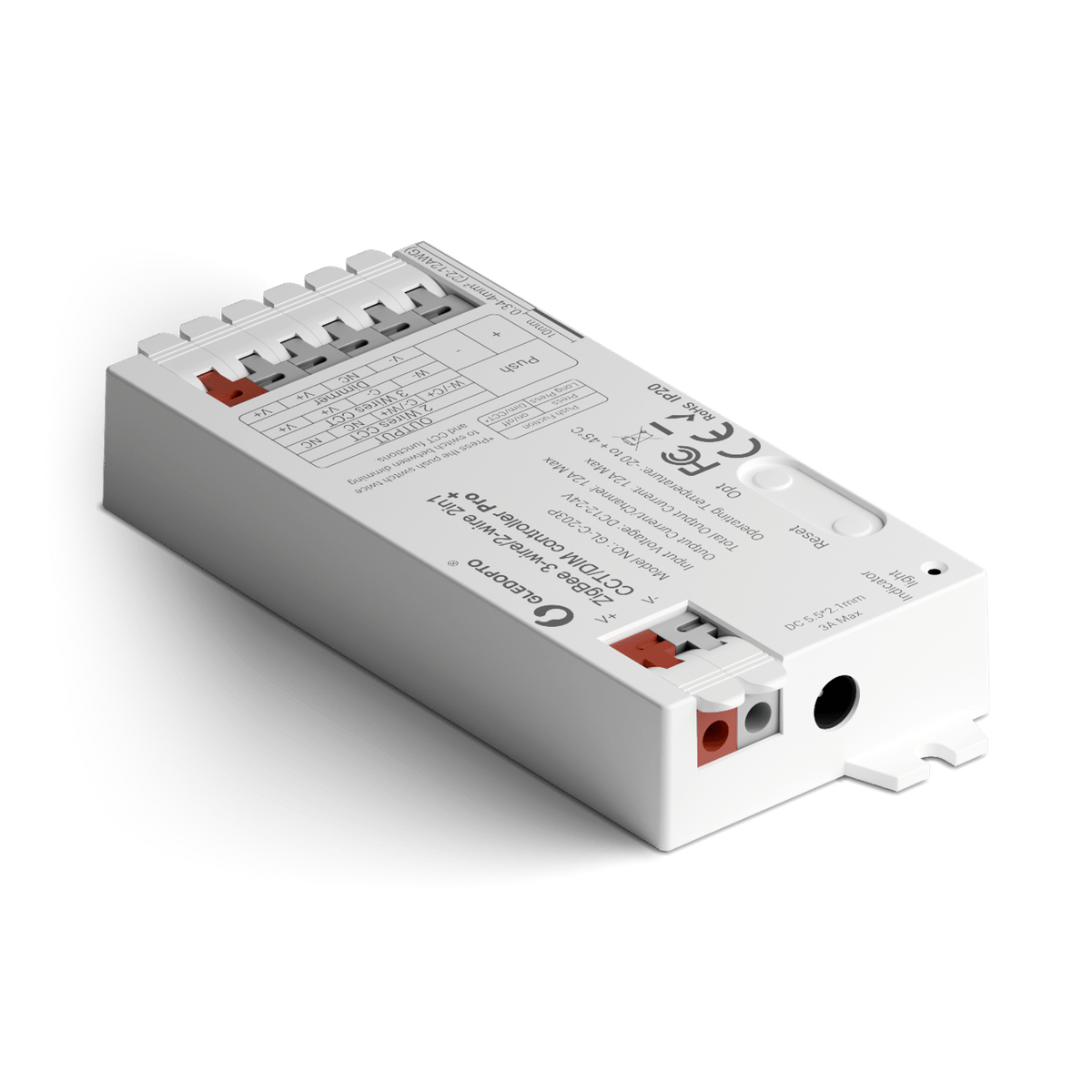

Zigbee Tunable White LED Strip Controller
Puts a tunable white or single-colour LED strip into the Hue app, SmartThings or Home Assistant over Zigbee.
$23.95 Was $29.95 inc GST Sale ends Tue 1 Dec, 12:00 am In stock · ships today
Strip type
Which controller suits your strip?
Not all LED strips are the same. Each type has a different set of colour channels, so it needs a controller built to drive it. Find your strip's type below and pick the controller that lists it. Not sure? Count the pins on the end of the strip.
-
Universal
5-in-1, almost any stripRuns almost any LED strip, white or colour. Gledopto calls it a 5-in-1. It won't run pixel strips, the kind that show several colours along the strip at once.
- RGBCCT Colour plus warm and cool white 6 pins
- RGBW Colour plus one white 5 pins
- RGB Colour only 4 pins
- CCT Adjustable white 3 pins
- Single colour One fixed white or colour 2 pins
Not available with Standard. -
Adjustable white
Warm to cool whiteFor strips that only do white, adjustable from warm and cosy to crisp and cool. No colour.
- CCT Adjustable white 3 pins
Selected -
Colour and adjustable white
Every colour plus whiteFor strips that do every colour as well as an adjustable white.
- RGBCCT Colour plus warm and cool white 6 pins
Not available with Zigbee.
Connectivity


Zigbee or Matter?
This is how the controller joins your smart home. Pick the one that matches the app or hub you already use.
-
Zigbee
Hue Bridge, SmartThings or Home AssistantJoins a Zigbee hub you already have, such as a Philips Hue Bridge, SmartThings or Home Assistant with a Zigbee dongle.
Selected -
Matter
Apple Home, Google Home or AlexaAdds straight to Apple Home, Google Home or Alexa. Some Matter controllers need a Thread border router, such as a HomePod mini or a Google Nest hub.


Size
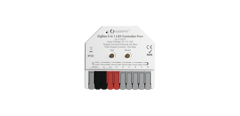
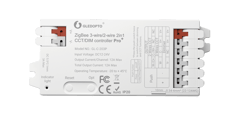
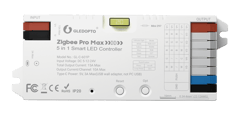
How big is it?
These controllers come in three housing sizes. Pick the one that fits where it's going. Each picture is drawn to the same scale, so you can see the real difference.
-
Mini
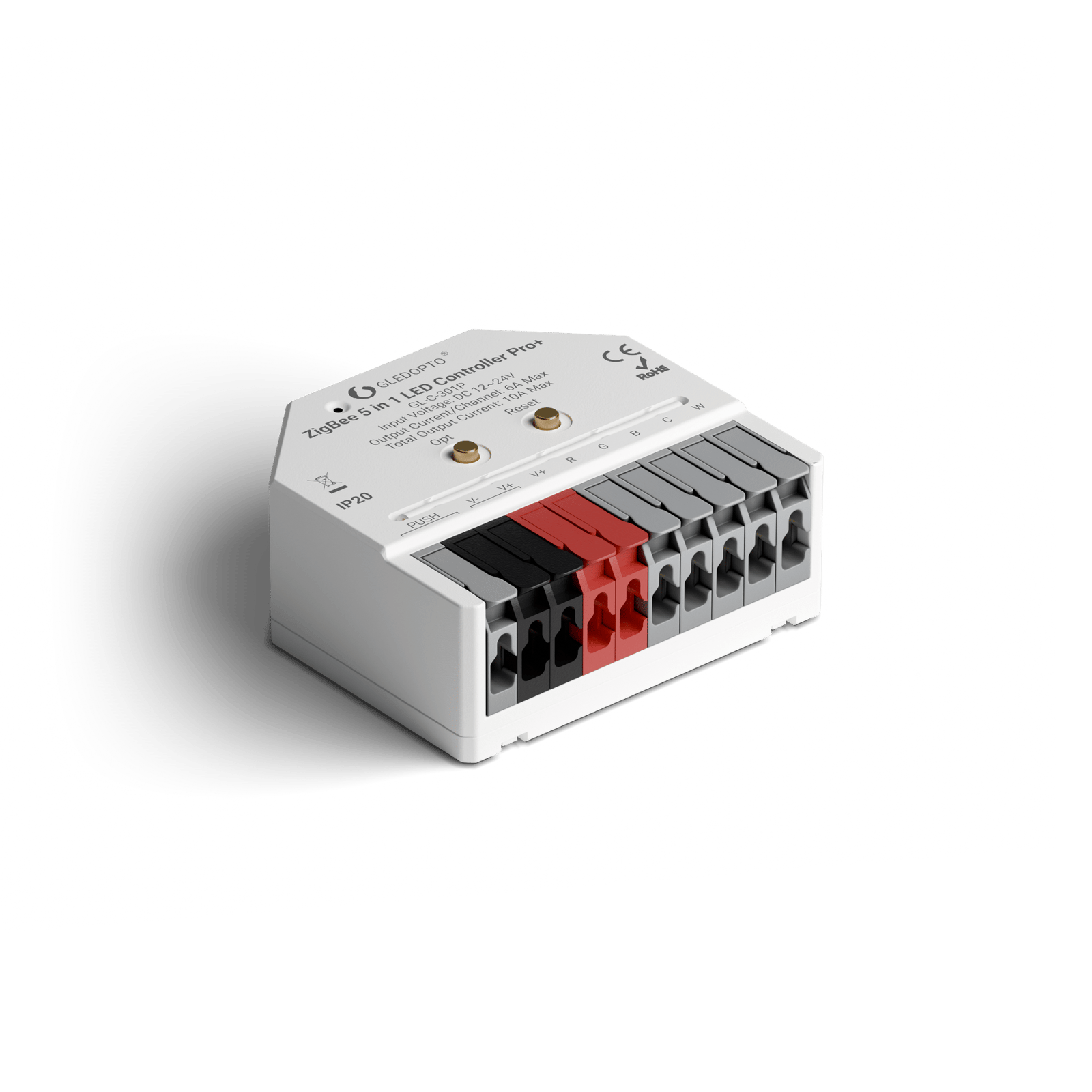
Pro+ Mini · 42 mmThe smallest housing, 42 × 38 × 17 mm. Tucks into tight spots where a long controller won't fit.
Not available with Adjustable white. -
Standard
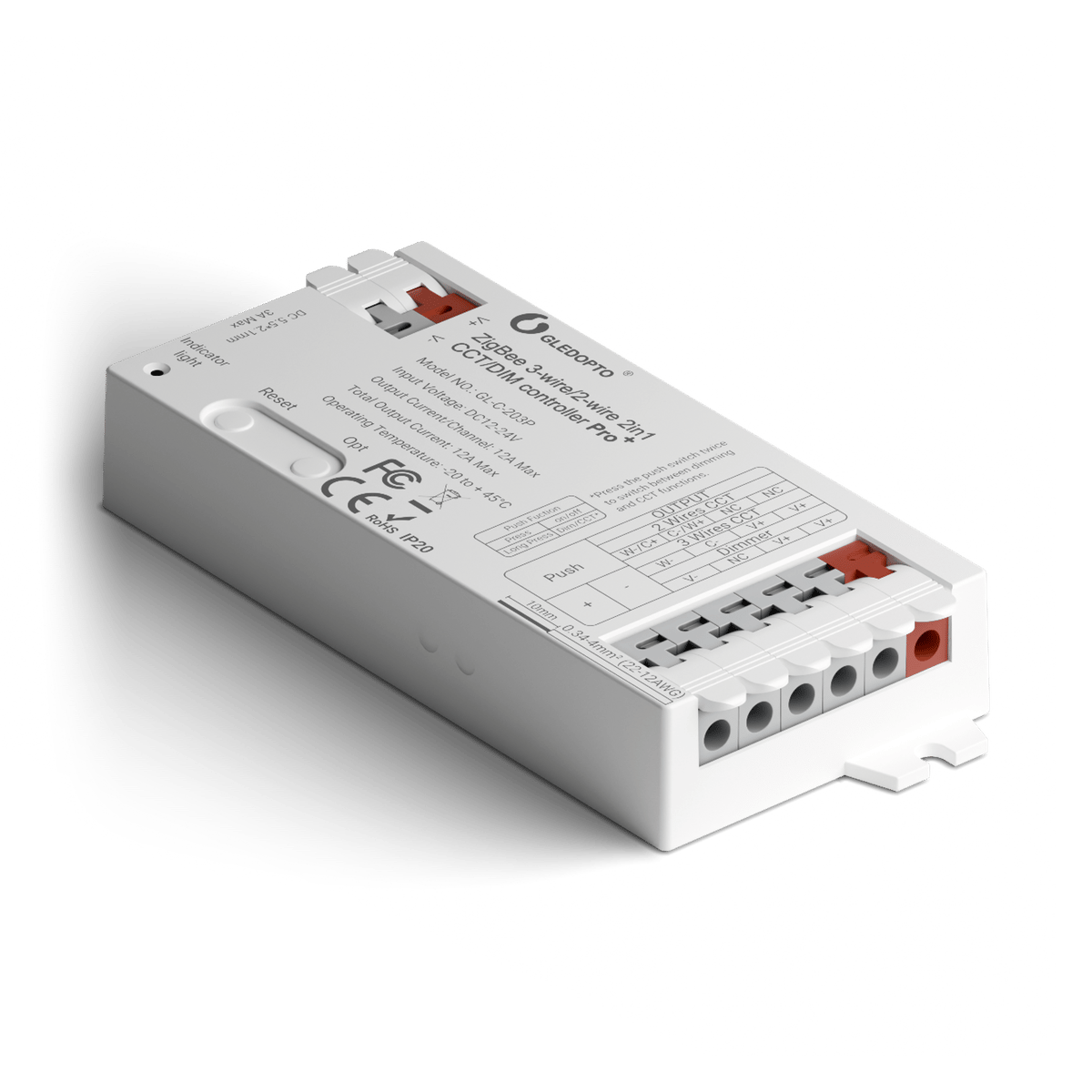
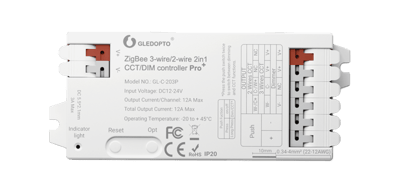
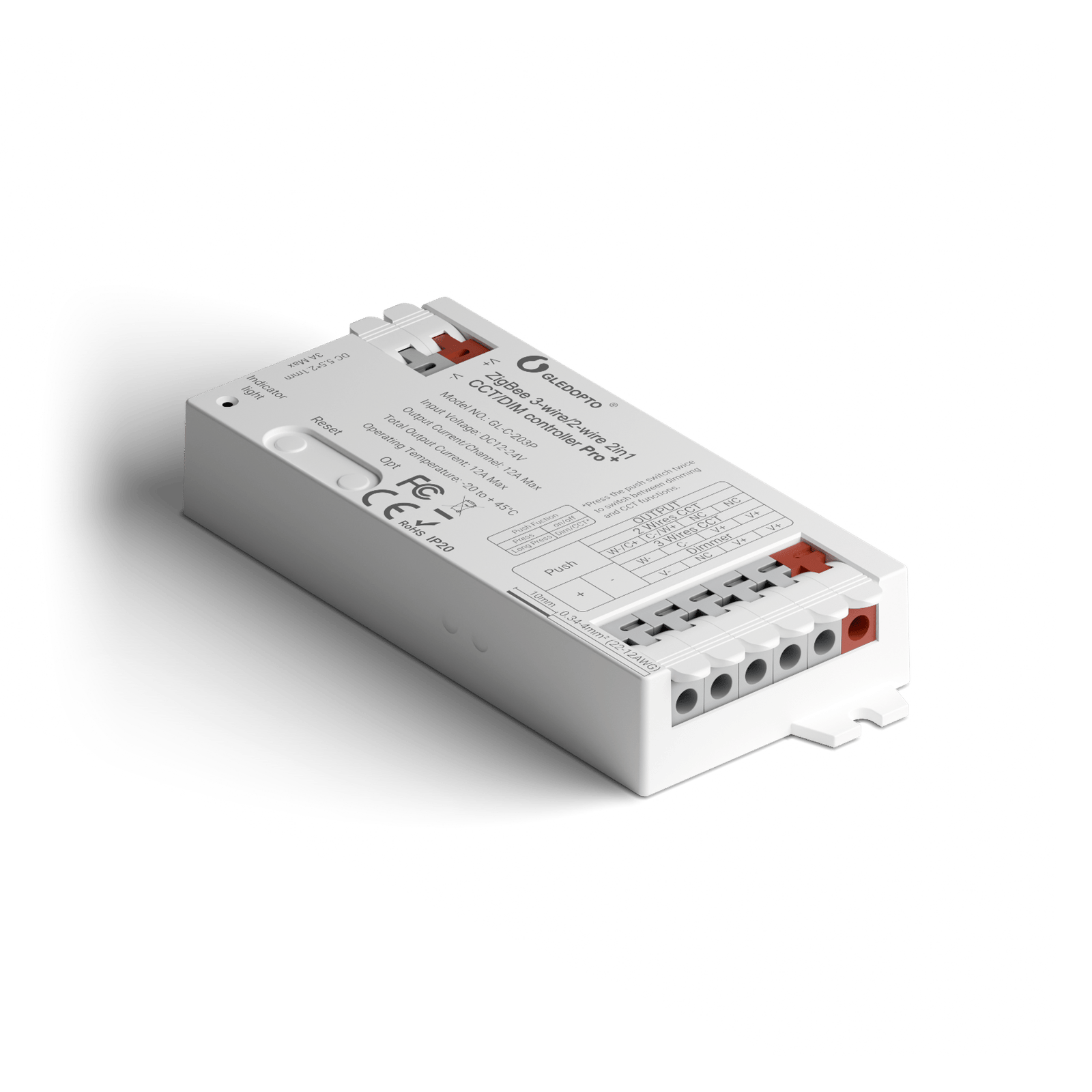
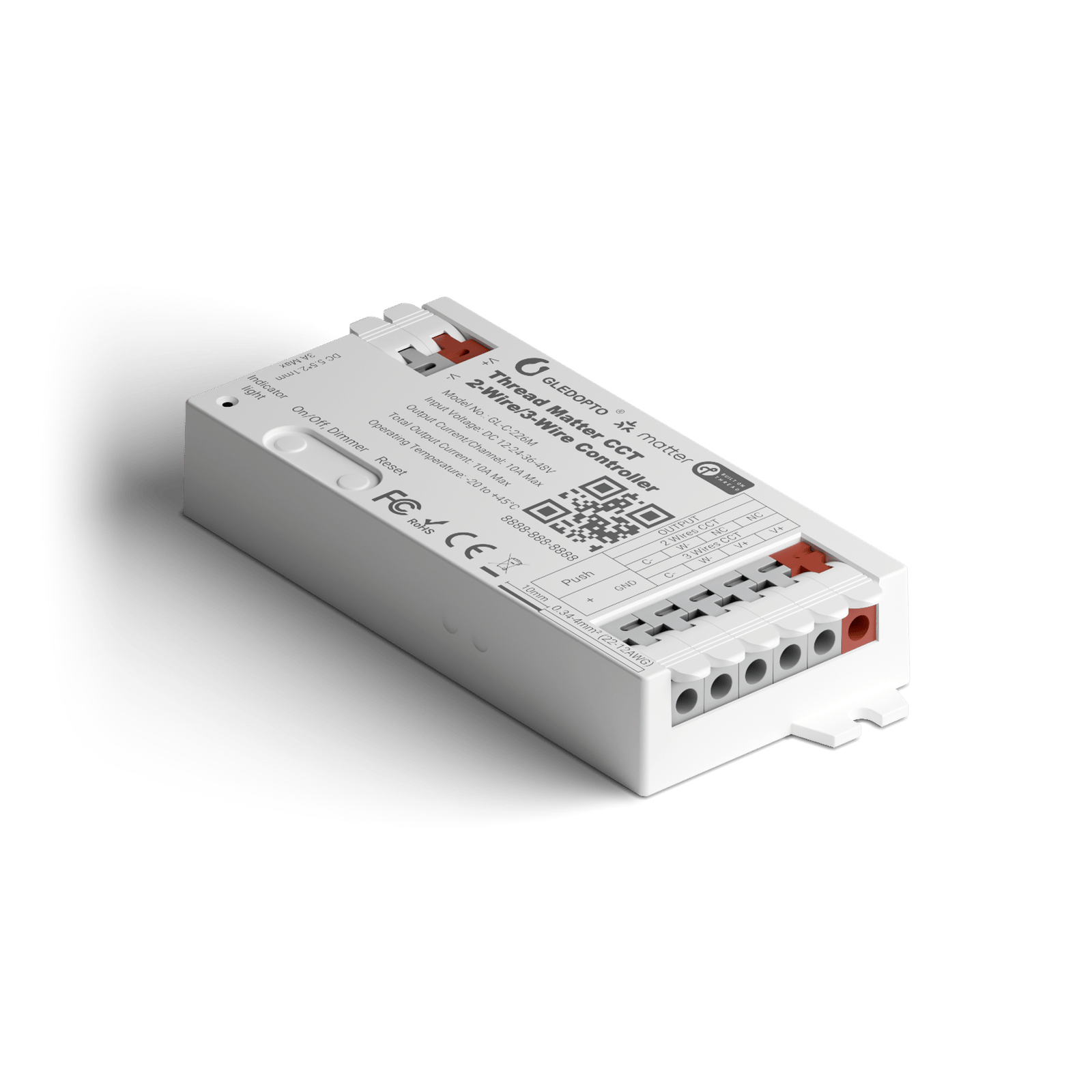
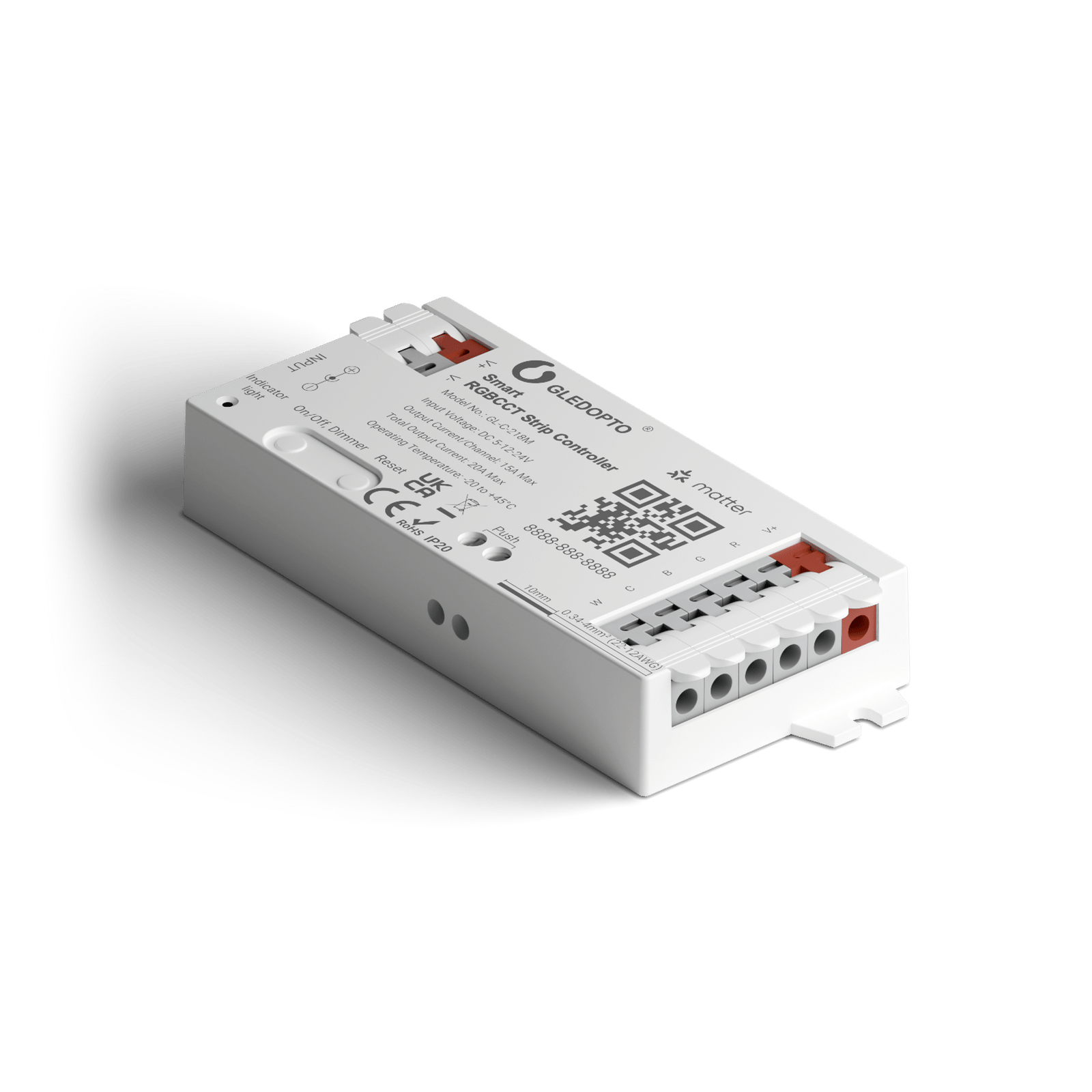
Pro+ · 108 mmThe mid-size housing, 108 × 45 × 18 mm. Slim enough to sit under a shelf or behind a TV.
Selected -
Max
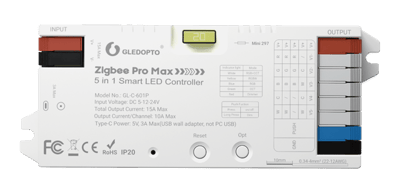
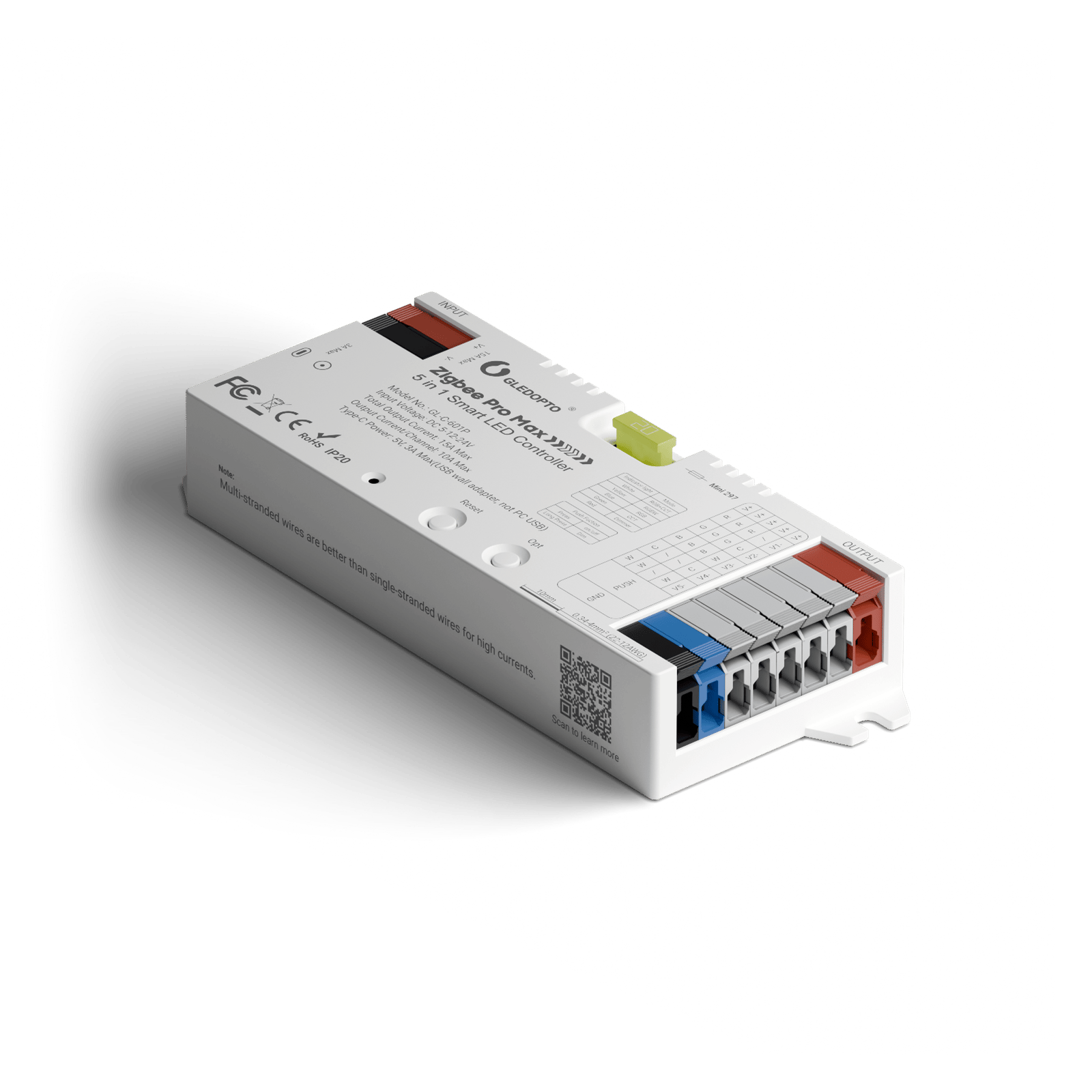
Pro Max · 129 mmThe biggest housing, 129 × 50 × 23 mm. Suits a cabinet or a ceiling void, where there's room to spare.
Not available with Adjustable white.
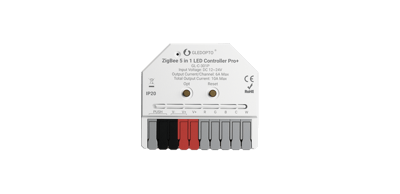
Currently sold out.
Free shipping over $50 Order before 3pm Melbourne time on a weekday and it ships the same day.
30-day returns Unused items, easy online returns
2-year warranty Backed by Gledopto
Everything you need to know
Wire a tunable white (CCT) or single-colour LED strip into this controller and it shows up in your Hue, SmartThings or Home Assistant app as a light you can switch and dim, and on a tunable white strip, set from warm to cool. It needs a Zigbee hub to connect through: a Hue Bridge, a SmartThings hub, an Amazon Echo with Zigbee built in, or Home Assistant with Zigbee set up. Control stays inside your home, so the strip keeps working if the internet drops out. It doesn't power the strip, so you'll also need a 12 V or 24 V supply that matches it.
Product features
Tunable white or single colour
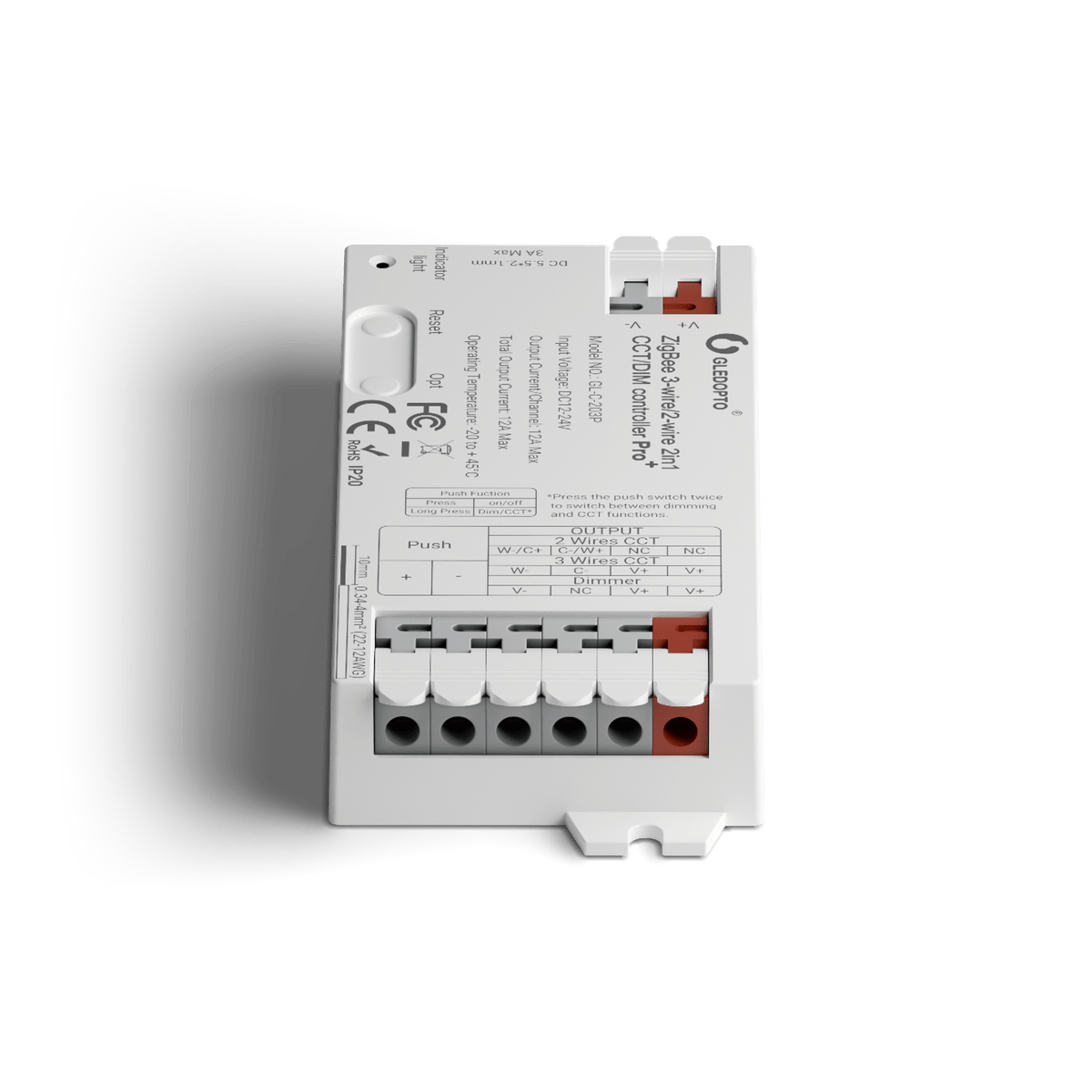
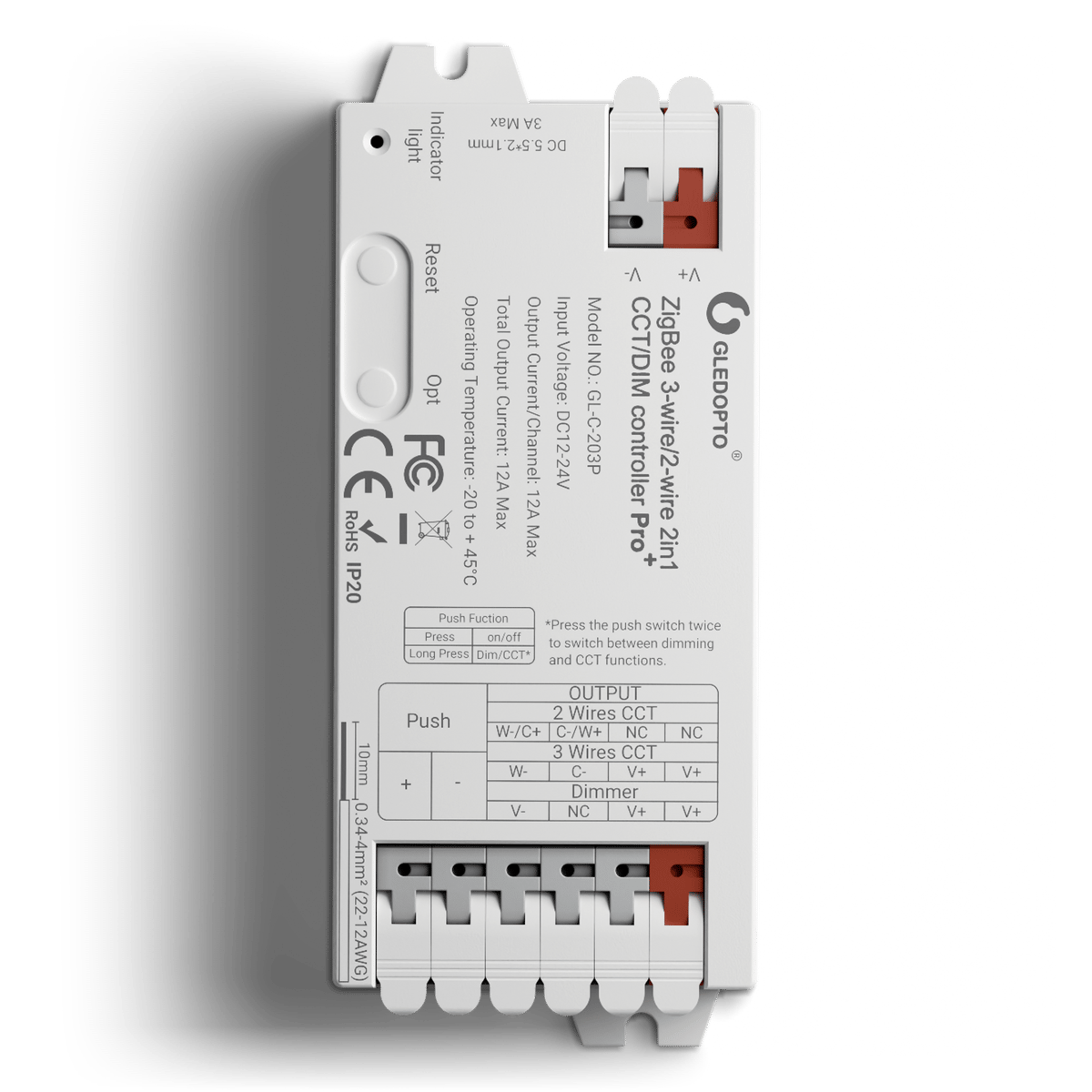
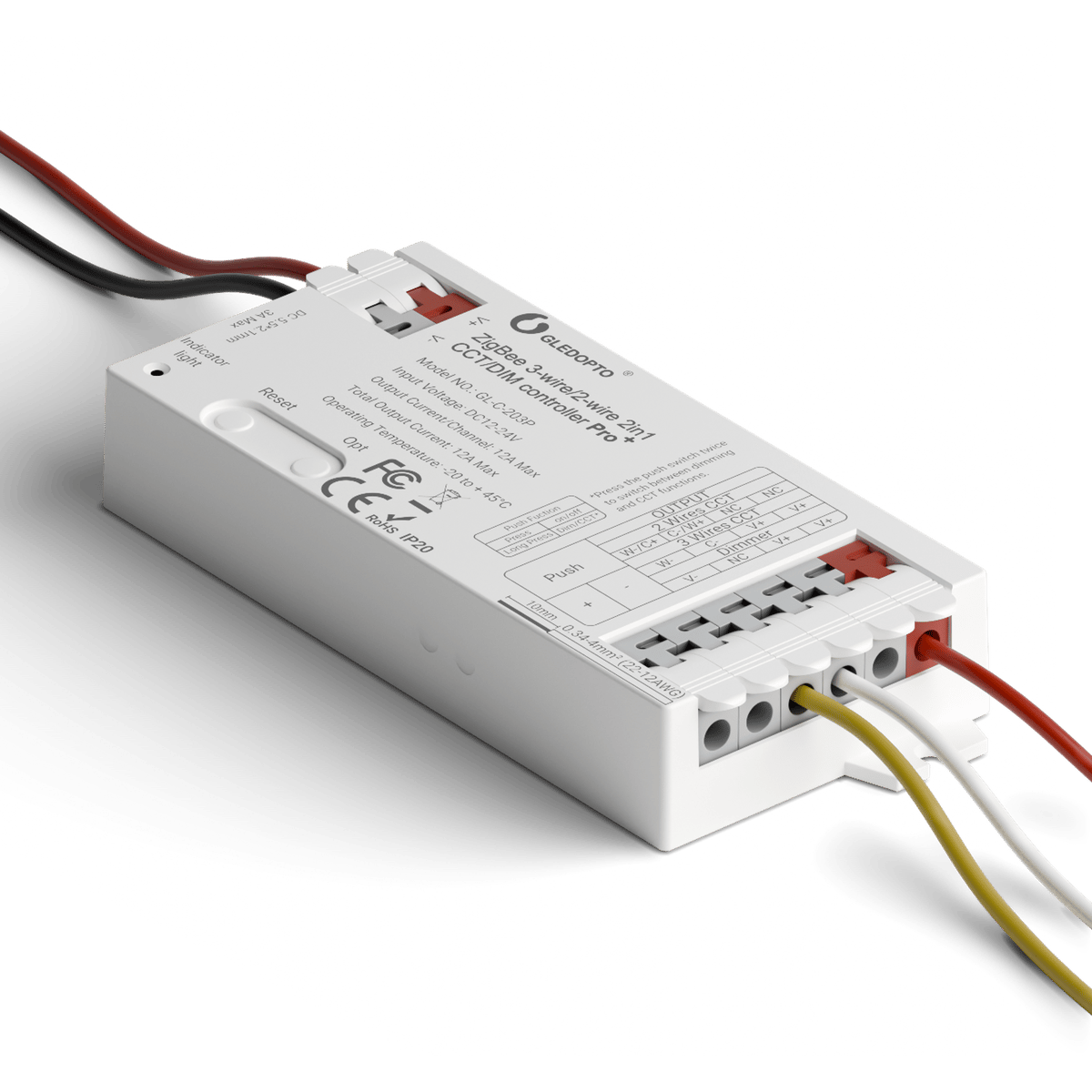
Press the reset button once to switch between CCT mode, for tunable white strip, and dimmer mode, for single-colour strip. In CCT mode it runs both 3-wire and 2-wire strip. Our BTF-Lighting tunable white strips are 3-wire.
Joins your Hue Bridge
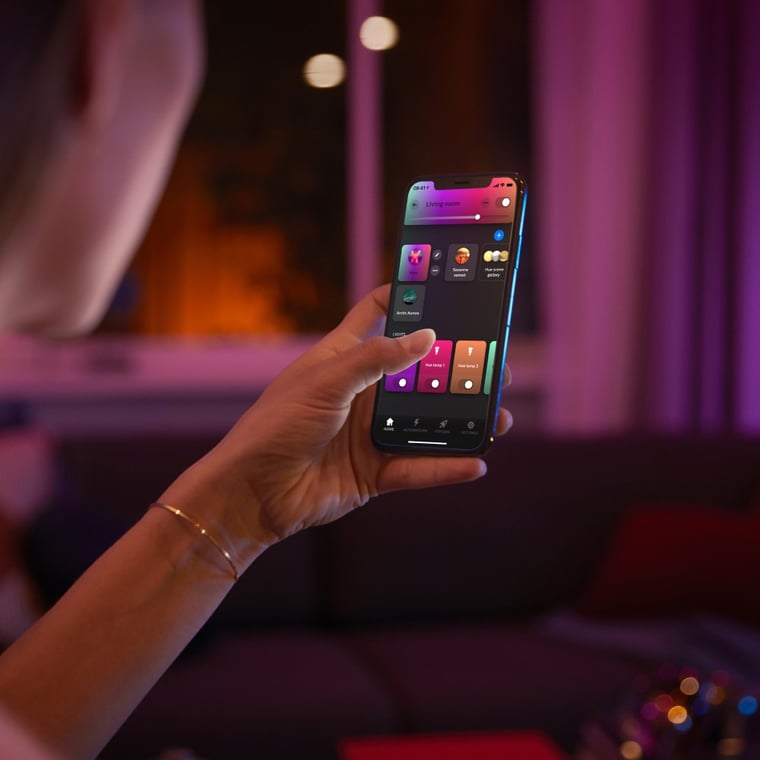
Pair it to a Hue Bridge and the strip sits in the Hue app with your other lights, in rooms, scenes and routines. It works with SmartThings, Zigbee Echo speakers and Home Assistant the same way.
Control it without your phone
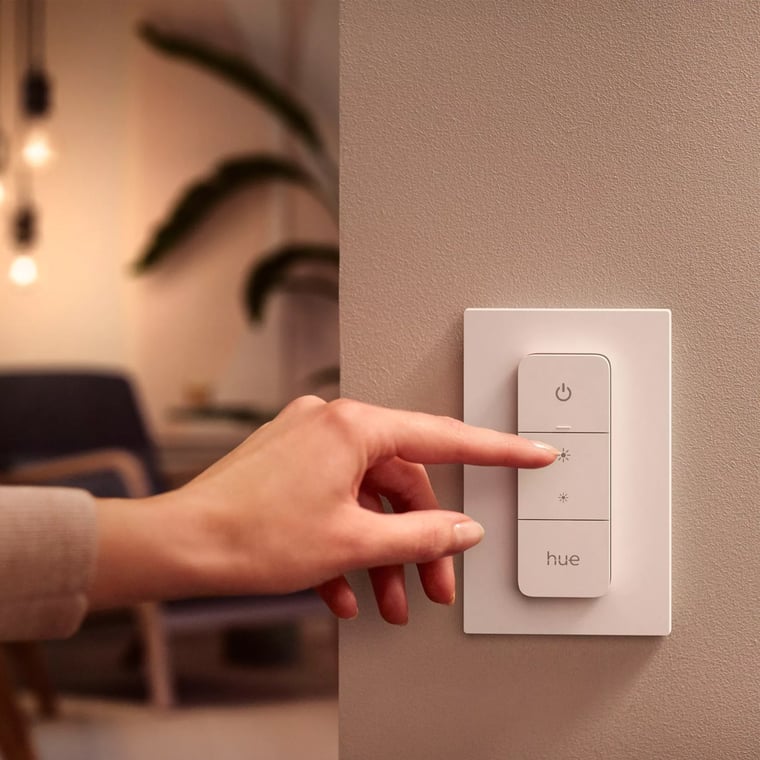
Wire a push-button switch to the Push input: a short press turns the strip on or off, a long press dims it. You can also pair a Gledopto 2.4 GHz remote.
12 A for long runs
It runs 12 V or 24 V strip at up to 12 A, which covers several 5 m rolls of our 24 V tunable white strip wired back to the one controller.
What's in the box
- 1× Zigbee Pro+ Tunable White controller
- GL-C-203P
- 1× Adhesive mounting pad
Works with
Supported ecosystems
-
Pairs with Philips Hue
-
Pairs with SmartThings
-
Pairs with Home Assistant
-
Pairs with Amazon Alexa
Connects over
Phone to controller, through a hub
Your phone reaches the hub over your home network; the hub speaks Zigbee to the controller, and adds scenes, automations and out-of-home control.
-
Zigbee
Works offline
Keeps working on your home network when the internet is down.
Which controller do I need?
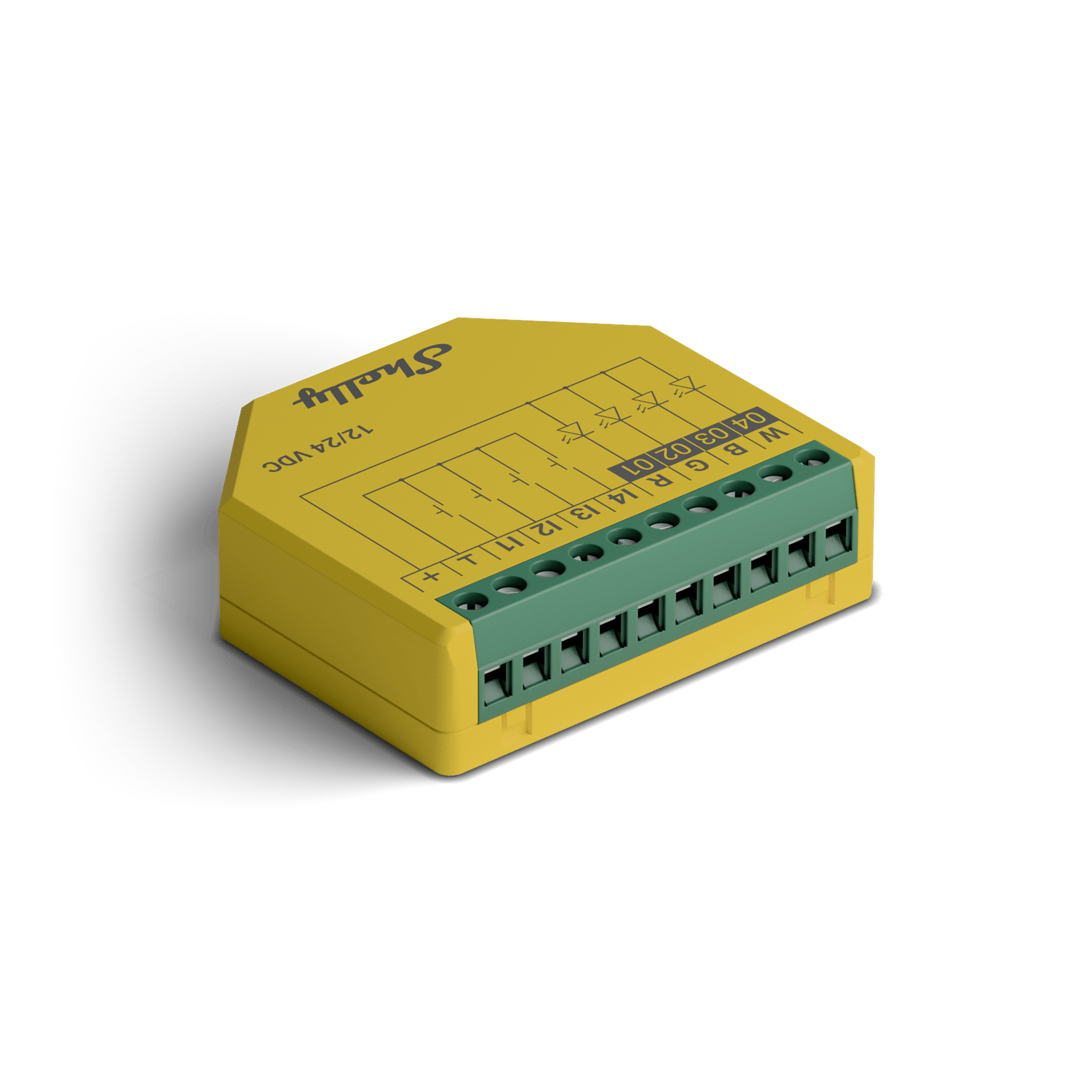
Pick by the app you use, then by your strip. Gledopto Zigbee controllers go in the Philips Hue app through a Hue Bridge. Gledopto Matter controllers go in Apple Home or Google Home. Shelly runs in its own app and shows how much power the lights use.
Count the wires on your strip: 2 is single colour, 3 is tunable white, 4 is RGB, 5 is RGBW and 6 is colour and white (RGBCCT).
 This model Zigbee Tunable White LED Strip Controller | Zigbee Universal Mini LED Strip Controller View model | Zigbee Universal LED Strip Controller View model | Matter Tunable White LED Strip Controller View model | Matter Colour and White LED Strip Controller View model |  Plus RGBW PM LED Strip Controller View model | Pro RGBWW PM LED Strip Controller View model | |
|---|---|---|---|---|---|---|---|
| Best for | Hue homes, tunable white strips | Hue homes, any strip, compact | Hue homes, any strip, long runs | Apple Home, tunable white strips | Apple Home, colour and white strips | Shelly app homes | Switchboard installs |
| Connects by How it talks to your app or hub. | Zigbee | Zigbee | Zigbee |  Thread  Matter |  Wi-Fi Matter | Wi-Fi  Bluetooth | Wi-Fi  Ethernet Bluetooth |
| Colours | Warm to cool white | Colour and tunable white | Colour and tunable white | Warm to cool white | Colour and tunable white | Colour plus one white | Colour and tunable white |
 Philips Hue app Through a Hue Bridge. | Yes | Yes | Yes | No | No | No | No |
 Apple Home | No | No | No | Yes | Yes | No | No |
 Google Home | No | No | No | Yes | Yes | Yes | Yes |
 Home Assistant | Yes Through a Zigbee dongle or a Hue Bridge | Yes Through a Zigbee dongle or a Hue Bridge | Yes Through a Zigbee dongle or a Hue Bridge | Yes Needs a Thread border router | Yes Through Matter, on Wi-Fi | Yes Built in, no hub | Yes Built in, no hub |
| Works without a hub Joins your Wi-Fi directly, with nothing else to buy. | No Needs a Zigbee bridge | No Needs a Zigbee bridge | No Needs a Zigbee bridge | No Needs a Matter hub | No Needs a Matter hub | Yes | Yes |
| Strip type | Single colour, CCT | Single colour, CCT, RGB, RGBW, RGBCCT | Single colour, CCT, RGB, RGBW, RGBCCT | Single colour, CCT | RGBCCT | Single colour, RGB, RGBW | Single colour, CCT, RGB, RGBCCT |
| Power metering | No | No | No | No | No | Yes | Yes |
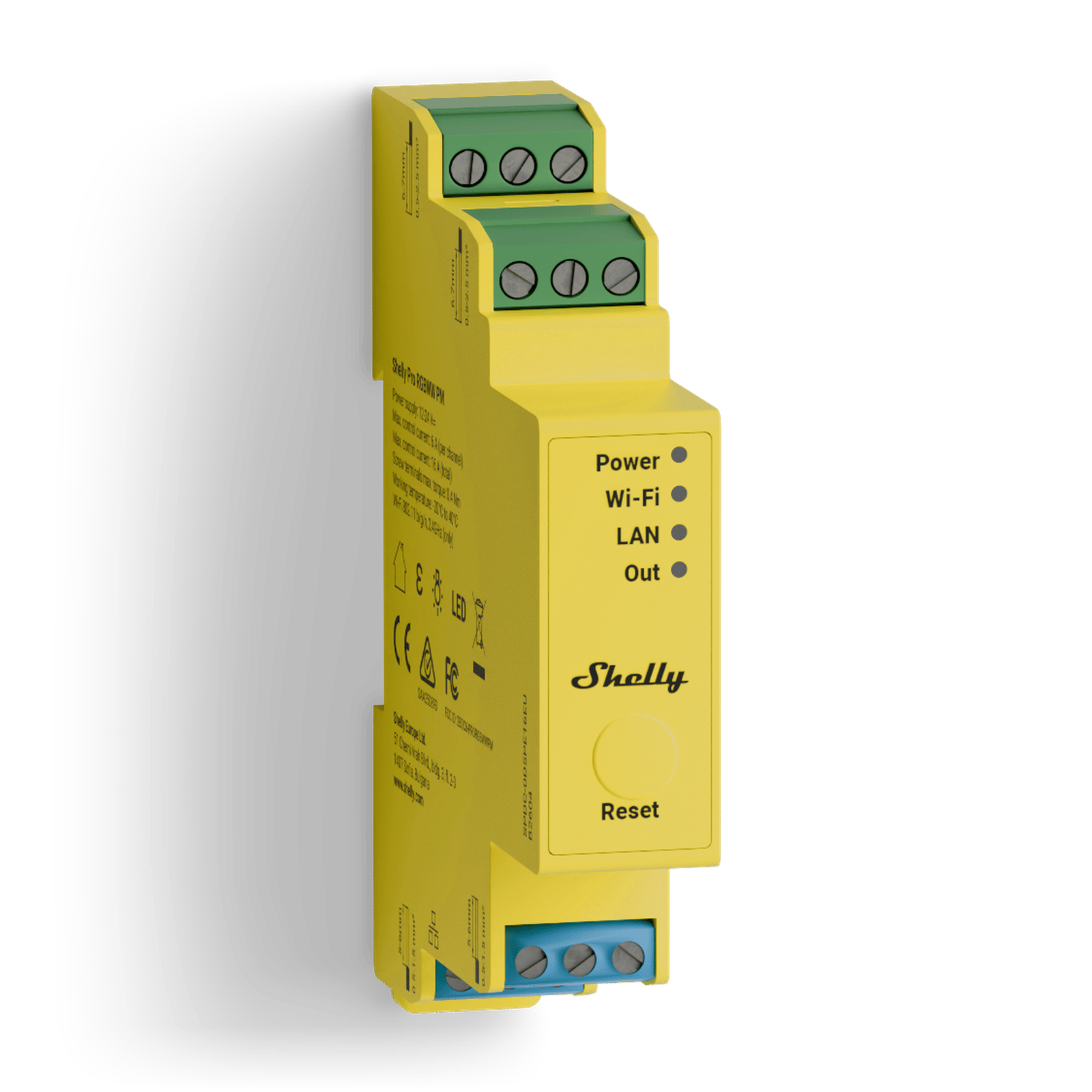
| Size | 108 × 45 × 18 mm | 42 × 38 × 17 mm | 129 × 50 × 23 mm | 108 × 45 × 18 mm | 108 × 45 × 18 mm | 42 × 37 × 12 mm | 94 × 19 × 69 mm |
| Good to know | Needs a Hue Bridge or other Zigbee hub | Needs a Hue Bridge or other Zigbee hub. Small enough to hide behind the strip, up to 10 A | Needs a Hue Bridge or other Zigbee hub. Runs 5 V strips too, and up to 15 A for long runs | Needs a Thread border router, such as a HomePod or Apple TV | Needs a Matter speaker or hub, such as a HomePod, Echo or Nest | Not for tunable white strips | Clips onto the DIN rail in your switchboard |
Specifications
No specifications match.
Connectivity
- Connectivity
- Zigbee Also available: Matter
- Controller type
- Tunable white
- Drives strip types
- CCTSingle colour
- Input voltage
- 12–24 V
- Max output (total)
- 12 A
- Max output (per channel)
- 12 A
- RF remote control
- Yes
- Size
- Standard
- IP rating
- IP20
- Placement
- Indoor
- Dimensions
- 108 × 45 × 18 mm
- SKU
- GLD-CTL-0005
Wiring diagrams
Circuit overview
+24 V0 VWarm and cool white channels
Everything on this controller is low voltage from a plug-in power supply. Unplug the supply before you move a wire.
Showing the whole circuit
What you can do with it


Common questions
Quick answers before you buy. We test this gear ourselves. Can't find yours? Ask our Melbourne team
Yes. It connects through a Zigbee hub: a Hue Bridge, a SmartThings hub, an Amazon Echo with Zigbee built in, or Home Assistant with Zigbee set up. It can't join your Wi-Fi on its own.
Get this if your strip is tunable white or single colour and you'll never need colour. Get the Universal or Universal Mini if you might want a colour strip later, since they run all five strip types.
Not directly, because it doesn't support Matter. It can still reach Apple Home or Google Home through a Hue Bridge or SmartThings hub that passes it on. If you'd rather skip the Zigbee hub, use the Gledopto Matter Tunable White controller.
No. It controls the strip but doesn't power it. Wire a 12 V or 24 V constant-voltage supply into the input, matched to your strip.
A push-button switch that springs back when you let go, like a doorbell button. A normal on/off light switch won't work. Never connect mains power to this input.
Hold the reset button for more than 2 seconds, then pair it again from your hub's app.