

















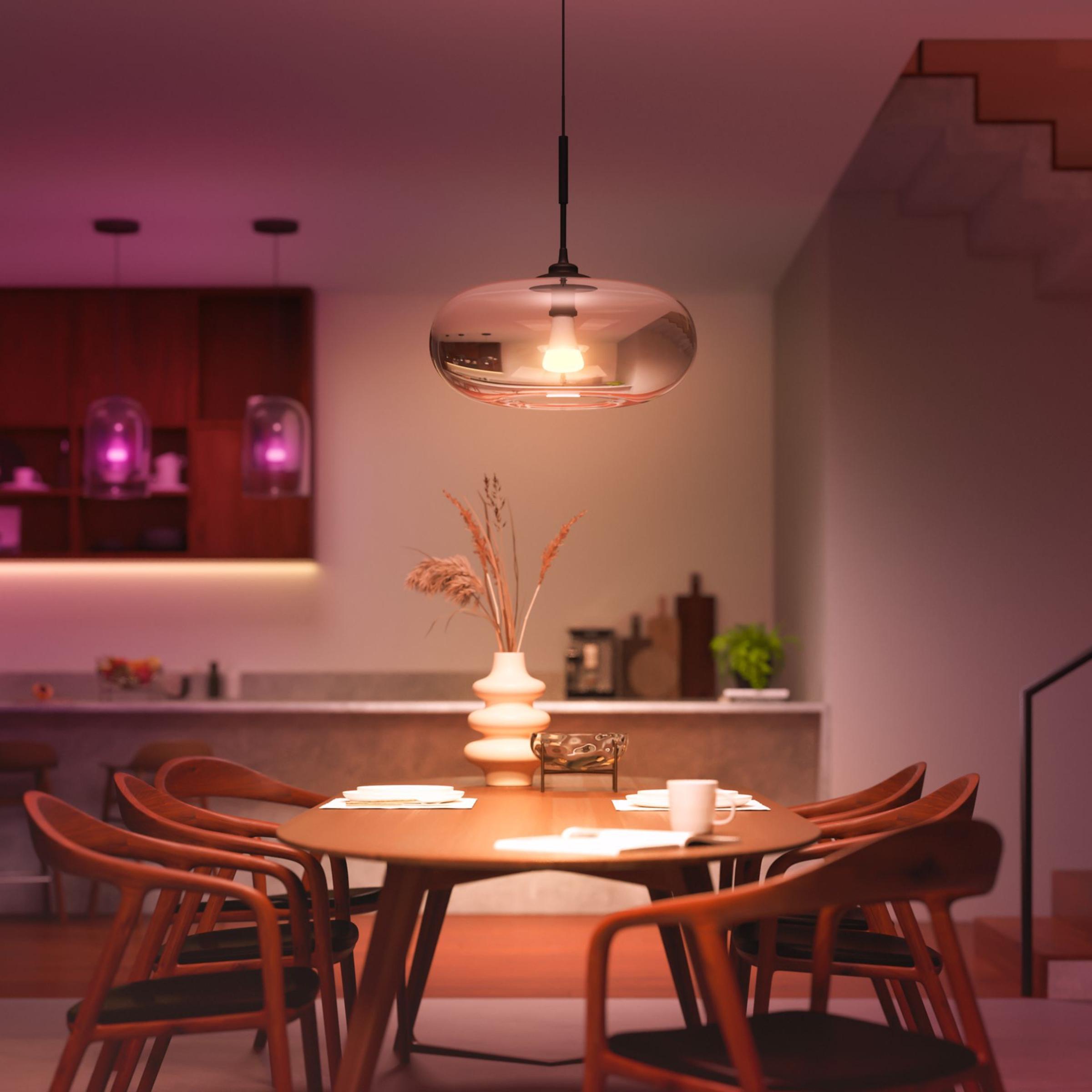
LED strip controllers
A smart LED strip controller sits between the power supply and the strip, so you can dim it, change its colour and schedule it. Pick Zigbee if you already have a hub, or Wi-Fi to go without one.
Zigbee or Wi-Fi
A Zigbee LED controller needs a hub to pair with, such as a Philips Hue Bridge or Home Assistant with a Zigbee dongle. The Gledopto controllers here run on Zigbee. The Shelly controllers connect straight to your Wi-Fi with no hub.
Match it to the strip
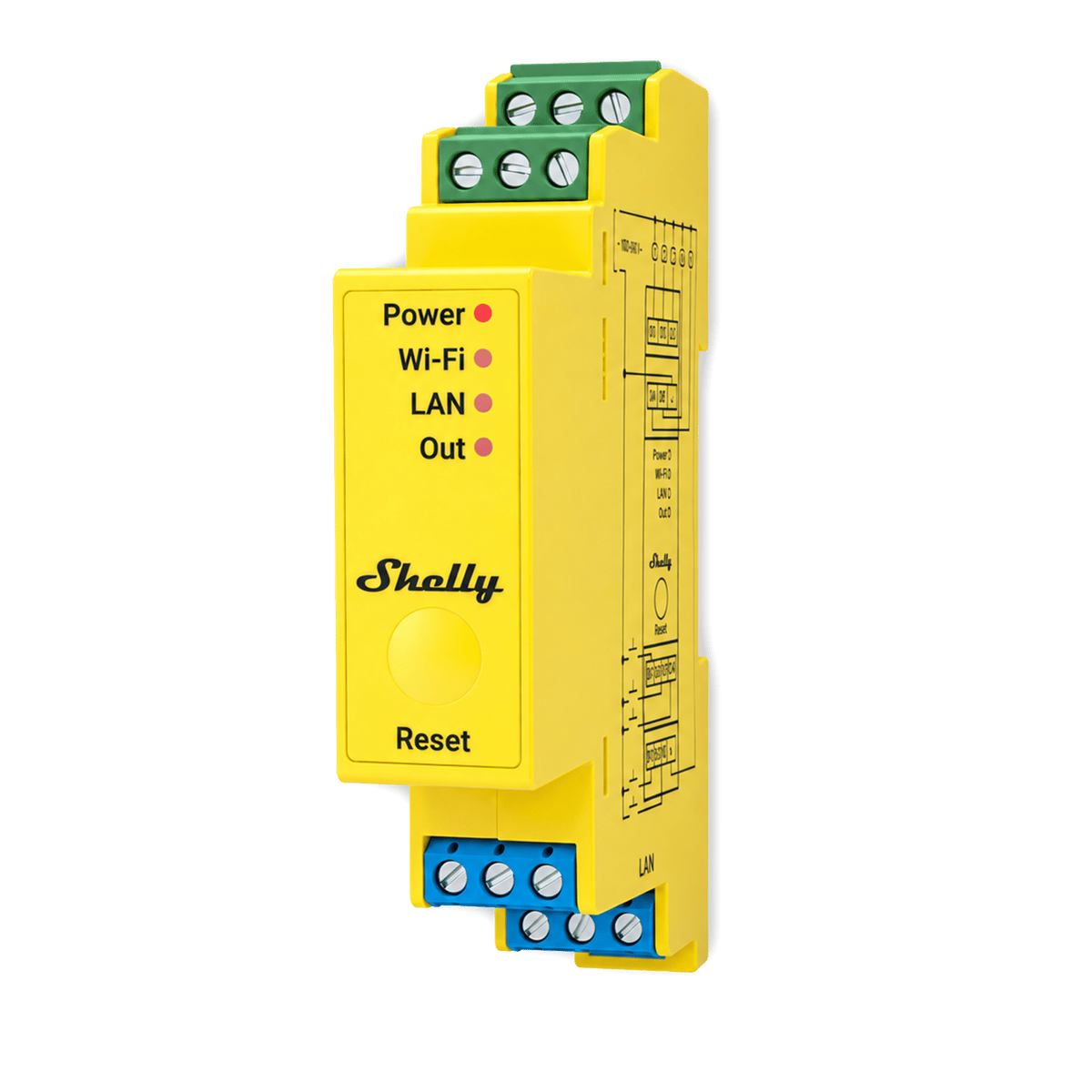
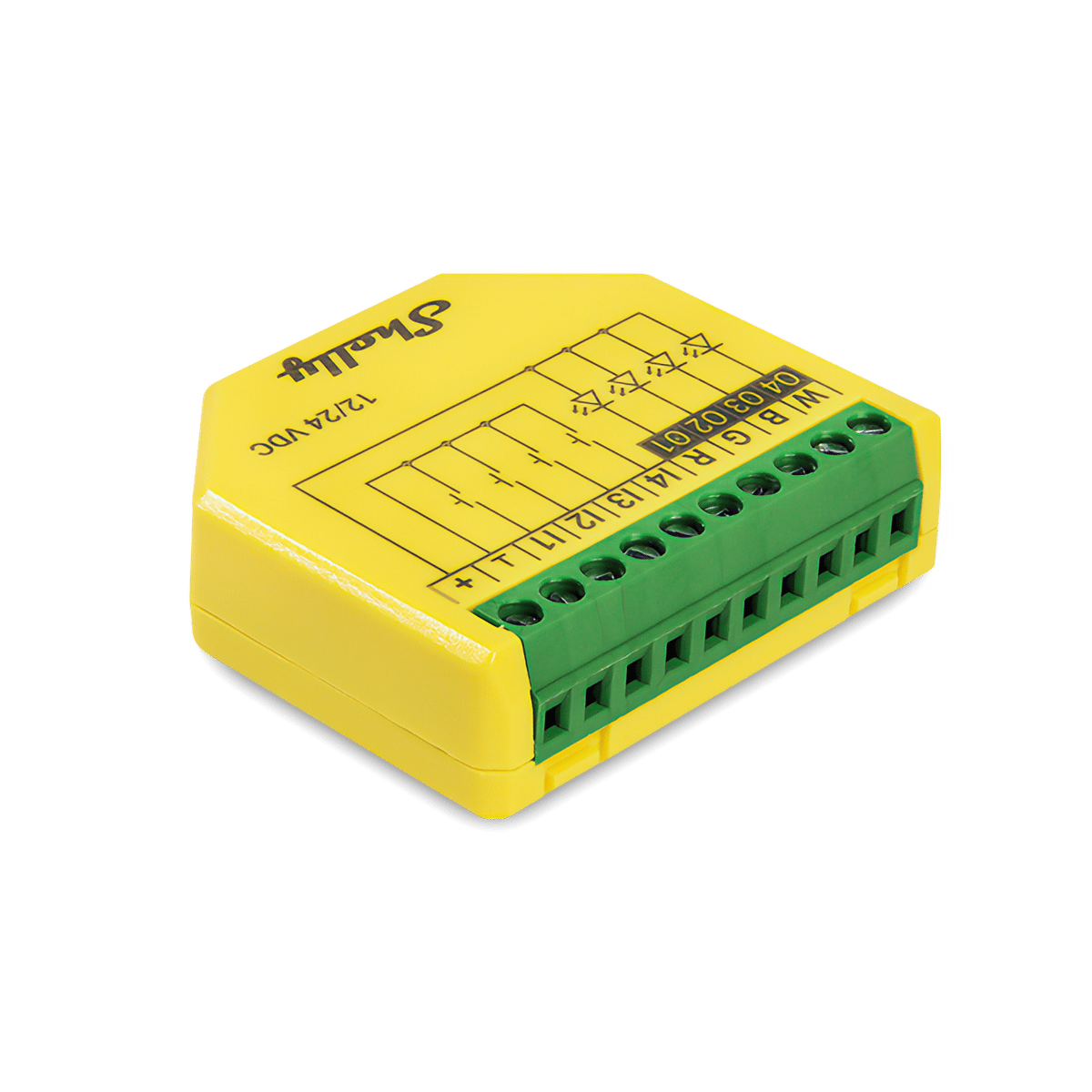
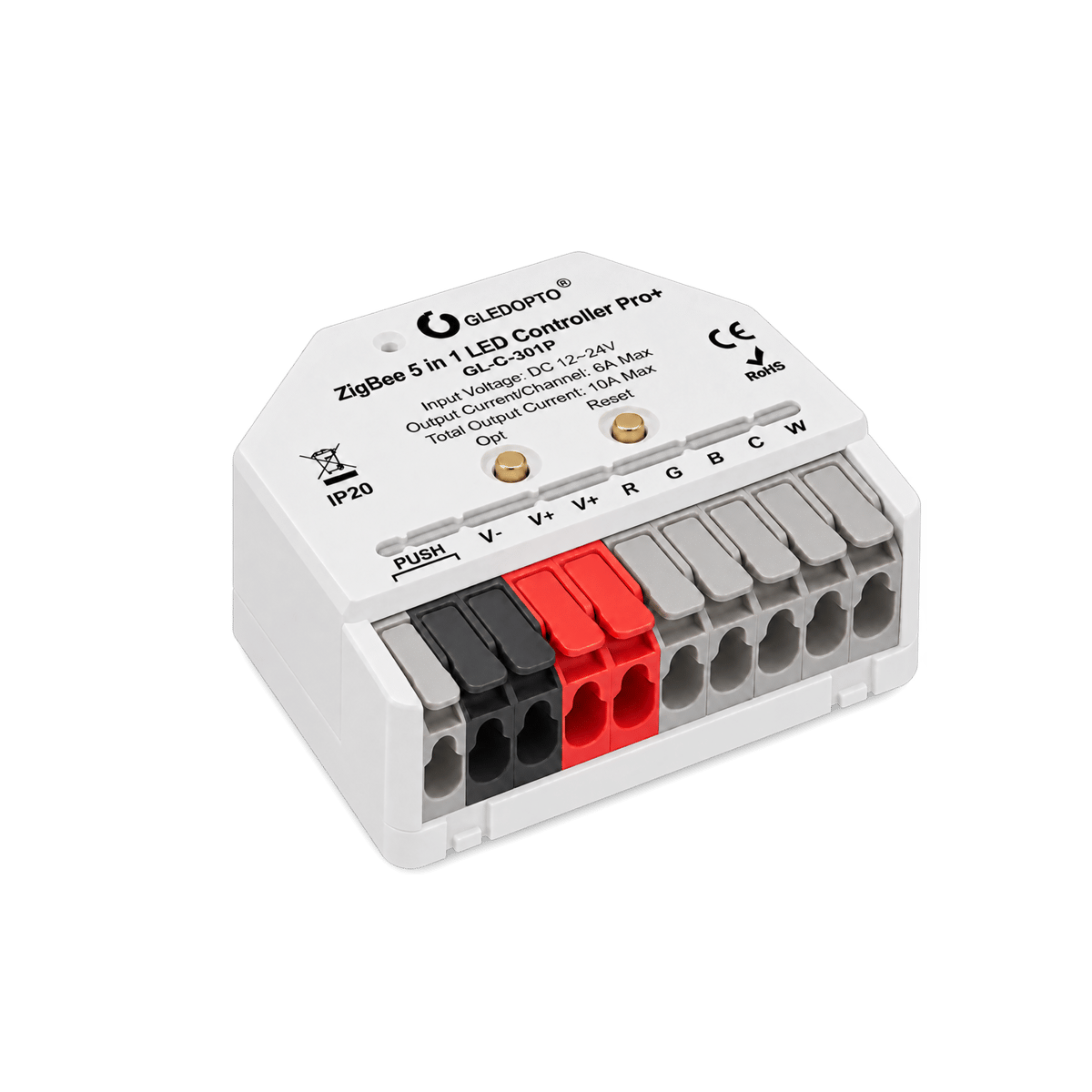
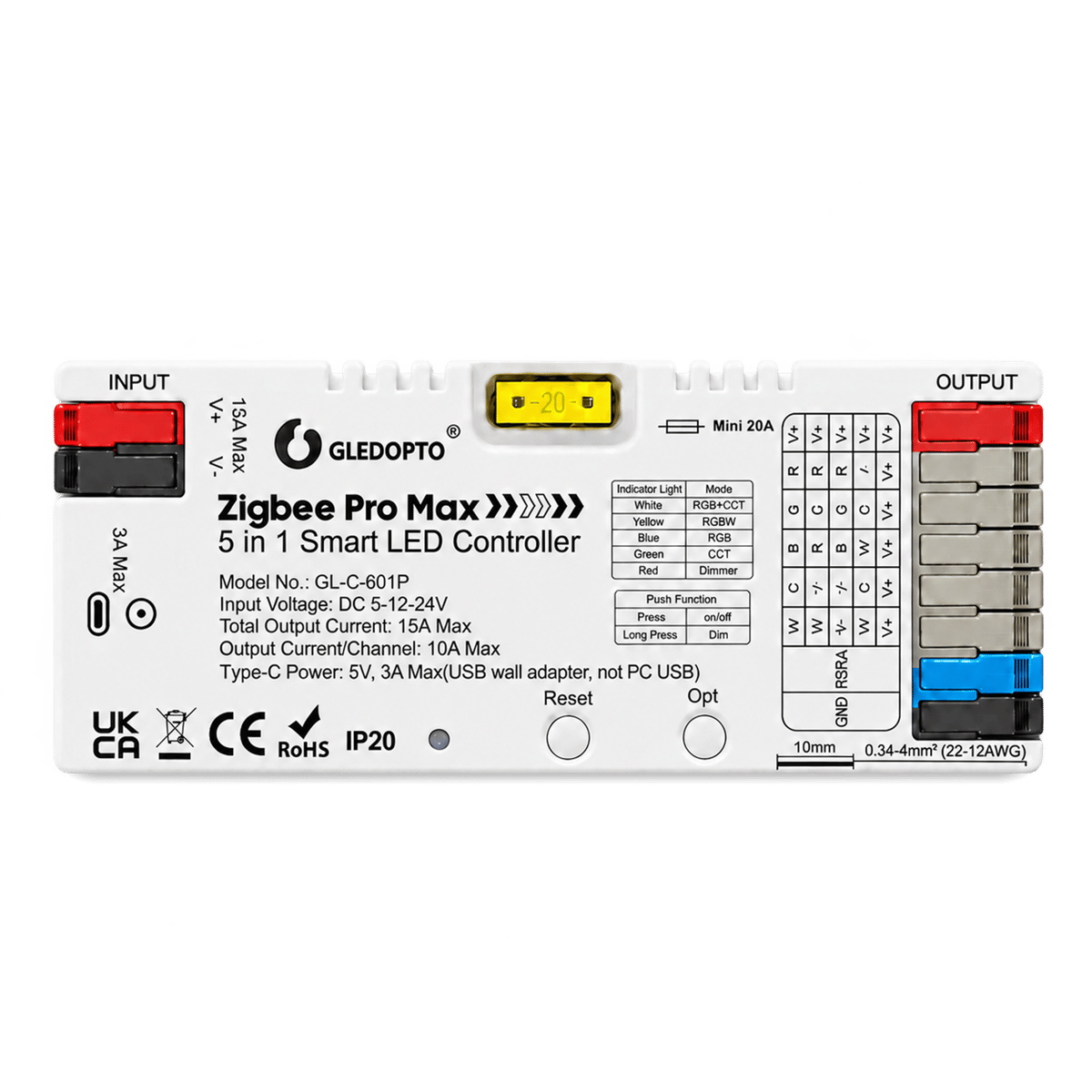
Check the strip's voltage and colour type before you buy. Every controller here runs 12V and 24V strips. The Shelly Plus RGBW PM drives single colour, RGB and RGBW strips. The Gledopto 5-in-1 controllers switch mode to suit the strip, and the Shelly Pro RGBWW PM runs RGB with tunable white, or up to five single-colour strips on their own.
Where it goes
The Gledopto Pro+ Mini is 42 × 38 mm, small enough to hide behind a cabinet. The Shelly Pro RGBWW PM mounts on a DIN rail, so it suits a switchboard or a central enclosure, and can connect over Ethernet as well as Wi-Fi.
Lighting · 4 products Controllers at Synced Australian stock


Filter guide
Which protocol should I pick?
Protocols are the wireless languages smart devices use to talk to each other. Some need a hub, some run straight off your Wi-Fi. Here's what each one means for your setup.
-
Zigbee
Low-power meshThe cleanest mesh for a bigger setup. Every mains-powered device repeats the signal, so coverage grows as you add more. Needs a hub like a Hue Bridge or SmartThings.
-
Wi-Fi
No hub neededThe simplest way to start. Plugs into your existing Wi-Fi with no extra hardware. Best for a handful of devices; very large setups can crowd the network.
-
Ethernet
Wired to your routerThe steadiest connection you can give a device. A cable means no Wi-Fi congestion and nothing to drop out, which is why hubs, panels and cameras so often offer it. The catch is physical: it has to sit within cable reach of a network port.
-
Bluetooth
Direct, short-rangeGood for setup and close-range control from your phone. Range is short with no remote access on its own, so it's often paired with a hub or bridge.


None selected
Compatibility guide
Which platforms does it work with?
Works with shows the smart home platforms a device pairs with, so you can control it from the app and voice assistant you already have. Here's what each one is.
-
Google Home
Google ecosystemWorks with the Google Home app and Google Assistant, for voice control through Nest speakers and displays or your Android phone.
-
Amazon Alexa
Alexa voicePairs with Amazon Alexa, so you can control it by voice through any Echo speaker or display and the Alexa app.
-
Samsung SmartThings
SmartThings hubWorks with Samsung SmartThings, controlled from the SmartThings app. Handy if you've already built your setup around Samsung phones or appliances.
-
Home Assistant
Open-source hubWorks with Home Assistant, the open-source platform for people who want full local control and custom automations. More hands-on, very flexible.
-
Philips Hue
Hue BridgePairs to a Philips Hue Bridge, so it appears in the Hue app alongside your Hue lights and can be used in the same rooms and scenes.



None selected
Filter guide
Which strips will it drive?
A strip's type is how many colour channels it has, which you can count from the pins on its connector. The controller needs at least that many channels, or part of the strip won't light.
-
RGBCCT
Colour + tunable whiteRed, green and blue plus warm and cool white, on six pins. Full colour and a white you can tune from cosy to crisp. The BTF strips we stock are this type.
-
RGBW
Colour + one whiteRed, green and blue plus a single white chip, on five pins. Clean white and colour, but the white is fixed at one temperature.
-
RGB
Colour onlyRed, green and blue on four pins. White is mixed from the three, so it looks a little cool or off. Best for colour scenes.
-
CCT
Tunable whiteWarm and cool white with no colour, on three pins. Dial the white from warm to cool for everyday light.
-
Single colour
One fixed white or colourOne channel on two pins. It dims, but the colour doesn't change.
None selected
Filter guide
What's a channel?
A channel is one output the device controls on its own. On a relay, each channel switches one circuit, so a 2-channel relay runs two lights separately. On an LED strip controller, each channel drives one colour line of the strip.
-
Four channels
Four outputsFour outputs from one module. On a relay, four circuits each on its own control. On an LED strip controller, enough for an RGBW strip, or four single-colour strips run separately.
-
Five channels
Drives five colour linesFive colour outputs, enough for an RGBCCT strip: red, green, blue, warm white and cool white.
None selected
Filter guide
How does it wire up?
Connections are where the power supply and the strip attach to the controller. Terminals take bare wire. A barrel socket or USB-C takes a plug-in supply, which suits a short run.
-
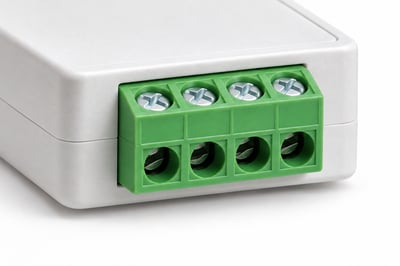
Screw terminals
Bare wire, screwdriverBare wire clamped under a screw with a small screwdriver. Suits a fixed install in a cabinet or switchboard.
-
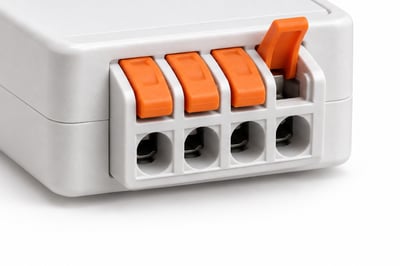
Quick-connect
Lever terminals, no toolsLever terminals: open the lever, push in the bare wire and close it. No screwdriver needed, and easy to undo if you move the strip.
-
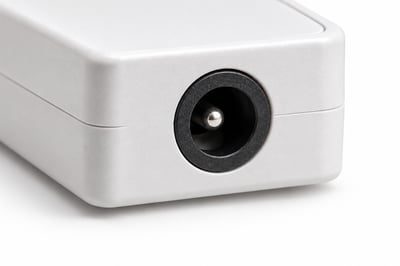
DC barrel
Plug-in power supplyA round socket for a plug-in power supply, so there's no wiring on the power side. Fine for a short strip. A long strip that draws a lot of power should go through the terminals instead.
-
USB-C
Short 5 V stripsPowers a short 5 V strip from a USB-C charger. Not for 12 V or 24 V strips.
None selected
Tap controllers to compare them
That's the most you can compare at once

No products match those filters.
More about LED strip controllers
Choosing an LED strip controller.
Start with the power supply
The power supply powers the strip, not the controller. Size the supply to the strip's wattage with headroom, and keep the strip's draw under the controller's limit: 10A total on the Gledopto Pro+ Mini and 15A on the Pro Max.
Plan the run
Longer runs lose brightness at the far end. 24V strips hold their brightness over a longer run than 12V, so pick 24V for anything past a few metres, and feed power from both ends on long runs.
Pick what you'll control it from
Choose between a Hue Bridge, Home Assistant or the Shelly app before you buy the controller. Changing system later means changing the controller.
LED strip controller ideas
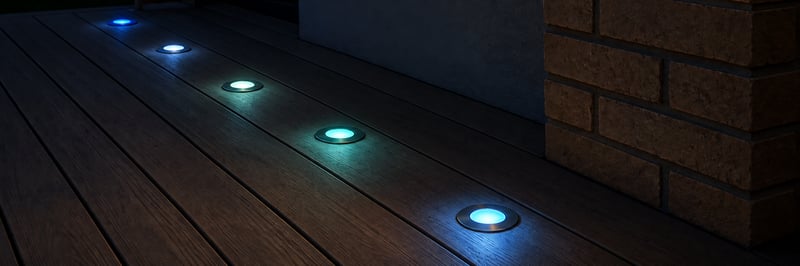
Colour deck lights you run from your phone
Keep your 12 or 24 V RGBW deck lights and add a small controller, so they come on at sunset in any colour or white you like. Run them from the Philips Hue app, Home Assistant or the Shelly app. Control with any of


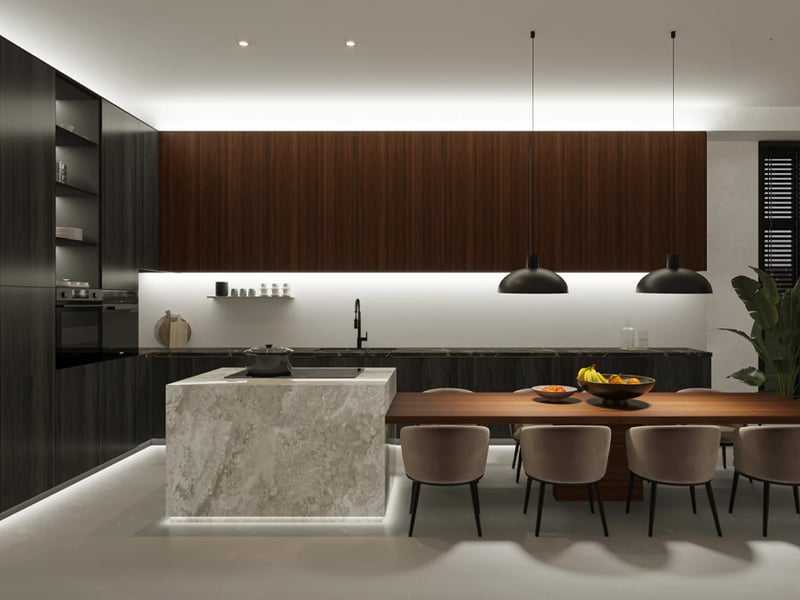
Under-cabinet kitchen lights you run from your phone
A smooth line of light under your kitchen cabinets, bright white for cooking and a warm glow at night. Use a Philips Hue lightstrip, or a dotless strip on a small Gledopto controller that joins the Hue app or Home Assistant. Control with any of Common questions
Quick answers before you buy. We test this gear ourselves. Can't find yours? Ask our Melbourne team
Yes. The Shelly controllers join Home Assistant through its Shelly integration over your home network. The Gledopto controllers pair through a Zigbee dongle plugged into your Home Assistant box.
For Zigbee, yes. The Gledopto controllers pair with a Philips Hue Bridge or a Home Assistant Zigbee dongle. The Shelly controllers connect to your Wi-Fi directly and need no hub.
A Zigbee light strip controller talks to a hub, which keeps it off your Wi-Fi and lets it work alongside Hue lights. A Wi-Fi controller joins your router directly, so it's simpler to start with one or two strips.
The Shelly controllers can. The Plus RGBW PM's light mode runs its outputs as separate single-colour strips, and the Pro RGBWW PM runs up to five.
The controller and strip run on low-voltage DC, so wiring them up is DIY. A licensed electrician is needed for anything on the 230V side, such as a hardwired power supply or a DIN-rail install in your switchboard.