


















Explainer Ecosystems
Philips Hue MotionAware, explained
MotionAware turns three or four Hue lights into a motion sensor by reading the Zigbee signal between them. What it needs, how to set one up, and where a real sensor still does better.
Philips sells MotionAware as the headline feature of the Philips Hue Bridge Pro: the lights you have already paid for become the motion sensor, so nothing new goes on the wall. It works. It is also fussier about your room than the marketing suggests, and there are rooms where a $69.95 sensor still does the job better.
What MotionAware actually is
Every Hue light on a Bridge is talking to its neighbours over Zigbee, constantly, whether it is lit or not. When a person walks between two of them they interrupt that radio signal in a way the Bridge Pro can measure. Philips puts it plainly: MotionAware "measures fluctuations in wireless Zigbee signals, which occur when something (like a person) passes through them."
So there is no new hardware and no new radio. You group three or four lights in a room into what Philips calls a motion area, the Bridge Pro watches the signal between them, and a person moving through the space shows up as a disturbance. Philips says the system keeps adjusting, too: it "will automatically learn over time about changes in your rooms to ensure optimal motion detection."
It is worth being clear about what Philips does not claim. Their support documentation says motion and their marketing pages say presence, and nothing on either says whether it can tell one person from two or work out where in the room you are standing. Treat it as a motion trigger for lighting, which is what it is sold as.
What you need to run it
The Bridge Pro is not optional. Philips calls MotionAware "available exclusively with the Hue Bridge Pro", and the standard square Bridge does not gain it in an update. If you are weighing the two hubs on everything else as well, we have compared them in full.
- Three or four lights per motion area. Philips describes an area as three to four lights, and three is the floor: "Three lights are the minimum required to detect motion accurately and reliably."
- Between 1 and 7 metres apart. Closer than a metre and there is not enough space between them to disturb; further than seven and the signal is too weak to read.
- At varying heights, and not all in a straight line. Philips wants the lights to describe a three-dimensional space.
- No walls between them.
- All of them connected to power.
- Up to four motion areas per Bridge Pro, so four rooms rather than a whole house.
Most Hue lights qualify. Philips says the vast majority of Hue products do, and Signify's launch material puts it above 95% of lights. The list worth reading is the exclusion list, because the exclusions are not the ones you would guess.
Philips gives two reasons for the list: the older models "lack memory capacity for new features", and taking part would cause "faster battery depletion in certain battery-powered accessories". Being mains-powered is not on its own a qualification, though. Several of the excluded lights run off mains and are still out, so with anything more than a few years old it is worth checking the model code in the app, under Settings then Software update, rather than assuming.
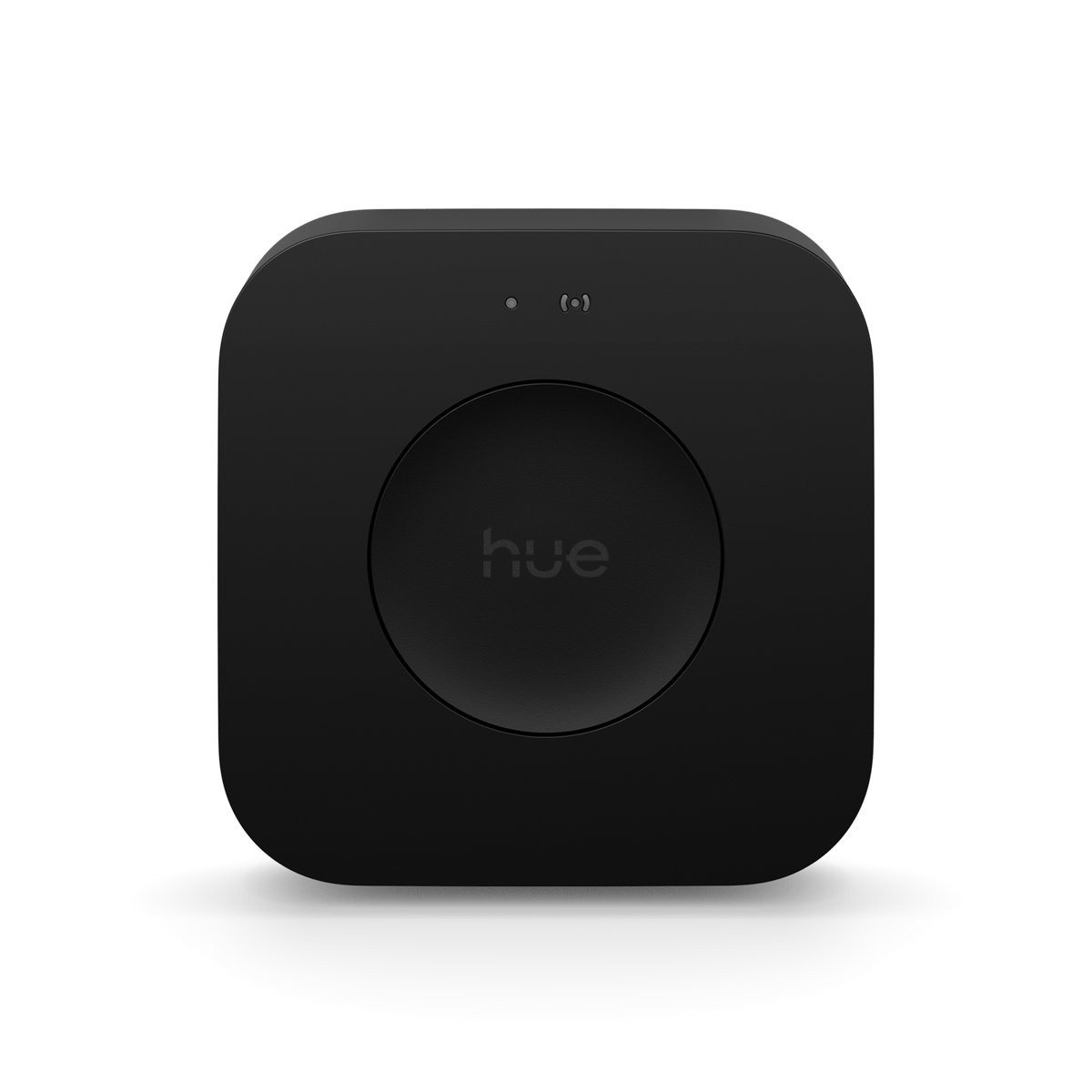


The only Hue hub that runs MotionAware. It also takes 150 lights where the standard Bridge takes 50.
Setting up a motion area
The flow in the Hue app is four steps: pick the room or zone, choose the lights, calibrate the area, then set what it does. Calibration is the step people rush. Philips asks you to run it with the room empty, pets included, because the Bridge Pro is learning what the signal looks like when nothing is moving through it. Walk out, start it, and leave it alone.
When you choose which lights to include, favour the ones over the paths and doorways rather than the ones over the furniture. Philips's guidance is to cover "areas with the most activity", which in a living room usually means the lights near the entry rather than the pendant over the table.
Sensitivity does what you would expect, in both directions. Turn it up if the lights take too long to notice you walking in. Turn it down if they come on before you get there, or if they are picking you up from the next room. Bleeding into the room next door is the common complaint, and sensitivity is the fix.
The daylight setting is the one to read carefully, because MotionAware has no light sensor. Philips is upfront about it: the devices doing the sensing "do not have dedicated daylight sensors (like our motion sensors and cameras do)". What you get instead is a time window, so an area only triggers between sunset and sunrise. Since the Hue app update at the end of October 2025 there is a second option: a motion area can use the light level reported by another Hue device in your home, meaning one of their motion sensors or cameras. If you want a MotionAware room to hold its lights off on a bright afternoon, one of those has to exist somewhere in the house.
You can also set up to ten time slots in a day, so the same area can bring up a dim warm glow at 2am and full brightness at 7pm.
Where it works, and where it doesn't
The rooms that suit MotionAware are the ones with several ceiling lights already spread across the space: an open-plan living area, a wide hallway, a kitchen with lights at both ends. In those rooms it does something no single sensor can, which is cover the whole space rather than one cone from one corner.
Downlights are the obvious candidate and also the most common disappointment. A row of downlights down a narrow hallway is a straight line, often less than a metre apart, which is exactly the geometry Philips warns against. The same hallway with a light at each end and a third off to one side works far better. Spread and height matter more than count.
Then the hard limits.
- Outdoors. Philips is blunt: "Indoor Use Only: Zigbee signals need to bounce off surroundings, making outdoor use less effective."
- Rooms with one or two Hue lights. There is no way around the three-light minimum.
- Walls between the lights, which rules out covering two rooms with one area.
- Any automation that needs a light-level reading of its own.
- Pets, if yours is big enough to interrupt the signal like a person. Philips suggests lowering the sensitivity or picking lights away from where the dog walks.
One limit deserves its own paragraph, because it catches people who have done everything else right. Philips's requirement is that every light in a motion area stays connected to power. A wall switch cuts the power rather than just the light, so a room switched off at the wall has no lights left on the mesh to sense with. Philips does not spell that consequence out, but it follows from their own requirement. If your Hue lights are still on ordinary switches, that is the problem to solve first.
The privacy question
The obvious question about a house that can feel you move through it is what happens to that information. Philips has answered part of it and left the rest alone.
The one direct claim is in their support article: "Unlike cameras, Hue MotionAware™ does not record video." That is worth something, given the usual alternative in this space is a camera. Philips also frames the feature as detecting motion "without the need for additional sensors, cameras, or physical installation."
Their data notice, updated September 2025, does account for the feature. Motion area settings and states are listed among the data the Bridge holds, alongside your rooms, zones, scenes and automations, and the Zigbee interface is documented as a route into that data. So the existence of a motion area is on the record.
What Philips has not published is the part people actually ask about. No page of theirs says where the signal analysis happens, whether any of it leaves your home, or how long it is kept. Signify's launch announcement does not address it either. The "it is all processed locally" line that circulates traces to commentary rather than to anything Philips has put its name to.
So the honest position is a narrow one. No camera and no video, motion areas accounted for in the data notice, and no published answer on where the sensing data goes. If that last gap bothers you, a physical sensor is the better documented option, because the same data notice does list exactly what a Hue motion sensor collects.
MotionAware or a Hue Motion Sensor?
These solve the same problem in different rooms, and the room usually decides it rather than preference.
MotionAware wins where you already have three or more Hue lights spread across an indoor space, where you would rather not see a sensor on the wall, and where you would rather not think about batteries again. It covers the whole room instead of one corner, and once the Bridge Pro is in it costs nothing more.
The Hue Motion Sensor wins in more places than the marketing suggests. Outdoors, on the outdoor model. Any room with fewer than three Hue lights. Any room whose lights get cut at the wall. Any automation that needs a real light-level reading, because the sensor has a daylight sensor built in and MotionAware does not. And any room with no Hue lights at all, because a sensor can trigger lights anywhere in the house.
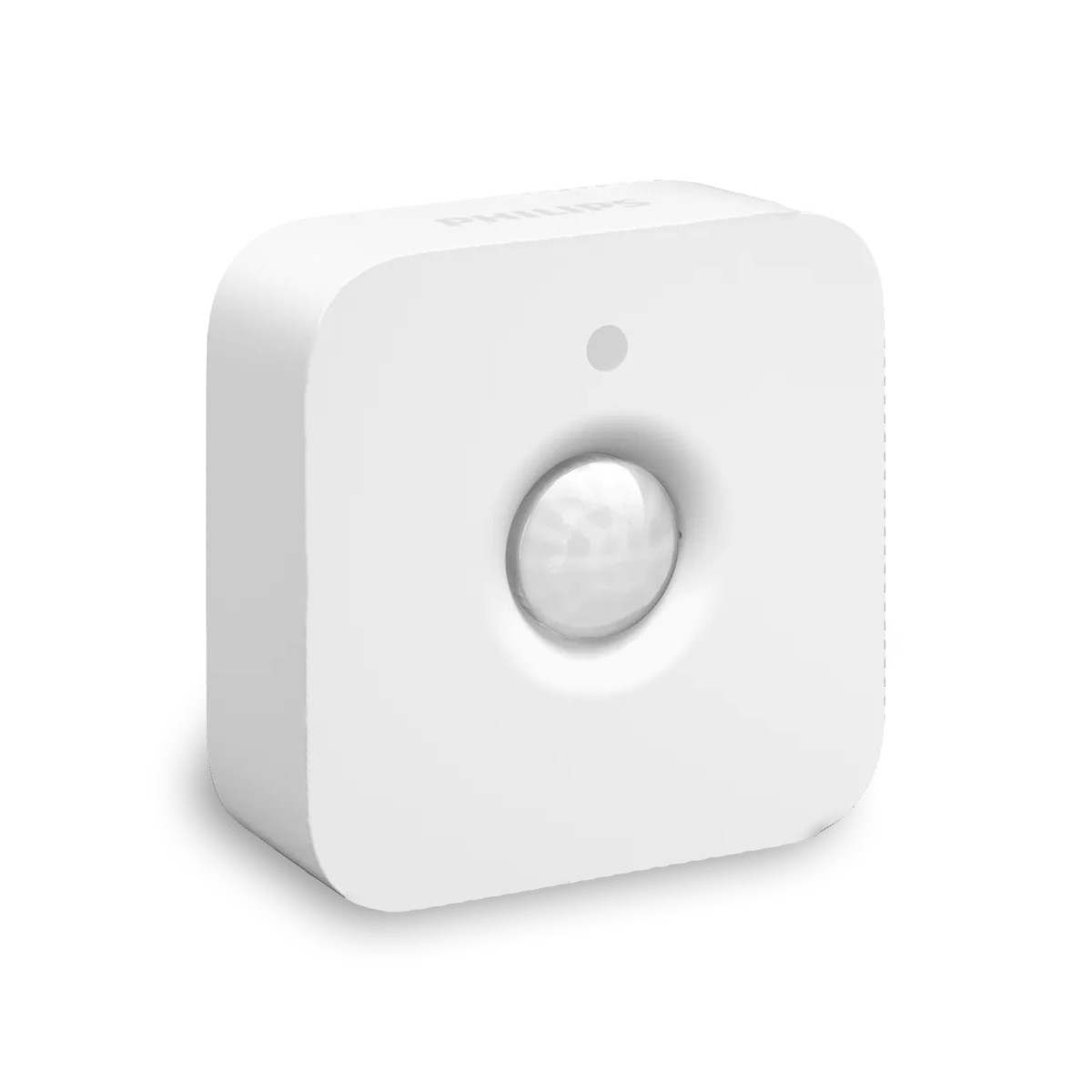

Reads light level as well as motion, and works in the rooms MotionAware cannot: one or two lights, or lights on a wall switch.
Philips is happy for you to run both. Motion areas can be combined with Hue sensors and cameras through device groups in the app, and the daylight borrowing above is the strongest argument for owning at least one real sensor even in a house full of motion areas. A single Hue Motion Sensor can supply the light-level reading your motion areas gate on.
What it costs to get there
If you are buying your first hub, the Bridge Pro is $179.95 against $99.95 for the standard Bridge, so MotionAware costs you $80 more than the hub you were going to buy anyway. Your lights, accessories, scenes and automations carry across if you are moving from a Bridge you already own, but the Pro is then a full $179.95, which is two and a half Hue Motion Sensors at $69.95 each.
That maths favours the Bridge Pro from about three rooms up. Two motion areas cost $179.95 where two sensors cost $139.90. Four areas still cost $179.95 where four sensors cost $279.80. Below three rooms, buy sensors. Above it, and especially if you are also running short on light capacity, buy the Pro. Past four rooms the ceiling bites and you are buying sensors again anyway.
One cost is easy to miss. Setting a motion area to switch lights is free. Getting a notification on your phone when it detects motion is not, and Philips puts that behind either a Hue Secure subscription or a separate MotionAware subscription, priced at the time of writing in euros only, at 0.99 euro a month or 9.99 euro a year with a 30-day trial. If you only want your lights to come on when you walk in, none of that applies. Signify's launch announcement was less generous, describing the feature as unlocked by pairing the Bridge Pro with a Hue Secure subscription, but the support documentation is newer and more specific, and it is the one to go by.
Frequently asked questions
How does MotionAware work on Philips Hue?
Your Hue lights already talk to each other over Zigbee. MotionAware measures the fluctuations in that radio signal, which change when a person moves between the lights. You group three or four lights into a motion area and the Bridge Pro reads the disturbance as movement. No camera and no extra hardware is involved.
What Hue lights are compatible with MotionAware?
Philips says the vast majority of Hue products work, and Signify put it above 95% of lights at launch. The exclusions are the ones to check: every Hue accessory, meaning dimmer switches, the Tap Dial, smart buttons, Wall Switch Modules, Tap Switches and smart plugs, plus every existing Hue motion and contact sensor, every Hue camera and doorbell, and a handful of older lights including the Hue Go table lamp, Aura, Bloom, Iris and the original Lightstrip.
Does MotionAware still work when the lights are off?
Philips's requirement is that every light in the area stays connected to power, which is not the same as being lit. A room switched off in the Hue app is still powered and still on the Zigbee network. A room switched off at the wall is not, so its motion area has nothing left to sense with until the switch goes back on.
Can you use MotionAware outdoors?
No. Philips restricts it to indoor use, because the sensing depends on Zigbee signals bouncing off nearby surfaces and there is little outside for them to bounce off. For a driveway, path or porch you need the Hue Outdoor Motion Sensor instead.
Is MotionAware free?
Using a motion area to switch lights is free once you own a Bridge Pro. Motion notifications on your phone are not: they need either a Hue Secure subscription or a separate MotionAware subscription, which Philips currently prices in euros at 0.99 euro a month or 9.99 euro a year with a 30-day trial.
Still need a hand?
We answer most messages within one business day. If your question is about an existing order, have your order number ready. It speeds things up.
Contact us