


















Comparison Ecosystems
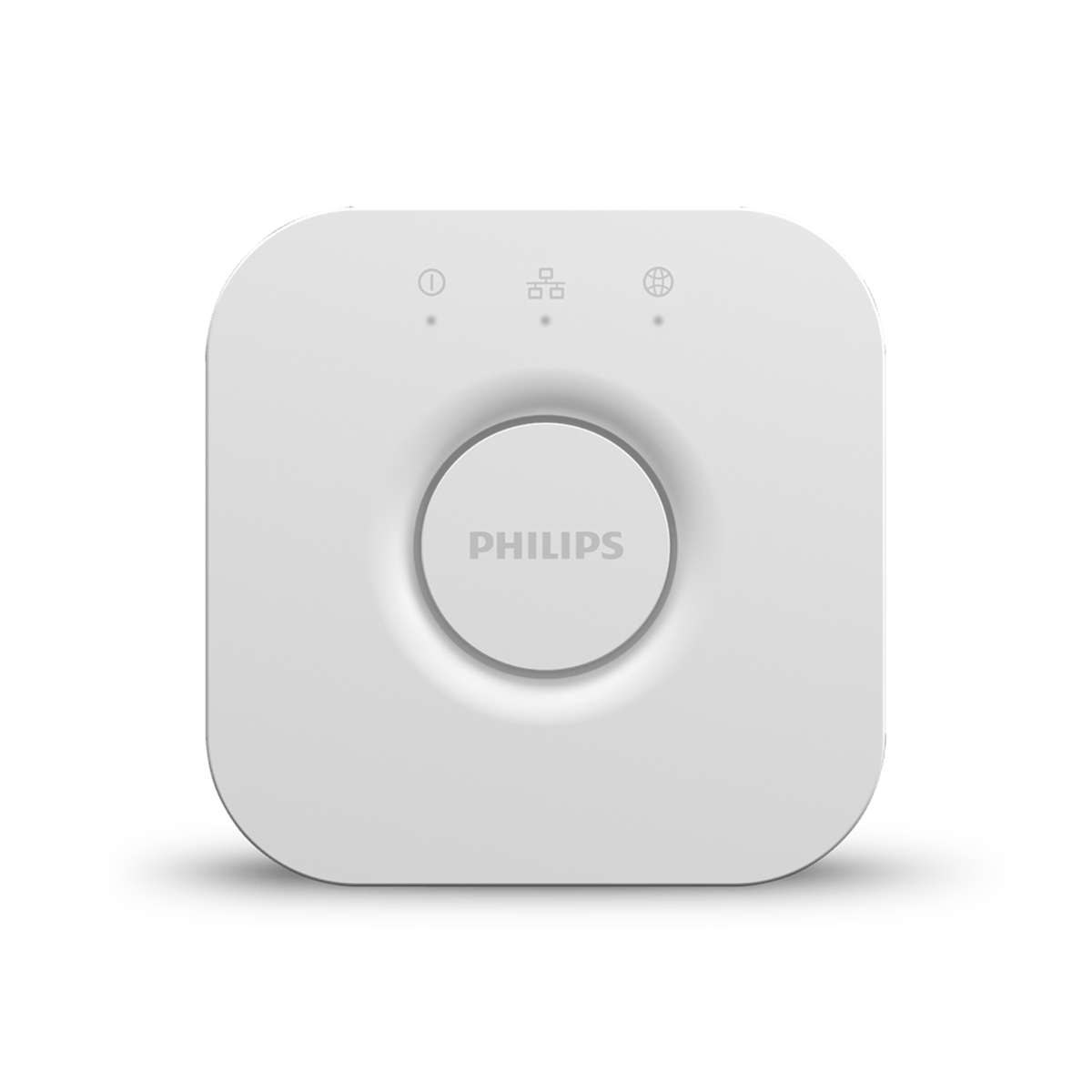
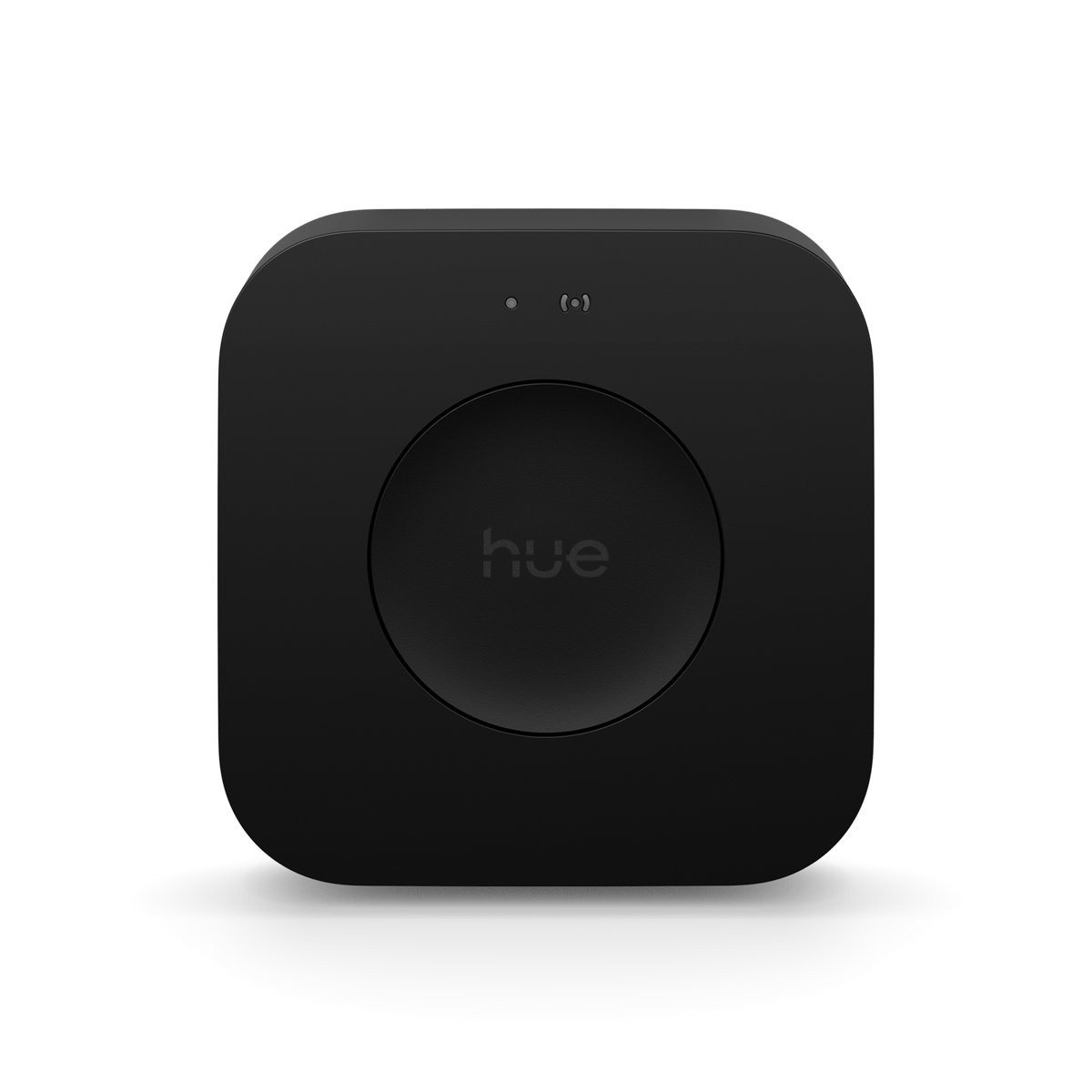
Philips Hue Bridge vs Bridge Pro
The Bridge Pro takes Hue from 50 lights to 150 and adds MotionAware, which turns your lights into motion sensors. Which one to buy, and whether to upgrade.
Philips Hue now sells two hubs. The square Bridge has been the centre of Hue setups for years, and the Bridge Pro arrived in 2025 with more capacity and one feature the older hub cannot run. Both do the same core job, so the decision comes down to how many lights you are heading towards and whether you want your lights doing motion sensing.
What the two have in common
Both run the same Zigbee network, and both connect to your router by Ethernet so the lights keep working when the internet drops out. Both talk to Amazon Alexa, Google Home, Apple Home, SmartThings and Matter, and both take the same bulbs, lightstrips and accessories. A light bought for one works on the other.
| Feature | Bridge | Bridge Pro |
|---|---|---|
| Lights | 50 | 150 |
| Accessories | 12 | 50 |
| MotionAware | No | Yes |
| Price | $99.95 | $179.95 |
The Pro also stores over 500 scenes and takes USB-C power rather than the older adapter. Signify puts the processor at five times the older bridge and the memory at fifteen times, which shows up as faster scene changes on a large setup rather than as anything you would notice on a dozen lights.
MotionAware is the real difference
MotionAware turns three or four Hue lights in a room into a presence sensor. The lights notice the disturbance a person makes in the radio signal between them, so a room that already has downlights gets motion control without a sensor on the wall. It needs the Bridge Pro.
The maths is worth doing before you dismiss it. The Pro costs $80 more than the standard Bridge, and a Hue motion sensor is $69.95. If you want motion in one room, buy the Bridge and a sensor. If you want it in two or more, the Pro is already the cheaper answer, and you are not hunting for somewhere to mount anything.
Which one to buy
Question 1
Do you already have a Hue Bridge?
Buy the standard Bridge if you are lighting an apartment, a unit or a few rooms of a house and expect to land under about 40 lights. It is the cheaper hub and it runs everything Hue makes.
Buy the Bridge Pro if you are fitting out a whole house, if you already run more than 40 lights, or if MotionAware is the reason you are reading this. The 150-light ceiling is the one that matters, because downlights add up faster than people expect. A single open-plan living area can take a dozen.


Already have a Bridge? You do not need to replace it
The square Bridge is in active support and Signify has not announced an end date for it. Only the older round v1 bridge was retired, back in April 2020. If your setup works and you are nowhere near 50 lights, there is nothing here to buy.
If you do upgrade, the Hue app runs a migration that moves your lights, accessories, settings and scenes across, so you are not rebuilding rooms and automations by hand. Worth doing on an evening you are not in a hurry.
Frequently asked questions
What is the difference between the Hue Bridge and the Bridge Pro?
Capacity and MotionAware. The Bridge handles 50 lights and 12 accessories; the Pro handles 150 lights and 50 accessories, stores over 500 scenes, and is the only one that can run MotionAware.
Is the Hue Bridge obsolete?
No. It is still in active support and still sold. Only the round v1 bridge was retired, in April 2020.
Is the Hue Bridge Pro worth it?
If you are heading past about 40 lights, or you want MotionAware in more than one room, yes. For a small setup with no interest in motion, the standard Bridge does the same job for $80 less.
Do you need a Bridge Pro for MotionAware?
Yes. It does not run on the standard Bridge, and it needs three or four lights in the room to sense with.
Can you move your setup from a Bridge to a Bridge Pro?
Yes. The Hue app migrates lights, accessories, settings and scenes across.
Still need a hand?
We answer most messages within one business day. If your question is about an existing order, have your order number ready. It speeds things up.
Contact us