

















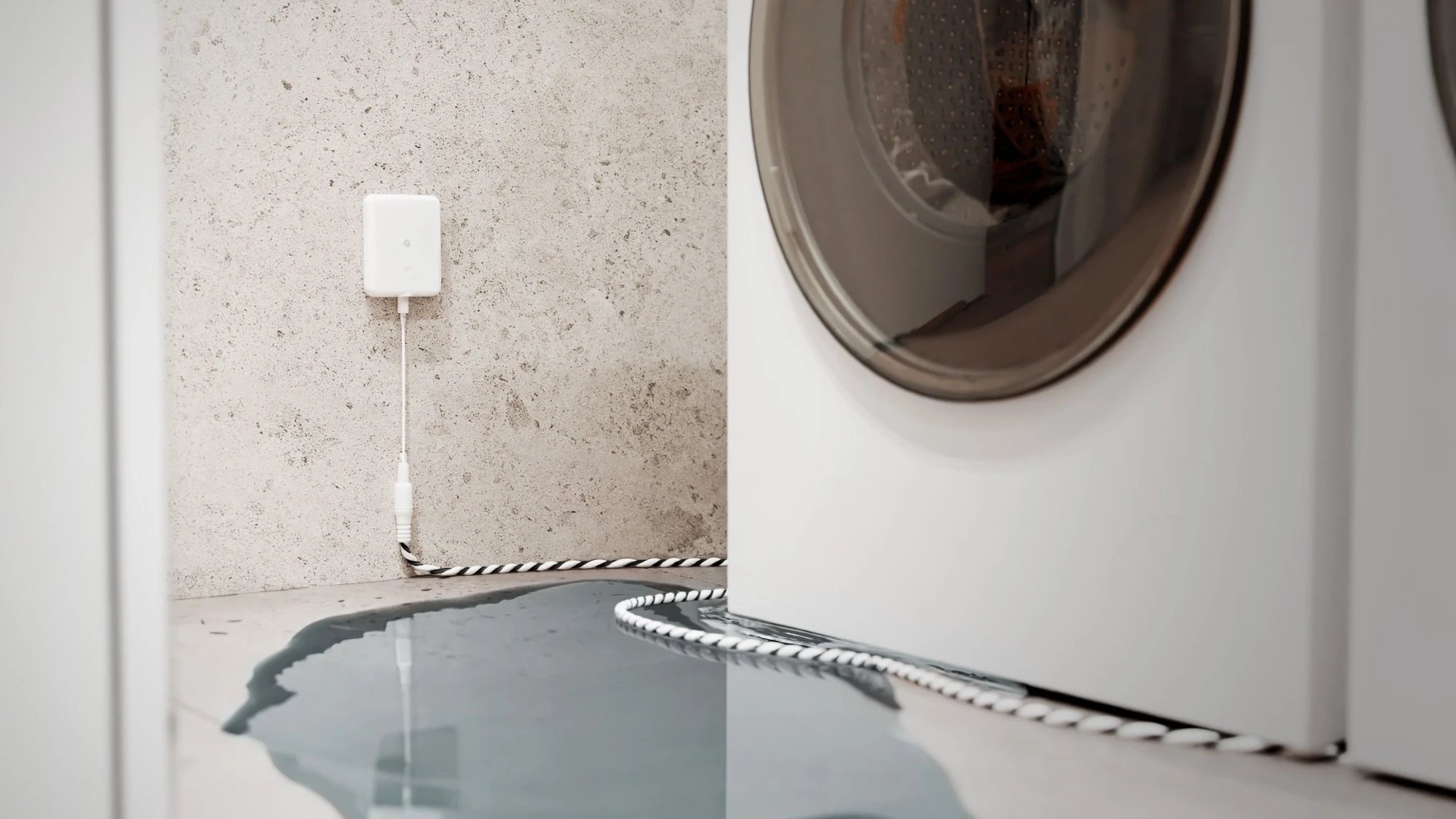
How it works
The Shelly Flood Gen4 goes on the wall beside the appliance or pipe you're worried about, with its leak sensor cable along the floor. The cable comes in the box and picks up water anywhere along its length, so one sensor can cover the floor behind a washing machine or around a hot water unit.
It runs on batteries and joins your Wi-Fi directly, so there's no hub to buy. It checks for water every 5 seconds. When it finds some, two alarms go off: the sensor's own buzzer, for anyone at home, and an alert on your phone that sounds even if you're out. You don't need to set up a rule for this: the alert comes with the sensor.
The Shelly Flood Gen4 goes on the wall beside the appliance or pipe you're worried about, with its leak sensor cable along the floor. It joins your Wi-Fi, and Home Assistant's Shelly integration talks to it directly over your home network, with no hub.
When water reaches the cable, the sensor's buzzer sounds for anyone at home, and an automation in Home Assistant sends your phone an alert naming the sensor. Set it as a critical alert and it sounds even with an iPhone on silent.
-
01
Shelly leak sensor
Sits on the floor and checks for water every 5 seconds.
-
02
Water reaches it
The buzzer sounds straight away, so anyone home hears it.
-
03
Your phone
Sounds an alert naming the sensor, wherever you are.
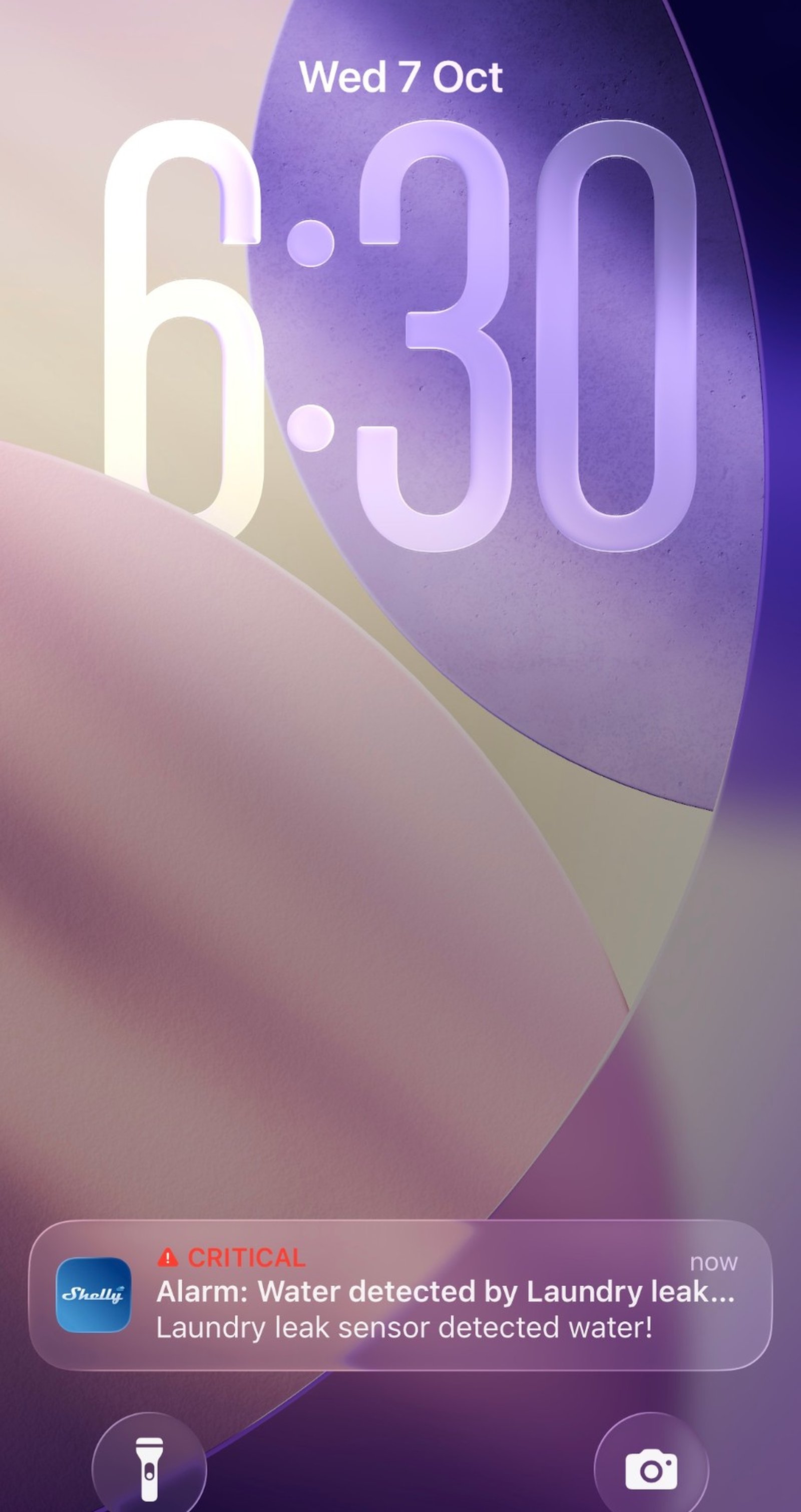
What it looks like on your phone
-
Straight to your phone. The alert names the sensor, so you know it's the laundry.
-
Flood, at a glance. The sensor's screen turns red while it's wet and goes back once it's dry.
-
One alert per sensor. A second sensor under the sink sends its own, by name.
-
Watching the laundry floor. One automation sends your phone an alert the moment the sensor turns wet.
Step by step
-
Pull the battery tab
The batteries are already in. Pull out the paper tab that keeps them from connecting, and the sensor switches on. On the Flood Gen4, plug the leak sensor cable into the sensor as well.
-
Add it over Bluetooth
In the Shelly Smart Control app, tap the plus sign, choose Add via Bluetooth and tap Next.
-
Pick the sensor
The sensor shows up in the Bluetooth scan as soon as its tab is out. If it doesn't, press its button once. Pick it, choose your Wi-Fi network, then a room, and name it after where it'll sit, such as Laundry leak sensor.
-
Choose how loud it is
Open the sensor, go to Sensor settings and then Alarm mode. Leave Flood mode on and pick Normal, which sounds the buzzer until you press the sensor's button. Intense sounds more often, and Economic sends the alert without the buzzer. Tap Save.
-
Put it where the water would go
Mount the Flood Gen4 on the wall beside the appliance and lay the cable flat along the floor where a leak would run, behind the washing machine or around the base of the hot water unit. The Flood S Gen4 sits flat on the floor, pads down, under the sink trap or in the drip tray.
-
Test it
Touch the cable or the pads with a damp cloth. The sensor's buzzer starts and your phone sounds an alert within a few seconds. Dry the sensor, and press its button once if the buzzer is still going.
-
Pull the battery tab
The batteries are already in. Pull out the paper tab that keeps them from connecting, and the sensor switches on. On the Flood Gen4, plug the leak sensor cable into the sensor as well.
-
Put it on your Wi-Fi
Home Assistant finds the sensor on your home network, so it joins your Wi-Fi first, through the Shelly Smart Control app. Tap the plus sign, choose Add via Bluetooth and tap Next, then pick the sensor and your Wi-Fi network, and name it after where it'll sit, such as Laundry leak sensor.
-
Choose how loud it is
The buzzer is set on the sensor itself, in the Shelly app. Open the sensor, go to Sensor settings and then Alarm mode. Leave Flood mode on and pick Normal, which sounds the buzzer until you press the sensor's button. Tap Save.
-
Add it to Home Assistant
The sensor sleeps between checks to save its batteries, so press its button once to wake it. Then, in Home Assistant, go to Settings, then Devices & services, select Add integration and choose Shelly. Enter the sensor's IP address, which your router lists, and select Submit. Home Assistant adds it with a Flood entity that reads Dry or Wet.
-
Send the alert to your phone
Go to Settings, then Automations & scenes, and select Create automation. Select Add trigger, search for State and pick it. Choose Laundry leak sensor Flood and set To to Wet. Select Add action and search for your phone: the action is called Send a notification via mobile_app_ followed by the phone's name. Type a message, such as Water detected by Laundry leak sensor. To make it a critical alert that sounds on an iPhone set to silent, open the action's menu, select Edit in YAML and make it match the lines below, with your phone's name in place of iphone. Check the trigger and the action, select Save and name it Water leak alert.
The action, as a critical alert (iPhone) action: notify.mobile_app_iphone data: message: Water detected by Laundry leak sensor data: push: sound: name: default critical: 1 volume: 1.0 -
Put it where the water would go
Mount the Flood Gen4 on the wall beside the appliance and lay the cable flat along the floor where a leak would run, behind the washing machine or around the base of the hot water unit. The Flood S Gen4 sits flat on the floor, pads down, under the sink trap or in the drip tray.
-
Check it and test it
Automations & scenes now lists Water leak alert. Touch the cable or the pads with a damp cloth: the sensor's buzzer starts and your phone shows the alert. Dry the sensor, and press its button once if the buzzer is still going.
Frequently asked questions
Should I use the Shelly app or Home Assistant?
If you don't run Home Assistant, use the Shelly app: the alert comes with the sensor, with no rule to set up. If Home Assistant already runs your home, add the sensor there, so the leak can set off your other automations too.
Will I hear the alert if my phone is on silent?
On iPhone, Shelly sends the flood alarm as a critical alert, which sounds with the phone on silent as long as critical alerts are allowed for the Shelly app under Settings, Notifications.
Which sensor should I get?
The Flood Gen4 suits anywhere a leak could spread along the floor, like behind a washing machine, because its cable covers a strip rather than a spot. The Flood S Gen4 is smaller, with no cable, for one spot such as under a sink trap or in a drip tray, and it's rated IP67.
How long do the batteries last?
About two years, according to Shelly, depending on the batteries and your Wi-Fi signal. The app shows the battery level, and the sensor gives a short beep when it drops below 20%.
What do I do after an alarm?
Fix the leak, then dry the sensor or its cable with a cloth. It reports dry again by itself, and you can reuse it straight away.
Can I watch more than one spot?
Yes. Add a sensor for each place, such as the laundry, under the kitchen sink and beside the hot water unit, and name each one after where it sits. The alert names the sensor, so you know where to look.
Do I need a hub?
No. The sensor joins your home Wi-Fi directly and alerts come through the Shelly app. It also speaks Zigbee and Matter if you'd rather add it to a smart home system, but you don't need either for the alerts.
What if the internet drops out?
The buzzer still sounds, because the sensor makes that call itself. The phone alert needs your Wi-Fi and the internet to get through.
Will I get two alerts?
If the sensor is still in your Shelly account, the Shelly app sends its own alert as well as Home Assistant's. Turn off notifications for the Shelly app on your phone if you only want one.
What about Android?
The automation works the same way. On Android, Home Assistant's notification channels decide whether the alert sounds with the phone on silent; the companion app's documentation on critical notifications covers it.
Do I need the internet?
The sensor and the automation work over your home network, and the buzzer sounds whatever happens. The alert reaches your phone through Apple's or Google's push service, so that part needs the internet.
More Shelly solutions
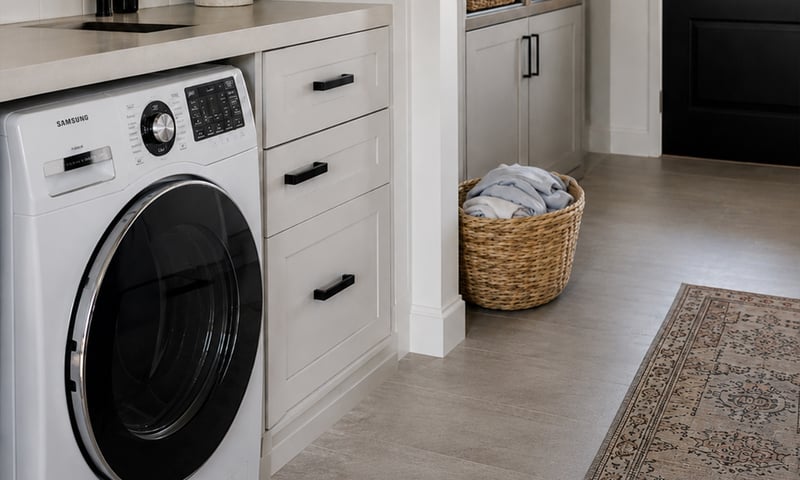
Switch off an appliance left running
A metering relay on the heater's supply switches it off after the time you set, and can message you when it has been drawing power too long. The same alert can tell you the washing has finished. Control with any of

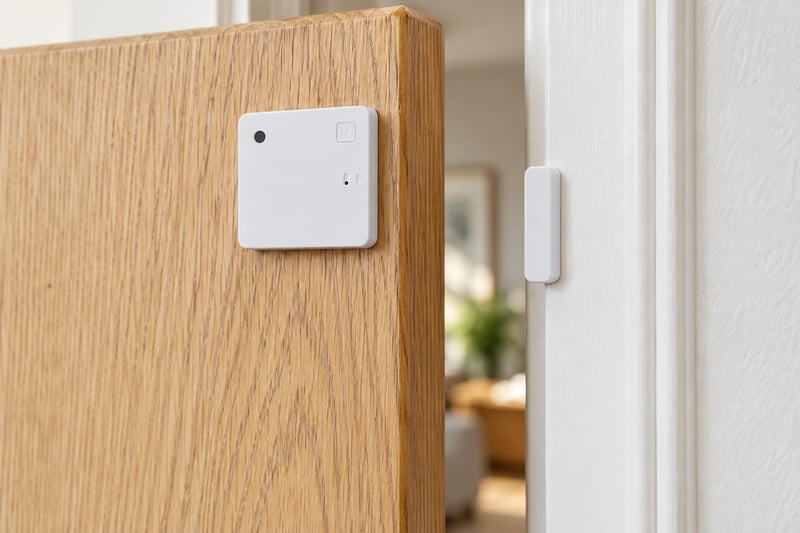
Get told when a door or window is left open
A sensor on the door or window and a rule that waits. If it is still open after five minutes, your phone gets told, and a nearby light can come on as well. Control with any of 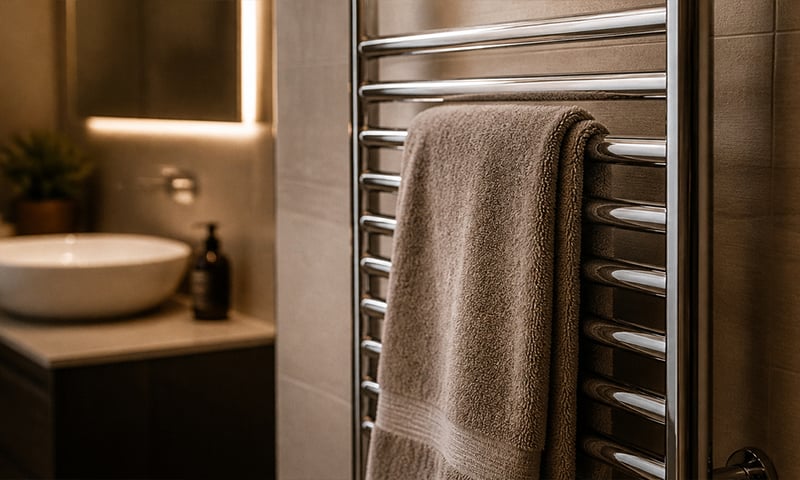
A warm towel rail on winter mornings
Schedule the rail for weekday mornings and it's warm when you step out of the shower, off again before you leave. No more discovering it's been heating an empty house all day. Control with any of More Home Assistant solutions
Switch off an appliance left running
A metering relay on the heater's supply switches it off after the time you set, and can message you when it has been drawing power too long. The same alert can tell you the washing has finished. Control with any of Get told when a door or window is left open
A sensor on the door or window and a rule that waits. If it is still open after five minutes, your phone gets told, and a nearby light can come on as well. Control with any of A warm towel rail on winter mornings
Schedule the rail for weekday mornings and it's warm when you step out of the shower, off again before you leave. No more discovering it's been heating an empty house all day. Control with any of Still need a hand?
We answer most messages within one business day. If your question is about an existing order, have your order number ready. It speeds things up.
Contact usThe kit
Choose your leak sensor
Each of these does the job. The steps on this page are written for the recommended one.