

















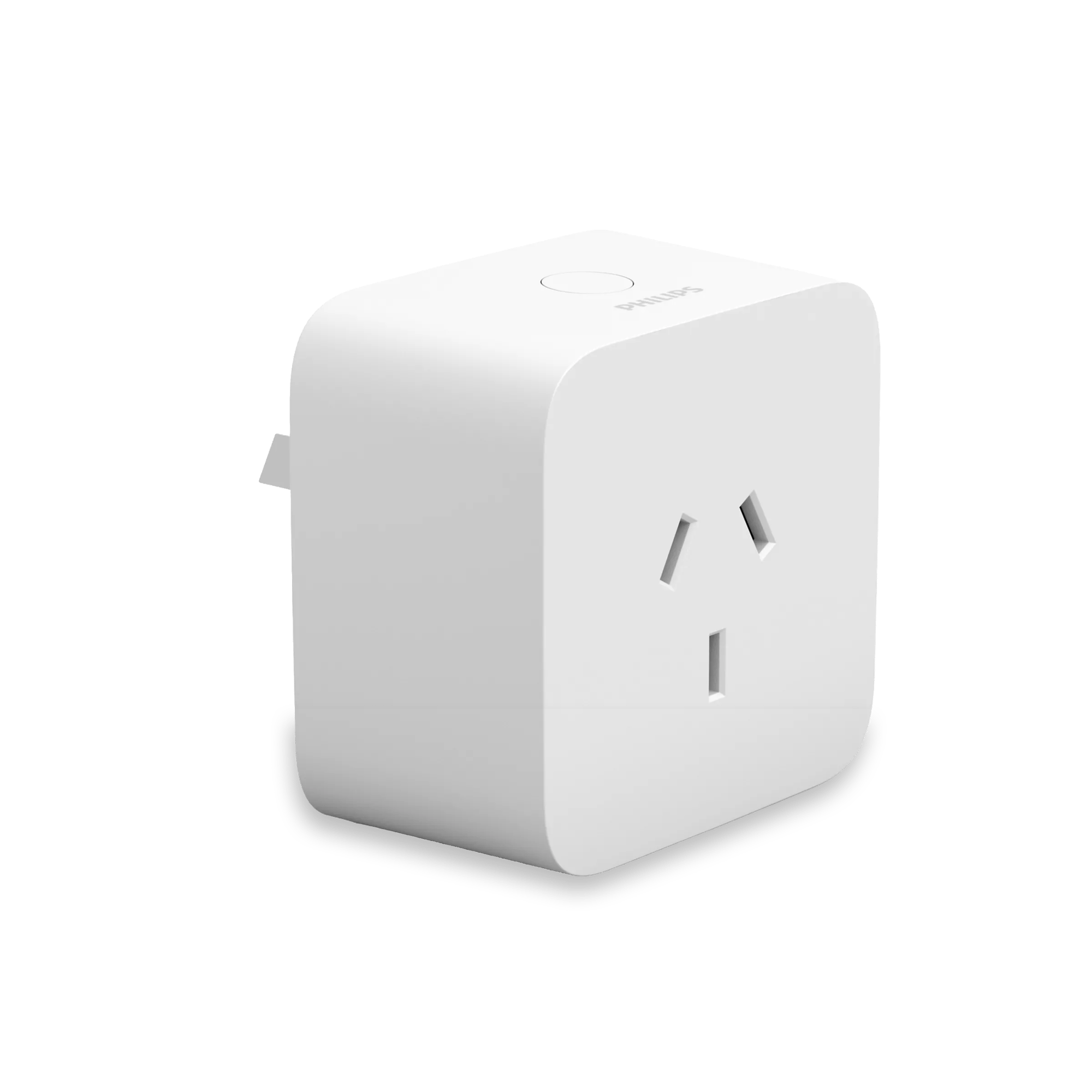
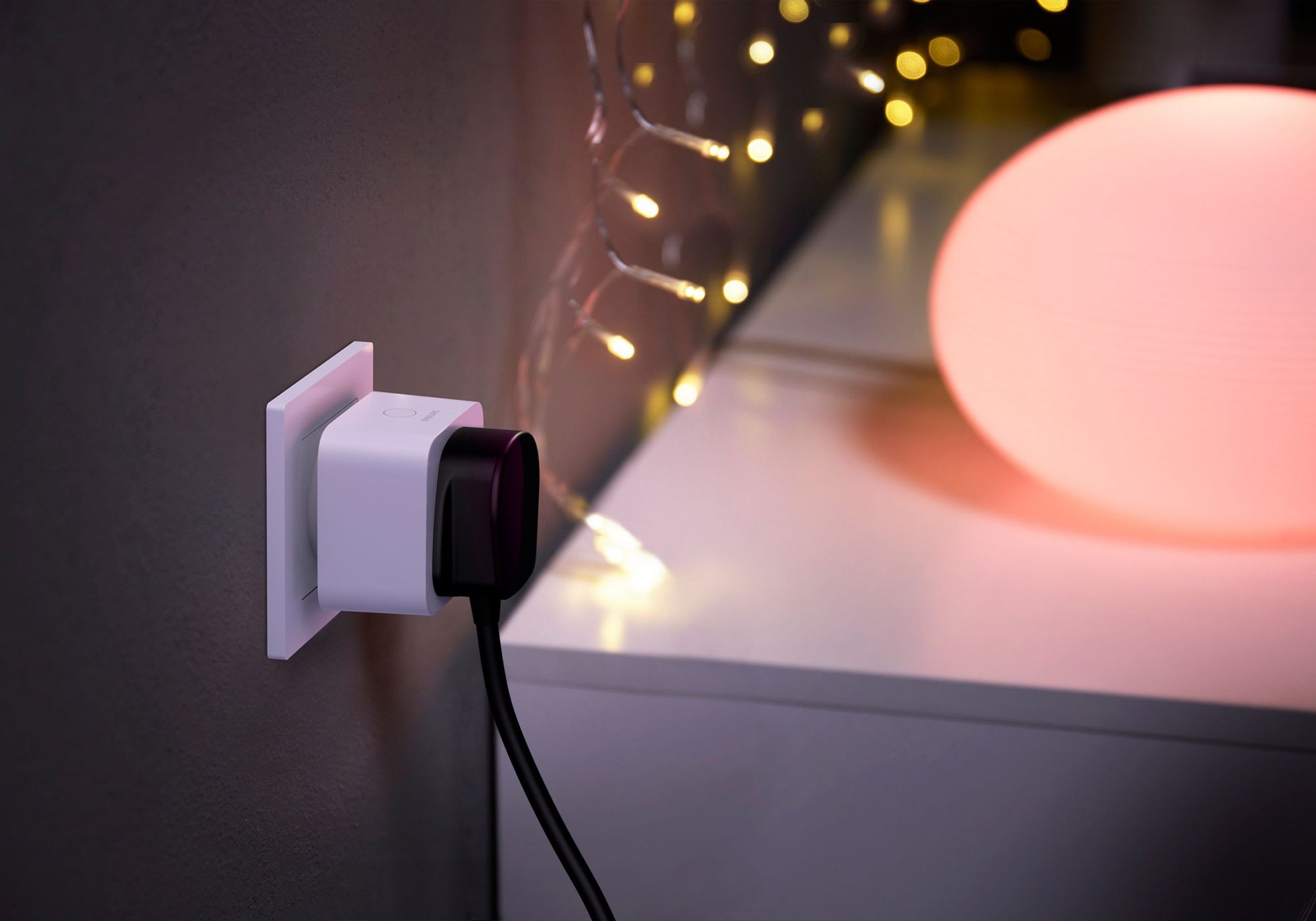
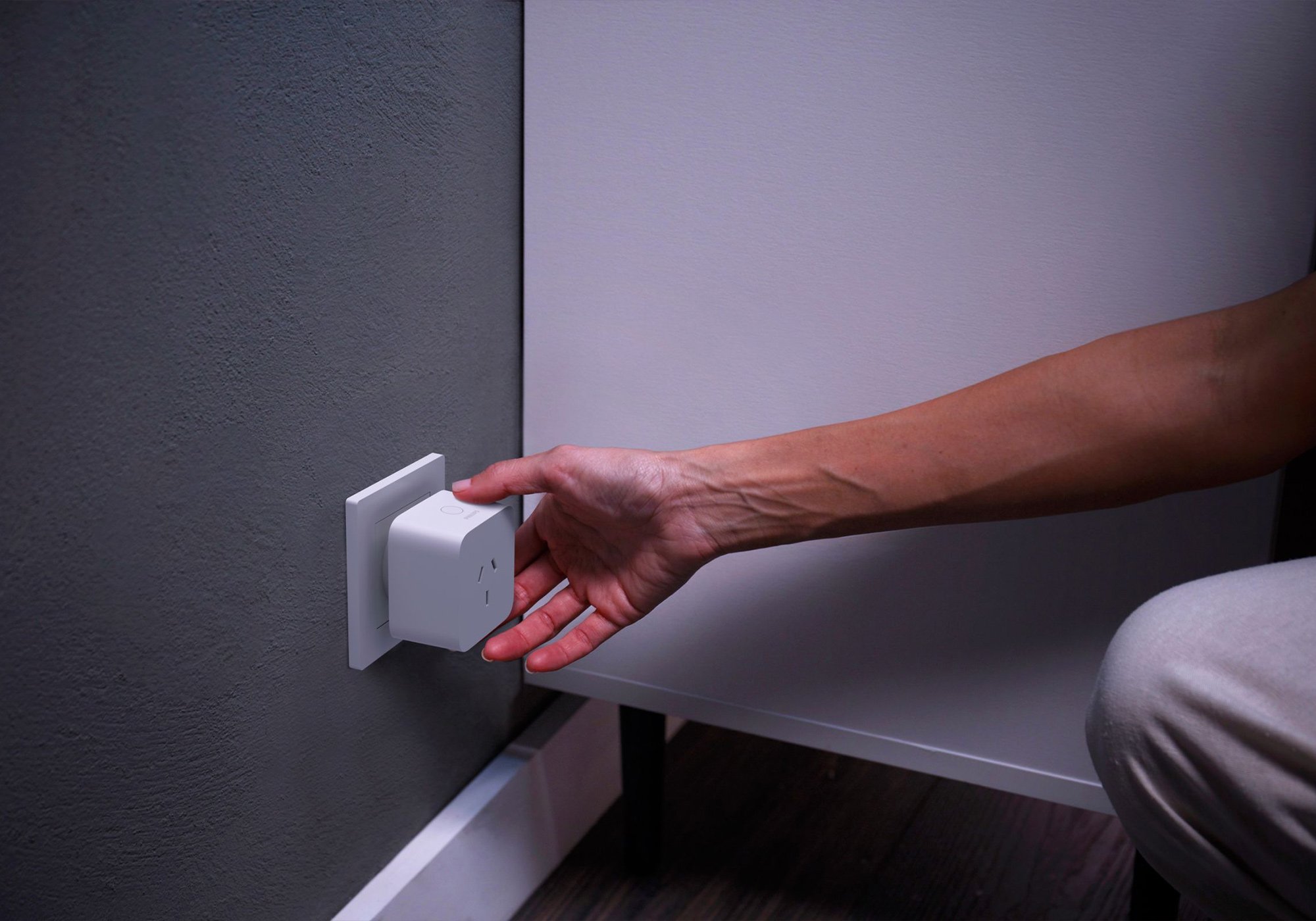

Smart Plug
Brings a lamp or appliance that can't take a Hue bulb into your Hue setup, switching it on and off from the app or your voice.
$69.95 inc GST In stock · ships today
Currently sold out.
Comes with free shipping Order before 3pm Melbourne time on a weekday and it ships the same day.
30-day returns Unused items, easy online returns
2-year warranty Backed by Philips Hue
Everything you need to know
The Smart Plug pulls a standard lamp, fan or heater into Hue without a smart bulb. It sits between the powerpoint and the appliance and switches it on and off from the Hue app, on a schedule, in a scene, or by voice. Use it for a floor lamp with an odd bulb, a set of fairy lights, or anything you want on a Hue timer. It handles switching only, not dimming.
Product features
Brings a plain lamp into Hue
It sits between the powerpoint and a lamp or appliance that cannot take a Hue bulb, and that lamp joins your Hue app as an on and off switch. Put it in a scene, a schedule or an automation, or switch it by voice. It switches on and off only, since dimming has to happen at the bulb.
Handles up to 2,300 W
It runs on 240 V mains and switches loads up to 2,300 W, so it covers ordinary household lamps and appliances: floor lamps, fairy lights, fans and heaters. It is for indoor use, rated for 0°C to 40°C, with no battery and nothing to wire in.
Sits alongside your Hue lights
It switches on and off over Bluetooth on its own. Pair it to the Hue Bridge to put it in scenes and automations with your Hue lights, and to control it through Apple Home, Google Home, Amazon Alexa, SmartThings and Matter. A Bridge takes up to 12 accessories like this.
The Philips Hue system

Hue is a system, not just a smart bulb. Every Hue product, from bulbs and lamps to light strips and fixtures, joins the same Zigbee mesh and shows up in one app. A single bulb bought today slots straight into a whole-home setup later.
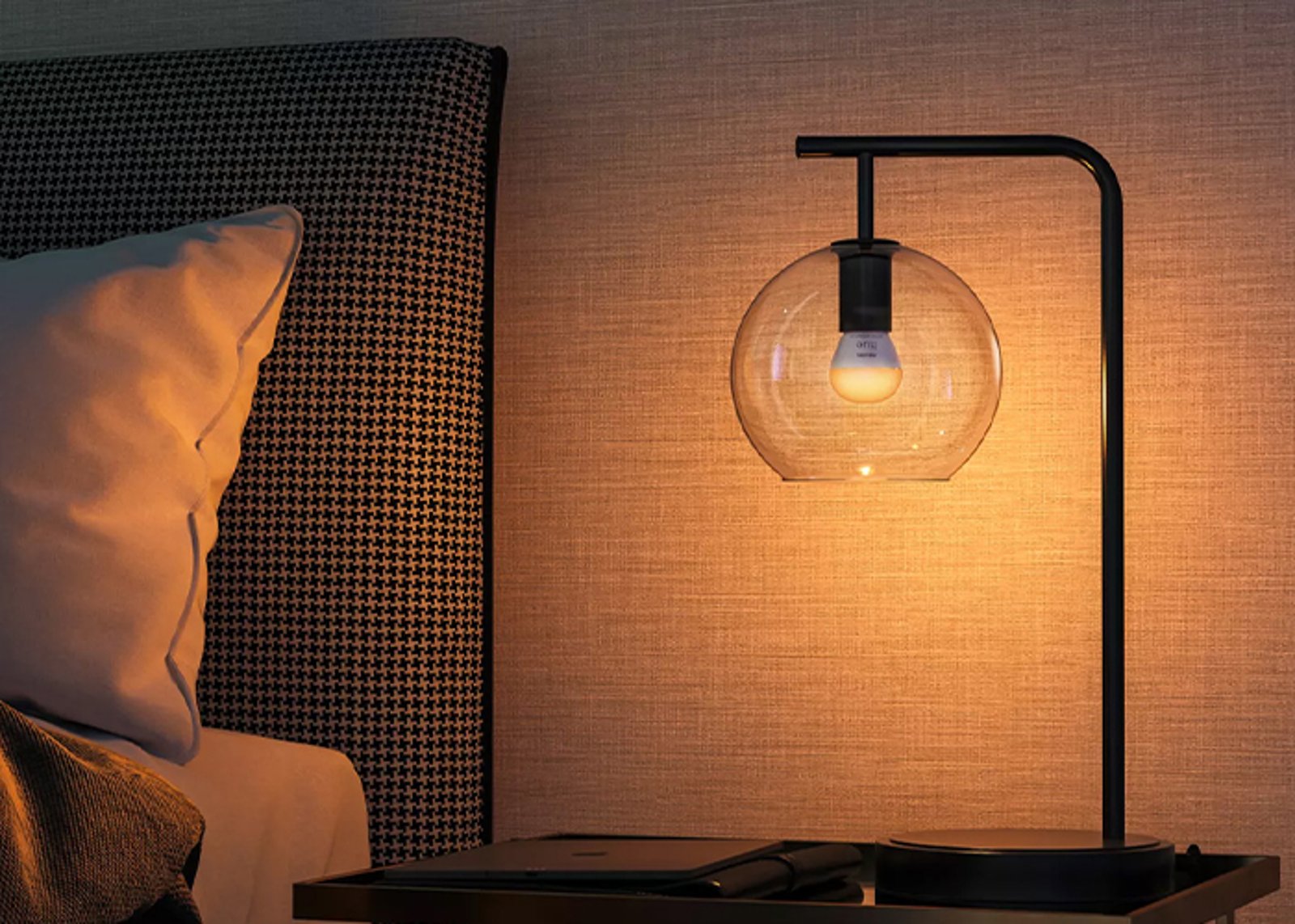
The lights
Bulbs, lamps, strips & fixtures
All speak Zigbee and mesh with each other, so every light you add extends the network's reach.
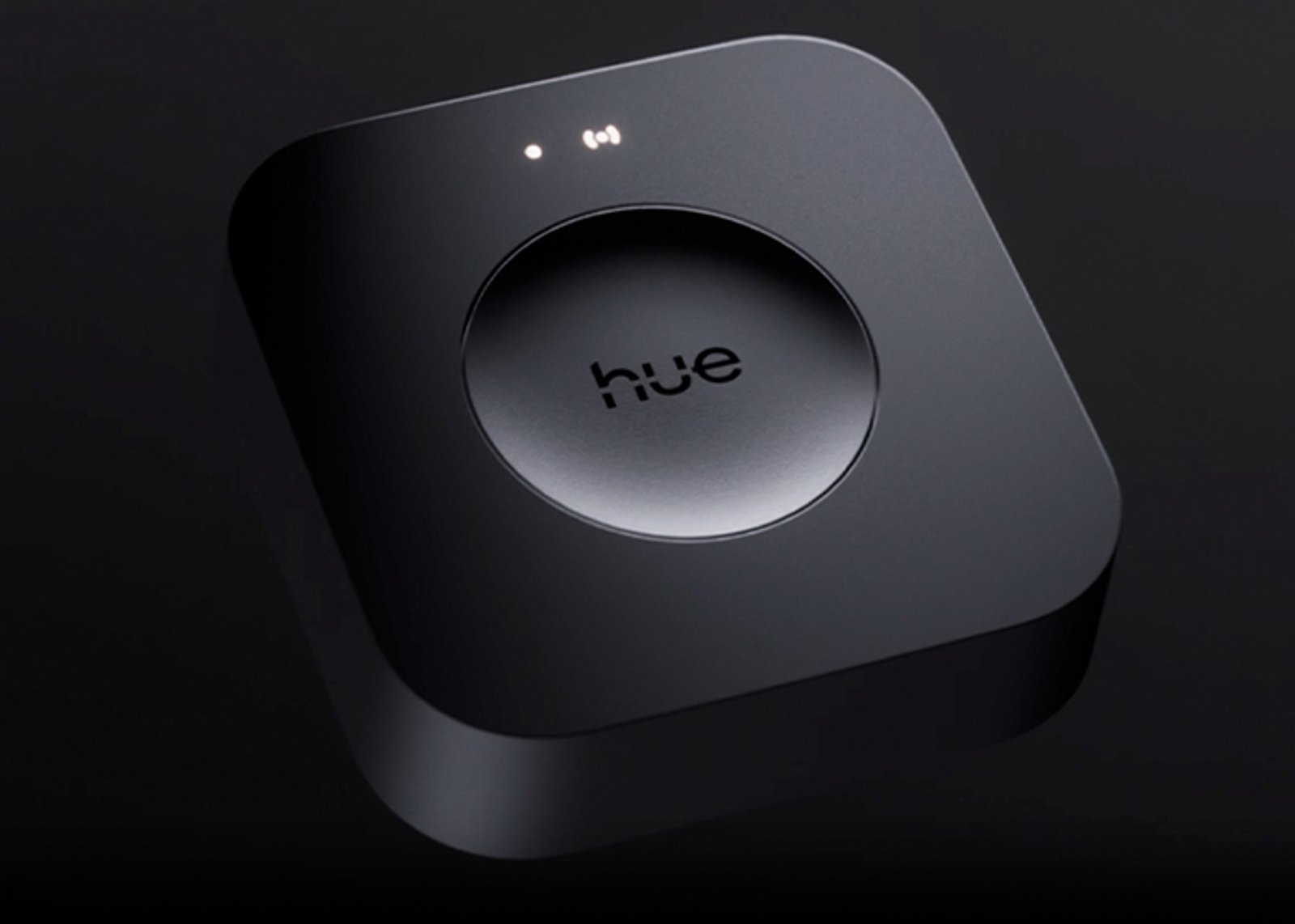
The hub
One Bridge runs the whole home
Runs up to 50 lights off your router, and connects Apple Home, Google Home, Alexa and SmartThings.
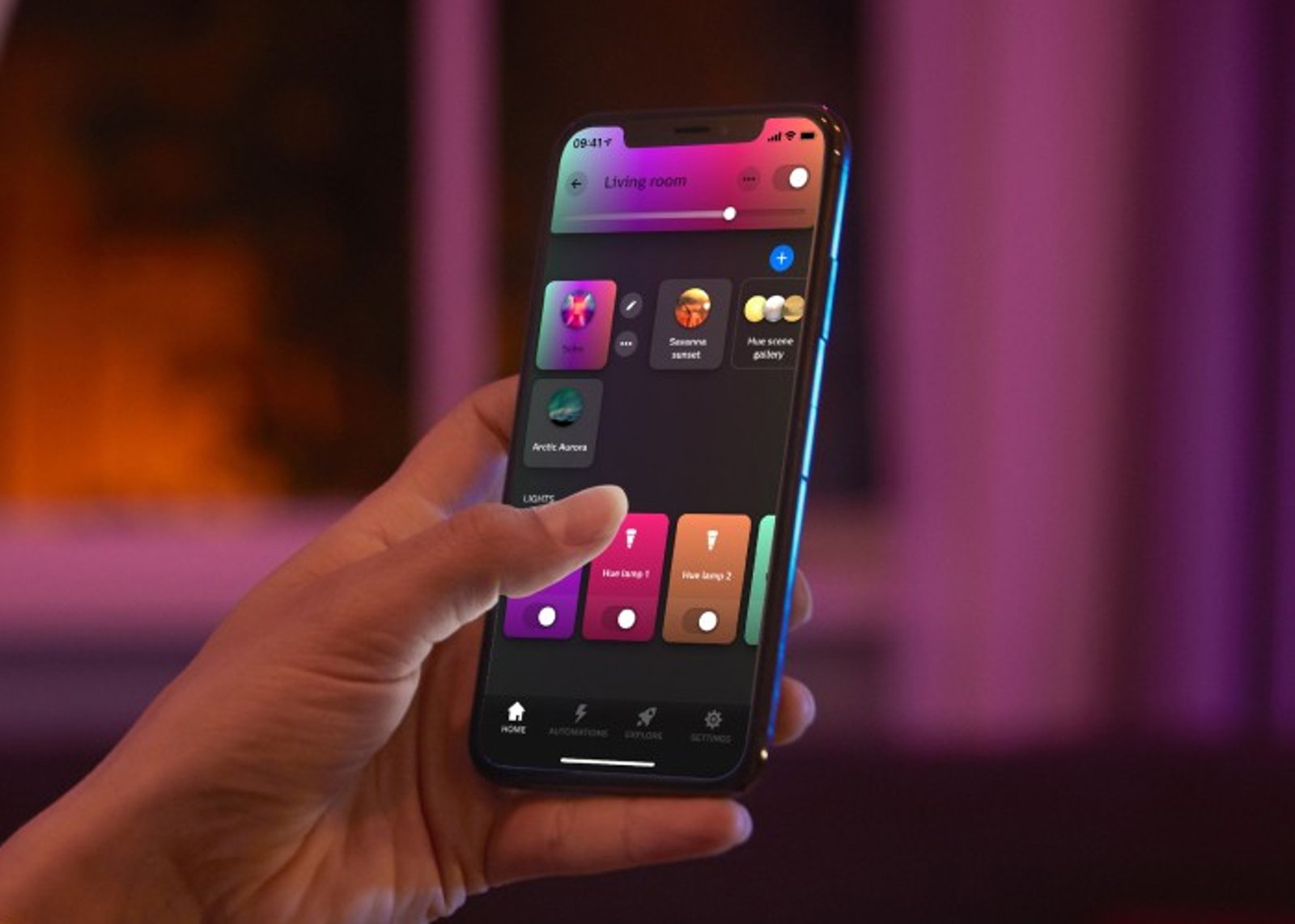
The control
App, voice & switches
One app for rooms, scenes and schedules, plus dimmers, buttons and sensors that work without a phone.
Getting started
1
Start with one light Start here
Add your first Hue light, open the Hue app, and control up to 10 lights in one room over Bluetooth. No hub required.
2
Add the Hue Bridge When you're ready
Run up to 50 lights, control them from anywhere, set schedules and automations, and connect your voice assistant.
Start small, scale up. Everything you buy today keeps working when you add the Bridge, and everything Hue has made since 2012 still joins the same system.
Works with
Also works with
-
Works with Apple Home
-
Works with Google Home
-
Works with Amazon Alexa
-
Works with SmartThings
-
Works with Home Assistant
Connects over
Phone to smart plug, directly
No extra hardware. Your phone talks straight to the smart plug.
-
Bluetooth
or
Phone to smart plug, through a hub
Your phone reaches the hub over your home network; the hub speaks Zigbee to the smart plug, and adds scenes, automations and out-of-home control.
-
Zigbee
Specifications
No specifications match.
Connectivity
- Needs its hub for
- Apple HomeSamsung SmartThingsHome Assistant
- Type
- Plug-in
- Finish
- White
- Outlets
- 1
- Plug type
- Plug-in
- Power
- Plug-in
- Max load
- 2300 W
- Energy monitoring
- No
- SKU
- HUE-PLG-0001
- MPN
- 929003051001
- Barcode
- 8719514342361
Complete your setup
Your smart plug is the starting point. The pieces below turn it into a system, with whole-home control, hands-free lighting and switching from the wall.
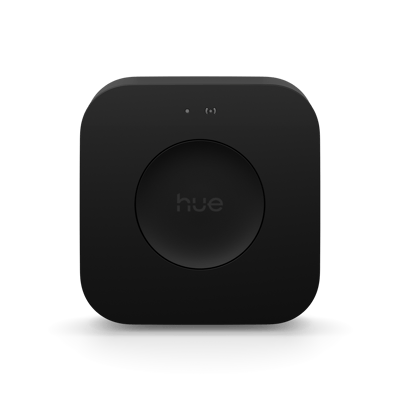
Add a Bridge to unlock the system
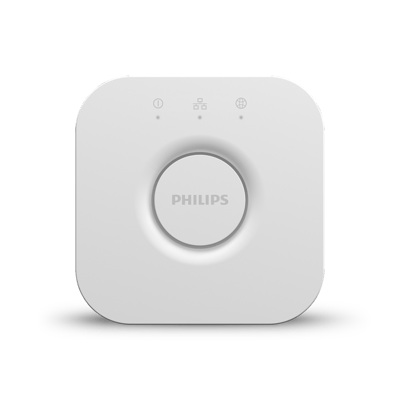
Bridge Pro
Your Hue lights work on their own to start. A Hue Bridge links them into one system, with whole-home control, automations and control when you are away from home.
$189.95
Add a Bridge to unlock the system
Bridge
Your Hue lights work on their own to start. A Hue Bridge links them into one system, with whole-home control, automations and control when you are away from home.
$99.95
Common questions
Quick answers before you buy. We test this gear ourselves. Can't find yours? Ask our Melbourne team
It switches on and off over Bluetooth on its own. Pair it to a Hue Bridge to put it in scenes and automations with your Hue lights, and to control it through Apple Home, Google Home, Alexa, SmartThings and Matter. A Bridge takes up to 12 accessories.
No. It switches the powerpoint on and off only. Dimming has to happen at the bulb, so use a Hue bulb if you want to dim or change colour.
Any ordinary indoor lamp or appliance up to 2,300 W on 240 V mains: floor lamps, fairy lights, fans, heaters. It is for indoor use only.
Yes. It runs on Bluetooth and Zigbee, not your Wi-Fi. The Bridge connects to your router by cable, and the plug keeps switching during a Wi-Fi drop.
Buy the single for one lamp or appliance. If you have a few to bring into Hue, the three-pack costs less per plug.
Philips Hue · Smart Plug