
















Explainer Ecosystems
Sensibo starter guide
How a Sensibo runs your split system from your phone, what you need before you buy one, and how setup goes. Plain English, for Australian homes.
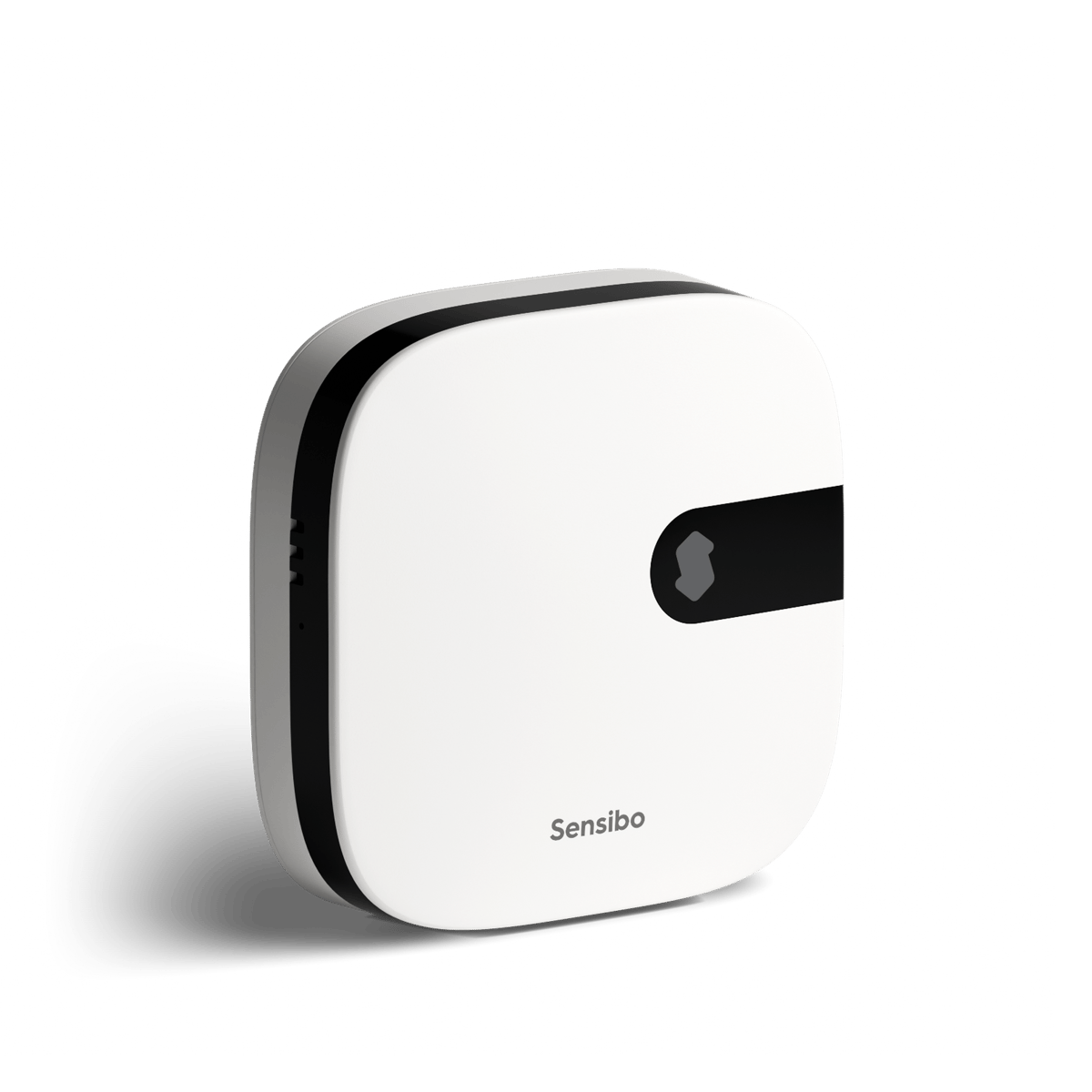
A Sensibo is a small box that sits near your split system and controls it from your phone. It doesn't connect to the air conditioner at all. It sends the same infrared signals as the remote, so anything the remote can do, the Sensibo can do from anywhere.
How it works
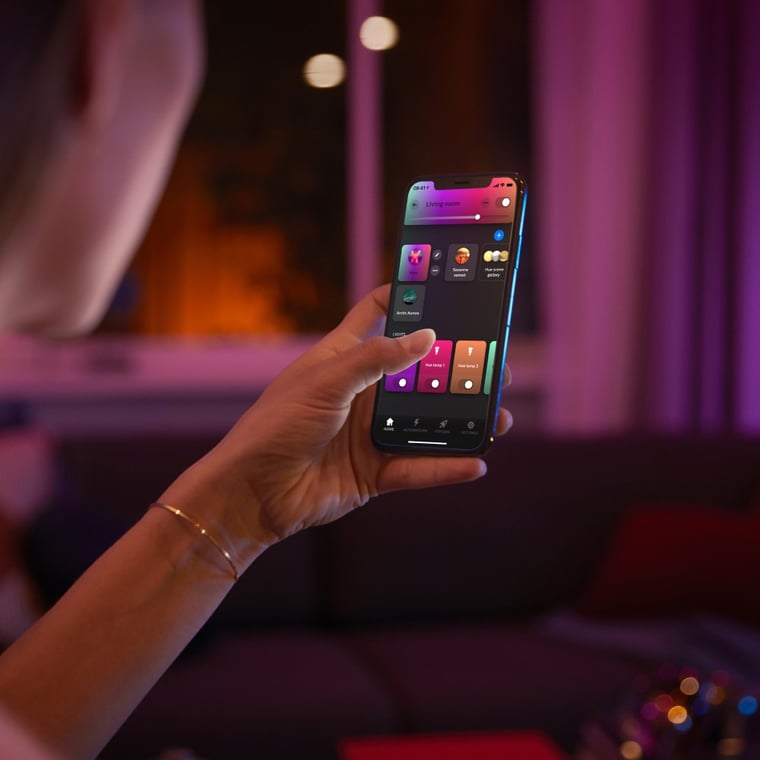
Your phone talks to the Sensibo over your Wi-Fi and Sensibo's servers. The Sensibo then sends an infrared signal to the air conditioner, the same way the remote does. That's why there's no wiring and no electrician: you plug the Sensibo into power and point it at the unit.
Infrared needs a clear path, so the Sensibo goes in the same room as the indoor unit, facing it, within 6 metres. If the unit ignores it, Sensibo suggests moving it to about 1 metre. Each Sensibo learns one remote, so a house with three split systems needs three.
Will it work with your air conditioner?
If your air conditioner came with an infrared remote, it almost certainly works. Sensibo says it supports over 10,000 models across hundreds of brands, and the Sky, Air and Air Pro all support the same ones. Split systems, high wall units and cassette units are all on its list.
The check that matters is the remote. A ducted system run only from a wall controller, with no infrared remote, has nothing for a Sensibo to copy.
The range
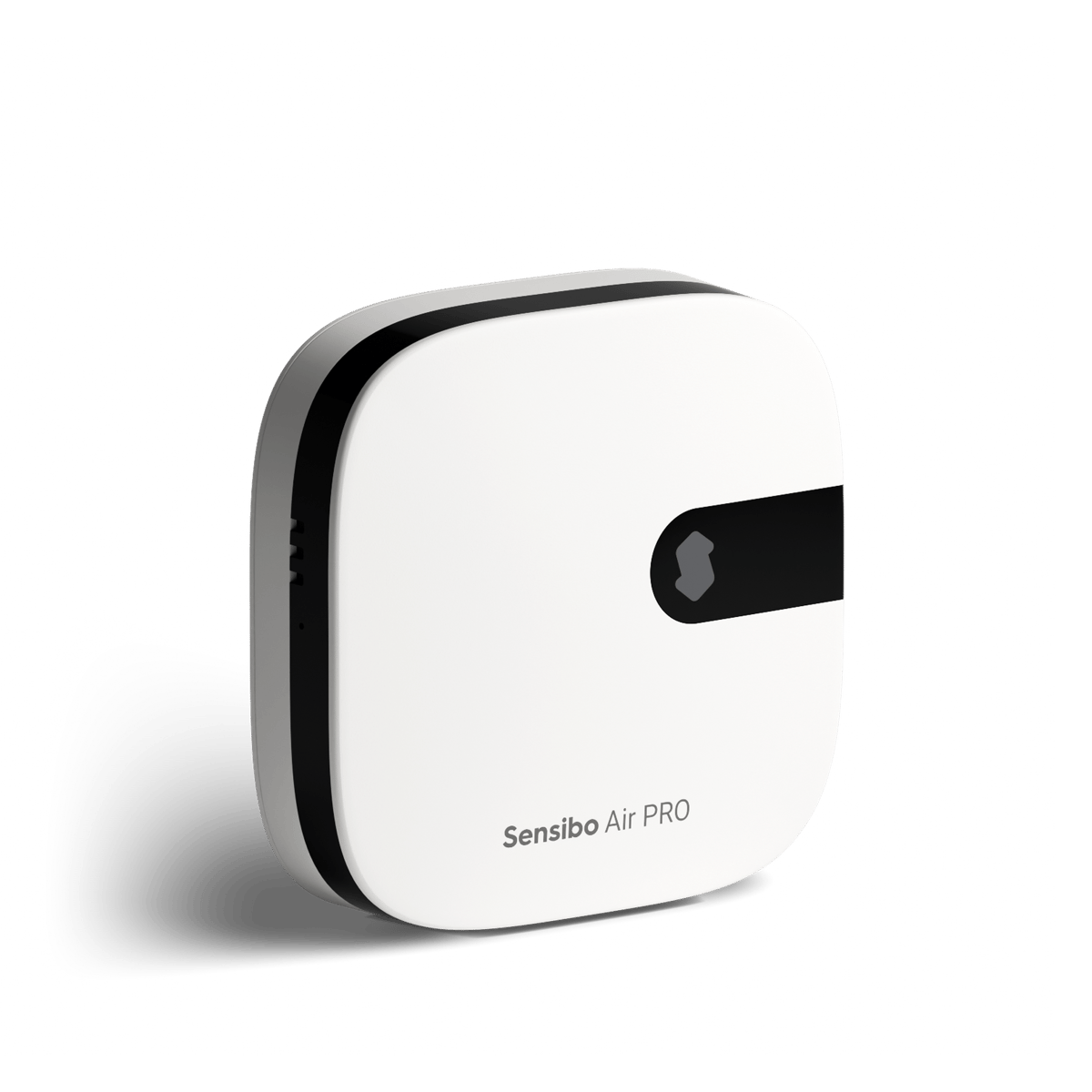
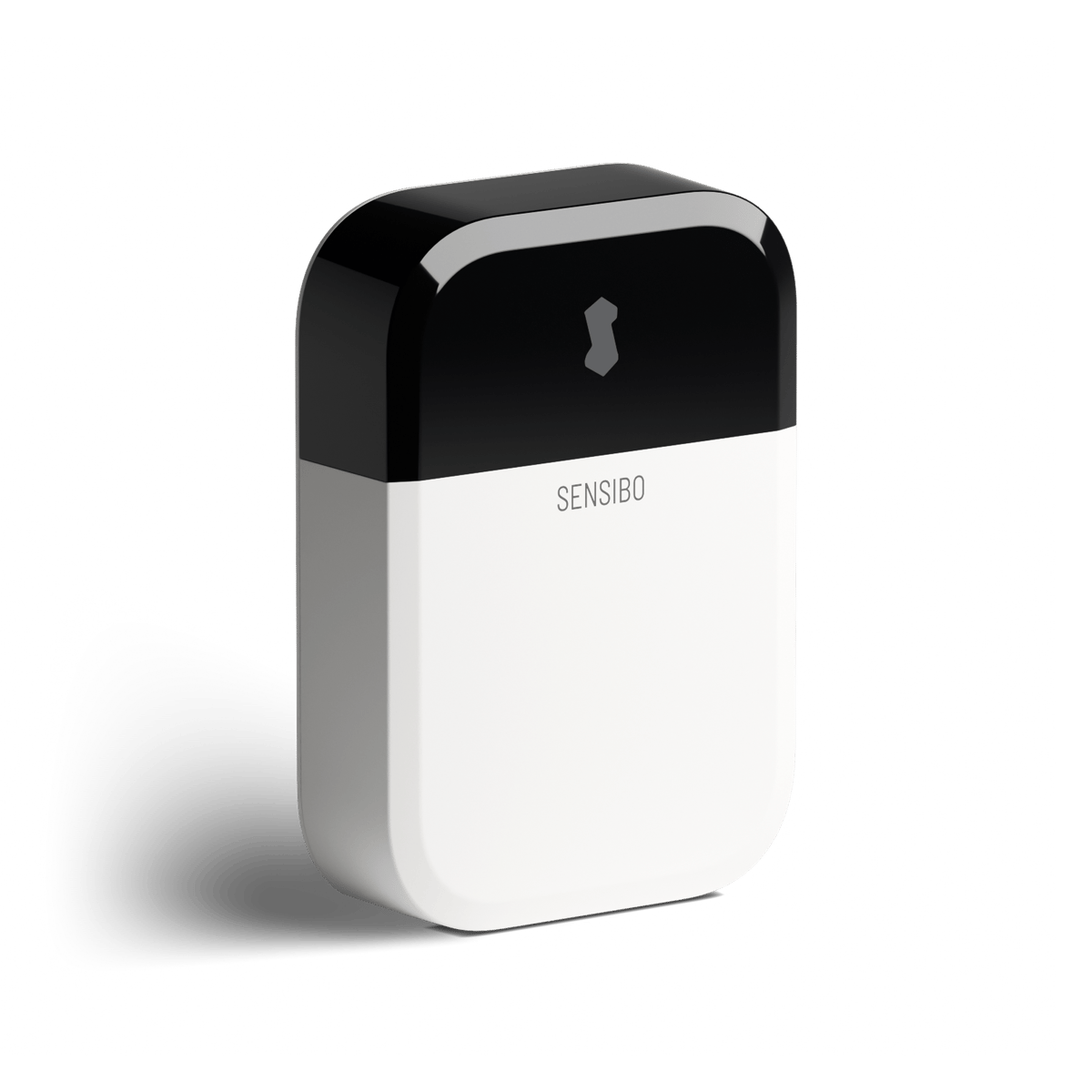
| Sky | Air | Air Pro | |
|---|---|---|---|
| Phone and voice control | Yes | Yes | Yes |
| Apple HomeKit | No | Yes | Yes |
| Works with the Room Sensor | No | Yes | Yes |
| Air quality monitoring | No | No | Yes |
The Room Sensor adds motion, temperature and humidity readings in another spot in the room, and works only with the Air and Air Pro.
Setting it up
- Download the app and make an account
Install the Sensibo app and create an account.
- Plug in the Sensibo
Plug it in near the air conditioner. Its light starts blinking, which means it's ready to set up.
- Add the device
Tap Add device, choose your Sensibo model and scan the QR code on the back of the device. The app then asks for a location and a room.
- Connect it to your Wi-Fi
Pick your Wi-Fi network in the app and enter the password. It must be a 2.4 GHz network; Sensibo doesn't join 5 GHz.
- Pair it with your air conditioner
Tap Auto Detect, point your air conditioner's remote at the front of the Sensibo and press the power button. Auto-detect works for almost every remote. If it misses, tap Try again.
- Test every function
Check on and off, temperature, each mode, fan speeds and swing. If some don't work, pick a similar remote variant in Device Settings, under Change Remote Type.
If something goes wrong, our Sensibo troubleshooting guides cover the common problems, from the air conditioner ignoring it to Wi-Fi that won't connect.
What it can do once it's running
Every Sensibo comes with schedules, Climate React and geofencing. Schedules turn the air conditioner on or off at set times. Climate React switches it on, off or to a different setting when the room's temperature or humidity crosses a line you choose. Geofencing uses your phone's location to act when you leave or get home.
It also works with Alexa, Google Home and Siri, and the Air and Air Pro work with Apple HomeKit. If you run Home Assistant, Sensibo has an integration there too.
Sensibo sells an optional subscription, the Energy Saver Plan, with extras such as Auto-Off and open window detection. Our guide to whether you need the Energy Saver Plan covers what it adds.
Frequently asked questions
How does Sensibo work?
It learns your air conditioner's remote and sends the same infrared signals. Your phone talks to the Sensibo over Wi-Fi and the internet, and the Sensibo talks to the air conditioner like a remote would.
Does Sensibo work with my air conditioner?
If your air conditioner has an infrared remote, almost certainly. Sensibo says it supports over 10,000 models, and it still supports models that aren't on its list.
Do I need one Sensibo per room?
Plan one per indoor unit. Each Sensibo learns one remote, and it sends infrared, so it has to be in the same room as the unit, with a clear line of sight.
Does Sensibo need a subscription?
No. Control from your phone, schedules, Climate React and geofencing work without one. The optional Energy Saver Plan adds extras such as Auto-Off and open window detection.
Does Sensibo work on 5 GHz Wi-Fi?
No. Sensibo devices only join 2.4 GHz networks.
Still need a hand?
We answer most messages within one business day. If your question is about an existing order, have your order number ready. It speeds things up.
Contact us