










Philips Hue
Smart Button
A single wireless button that runs a scene, dims your lights on a long press, or fires an automation, mounted anywhere you like.
$49.95 inc GST In stock at supplier · dispatches in 5 business days
1
Free shipping over $150 Ordered in from our supplier. Allow about 5 business days before it dispatches.
30-day returns Unopened items in their original packaging
2-year warranty Backed by Philips Hue
Everything you need to know
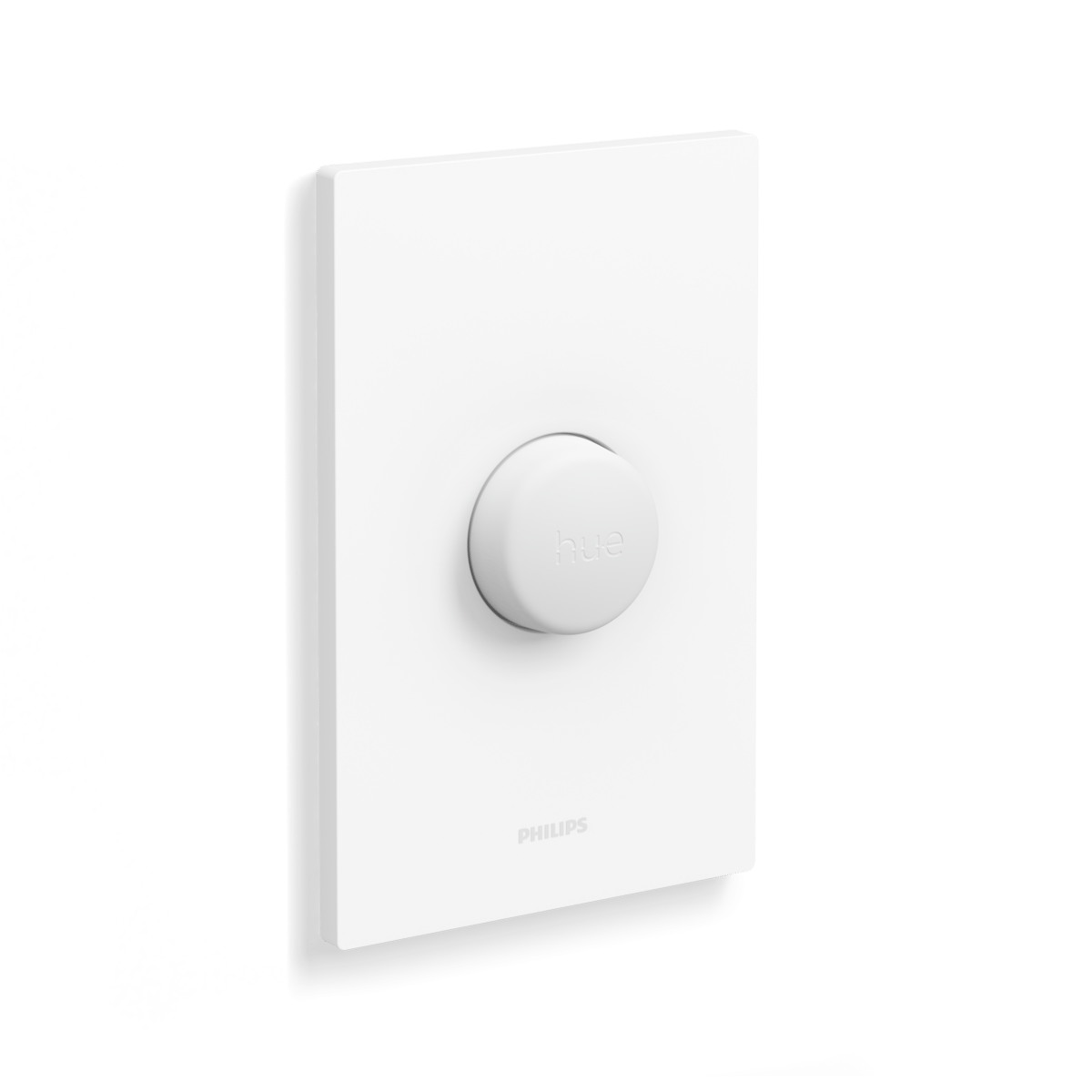
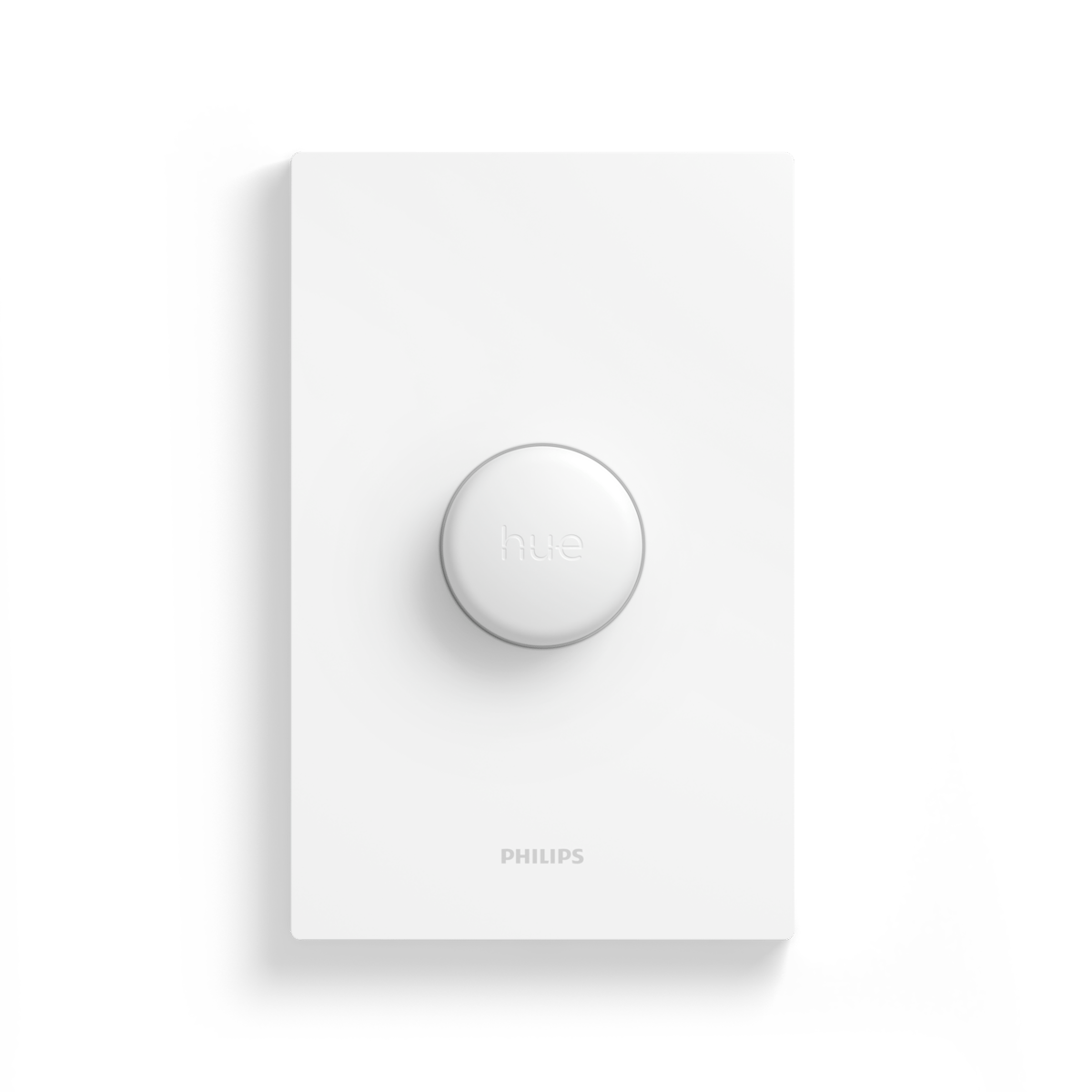
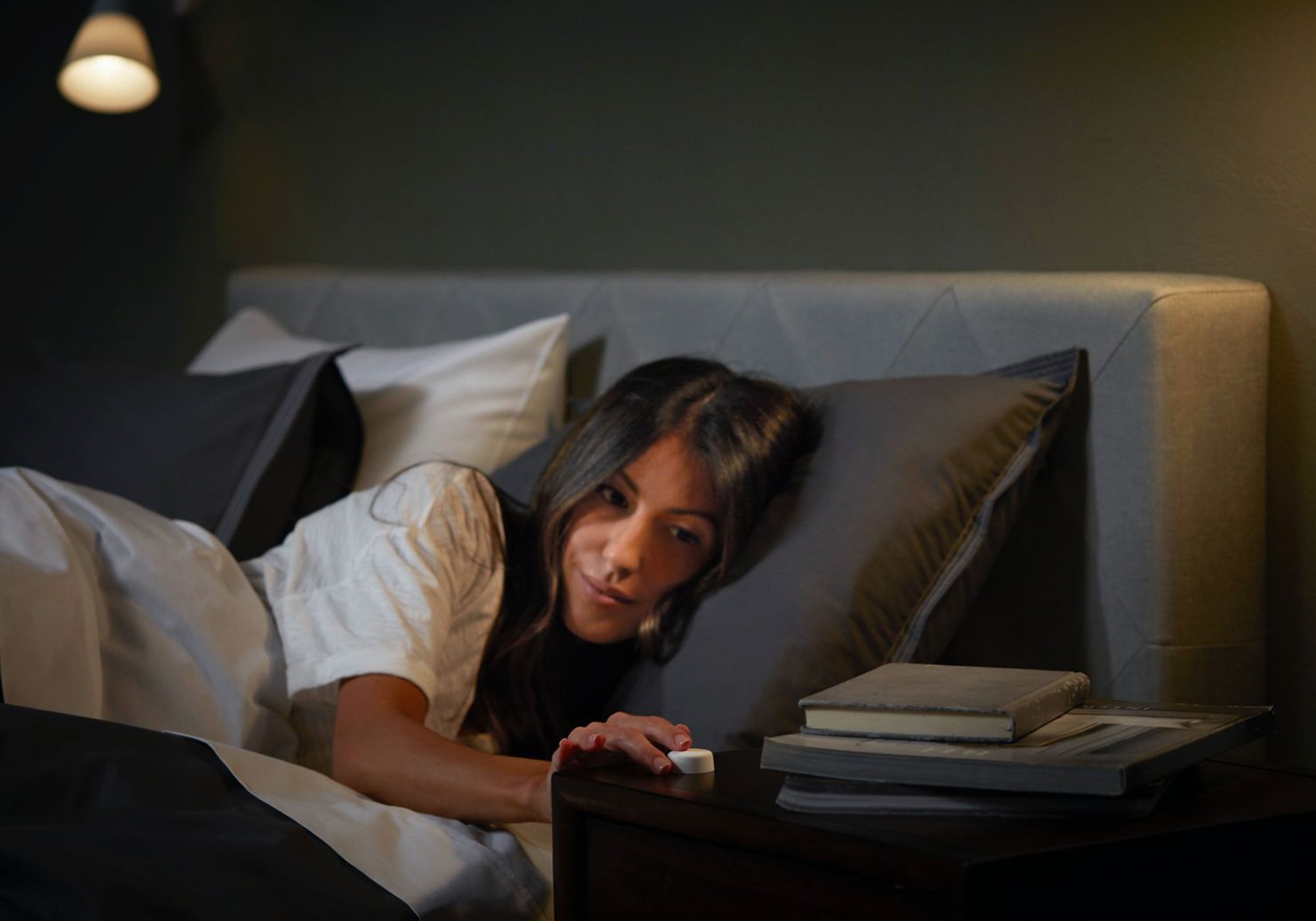
The Smart Button is the simplest way to control a Hue setup without reaching for your phone. One press turns a Room, a Zone or your whole setup on or off; press and hold to dim or brighten. Stick it by the bed, the couch or the door, and set what it does in the Hue app. It runs on a coin-cell battery, so there is no wiring.
Product features
A single button, one clear job
Press once to turn a Room, a Zone or your whole setup on or off. Press and hold to dim down or brighten up. Set a morning press and an evening press to land on different light, so the same button suits the time of day.
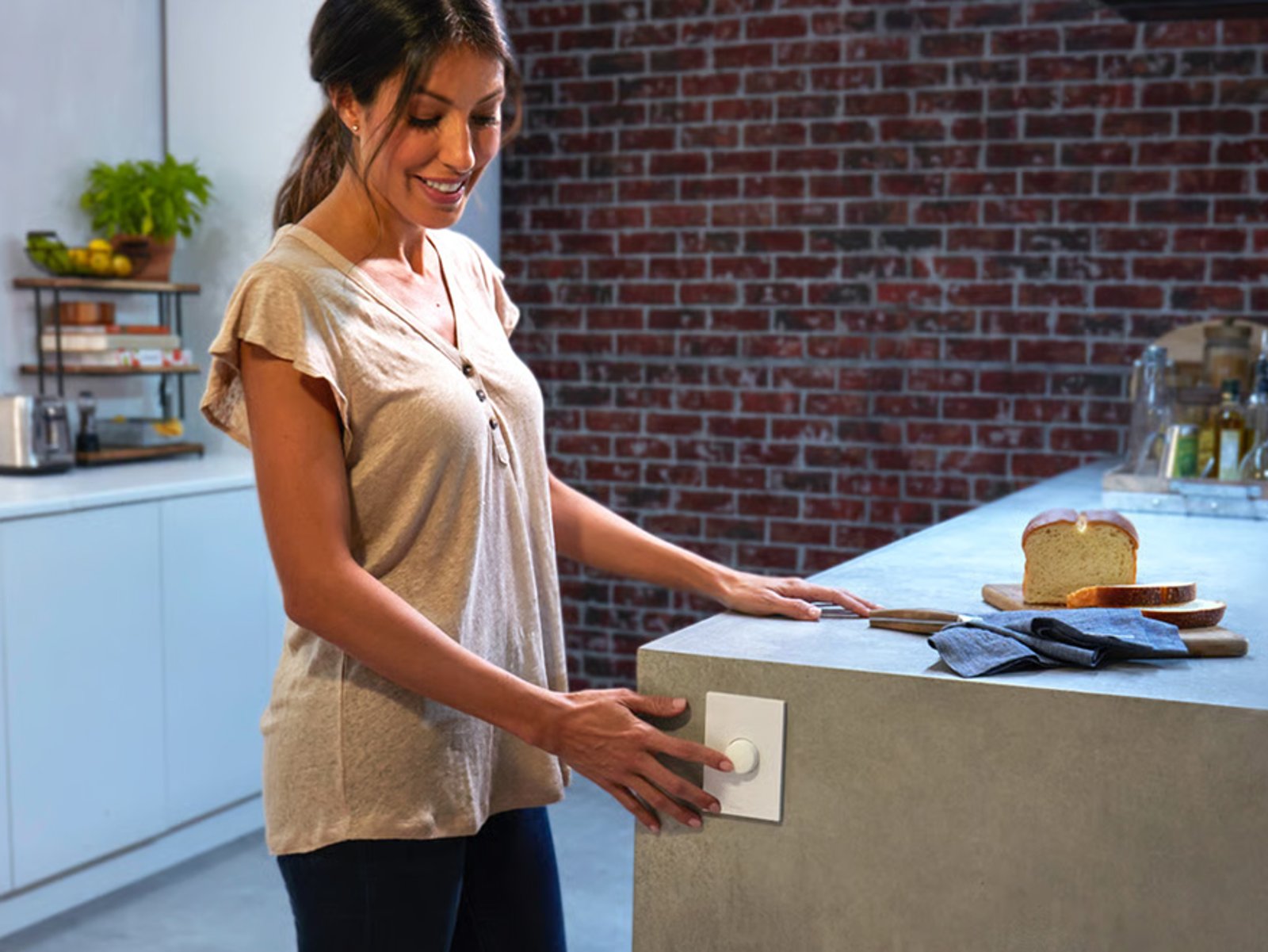
Stick it anywhere you need it
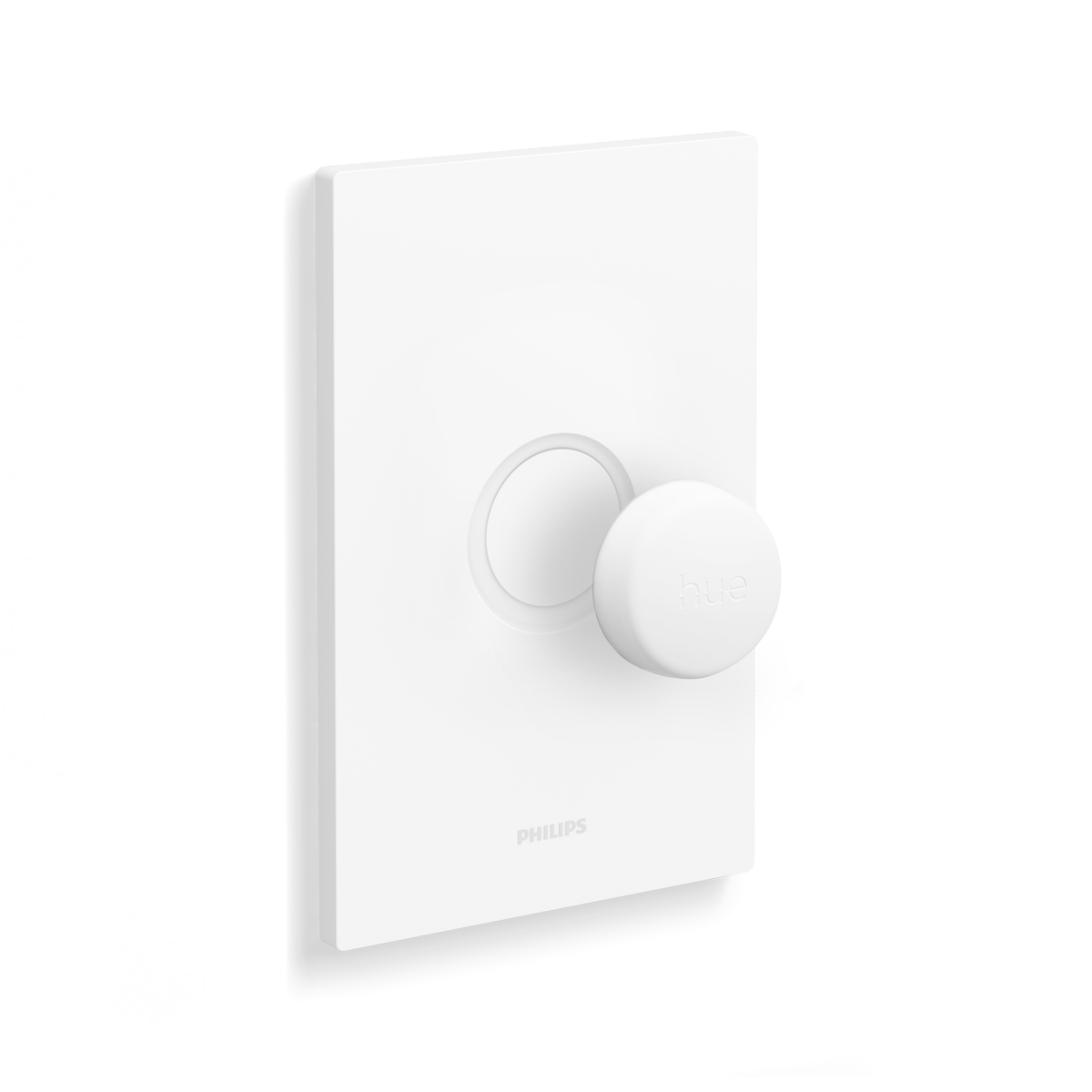
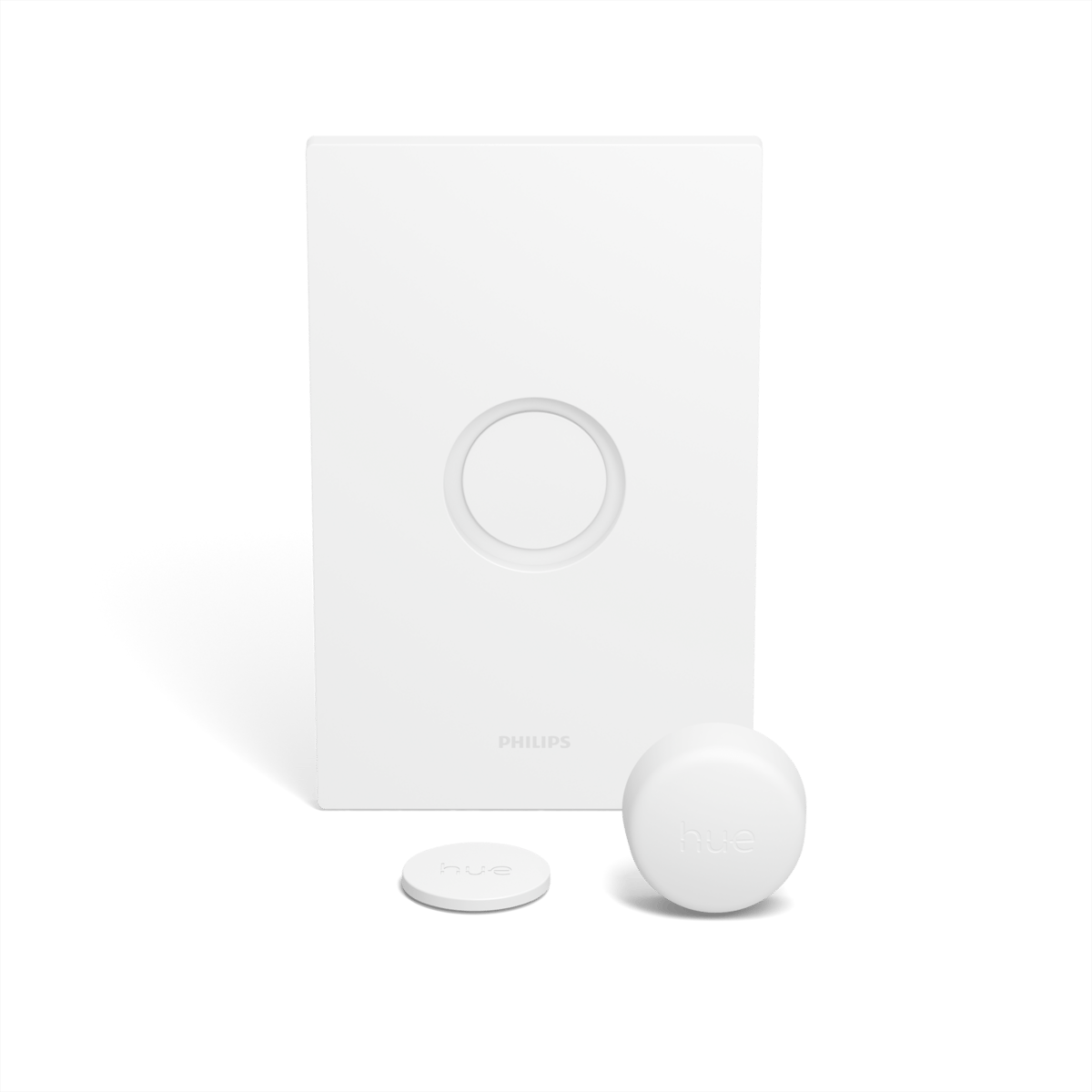
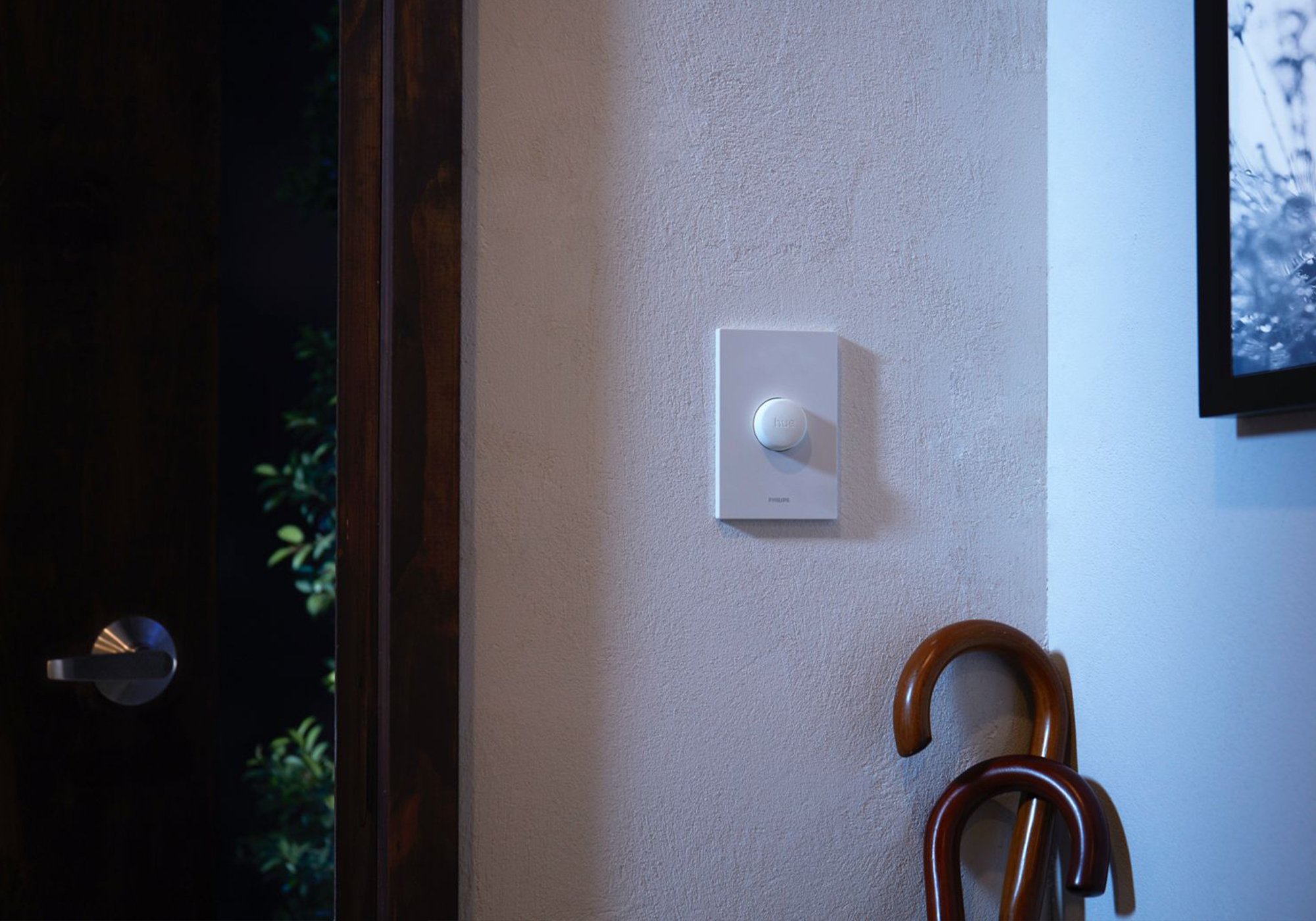
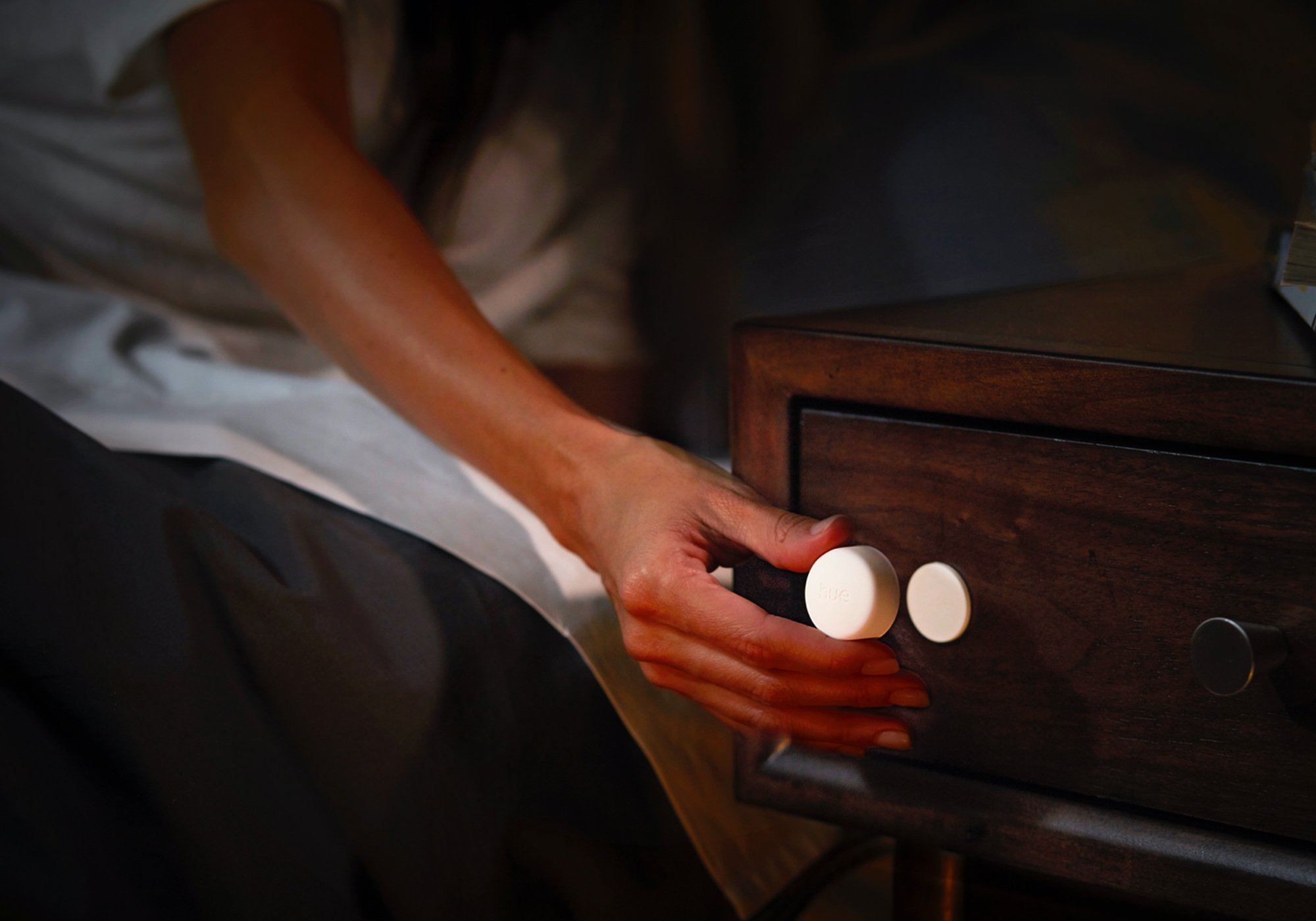
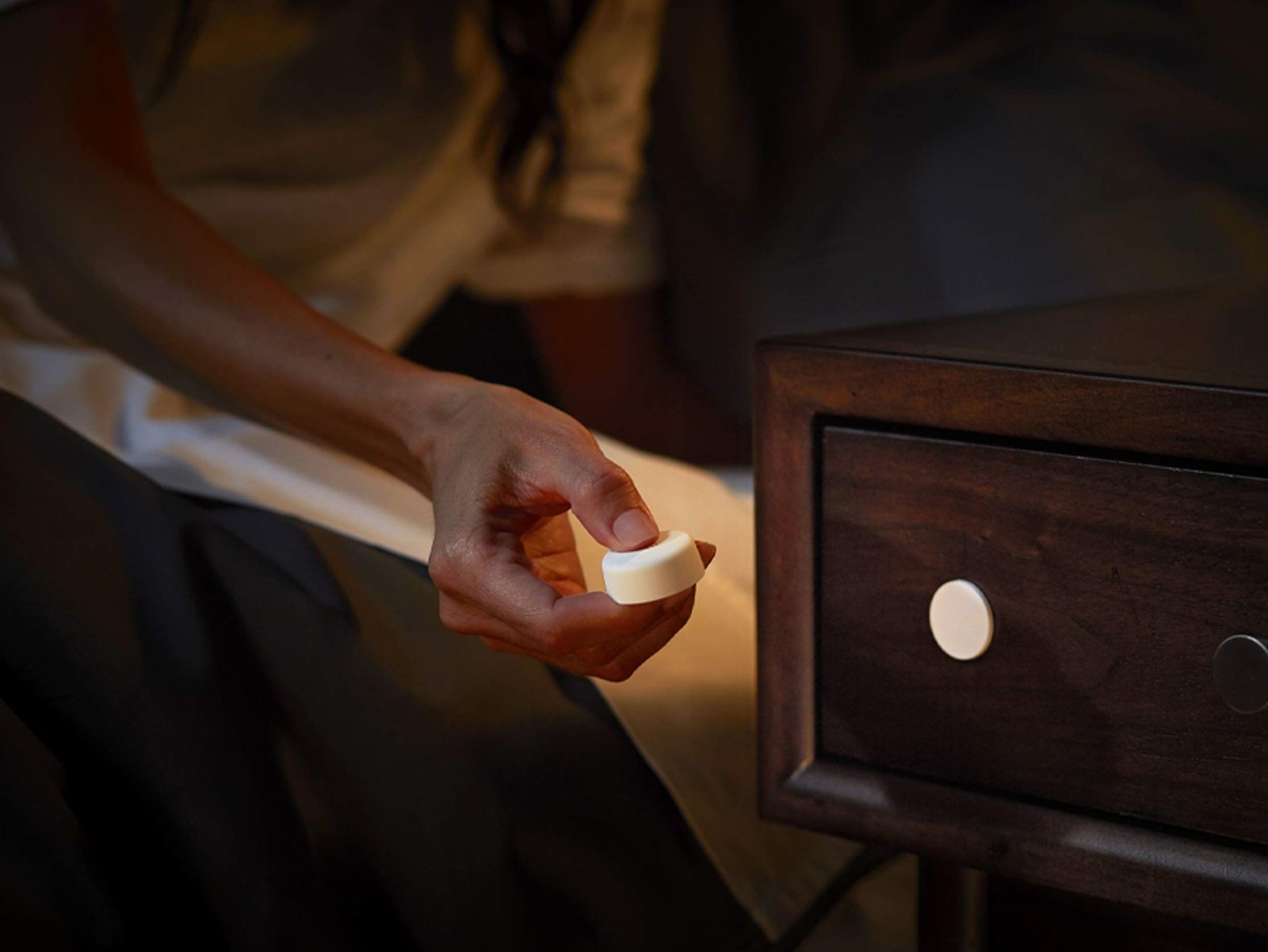
It is wireless and runs on one CR2032 coin cell that lasts at least two years. Mount it with the magnetic back or the adhesive base by the bed, the couch or the door, or pick it up and use it as a remote. There is nothing to wire in.
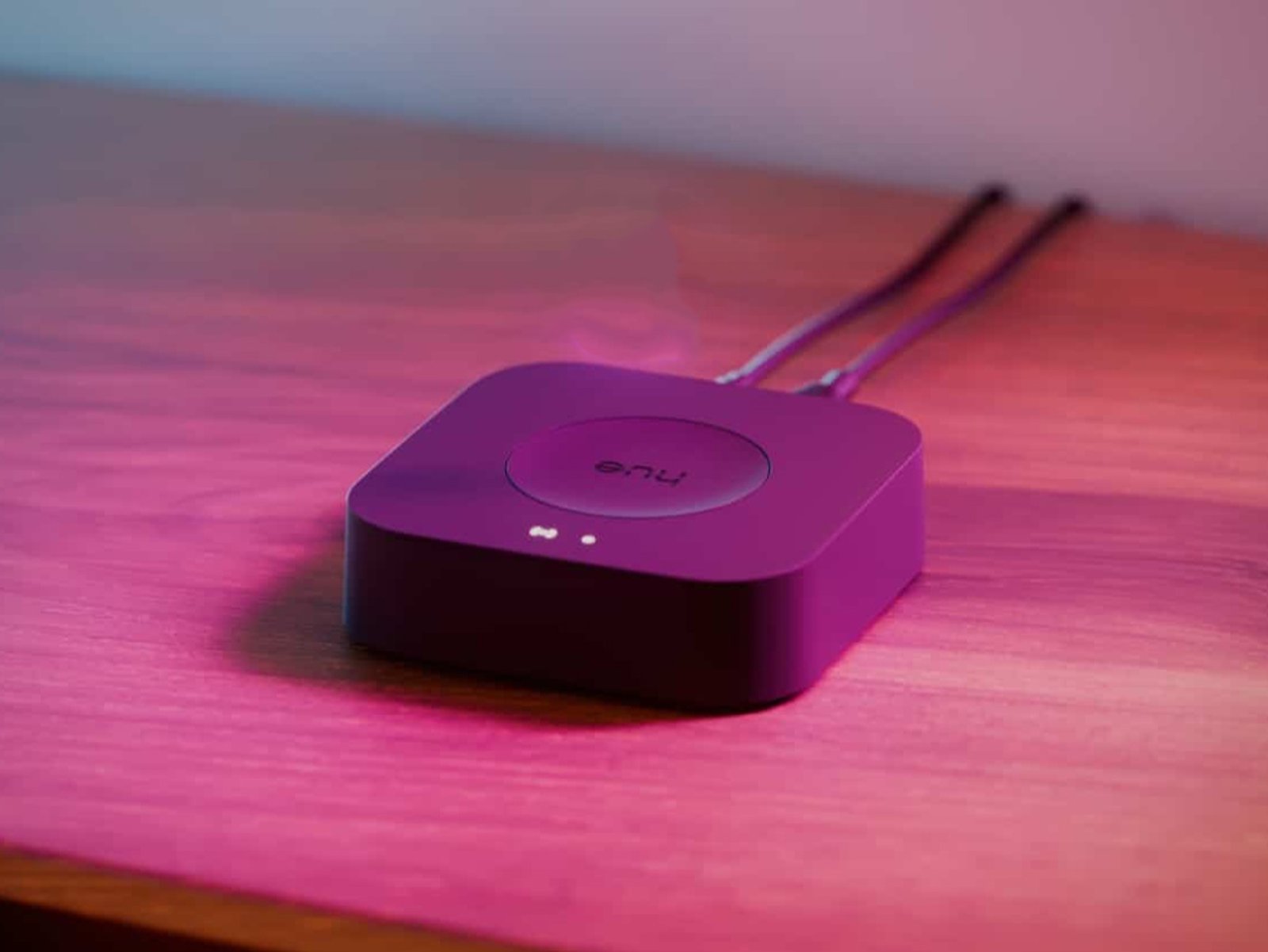
Pairs to the Hue Bridge
The button is a Zigbee accessory that pairs to the Hue Bridge, where you set what each press does and reach up to 50 lights across your Rooms and Zones. Through the Bridge it also works with Apple Home, Google Home, Amazon Alexa, SmartThings and Matter.
The Philips Hue system

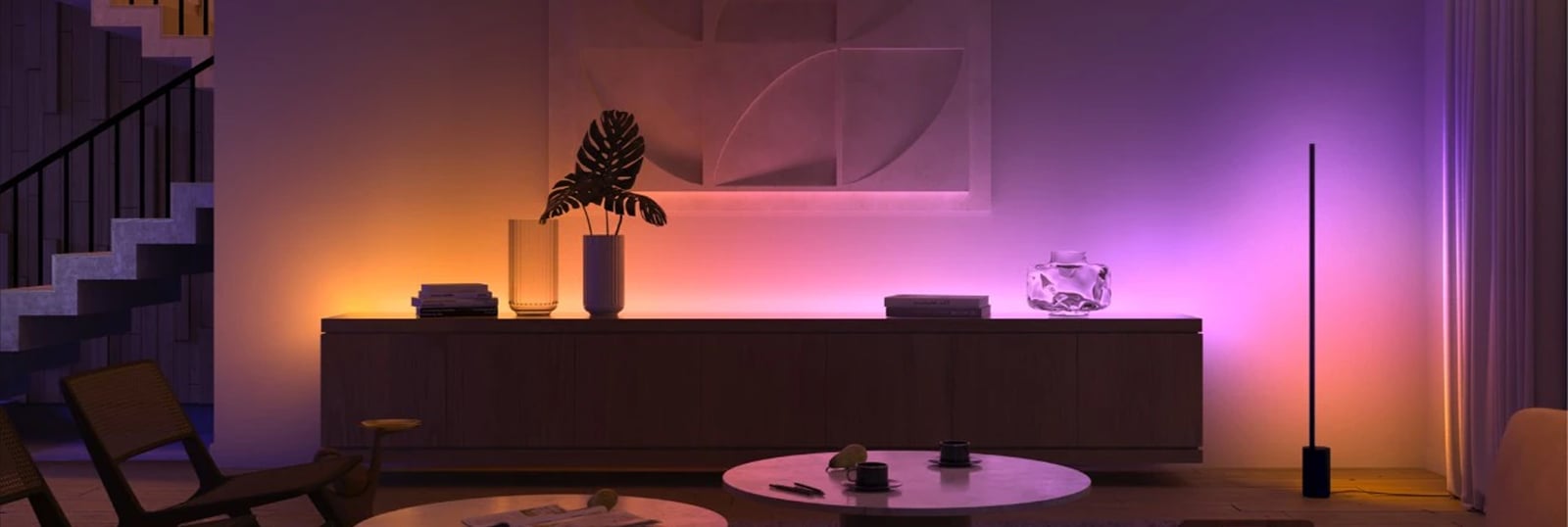
Hue is a system, not just a smart bulb. Every Hue product, from bulbs and lamps to light strips and fixtures, joins the same Zigbee mesh and shows up in one app. A single bulb bought today slots straight into a whole-home setup later.
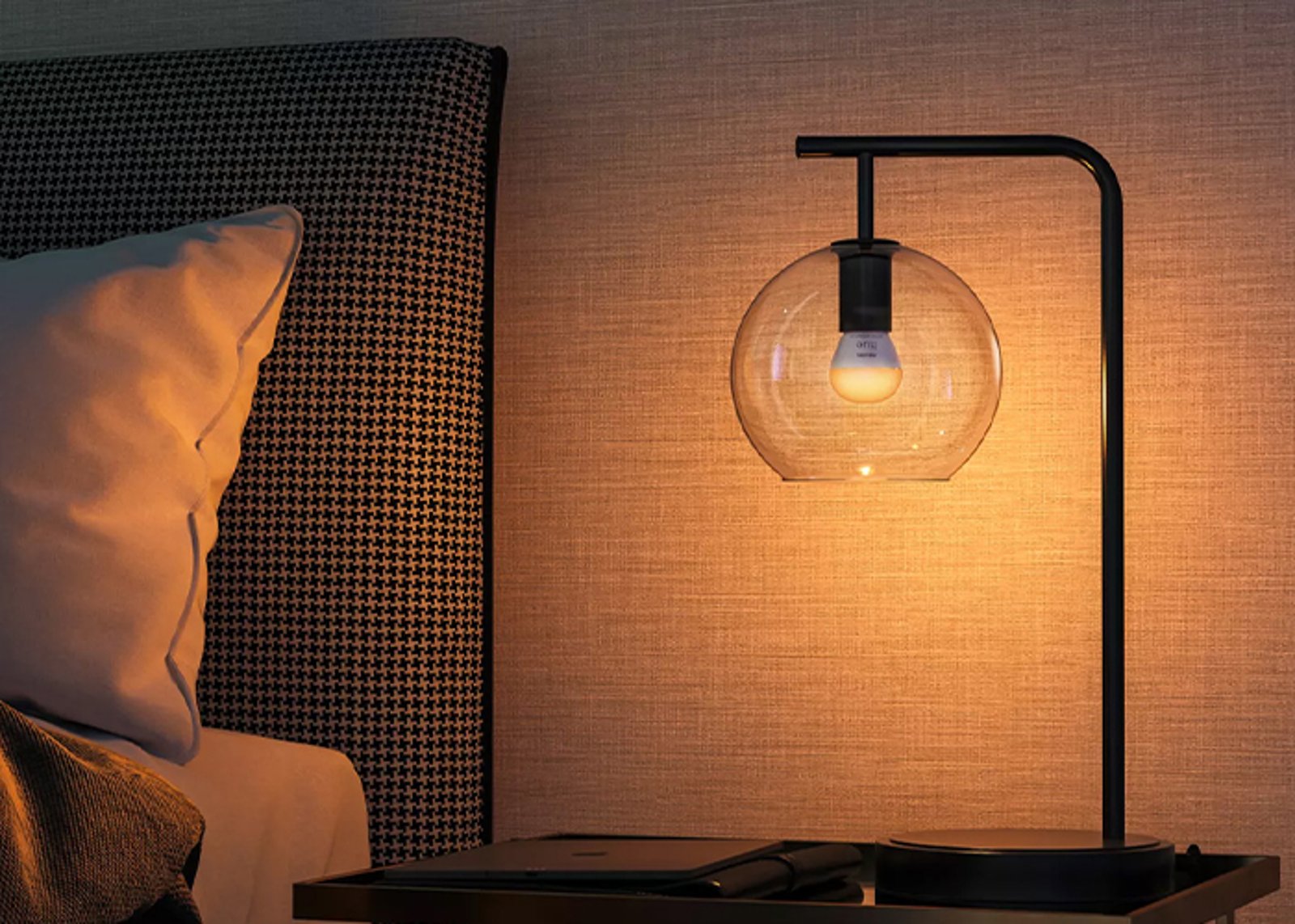
The lights
Bulbs, lamps, strips & fixtures
All speak Zigbee and mesh with each other, so every light you add extends the network's reach.
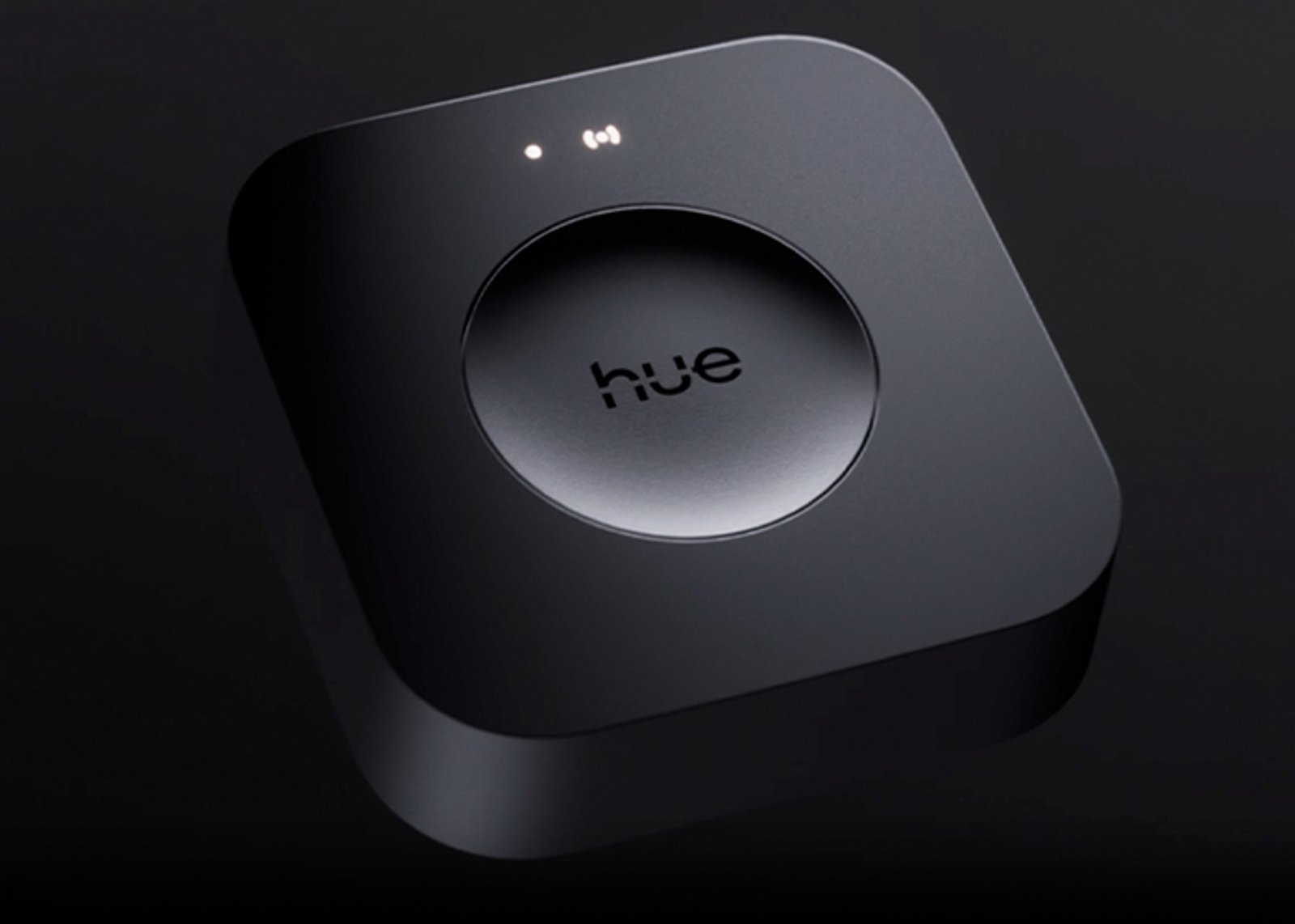
The hub
One Bridge runs the whole home
Runs up to 50 lights off your router, and connects Apple Home, Google Home, Alexa and SmartThings.
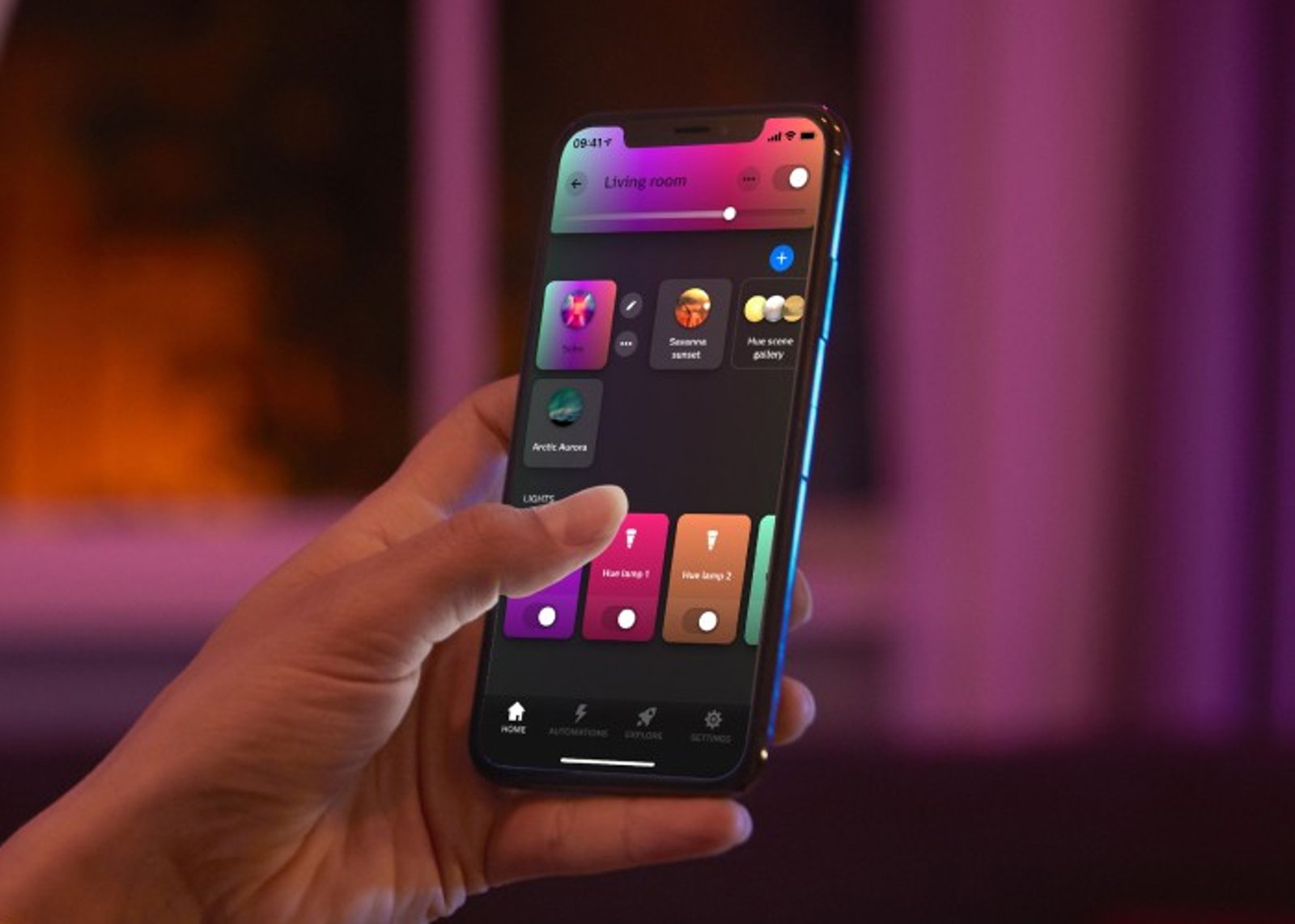
The control
App, voice & switches
One app for rooms, scenes and schedules, plus dimmers, buttons and sensors that work without a phone.
Getting started
1
Start with one light Start here
Add your first Hue light, open the Hue app, and control up to 10 lights in one room over Bluetooth. No hub required.
2
Add the Hue Bridge When you're ready
Run up to 50 lights, control them from anywhere, set schedules and automations, and connect your voice assistant.
Start small, scale up. Everything you buy today keeps working when you add the Bridge, and everything Hue has made since 2012 still joins the same system.
Works with
Also works with
-
Works with Apple Home
-
Works with Google Home
-
Works with Amazon Alexa
-
Works with SmartThings
-
Works with Home Assistant
Connects over
Phone to device, through a hub
Your phone reaches the hub over your home network; the hub speaks Zigbee to the device, and adds scenes, automations and out-of-home control.
-
Zigbee
Set up over Bluetooth
Used once, to get it onto your Wi-Fi.
-
Bluetooth
Specifications
No specifications match.
Build
- Type
- Remote
- Finish
- White
- Mounting
- Wall-mountedMagneticFreestanding
- Power
- Battery
- Battery
- CR2032
- Buttons
- 1 button
- Controls
- On/offDimmingScenes
Common questions
Quick answers before you buy. We test this gear ourselves. Can't find yours? Ask our Melbourne team
Yes. Pair it to a Hue Bridge to set what it does and control up to 50 lights across your Rooms and Zones. Without the Bridge you cannot customise its actions.
One CR2032 coin cell, included in the box. It lasts at least two years in normal use, and the button is rated for around 50,000 presses.
Up to two Rooms, a Zone, or your entire Hue setup, up to 50 lights through the Bridge. Each press can run a different scene depending on how you set it up.
No. It is wireless and battery-powered. Fix it with the magnetic back or the adhesive base, or use it loose as a remote.
Yes. A single press switches lights on or off; press and hold to dim down or brighten up.
Philips Hue · Smart Button